
We may earn a commission if you buy through links on this page. It never changes a score or a ranking. How we make money
The bottom line
Useful document AI and agent tools, with a $100 monthly entry commitment and no free plan.
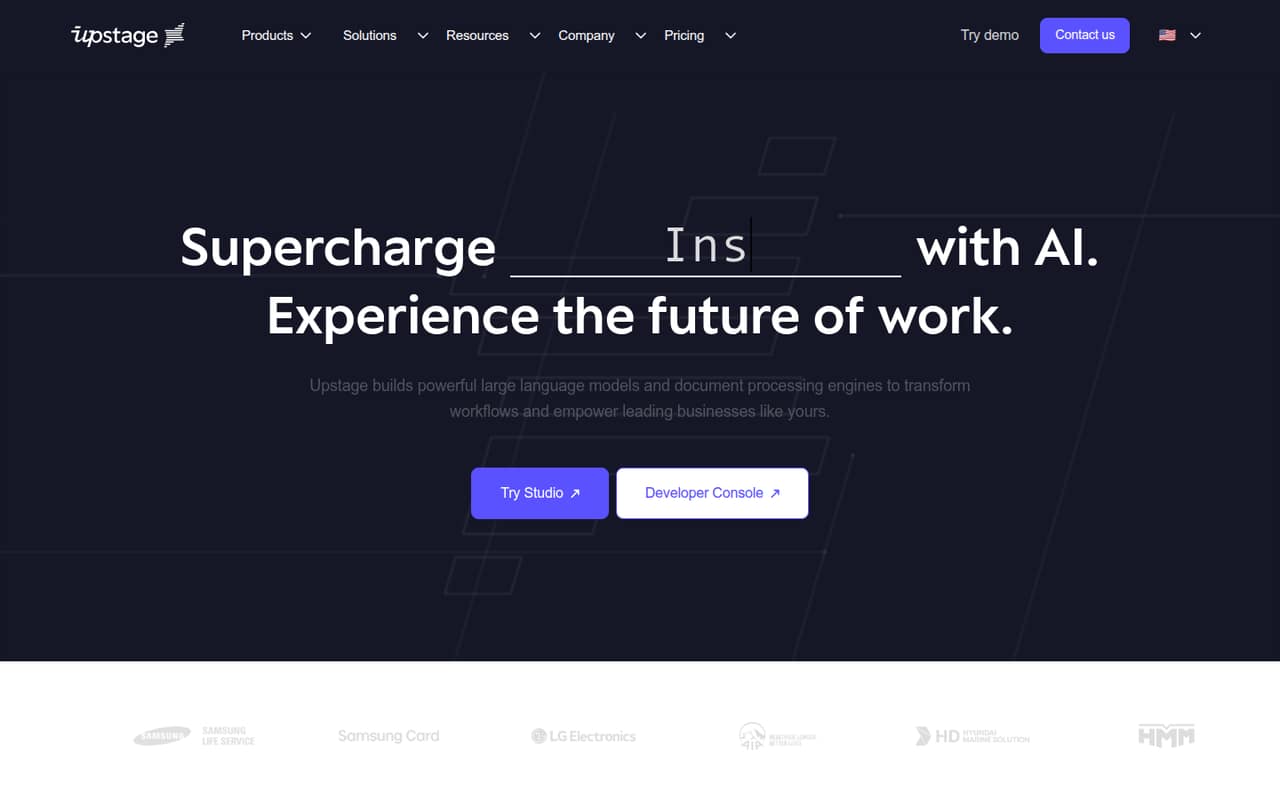
Upstage AI combines language models, document parsing and extraction, and agent-building tools. It is aimed at teams with real document or API workloads—not people looking for a free chatbot or a low-cost experiment.
The pricing page lists Explore at $100 per month in prepaid credits, with a $1,200 yearly commitment. There is no free plan or published free trial. For a small team, the main question is whether the workflow justifies that commitment before usage-based document charges.
Good fit if
- Teams processing business documents
- Developers building AI agents
- Companies needing on-prem deployment
Skip it if
- Teams needing a free API tier
- One-off AI experiments
- Buyers wanting published per-seat pricing
ScoresHow it rates
What works
- Document parsing handles PDFs, scans, and emails
- Extract turns unstructured text into key-value data
- Agent-building tools are included in the product lineup
- API, cloud marketplace, and on-prem deployment options
- Explore includes bonus credits and Tier 1 rate limits
What doesn't
- No free plan or published free trial
- Cheapest commitment is $100 per month
- Pricing is prepaid credits, not per-seat
- Usage after prepaid credits run out has unpublished rates
- Reddit discussion is sparse and includes older model chatter
01Who Upstage AI is for
Upstage AI is for small product and operations teams with a specific language or document workflow to automate. It offers language models, document-processing products, and tools for building agents. Document Parse turns PDFs, scans, and emails into machine-readable text; Information Extract pulls structured key-value data from material such as invoices, claims, and contracts.
A team of one to ten can use the API, cloud marketplaces, or on-prem deployment, per the product description. That range of options may suit a small team inside a larger company, especially where document handling or deployment requirements matter. But it is a poor fit for a tiny budget or casual API testing: the cheapest listed commitment is $100 per month, and there is no free plan. We’d start with a defined workflow and an estimate of document volume, rather than buy credits to explore without a target.
02Upstage AI free plan and trial
Upstage AI has no free plan, and a free trial is not published. The cheapest way in is Explore, listed at $100 per month as a prepaid commitment. The pricing page says Explore includes Tier 1 rate limits, with 30 requests per second as an example, community support, and bonus credits: 10% for monthly commitments or 30% for yearly commitments, up to $360.
Classify and Instruct are free in beta, but that does not amount to a free plan for the broader API or document products. Document processing is charged separately: Studio Parse is $0.01 per page, and Studio Extract is another $0.03 per page on top of Parse. If credits run out, usage is billed to the registered payment method; rates for that additional usage are not published. Ask Upstage for those rates and confirm which beta features are included before budgeting.
03What a small team pays for Upstage AI
The Explore plan costs $100 per month in prepaid credits, or $1,200 for a yearly commitment. Build is $500 per month or $6,000 yearly; Scale is $5,000 per month or $60,000 yearly. The pricing page describes yearly billing as saving 20%, while its listed annual commitments work out to the same monthly equivalents as the monthly figures. Confirm the billing terms with Upstage before committing.
These are workload commitments, not seat prices. For one person, three people, or five people, the listed Explore commitment remains $100 per month; per-seat pricing is not published. What changes is how far the credits stretch across the team’s usage. Explore includes Tier 1 limits and community support; Build raises limits to Tier 2 and adds email support with a three-business-day response.
Document costs can add up: Parse is $0.01 per page, and Extract adds $0.03 per page on top. Classify and Instruct are free in beta. Ask for the rates that apply when prepaid credits run out, since the pricing page does not list them.
04Getting started with Upstage AI
Upstage AI offers an API, cloud marketplace access, and on-prem deployment, so setup effort will depend on the route your team chooses and how its document workflow is built. Upstage Studio is for building and running agents for document workflows. The product description does not spell out a step-by-step setup process or the technical skills required, so ask for implementation guidance before choosing a plan.
A Reddit post about Solar Pro Preview points developers to Hugging Face, the Upstage Console, and AWS Marketplace. That gives teams several ways to explore or access models, but it is not a current setup guide for every product. We’d start by confirming the API and deployment option, preparing representative documents, and checking how Parse and Extract are billed. The pricing page lists community support on Explore; email support with a three-business-day response begins at Build. Teams that need hands-on onboarding should ask Upstage what is available.
05When small teams outgrow Upstage AI
A growing team may outgrow Explore when its Tier 1 rate limits or community-only support are no longer enough. Build raises the example rate limit from 30 to 50 requests per second and adds email support with a three-business-day response, but costs $500 per month in prepaid credits. Scale costs $5,000 per month and adds Tier 3 limits, priority support, and a guaranteed one-business-day response. These are steep jumps for a small team unless its workload and support needs justify them.
Costs can also become harder to forecast when prepaid credits run out: the pricing page says overage usage is billed to the registered payment method, but does not publish those rates. Ask for a usage estimate and overage terms as volume grows. Reddit discussion offers little current guidance on day-to-day use: one thread focuses on model leaderboard claims, while a Solar Pro Preview discussion includes questions about how the model was developed. Treat those conversations as limited user sentiment, not proof of current product performance.
From the threadsWhat users say
The Reddit material is too limited to show a broad consensus about Upstage AI. Comments mix interest in model releases with questions about model development and comparisons.
Just a quick correction, 30B not 30M
I think any open LLM is still far away from ChatGPT 4.0
Is this a quant of an existing model or was it trained from scratch?
Looks like Solar Pro Preview just took the "size doesn't matter" motto to a whole new level! 😂
Questions people ask
What does Upstage AI do?
Upstage AI provides language models, document-processing products, and tools for building agents. Document Parse turns PDFs, scans, and emails into machine-readable text. Information Extract pulls structured key-value data from unstructured content such as invoices, claims, and contracts.
Does Upstage AI have a free plan?
No free plan or free trial is published. The pricing page lists Explore as the cheapest API commitment at $100 per month, prepaid. Classify and Instruct are free in beta, but that is not a free plan for the broader API or document services.
How much does Upstage AI cost for a small team?
Explore costs $100 per month in prepaid credits, or $1,200 for a yearly commitment. That is a workload commitment rather than a per-seat charge, so the listed price is the same for one, three, or five users. Per-seat pricing is not published.
How much do Upstage AI document tools cost?
The pricing page lists Studio Parse at $0.01 per page. Studio Extract costs an additional $0.03 per page on top of Parse. Classify and Instruct are free in beta. Ask Upstage about charges after prepaid credits run out; those rates are not published.
Can Upstage AI run on-premises?
Yes. Upstage AI describes API, cloud marketplace, and on-prem deployment options for enterprise workflows. The setup requirements and any additional costs for on-prem deployment are not published in the pricing details, so ask the vendor for a deployment quote and implementation requirements.
Sources
- Upstage AI homepage
- Upstage AI pricing page
- Reddit: [N] Upstage AI's 30M Llama 1 Outshines 70B Llama2, Dominates #1 Spot in OpenLLM Leaderboard!
- Reddit: Upstage AI is excited to announce the open source release of Solar Pro Preview to take your Al apps from proof-of-concept to production with: security, low infra costs, high quality output!
- Reddit: Upstage AI Becomes Korea’s First Public-Sector Generative AI Provider, Redefining Government Digital Transformation
- Reddit: Upstage AI Document Parser: Revolutionise Complex PDF Data Extraction!