We may earn a commission if you buy through links on this page. It never changes a score or a ranking. How we make money
A small team needs an LLM gateway when it wants one API for multiple model providers, or needs routing, fallbacks, and cost visibility across them. If you only use one provider and don't need those controls, a gateway may be another bill or setup task to manage. For a lean team, Requesty, OpenRouter, and Portkey stand out on the details listed here: free access, model routing, or a clear production price. Check the free-plan limits and whether costs are per seat, usage, or both before you commit.
Quick picksThe shortlist
 RequestyRequestyBest for cost visibility · Free
 OpenRouterOpenRouterBest for model choice · Free
 PortkeyPortkeyBest for fallbacks · $49/mo
 Eden AIEden AIBest at a $0 start · Free
 Vercel AI GatewayVercel AI GatewayBest for provider routing · Free
 LiteLLMLiteLLMBest for self-hosting · Free
 HeliconeHeliconeBest for gateway and tracing · $79/mo
 Cloudflare AI GatewayCloudflare AI GatewayBest for Cloudflare teams · Free
 NanoGPTNanoGPTBest for model comparison · $12/mo
 ZenMuxZenMuxBest for one API · Custom
 YepAPIYepAPIBest for pay-per-call APIs · Custom
01Compared at a glance
| Tool | Score | From | Free plan | Trial |
|---|---|---|---|---|
| RequestyRequesty | 7.7 | Free | Yes | — |
| OpenRouterOpenRouter | 7.8 | Free | Yes | — |
| PortkeyPortkey | 7.8 | $49/mo | Yes | — |
| Eden AIEden AI | 7.5 | Free | Yes | — |
| Vercel AI GatewayVercel AI Gateway | 7.6 | Free | Yes | — |
| LiteLLMLiteLLM | 6.0 | Free | Yes | 30 days |
| HeliconeHelicone | 6.8 | $79/mo | Yes | 7 days |
| Cloudflare AI GatewayCloudflare AI Gateway | 6.8 | Free | Yes | — |
| NanoGPTNanoGPT | 7.2 | $12/mo | Yes | — |
| ZenMuxZenMux | 5.6 | Custom | No | — |
| YepAPIYepAPI | 9.5 | Custom | No | Yes |
02The picks, in detail
- Best for cost visibilityRequestyRequesty
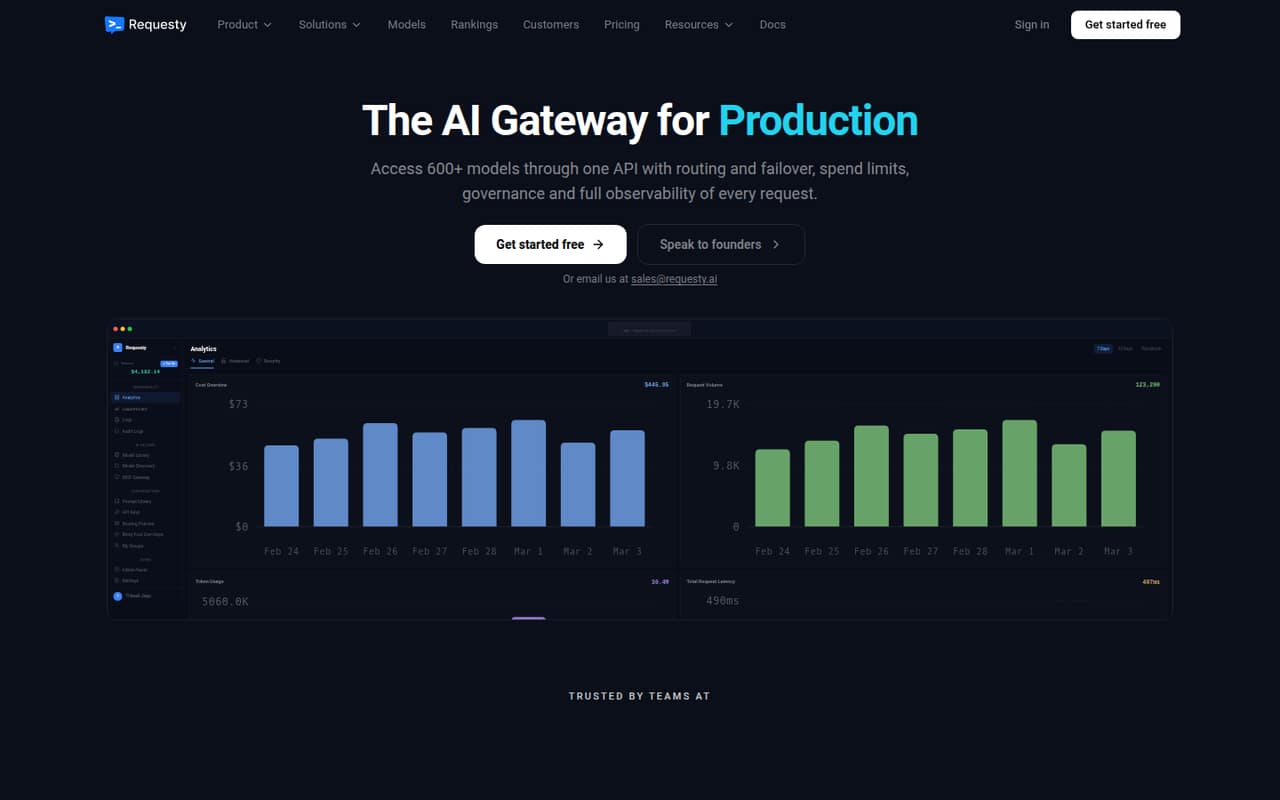
Requesty is our top fit for a small team that wants to route across models without starting on a paid plan: a free tier is listed, along with request-level cost visibility. Paid model spend has a 5% markup, so budget for that on top of model charges. Check the free tier's limits and whether your expected usage makes that markup worthwhile.
What works
- Free plan includes 200 requests per day
- Routes across 600+ models through one API
- Paid plan supports bring-your-own keys
What doesn't
- Paid traffic carries a 5% markup
- Enterprise pricing is custom
- No monthly or annual billing schedule listed
- Best for model choiceOpenRouterOpenRouter
OpenRouter suits teams comparing models from different providers and building API-based AI features. Its listed free plan and shared usage controls make it a practical starting point for a small group. Budget for model charges plus credit-purchase fees, and confirm how the free plan works for the models and volume you need.
What works
- One API connects to 600+ models and 80+ providers
- Free plan includes 25+ models and 50 daily requests
- Automatic routing and default failover
What doesn't
- Paid use adds a fee when buying credits
- Model charges vary with usage
- Free plan stops at 50 requests per day
- Best for fallbacksPortkeyPortkey
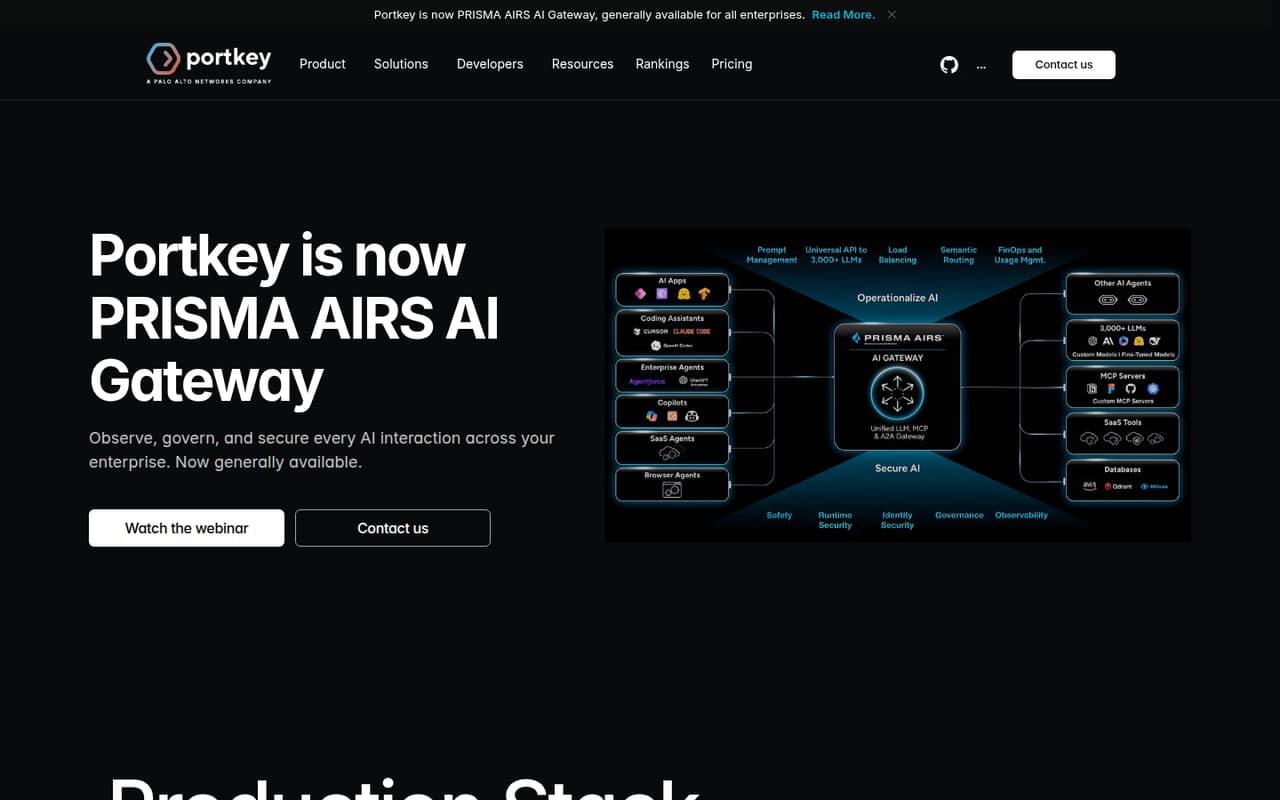
Portkey offers a free starting point and model fallbacks, which can help teams building apps that need a path between models. The listed step up for production teams is $49. Before choosing it, confirm what the free tier includes and whether the paid plan's price covers your team or adds usage costs.
What works
- Developer plan is free
- One API provides access to 1,600+ LLMs
- Routing supports fallbacks and load balancing
What doesn't
- Production costs $49 monthly before overages
- Plan seat limits are not published
- Annual billing is not listed
- Best at a $0 startEden AIEden AI
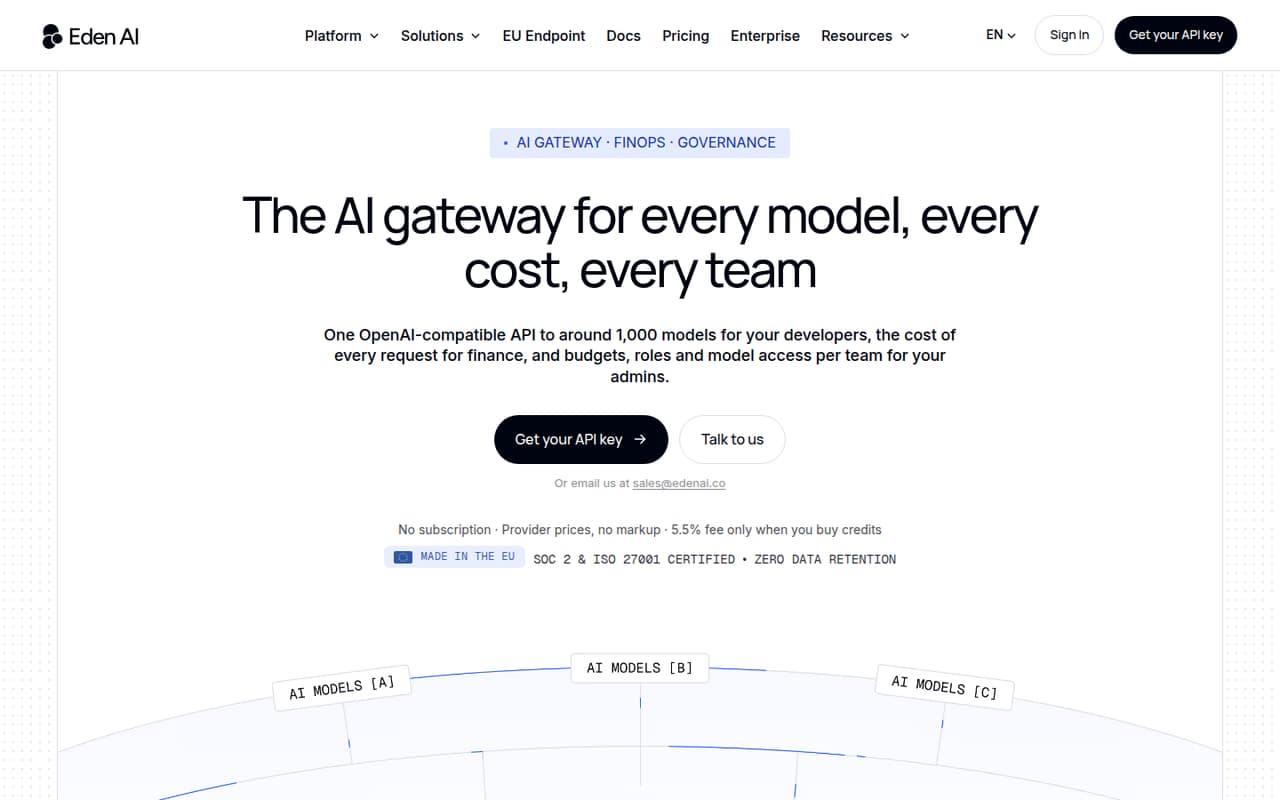
Eden AI is a fit for teams building AI-powered products that want to compare providers and track API spend. Its listed starting price is $0, and the published description frames it as an option without per-seat charges. Ask what usage is included at that price and which provider costs are billed separately.
What works
- One OpenAI-compatible API for many models
- No subscription fee on self-serve
- Unlimited seats on both plans
What doesn't
- Provider usage costs vary
- Credit purchases carry a 5.5% fee
- No free plan is listed
- Best for provider routingVercel AI GatewayVercel AI Gateway
Vercel AI Gateway is a sensible candidate for developers using several providers who want routing and fallbacks. Eligible models can be tried for free, while usage and add-ons drive the bill rather than seats, according to the listed details. Check which models qualify and what your likely usage and add-ons will cost.
What works
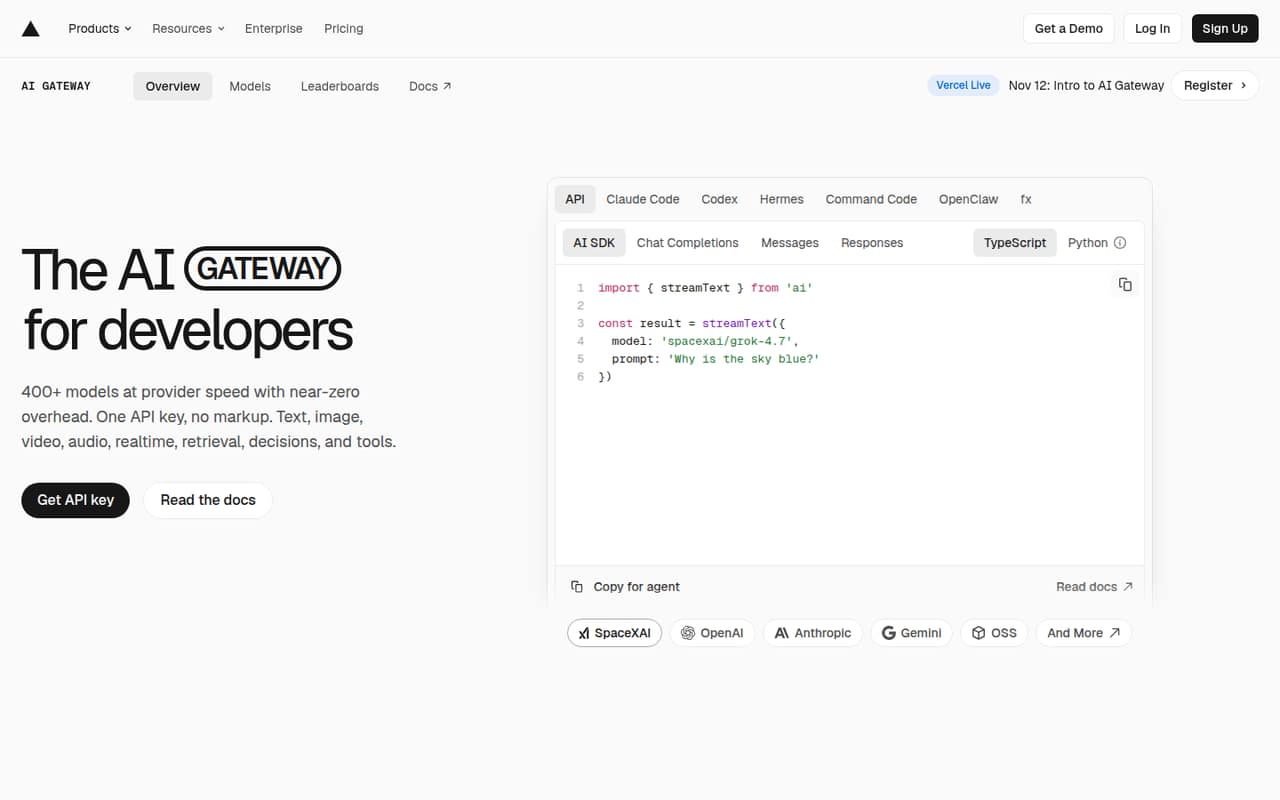
- One API key and endpoint for 400+ models
- Provider list rates with zero token markup
- Automatic fallbacks for provider degradation
What doesn't
- Free tier is limited to eligible models
- Free tier has lower per-model rate limits
- Paid usage costs vary by model and volume
- Best for self-hostingLiteLLMLiteLLM
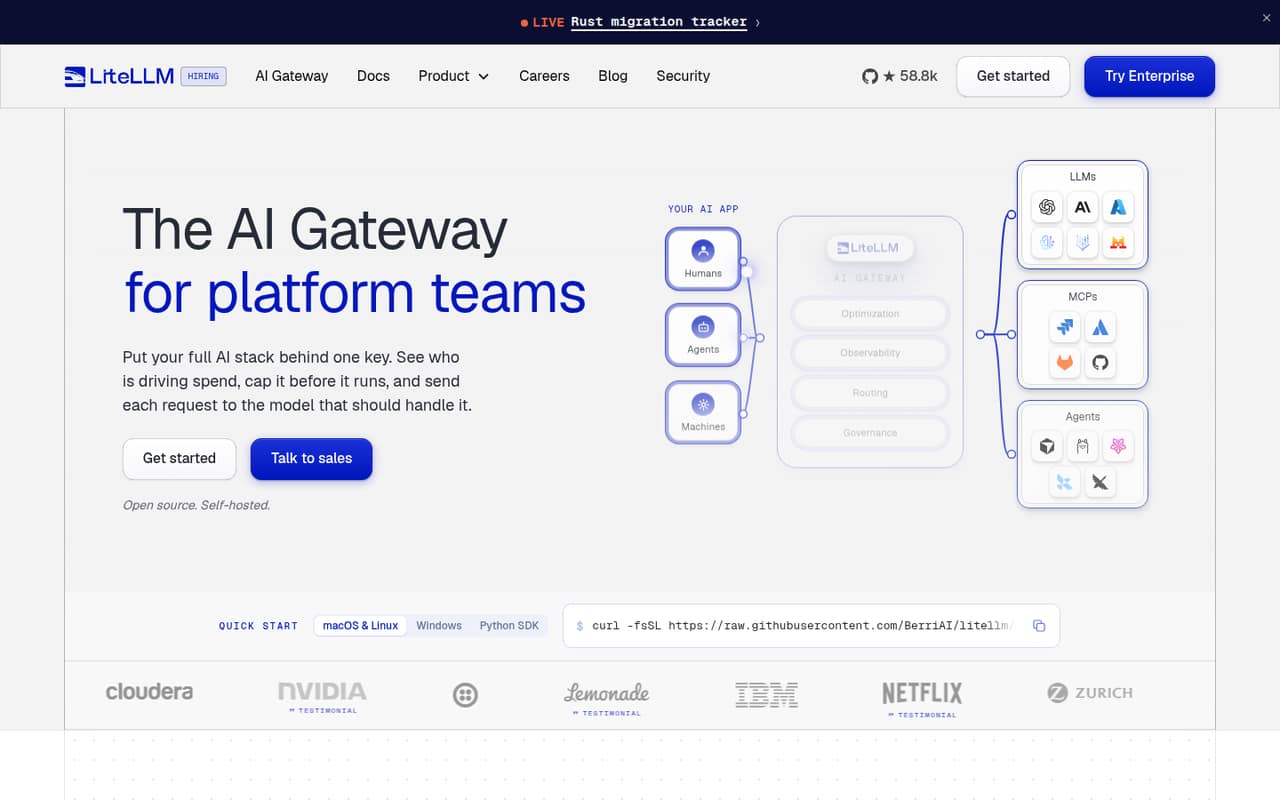
LiteLLM is free and flexible for technical teams that want to self-host a gateway and route across providers. Its trade-off is operational work: the listed fit calls out deployment and security management. A small team without someone to own those tasks should compare that effort with a hosted option before deciding.
What works
- Open Source plan costs $0
- One API covers 100+ providers on the free plan
- Routes requests and supports model swaps
What doesn't
- Self-hosting puts deployment and updates on your team
- Enterprise pricing is custom and annual
- No per-seat Enterprise price is published
- Best for gateway and tracingHeliconeHelicone
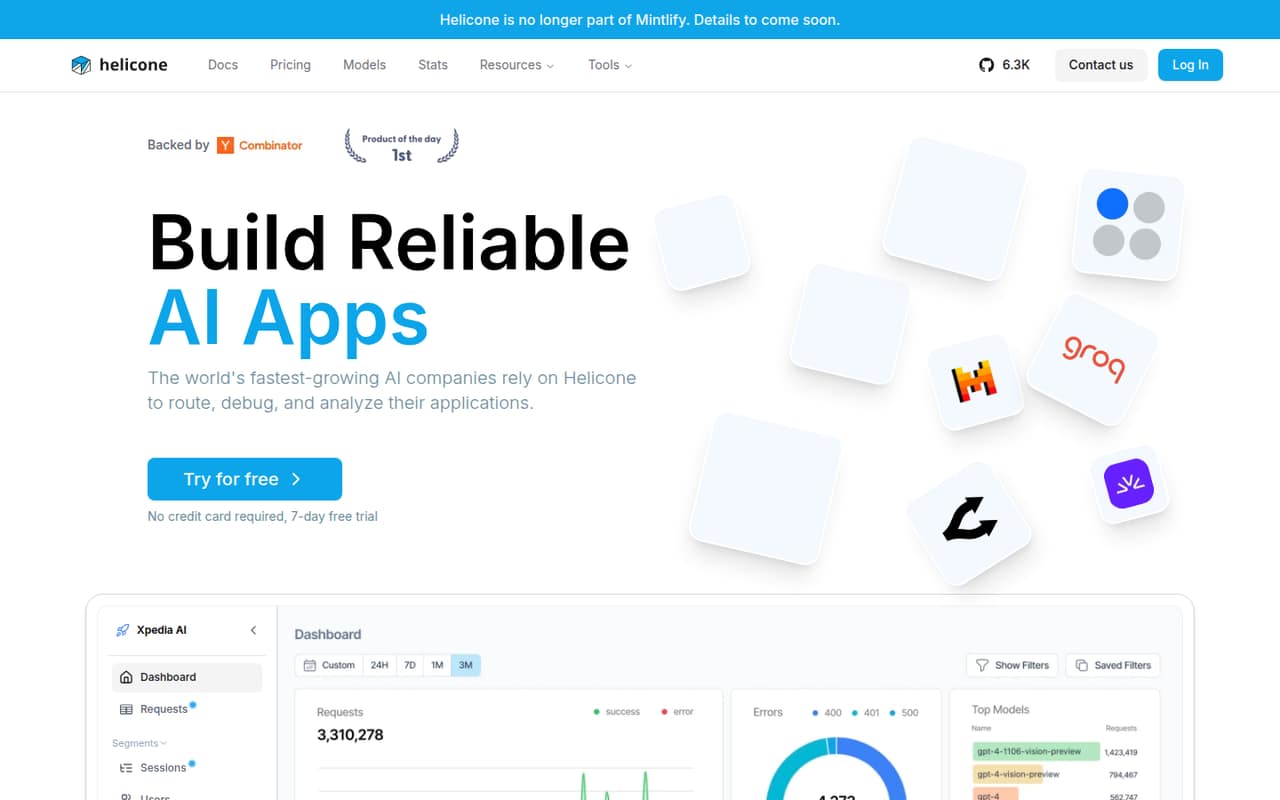
Helicone combines gateway and monitoring features for teams that want to route traffic and track model costs. A free tier is listed, with a $79 monthly team entry point. That paid starting price may be a stretch for a few seats, so confirm what the free tier covers and whether the team plan adds usage charges.
What works
- Hobby includes 10,000 free requests
- OpenAI-compatible proxy or asynchronous logging
- One API key connects to 100+ models
What doesn't
- Hobby is limited to one seat
- Paid request and storage rates are unpublished
- Pro retention is one month
- Best for Cloudflare teamsCloudflare AI GatewayCloudflare AI Gateway
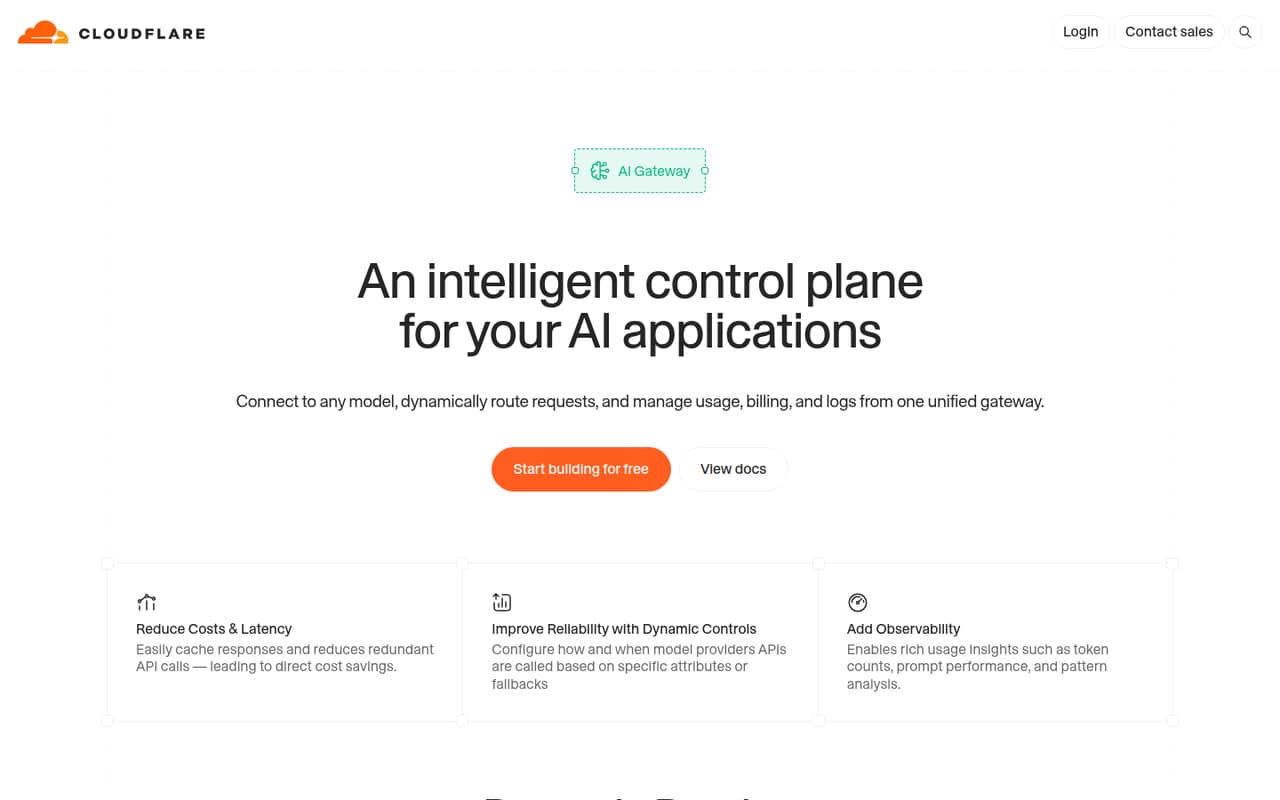
Cloudflare AI Gateway is worth considering if your team already uses Cloudflare and wants AI usage tracking, cost visibility, or fallback routing. A free plan is listed, but a price for paid use is not published in the details here. Ask the vendor for expected costs and plan limits before routing production traffic through it.
What works
- Routes requests by latency, cost, or availability
- Caches repeat responses to reduce API calls
- Shows token counts and usage patterns
What doesn't
- AI Gateway-specific prices aren't published
- Billing terms aren't listed
- Per-seat costs can't be calculated
- Best for model comparisonNanoGPTNanoGPT
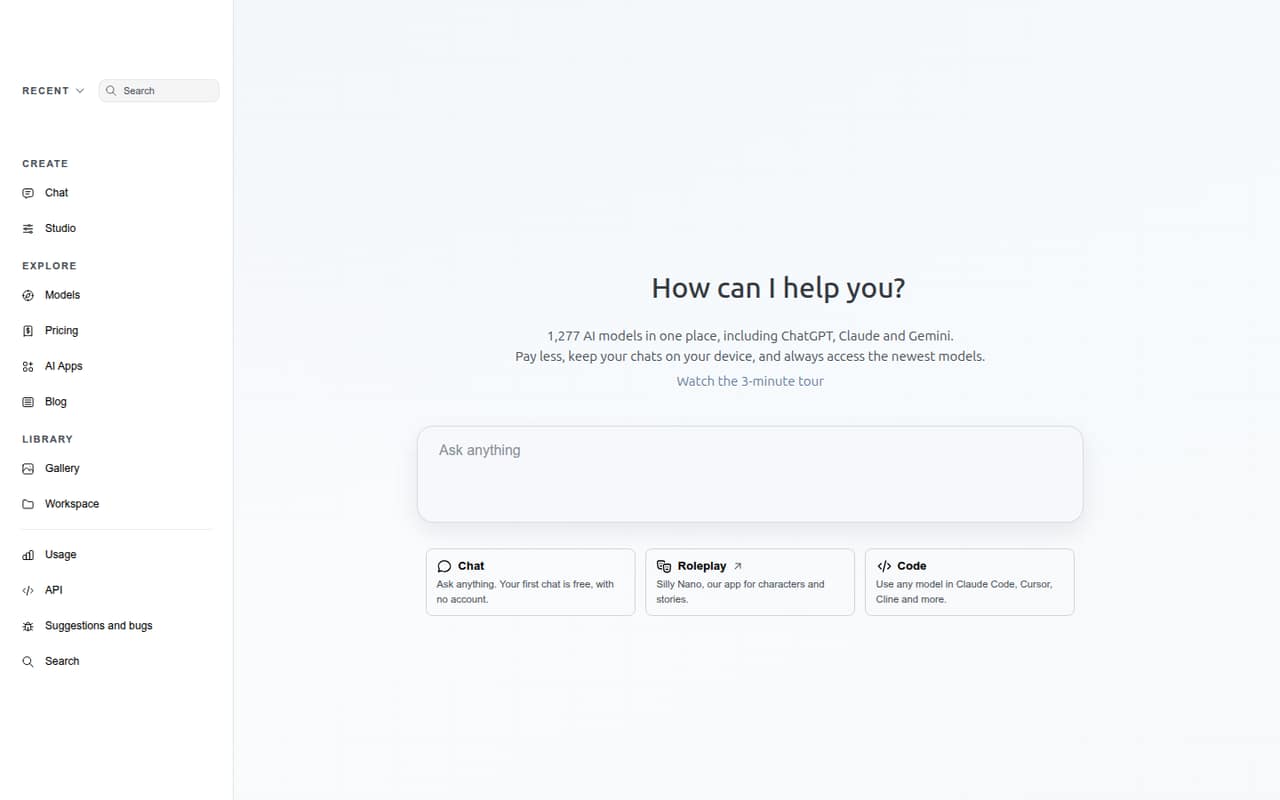
NanoGPT offers access to several models and an OpenAI-compatible API, which may suit teams comparing providers or working with flexible workloads. A free plan is listed, with pricing shown from $12. The listed trade-off is reliability, so teams should ask how service reliability is handled before depending on it in a production app.
What works
- Lists 1,277 models, including ChatGPT, Claude, and Gemini
- First chat is free and requires no account
- Pay-as-you-go access avoids a required subscription
What doesn't
- Reddit users report slow or inconsistent provider routing
- Paid models outside Pro draw from your balance
- Provider selection adds 5% when manually pinned
- Best for one APIZenMuxZenMux
ZenMux brings multiple AI providers and generation tools together behind one API, with usage visibility listed as a fit. Its price is not published in the details here, and the published description cautions teams to budget around metered usage. Ask for a concrete estimate based on your providers and expected request volume.
What works
- One account and API for models from official providers or authorized partners.
- Supports OpenAI, Anthropic, and Google Vertex AI protocols.
- GUI includes chat, image, and video generation.
What doesn't
- No monthly or annual subscription prices are listed.
- Per-call metering can make costs harder to forecast.
- No free plan or trial is confirmed in the pricing details.

- Best for pay-per-call APIsYepAPIYepAPI
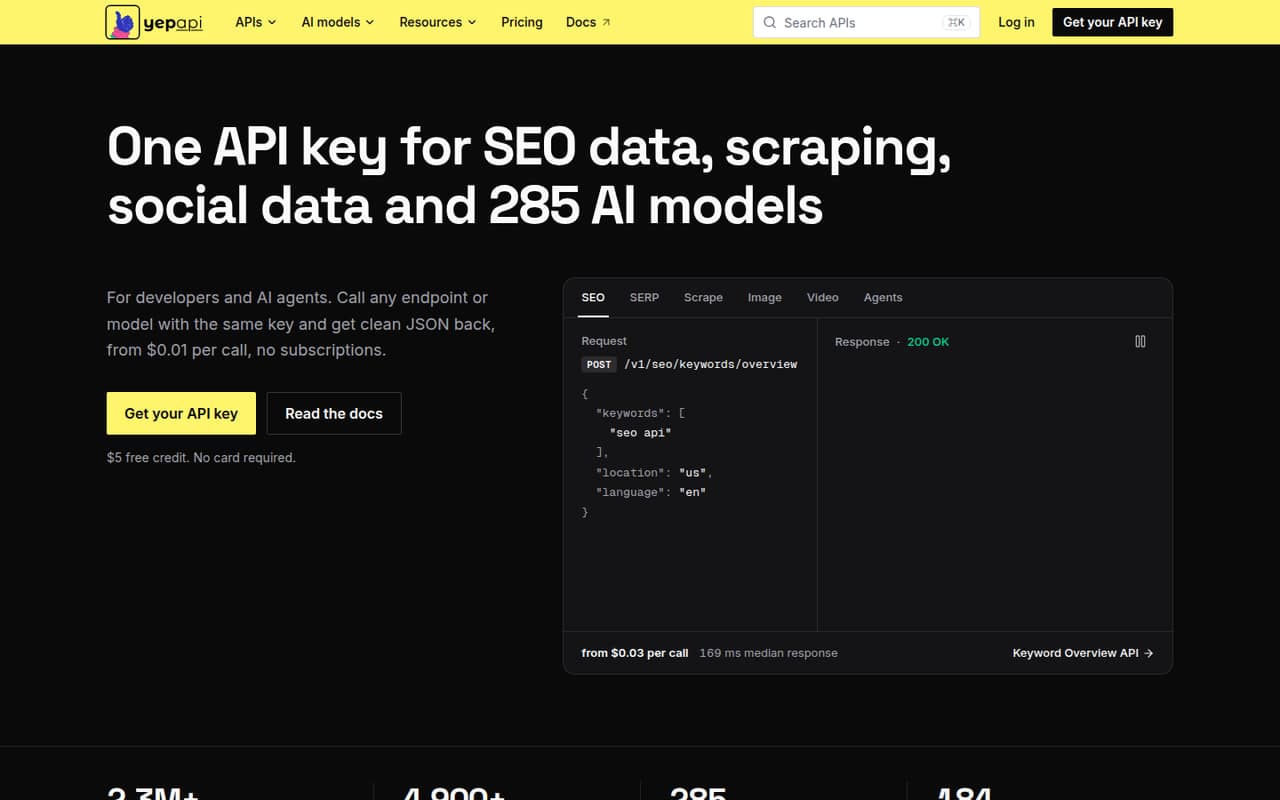
YepAPI is a broad pay-per-call API catalog, with a $5 signup credit and no monthly fee listed. That can appeal to teams avoiding subscriptions, but its described focus is varied API endpoints and data workflows rather than LLM routing across model providers. Check whether the specific LLM gateway controls your team needs are available before choosing it.
What works
- One API key covers several data categories
- Includes SEO, scraping, social, commerce, and AI
- $5 signup credit lowers the cost to try
What doesn't
- No ongoing free plan
- Most endpoint prices are not stated here
- Total spend depends on call volume
03How we chose
We ranked these tools for a team of 1–10, weighing free-plan availability, the clearest published starting price, likely cost drivers, and setup ownership. We also consider plan limits and setup details in vendor docs, and Reddit sentiment as a secondary signal—not a substitute for pricing or product terms. A free-plan label alone does not tell you which models, volume, or controls are included. Where a few-seat total or a limit is not listed, we recommend asking the vendor rather than guessing.
04Check the real cost before inviting the team
A gateway's starting price is only one part of the bill. Ask whether the plan charges per seat, by usage, or both, and whether model costs, credit-purchase fees, or add-ons sit on top. For example, the listed details for Requesty call out a 5% markup on paid model spend; OpenRouter's details call out model charges plus credit-purchase fees. Vercel AI Gateway is described as usage- and add-on-driven rather than seat-driven. Those differences matter more than a headline monthly price when a team has only a few people.
Treat a free plan as a way to evaluate, not as proof that your workload is covered. Confirm which models are included, any request or spend limits, and what happens when you hit them. If a vendor doesn't publish a number you need, ask for a written estimate based on your expected requests and model mix.
05Match setup and controls to your team's capacity
A gateway is most useful when it solves a problem you actually have: one API for multiple providers, routing between models, fallbacks, cost tracking, or caching. Check each control you need in the vendor's plan details and docs; don't assume that a product's broad gateway description includes every feature on the plan you can afford. Caching, in particular, is worth confirming directly if it is a buying requirement.
Also decide who will own configuration, credentials, and ongoing security. LiteLLM is explicitly positioned for teams willing to manage deployment and security when self-hosting. For hosted options, check the setup docs and ask what your team must configure itself. A one-person engineering team may prefer a paid hosted plan over taking on gateway operations; a technical team with an owner may value self-hosting. Either way, confirm the support and limits that apply before moving production traffic.
Questions people ask
Does a small team need an LLM gateway?
Not always. If your team uses one provider and doesn't need shared routing, fallbacks, or cross-provider cost tracking, a gateway may add unnecessary setup. It becomes more useful when you use several providers or want one place to manage requests and usage.
Which LLM gateway has the best free plan?
Requesty, OpenRouter, and Portkey are among the options with a free tier or starting point listed. The available details don't specify every free-plan limit, so compare eligible models, request volume, and included controls with the vendor before relying on a free plan.
How much does an LLM gateway cost for a small team?
Published starting points range from $0 for Eden AI to $49 for Portkey and $79 per month for Helicone's team entry point. Other listed costs include Requesty's 5% markup on paid model spend. Ask vendors for a few-seat estimate that includes usage and fees.
What should I check before choosing a gateway?
Confirm that the plan includes the providers, routing, fallbacks, and cost controls you need. Ask about caching if it matters to your app, and verify free-plan limits, usage fees, seat pricing, setup work, and who handles security. Get a written estimate if pricing is unclear.