We may earn a commission if you buy through links on this page. It never changes a score or a ranking. How we make money
Most teams of 1–10 can start with a focused tool for the network problem they actually have: remote access, DNS filtering, or a firewall. NetBird is our top pick for remote access because its free plan covers five users and its Team plan lists a clear per-user price. That works out to €30 per month for five users or €60 for ten. Other tools list prices without saying whether they’re per month or per user, so check the billing basis before comparing totals. These products cover different jobs; a DNS filter or website firewall is not a full network-security setup.
Quick picksThe shortlist
 NetBirdNetBirdBest for small teams · €6/mo
 TwingateTwingateBest free · $12/mo
 Cloudflare Zero TrustCloudflare Zero TrustBest for internal apps · $7/mo
 ZeroTierZeroTierBest for device access · $18/mo
 Control DControl DBest for DNS controls · $2/mo
 OPNsense Business EditionOPNsense Business EditionBest business firewall · €11.08/mo
 pfSense PluspfSense PlusBest for self-managed networks · $10.75/mo
 Sucuri Website FirewallSucuri Website FirewallBest for one website · $9.99/mo
01Compared at a glance
| Tool | Score | From | Free plan | Trial |
|---|---|---|---|---|
| NetBirdNetBird | 8.2 | €6/mo | Yes | — |
| TwingateTwingate | 7.6 | $12/mo | Yes | 14 days |
| Cloudflare Zero TrustCloudflare Zero Trust | 7.5 | $7/mo | Yes | — |
| ZeroTierZeroTier | 7.5 | $18/mo | Yes | — |
| Control DControl D | 7.2 | $2/mo | No | 14 days |
| OPNsense Business EditionOPNsense Business Edition | 7.2 | €11.08/mo | No | — |
| pfSense PluspfSense Plus | 6.8 | $10.75/mo | Yes | 30 days |
| Sucuri Website FirewallSucuri Website Firewall | 7.0 | $9.99/mo | No | — |
02The picks, in detail
- Best for small teamsNetBirdNetBird
NetBird is our best fit for a small team replacing a VPN or connecting people to private resources. Its free plan covers up to five users; the Team plan lists €6 per user monthly. That makes five paid users €30 per month and ten €60. It also offers self-hosting options. Choose it for remote access, not as a catch-all security suite, and check which Team features your team needs.
What works
- Free plan covers five users and 100 machines
- WireGuard-based peer-to-peer connections
- Self-hosting is an option
What doesn't
- Free plan stops at five users
- Enterprise IdP SSO requires Team
- Posture checks require Business

- Best freeTwingateTwingate
Twingate’s free plan covers teams of up to five users, making it a practical first look for a small startup that needs access controls for private resources. The listed starting price is $12, but the pricing period and basis are not clear in the published plan summary; confirm both before budgeting. Its resource-level permissions are a reason to consider it when access needs to vary by resource.
What works
- Starter is free for up to five users
- Starter includes up to 50 resources
- Access controls cover users and devices
What doesn't
- Starter is capped at five users
- Add-on prices are not published
- Annual pricing figures appear inconsistent
- Best for internal appsCloudflare Zero TrustCloudflare Zero Trust
Cloudflare Zero Trust is worth a look if your main goal is securing access to internal apps. It has a free starting point for teams with fewer than 50 users, so a team of 1–10 can assess the fit without starting with a paid plan. The listed starting price is $7, though the billing basis is not specified here. Expect to spend time learning and setting access policies.
What works
- Free plan covers up to 50 users
- Identity-aware controls for application access
- Secure web gateway is included
What doesn't
- Free-plan logs last up to 24 hours
- Pay-as-you-go costs $7 per user monthly
- Contract pricing is not published
- Best for device accessZeroTierZeroTier
ZeroTier suits small teams connecting devices across locations or clouds, especially if a device-based limit matches how your team works. Its free plan is listed for up to 10 devices, and the starting price is $18. The billing period is not specified, so verify the total before choosing a paid plan. Count devices, not just staff: the two totals may differ.
What works
- Free Personal plan includes up to 10 devices
- Essential includes 10 devices for $18 monthly
- Connects people, devices, and clouds
What doesn't
- Personal is limited to non-commercial use
- Extra Essential devices cost $2 each monthly
- Annual pricing is not published
- Best for DNS controlsControl DControl D
Control D is a budget-minded option for teams that want DNS access policies across several devices. The listed cost is $2 per endpoint monthly, which comes to $10 for five endpoints or $20 for ten. That is a device-based estimate, not necessarily a per-person total. Check how endpoints are counted and whether the controls you need are included before rolling it out.
What works
- SMB plan starts at $2 per endpoint monthly
- More than 1,000 blockable apps and services
- 30-day query logs on every plan
What doesn't
- No ongoing free plan
- Annual price isn’t published
- Interface can take time to learn
- Best business firewallOPNsense Business EditionOPNsense Business Edition
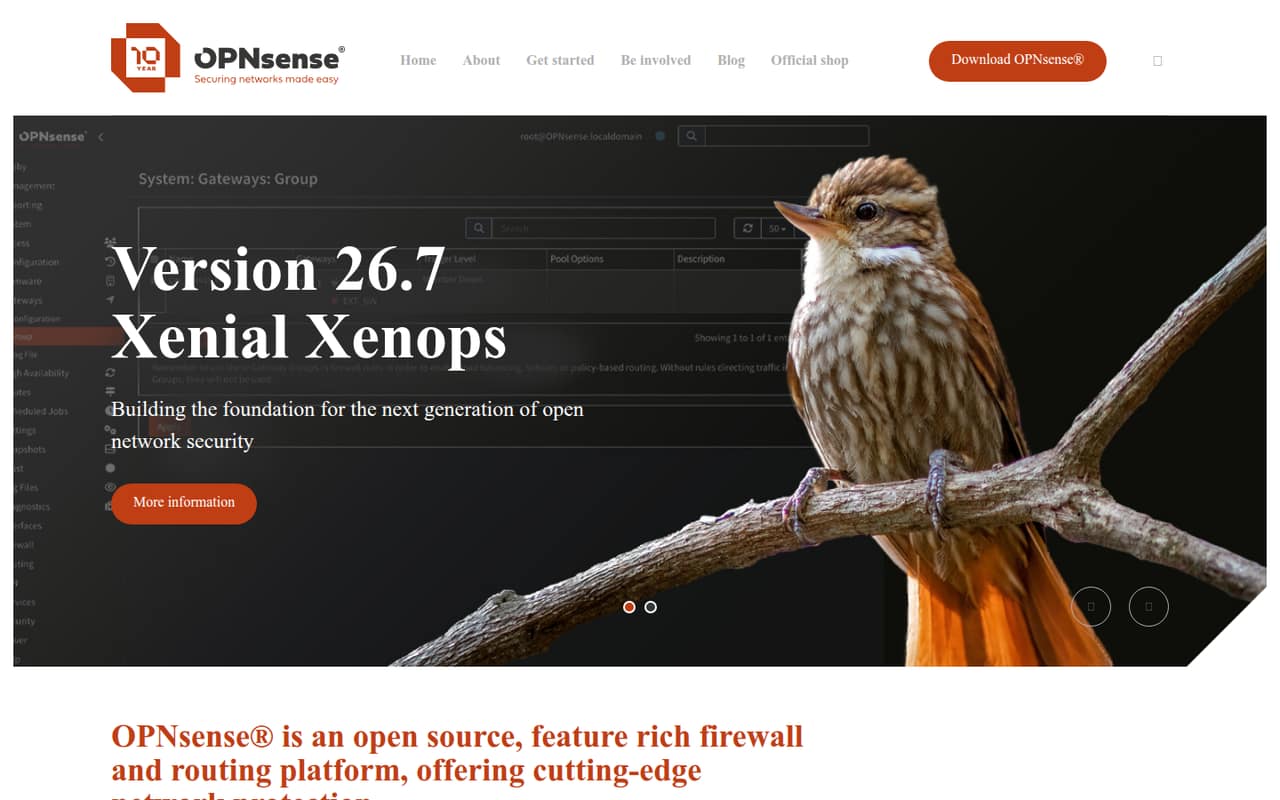
OPNsense Business Edition fits teams that manage their own business firewall or deploy firewalls for clients. The listed starting price is $11.08 per firewall installation, rather than per teammate, so your total depends on how many installations you need. It includes selective firmware updates, per the product summary. This is a better fit for a team comfortable managing firewall software than for one seeking a hands-off service.
What works
- Commercial firmware repository
- Web application firewall included
- Proxy access and extended blocklist
What doesn't
- No free Business Edition plan
- License covers one installation
- Monthly billing is not listed
- Best for self-managed networkspfSense PluspfSense Plus
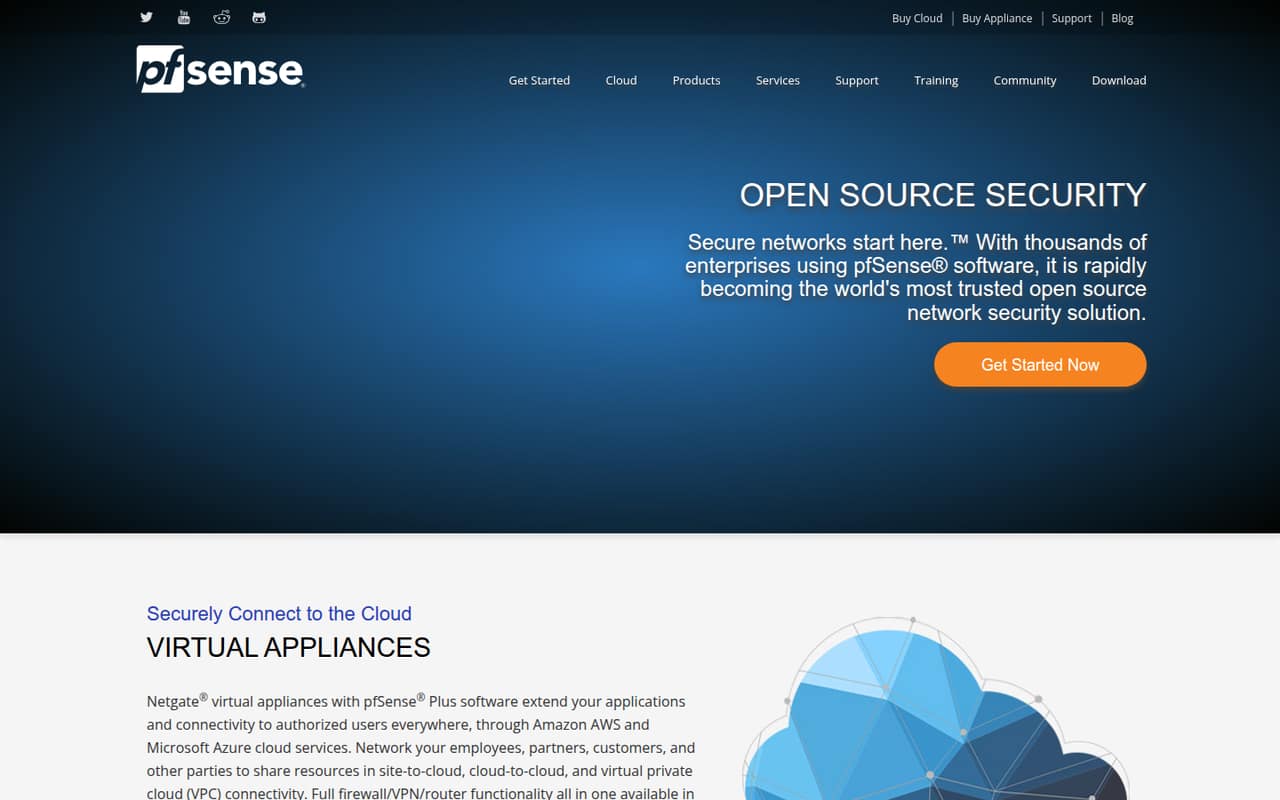
pfSense Plus is worth considering if your team manages its own network, buys Netgate hardware, or needs site-to-cloud connections. A free plan is listed, with pricing starting at $10.75; the billing basis and what that starting price covers should be confirmed before purchase. Setup and upgrade choices need care, so factor in the time and expertise your team can spare for firewall administration.
What works
- Firewall, VPN and router functions
- Free software option
- Netgate appliance software has no recurring cost
What doesn't
- Hardware costs extra
- Cloud infrastructure is billed separately
- Third-party subscriptions are annual
- Best for one websiteSucuri Website FirewallSucuri Website Firewall
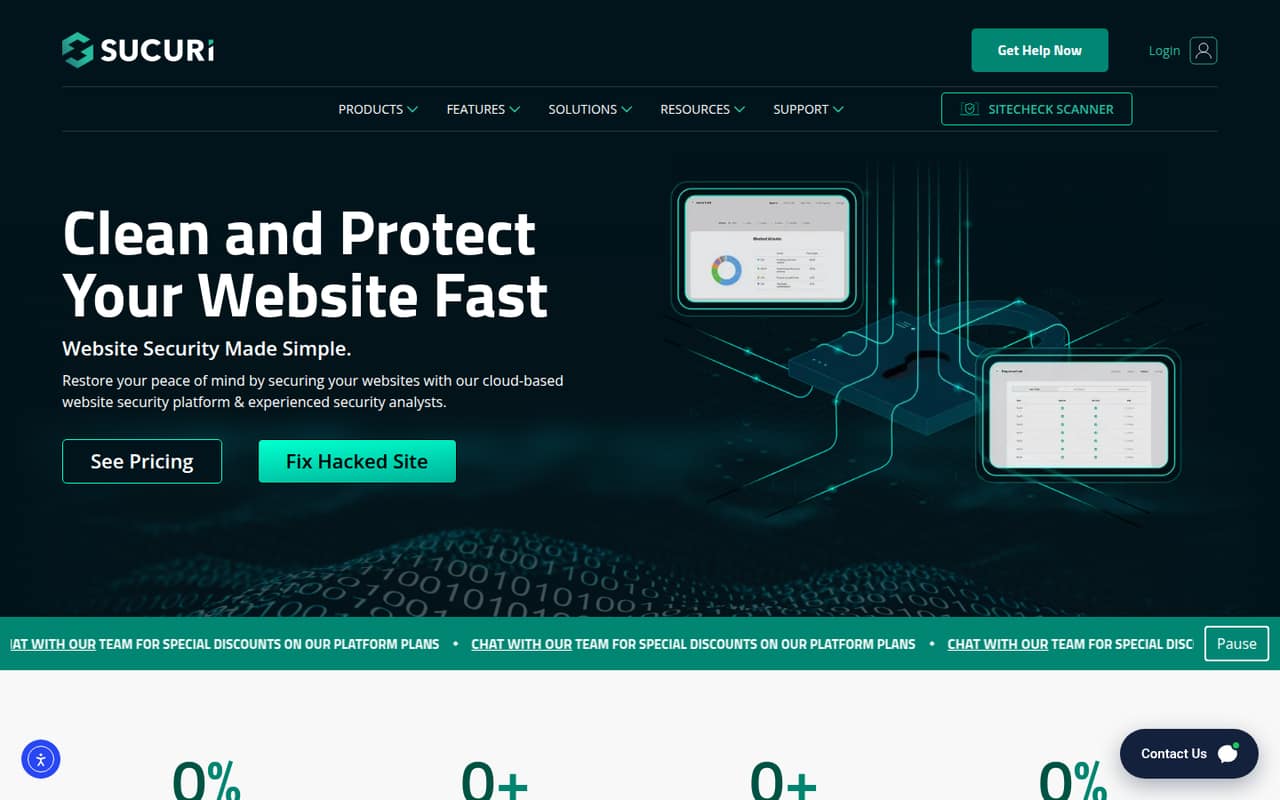
Sucuri is a focused choice for a small team protecting one website, particularly a WordPress site where malware cleanup matters. The listed starting price is $9.99 monthly for one site; multi-site pricing requires a quote. It is not a general-purpose network firewall, so buy it to address website protection rather than to secure all staff devices or private network access.
What works
- Basic Firewall starts at $9.99 monthly per site
- Security analysts remove malware from hacked websites
- Includes firewall and security scanning features
What doesn't
- No free plan or trial is listed
- Annual billing prices are not published
- Five-or-more-site pricing requires a quote
03How we chose
We ranked tools for a team of 1–10, weighing whether a free plan can cover a real small-team use, what a few seats or devices would cost, setup signals, and plan limits. We favored clear pricing and limits over products that require a custom quote. We also considered documentation and Reddit sentiment where available, while treating them as context rather than proof of fit. These products do different jobs, so the ranking rewards a clear small-team use case, not the broadest feature list. We did not claim hands-on testing.
04Start with the network problem you need to solve
“Network security software” covers different jobs, so write down the gap before comparing prices. For remote access to private resources, look at NetBird, Twingate, or Cloudflare Zero Trust. For DNS controls, Control D is priced per endpoint. For a team managing its own firewall, compare OPNsense Business Edition and pfSense Plus. Sucuri is for a website, not your whole network. Those scopes are not interchangeable, even when the entry price looks low. Also check the unit behind every limit: users, devices, endpoints, websites, or firewall installations. A free plan for five users may not cover ten devices, and a per-installation price does not equal a per-seat cost. Choose the tool whose scope matches the gap, then check whether its free plan covers the people and systems you actually need to protect.
05Price the setup, not just the starting plan
For a small team, the cheapest useful plan is the one that covers your actual headcount, devices, and locations without making someone manage a system they cannot support. NetBird lists €6 per user monthly for Team features, so five users come to €30 a month and ten to €60. Control D lists $2 per endpoint monthly; count endpoints separately from people. Other listed starting prices do not specify a billing period or per-seat basis, so ask the vendor for a written total before committing. Check whether the free tier has a user or device cap, what features move to paid plans, and whether a quote is needed for more sites. For self-managed firewalls, include setup and upgrade work in your decision. Revisit the choice if headcount, locations, or the number of devices grows past the plan limits.
Questions people ask
What are the best cyber security softwares?
There is no single best choice for every small team. For network security, start with the problem: NetBird for remote access, Control D for endpoint DNS controls, or OPNsense Business Edition for a team managing its own firewall. Compare the free-plan limits and the total for your users, devices, or installations before choosing.
Is antivirus still necessary in 2026?
Network security software and antivirus address different needs, so buying a network tool does not by itself answer whether your team needs antivirus. Decide what protection your work devices require, then assess that separately from network access, DNS filtering, or firewall needs. This guide compares network security tools, not antivirus products.
Is Norton or McAfee better?
We can’t rank Norton against McAfee based on network-security fit alone. This guide focuses on network tools such as remote-access controls, DNS filtering, and firewalls. If you are comparing antivirus products, check the current price, device coverage, and features for the specific plans you are considering.
What is the best protection for network security?
It depends on what you need to protect. For a small team connecting to private resources, start with NetBird or Twingate and compare their user limits. For DNS access policies, consider Control D. If you manage your own business firewall, look at OPNsense Business Edition. Match the tool to the job before comparing prices.