We may earn a commission if you buy through links on this page. It never changes a score or a ranking. How we make money
A small team may not need a paid coding agent if developers already have model access and can connect it themselves. Continue is our first pick for a low-cost starting point; its pricing lists a free plan and a $3 starting price. Aider and Goose are also free options, but suit teams comfortable with the terminal or building their own workflows. If you want a clearer per-seat figure, Tabby lists free completion for teams of up to five and Team features at $19 per user monthly. Budget for model usage separately where needed.
Quick picksThe shortlist
 ContinueContinueBest overall · $3/mo
 AiderAiderBest free terminal · Free
 ClineClineBest for code review · $9.99/mo
 TabbyTabbyBest for five · $19/mo
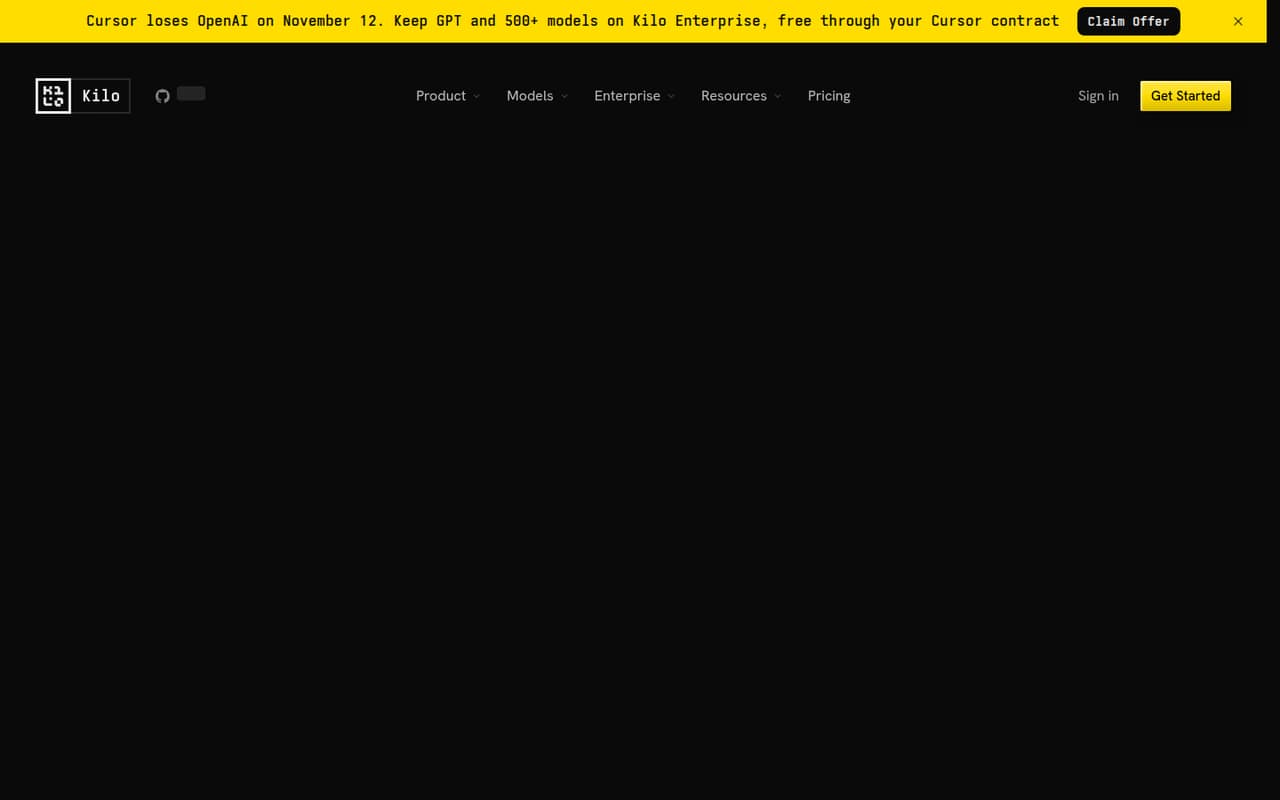
 Kilo CodeKilo CodeBest for model choice · $15/mo
 GooseGooseBest free workflows · Free
 OpenCodeOpenCodeBest for comparing models · $10/mo
 Open InterpreterOpen InterpreterBest for local tasks · $20/mo
 OpenHandsOpenHandsBest for self-hosting · $500/mo
01Compared at a glance
02The picks, in detail
- Best overallContinueContinue
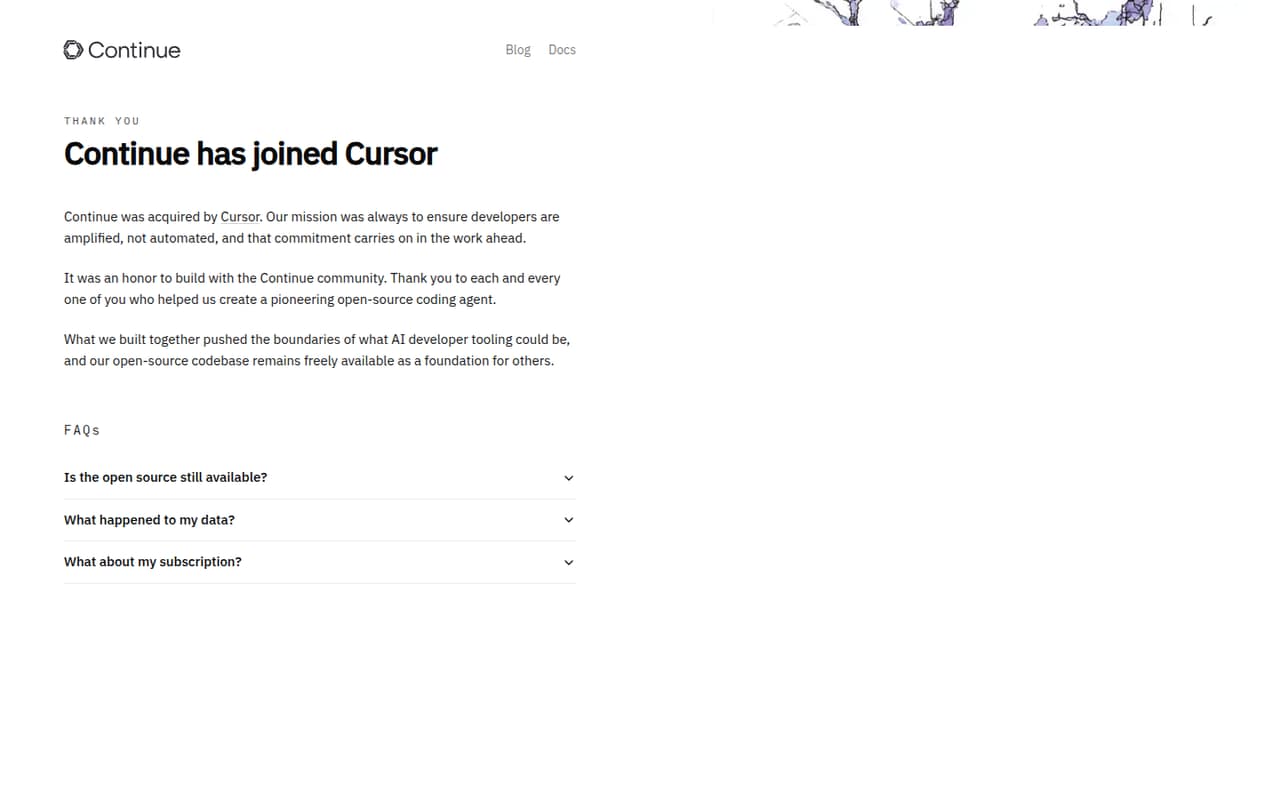
Continue is our best fit for a budget-conscious team with existing model access: the pricing lists a free plan and a $3 starting price, and the tool is aimed at developers who can choose and connect their own models. That flexibility keeps the entry cost low, but configuration is part of the deal. Ask the vendor what the paid price covers before adding seats.
What works
- Free open-source Solo plan
- Bring your own API keys or local models
- Chat, edits, autocomplete and agent mode
What doesn't
- Team costs $20 per seat monthly
- Annual pricing is not published
- Seat and usage limits are not published
- Best free terminalAiderAider
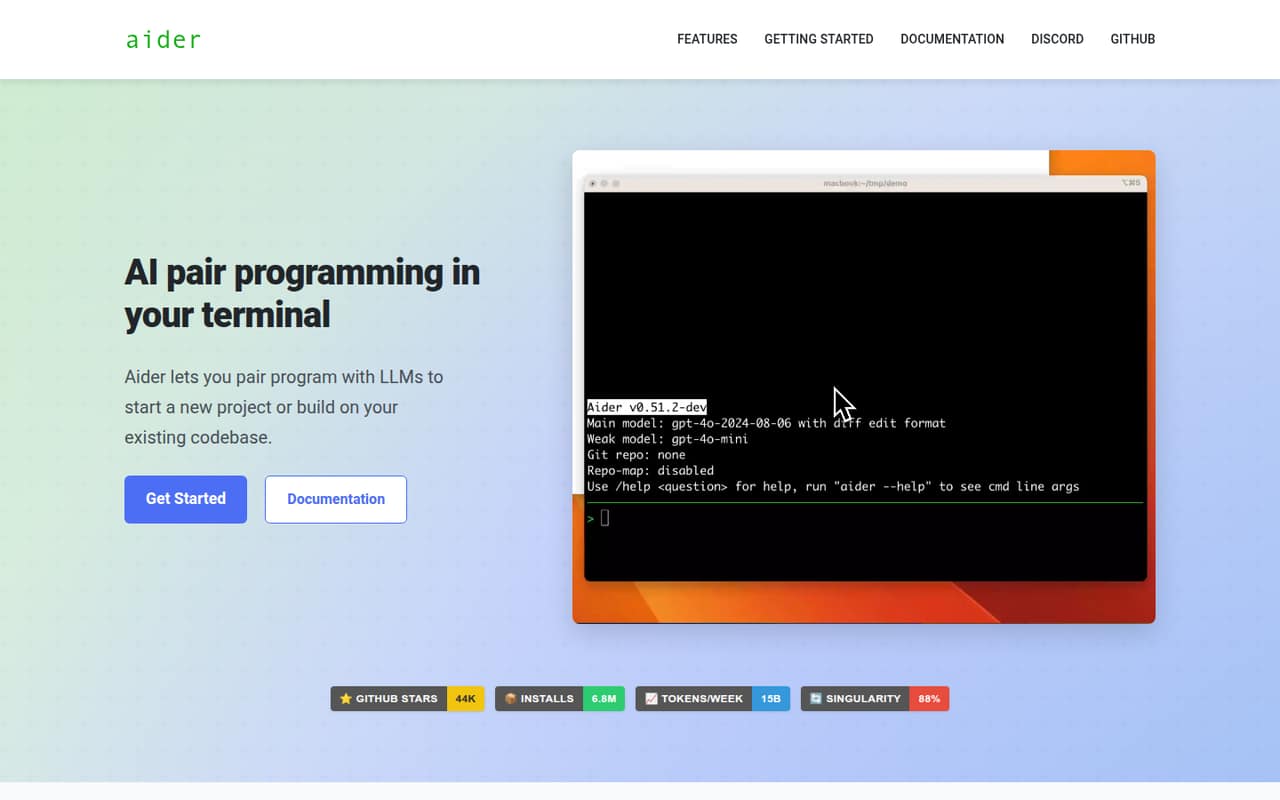
Aider is free and fits teams that are comfortable working in a terminal and bringing their own model access. Its Git-controlled edits give developers a way to keep changes reviewable, per the product summary. The vendor doesn’t publish a starting paid price in this listing, so ask about any team offering if you need shared administration or support.
What works
- Free and open source under Apache 2.0
- Works with cloud and local models
- Codebase maps help with larger projects
What doesn't
- Model access is not included
- Seat and usage limits are not published
- Terminal-first use may not suit everyone
- Best for code reviewClineCline
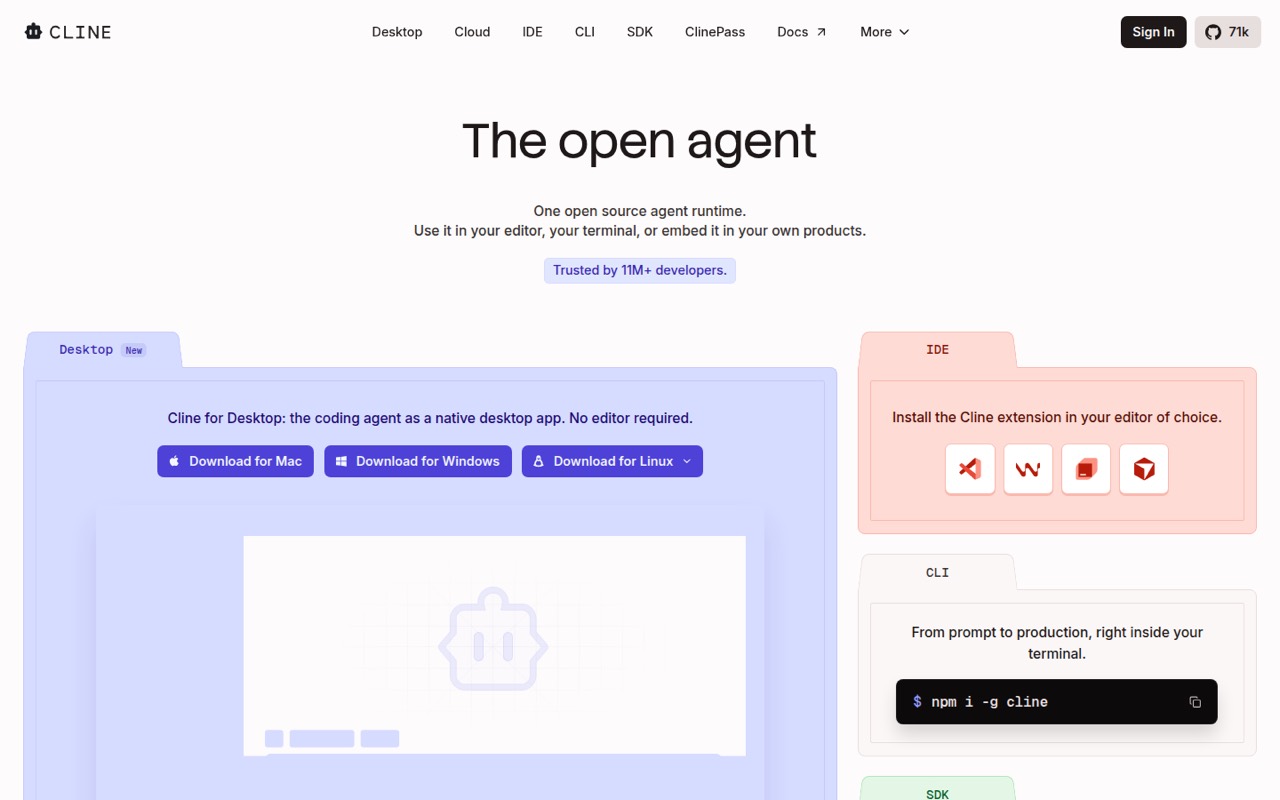
Cline suits teams that want to review changes and choose their own models. The pricing lists a free plan and a $9.99 starting price; budget separately for AI usage, according to the product summary. That makes the real cost depend on both seats and inference. It is a practical option when supervised changes matter more than an all-in subscription.
What works
- Open Source has no seat fees
- First 10 Teams seats are free
- Supports hosted and local models
What doesn't
- AI inference costs extra
- Usage costs can be hard to predict
- Annual billing prices are not published
- Best for fiveTabbyTabby
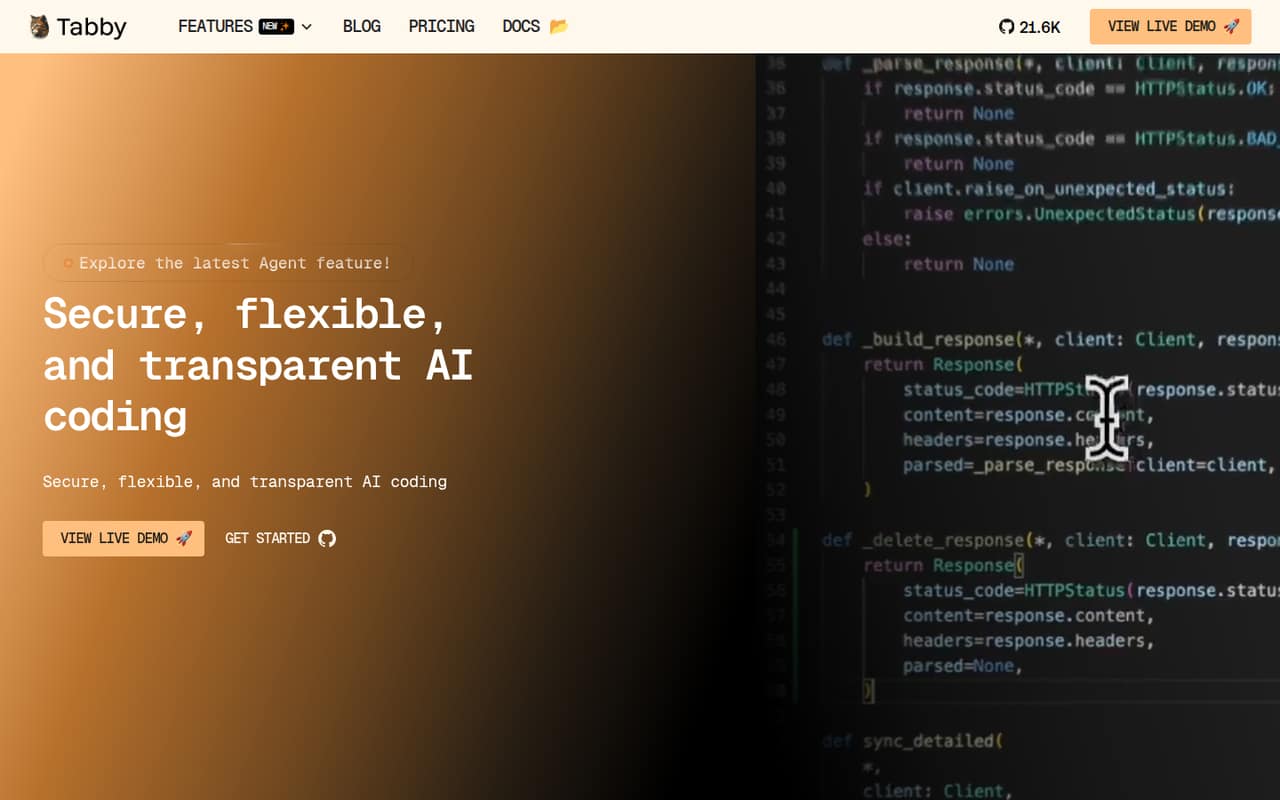
Tabby is the clearest fit for a team of up to five that wants free code completion and local-first deployment. Its pricing lists free completion for teams of up to five and Team features at $19 per user monthly. That works out to $95 monthly for five paid seats. If your team needs more seats, check the vendor’s current plan limits and total before choosing.
What works
- Community is free for up to five users
- Tab completion has no usage limits
- Local-first deployment is included on Community
What doesn't
- Team costs $19 per user each month
- Annual Team pricing isn’t published
- Community support is the free plan’s listed support
- Best for model choiceKilo CodeKilo Code
Kilo Code offers a free entry point and wide model choice, making it worth considering if your developers are comfortable managing AI usage. The pricing lists a $15 starting price, but the pricing page doesn’t specify a per-seat rate or billing period. Treat inference as a separate budget line and ask the vendor what the paid plan includes for a small team.
What works
- Free IDE and CLI extensions
- Works with a wide range of models
- Supports local models and provider keys
What doesn't
- Free plan usage is billed separately
- Team seats cost $15 each monthly
- Annual platform pricing is not listed
- Best free workflowsGooseGoose
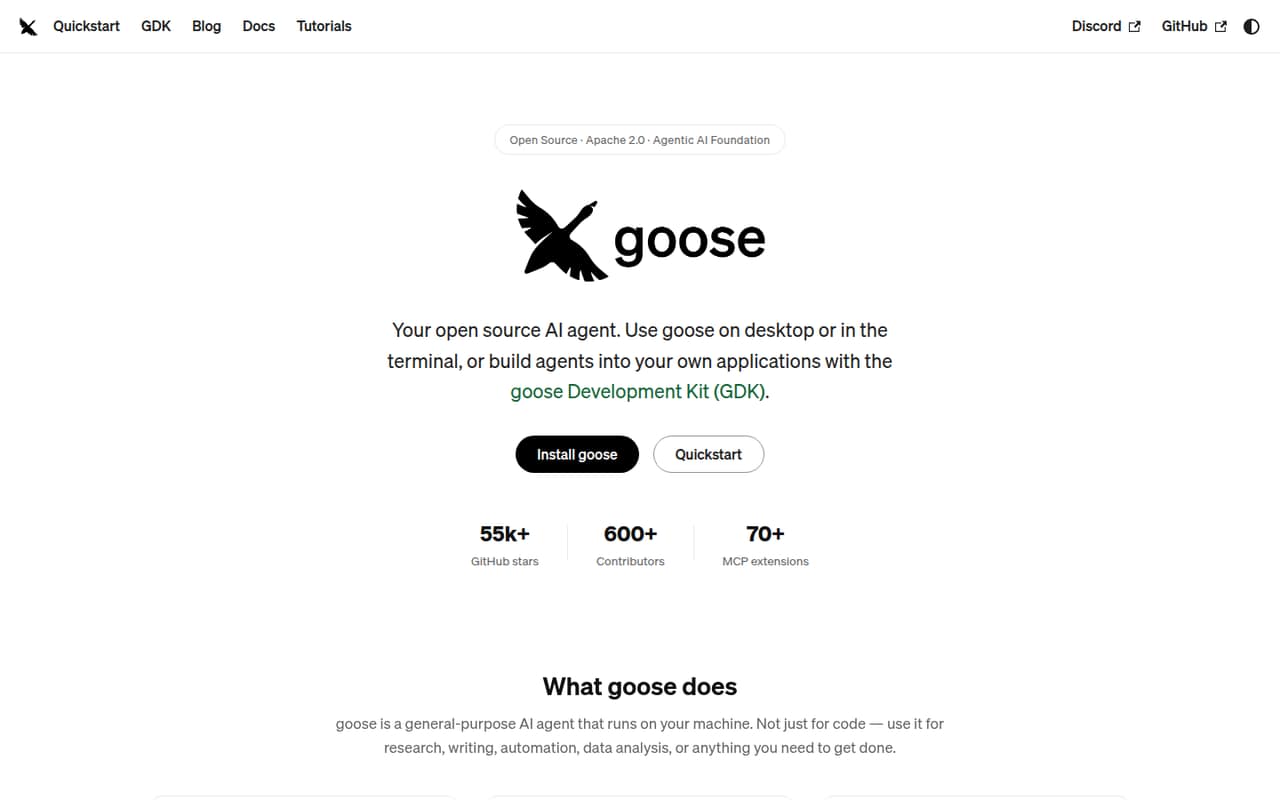
Goose is a capable free option for teams that already have model access and want desktop and CLI choices. Its technical audience may be comfortable building repeatable workflows, but that also means the team needs to handle model selection and setup. No starting paid price is listed, so ask the vendor about any costs for shared team features.
What works
- Open Source plan is free to run
- Supports desktop, CLI, and API workflows
- Works with 15+ model providers
What doesn't
- Seat and usage limits aren’t published
- Your team must bring model access
- Annual billing details aren’t published
- Best for comparing modelsOpenCodeOpenCode
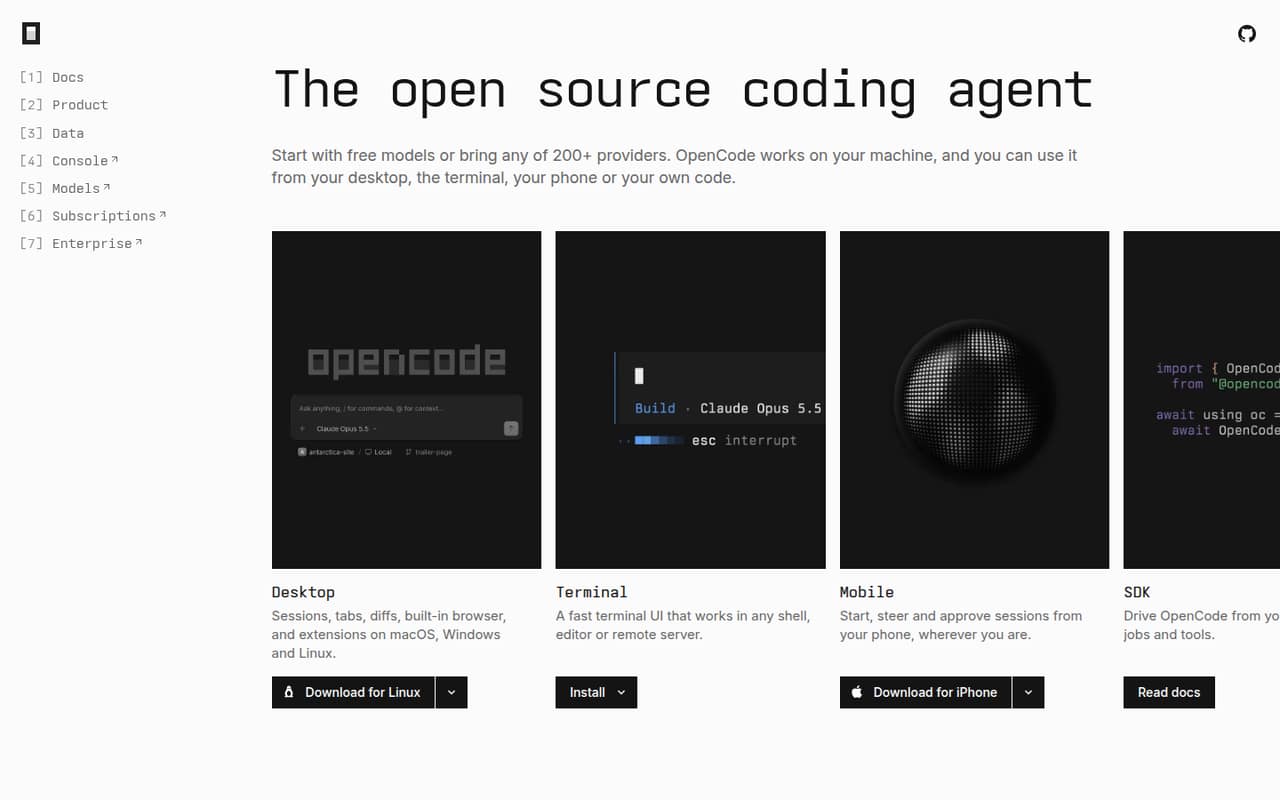
OpenCode is a fit for developers who want to compare models and providers and are comfortable configuring tools. The listing gives it a free entry point and a $10 starting price, but says free limits and team pricing are unclear. Before rolling it out, ask what the free tier allows and how charges change when several people use it.
What works
- Free models are available without an account
- Connects to more than 200 providers
- Works through desktop, terminal, mobile, and SDK
What doesn't
- Free-plan limits aren’t published
- Per-seat and team prices aren’t published
- Extra Usage credit prices aren’t published
- Best for local tasksOpen InterpreterOpen Interpreter
Open Interpreter offers a free entry point for technical teams automating local tasks with their own API keys. Its product summary advises teams to be comfortable reviewing generated commands, so we would not treat it as a hands-off tool. The pricing lists a $20 starting price; ask what that plan covers and budget for API usage separately.
What works
- Free plan supports your own API keys
- Can write, edit, and execute code
- Can run shell commands and browse the web
What doesn't
- Free use requires your own API keys
- Paid plan seat basis is not published
- Annual billing prices are not published

- Best for self-hostingOpenHandsOpenHands
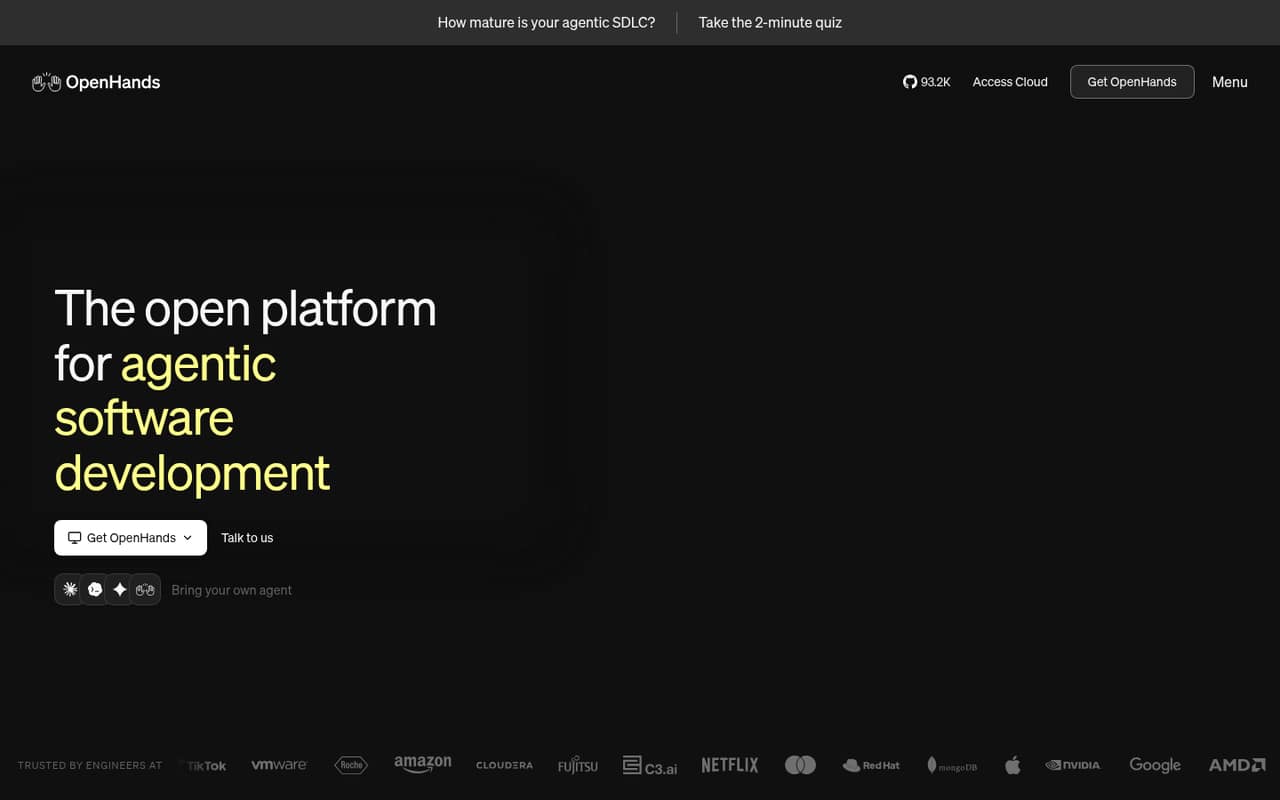
OpenHands offers workflow choices for technical teams willing to self-host, but Docker setup is a notable hurdle for a small group. The listing also identifies a free option and a $500 team plan. That paid tier is a substantial commitment for a team of 1–10; clarify the plan’s billing terms and included seats before considering it.
What works
- Free and open source under MIT
- Self-host on a laptop or shared VM
- Choose agents, models, and runtimes
What doesn't
- Teams costs $500 per month
- Free plan is single-user or shared identity
- Teams includes a 5,000-session monthly limit
03How we chose
We ranked these tools for a team of 1–10, not for the widest feature list. We weighed free access, the listed starting cost, what a few seats could cost, setup effort, model flexibility, and any stated free-plan or team limits. Documentation and Reddit sentiment are useful secondary signals, but anecdotal reports shouldn’t substitute for checking current plan terms. We did not run tests or trials. Where a price, billing period, or limit isn’t stated, we recommend asking the vendor rather than assuming the lowest listed price covers a whole team.
04
A free plan is useful only if its limits match your team’s work. Tabby lists free completion for teams of up to five; that limit matters if you have six to ten people. Its Team features are listed at $19 per user monthly, or $95 monthly for five paid seats. Other listed starting prices include Continue at $3, Cline at $9.99, Kilo Code at $15, OpenCode at $10, and Open Interpreter at $20. Those figures don’t all specify a per-seat rate or billing period, so don’t multiply them blindly.
Ask vendors about seat counts, model or API costs, free-tier limits, and shared team controls. A team may outgrow a free tool when it needs clear administration, predictable seat pricing, or support; verify whether the paid plan actually provides those things before upgrading.
Questions people ask
Can a small team use an AI coding agent for free?
Yes. The listings identify free plans or entry points for all nine tools. Continue, Aider, and Goose are notable low-cost starting points; Tabby lists free completion for teams of up to five. Check the vendor’s current limits and whether your team must supply model access or API keys.
Which option supports local models?
Tabby is described as local-first, and Continue is aimed at developers who want local models. Other tools are described as model-flexible or suited to teams choosing their own model access. Check each vendor’s documentation for the models and setup steps your team needs.
How much does Tabby cost for a small team?
Tabby lists free completion for teams of up to five and Team features at $19 per user monthly. Five paid seats would be $95 monthly at that listed rate. The listing doesn’t give a price for six to ten seats, so ask the vendor for a quote.
What should we ask before choosing a paid plan?
Confirm whether the listed starting price is per seat, what billing period applies, and how free-plan limits work. Ask whether model usage or API access costs extra, what team features are included, and what happens when you add seats. Don’t assume a starting price covers the whole team.