
We may earn a commission if you buy through links on this page. It never changes a score or a ranking. How we make money
The bottom line
Good for supervised, model-flexible coding; budget separately for AI usage.
A small team may not need Cline if it only wants occasional code suggestions. But if you want an agent to plan work, edit multiple files, run commands and let you review changes, Cline offers a lot without seat fees on its Open Source plan.
The catch is that free access does not mean free AI inference. You bring an API key or use Cline’s provider, and usage charges can add up. The Teams plan gives its first 10 seats free, while annual prices and AI cost estimates are not published.
Good fit if
- Teams that review code changes
- Developers choosing their own models
- Small teams with API budgets
Skip it if
- Teams needing predictable AI costs
- People who want no setup
- Teams needing published usage limits
ScoresHow it rates
What works
- Open Source has no seat fees
- First 10 Teams seats are free
- Supports hosted and local models
- Can plan before executing coding tasks
- Includes diffs, checkpoints and undo
What doesn't
- AI inference costs extra
- Usage costs can be hard to predict
- Annual billing prices are not published
- ClinePass may have extra processing fees
- Some users report cloud-offering prompts
01Who Cline is for
A small team should consider Cline if coding work involves more than asking for a snippet: it can plan tasks, edit across files, run terminal commands and respond to their output. That makes it a fit for a team of one to 10 developers that wants to supervise an agent’s work and review diffs as it goes.
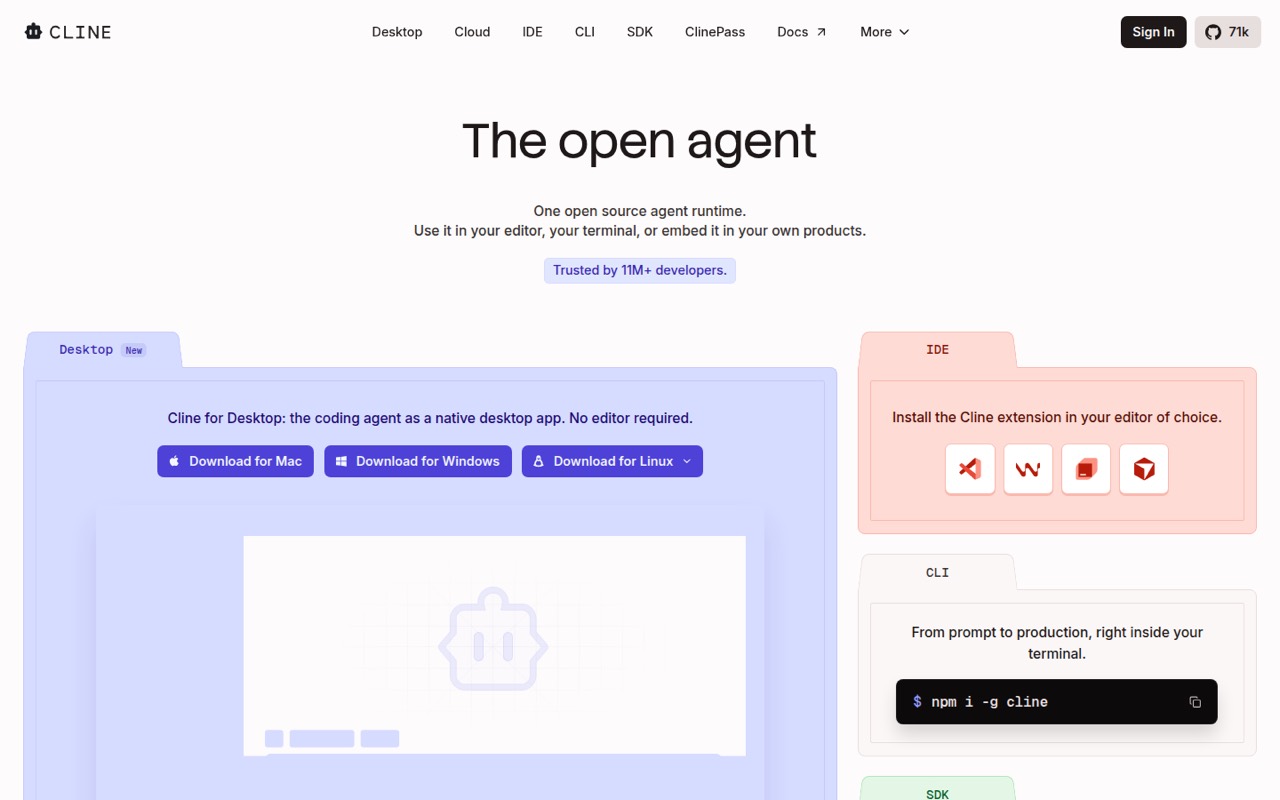
Cline is an open-source coding agent for an editor, terminal or product. The Open Source plan has no seat fees, but the AI inference is pay-as-you-go, so a tight software budget still needs room for model charges. Teams can bring their own inference, and the plan lists the first 10 seats as permanently free.
The model choice is useful for teams that want to use Claude, GPT, Gemini, local Ollama or LM Studio, or OpenAI-compatible endpoints. If your team mainly needs a predictable monthly subscription with AI usage bundled in, Cline may be a harder fit.
02Cline free plan and trial
Cline’s Open Source plan is free at $0 per month, with no seat fees. The pricing page lists pay-as-you-go AI inference: bring your own API key or use the Cline provider. That means the coding agent can be free while the models it calls still cost money.
There is no free-trial period listed. For a team, the Teams plan also lists its first 10 seats as permanently free, with bring-your-own inference and provider-cost pass-through at zero markup. That does not include an AI usage allowance, so your team still pays for inference through its chosen provider or Cline.
ClinePass is optional, not required to use the free plan. It costs $9.99 per month and offers curated open-weight coding models; additional processing fees may apply.
03What a small team pays for Cline
For one person, Open Source is $0 per month in seat fees. A three- or five-person team can use Teams, listed at $20 per user per month, but the pricing page says the first 10 seats are permanently free. So those teams pay $0 in Teams seat fees at the listed monthly rate; they still pay for inference.
Annual-billing prices are not published. The $20-per-user monthly price applies beyond the free 10 seats, so an 11-person team would pay for one seat at that rate: $20 per month, before inference costs. Enterprise pricing is custom.
The main add-on is ClinePass at $9.99 per month for curated open-weight coding models and 2–5x standard API rate limits. Additional processing fees may apply. Optional pay-as-you-go inference credits are listed at provider cost with no markup, but overage costs are not published. Ask your provider or Cline about likely usage before setting a team budget.
04Getting started with Cline
The basic setup decision is which model and inference route to use: bring an API key, use the Cline provider, or choose a supported local model such as Ollama or LM Studio. The product also runs in an editor or terminal. Exact setup time and step-by-step onboarding requirements are not published, so budget time to configure your chosen environment and model access.
For a team, add a .clinerules file with coding standards, architecture and deployment conventions. You can also connect MCP servers or add tools and lifecycle hooks through the SDK. Those integrations are useful, but a team that only needs straightforward code edits can start without adding them.
Cline can plan first and then act, with approval for each step or auto-approval enabled. One Reddit user describes using it with upfront planning followed by tightly supervised coding, a workflow that suits teams willing to review the agent’s work.
05When small teams outgrow Cline
The first pressure point is usually AI spend, not seat fees. Open Source has pay-as-you-go inference, and Teams passes provider costs through with no markup. There is no published inference allowance or usage cap in the pricing details, so teams with heavy use should track model charges separately from their software subscriptions.
A Reddit post describes about $1,000 a month in Anthropic API calls; another user says Cline was costing about $20 a day. Those are individual reports, not typical costs, but they show why a free seat plan does not guarantee a low total bill. Users also report changing models to reduce costs.
Past 10 Teams seats, the listed price is $20 per user per month. Larger organizations can ask about custom Enterprise pricing. Some Reddit users also describe repeated prompts toward cloud offerings or say they moved to other tools. If those interruptions are a problem, or your team needs a published spend limit, ask Cline about controls before rolling it out.
From the threadsWhat users say
Reddit sentiment is mixed: some users value Cline’s planning and supervised workflow, while others mention cost, loops or cloud-offering prompts. Reports about high API bills are individual experiences, not a typical-cost estimate.
lots of upfront interaction to plan and nail down requirements followed by tightly supervised coding
I use Cline with DeepSeek and its much much cheaper
constant attempts to funnel the user towards their cloud offerings
Aider and Cline seemed to get stuck in more loops
Questions people ask
What is Cline AI used for?
Cline is an open-source coding agent for an editor, terminal or product. It can plan and execute coding tasks, make multi-file edits, run terminal commands and respond to their output. You can review its work through diffs and checkpoints, or enable auto-approval for steps.
Is Cline AI free to use?
The Open Source plan is $0 per month and has no seat fees. AI inference is pay-as-you-go, so you bring an API key or use the Cline provider and pay for model usage. Teams lists its first 10 seats as permanently free, also with bring-your-own inference.
What are Cline rules?
Cline rules are instructions in a .clinerules file that can give the agent your coding standards, architecture and deployment conventions. They help a team express project-specific expectations in one place, rather than repeating them in each task.
Can Cline use local models?
Yes. Cline lists support for local Ollama and LM Studio models, along with Claude, GPT, Gemini and OpenAI-compatible endpoints. You choose the model and inference setup; costs and requirements depend on the option you select.
Who created Cline?
Cline’s creator is not identified in the product and pricing details available for this review. If the identity of the maintainer or company behind the project is important to your team, ask Cline directly before adopting it.
Sources
- Cline homepage
- Cline pricing, compiled via web search from cline.bot, agentsai.fyi, emergent.sh, promptquorum.com, rfp.wiki, checkthat.ai
- Reddit: Need a cheaper alternative to Cline ( Claude sonnet )
- Reddit: Is there anything else like Cline ?
- Reddit: In your opinion, what is the best CLI-based (or other) coding tool for regular software engineering (NOT VIBE CODING)?