We may earn a commission if you buy through links on this page. It never changes a score or a ranking. How we make money
A small team needs a transactional email API when its app must send messages such as triggered notices through an API or SMTP. If you only send a few emails, a free plan may be enough to get started, but free limits and production terms vary. For a low-cost paid starting point, SMTP2GO lists plans from $10, while EmailJS lists a free plan and a starting price of $7.20. Before choosing, check what a few seats actually cost, how much setup your team can handle, and what happens as sending volume grows.
Quick picksThe shortlist
 SMTP2GOSMTP2GOBest small-team value · $10/mo
 EmailJSEmailJSBest free starter · $7.20/mo
 MailtrapMailtrapBest testing toolkit · $12/mo
 PostmarkPostmarkBest focused sending · $15/mo
 MailgunMailgunBest for product email · $15/mo
 ResendResendBest developer start · Free
 MailerSendMailerSendBest messaging range · $5.60/mo
 Twilio SendGridTwilio SendGridBest for growing senders · $19.95/mo
 Amazon Simple Email Service (SES)Amazon Simple Email Service (SES)Best usage-based option · Free
 Mailchimp Transactional EmailMailchimp Transactional EmailBest for Mailchimp teams · $20/mo
 SparkPostSparkPostBest for reply workflows · $15/mo
 ZeptoMailZeptoMailBest for usage pricing · Custom
- SendPostSendPostBest for delivery controls · $7/mo
01Compared at a glance
| Tool | Score | From | Free plan | Trial |
|---|---|---|---|---|
| SMTP2GOSMTP2GO | 7.5 | $10/mo | Yes | — |
| EmailJSEmailJS | 7.5 | $7.20/mo | Yes | — |
| MailtrapMailtrap | 7.4 | $12/mo | Yes | — |
| PostmarkPostmark | 7.2 | $15/mo | Yes | — |
| MailgunMailgun | 7.0 | $15/mo | Yes | 30 days |
| ResendResend | 7.1 | Free | Yes | — |
| MailerSendMailerSend | 6.8 | $5.60/mo | Yes | 14 days |
| Twilio SendGridTwilio SendGrid | 6.8 | $19.95/mo | No | 60 days |
| Amazon Simple Email Service (SES)Amazon Simple Email Service (SES) | 5.0 | Free | Yes | — |
| Mailchimp Transactional EmailMailchimp Transactional Email | 7.0 | $20/mo | No | Yes |
| SparkPostSparkPost | 6.5 | $15/mo | Yes | — |
| ZeptoMailZeptoMail | 5.8 | Custom | No | Yes |
| SendPostSendPost | 6.5 | $7/mo | No | — |
02The picks, in detail
- Best small-team valueSMTP2GOSMTP2GO
SMTP2GO is our first place to look for a small team that wants a low-cost way to send transactional and business email. Its pricing page lists a free plan and paid plans from $10 per month; the product description also calls out reports and delivery alerts. Check the free-plan allowance and whether the paid tier fits your expected volume before switching a working mail relay.
What works
- Free plan is available for as long as needed
- Starter includes 10,000 emails per month
- Automatic SPF and DKIM
What doesn't
- Free sending allowance is not stated in the listed plan details
- Free phone and chat support lasts only 14 days
- Starter reporting lasts 30 days
- Best free starterEmailJSEmailJS
EmailJS is a sensible starting point for a small app with modest monthly request needs, especially if the team already uses an email provider. Its pricing page lists a free plan and a starting price of $7.20. The important catch for a team of up to ten is the steep seat jump after three users, so confirm the total for your actual headcount before inviting everyone.
What works
- Free plan includes 200 monthly requests
- Connects to Gmail, SMTP, SendGrid and AWS SES
- Provider credentials stay on EmailJS servers
What doesn't
- Free plan has only two templates
- Free plan request limit is 200 per month
- Professional stops at three seats
- Best testing toolkitMailtrapMailtrap
Mailtrap suits developer teams that want application email alongside staging tests, with campaign tools also listed among its strengths. Its pricing page lists a free plan and a starting price of $12. Sending, testing, and campaigns have separate plans, so map the features your team needs to the right plan before comparing headline prices. It may be more toolkit than a tiny app needs.
What works
- API/SMTP free plan includes 4,000 monthly emails
- Separate free plans for Sandbox and Marketing
- Basic API plan supports three users
What doesn't
- Free API plan is limited to one user
- Basic API plans are capped at three users
- Five API users start at $85 monthly
- Best focused sendingPostmarkPostmark
Postmark is a good fit when the job is transactional email, with API and SMTP sending plus inbound email processing listed for developers. Its pricing page lists a free plan and a starting price of $15. The free plan is for testing, not production volume, so budget for a paid plan before launch. Ask how its plan fits your expected sending volume and number of users.
What works
- Sends through an API or SMTP
- Separates promotional and transactional streams
- Handles inbound email through webhooks
What doesn't
- Free plan stops at 100 emails monthly
- No annual billing option
- Inbound processing starts with Pro
- Best for product emailMailgunMailgun
Mailgun is worth considering for product email when developers want API or SMTP options and a small sender expects less than 10,000 monthly emails. Its pricing page lists a free plan and a starting price of $15. Check the daily cap as well as paid volume costs: a monthly estimate alone may not tell you whether your sending pattern fits the plan.
What works
- Free plan allows 100 emails daily
- API and SMTP sending options
- Address validation by API or bulk upload
What doesn't
- Free plan is capped at 100 emails daily
- Basic includes only 10,000 monthly emails
- Annual prices are not listed
- Best developer startResendResend
Resend is a strong free starting point for developers building email into an app, particularly for a small project sending under 100 emails a day. The free plan is its listed starting option; a paid starting price is not published, so confirm it before building your budget around the service. Compare the plan's actual limits with your expected production volume.
What works
- Free plan allows 100 emails daily
- Three custom domains on Free
- SDKs listed for nine languages
What doesn't
- Pro and Scale prices aren’t published
- Paid transactional overage rates aren’t published
- Free sending is limited to 100 daily

- Best messaging rangeMailerSendMailerSend
MailerSend is a candidate for app teams that may want email, SMS, and WhatsApp in one messaging toolkit. Its pricing page lists a free plan and a starting price of $5.60. Check the email cap and ask the vendor for any plan prices that are not published before committing. The extra messaging options may be useful, but they are not a reason to overlook email limits.
What works
- Send transactional email through an API or SMTP
- Supports SMS and WhatsApp messaging
- Free plan includes 500 monthly emails
What doesn't
- Free plan is capped at 500 emails monthly
- Starter and Professional prices aren't published
- Hobby allows only 5,000 emails monthly
- Best for growing sendersTwilio SendGridTwilio SendGrid
Twilio SendGrid fits teams that need both API email and campaigns or expect to grow beyond trial volume. Its pricing page lists plans from $19.95. For a team watching subscription costs, compare that starting price with the volume you need and ask about account approval and support before relying on it. The product description specifically flags both as details to check.
What works
- Email API and SMTP sending options
- Campaign tools for marketing email
- Free trial lasts 60 days
What doesn't
- Trial capped at 100 emails daily
- Paid plans include one additional teammate
- Annual prices are not published

- Best usage-based optionAmazon Simple Email Service (SES)Amazon Simple Email Service (SES)
Amazon Simple Email Service (SES) is worth a look if your team wants usage-based email pricing and is comfortable confirming details with AWS. The pricing information lists no base fee and a starting price of $0, but doesn't settle every product detail. Ask AWS to confirm the costs and requirements for your sending setup before choosing SES solely on the basis of its low entry price.
What works
- No base subscription fee listed
- Outbound email rate is published
- Inbound email rate is published
What doesn't
- No free plan is listed
- AWS homepage gives few SES details
- Annual billing is not published
- Best for Mailchimp teamsMailchimp Transactional EmailMailchimp Transactional Email
Mailchimp Transactional Email makes the shortlist for teams already on Mailchimp Standard or Premium that need event-triggered email through an API or SMTP. Its pricing page lists a starting price of $20. Budget for email blocks and an active account, both of which are called out as considerations. If your team is not already on an eligible Mailchimp plan, compare the full account cost first.
What works
- Send through a JSON REST API or SMTP relay
- Supports Handlebars and Mailchimp merge tags
- Webhooks report delivery and engagement events
What doesn't
- Requires an active Standard or Premium account
- Free demo is limited to 500 sends
- Unused email blocks do not roll over
- Best for reply workflowsSparkPostSparkPost
SparkPost may suit a small app that needs both campaigns and API email, or developers routing replies into workflows. Its pricing page lists a free plan and a starting price of $15. The free tier is described as generous for testing, but expect engineering work and check support expectations before choosing it. A small team without development time should weigh setup effort against the price.
What works
- Free plan includes 1,000 emails monthly
- Handles transactional and campaign email
- Includes domain authentication tools
What doesn't
- Free sending is capped at 50 emails daily
- Setup requires API and domain work
- Dedicated IP prices are not published
- Best for usage pricingZeptoMailZeptoMail
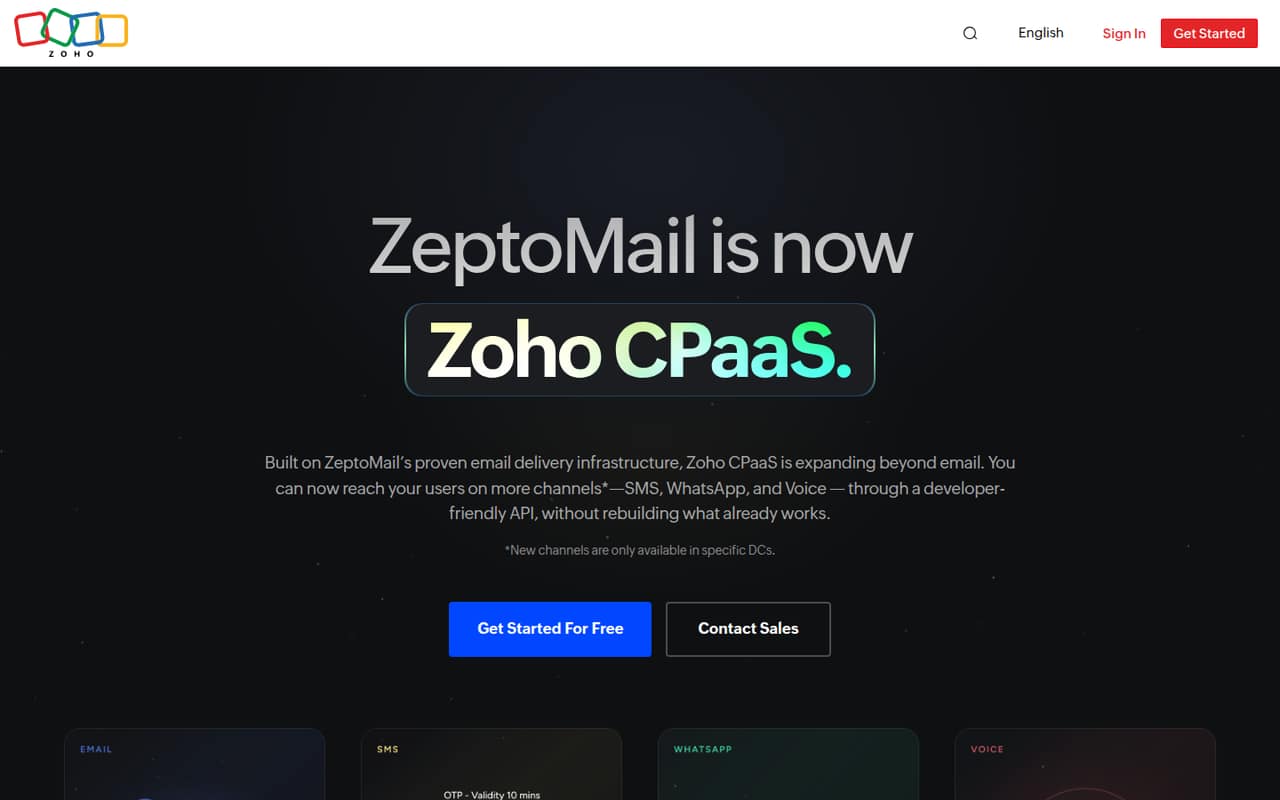
ZeptoMail offers SMTP or API options and usage-based charges, which may appeal to a small team trying to match costs to sending. Its paid starting price is not published in the listing, so ask the vendor for an estimate at your expected volume. The product description also flags delivery risk as something to investigate before relying on it for important application messages.
What works
- First email credit covers 10,000 emails
- Email credits cost $2.50 per 10,000
- No monthly email subscription is listed
What doesn't
- Reddit users report Outlook and Hotmail delivery trouble
- Email credits expire after six months
- No monthly or annual email plan is listed
- Best for delivery controls
SendPostSendPost
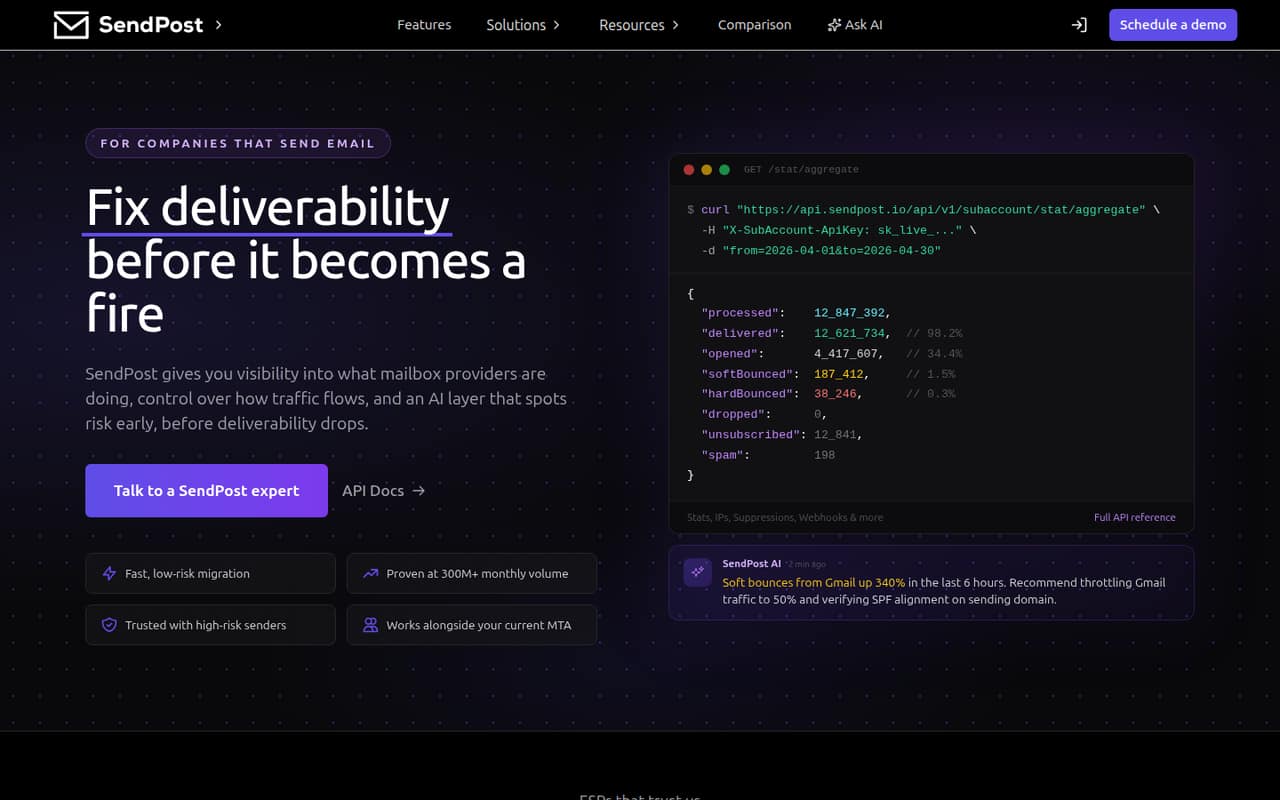
SendPost is aimed at teams sending email at scale and developers or deliverability specialists who want delivery and reputation controls. Its pricing page lists a starting price of $7. For a small team, the key question is whether its controls match your needs without creating extra setup work. Check the volume limits and overage costs before choosing it, especially if you expect sending to grow.
What works
- Email API and SMTP relay options
- Tracks ISP responses and sender reputation
- Alerts for bounce, deferral, and reputation changes
What doesn't
- No free plan is listed
- A free trial is not published
- Overage rates are not published
03How we chose
We ranked these services for a team of one to ten, weighing free-plan usefulness, the listed entry price, and what a few seats may cost. We also considered setup effort, plan limits, documentation, and user sentiment on Reddit as signals to verify—not substitutes for vendor terms. A low starting price is not enough if a free tier is testing-only, the daily cap is too tight, or seat costs rise sharply. Where the paid price or a limit isn't published, we recommend asking the vendor rather than guessing.
04Check the real cost for your team
Start with the plan your team can actually use, not just the lowest number on a pricing page. Some services list a free plan, while Postmark's free plan is for testing rather than production volume. Ask for the sending allowance, any daily cap, and the paid cost at your likely monthly volume. Then check whether pricing changes with the number of people who need access. EmailJS flags a steep seat jump after three users, a detail that matters to a team of four or more. For Mailchimp Transactional Email, account eligibility and email blocks affect the full cost. If paid pricing or plan limits aren't published, ask the vendor for a written estimate based on your expected use. Compare that total with the cost of a plan you can grow into.
05Match setup effort to your team's capacity
Choose an API or SMTP service your team can configure and maintain. If developers are building email into an app, compare the API options and documentation; if your setup calls for SMTP, verify that the plan supports it. Ask what domain or account steps are required, how to monitor delivery, and who handles support questions. The product descriptions specifically flag engineering work for SparkPost, account approval and support for Twilio SendGrid, and unanswered product details for Amazon SES. Those are reasons to ask follow-up questions, not automatic deal-breakers. Also make a simple volume forecast: a service that fits a small test may not fit production traffic. Before committing, confirm the free-tier limits, overage costs, and the point at which you would need to move to a paid plan.
Questions people ask
Can a small team use a free transactional email API?
Yes, several services list free plans, but the limits matter. Resend is described as a fit for small projects under 100 daily emails, while Postmark's free plan is for testing rather than production volume. Confirm the current allowance and terms before using any free tier for live app email.
What is the cheapest transactional email API?
The listed starting prices include $5.60 for MailerSend, $7 for SendPost, and $7.20 for EmailJS; Amazon SES lists a $0 starting price with usage-based pricing. Those figures alone don't establish the full cost. Check limits, expected volume, and seat charges before comparing.
Do these services charge per seat?
Seat pricing isn't specified for most of these services. EmailJS is specifically noted for a steep seat jump after three users. Ask each vendor what a 1-10 person team pays, including any charges for additional users, before treating the listed starting price as your team's cost.
When should a team outgrow a free plan?
Revisit the plan when your sending volume reaches its cap, the free tier is limited to testing, or your team needs features that aren't included. Forecast monthly and daily usage, then check paid volume costs and overages with the vendor before your app depends on that plan.