
We may earn a commission if you buy through links on this page. It never changes a score or a ranking. How we make money
The bottom line
A useful free starting point for app email, with a steep seat jump after three users.
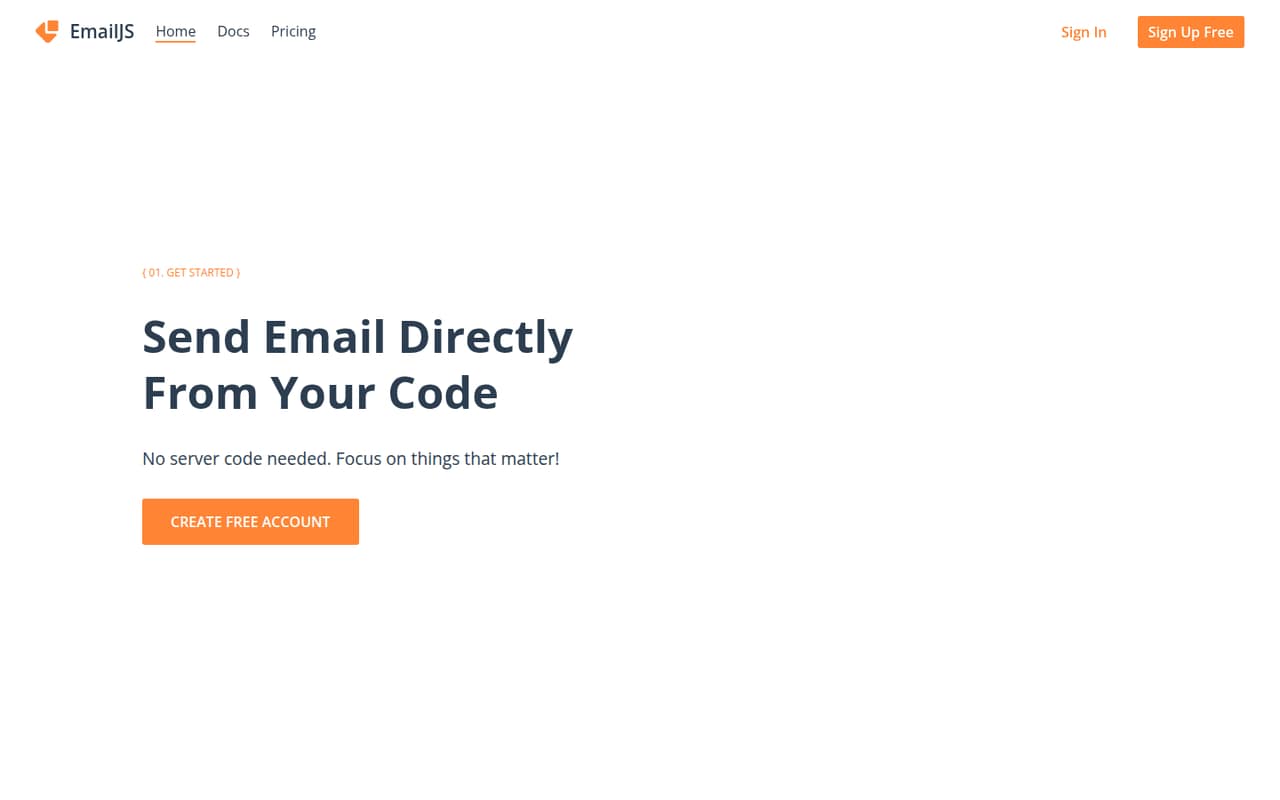
EmailJS connects an app to an existing email provider and lets it send predefined templates. The free plan covers 200 monthly requests, two templates and 500 contacts, which is enough to try a small app flow.
For a team, the key price jump is from Professional at $15 monthly for three seats to Business at $40 monthly with unlimited seats. EmailJS is best when you need app-triggered email, not a general-purpose email service.
Good fit if
- Small apps sending triggered email
- Teams already using an email provider
- Projects with modest monthly request needs
Skip it if
- Teams needing more than three seats cheaply
- High-volume sending on a tight budget
- Teams looking for a standalone mail provider
ScoresHow it rates
What works
- Free plan includes 200 monthly requests
- Connects to Gmail, SMTP, SendGrid and AWS SES
- Provider credentials stay on EmailJS servers
- Templates can be edited with rich text or HTML
- Professional includes three seats and priority support
What doesn't
- Free plan has only two templates
- Free plan request limit is 200 per month
- Professional stops at three seats
- A five-person team needs Business for unlimited seats
- Business starts at 25,000 monthly requests
01Who EmailJS is for
EmailJS is for a solo builder or a small team of up to about three people that needs its app to send emails through a provider it already uses. Instead of delivering mail itself, EmailJS connects to services such as Gmail, SMTP, SendGrid and AWS SES. The app calls a predefined template, while provider credentials stay on EmailJS servers rather than in client-side code.
That makes it a reasonable fit for form notifications, account messages or other app-triggered email flows. The free plan gives a low-cost starting point; a paid Personal plan is $9 monthly or $7.20 per month with yearly billing. Teams of three can look at Professional, which lists three seats. A five-person team needs Business for unlimited seats, so the tool becomes less budget-friendly if you only need a few extra users.
02EmailJS free plan and trial
The free plan costs $0 and includes 200 monthly requests, two email templates, requests up to 50Kb, 500 contacts and seven days of email history. That is a useful allowance for a small project or a low-volume app flow. It does not include a paid-plan feature such as the 500kb attachment allowance listed for Personal.
The main stop signs are request volume and template count: once you need more than 200 requests a month or two templates, the next plan is Personal at $9 monthly, or $7.20 per month with yearly billing. The pricing lists a free plan; it does not list a separate free trial. Check whether the request and template limits fit before moving a live workflow onto it.
03What a small team pays for EmailJS
For one person, Personal is the cheapest paid plan: $9 monthly or $7.20 per month with yearly billing, advertised as 20% off. It includes 2,000 monthly requests, six templates, 500kb attachments, unlimited contacts and 30-day email history. The pricing lists plan prices, not a separate per-seat rate for Personal.
A three-person team fits Professional, which lists three seats, 5,000 or 10,000 monthly requests, unlimited templates, 2mb attachments and priority support. It costs $15 monthly or $12 per month with yearly billing. For five people, Business is the listed option with unlimited seats: $40 monthly or $32 per month with yearly billing. Its request tiers start at 25,000 and go up to 200,000 monthly requests.
The main cost to watch is the seat jump from Professional to Business. EmailJS lists no add-ons, but a team should choose a request tier that matches its expected sending. The listed prices do not specify overage charges.
04Getting started with EmailJS
The setup involves connecting an email provider, creating a template, then adding an EmailJS client SDK or using its REST API to trigger that template from an app. EmailJS lists native provider connections and standard SMTP, with examples including Gmail, SendGrid and AWS SES. You can make templates in a rich-text editor or an HTML editor.
For a small team, the work is mostly configuration and integration rather than setting up a new mail provider. The client-side approach keeps provider credentials on EmailJS servers, and the listed guardrails include origin whitelisting and IP-based rate limiting. Those controls are worth configuring before a public app sends email. The setup effort depends on your app framework and existing provider; EmailJS lists supported client-side SDKs, but the published feature details do not name every supported framework or estimate setup time.
05When small teams outgrow EmailJS
The first limit to watch is the free plan’s 200 monthly requests and two templates. Personal raises that to 2,000 requests and six templates for $9 monthly, but its listed inclusions do not specify a seat count. If your team needs more than three seats, Professional will not fit: it lists three seats, while Business offers unlimited seats starting at $40 monthly.
Request volume can also change the math. Professional covers 5,000 or 10,000 monthly requests; Business starts at 25,000 and has higher tiers up to 200,000. If your needs land between those plan levels, or if you need more seats but little sending capacity, compare the cost with other options before upgrading. EmailJS is an orchestration layer for sending through providers, so teams needing a different email workflow should confirm that it supports their requirements before committing.
Questions people ask
Is EmailJS completely free?
EmailJS has a free plan at $0 with 200 monthly requests, two templates, requests up to 50Kb, 500 contacts and seven-day email history. It is not unlimited: Personal starts at $9 monthly when you need more capacity.
Does EmailJS send email without a backend?
Yes. EmailJS lists client-side SDKs that trigger predefined templates. Provider credentials are stored on EmailJS servers, outside client-side code. It also offers a REST API for connecting applications.
Which email providers work with EmailJS?
EmailJS connects through native APIs or standard SMTP. The listed examples include Gmail, SendGrid and AWS SES. Check with EmailJS if you need a provider that is not listed.
Is EmailJS an email delivery provider?
No. EmailJS is an orchestration layer that connects an app to an existing provider and triggers templates. The delivery provider remains a service such as Gmail, SMTP, SendGrid or AWS SES.
How many users can use EmailJS?
Professional lists three seats. Business lists unlimited seats. The pricing details do not specify a seat allowance for Free or Personal, so ask EmailJS if those plans need to accommodate multiple users.