We may earn a commission if you buy through links on this page. It never changes a score or a ranking. How we make money
The bottom line
Strong delivery controls for technical teams; check volume and overage costs before committing.
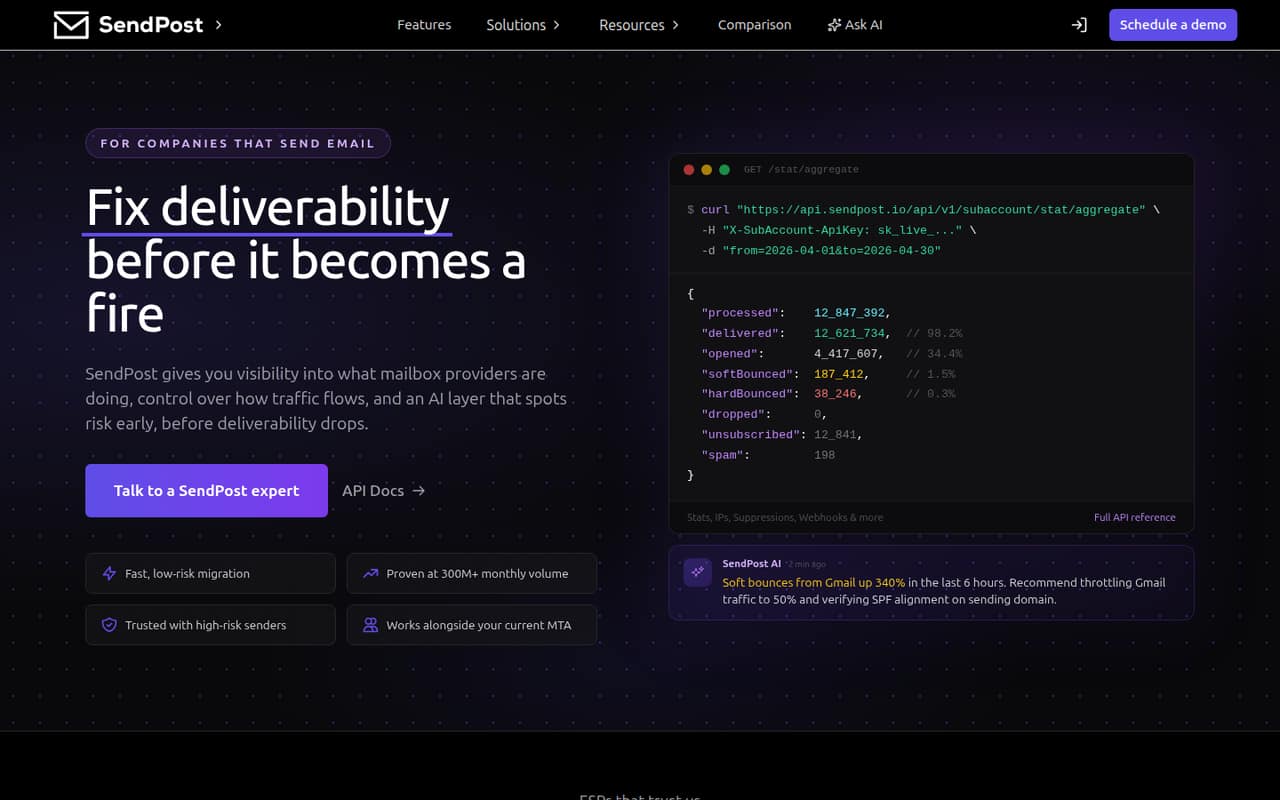
SendPost combines an Email API and SMTP relay with deliverability monitoring, sending controls, and automation. It’s aimed at teams that send transactional or marketing email at scale and need visibility into reputation and ISP responses.
The Starter plan is listed at $7 per month for 10,000 emails, with no free plan. Pricing is based on email volume, not seats, but overage rates and annual prices aren’t published. For a small team, the main question is whether its sending controls justify the setup and plan cost.
Good fit if
- Teams sending email at scale
- Developers managing delivery infrastructure
- Deliverability specialists tracking reputation
Skip it if
- Teams needing a free sending plan
- Nontechnical teams seeking a simple newsletter tool
- Senders unsure of monthly email volume
ScoresHow it rates
What works
- Email API and SMTP relay options
- Tracks ISP responses and sender reputation
- Alerts for bounce, deferral, and reputation changes
- Supports throttling, queues, routing, and IP pools
- Automates warmup, retries, and backoff
What doesn't
- No free plan is listed
- A free trial is not published
- Overage rates are not published
- Annual prices are not published
- Current self-serve pricing requires a demo request
01Who SendPost is for
SendPost suits a small technical team that sends enough transactional or marketing email for delivery problems to matter. A one-to-ten-person company can use it, but the best fit is the person responsible for email infrastructure: a developer, deliverability specialist, or operations lead. It is less suited to a small team that only needs a basic way to send occasional campaigns.
In plain terms, SendPost sends email through an API or SMTP relay and helps a team monitor how providers respond. It also offers tools to manage sending traffic, such as per-ISP throttling, queues, routing, and shared or dedicated IP pools. The Starter plan is listed at $7 per month for up to 10,000 emails. That is a low starting price, but the vendor doesn’t publish overage rates, so teams should check their likely volume before choosing a plan. Current self-serve pricing is available on request after scheduling a demo.
02SendPost free plan and trial
SendPost has no free plan listed, and the vendor doesn’t publish a free trial. That means a team can’t rely on a free tier to test ongoing sending or deliverability monitoring before budgeting for it.
The cheapest listed way in is Starter at $7 per month for 10,000 emails. Overage email costs apply, but the per-email rate isn’t published. If your team is evaluating the service, ask SendPost whether it offers a trial or a way to validate your sending setup before you pay, and request the overage rate for your expected volume. The pricing material lists monthly prices; annual prices aren’t published.
03What a small team pays for SendPost
The pricing page lists Starter at $7 per month for 10,000 emails, Growth at $197 for 600,000, and Scale at $997 for 3 million. Those are plan prices, not per-seat charges. On Starter, one person pays $7; a three-person team pays $7 total, or about $2.33 per person if you divide the plan cost evenly; five people pay $7 total, or $1.40 each on that same basis. The account’s email allowance is not listed as a seat-based benefit.
There are no annual prices to compare. The vendor lists overage email costs for all three tiers, but doesn’t publish the per-email rate. So a team that goes over its monthly allowance may pay more than the listed plan price. The recorded tiers show monthly prices, while current self-serve pricing is available on request after scheduling a demo. Confirm the current price, overage rate, and whether your volume fits before choosing.
04Getting started with SendPost
SendPost is a cloud email delivery service, but it is not described as a no-setup tool for nontechnical users. A team connects through an Email API or SMTP relay, and can use webhooks for email events. Slack or email alerts are available for changes such as bounces, deferrals, and reputation shifts.
For day one, a developer will likely need to connect the sending method the team uses and decide which alerts and delivery controls matter. The product features include routing, queues, throttling, warmup, retries, and backoff automation. The specific setup steps, supported third-party integrations beyond Slack alerts, and time required aren’t published in the available product details. Ask SendPost for its integration documentation and a setup walkthrough before estimating the work.
05When small teams outgrow SendPost
SendPost’s listed tiers are separated by email volume: Starter covers 10,000 emails a month, Growth covers 600,000, and Scale covers 3 million. A team that exceeds its current allowance will need to consider a larger plan or pay overage costs. The listed monthly price jumps from $7 on Starter to $197 on Growth, then $997 on Scale, so rising volume can change the budget quickly.
The vendor doesn’t publish overage rates, annual prices, or seat limits. That makes it harder to forecast costs as a team grows, especially if email volume varies month to month. SendPost’s listed feature set already includes advanced delivery controls and monitoring, so the pressure to move may come from sending volume and cost rather than needing a bigger team plan. Before upgrading, ask for the overage rate and current pricing for your expected volume.
Questions people ask
Does SendPost have a free plan?
No free plan is listed for SendPost. The vendor also doesn’t publish a free trial. Starter is the cheapest listed plan at $7 per month for 10,000 emails. Ask SendPost whether it can provide a trial or evaluation option before you commit.
How much does SendPost cost for a small team?
Starter is listed at $7 per month for 10,000 emails. The listed pricing is by plan rather than by seat, so one, three, or five people would pay the same plan price. Overage charges can apply, but the per-email rate isn’t published.
What does SendPost do?
SendPost provides an Email API and SMTP relay for sending email, alongside deliverability analytics and controls for managing sending traffic. Its listed features include ISP response tracking, reputation monitoring, alerts, routing, throttling, queues, IP pools, and sending automation.
Can SendPost send email through SMTP?
Yes. SendPost offers an SMTP relay as well as an Email API. It also lists webhooks for email events. Ask the vendor for the setup documentation and supported configuration details for your sending system.
What happens if I exceed my SendPost email limit?
SendPost lists overage email costs for its plans, so going over the monthly allowance may add to the plan price. The per-email overage rate isn’t published. Ask SendPost for that rate and how it applies before selecting a tier.