We may earn a commission if you buy through links on this page. It never changes a score or a ranking. How we make money
A small team does not need a complicated website builder if it only needs a clear business site and a few pages. We’d start with Webador for its free plan and $3 starting price, or Wix if built-in sales tools matter more and you’re comfortable checking paid costs first. For a polished small-business site, Squarespace is another strong option, but teams of three or more need its Core plan. Treat every starting price as a starting point, not a confirmed bill for several editors.
Quick picksThe shortlist
 WebadorWebadorBest budget pick · $3/mo
 WixWixBest all-around · Free
 WeeblyWeeblyBest free basics · $13/mo
 SquarespaceSquarespaceBest for services · €13.31/mo
 FramerFramerBest for designers · $10/mo
 Websites + MarketingWebsites + MarketingBest for promotion · $9.99/mo
 WebflowWebflowBest for structured content · $15/mo
 TildaTildaBest for visual control · $10/mo
 DurableDurableBest bundled tools · $22/mo
01Compared at a glance
| Tool | Score | From | Free plan | Trial |
|---|---|---|---|---|
| WebadorWebador | 6.8 | $3/mo | Yes | — |
| WixWix | 6.0 | Free | Yes | — |
| WeeblyWeebly | 6.8 | $13/mo | Yes | — |
| SquarespaceSquarespace | 7.2 | €13.31/mo | No | 14 days |
| FramerFramer | 7.8 | $10/mo | Yes | — |
| Websites + MarketingWebsites + Marketing | 6.5 | $9.99/mo | Yes | — |
| WebflowWebflow | 7.2 | $15/mo | Yes | — |
| TildaTilda | 7.4 | $10/mo | Yes | — |
| DurableDurable | 7.0 | $22/mo | Yes | — |
02The picks, in detail
- Best budget pickWebadorWebador
Webador pairs a free plan with a listed starting price of $3 and is aimed at simple business sites. Its store supports up to 10 products, which may cover a small catalog. We’d shortlist it when keeping costs down matters more than having room for complex design or a large store; check what the free plan and paid plan include before building around either.
What works
- Free plan available indefinitely
- AI creates an editable first draft
- Drag-and-drop editing needs no coding
What doesn't
- Free sites have no domain
- Lite displays website ads
- Monthly billing prices are not published
- Best all-aroundWixWix
Wix offers a free starting point, including the option to use a subdomain, and the listed fit includes built-in sales tools. That breadth makes it a sensible first stop for a small business site. Paid pricing is unclear, though, and user reports are mixed, so confirm the plan cost and editor access your team needs before you commit.
What works
- AI-assisted site creation and customizable templates
- Drag-and-drop editing with pixel-level control
- Built-in tools for sales, bookings and events
What doesn't
- Free plan displays Wix ads
- Free plan has 500 MB storage and bandwidth
- Free plan has no online payments or eCommerce
- Best free basicsWeeblyWeebly
Weebly has a free plan and a listed starting price of $13, with basic site-building and online-selling use cases. That gives a small team a way to start without paying upfront and a route to a custom-domain plan. It becomes less appealing if you need more control or a clear growth path, so check whether its limits match your next step.
What works
- Free plan includes SSL and SEO
- Free plan supports a shopping cart
- Unlimited items are listed on every plan
What doesn't
- A custom domain requires a paid plan
- Monthly prices cost more than annual rates
- Listed plans do not show seat allowances
- Best for servicesSquarespaceSquarespace
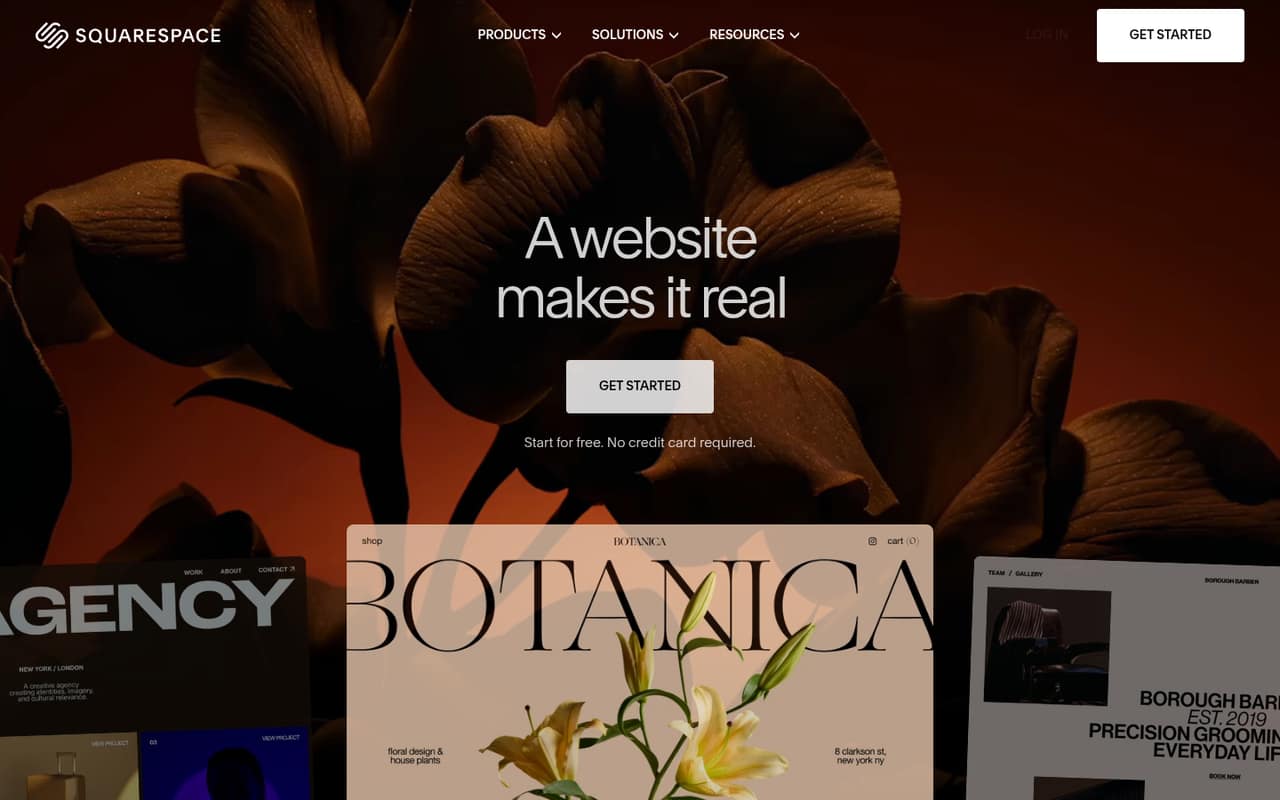
Squarespace is a strong fit for small-business sites, bookings, and memberships, with a listed starting price of $13.31. It also suits two-person creative teams. The important budget catch: teams of three or more need Core, and its price is not listed here. Ask for the full cost for your editor count before choosing it.
What works
- Website, store, scheduling, and business tools in one platform
- Drag-and-drop editor with templates
- AI website builder and content tools
What doesn't
- No free plan
- Basic allows only two contributors
- Basic charges store and digital content fees
- Best for designersFramerFramer
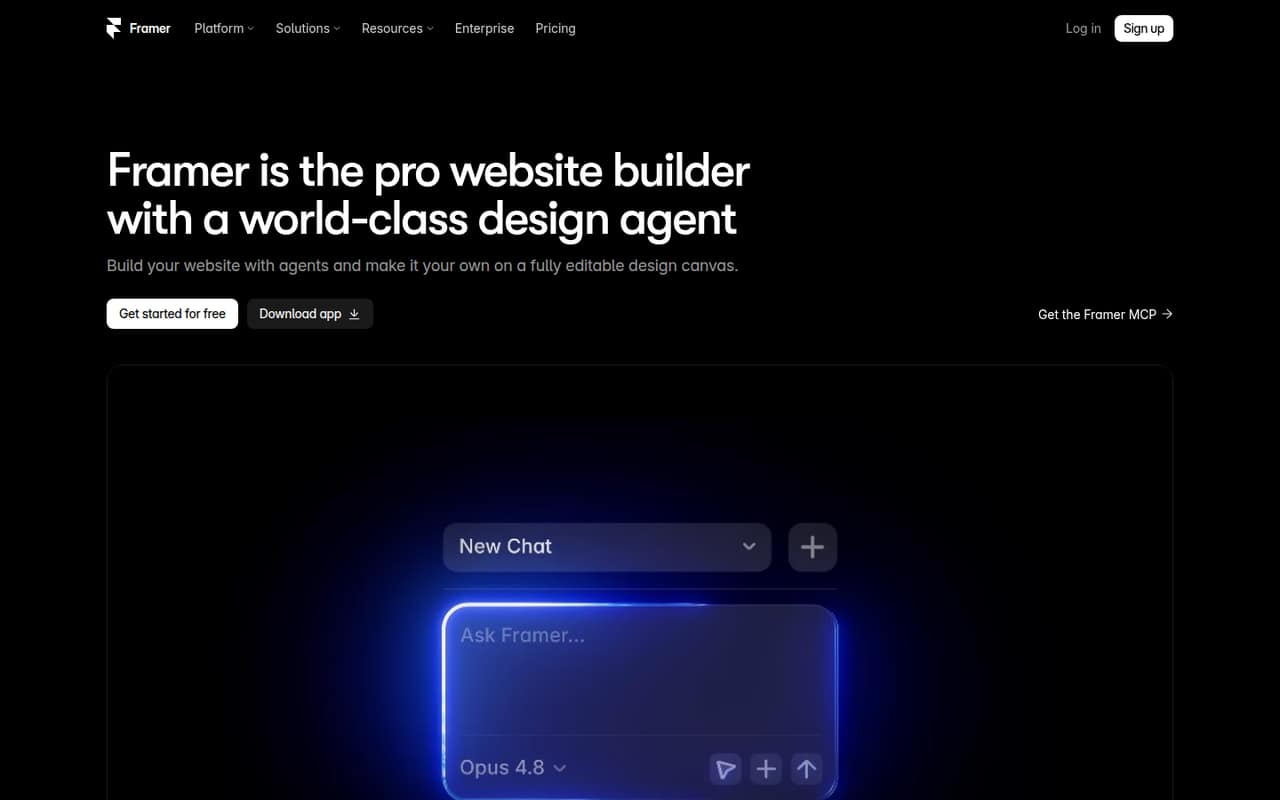
Framer combines a visual canvas with built-in CMS and hosting, making it a good fit for a small team building a marketing site. It has a free plan and a listed starting price of $10. Before using it for a business site, check the plan limits and what extra editors or sites would cost; the listed starting price is not a team total.
What works
- Free plan includes up to three editors
- Visual canvas supports typography, breakpoints, and effects
- Design agent makes editable canvas changes
What doesn't
- Free plan is for non-commercial use
- Basic is limited to 30 pages and two CMS collections
- Monthly-billed prices aren’t published
- Best for promotionWebsites + MarketingWebsites + Marketing
Websites + Marketing combines a simple business site with marketing tools, and it has a free plan with a listed starting price of $9.99. That bundled approach may suit a solo owner or small team that wants a basic site and promotion in one place. Check the plan limits first, especially if you expect the team or online needs to grow.
What works
- Free plan includes one website
- Drag-and-drop editor with mobile-responsive templates
- Website and marketing tools share one dashboard
What doesn't
- Free pages carry GoDaddy branding
- Free marketing sends are limited
- Plans list one website, not team seats
- Best for structured contentWebflowWebflow
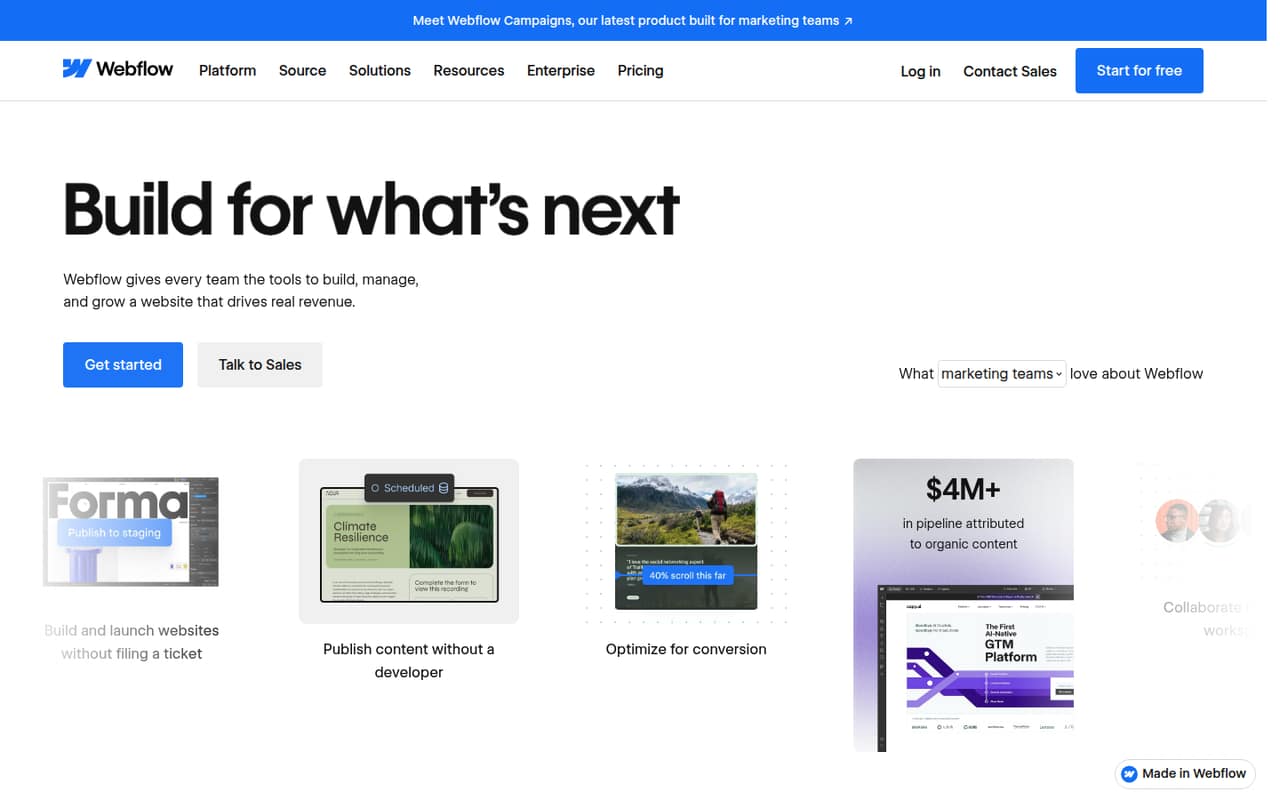
Webflow is aimed at small marketing teams that want visual control and structured content, with a free plan and a listed starting price of $15. It may fit a team publishing more than a few static pages. Check the per-site bill and seat details before committing: the starting price alone does not establish the total for several people.
What works
- Visual canvas for layouts and typography
- CMS publishing controls for site content
- Collaboration for design, development, and marketing
What doesn't
- Starter is limited to two static pages
- Paid prices are per site
- Monthly rates for Basic and Premium aren’t published
- Best for visual controlTildaTilda
Tilda offers a free plan and a listed starting price of $10, with visual design tools and use cases including products and courses. That makes it worth a look for a team building one main website. The vendor does not publish team-seat pricing, so ask what several editors would cost before making it the home for a shared workflow.
What works
- Free plan includes one website and key blocks
- Personal includes a custom domain and all features
- More than 550 pre-designed blocks
What doesn't
- Free plan limits access to key blocks
- Monthly billing costs more than annual billing
- Seat pricing and team access rules aren’t published

- Best bundled toolsDurableDurable
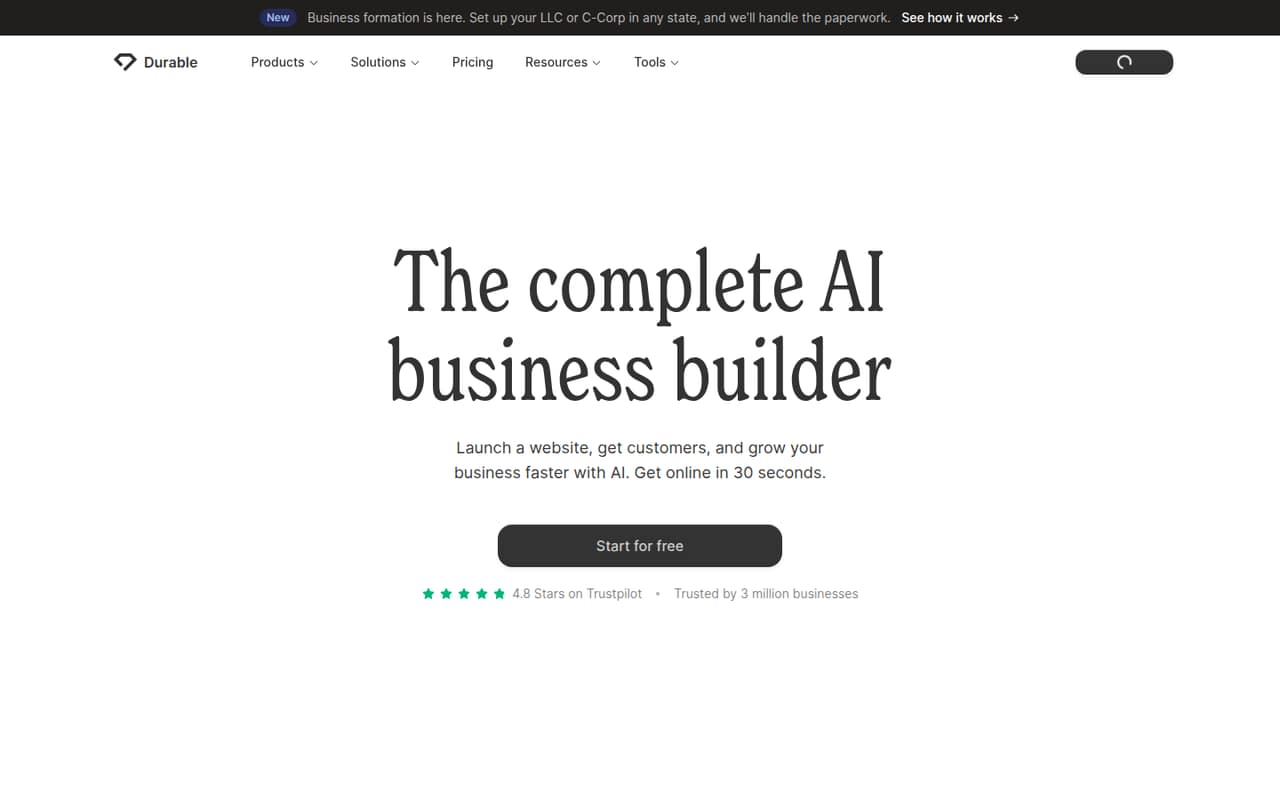
Durable offers a free entry point and a listed starting price of $22, with bookings and CRM among its small-business use cases. That bundle may help a team looking for more than a page editor. Its customer and AI-credit limits matter, though, so check whether the plan covers your expected use before treating the listed starting price as workable.
What works
- Free plan includes a website subdomain
- Free plan allows unlimited website traffic
- Launch includes unlimited bookings
What doesn't
- Free plan allows only 10 customers
- Free AI credits are a 300-credit total
- Launch team-member limits are not listed
03How we chose
We ranked these builders for teams of one to ten, weighing the free plan, listed starting price, likely fit for a small business site, and the cost questions a few editors should settle. We also considered plan limits, vendor documentation, and Reddit sentiment where available; we do not present anecdotes as guarantees. When seat pricing or paid-plan details are unclear, we favor a clear warning over a guessed team total. We did not claim hands-on testing, benchmarks, or screenshots.
04Check the real cost for your editors
A free plan can help you start, but it does not answer what a working site will cost once your team needs a custom domain, more features, or several editors. Compare the listed starting price with the plan you would actually use, then ask the vendor for the total at your editor count. Squarespace, for example, says teams of three or more need Core; ask for that plan’s price. Webflow calls out per-site billing and seat details to check, while Tilda does not publish team-seat pricing. For Wix, paid pricing is unclear, so confirm the current options before choosing a plan. Also check the free-plan limits and what happens when you reach them. If the vendor does not publish a detail, get the answer in writing before you build your budget around it.
05Match the builder to the site you need
Start with the job: a straightforward business site, a store, a portfolio, bookings, or structured marketing content. Webador is aimed at simple sites and stores of up to 10 products; Squarespace lists bookings and memberships; Webflow suits structured content; and Framer includes a CMS and hosting. Those differences matter more than a long feature checklist if you have a small team and a clear use case. Next, think about who will maintain the site. A visual builder may fit a design-led team, while a simple site may need less design control. Before switching from a free plan, check whether the paid plan covers your domain, required features, editor access, and expected growth. If the limits or setup steps are unclear, ask the vendor to walk through your exact use case.
Questions people ask
Is Google Sites 100% free?
We can’t confirm that Google Sites is 100% free. Check Google’s current terms for any limits or charges relevant to your use, including publishing, custom domains, and collaboration. A free starting point does not by itself confirm that every feature your team needs will stay free.
Is Wix free to use?
Wix has a free plan, and its listed uses include starting a site on a subdomain. Paid pricing is unclear, so check the current options before budgeting for a business site. Confirm the plan cost and whether it covers the features and editor access your team needs.
Can ChatGPT build a website?
ChatGPT can help you plan site copy and structure, but you still need a platform to build and publish the site. Builders such as Wix, Framer, and Webflow are designed for visual site-building; compare their plans and limits before deciding which one fits your team.
Is Wix or GoDaddy a better website builder?
We can’t name a winner without comparing GoDaddy’s current plans with Wix’s. Wix has a free plan and built-in sales tools, but its paid pricing is unclear. Compare both vendors’ costs, editor access, and plan limits against the site your team needs.