
We may earn a commission if you buy through links on this page. It never changes a score or a ranking. How we make money
The bottom line
Good for visual site building and CMS work; check the per-site bill and seat details before committing.
Webflow combines visual site design, CMS publishing, collaboration, and growth tools. Its free Starter plan is useful for experimenting, but a custom domain requires a paid plan that starts at $15 per site per month when billed yearly.
For a small team, the main catch is that published prices are per site, while seat pricing and included seat counts aren’t published. Reddit users value Webflow’s managed workflow, but some report that costs and platform limits are pushing them to consider a move.
Good fit if
- Small marketing teams building sites
- Designers who want visual control
- Teams publishing structured content
Skip it if
- Teams needing a free custom-domain site
- Budget-first teams with many sites
- Teams needing published seat pricing
ScoresHow it rates
What works
- Visual canvas for layouts and typography
- CMS publishing controls for site content
- Collaboration for design, development, and marketing
- SEO, AEO, and conversion tools
- Page branching for controlled changes
What doesn't
- Starter is limited to two static pages
- Paid prices are per site
- Monthly rates for Basic and Premium aren’t published
- Seat costs and included seats aren’t published
- Team requires an annual contract
01Who Webflow is for
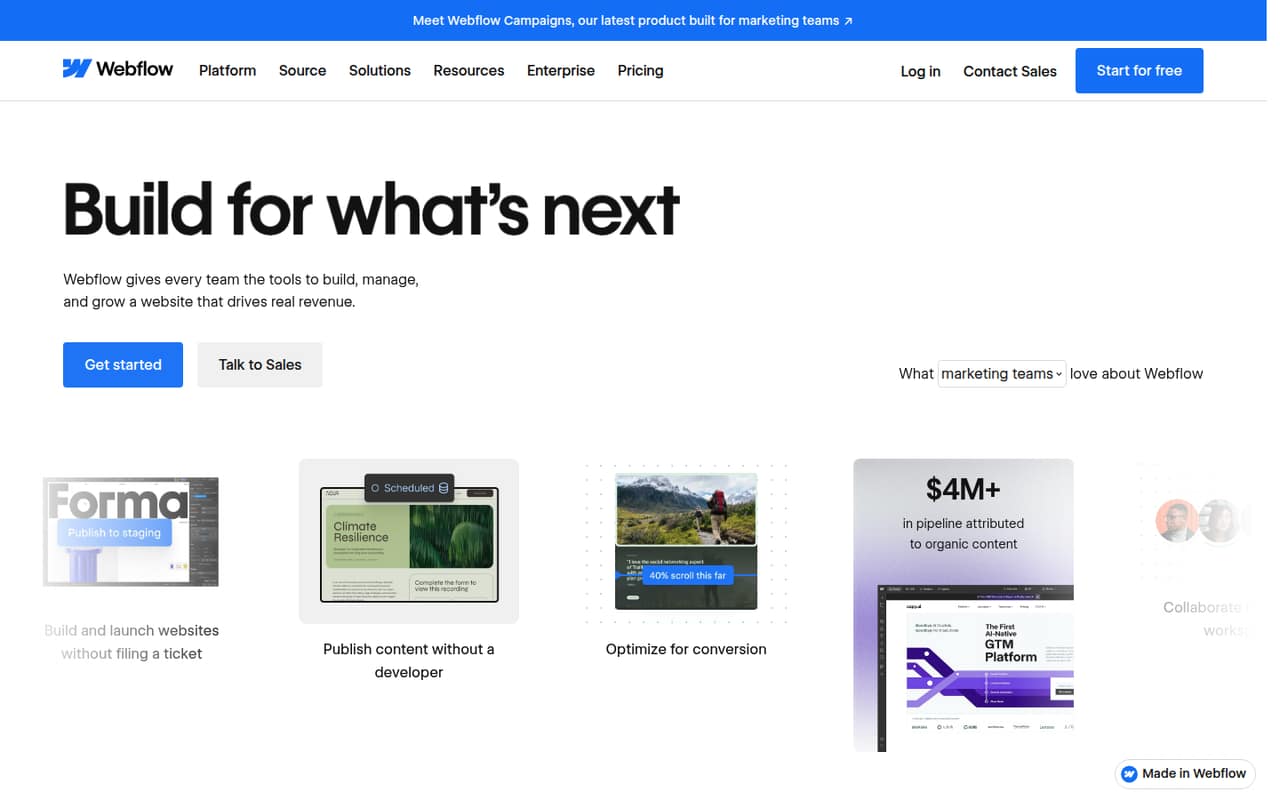
Webflow fits small teams that want to design and publish a marketing site without splitting visual building and content management across separate tools. The platform brings site design, CMS publishing, collaboration, and growth features into one workspace, with workflows aimed at marketing, design, and engineering teams.
For a team of one to ten, it makes most sense when the site is important to the business and someone can own its structure, content, and visual choices. The free Starter plan can help a solo owner explore the builder; a live site needing a custom domain starts on Basic at $15 per site per month when billed yearly, per the pricing page. That is a site price, not a clear total for a team: Webflow doesn’t publish seat counts or seat charges in the listed plan details. Teams with several sites should budget per site, too.
02Webflow free plan and trial
Webflow has a free Starter plan, which the pricing page describes as being for exploring and experimenting. It includes 2 static pages, 1 GB of bandwidth per month, 50 form submissions, 50 CMS items, and 20 CMS Collections. That gives a small team room to try basic layouts and limited CMS content before choosing a paid plan.
Starter is not the same as a no-cost live site with a custom domain: the pricing page lists a custom domain on Basic, not Starter. Basic is the cheapest listed option for a simple site that needs one, at $15 per site per month when billed yearly. A free trial duration is not published, so don’t plan around a trial period; use Starter to explore instead.
03What a small team pays for Webflow
Webflow lists prices per site, not per seat. Basic costs $15 per site per month when billed yearly, or $180 for a year; Premium is $25 per site per month when billed yearly, or $300 for a year. Those are the same published site rates whether one person or three or five people are working on the site, but they don’t establish the full team bill: seat charges and included seat counts aren’t published. Monthly billing rates for Basic and Premium aren’t published either.
For a CMS-rich site, Premium lists up to 2.5 TB of bandwidth per month, 20,000 CMS items, 40 Collections, code components, and site search. Team lists at $2,500 per site per month, requires an annual contract, and includes publishing workflows, Webflow Localize, AEO agents, and priority support. Optional Optimize, Analyze, and Localize add-ons have unpublished prices. The pricing page also lists Cloud overages, including $2 per 1 million requests. Ask Webflow for a seat-and-site quote before budgeting a multi-person workspace.
04Getting started with Webflow
The work starts with shaping the site: laying out pages on the visual canvas, setting typography and other design choices, and deciding whether content belongs in the CMS. Webflow’s listed features cover CMS publishing controls and team collaboration, so teams can coordinate design, development, and marketing work in the same platform. A simple marketing site has less to organize than a content-heavy site with many CMS Collections.
For day one, agree on who owns the design, who enters content, and who approves publishing. If you need a custom domain, Basic is the first plan whose listed features include one. The feature list also names SEO and AEO tools, conversion testing, personalization, and page branching; those add capability, but they give a small team more to learn and manage. Webflow doesn’t publish a setup-time estimate in the plan details, so allow time for both the visual editor and your content structure.
05When small teams outgrow Webflow
A team may outgrow Starter when it needs more than 2 static pages, 50 CMS items, or 1 GB of monthly bandwidth. Basic raises the listed static-page limit to 300 and includes unlimited form submissions and a custom domain; Premium is the listed step for content-rich sites, with 20,000 CMS items and up to 2.5 TB of monthly bandwidth. Teams needing publishing workflows and priority support reach Team, listed at $2,500 per site per month with an annual contract.
The per-site model can also bite as a team runs several sites, while unpublished seat pricing makes the total harder to forecast. One Reddit thread describes a site owner facing a jump from $476 to more than $2,000, plus seats and workspace costs, after price changes. Other Reddit commenters say Webflow still works well for clients who value its managed workflow; those considering a move cite cost, CMS needs, or a desire to manage code and hosting themselves. Treat those as individual reports, not a typical bill.
From the threadsWhat users say
Reddit sentiment is mixed. Some users value Webflow for letting nontechnical teams manage sites, while others describe rising costs or limits as reasons to consider other approaches.
Whole point with Webflow is that I don’t want to touch hosting
this is going to jump from $476USD to $2k USD plus seats and workspace
Webflow still works great for some, have to say that first!
At 2000 CMS items your real constraint is the CMS layer
Questions people ask
Is Webflow free?
Yes. The pricing page lists a free Starter plan with 2 static pages, 1 GB of monthly bandwidth, 50 form submissions, 50 CMS items, and 20 CMS Collections. It is positioned for experimenting. Basic is the first listed plan with a custom domain, at $15 per site per month when billed yearly.
Does Webflow offer a free trial?
A free trial duration is not published in the plan details. Webflow does list a free Starter plan for exploring and experimenting, with limits on pages, bandwidth, forms, and CMS content. Use that to start; ask Webflow directly if you need a trial of a paid plan.
What are Webflow’s main disadvantages for a small team?
The free plan is limited, paid prices are per site, and monthly rates for Basic and Premium aren’t published. Seat pricing and included seat counts also aren’t published, which makes a team total harder to forecast. Team is listed at $2,500 per site per month and requires an annual contract.
How many CMS items can Webflow handle?
The pricing page lists 50 CMS items on free Starter and 20,000 on Premium. Starter lists 20 CMS Collections; Premium lists 40. If your content needs exceed those listed amounts, ask Webflow which plan and current limits apply to your site.
Does Webflow support A/B testing?
Webflow’s feature description lists A/B testing, visitor personalization, and AI testing of multiple variables as conversion optimization features. Optional Webflow Optimize is also listed as an add-on, but its price is not published. Confirm which plan or add-on includes the specific testing features you need.