
We may earn a commission if you buy through links on this page. It never changes a score or a ranking. How we make money
The bottom line
Good for visual site-building; check the plan limits before committing a business site.
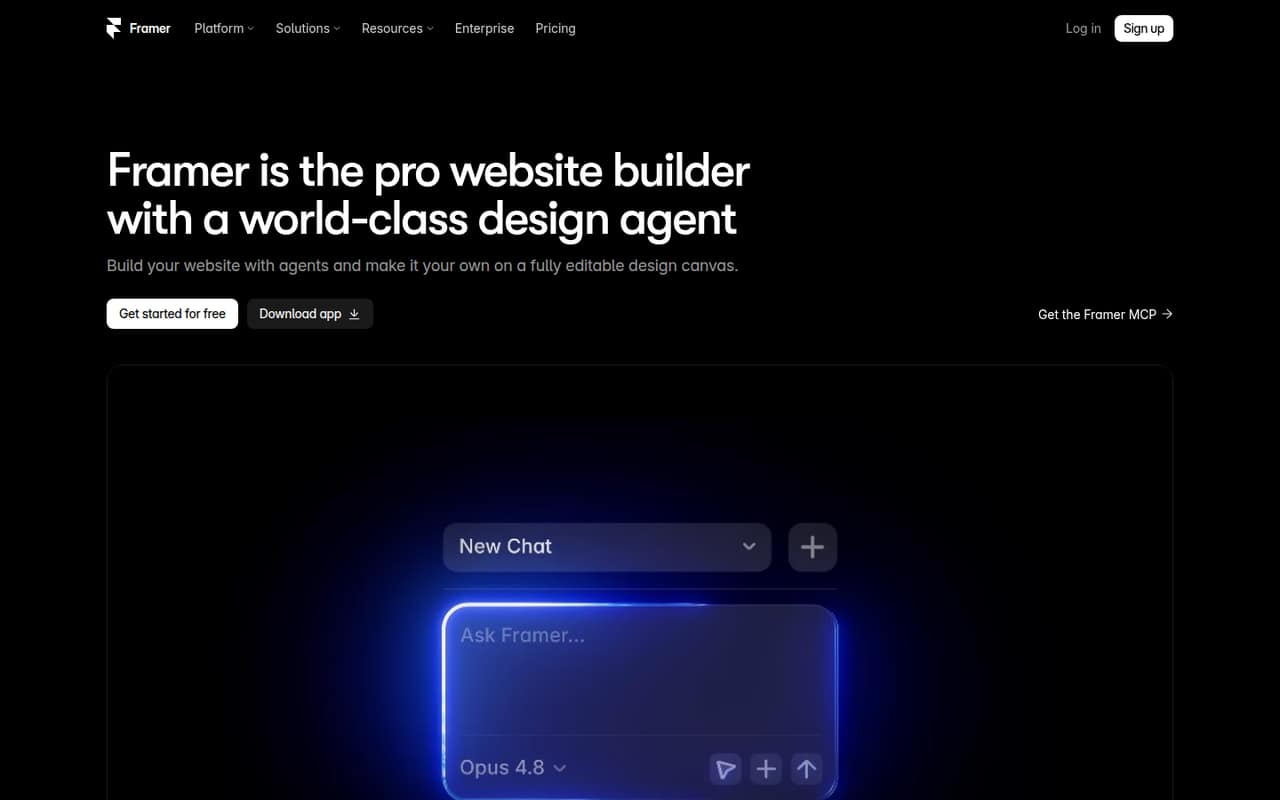
Framer brings a visual canvas, AI agents, CMS, hosting, analytics, SEO, and AEO together, so a small team can design and publish without a separate build process. Its free plan is generous for exploring, but is for non-commercial use.
For a commercial site, Basic starts at $10 per month with yearly billing selected and includes up to 10 seats. Monthly-billed prices aren’t published. Reddit users raise concerns about pricing and technical limits, so check that your must-have features fit the plan before investing time.
Good fit if
- Small teams building marketing sites
- Designers who want a visual canvas
- Teams that want built-in CMS and hosting
Skip it if
- Commercial projects that need a free plan
- Sites with unconfirmed technical requirements
- Teams needing more than 10 seats on Basic
ScoresHow it rates
What works
- Free plan includes up to three editors
- Visual canvas supports typography, breakpoints, and effects
- Design agent makes editable canvas changes
- CMS, hosting, analytics, SEO, and AEO are included
- Basic and Pro each include 10 seats
What doesn't
- Free plan is for non-commercial use
- Basic is limited to 30 pages and two CMS collections
- Monthly-billed prices aren’t published
- Additional editors cost $20 per editor monthly
- AI credit add-on pricing isn’t published
01Who Framer is for
Framer is a website builder for small teams that want to design and publish a site without managing a separate build process. Its visual canvas lets people adjust typography, components, breakpoints, and effects. AI agents can generate layouts and sections, make editable changes, set up CMS content, and create custom interactions.
For a team of one to 10, Basic is the entry paid plan for a commercial site: the pricing page lists 10 seats, 30 pages, two CMS collections, and 50 GB of bandwidth. It costs $10 per month with yearly billing selected. That makes sense for a small studio or startup with a modest site and a clear content structure. Framer also bundles hosting, CMS, analytics, SEO, and AEO. If your site depends on a specific technical feature, check its availability on your chosen plan before building around it.
02Framer free plan and trial
Framer’s Free plan is for non-commercial use and exploring. The pricing page lists 500 AI credits to try, 10 CMS collections, 1,000 pages, 5 MB file uploads, and up to three editors without a subscription. That’s room to learn the canvas and build a personal project, but it isn’t the listed plan for a business site.
The sharpest limits to check are the 5 MB upload size and the non-commercial-use restriction. A team that wants to publish a commercial site should budget for Basic, listed at $10 per month with yearly billing selected. The pricing page doesn’t list a separate free-trial period, so don’t count on a time-limited paid-plan trial when planning a launch.
03What a small team pays for Framer
Basic is $10 per month with yearly billing selected, or $120 for a year, and includes 10 seats. That means one person, a team of three, and a team of five all pay the same $10 monthly equivalent if they fit within the included seats. The effective cost is $10, about $3.33, or $2 per seat each month, respectively. Pro is $30 per month on the same billing basis, or $360 a year, also with 10 seats: the comparable per-seat figures are $30, $10, and $6.
These are prices with yearly billing selected; Framer doesn’t publish monthly-billed prices, and the billing cycle follows the selection at checkout. Basic includes two CMS collections and 30 pages; Pro raises those limits to 10 and 150. If you go beyond the included seats, additional editors are listed at $20 per editor per month, while content editors are $10. Translation locales cost $20 each. AI credit add-on pricing isn’t published.
04Getting started with Framer
Framer combines site design and publishing in one product: the visual canvas is where you adjust the site, while its Design, CMS, and Code agents can help create layouts, organize content, and add interactions. Changes made by the Design agent remain editable. Hosting, CMS, analytics, SEO, and AEO are included in its publishing offering.
That combination may reduce the number of separate tools a small team needs to connect, but Framer doesn’t publish a setup-time estimate. Teams should allow time to learn the canvas and confirm that their page structure and CMS needs fit the plan. Framer also supports external AI connections through MCP and lists site actions from tools such as Slack and GitHub. Those connections may be useful once a team has a reason to automate work; they aren’t a requirement for publishing a basic site.
05When small teams outgrow Framer
A growing site may run into plan limits before it runs out of seats. Basic includes 30 pages, two CMS collections, and 50 GB of bandwidth; Pro raises those to 150 pages, 10 collections, and 100 GB. Pro also has paid overages for pages, CMS collections, CMS items, and bandwidth. The pricing page lists those rates, but teams should compare expected usage against the limits before launch.
Seat costs can rise too: additional editors are $20 per editor per month, and content editors are $10. One Reddit poster said a required .well-known file pushed them from Basic to Pro; treat that as a user report and verify your own technical requirements with Framer. Other Reddit users complain about price changes and say they moved sites or stopped using Framer for new clients. If costs or a missing capability threaten your project, revisit the plan before rebuilding around it.
From the threadsWhat users say
Framer gets praise from some users for its design appeal, but pricing and plan restrictions draw clear frustration. The Reddit discussion is mixed overall, with several commenters questioning whether the cost works for their client sites.
Everyone has that one feature they might need that feels like the most basic thing ever but is gated behind a more expensive plan
I stopped using it for new clients entirely and had to migrate my own site after the recent price change
I didn't encounter an limitations yet, but I'm a casual
The $50 per editor is the most infuriating part!
Questions people ask
What is Framer used for?
Framer is a website builder for designing, publishing, and managing websites. It combines a visual canvas with AI agents and includes hosting, a CMS, analytics, SEO, and AEO for publishing sites.
Is Framer good for a small business website?
It can fit a small business that wants to design and publish a site in one product. The Free plan is for non-commercial use, so budget for Basic or Pro for a commercial site. Check the page, CMS, bandwidth, and technical requirements against the plan limits first.
Is Framer free like Figma?
Framer has a Free plan for non-commercial use and exploring. It includes up to three editors, 10 CMS collections, 1,000 pages, 5 MB file uploads, and 500 AI credits to try. The listed free plan is not for commercial use.
Does Framer include hosting?
Yes. Framer’s listed publishing features include hosting, a CMS, analytics, SEO, and AEO. Its pricing page also lists Advanced hosting as a $200 add-on, so ask Framer what that option covers and whether your site needs it.
Can Framer handle custom interactions?
Framer’s Code agent can create custom effects and interactions and add them to a site. The product also describes a visual canvas for adjusting components, breakpoints, and effects. Check with Framer if your project depends on a particular technical feature or file.