
We may earn a commission if you buy through links on this page. It never changes a score or a ranking. How we make money
The bottom line
Accelevents packs in event workflows, but a $7,500 starting price rules out many small teams.
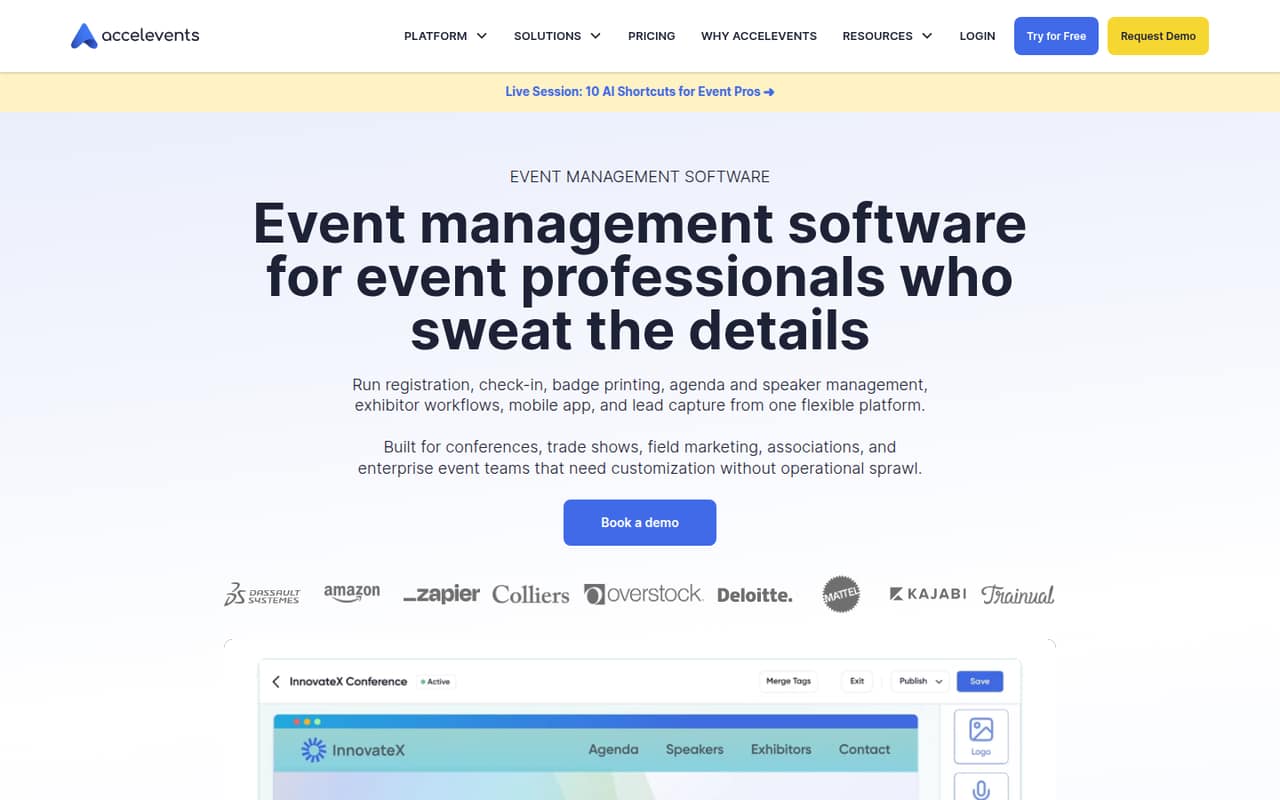
Accelevents brings registration, check-in, badge printing, agendas, speaker management, event websites, mobile apps, and exhibitor tools into one platform. For a team running a substantial conference or trade show, that breadth may justify a closer look.
The catch is cost: Professional starts at $7,500 for one event, and there’s no free plan. The pricing page lists unlimited admin seats, but doesn’t publish a monthly or annual billing cadence. Reddit discussion names Accelevents as a platform under consideration, not as one users review directly.
Good fit if
- Conference and trade show teams
- Teams running complex event workflows
- Organizers with substantial event budgets
Skip it if
- Teams looking for free software
- Small meetups on tight budgets
- Teams needing published monthly pricing
ScoresHow it rates
What works
- Registration, check-in, and badges in one platform
- Professional includes unlimited admin seats
- Drag-and-drop builder for branded event pages
- Mobile app supports networking and engagement
- Business includes unlimited events and approval workflows
What doesn't
- Professional starts at $7,500 for one event
- No free plan
- Monthly and annual billing cadence isn’t published
- Virtual events cost extra; pricing isn’t published
- Professional is limited to one event
01Who Accelevents is for
Accelevents is for event teams whose work goes beyond collecting registrations. The platform covers registration journeys, attendee check-in, badge printing, agendas, speakers, branded event pages, a mobile app, and exhibitor management. That mix is aimed at conferences, trade shows, field marketing, and enterprise events.
For a small team of one to ten, the relevant question is less about seat count and more about event budget and complexity. Professional starts at $7,500 for one event and includes unlimited admin seats, so a few coworkers can manage the event without a listed per-seat charge. But that entry price is a major commitment for a small meetup or an organization testing event software. We’d consider Accelevents when several workflows need to sit in one platform and the event budget can support a starting price in the thousands. For a simpler event, paying for this range of tools may be more than the team needs.
02Accelevents free plan and trial
Accelevents doesn’t have a free plan, and its pricing information doesn’t publish a free trial. That means there’s no listed no-cost tier for trying registration, check-in, badges, or the event website builder before committing.
The cheapest listed option is Professional, starting at $7,500 for one event. It includes unlimited admin seats, unlimited registration types and custom fields, plus self check-in and badge printing. The pricing page doesn’t say whether a demo or evaluation access is available, so ask the vendor before budgeting for setup. If your team mainly needs a low-cost way to test an event workflow, this starting price makes Accelevents a difficult first experiment.
03What a small team pays for Accelevents
Professional starts at $7,500 for one event and includes unlimited admin seats. Dividing that starting price across admins gives an illustrative cost allocation of $7,500 for one person, $2,500 each for three people, or $1,500 each for five. Those are not per-seat prices: the plan is listed as an event package, and adding admins doesn’t change the published starting price.
The pricing page doesn’t publish monthly or annual billing cadence, so we can’t turn those figures into monthly or annual costs. Business starts at $13,500 and includes unlimited events, approval workflows, call for speakers, and API and webhooks. Enterprise and White Label have custom pricing. Virtual events are a paid add-on with no published price; Single Sign On costs extra, also without a published price. Ask for a quote that spells out billing timing and any add-ons your event needs before comparing the total with other tools.
04Getting started with Accelevents
The platform’s feature set means setup involves more than publishing a registration link. Organizers may need to build registration journeys and custom fields, create a branded event page, set up agendas and speakers, and prepare check-in and badge printing. Exhibitor management and the mobile app add more workflows to plan if the event uses them.
Accelevents lists a drag-and-drop builder for event pages, but setup time and the learning curve aren’t published. The pricing information also doesn’t list integrations for Professional; Business includes API and webhooks. If your team relies on other tools, ask the vendor which integrations are available on your plan and whether they require extra setup or cost. Before signing, map the workflows the team actually needs on day one. A smaller scope may keep the initial configuration more manageable than turning on every feature at once.
05When small teams outgrow Accelevents
Accelevents’ listed plans create a clear budget step: Professional starts at $7,500 for one event, while Business starts at $13,500 for unlimited events. A team moving from one event to a recurring program may need to weigh that jump against the value of Business features such as approval workflows, call for speakers, and API and webhooks. Enterprise and White Label require custom pricing, so larger programs should request a quote rather than assume a set upgrade cost.
The other kind of outgrowing is paying for more platform than the team uses. If your events don’t need badge printing, speaker management, exhibitor tools, or an app, the starting price may not fit. In one r/EventPlanners thread, the original poster lists Accelevents among platforms under evaluation, but commenters don’t provide direct feedback on it. The discussion does flag a broader concern: teams can still end up tracking work in spreadsheets, email, or Slack. Confirm that Accelevents covers your specific workflows before moving them over.
From the threadsWhat users say
Reddit discussion mentions Accelevents as a platform being evaluated, but doesn’t offer direct user reviews of it. Sentiment about Accelevents itself is therefore inconclusive; broader event-software comments point to workflow fit, reporting, and cost as things buyers weigh.
start by mapping out the specific workflows that drain your time and energy
why do I still have to track this in spreadsheets / email / Slack
I find their reporting needs a lot of massaging to get all the right information in one place
they were too costly and communication was very hard
Questions people ask
What does Accelevents do?
Accelevents combines event registration, check-in, badge printing, agendas, speaker management, event websites, a mobile event app, and exhibitor management. It’s built for events such as conferences, trade shows, field marketing programs, and enterprise events.
Does Accelevents have a free plan?
No. Accelevents doesn’t list a free plan, and its pricing information doesn’t publish a free trial. The cheapest listed plan is Professional, starting at $7,500 for one event. Ask the vendor whether a demo or other evaluation access is available.
How much does Accelevents cost?
Professional starts at $7,500 for one event, and Business starts at $13,500 for unlimited events. Enterprise and White Label have custom pricing. The pricing page doesn’t publish monthly or annual billing cadence, so ask the vendor how and when those starting prices are billed.
Does Accelevents charge per admin seat?
Professional includes unlimited admin seats, and its published starting price is for one event rather than a per-seat rate. The pricing page doesn’t list an extra charge for adding admins to that plan. Confirm with the vendor whether your specific event requirements change the quote.
How much do Accelevents add-ons cost?
Virtual events are a paid add-on, but the price isn’t published. Single Sign On costs extra, and its price also isn’t published. Ask for a quote that includes the add-ons your team needs, since the listed starting price may not represent your full cost.