
We may earn a commission if you buy through links on this page. It never changes a score or a ranking. How we make money
The bottom line
Good event-sharing features; the free plan is limited, and paid seats jump quickly.
Small teams that need add-to-calendar links, subscription calendars, or event RSVPs may find AddEvent useful. Its free Hobby plan covers light use, while paid plans add more activity and calendar capacity.
The main budget catch is users: Small Business includes one user, and the five-user Professional plan starts at $99 per month when billed annually. Teams that need several logins should price that jump before building AddEvent into their process.
Good fit if
- Teams sharing event links
- Organizations collecting event RSVPs
- Teams using subscription calendars
Skip it if
- Teams needing many logins on a budget
- Events requiring guaranteed instant calendar updates
- Teams needing published overage pricing
ScoresHow it rates
What works
- Free Hobby plan for light usage
- Add-to-calendar buttons and email links
- RSVP forms with reminder and follow-up emails
- Subscription calendars keep events synced
- Hosted event pages and website embeds
What doesn't
- Hobby is capped at 100 calendar clicks
- Small Business includes only one user
- Professional jumps to five users
- Subscription calendar updates can take about 24 hours
- Enterprise pricing is not published
01Who AddEvent is for
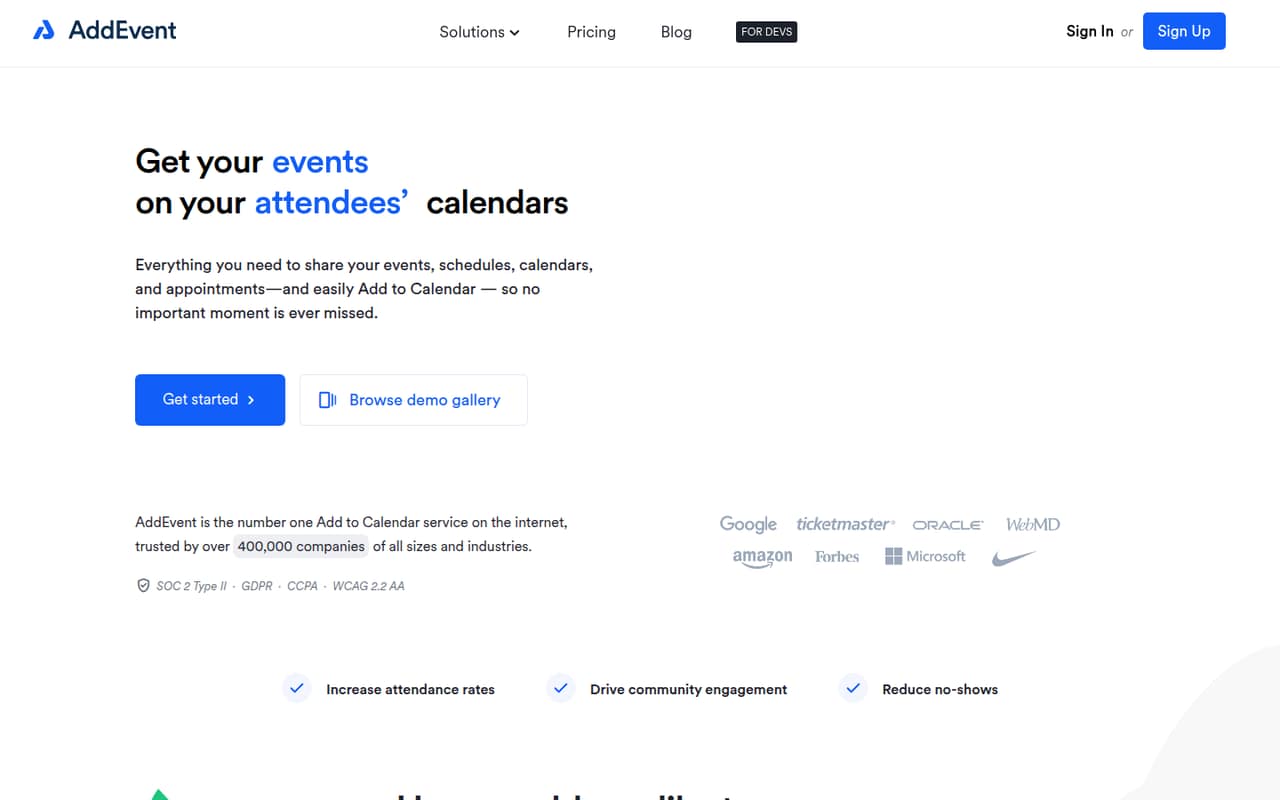
AddEvent is for teams that need to get an event onto other people’s calendars, rather than manage the team’s own everyday schedule. A nonprofit sharing a webinar, a small business promoting appointments, or an organization maintaining a public event calendar can use its add-to-calendar links, hosted event pages, website embeds, and RSVP forms.
For a solo organizer, Hobby may cover occasional events. A small team can start on Small Business if one person manages the account and its limits fit. The catch for a team of three to five is that Small Business includes one user, while Professional includes five. If several colleagues need their own logins, the more realistic paid option is Professional, at $99 per month billed annually or $129 month to month.
This is a focused event-sharing tool, not a general-purpose calendar replacement. It makes most sense when the job is distributing event details and collecting responses.
02AddEvent free plan and trial
The free Hobby plan is aimed at individuals and personal use. The pricing page lists 100 Add to Calendar clicks, 20 RSVPs, 20 Calendar Subscribers, one calendar, and one user. That is enough to try a small event or maintain a modest calendar, but the activity limits can become a constraint if you regularly promote events or collect registrations.
There is no charge for Hobby, and the pricing page does not list a separate free trial. The first paid tier is Small Business at $36 per month, or $29 per month when billed annually. It raises the limits to 2,500 clicks, 1,000 RSVPs, and 1,000 subscribers, but still includes just one user. So the free-to-paid decision is about both volume and whether one person can manage the work.
03What a small team pays for AddEvent
For one person, Small Business costs $36 per month month to month or $29 per month billed annually. The annual rate is $348 for the year, compared with $432 at the monthly rate. It includes 10 calendars and larger activity allowances, but only one user.
For a team of three or five that needs a login for each person, Professional is the first listed plan with enough users. It costs $129 per month month to month or $99 per month billed annually, with five users included. That works out to $43 per included user monthly for a three-person team at the monthly rate, or $33 per person using the annual rate; at five users, it is $25.80 or $19.80 per person, respectively. The annual total is $1,188.
The pricing page lists no add-ons. It also does not publish a way to add seats to Small Business or an Enterprise price. Enterprise is for 5+ users and billed annually, so ask AddEvent for a quote if you need six or more logins.
04Getting started with AddEvent
The basic workflow is easy to understand: create an event or calendar, share a link or button, and place it in an email or on a website. AddEvent also offers hosted event pages, website embeds, RSVP forms, and dynamic event links. A team can start with the sharing method it needs rather than adopting every feature at once.
The pricing information does not give a setup-time estimate, and the docs or integration details are not specified here. Before choosing a plan, ask AddEvent what setup involves for your website, email platform, and calendar platforms. One Reddit user said they chose AddEvent because manually creating add-to-calendar links had not worked for non-internal Google calendars; that is one user’s account, not a guarantee for every setup.
If attendees need event changes to follow them, distinguish a regular add-to-calendar link from a subscription calendar before launch. That choice affects how updates reach people.
05When small teams outgrow AddEvent
The first pressure point is usage. Hobby allows 100 Add to Calendar clicks, 20 RSVPs, and 20 Calendar Subscribers; Small Business raises those limits substantially. Teams that exceed Small Business’s 2,500 clicks or 1,000 RSVPs and subscribers may need Professional, which lists 25,000 clicks and 5,000 RSVPs and subscribers.
Seats can force an upgrade even sooner. Small Business has one user, Professional has five, and Enterprise starts at five or more users. A team of six to ten should ask for Enterprise pricing, since the pricing page does not publish a rate. There is no listed add-on or extra-seat price to use for a smaller step up.
Calendar updates are another consideration. In one Reddit thread, an AddEvent user reported that changes to events already added through regular links did not update attendees’ calendars. AddEvent replied that subscription calendars keep a live sync, with updates roughly every 24 hours and timing depending on the calendar platform. Teams needing updates to appear immediately should confirm whether that meets their needs.
From the threadsWhat users say
The Reddit discussion is mixed: one user questioned AddEvent’s value and another described trouble updating events already added to calendars. AddEvent’s reply explains that subscription calendars are the syncing option, but the discussions do not establish broad user satisfaction or support quality.
Subscription Calendars keep a live sync between the AddEvent Calendar and the Subscriber's Calendar
I discovered addEvent, it was good, but way too pricey for what it does in my opinion
She wants to update the event description, but AddEvent doesn't retroactively update events for people who have already added it to their calendar
I found addevent.com, but i'm not 100% happy with the functionalities / custumisation options
Questions people ask
How much does AddEvent cost?
AddEvent’s Hobby plan is free. Small Business costs $36 per month or $29 per month billed annually. Professional costs $129 per month or $99 per month billed annually. Enterprise pricing is not published; the pricing page says it is billed annually.
What does the AddEvent free plan include?
Hobby includes 100 Add to Calendar clicks, 20 RSVPs, 20 Calendar Subscribers, one calendar, and one user. It is listed for individuals and personal use. If you need more capacity, Small Business is the first paid plan, though it still includes only one user.
Can AddEvent update events on attendees’ calendars?
A regular add-to-calendar link may create a separate event on an attendee’s calendar, so later changes may not sync. AddEvent says subscription calendars keep a live sync and update roughly every 24 hours, sometimes less depending on the calendar platform.
How many users are included in each AddEvent plan?
Hobby and Small Business each include one user. Professional includes five users, and Enterprise is listed for five or more. If your team needs more than five logins, ask AddEvent for Enterprise pricing and seat details.
Can AddEvent collect event RSVPs?
Yes. AddEvent offers customizable RSVP registration forms and reminder and follow-up emails. The Hobby plan includes 20 RSVPs, Small Business includes 1,000, and Professional includes 5,000. The Enterprise plan lists 5,000 or more.