We may earn a commission if you buy through links on this page. It never changes a score or a ranking. How we make money
A small team needs dedicated calendar software when shared schedules, room bookings, or meeting coordination are becoming hard to manage in separate accounts. For a basic shared schedule, Teamup and Tweek are the strongest budget starts; World Time Buddy is useful for international meeting planning, but it isn’t a full team calendar. Several tools have free plans, while others start at a per-seat price that can climb as you add coworkers. Check what the free tier covers, how paid pricing scales, and whether setup matches your team’s needs before choosing.
Quick picksThe shortlist
 TeamupTeamupBest shared team calendar · $12/mo
 TweekTweekBest weekly planner · $4.17/mo
 World Time BuddyWorld Time BuddyBest time-zone planner · Free
 ClockwiseClockwiseBest for shifting meetings · $6.75/mo
 Reclaim AIReclaim AIBest for focus blocks · $10/mo
- Notion CalendarNotion CalendarBest for Notion teams · $10/mo
 MotionMotionBest for tasks and calendars · $19/mo
 MorgenMorgenBest for calendar consolidation · $15/mo
 FantasticalFantasticalBest for quick event entry · $4.75/mo
 TockifyTockifyBest for website events · $8/mo
 CalendarCalendarBest for booking links · $16/mo
 CalendarBridgeCalendarBridgeBest for calendar syncing · $4/mo
- CalendarWizCalendarWizBest for staff schedules · $12/mo
 AddEventAddEventBest for event sharing · $29/mo
 Keep&ShareKeep&ShareBest for basic calendars · Free
 SyncGeneSyncGeneBest for account syncing · Free
 CiraSyncCiraSyncBest for Microsoft 365 sync · Free
01Compared at a glance
| Tool | Score | From | Free plan | Trial |
|---|---|---|---|---|
| TeamupTeamup | 7.5 | $12/mo | Yes | 3 days |
| TweekTweek | 7.0 | $4.17/mo | Yes | 14 days |
| World Time BuddyWorld Time Buddy | 8.0 | Free | Yes | — |
| ClockwiseClockwise | 7.0 | $6.75/mo | Yes | — |
| Reclaim AIReclaim AI | 7.2 | $10/mo | Yes | 14 days |
| Notion CalendarNotion Calendar | 7.2 | $10/mo | Yes | — |
| MotionMotion | 6.5 | $19/mo | No | — |
| MorgenMorgen | 7.2 | $15/mo | No | 14 days |
| FantasticalFantastical | 7.1 | $4.75/mo | Yes | 14 days |
| TockifyTockify | 7.1 | $8/mo | Yes | 14 days |
| CalendarCalendar | 6.5 | $16/mo | No | 14 days |
| CalendarBridgeCalendarBridge | 6.5 | $4/mo | No | — |
| CalendarWizCalendarWiz | 6.5 | $12/mo | No | 30 days |
| AddEventAddEvent | 6.8 | $29/mo | Yes | — |
| Keep&ShareKeep&Share | 6.0 | Free | Yes | 15 days |
| SyncGeneSyncGene | 5.8 | Free | Yes | 7 days |
| CiraSyncCiraSync | 6.7 | Free | Yes | 30 days |
02The picks, in detail
- Best shared team calendarTeamupTeamup
Teamup is our top pick for a small group that needs one shared schedule, with a free plan suited to small shared calendars and paid Plus pricing from $12 per month billed annually. It also targets teams managing rooms or resources and needing calendar permissions. Before upgrading, check whether the free plan covers your schedules and whether the published price fits your team’s billing needs.
What works
- Free plan includes up to five users
- Free plan includes five sub-calendars
- 12 calendar views, including Timeline and Table
What doesn't
- Free plan stops at five users and calendars
- Plus limits teams to 12 users and calendars
- Pro costs $30 monthly with annual billing
- Best weekly plannerTweekTweek
Tweek suits teams that plan work by the week and want shared tasks alongside personal calendar syncing. It has a free plan, and its starting price is $4.17; the Family plan is described as a cheaper paid option for groups of up to five. Confirm which plan includes the sharing and syncing your team needs before moving everyone onto paid access.
What works
- Week, month, and day views
- Syncs Google, Outlook, and Apple calendars
- Shared tasks and task links
What doesn't
- Free plan allows one active calendar
- Free plan has two custom colors
- API requests are limited on Free

- Best time-zone plannerWorld Time BuddyWorld Time Buddy
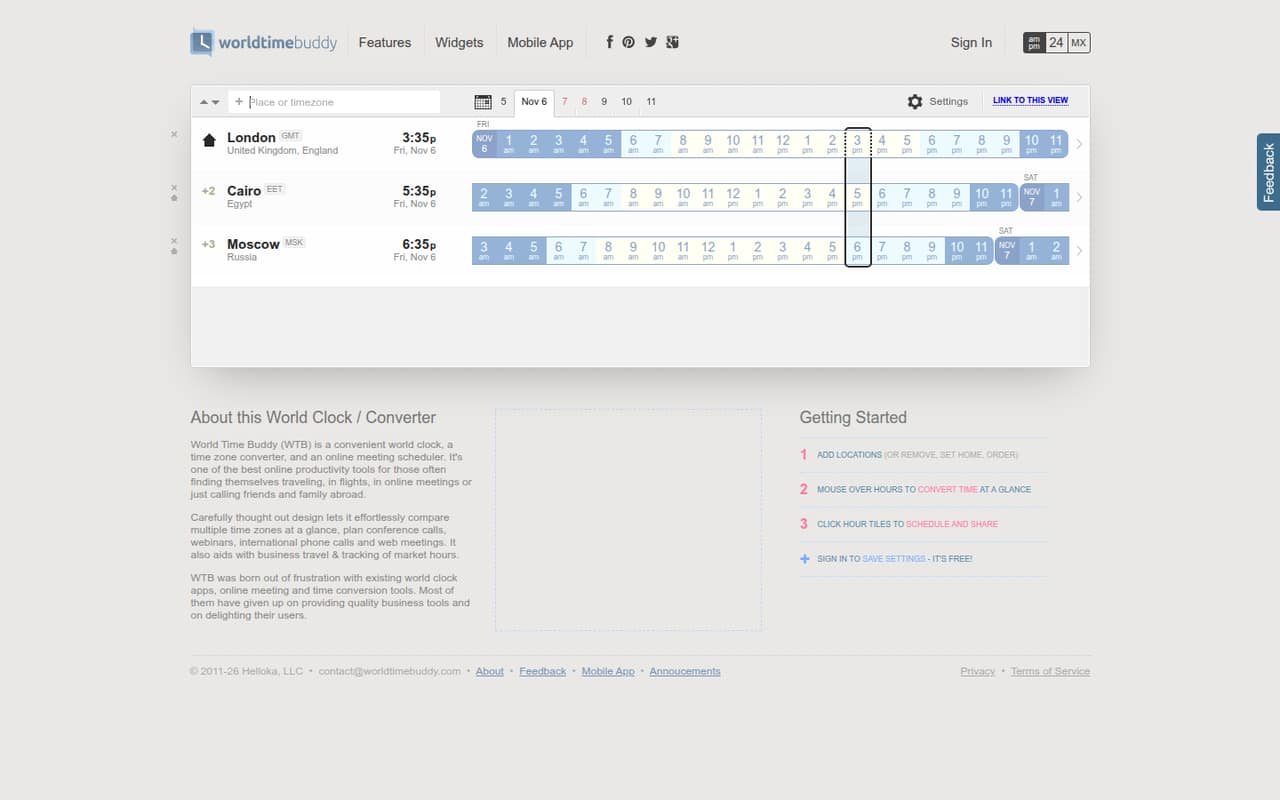
World Time Buddy is a useful free choice when the main problem is finding meeting times across time zones. It fits occasional international calls and budget-conscious planners, but it is not a full team calendar. Choose it as a scheduling aid rather than a replacement for shared work calendars, and check whether your team needs features beyond time-zone planning.
What works
- World clock displays local times across locations
- Compare multiple time zones at once
- Convert times by hovering over hours
What doesn't
- No paid team or per-seat plan is listed
- Monthly and annual billing schedules aren't published
- Support channels and response times aren't published
- Best for shifting meetingsClockwiseClockwise
Clockwise is aimed at teams with changing meeting schedules, shared availability needs, and a desire to protect focus blocks. It has a free entry point, with paid plans starting at $6.75 and billed annually. That makes it worth comparing for a small team, but confirm the free-plan limits and how paid access is counted before budgeting for several people.
What works
- Free plan costs $0
- Automatically shifts flexible meetings
- Protects focus time around schedule changes
What doesn't
- Free plan seat limits aren't published
- Free plan usage limits aren't published
- Paid monthly prices aren't published
- Best for focus blocksReclaim AIReclaim AI
Reclaim AI is a capable calendar planner for protecting focus time and automatically scheduling flexible tasks. It offers a free plan, with paid pricing from $10. It may suit a small team that wants calendar blocks to adapt around work, though reported sync and task-management snags are worth considering. Check those workflows against your team’s needs before rolling it out.
What works
- Free Lite plan supports one user
- Automatically schedules focus time and tasks
- Starter supports up to 10 seats
What doesn't
- Monthly paid rates are not published
- Lite is limited to one calendar sync
- Some users report recurring Todoist sync problems
- Best for Notion teams
Notion CalendarNotion Calendar
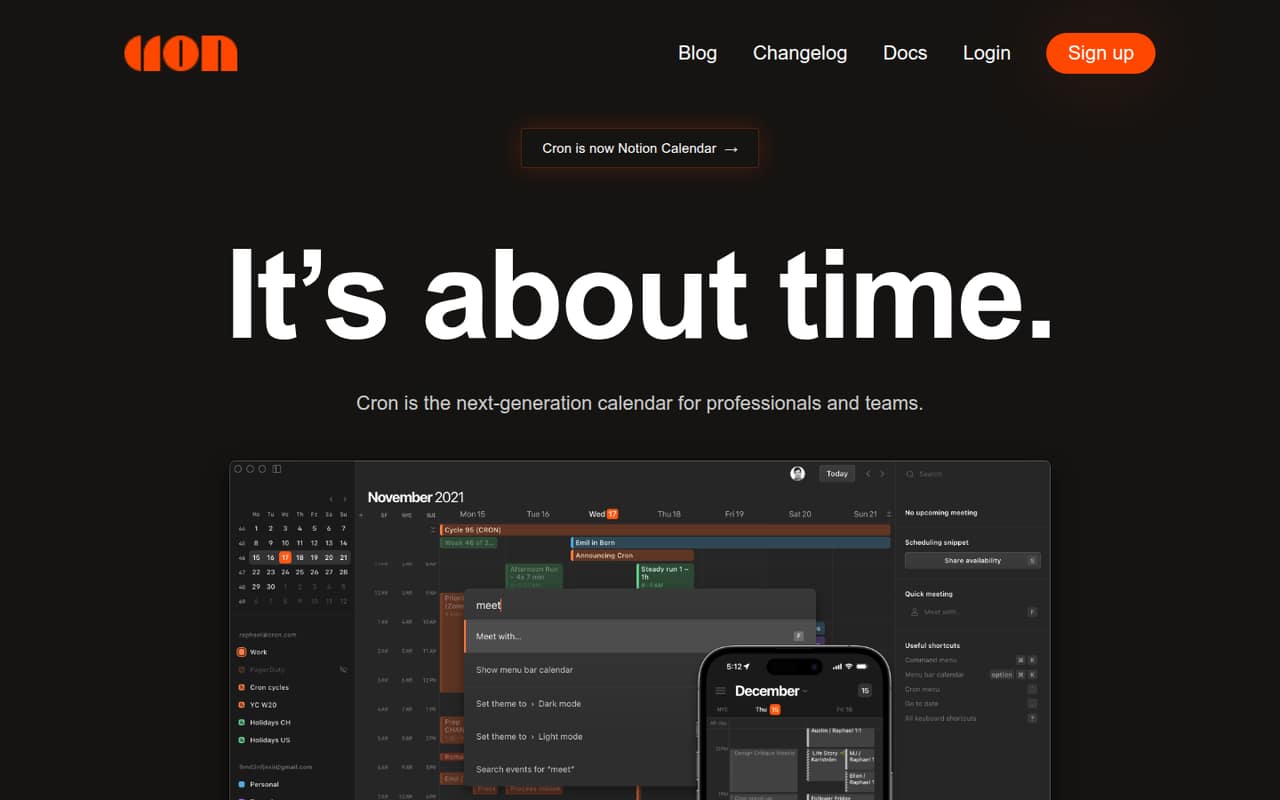
Notion Calendar is most compelling for a small team already using Notion and looking to bring meetings and project tasks into one view. It has a free entry point, with paid pricing from $10. It is less appealing if you only need a standard calendar, so first check whether its Notion connection fits your team’s existing workflow.
What works
- Standalone calendar is listed at $0
- Shows dated Notion database items alongside events
- Can overlay Google Calendar accounts
What doesn't
- Calendar is a separate app from Notion
- Notion Free has limits for multi-member workspaces
- Plus costs $10–$12 per member monthly
- Best for tasks and calendarsMotionMotion
Motion combines planning tools, tasks, and calendars for teams that want to schedule project work alongside meetings. Its starting price is $19 on an annual-equivalent basis, so adding seats can become costly for a budget-conscious group. It may fit teams that value the combined planning approach, but compare the per-seat cost with a simpler calendar before committing.
What works
- Tasks, projects, calendar, meetings, and docs together
- AI can schedule tasks around workload and deadlines
- Pro AI includes unlimited storage
What doesn't
- No free plan is listed
- Monthly-billing prices aren’t published
- Pro AI includes 7,500 credits per seat monthly

- Best for calendar consolidationMorgenMorgen
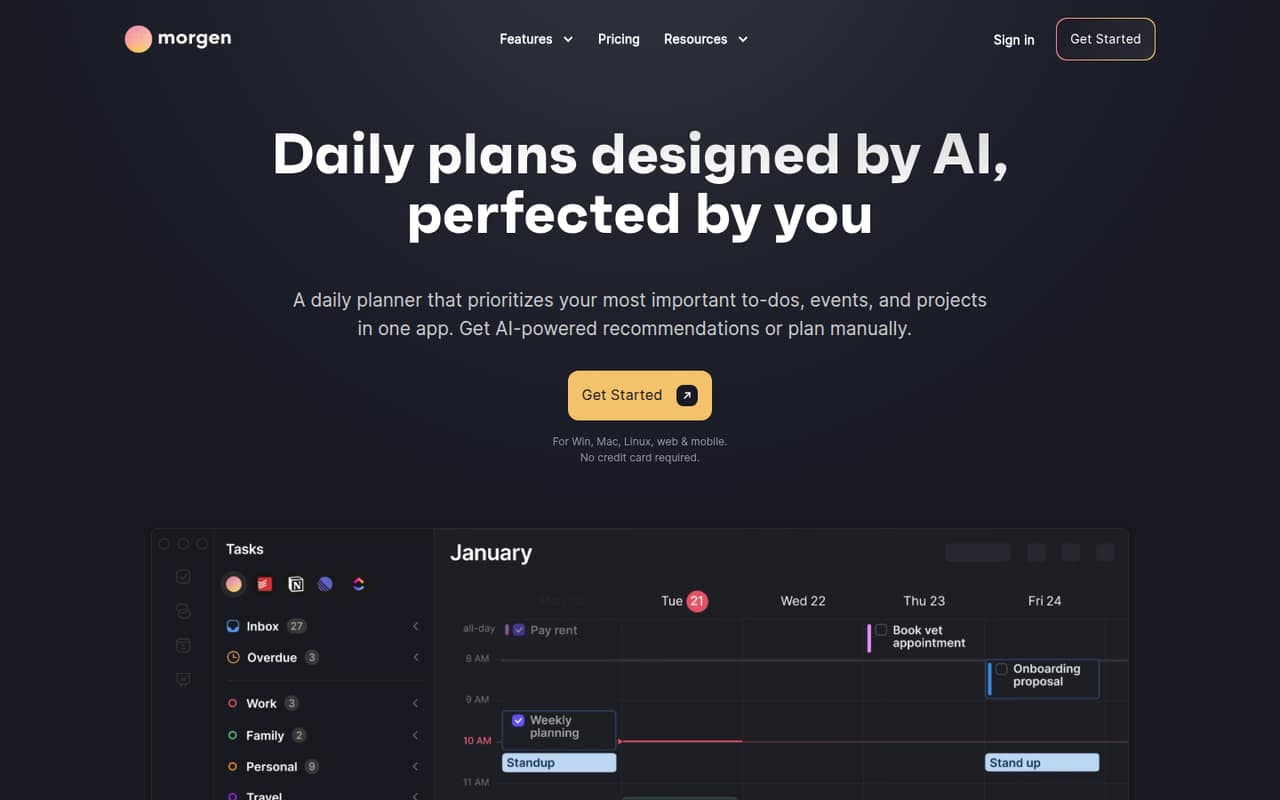
Morgen brings calendars and tasks together, with AI-assisted time blocking and scheduling links aimed at small teams. The trade-off is straightforward: there is no free plan, and the starting price is $15, with team seats adding up. It is worth considering if consolidation matters, but ask what the total will be for your actual number of users.
What works
- Combines calendars, tasks, and projects
- AI Planner recommends and adjusts schedules
- Connects Google, Outlook, Apple, and Fastmail calendars
What doesn't
- No free plan
- Trial lasts only 14 days
- Pro Monthly costs $30 per month
- Best for quick event entryFantasticalFantastical
Fantastical offers a free start for solo users and focuses on calendar-and-task organization, including quick event entry. Its starting price is $4.75, but the per-seat cost matters once you add teammates. It could suit a small group sharing calendar workflows; check what the free plan covers and price the seats you expect to need.
What works
- Free plan includes basic calendars and tasks
- Works with calendars you already use
- Brings events, tasks, and meetings together
What doesn't
- Free plan is limited to one user
- Team plan charges per user
- Team seat limits are not published
- Best for website eventsTockifyTockify
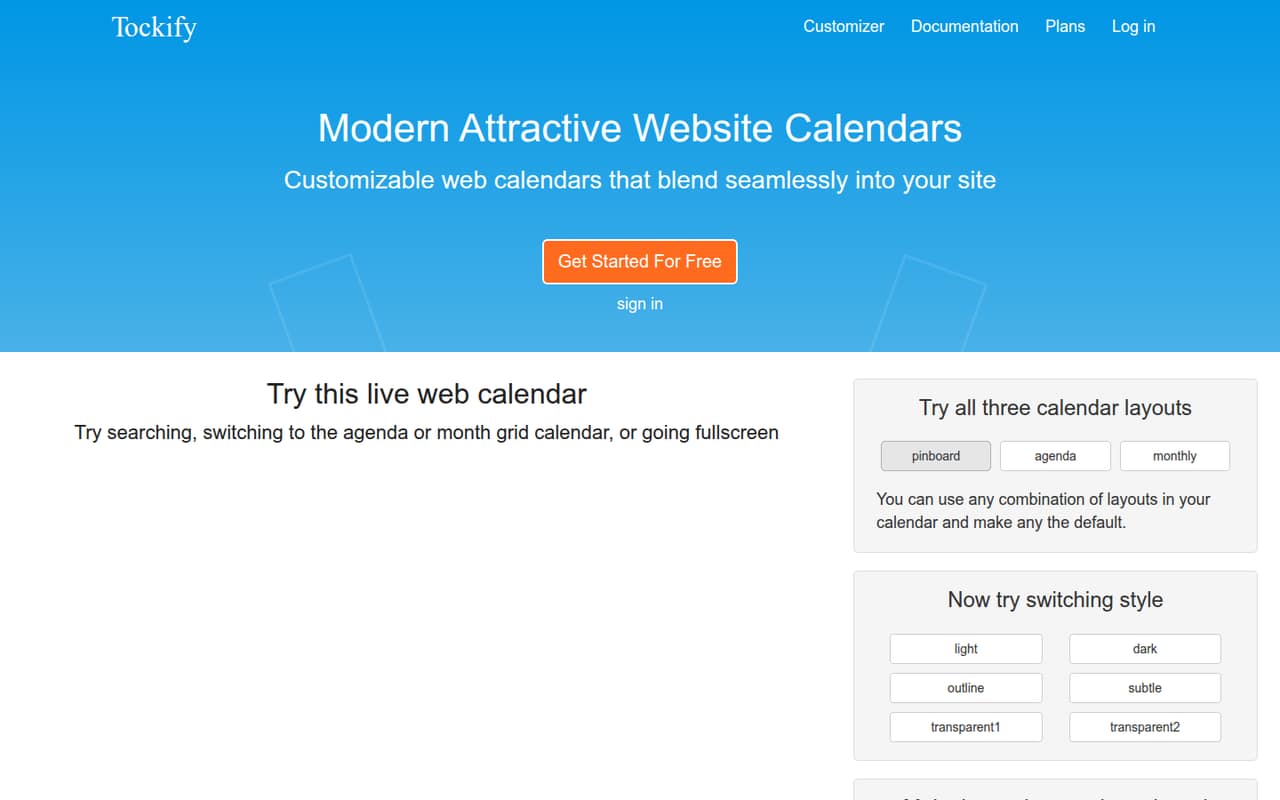
Tockify is a strong fit when the team needs to publish events on a website, collect submissions, or manage RSVPs. It offers a free plan, with paid options from $8 monthly. That feature set may be more than a team needs for an internal work calendar, so choose it when public event listings are part of the job.
What works
- Free plan lists unlimited events
- Pinboard, agenda and monthly layouts
- Custom themes need no programming
What doesn't
- Seat limits are not published
- Annual billing prices are not published
- Higher-limit pricing is not published
- Best for booking linksCalendarCalendar
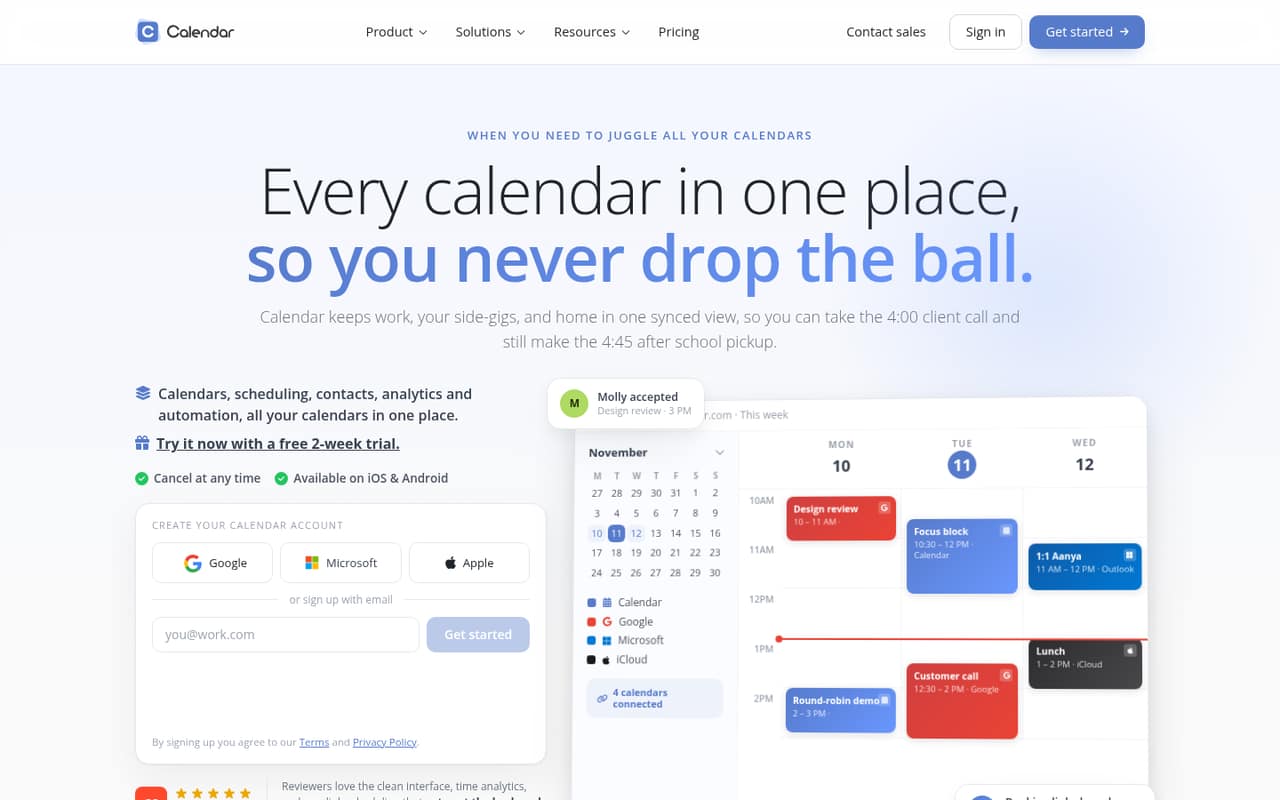
Calendar covers shared availability, multiple calendars, and booking links for teams that need more than a basic date view. It starts at $16 and has no free plan to try, so even a few seats need careful budgeting. Consider it if those scheduling features justify a per-seat subscription, and confirm the plan limits before choosing.
What works
- Combines several calendar services in one view
- Booking links make meeting scheduling easier
- Team scheduling checks shared availability
What doesn't
- No free plan
- Standard costs per user
- Monthly billing costs more than annual billing
- Best for calendar syncingCalendarBridgeCalendarBridge
CalendarBridge is aimed at people juggling multiple calendars, including Google and Microsoft calendars, and teams that need booking links. It starts at $4 and has no free plan. Some pricing details need clarification, so ask the vendor how the price applies to your number of users and which plan includes the sync and booking features you need.
What works
- Syncs events across connected calendars
- Includes a unified calendar view
- Offers 10 scheduling pages on every listed plan
What doesn't
- No free plan is listed
- Basic calendar allowances differ by billing option
- Seat-billing details are not published

- Best for staff schedules
CalendarWizCalendarWiz
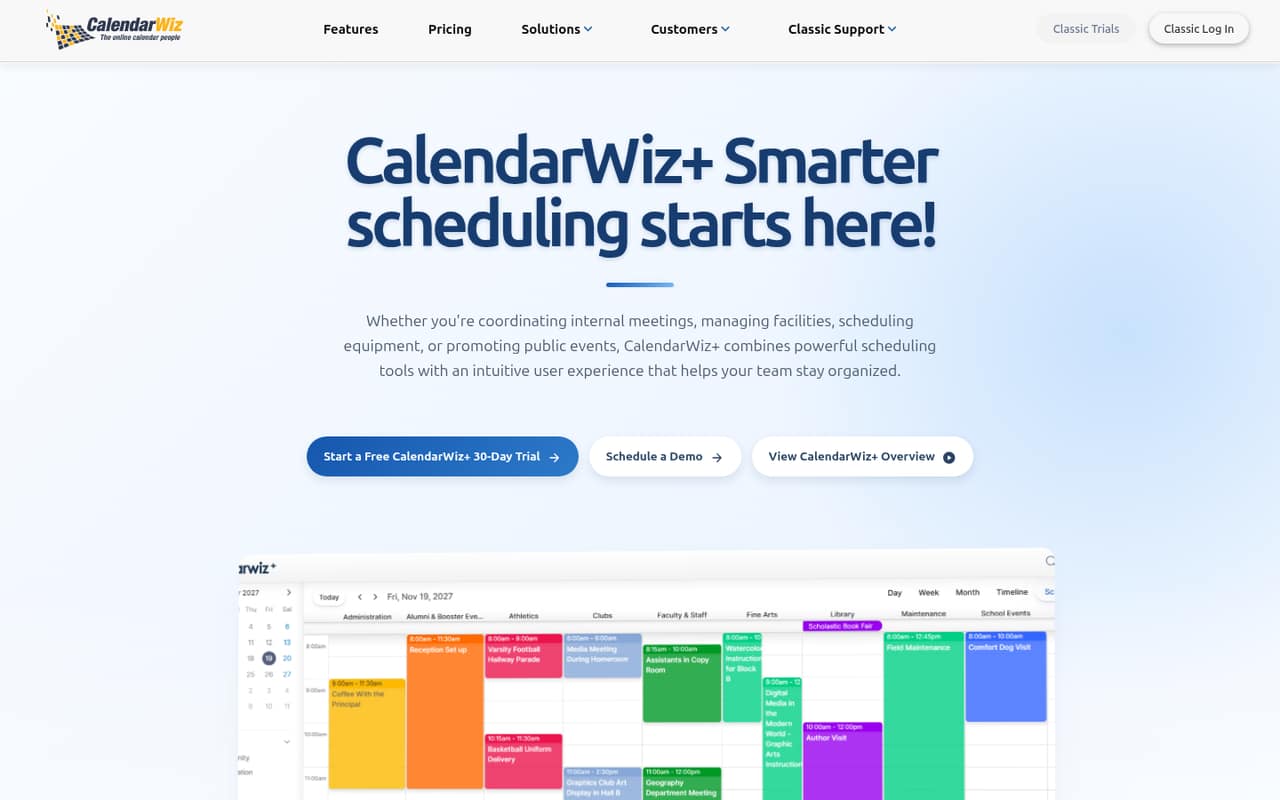
CalendarWiz can serve as a shared hub for staff schedules, room or equipment bookings, and online event publishing. Its starting price is $12, but unclear seat limits make it hard to estimate what a small team will really pay. Before choosing it, ask the vendor how many users are included and whether resource booking changes the plan or price.
What works
- Shared calendars for teams, departments, and communities
- Website calendars and event feeds stay synced
- Tools for staff scheduling and resource booking
What doesn't
- No free plan
- Seat limits aren't published
- Per-seat pricing isn't specified
- Best for event sharingAddEventAddEvent
AddEvent focuses on sharing event links, collecting RSVPs, and subscription calendars. It has a free plan, but that tier is limited; paid pricing starts at $29, a notable jump for a team watching costs. It makes more sense when event sharing is central to your work than as a general-purpose team calendar. Check the free limits before adopting it.
What works
- Free Hobby plan for light usage
- Add-to-calendar buttons and email links
- RSVP forms with reminder and follow-up emails
What doesn't
- Hobby is capped at 100 calendar clicks
- Small Business includes only one user
- Professional jumps to five users
- Best for basic calendarsKeep&ShareKeep&Share
Keep&Share offers calendar basics for solo users, shared schedules for small offices, and online appointment booking. It has a free plan, but paid pricing is not published, which makes it difficult to budget for team use. Try it only if the free tier covers your needs, and ask the vendor for the paid cost before relying on it for a group.
What works
- Basic costs $0 monthly or annually
- Includes shared calendars and online booking
- Supports recurring events and color-coding
What doesn't
- Basic is limited to one user
- Basic includes just one calendar
- Basic caps calendar entries at 500
- Best for account syncingSyncGeneSyncGene
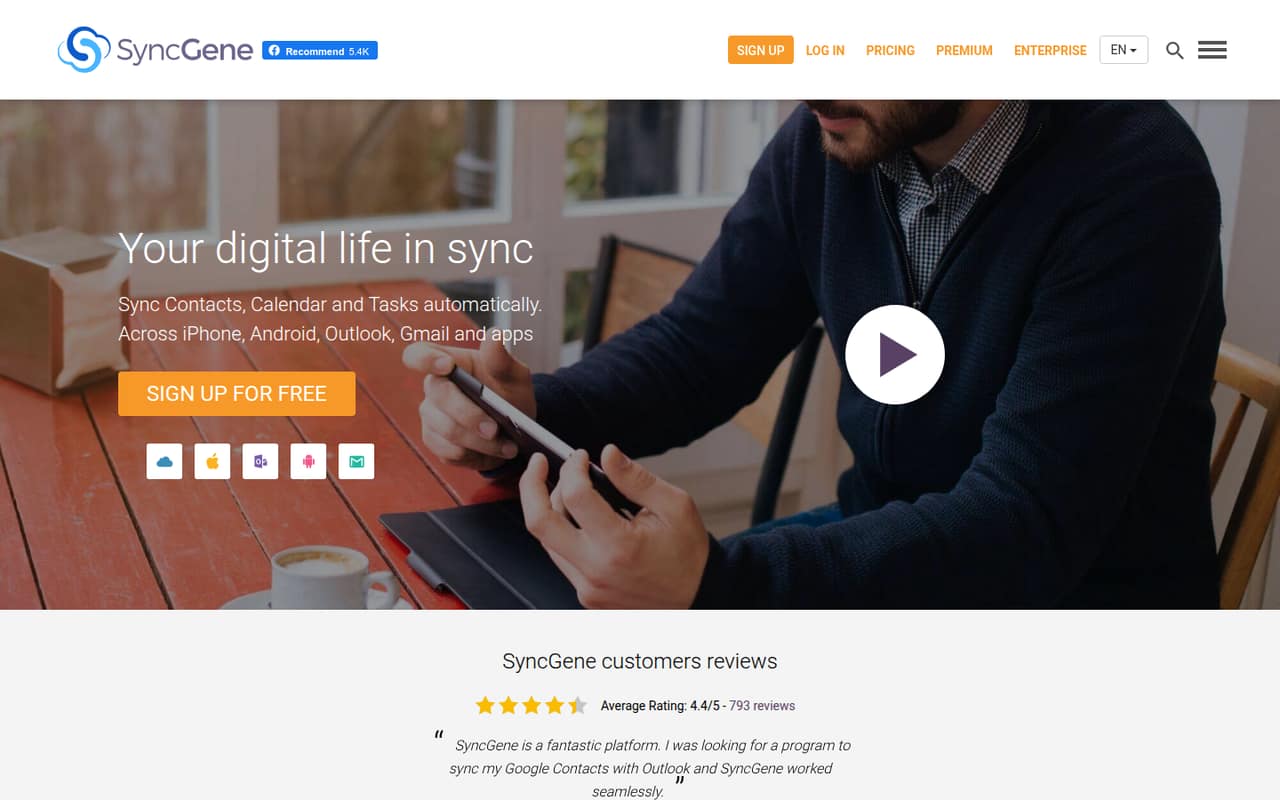
SyncGene is a calendar-sync service for people bringing work and personal accounts together, as well as households sharing across platforms. Its free tier is useful for simple syncing, but the vendor does not publish a Premium price. That makes paid team budgeting uncertain. Check the free-plan limits and request a quote if your team needs more than basic account syncing.
What works
- Syncs contacts, calendars and tasks
- Free plan costs nothing
- Premium enables automatic syncing
What doesn't
- Free plan allows one manual sync monthly
- Premium yearly price isn't published
- More than five sources requires contacting SyncGene
- Best for Microsoft 365 syncCiraSyncCiraSync
CiraSync targets Microsoft 365 contact and calendar syncing, including teams that want to avoid end-user sync apps. It offers free sync for simple needs, but paid pricing is not published and setup complexity is a concern. Ask the vendor what implementation requires and what paid access costs before choosing it for a small team.
What works
- Free Personal Edition listed for up to 10 users
- Syncs contacts and calendars to employee devices
- Supports Microsoft 365, Exchange, Google Workspace, and CRM systems
What doesn't
- Free sync is limited to one source weekly
- Free edition has a 1,000-item limit
- Personal Edition user limit varies across documentation

03How we chose
We ranked these tools for teams of one to ten, weighing whether a free plan can cover real work, the listed starting price, and how those costs may change with more seats. We also considered fit: a shared schedule is not the same need as time-zone planning, public event listings, or calendar syncing. Setup effort matters, but vendors do not all describe it clearly, so we flag questions to ask rather than guess. We treat Reddit sentiment as a secondary signal alongside plan limits and vendor documentation, not as a substitute for checking the terms yourself.
04Check the free plan against your actual schedule
Start with the job you need the calendar to do. A shared team schedule, a time-zone planner, a focus-block tool, and a public events calendar solve different problems. Teamup and Tweek are good places to compare for shared planning; World Time Buddy is aimed at coordinating across time zones, while Tockify focuses on publishing events online.
Before inviting the whole team, check the plan’s user, calendar, sharing, and booking limits. A free plan is only useful if it covers the work you need without a workaround. If those limits are not clear, ask the vendor which features are included and what triggers an upgrade. Also check whether your team needs calendar permissions, resource bookings, or appointment links. Paying for features nobody uses is an easy way to turn a cheap tool into an unnecessary subscription.
05Price a few seats and plan for setup
A starting price is not a team total. Some tools list a low entry price but charge by seat; others have no free plan, do not publish paid pricing, or leave seat limits unclear. Before you pick, ask for the cost for your actual headcount and billing period. For annual-billed plans, compare the commitment as well as the monthly equivalent. Motion starts at $19 on an annual-equivalent basis, while CalendarWiz’s seat limits and CalendarBridge’s pricing details need clarification.
Setup can also change the real cost. Ask whether the tool needs calendar-account connections, admin configuration, or staff training, and who can manage shared schedules. For specialized sync products, ask what implementation involves. If the vendor does not explain setup, request a short onboarding outline before migrating team calendars.
Questions people ask
What is the best free calendar software for a small team?
Teamup is our top pick for a free shared team schedule, while Tweek is a good option for weekly planning and shared tasks. World Time Buddy is free for time-zone planning, but it is not a full team calendar. Check each free plan’s limits before moving your team.
Which calendar tool is best for coordinating across time zones?
World Time Buddy is specifically suited to small teams planning across time zones and scheduling occasional international calls. It is a useful free planning aid, but not a replacement for a full shared work calendar. Use it alongside your team calendar if you need both.
How much should a small team budget for calendar software?
It depends on the product and seat count. Listed starting prices range from $4 for CalendarBridge to $29 for AddEvent, while Teamup Plus starts at $12 per month billed annually. Some vendors do not publish paid pricing or clear seat limits, so request a quote for your headcount.
When should a growing team switch calendar tools?
Reconsider your tool when its plan limits block the team’s schedule, permissions, bookings, or integrations, or when per-seat costs stop fitting the budget. Ask for the price at your next expected headcount before switching; the cheapest starting plan may not be the cheapest plan for a larger group.