
We may earn a commission if you buy through links on this page. It never changes a score or a ranking. How we make money
The bottom line
A strong free creative toolkit for individuals; team licensing and support need closer scrutiny.
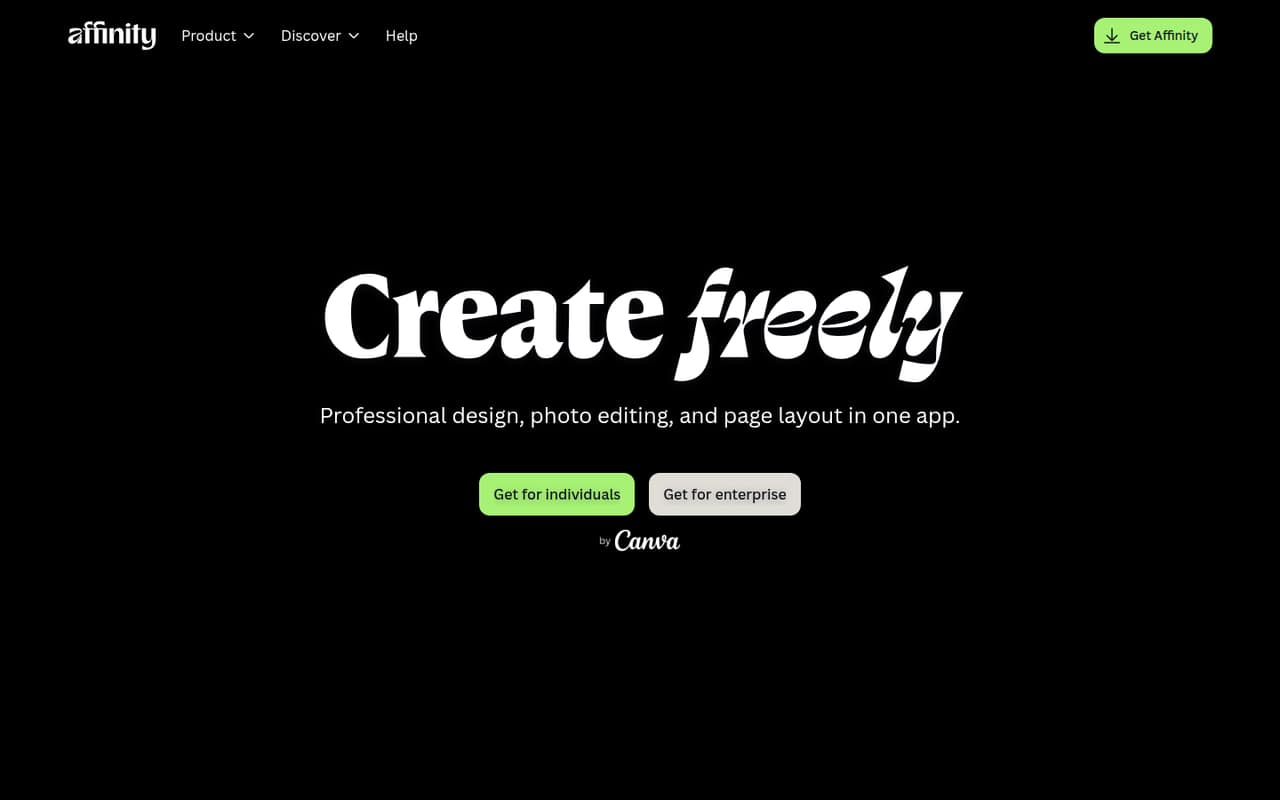
Affinity combines photo editing, vector design, and page layout in one app, with imports for formats such as PSD and AI. The current unified app is free for individual use with a Canva account, which makes the price hard to beat for a solo creator.
For a small team, the catch is that the free plan is described for individuals, not as a team subscription. Older Affinity Photo 2 purchases are one-time options, but they add up per user, and Reddit discussions show some users are uneasy about Affinity’s ownership change.
Good fit if
- Solo creators on a tight budget
- Individuals doing mixed creative work
- Teams with separate individual workflows
Skip it if
- Teams needing shared administration
- Buyers who need standard SSO
- Users seeking published setup guidance
ScoresHow it rates
What works
- Free for individual use with a Canva account
- Photo editing, vector design, and layout in one app
- Imports PSD, AI, IDML, and DWG
- Non-destructive edits keep the original intact
- Optional AI tools are available with Canva Pro
What doesn't
- Free plan is described for individual use
- SSO requires contacting Canva Enterprise or Education
- AI tools require an extra Canva Pro plan
- Affinity Photo 2 desktop licenses cost per user
- Affinity Store add-on pack prices vary
01Who Affinity Photo is for
Affinity suits a solo creator, freelancer, or small team member who needs image editing and may also make illustrations, logos, or page layouts. The app brings those jobs together, so a person can handle several kinds of creative work in one place. It also imports formats including PSD, AI, IDML, and DWG, with layers and structure preserved, per the product description.
For a team of 1-10, the budget case is strongest when each person works individually and does not need a shared team subscription. Affinity’s current unified app is free for individual use with a Canva account. The pricing page does not list a standard team plan, so we would confirm that the intended work fits the individual-use terms before rolling it out across a company. It is less clearly suited to a team that needs centralized access or standard SSO.
02Affinity Photo free plan and trial
The current Affinity (Unified App) is free forever with a Canva account for individual use across supported platforms, according to the pricing page. It combines photo editing, vector design, and page layout. The listed free offer is for individuals; for SSO, Canva directs customers to Enterprise or Education.
AI tools are not included in the free offer: they require Canva Pro. The pricing notes list Canva Pro at $18 per month or $120 per year. Separately, Affinity Photo 2 for macOS, Windows, and iPad has a 30-day free trial and a one-time purchase price. That trial belongs to the older Photo 2 product, not the free unified app. The pricing page does not spell out a feature limit for the free app.
03What a small team pays for Affinity Photo
For three or five people using the current Affinity (Unified App) individually, the listed price is $0 per person, or $0 total, with a Canva account. That is not a published team license: the offer is for individual use, so confirm the terms for your organization before relying on it.
For the older Affinity Photo 2 desktop apps, the pricing page lists a $69.99 one-time purchase for macOS or Windows. At that rate, three individual licenses total $209.97 once; five total $349.95 once. There is no monthly or annual billing listed for these purchases. The iPad version is listed at $18.49 one-time, or $19.99 on the App Store. A $164.99 one-time V2 Universal Licence covers one individual across macOS, Windows, and iPadOS and includes Photo 2, Designer 2, and Publisher 2. Canva Pro for AI tools costs $18 monthly or $120 yearly; Affinity Store add-on prices vary.
04Getting started with Affinity Photo
The current app requires a Canva account, and the free offer applies across supported platforms. The vendor does not publish setup time or a learning curve in the pricing notes, so we would allow time for people to get familiar with the photo, vector, and page-layout areas rather than assume everyone will pick them up at once.
Affinity’s stated file compatibility may help when a project arrives as a PSD, AI, IDML, or DWG file, with layers and structure preserved. That is file import, not evidence of a connection to a team storage or project-management service; the vendor's site does not list those integrations. One Reddit user reported that their hardware and operating-system combination could not run Affinity Photo 2 at the time. Check device compatibility before planning a rollout, especially if anyone will use an older machine.
05When small teams outgrow Affinity Photo
The first pressure point is administration. The current free offer is for individual use, and the pricing page directs SSO needs to Canva Enterprise or Education. If your team needs one centrally managed workspace, a standard team license, or clear seat administration, ask Canva what is available before adopting Affinity broadly; those details are not listed in the individual offer.
The second pressure point is cost if you choose the older desktop version: separate macOS or Windows licenses total $209.97 for three people and $349.95 for five. Shared commercial machines require one license per machine, per the pricing notes. Optional Canva AI adds a subscription, while Affinity Store add-on prices vary. Reddit discussions include concern about the Canva acquisition and a user’s report of compatibility trouble with Photo 2 on older hardware. Those reports are individual views, but they are reasons to check current device support and account requirements before a larger rollout.
From the threadsWhat users say
Reddit sentiment is mixed: users praise Affinity’s past value, while some express concern about the Canva acquisition and changes to the community. One user also reported a hardware and operating-system compatibility problem with Photo 2.
Seeing them getting acquired by Canva immediately sounded alarm for me
There are numerous business reasons for suspending purchases for a month before the announcement - some good, some bad
Since 2014 these apps have put food on my table;
my hardware/OS combo wasn't all that great and couldn't run v2
Questions people ask
Is Affinity Photo free?
The current Affinity unified app is free forever with a Canva account for individual use across supported platforms, according to the pricing page. AI tools require Canva Pro. The older Affinity Photo 2 desktop and iPad apps are listed as one-time purchases and include a 30-day free trial.
Can Affinity Photo open Photoshop files?
Affinity lists PSD among the formats it imports, with layers and structure preserved. That supports moving a PSD into Affinity for further work, but it does not by itself establish that every file or feature will transfer perfectly. Check a representative project before switching a production workflow.
Does Affinity Photo include design and page layout tools?
The current Affinity app combines photo editing with vector design and page layout. The product description also lists support for importing formats such as AI, IDML, and DWG with layers and structure preserved, so the app covers more than photo edits alone.
Can a team use the free Affinity app?
The pricing page describes the free app as being for individual use, not as a team subscription. It does not list standard team pricing. For SSO, Canva directs customers to Enterprise or Education, so teams should confirm their intended use and administration needs with Canva.
Do Affinity AI tools come with the free app?
No. The pricing notes say Affinity AI tools require Canva Pro, listed at $18 per month or $120 per year. The free app remains listed at no cost for individual use with a Canva account, but the AI add-on has a separate subscription price.
Sources
- Affinity Photo homepage
- Affinity Photo pricing, compiled via web search from dpreview.com, affinity.studio, lowermysubs.com, marszalstudio.pl, amateurphotographer.com, educba.com, beyondphototips.com, serif.com, reddit.com, provideocoalition.com, apple.com
- Reddit: My critical take on Affinity’s recent decisions
- Reddit: In need of photo editing software. Is Affinity still the best current option?
- Reddit: Alternative to Affinity Photo after being swallowed by Canva
- Reddit: Affinity Photo and XNView alternatives to Photoshop and Lightroom.