We may earn a commission if you buy through links on this page. It never changes a score or a ranking. How we make money
A small team may not need a dedicated photo editor subscription: start with a free tool if you mainly make quick edits, cutouts, or occasional image assets. Photopea is our top pick for teams because it has a free plan and is suited to teams of up to five. Polarr is another budget-friendly option, with a free tier and a listed Pro price from $1 that covers up to five users. For specialist work, compare the workflow and seat rules before buying; a low starting price does not tell you what several people will pay.
Quick picksThe shortlist
 PhotopeaPhotopeaBest for small teams · €4.17/mo
 PolarrPolarrBest budget plan · $1/mo
 PhotoScissorsPhotoScissorsBest for background cutouts · $4.99/mo
 PicWishPicWishBest for product photos · $4.99/mo
 Cleanup.picturesCleanup.picturesBest for photo cleanup · $3/mo
 Affinity PhotoAffinity PhotoBest free creative toolkit · Free
 ImagenImagenBest for wedding workflows · $7/mo
 Pixelmator ProPixelmator ProBest for Mac teams · $2.50/mo
 ACDSeeACDSeeBest for photo libraries · $6.67/mo
 Capture OneCapture OneBest for tethered studios · $18/mo
 PixlrPixlrBest for quick browser edits · €1.99/mo
 AftershootAftershootBest for shoot backlogs · $7.50/mo
 Img2GoImg2GoBest for varied image tasks · Free
 inPixio Photo StudioinPixio Photo StudioBest for offline edits · $4.17/mo
 ON1 Photo RAWON1 Photo RAWBest without required subscriptions · $6.67/mo
 DxO PhotoLabDxO PhotoLabBest for RAW correction · Custom
 AcornAcornBest one-time Mac purchase · $29.99/mo
 PaintShop ProPaintShop ProBest for one-time licensing · Custom
 Evoto AIEvoto AIBest for portrait batches · $6.99/mo
 PicsartPicsartBest for social content · $10.50/mo
 Luminar NeoLuminar NeoBest one-time desktop option · €89/mo
 PicMonkeyPicMonkeyBest for branded visuals · Custom
 PortraiturePortraitureBest for repeat retouching · $10.83/mo
- Color.ioColor.ioBest for legacy users · $4.08/mo
01Compared at a glance
| Tool | Score | From | Free plan | Trial |
|---|---|---|---|---|
| PhotopeaPhotopea | 8.3 | €4.17/mo | Yes | — |
| PolarrPolarr | 6.8 | $1/mo | Yes | Yes |
| PhotoScissorsPhotoScissors | 7.5 | $4.99/mo | Yes | — |
| PicWishPicWish | 7.2 | $4.99/mo | Yes | 3 days |
| Cleanup.picturesCleanup.pictures | 7.0 | $3/mo | Yes | — |
| Affinity PhotoAffinity Photo | 7.3 | Free | Yes | 30 days |
| ImagenImagen | 7.6 | $7/mo | No | Yes |
| Pixelmator ProPixelmator Pro | 7.6 | $2.50/mo | No | 7 days |
| ACDSeeACDSee | 6.8 | $6.67/mo | No | 15 days |
| Capture OneCapture One | 7.2 | $18/mo | No | 7 days |
| PixlrPixlr | 6.8 | €1.99/mo | No | — |
| AftershootAftershoot | 6.8 | $7.50/mo | No | 30 days |
| Img2GoImg2Go | 6.5 | Free | Yes | — |
| inPixio Photo StudioinPixio Photo Studio | 6.2 | $4.17/mo | Yes | 5 days |
| ON1 Photo RAWON1 Photo RAW | 6.5 | $6.67/mo | No | — |
| DxO PhotoLabDxO PhotoLab | 7.5 | Custom | No | 30 days |
| AcornAcorn | 6.0 | $29.99/mo | No | 14 days |
| PaintShop ProPaintShop Pro | 6.3 | Custom | No | 30 days |
| Evoto AIEvoto AI | 6.5 | $6.99/mo | No | 7 days |
| PicsartPicsart | 6.2 | $10.50/mo | No | — |
| Luminar NeoLuminar Neo | 6.3 | €89/mo | No | — |
| PicMonkeyPicMonkey | 5.8 | Custom | No | 7 days |
| PortraiturePortraiture | 6.4 | $10.83/mo | No | 15 days |
| Color.ioColor.io | 2.8 | $4.08/mo | Yes | 7 days |
02The picks, in detail
- Best for small teamsPhotopeaPhotopea
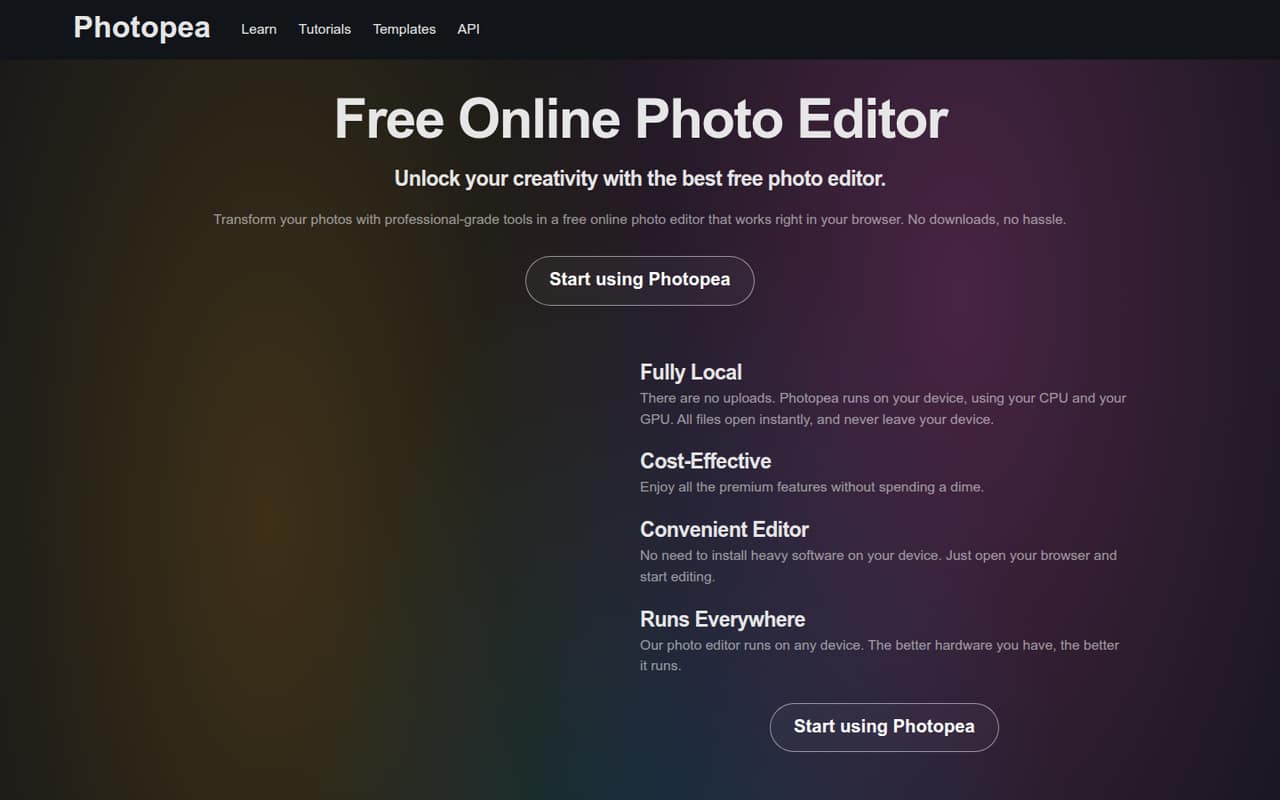
Photopea is our best starting point for a team that needs capable image editing without a paid entry fee. It has a free plan, and its fit includes teams of up to five. The browser-based format may suit quick shared access, though teams should check whether it fits their file-handling needs. Its listed paid starting price is $4.17.
What works
- Free plan includes core editing tools
- Opens and saves PSD files
- Supports image, design, and document formats
What doesn't
- Free workspace includes ads
- Free plan has 0.5 GB PeaDrive storage
- Free AI use is about one action daily
- Best budget planPolarrPolarr
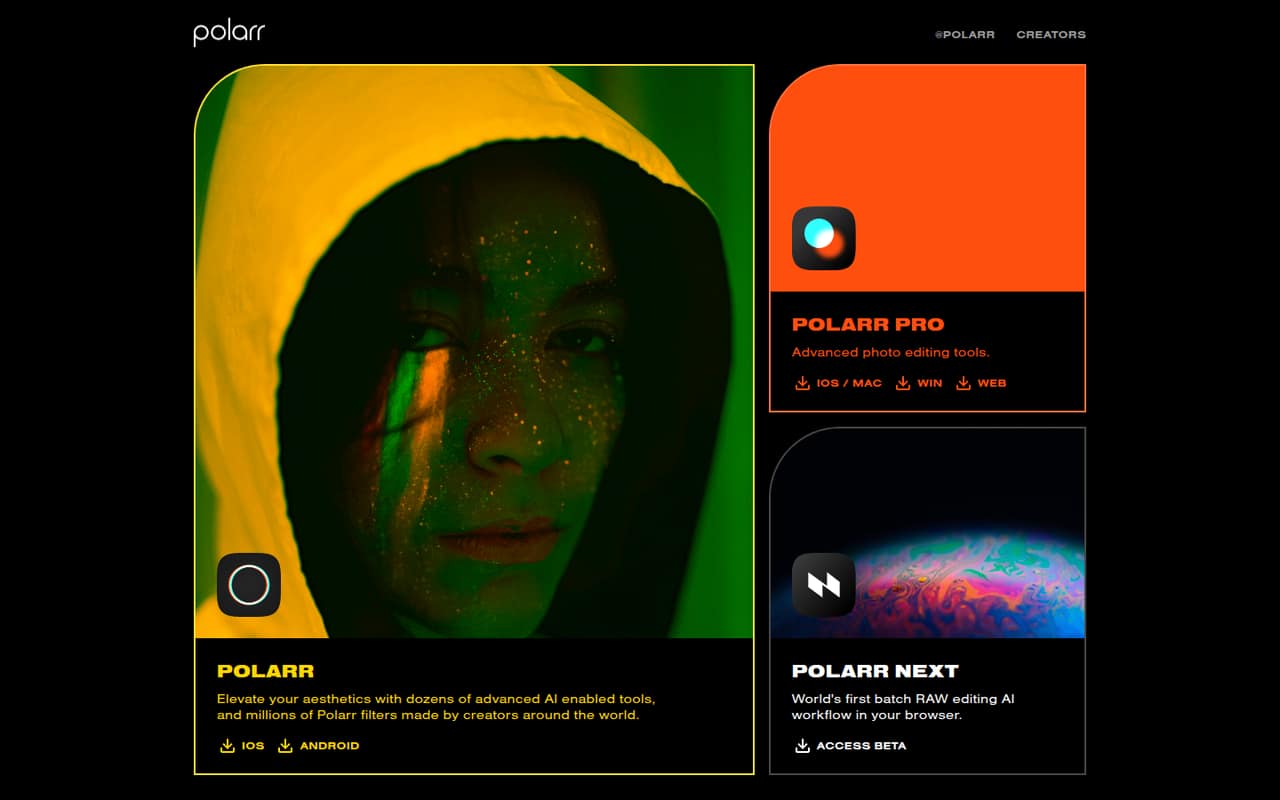
Polarr pairs a free tier with a listed Pro starting price of $1, and Pro covers up to five users. That makes it one of the clearest low-cost options for a small team that edits lots of photos or does filter and retouch work. Confirm the billing period and what the listed price includes before budgeting for seats.
What works
- Free plan includes core adjustments and basic presets
- Paid plans start at $1/month billed annually
- Pro covers up to five users
What doesn't
- Free mobile exports and tools require 10–30 second ads
- Lite plan limits are not published
- Pro usage limits are not published
- Best for background cutoutsPhotoScissorsPhotoScissors
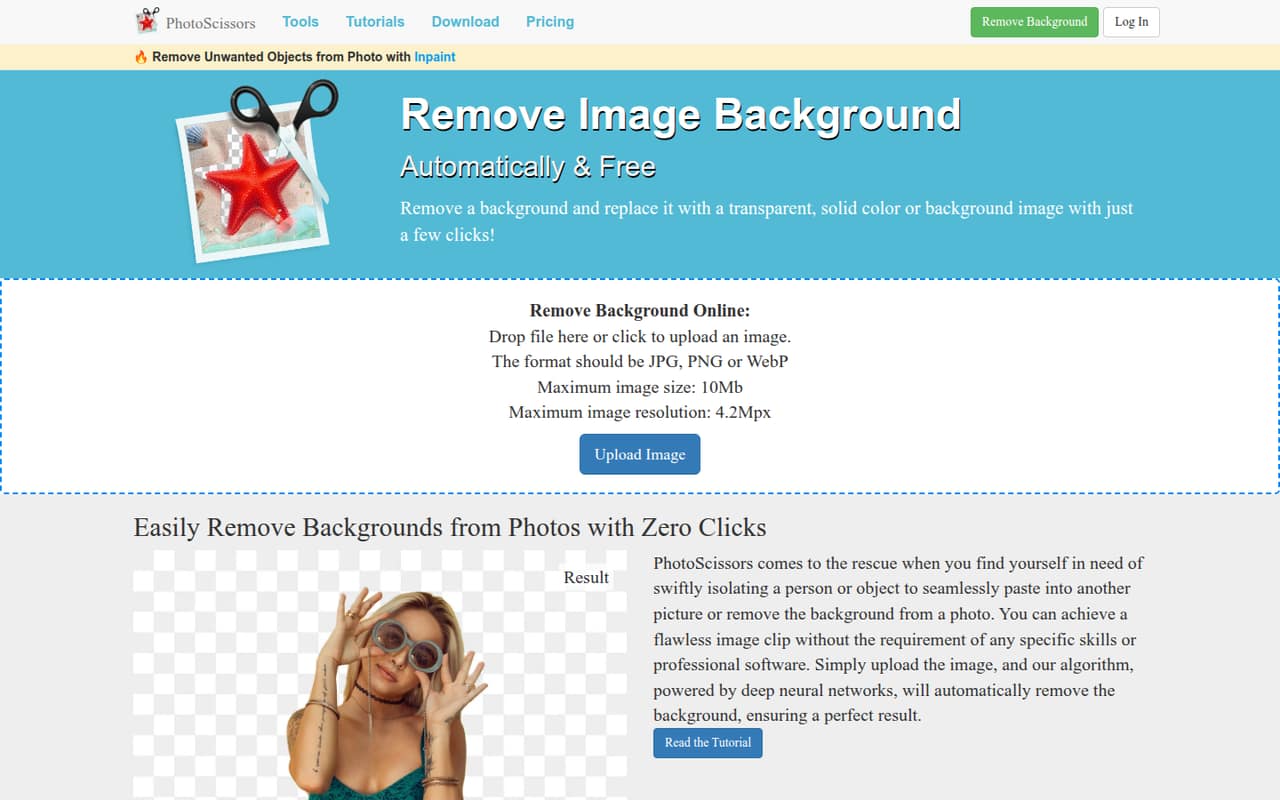
PhotoScissors is a practical fit when the team mainly needs quick background cutouts rather than a broad editing suite. It has a free plan and a listed starting price of $4.99, with image credits part of the buying consideration. For occasional product-photo work, check credit costs and whether the free access covers your export needs.
What works
- Free standard-definition image downloads
- Backgrounds can be transparent, solid, or image-based
- Tools handle hair and transparent objects
What doesn't
- Free downloads are standard definition
- Online uploads capped at 10 MB and 4.2 megapixels
- No monthly or annual subscription option listed
- Best for product photosPicWishPicWish
PicWish suits small product-photo teams and occasional background cleanup or promotional-image edits. It has a free plan and a listed starting price of $4.99. The key budget question is how seat costs and credits work as more people edit. Ask the vendor to price your team’s expected usage before relying on the entry price.
What works
- Free previews for most features
- Background removal covers people, products, animals and vehicles
- Enhances images up to 4096×4096 pixels
What doesn't
- Free plan has no credits
- Free downloads are limited and non-HD
- Free plan excludes batch processing
- Best for photo cleanupCleanup.picturesCleanup.pictures
Cleanup.pictures focuses on removing objects or text, making it a sensible small-team pick for occasional cleanup rather than general photo work. It has a free plan, but free exports are limited to 720p. The listed paid starting price is $3. Check the export options against the resolution your team needs before choosing the free tier.
What works
- Free plan allows unlimited images
- Pro exports have no stated resolution limit
- Removes objects, people, text and defects
What doesn't
- Free exports are limited to 720p
- Each Pro subscription is for one user
- ClipDrop Pro pricing details are not published
- Best free creative toolkitAffinity PhotoAffinity Photo
Affinity Photo offers a strong free creative toolkit for individuals, so it is worth considering when each teammate can work separately. Its listed starting price is not available, and team licensing and support deserve a closer look. Before adopting it across a small team, ask how licensing works for multiple people and what help is included.
What works
- Free for individual use with a Canva account
- Photo editing, vector design, and layout in one app
- Imports PSD, AI, IDML, and DWG
What doesn't
- Free plan is described for individual use
- SSO requires contacting Canva Enterprise or Education
- AI tools require an extra Canva Pro plan
- Best for wedding workflowsImagenImagen
Imagen is aimed at wedding photographers with high image volumes, solo photographers with a consistent style, and studios automating repeat editing work. Its listed starting price is $7. That workflow focus may be more useful than a general editor for repeat jobs, but team costs and seat rules need checking. Ask for a multi-person quote before committing.
What works
- 1,000 free edits to evaluate the workflow
- Learns a photographer’s editing style
- Pay-as-you-go editing starts at $0.05 per photo
What doesn't
- No ongoing free plan
- Limitless has a two-computer limit
- Business Custom pricing is not published
- Best for Mac teamsPixelmator ProPixelmator Pro
Pixelmator Pro is a fit for Mac-focused teams wanting photo and vector work, especially buyers who prefer a buy-once option. Its listed starting price is $2.50, but there is no free plan or published team licensing. Confirm whether each teammate needs a separate purchase and how the vendor handles team use.
What works
- Standalone Mac app costs $49.99 once
- Includes photo retouching and layer-based design
- Supports vector shapes, paths, and typography
What doesn't
- No free plan
- Standalone license is for Mac
- Seat limits aren’t published
- Best for photo librariesACDSeeACDSee
ACDSee combines photo organization and editing, which may suit a small team managing a library as well as making edits. Its listed starting price is $6.67. The trade-off is that it is less compelling for teams needing shared workflows, and the fit includes individual accounts. Check how accounts and access work before rolling it out.
What works
- Combines photo organization and editing
- Includes AI keywords and search
- Supports RAW and layered editing
What doesn't
- No free plan
- 365 pricing is listed for personal use
- Team collaboration features aren’t listed
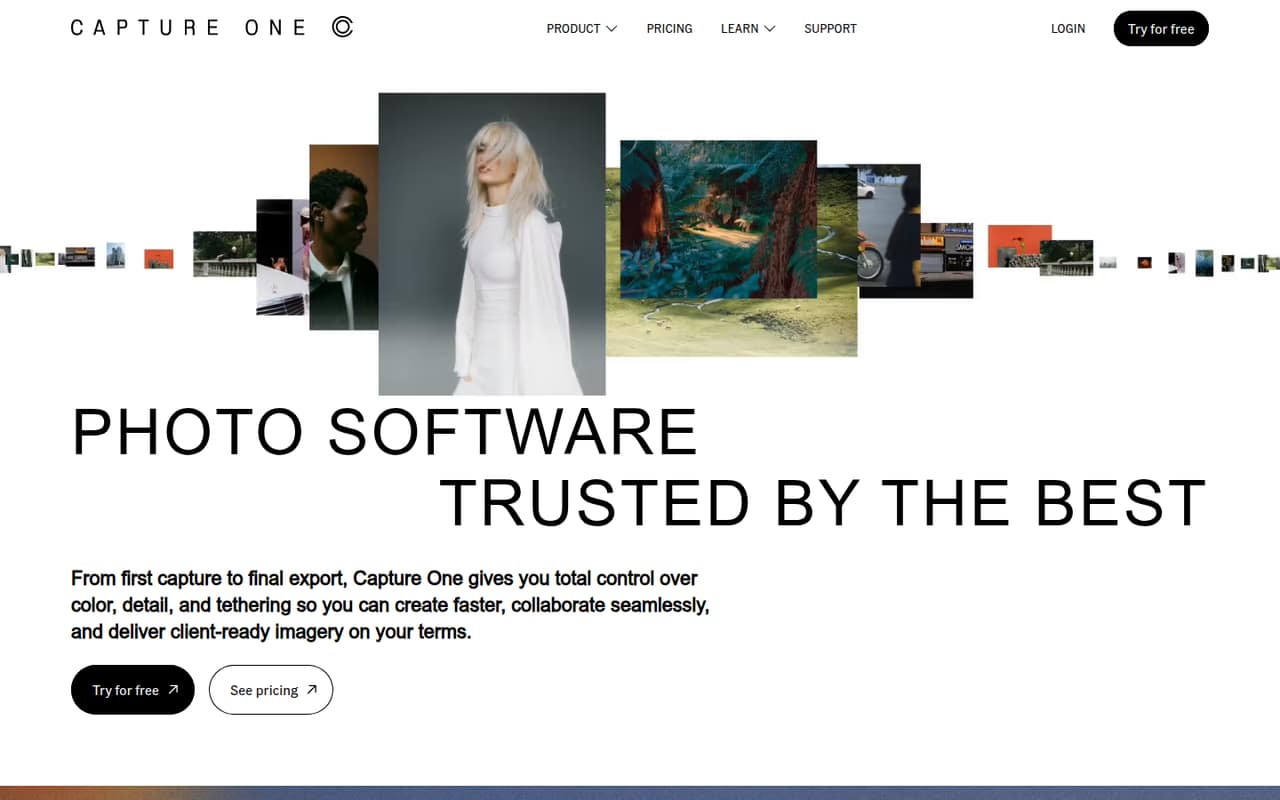
- Best for tethered studiosCapture OneCapture One
Capture One is aimed at color-focused working photographers and studios that tether cameras or prepare client-ready images. Its listed starting price is $18, so a few seats could make it a more serious budget choice than the free editors. The team should confirm seat pricing and whether its camera-tethering and color workflow match the studio’s actual needs.
What works
- Fine color control for different kinds of photography
- Tethering features for on-set work
- Supports 550+ cameras on both subscriptions
What doesn't
- No free plan
- The trial lasts only seven days
- Monthly billing costs more than annual billing
- Best for quick browser editsPixlrPixlr
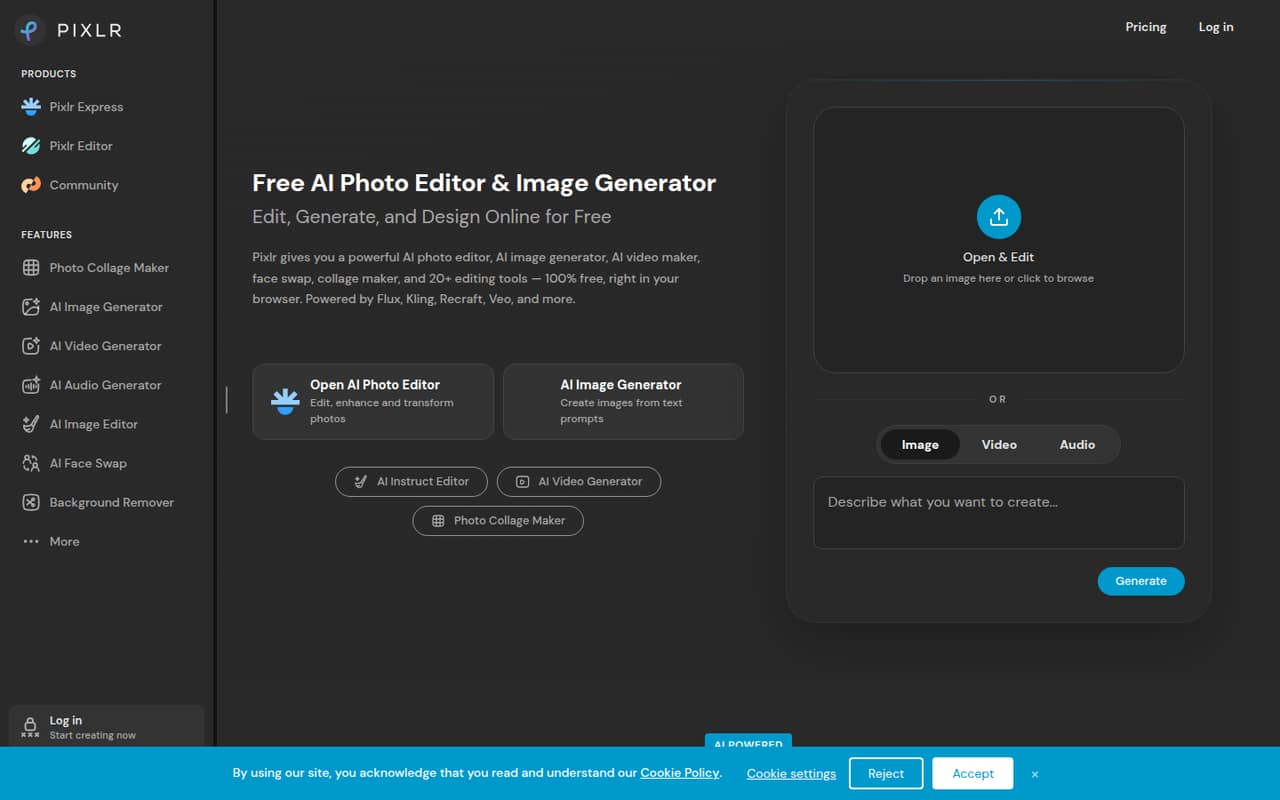
Pixlr is suited to small teams making quick image edits in browser-based creative workflows, with AI generation also among its stated use cases. It is listed from $1.99. The main caution is that free access does not mean unlimited saves. Check save limits and paid-plan terms before assigning it to a team that edits frequently.
What works
- Photo editing and AI tools in one browser-based suite
- Background and object removal tools
- Plus includes unlimited saves
What doesn't
- Current pricing lists no free plan
- AI credits vary by plan
- AI Credit Pack prices are not published
- Best for shoot backlogsAftershootAftershoot
Aftershoot is built around photographers’ larger shoot backlogs, with culling, editing, and offline processing among its workflow uses. It is listed from $7.50 and has no free tier, though the stated appeal includes unlimited processing. Small studios should weigh that against the lack of a free starting point and mixed reports about culling.
What works
- Unlimited culling on Select
- Unlimited editing on Edit
- Culling, editing, retouching, and galleries in one app
What doesn't
- No free plan
- The 30-day trial’s feature limits are not published
- Separate seats can add up for a small team
- Best for varied image tasksImg2GoImg2Go
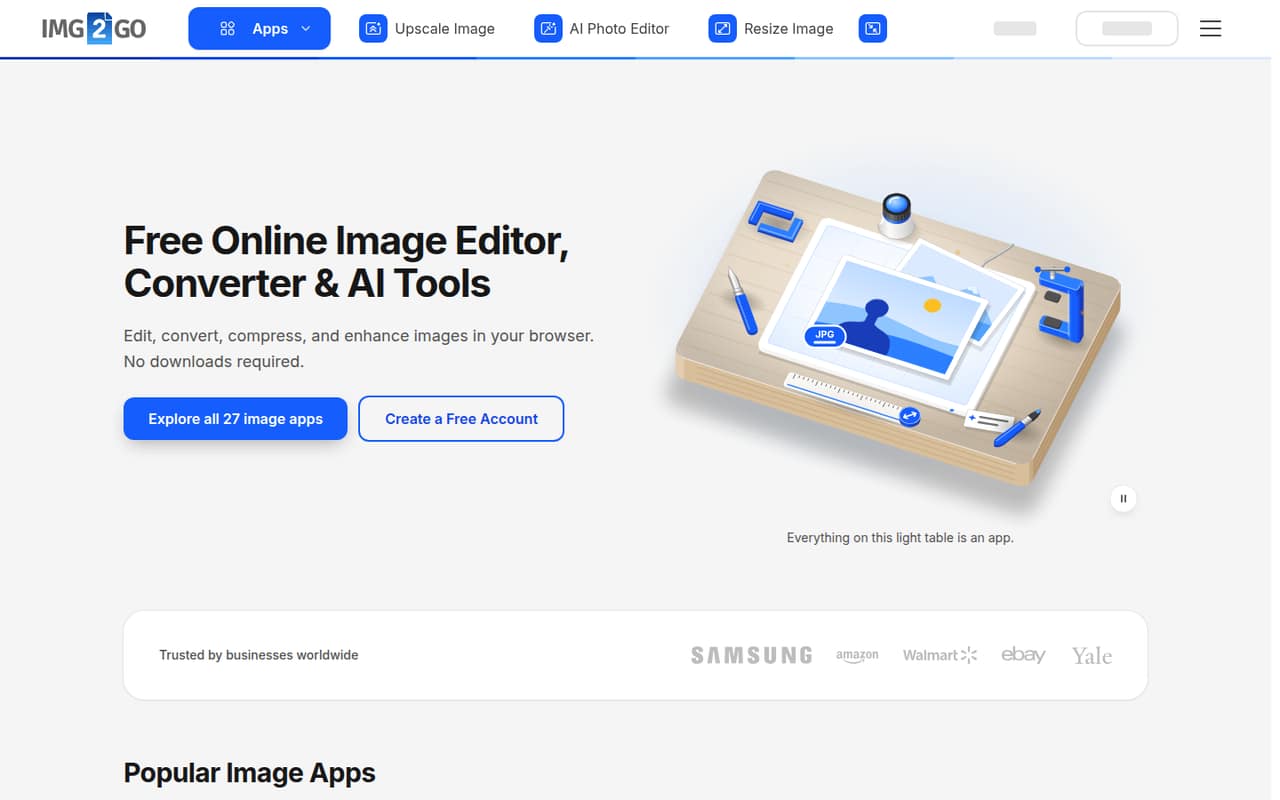
Img2Go offers browser-based image tools for varied formats and AI tasks, a possible fit when a team does more than photo retouching. It has a free plan, but paid prices are not published, making team budgeting difficult. Check with the vendor for seat and usage costs before relying on it for regular work.
What works
- Editing, resizing, conversion and compression in one browser suite
- Free plan includes access to most apps
- Free plan is listed for one person
What doesn't
- Paid plan prices aren’t published
- Free file processing is limited
- AI usage amounts aren’t stated in concrete units
- Best for offline editsinPixio Photo StudioinPixio Photo Studio
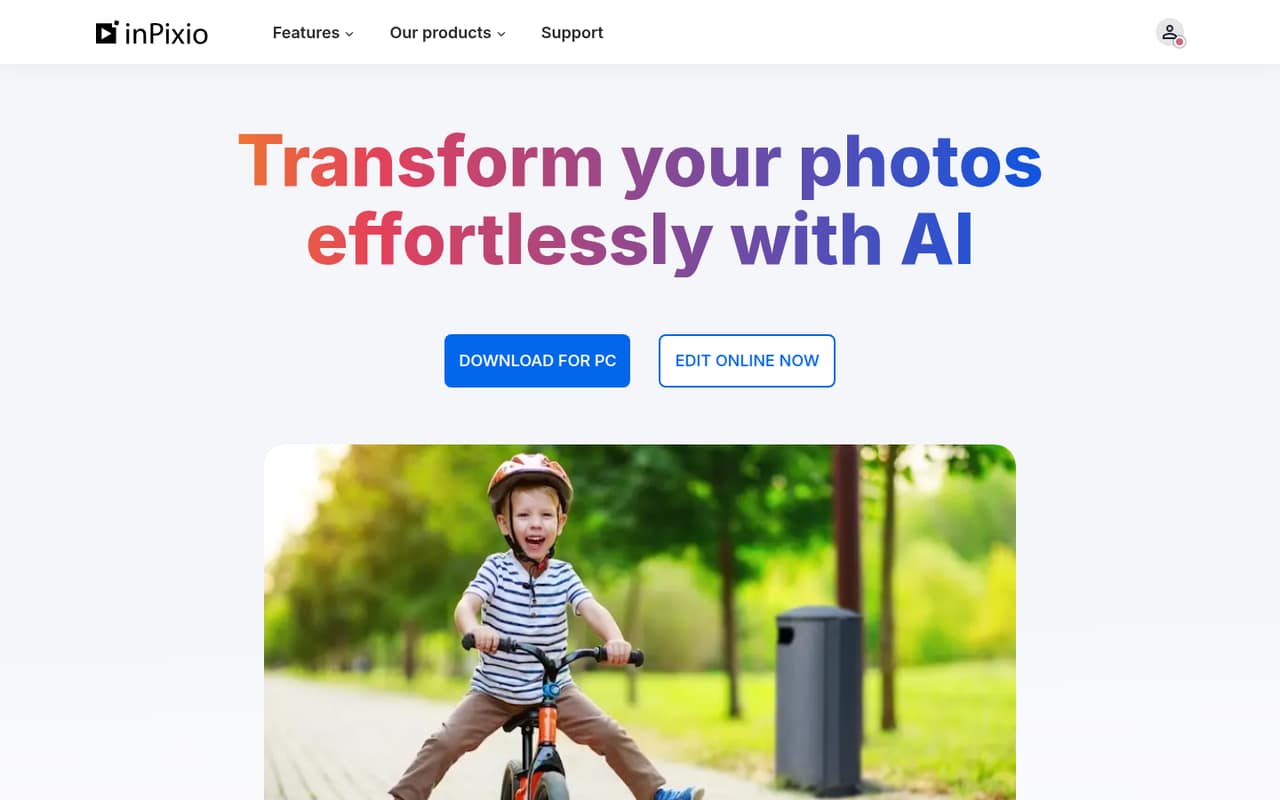
inPixio Photo Studio is positioned for solo editing and small teams making image assets, with Windows users who need offline edits among its target buyers. It has a free plan and is listed from $4.17. The low entry price is worth checking, but team licensing details need confirmation before you budget for multiple people.
What works
- Free plan includes 50 AI credits monthly
- Tools remove backgrounds and unwanted objects
- Windows software supports offline editing
What doesn't
- Seat limits are not published
- Monthly paid prices are not published
- AI credit limit for Photo Studio 12 is not published
- Best without required subscriptionsON1 Photo RAWON1 Photo RAW
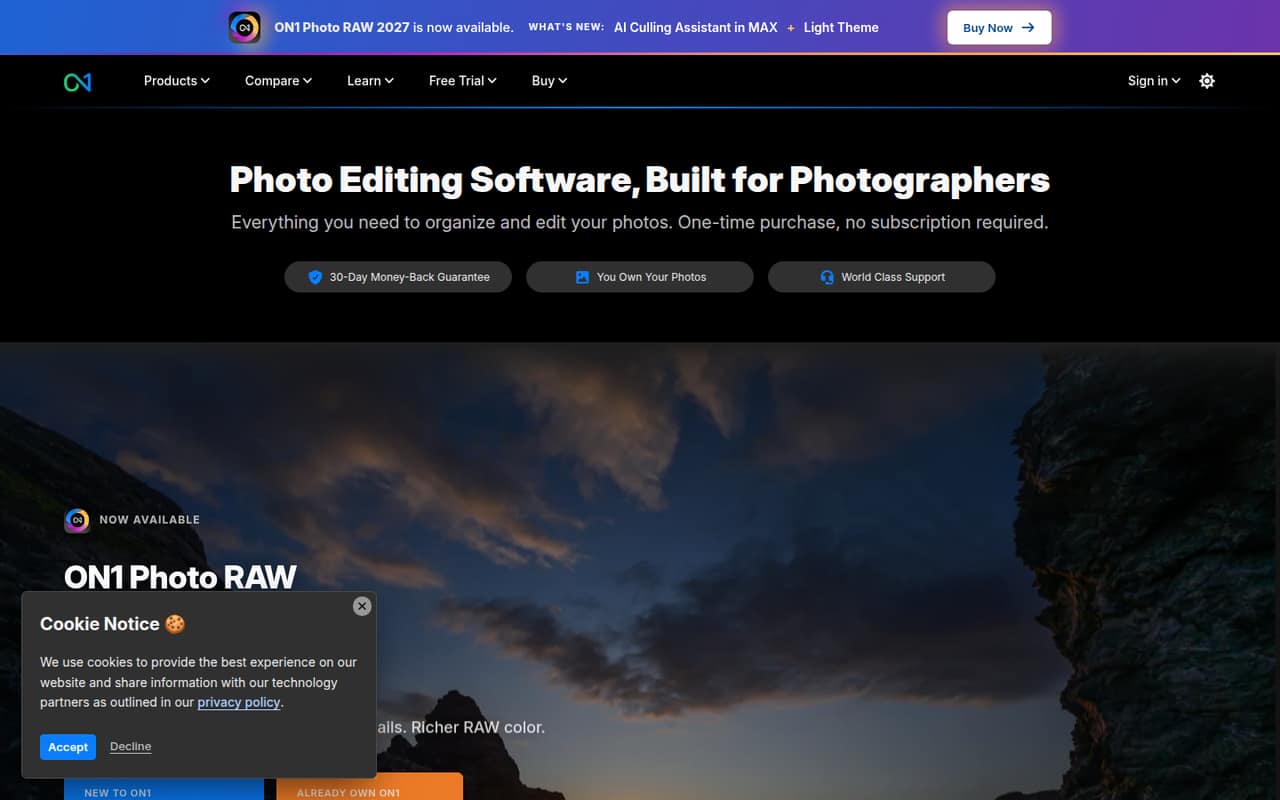
ON1 Photo RAW offers a broad photo toolkit for people avoiding required subscriptions, with organizing files without catalog imports also among its stated uses. It is listed from $6.67 and has no free entry point. Its fit for separate computers does not establish a shared team plan, so ask how multiple licenses are priced.
What works
- Organizes photos in their original folders
- Combines organizing and editing in one app
- RAW edits are non-destructive
What doesn't
- No free plan or listed free trial
- One-time plans cover only two or three computers
- No monthly billing option is listed
- Best for RAW correctionDxO PhotoLabDxO PhotoLab
DxO PhotoLab is aimed at small RAW-photo teams needing high-ISO cleanup or lens-specific corrections. Those specialized capabilities may justify considering it when general-purpose editing is not enough. There is no free plan, and team pricing is not published. Ask the vendor for current license costs for every person who needs access before comparing it with other editors.
What works
- One-time license; no monthly or annual billing
- 30-day fully functional trial
- DeepPRIME noise reduction and demosaicing
What doesn't
- No free plan
- Team-seat licensing terms aren’t published
- Five individual Essential licenses cost $749.95 upfront
- Best one-time Mac purchaseAcornAcorn
Acorn is a low-cost, one-time Mac purchase for people editing images and avoiding subscriptions. It is listed from $29.99 and is described as an option for small teams buying several licenses. Published feature details are sparse, so confirm the tools your team needs and whether each license can be used by a separate teammate.
What works
- 14-day free trial
- $29.99 one-time starting price
- Lower per-license price for two or more
What doesn't
- No free plan
- Specific editing tools are not listed on the homepage
- Mac app, not a cross-platform option
- Best for one-time licensingPaintShop ProPaintShop Pro
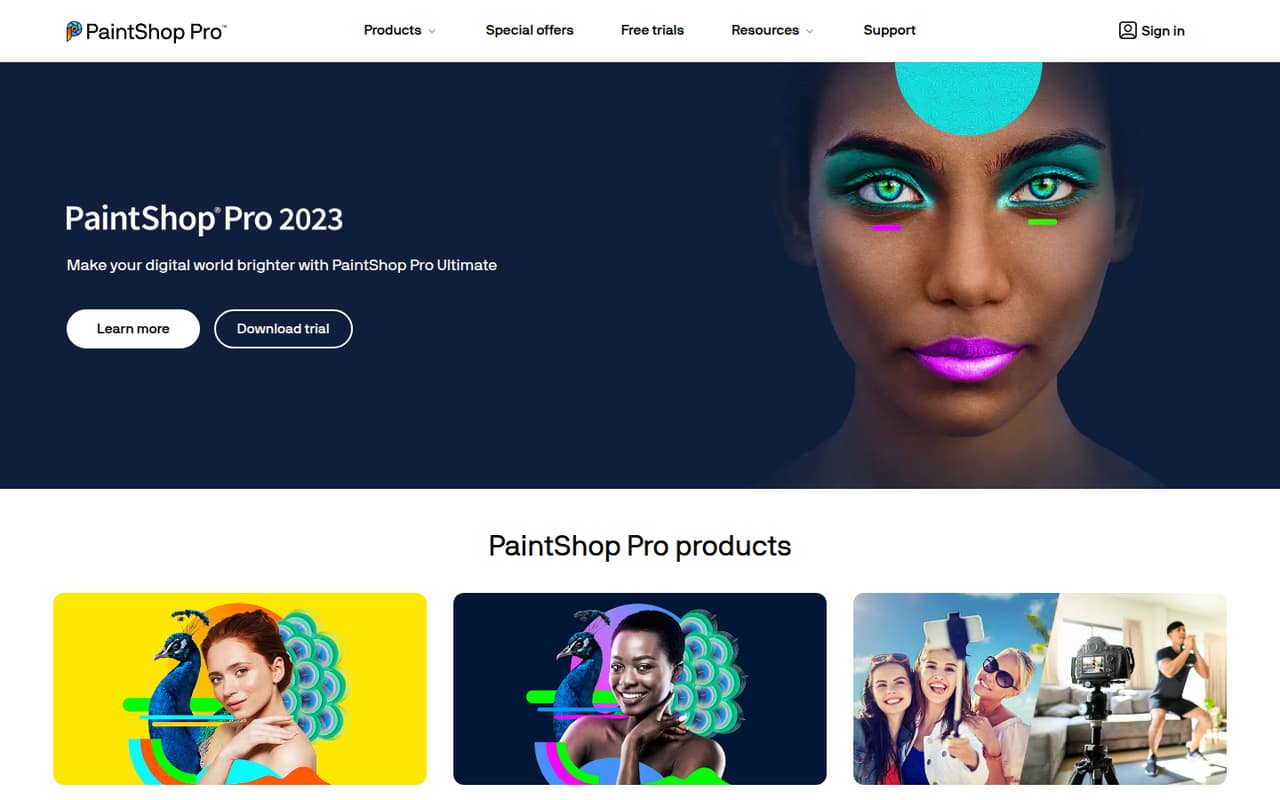
PaintShop Pro is worth a look for teams wanting photo and graphic design work without a subscription. Its listed price is not published, so there is no clear entry cost to compare against other tools. Ask the vendor for the current one-time license price and the rules for using it across several team members.
What works
- Perpetual license; no subscription billing
- 30-day trial for 2023 and Ultimate
- Photo editing and graphic design tools
What doesn't
- No free plan
- Seat and usage limits are not published
- Monthly and annual prices are not published
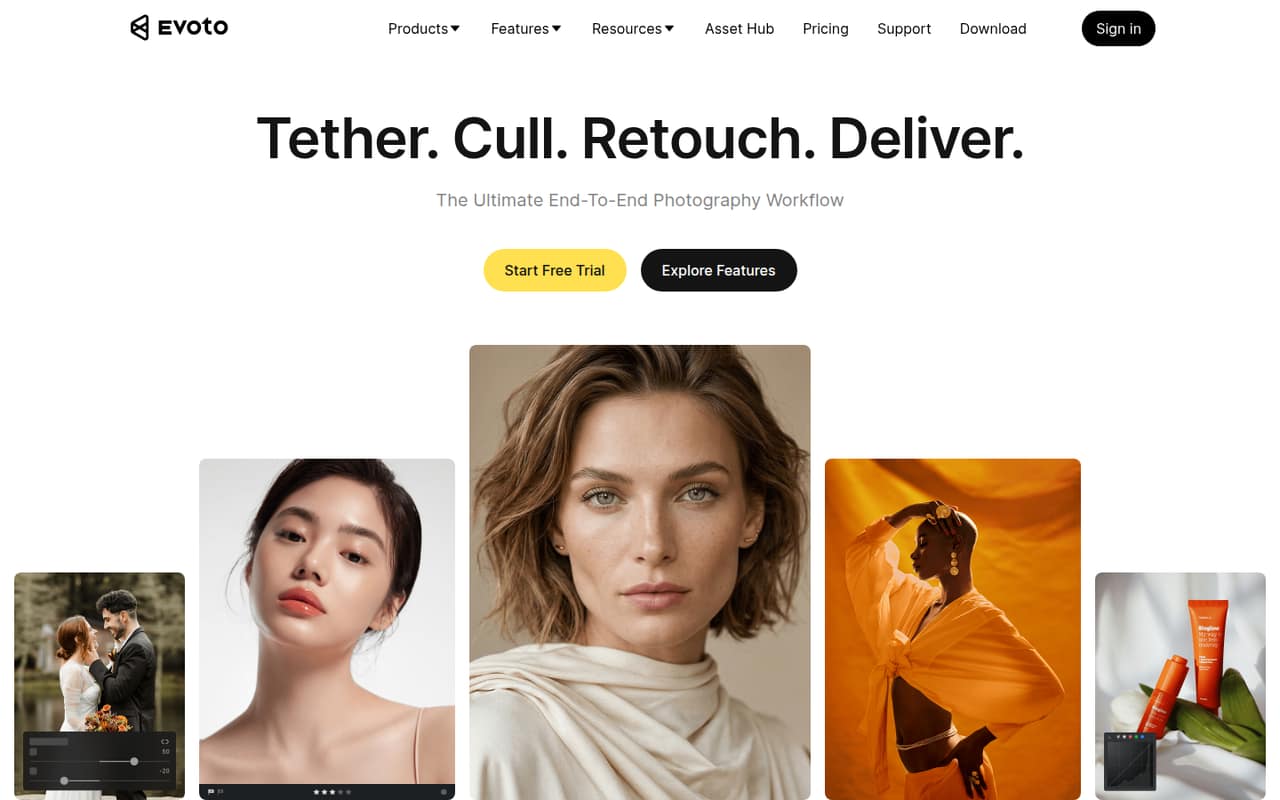
- Best for portrait batchesEvoto AIEvoto AI
Evoto AI targets portrait photographers and small studios with repeat editing or high-volume shoots. It is listed from $6.99, with pricing tied to credits and devices and no free plan. Those rules matter more than the entry price if several people edit client galleries. Ask for a team estimate based on your devices and expected credit use.
What works
- Culling, retouching and color tools in one workflow
- Batch processing can apply edits across a photo set
- Plans include credit-free features and Asset Hub Membership
What doesn't
- No free plan; the free trial lasts seven days
- Monthly billing prices are not published
- Plans list device counts, not user-seat counts
- Best for social contentPicsartPicsart
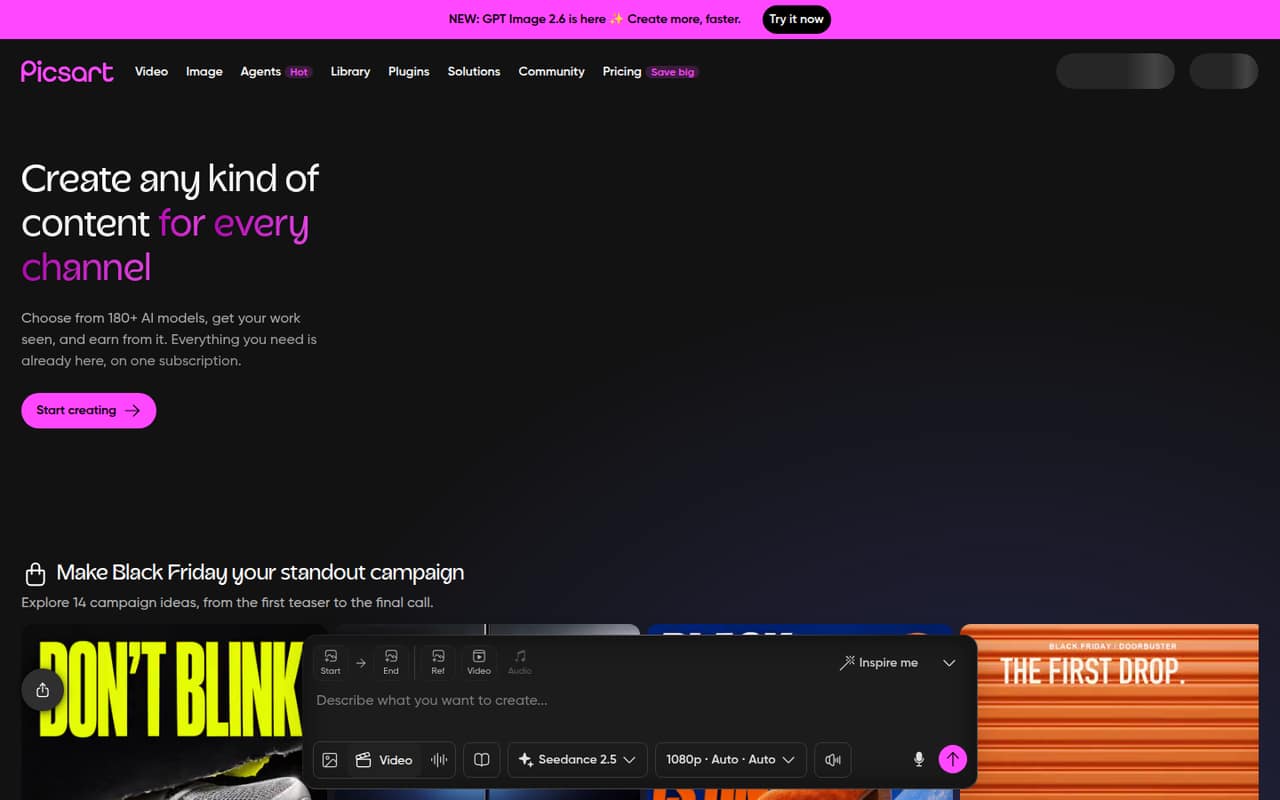
Picsart is designed for teams creating social content, using several media types, or building AI workflows. It is listed from $10.50, which makes its paid entry point harder to overlook for a budget-conscious team. Subscription complaints are another reason to check the cancellation and renewal terms, and to confirm which plan covers the team’s intended use.
What works
- Combines image, video, and audio creation
- AI Playground offers multiple media types
- Flow connects models, effects, and assets
What doesn't
- No free plan is listed
- Pro costs $15 monthly without annual billing
- Ultra add-on credit prices are not published
- Best one-time desktop optionLuminar NeoLuminar Neo
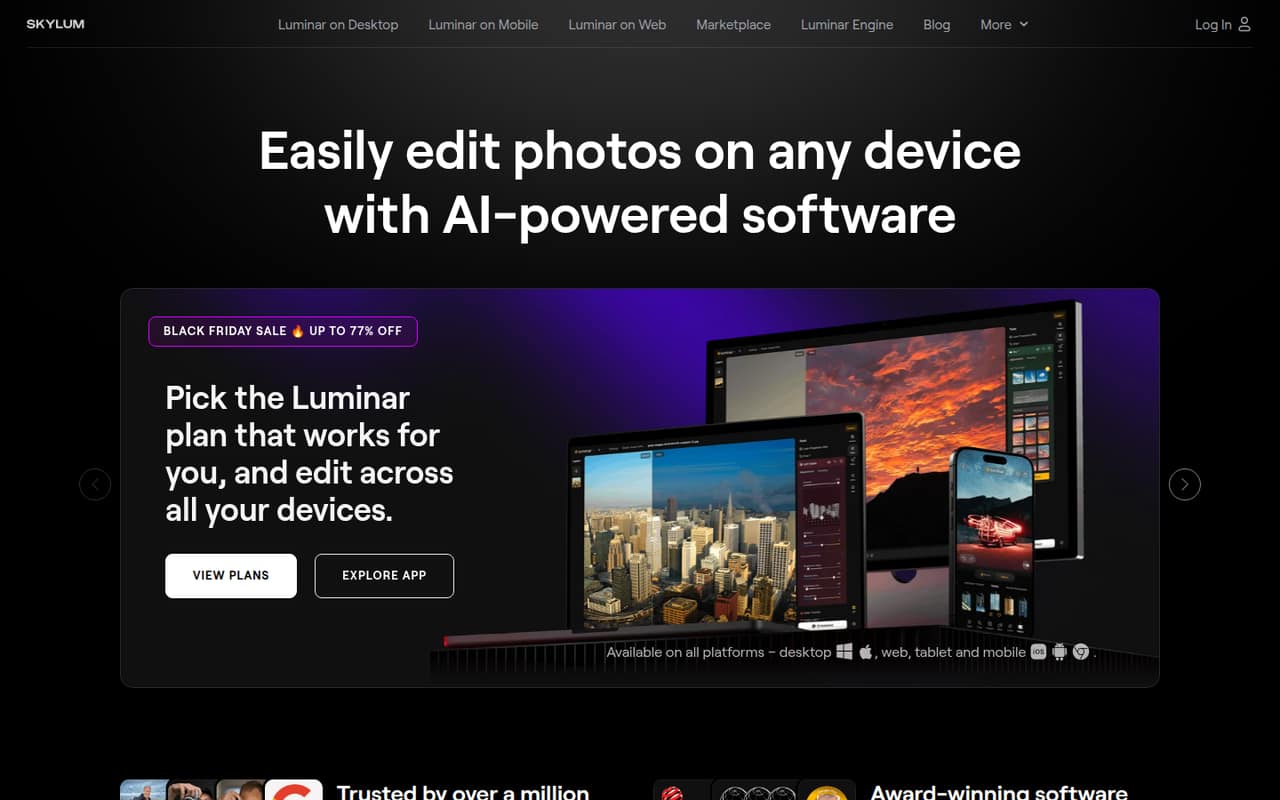
Luminar Neo may appeal to small teams seeking desktop and mobile editing while avoiding recurring base fees. It is listed from $89 and has no free plan. The main team concern is that clear team-seat pricing is not published. Before buying, ask whether one purchase covers one person or whether each teammate needs a separate license.
What works
- Desktop Only starts at €89 as a one-time payment
- All Platforms includes desktop, mobile, and web licenses
- Plans include presets, LUTs, and overlays
What doesn't
- No free plan is listed
- Each plan’s license is described by device, not team seat
- Generative AI access is included for one year
- Best for branded visualsPicMonkeyPicMonkey
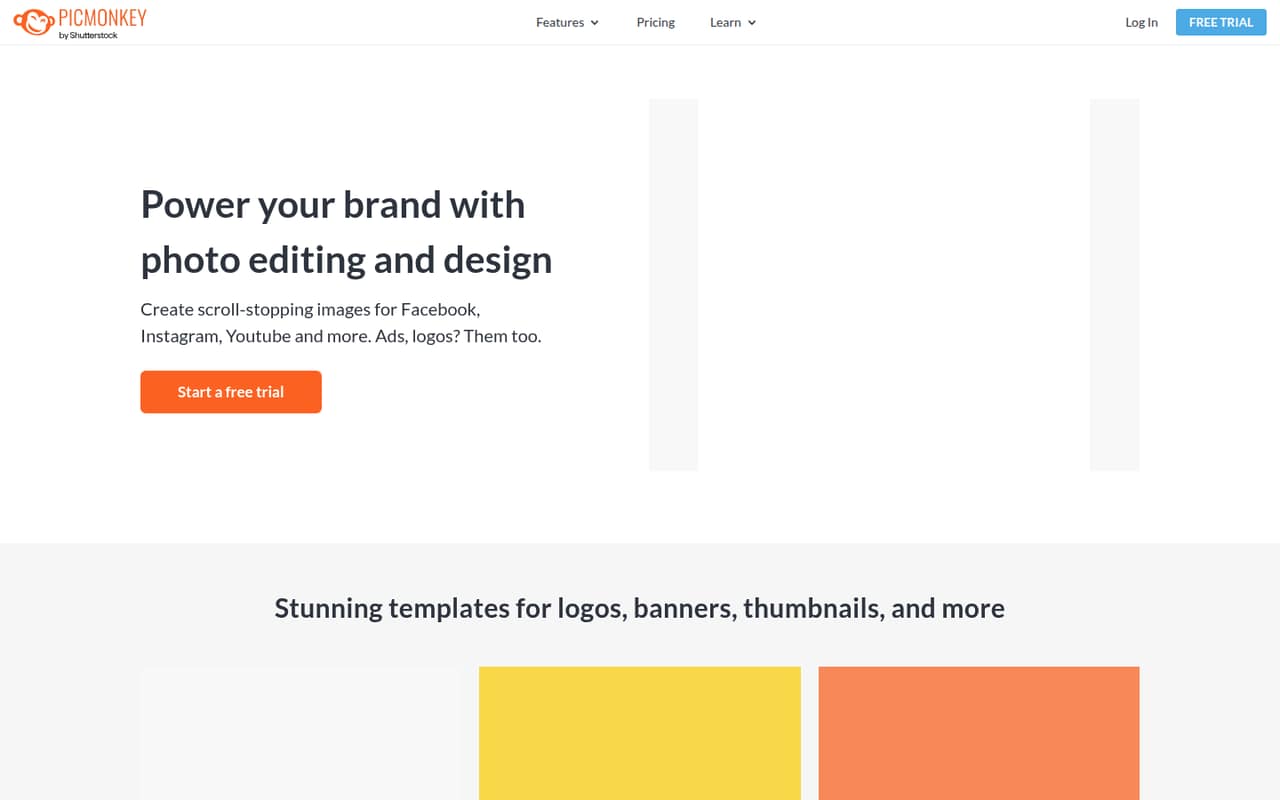
PicMonkey offers templates and brand assets alongside photo editing, making it a possible fit for small teams producing branded marketing visuals. It has no permanent free plan, and published prices are not available. That leaves both the trial-to-paid decision and multi-seat budget unclear. Ask for current pricing and team terms before building recurring work around it.
What works
- Photo editing includes touch-up and background removal
- Templates cover social posts, flyers and presentations
- Brand kit saves logos, fonts and colors
What doesn't
- No ongoing free plan is listed
- Monthly and annual prices aren't published
- Plan features and seat limits aren't published
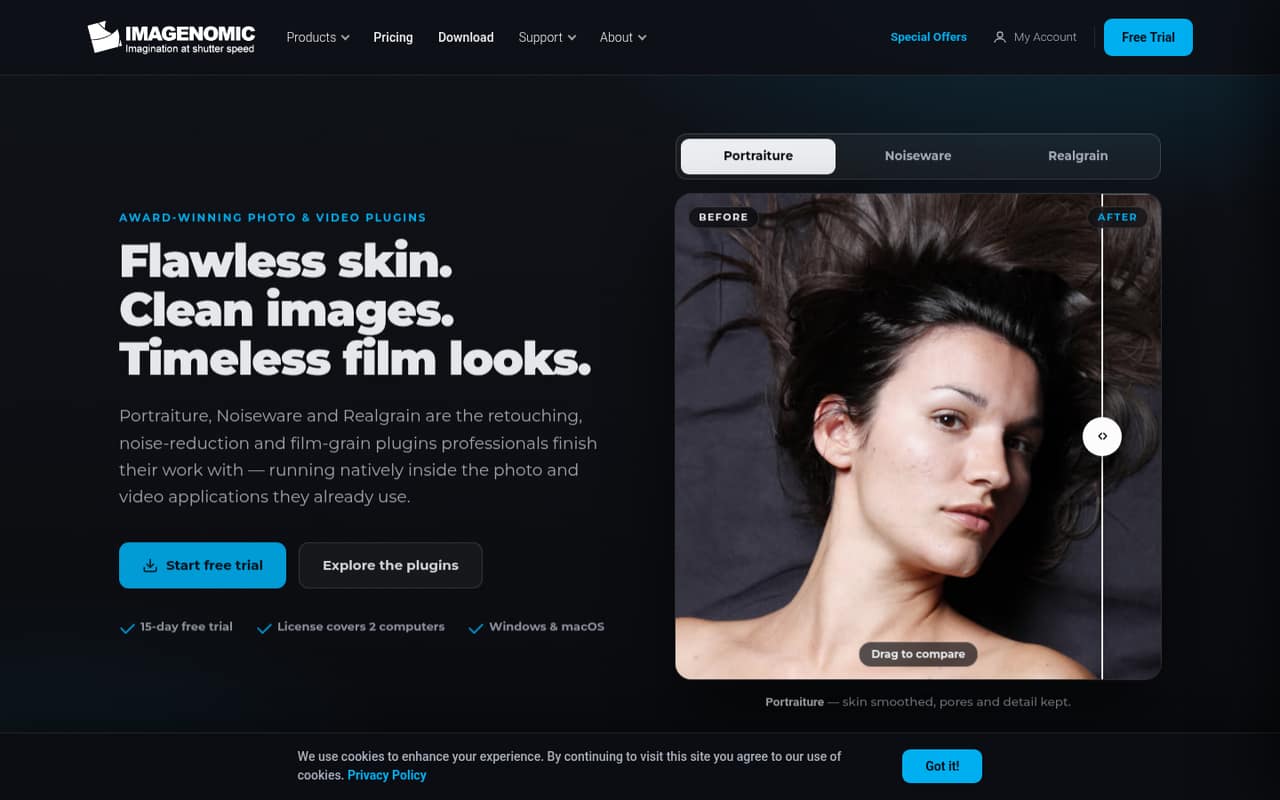
- Best for repeat retouchingPortraiturePortraiture
Portraiture is aimed at studios doing repeat portrait retouching and editors already using a supported host; its tools also cover photo and video plugins. It is listed from $10.83. The high entry price and unclear team licensing warrant a closer look. Confirm host compatibility, supported workflows, and the cost for every editor before purchasing.
What works
- AI smoothing aims to preserve pores and fine detail
- Includes AI masks for hair, eyes, and skin
- Offers photo and video plugin options
What doesn't
- No free plan
- Portraiture-only licenses start at $249.95
- No monthly billing is listed
- Best for legacy users
Color.ioColor.io
Color.io’s film-inspired grading tools may interest former Pro users with legacy access, but its shutdown makes it a poor choice for a new team. It is listed from $4.08 and has a free plan, but a listed price does not overcome the availability concern. We would not build a new team workflow around a shut-down product.
What works
- Film-derived color models and VisionLog
- RAW development for over 600 camera models
- Custom grain, halation, bloom, and diffusion
What doesn't
- The service reportedly shut down on December 31, 2025
- Current pricing and new access are unavailable
- Free exports were limited to 75% quality
03How we chose
We ranked these tools for teams of one to ten, not for a solo editor chasing the most features. We weighed whether a free plan exists, the listed starting price and what it suggests for a few seats, setup friction, and limits such as credits, devices, export resolution, or separate accounts. We also considered the intended workflow, vendor documentation, and reported user sentiment where available. A starting price is not a team quote, so we call out missing seat rules and prices rather than multiplying a figure that may not apply per user.
04Work out what your team actually edits
Start with the job, not the longest feature list. A team making occasional cutouts may be better served by PhotoScissors, PicWish, or Cleanup.pictures than by a broad editing suite. If you handle RAW files, high-ISO cleanup, tethered studio shoots, or repeat portrait galleries, compare tools aimed at those workflows, such as DxO PhotoLab, Capture One, and Evoto AI.
Next, count who needs access and how often. A free plan can be enough for occasional tasks, but check export resolution, save limits, credits, and device rules. Photopea has a free plan and is suited to teams of up to five; Cleanup.pictures’ free exports are limited to 720p. For paid tools, ask whether the listed starting price is per person, per device, or tied to usage. If the vendor does not publish team pricing, get a quote before you make the tool part of a shared process.
05Keep setup and future costs in view
A low price is useful only if the workflow fits. Browser-based editors such as Photopea and Img2Go may be worth considering when browser access matters, while tools built around specific workflows may need more planning. For example, Portraiture is intended for editors using a supported host, and Evoto AI pricing is tied to credits and devices. Check file handling, compatibility, and how teammates will access work before committing.
For a small team, compare the real cost of the seats you need—not just the starting figure. Some tools have free plans, while others do not publish prices or team licensing. Ask vendors for a quote covering your number of people, devices, and expected usage. Revisit the choice when your team needs shared workflows, more seats, or higher-resolution exports that the current plan does not cover. If the requirements are unclear, start with the free option rather than paying for features you may not use.
Questions people ask
What is better, Lightroom or Photoshop?
There is no single better choice for every team. This guide does not rank Lightroom or Photoshop, so we would not claim one wins on price or features here. Compare the exact work you need, the number of seats, and current team pricing with the alternatives in this list before choosing.
What is the best 100% free photo editor?
For a small team, Photopea is our leading free pick: it has a free plan and is suited to teams of up to five. Affinity Photo also has a free plan and a strong creative toolkit for individuals, but check team licensing before rolling it out to several people.
What do professional photographers use to edit their photos?
The right tool depends on the work. This list includes options aimed at RAW correction, tethered studio shoots, repeat portrait retouching, and high-volume wedding editing, including DxO PhotoLab, Capture One, Portraiture, and Imagen. Check compatibility, seat rules, and the cost for your team before choosing.
What are the top 10 photo editing software?
For small teams, our top ten are Photopea, Polarr, PhotoScissors, PicWish, Cleanup.pictures, Affinity Photo, Imagen, Pixelmator Pro, ACDSee, and Capture One. The order reflects small-team fit, including free access, listed starting prices, and workflow needs—not a claim that one tool suits every team.