
We may earn a commission if you buy through links on this page. It never changes a score or a ranking. How we make money
The bottom line
Good for occasional image fixes; check credit use and seat pricing before rolling it out to a team.
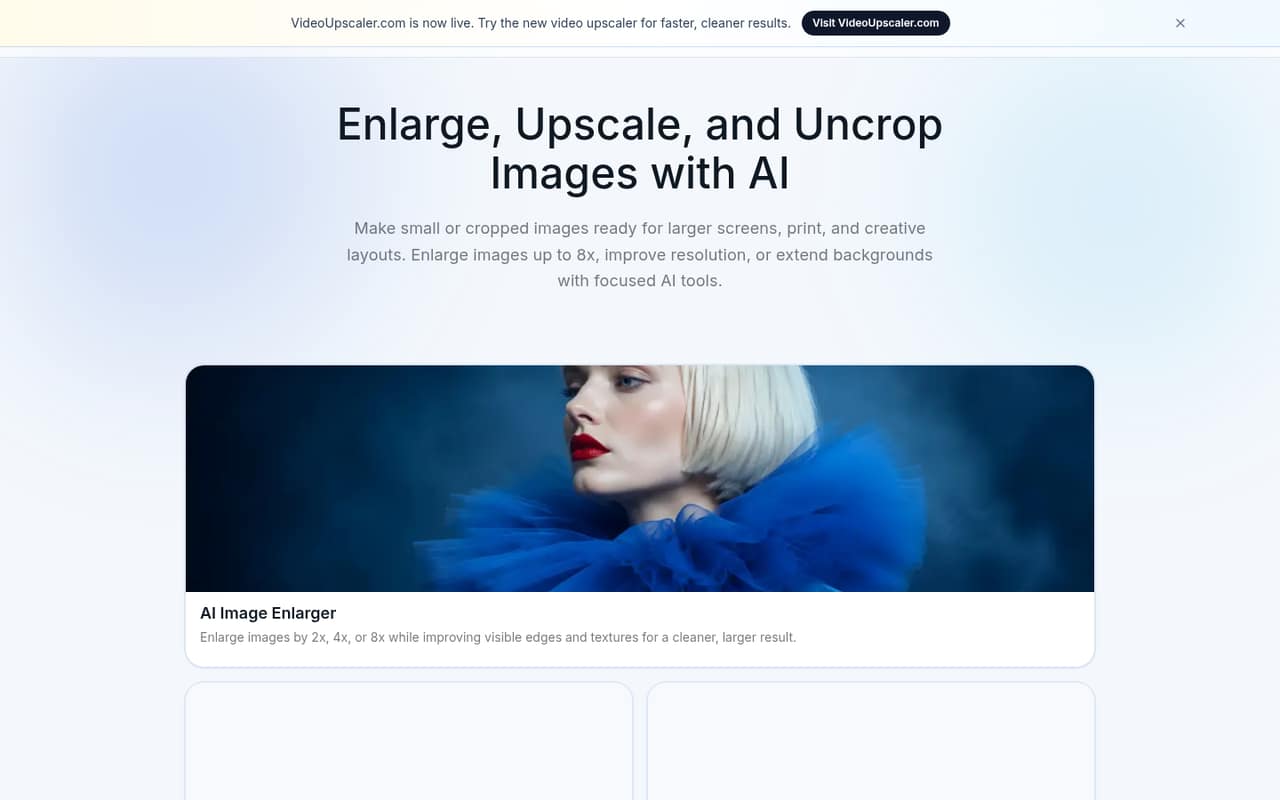
AI Image Enlarger combines browser-based enlargement, upscaling, enhancement, background removal, image extension, editing, and conversion. The free plan includes 100 credits each month, but limits processing to one image at a time and a maximum 2x scale-up.
Paid plans start at $9.99 monthly, or $7.99 per month with annual billing. That buys more credits and batch processing, but the vendor does not publish per-seat pricing or how many credits each operation uses.
Good fit if
- Small teams fixing occasional images
- Creators needing batch processing
- Teams wanting browser-based image tools
Skip it if
- High-volume users needing predictable costs
- Teams requiring published seat pricing
- Workflows that depend on confirmed integrations
ScoresHow it rates
What works
- Free plan includes 100 credits monthly
- Browser-based enlargement, editing, and conversion
- Paid plans include batch processing
- Premium supports scaling up to 8x
- Annual billing is advertised at 20% off
What doesn't
- Free plan processes one image at a time
- Free input maximum side is 1024px
- Credit use per operation is not published
- Team seat pricing is not published
- Top-up credit prices are not published
01Who AI Image Enlarger is for
AI Image Enlarger suits a small team that needs occasional image fixes, not a full-time image production system. It brings enlargement, upscaling, enhancement, sharpening, background removal, image extension, cropping, resizing, and format conversion into a browser-based collection of tools.
For a team of one to ten people watching its software budget, the free plan is a sensible place to start: it includes 100 credits a month and basic editing and converter tools. The catch is that free processing is limited to one image at a time, a 1024px maximum input side, and scaling up to 2x. A creator or small team that needs batch work or larger enlargements may need Premium, listed at $9.99 monthly. Business offers more credits and priority support, but the vendor does not publish seat pricing, so confirm how team access works before budgeting.
02AI Image Enlarger free plan and trial
The free plan includes 100 credits per month, single-image processing, an input maximum side of 1024px, and scaling up to 2x. It also includes the converter and editor tools. That should cover light use, but it is a tight fit for repeated or batch image work.
The vendor does not publish how many credits each operation uses, so it is hard to estimate how many images 100 credits will handle. Free also does not include batch processing or enlargement beyond 2x. A free trial is not published. The cheapest paid option is Premium at $9.99 per month, or $7.99 per month with annual billing.
03What a small team pays for AI Image Enlarger
The pricing page lists Premium at $9.99 per month, with an annual-billing equivalent of $7.99 per month. If each person needs a separate Premium subscription, one person would cost $9.99 monthly or $7.99 per month billed annually; three would be $29.97 or $23.97; five would be $49.95 or $39.95. Annual billing is advertised as 20% off, and those figures are monthly equivalents, not annual totals.
Business is listed at $19.99 monthly, or $15.99 per month with annual billing. Under the same one-subscription-per-person assumption, three people would cost $59.97 or $47.97 monthly equivalent; five would cost $99.95 or $79.95. But the vendor does not publish seat pricing or confirm whether subscriptions are per user, so treat these as illustrations, not a team quote. Premium includes 2,000 credits and batch processing; Business includes 6,000 credits and priority support. Top-up credits are available when offered, but prices are not published.
04Getting started with AI Image Enlarger
The tools are browser-based, so a small team can begin with image files and a web browser rather than setting up a desktop editing workflow. The listed tools cover common jobs such as enlarging, removing backgrounds, cropping, resizing, and converting formats. That makes the learning curve appear manageable for occasional tasks, though the vendor does not publish setup time or detailed onboarding requirements.
Integration options are not published. If your team needs image files to move automatically between this tool and a storage, design, or publishing system, ask the vendor before choosing a plan. A Reddit commenter says the feature appeared with an Origin OS update, while another says they could not find it on the X100U. Those comments point to uneven availability in that phone context; they do not establish how the browser-based tools work on every device.
05When small teams outgrow AI Image Enlarger
The first pressure point is volume. Free allows 100 credits a month, one image per processing job, a 1024px maximum input side, and up to 2x scaling. Teams needing batch processing or enlargement up to 8x move to a paid plan. Premium raises the allowance to 2,000 credits; Business lists 6,000, but the vendor does not publish credit use per operation, which makes recurring workload costs harder to forecast.
The next question is team access. Business is described for teams and high-volume workflows, but seat counts and per-seat charges are not published. Ask for a quote if several people need access, rather than multiplying the plan price and assuming that is how billing works. Reddit feedback is mostly enthusiastic in the small discussion available: users call the feature fun and say it worked well, while one reports not seeing it on a particular phone model. If your work depends on consistent device availability, predictable usage costs, or confirmed integrations, check those details before making it a team standard.
From the threadsWhat users say
The small Reddit discussion is positive about the enlargement feature, with comments describing it as fun and good. Availability was not universal for one commenter, so the feedback is encouraging but limited.
it's so fun
it's amazing
tested it, it's pretty good
Well I do not see it on the X100U
Questions people ask
What does AI Image Enlarger’s free plan include?
The free plan includes 100 credits per month, single-image processing, an input maximum side of 1024px, scaling up to 2x, and converter and editor tools. It does not include batch processing. The vendor does not publish how many credits each operation uses, so check your likely usage before relying on the monthly allowance.
How much does AI Image Enlarger cost?
Premium is listed at $9.99 per month, or $7.99 per month with annual billing. Business is $19.99 monthly, or $15.99 per month with annual billing. The vendor does not publish per-seat pricing, so confirm the price for your team size before subscribing.
Can AI Image Enlarger scale images up to 8x?
Yes. The Premium and Business plans list scaling up to 8x. The free plan is limited to 2x. The tool also lists separate upscaling options of 2x or 4x, so check which image workflow fits your needs and plan allowance.
Does AI Image Enlarger support batch processing?
Batch processing is included with Premium and Business. The free plan is limited to single-image processing. Premium lists 2,000 credits per month, and Business lists 6,000, but the vendor does not publish how many credits a batch or individual operation consumes.
Does AI Image Enlarger connect to other apps?
Integration options are not published. The product includes browser-based editing and conversion tools, but that does not confirm connections to storage, design, or publishing apps. If your team needs files to move automatically between services, ask the vendor which integrations are available before buying.