We may earn a commission if you buy through links on this page. It never changes a score or a ranking. How we make money
A small team probably doesn't need an all-purpose AI editing suite if it only removes backgrounds or sharpens the occasional photo. Start with a focused tool and its free plan, then check whether the paid option covers your actual workload. Claid.ai, erase.bg, and Clipping Magic stand out for specific small-team jobs, while broader tools suit teams with varied image tasks. Starting prices run from $3.32 to $33.25 among the listed paid options, but a few-seat total often needs a closer look: ask whether pricing is per person, per credit, or both.
Quick picksThe shortlist
 Claid.aiClaid.aiBest for product photos · $9/mo
 erase.bgerase.bgBest for quick cutouts · $5/mo
 Clipping MagicClipping MagicBest for refined cutouts · $3.32/mo
 Let's EnhanceLet's EnhanceBest for print images · $9/mo
 remove.bgremove.bgBest for cutout workflows · $9/mo
 Magic EraserMagic EraserBest for occasional edits · $4.99/mo
 AI Image EnlargerAI Image EnlargerBest for batch fixes · $9.99/mo
 Dewatermark.aiDewatermark.aiBest for watermark cleanup · $7/mo
 ImageColorizerImageColorizerBest for photo restoration · $6.90/mo
 insMindinsMindBest for marketing visuals · $5.83/mo
 Cutout.ProCutout.ProBest for varied image tasks · $5/mo
 Deep-Image.aiDeep-Image.aiBest for occasional batches · $7.50/mo
 Unblur ImageUnblur ImageBest for sharpening photos · $3.90/mo
 Removal.AIRemoval.AIBest for light batches · $5.99/mo
 Vectorizer.AIVectorizer.AIBest for raster-to-vector · $9.99/mo
 Topaz Photo AITopaz Photo AIBest for regular photo work · $33.25/mo
 SlazzerSlazzerBest for shop product photos · $11/mo
 Upscale.mediaUpscale.mediaBest for occasional upscaling · A$8.49/mo
 ClipdropClipdropBest for quick social edits · $15/mo
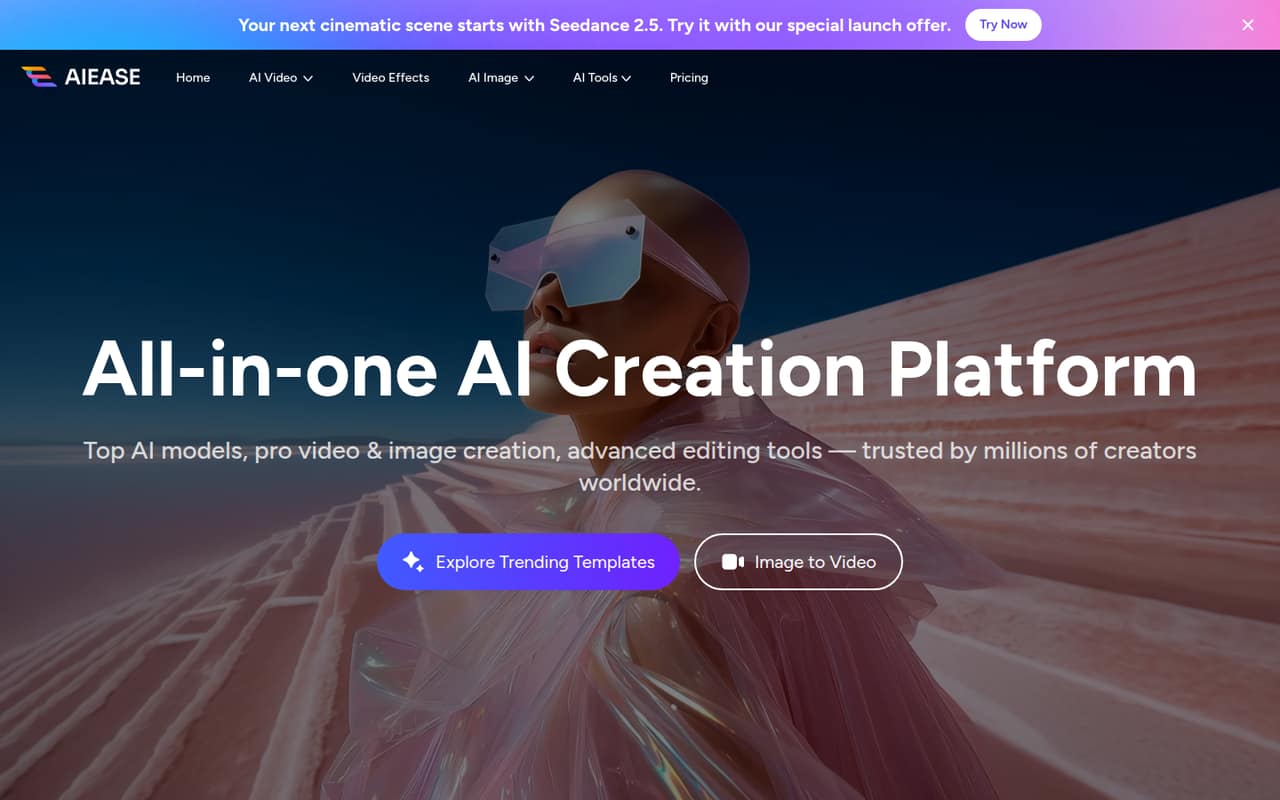
 AiEaseAiEaseBest for a broad toolkit · $5/mo
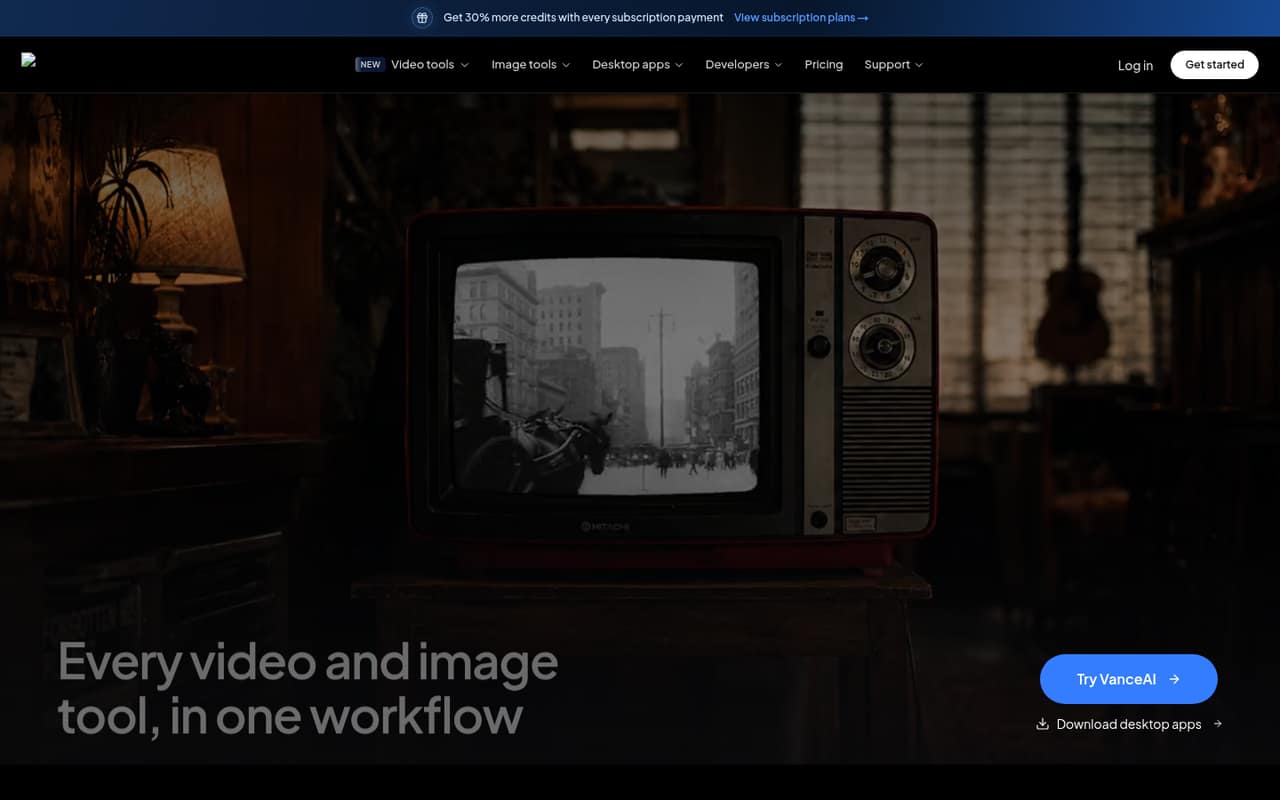
 VanceAIVanceAIBest for image and video · $8.33/mo
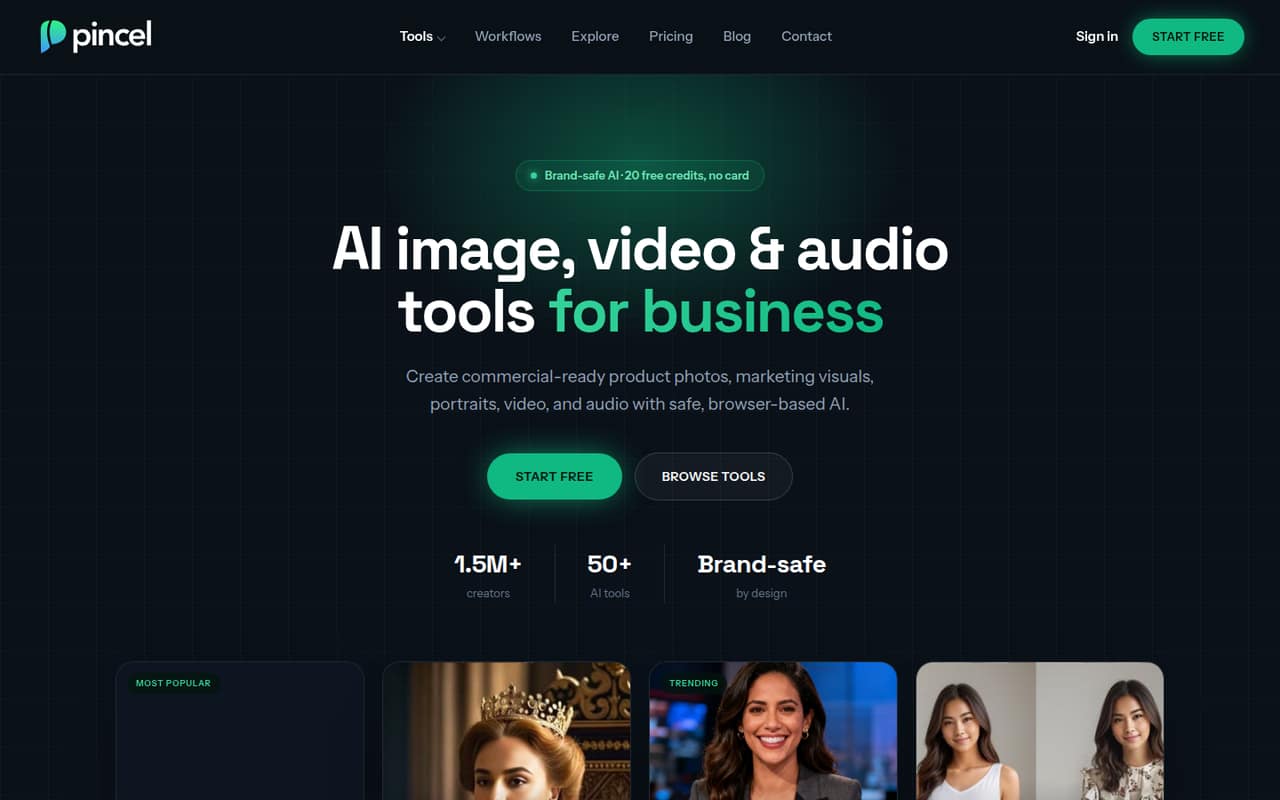
 PincelPincelBest for mixed media · $19/mo
- UpsamplerUpsamplerBest for image and video tools · $15/mo
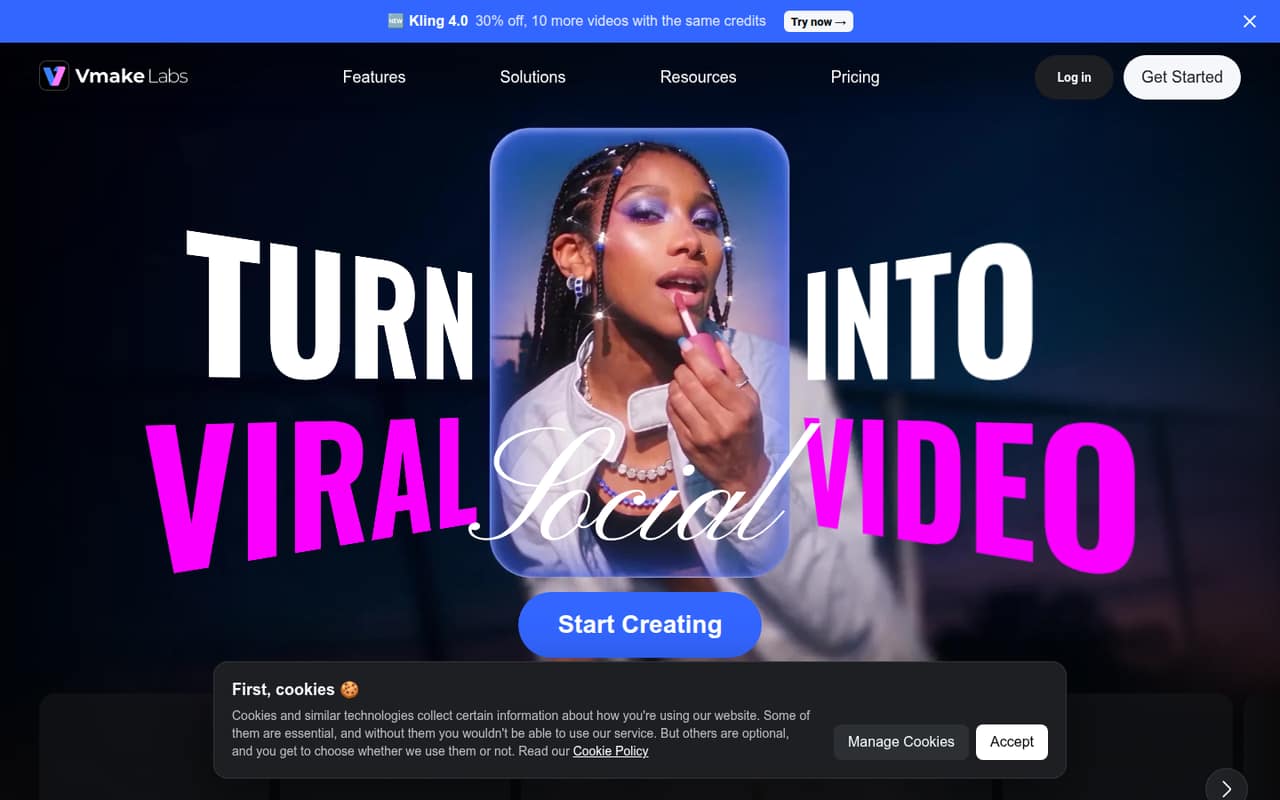
 Vmake AIVmake AIBest for social video · $5.83/mo
 Aiarty Image EnhancerAiarty Image EnhancerBest for local restoration · Free
 PokecutPokecutBest for solo creators · Free
01Compared at a glance
| Tool | Score | From | Free plan | Trial |
|---|---|---|---|---|
| Claid.aiClaid.ai | 7.1 | $9/mo | Yes | Yes |
| erase.bgerase.bg | 7.0 | $5/mo | Yes | — |
| Clipping MagicClipping Magic | 6.8 | $3.32/mo | Yes | — |
| Let's EnhanceLet's Enhance | 7.1 | $9/mo | Yes | — |
| remove.bgremove.bg | 7.0 | $9/mo | Yes | Yes |
| Magic EraserMagic Eraser | 6.3 | $4.99/mo | Yes | — |
| AI Image EnlargerAI Image Enlarger | 7.2 | $9.99/mo | Yes | — |
| Dewatermark.aiDewatermark.ai | 7.0 | $7/mo | Yes | — |
| ImageColorizerImageColorizer | 7.0 | $6.90/mo | Yes | — |
| insMindinsMind | 7.1 | $5.83/mo | Yes | — |
| Cutout.ProCutout.Pro | 6.5 | $5/mo | Yes | — |
| Deep-Image.aiDeep-Image.ai | 6.4 | $7.50/mo | Yes | — |
| Unblur ImageUnblur Image | 6.8 | $3.90/mo | Yes | — |
| Removal.AIRemoval.AI | 6.8 | $5.99/mo | Yes | — |
| Vectorizer.AIVectorizer.AI | 7.0 | $9.99/mo | Yes | — |
| Topaz Photo AITopaz Photo AI | 7.1 | $33.25/mo | No | — |
| SlazzerSlazzer | 6.8 | $11/mo | Yes | — |
| Upscale.mediaUpscale.media | 6.4 | A$8.49/mo | Yes | — |
| ClipdropClipdrop | 6.4 | $15/mo | Yes | Yes |
| AiEaseAiEase | 6.8 | $5/mo | Yes | — |
| VanceAIVanceAI | 6.5 | $8.33/mo | Yes | — |
| PincelPincel | 7.0 | $19/mo | Yes | Yes |
| UpsamplerUpsampler | 6.5 | $15/mo | Yes | — |
| Vmake AIVmake AI | 6.0 | $5.83/mo | Yes | — |
| Aiarty Image EnhancerAiarty Image Enhancer | 6.3 | Free | Yes | — |
| PokecutPokecut | 6.0 | Free | Yes | — |
02The picks, in detail
- Best for product photosClaid.aiClaid.ai
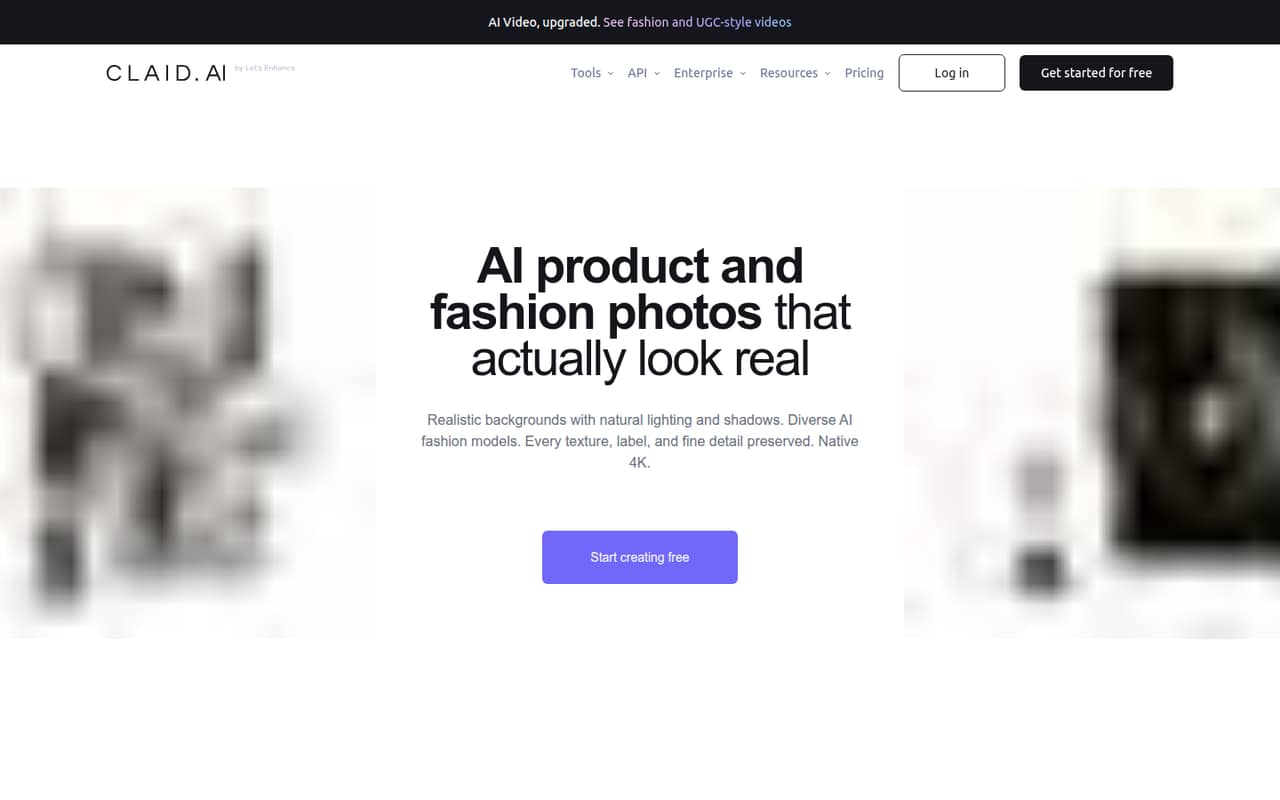
Claid.ai is our top fit for small teams focused on product imagery: the listing calls out product photography, fashion imagery, and automated workflows. It has a free plan and starts at $9. Credit-based costs can complicate regular use, so estimate your monthly image volume before choosing a paid tier. Ask how team access is priced.
What works
- Free plan includes 50 credits and 50 API credits
- Covers photoshoots, fashion models and video
- Essentials includes up to 500 background removals
What doesn't
- Essentials is limited to 500 monthly credits
- Dedicated API plan price is not published
- API volume discount terms are not published
- Best for quick cutoutserase.bgerase.bg
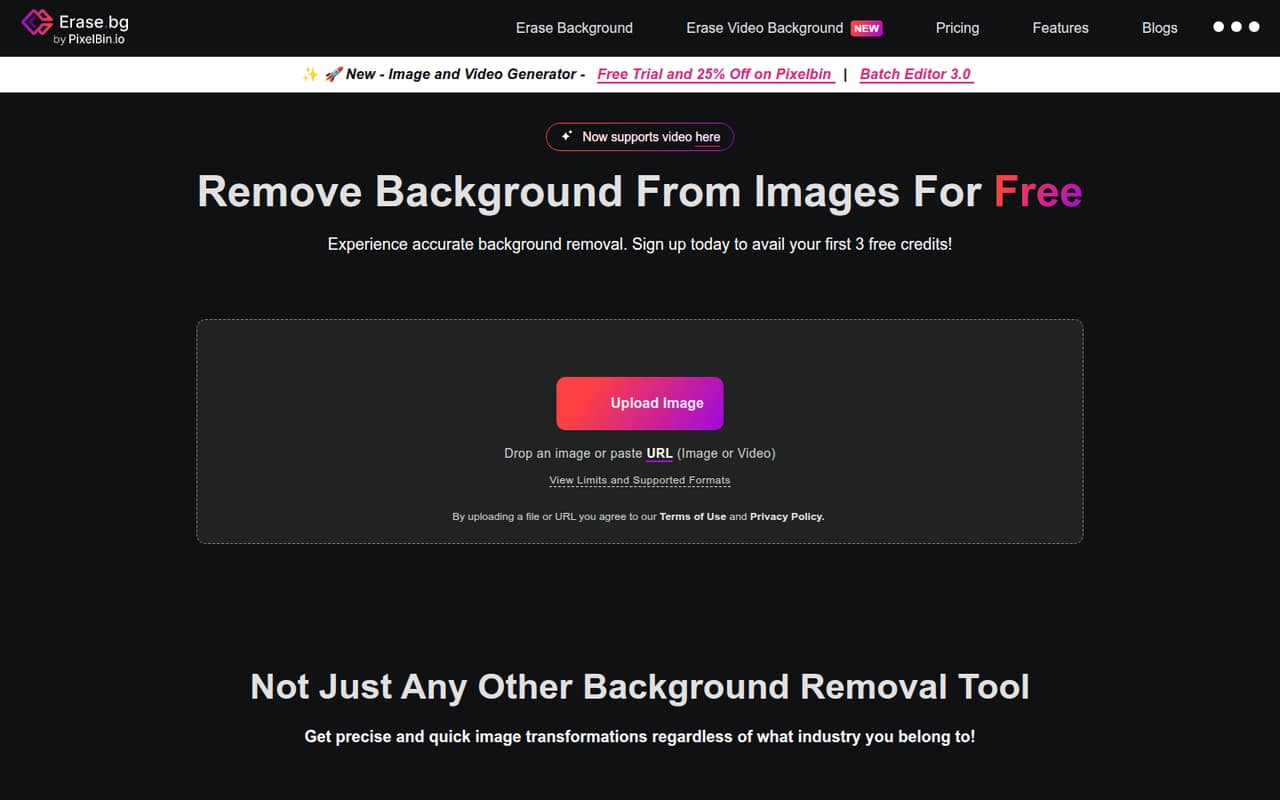
erase.bg suits a team that mainly needs background removal for a few images or wants to test the workflow first. It has a free plan and starts at $5, with API and bulk processing also listed as use cases. Team pricing and shared access need clarification, so ask about those before assigning it to several people.
What works
- Free plan includes 3 credits and 3 HD downloads
- Pro starts at $5 for 10 credits
- One credit covers one background removal
What doesn't
- No monthly or annual billing is listed
- Per-seat pricing isn't published
- How teams share credits isn't stated
- Best for refined cutoutsClipping MagicClipping Magic
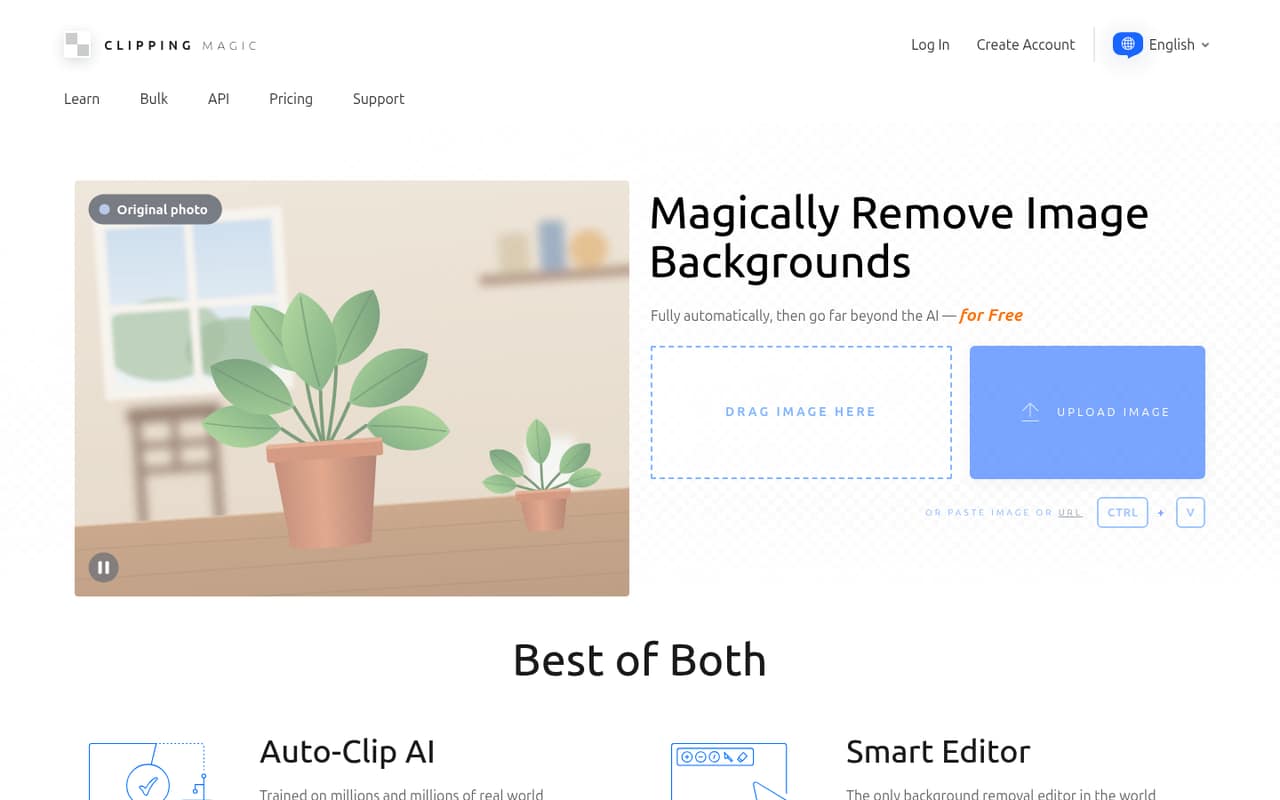
Clipping Magic is a focused browser-based option for product photos and careful edge work, including hair and fine details. Its free plan and $3.32 starting price make it worth comparing for occasional cutouts; the listed plans are credit-based, with the starting price described as annual billing. Check how many images the credits cover and how teammates share access.
What works
- Free plan is available
- Automatic background removal with manual refinement
- Hair tools and precision scalpel
What doesn't
- Free-plan limits are not published
- Pricing is credit-based, not per-seat
- No pay-as-you-go credit option
- Best for print imagesLet's EnhanceLet's Enhance
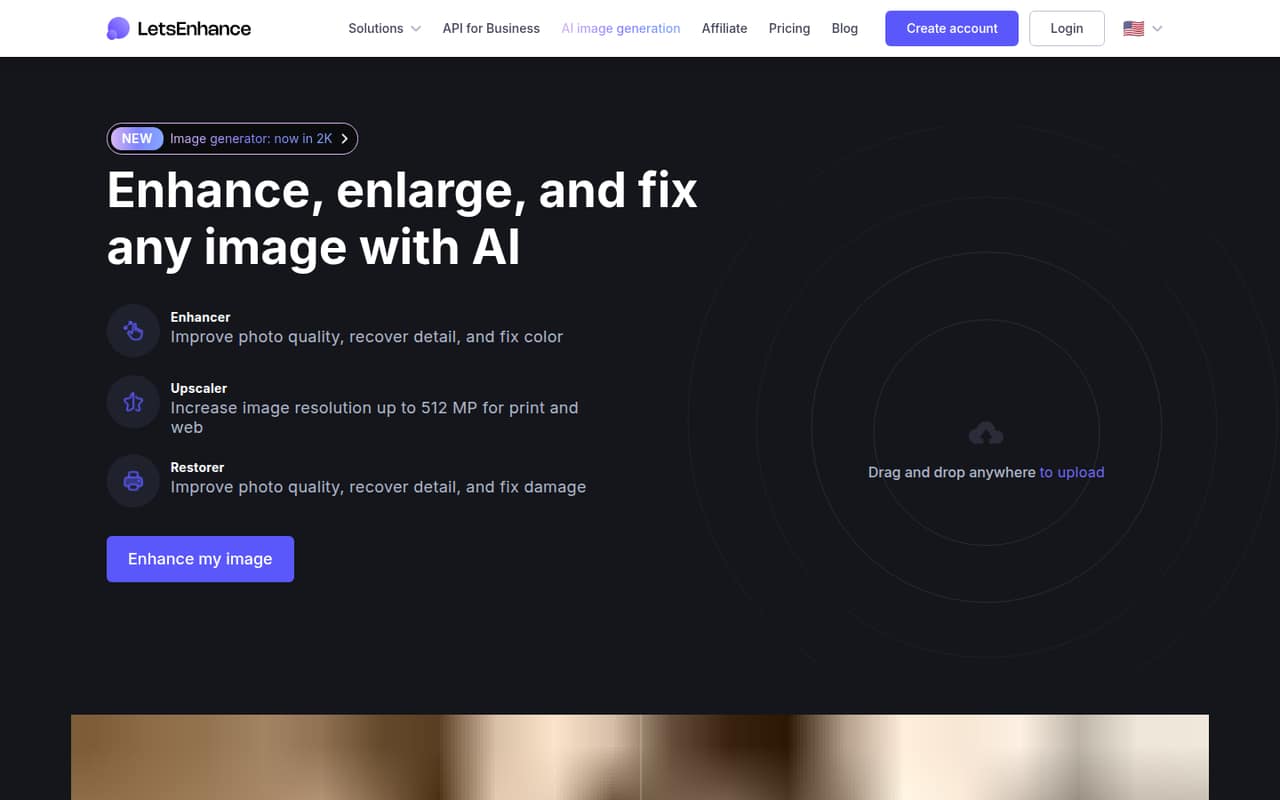
Let's Enhance is a practical match for teams preparing images for print, cleaning product photos, or restoring a small batch. It has a free plan and starts at $9. Credit limits and costs deserve attention as usage grows, so estimate how many images you process in a typical month. Ask whether multiple teammates can use one account.
What works
- Free plan includes 10 signup credits
- Upscales images up to 512 megapixels
- Batch editing handles 20 images
What doesn't
- Free images carry a watermark
- Free upscaling stops at 8 megapixels
- Business plan prices aren't published
- Best for cutout workflowsremove.bgremove.bg
remove.bg is a straightforward fit for occasional product-photo cutouts, transparent graphics, or teams considering image automation. The listing gives it a free plan and a $9 starting price. Credit math and service plans are worth checking before a team commits; ask how API use, recurring work, and access for several people affect the total.
What works
- Free account includes unlimited low-resolution website previews
- Automatic background removal keeps the process simple
- Background generator works without a prompt
What doesn't
- Free account has only one full-resolution signup credit
- Lite’s 40 monthly credits may run out quickly
- Seat allowances are not published

- Best for occasional editsMagic EraserMagic Eraser
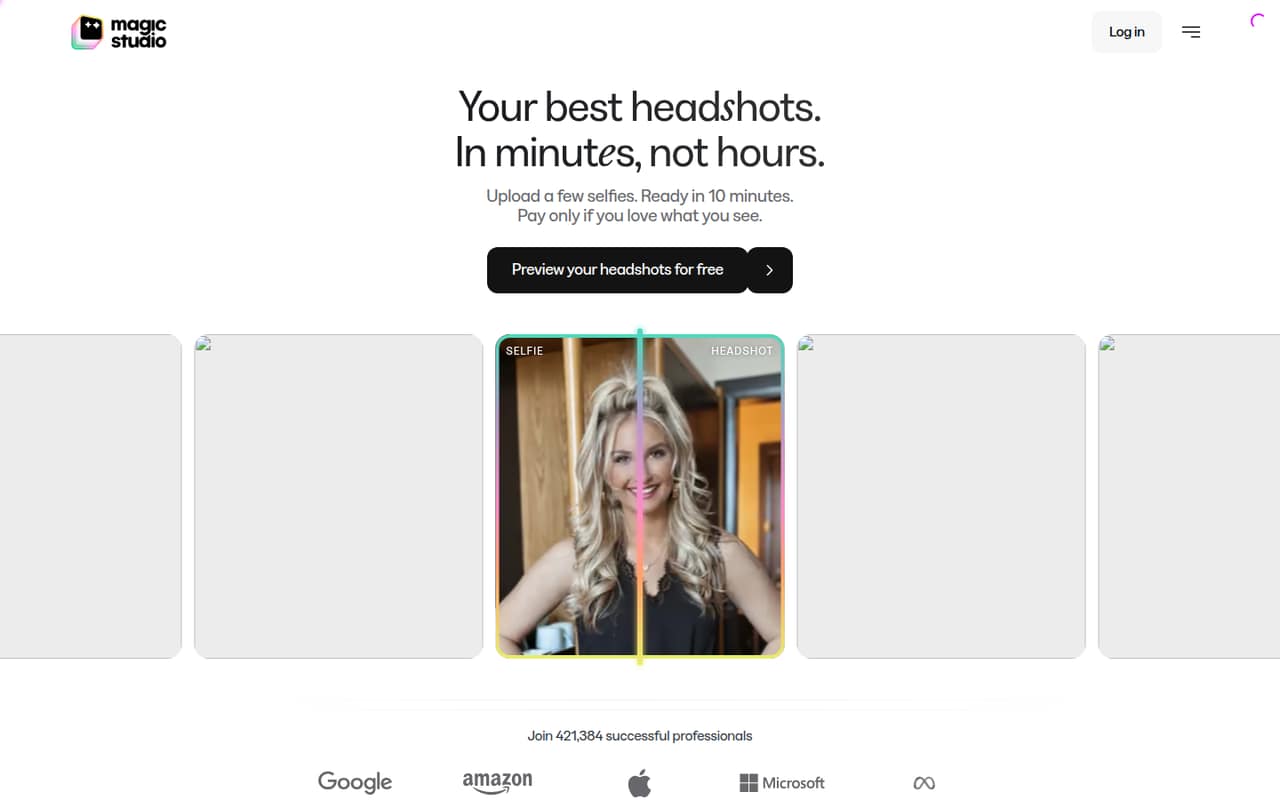
Magic Eraser is worth a look for occasional photo cleanup and teams creating AI headshots. It has a free plan and starts at $4.99, while watermarked previews let users inspect results. Photo-pack pricing makes team costs harder to pin down, so check what each pack includes and whether one purchase can cover several editors.
What works
- Removes small distractions from photos
- Previews 50 watermarked photos free
- Creates 50 headshots from uploaded photos
What doesn't
- Photo editing requires a purchased photo pack
- Photo-pack prices are not published
- Team-seat pricing is not published
- Best for batch fixesAI Image EnlargerAI Image Enlarger
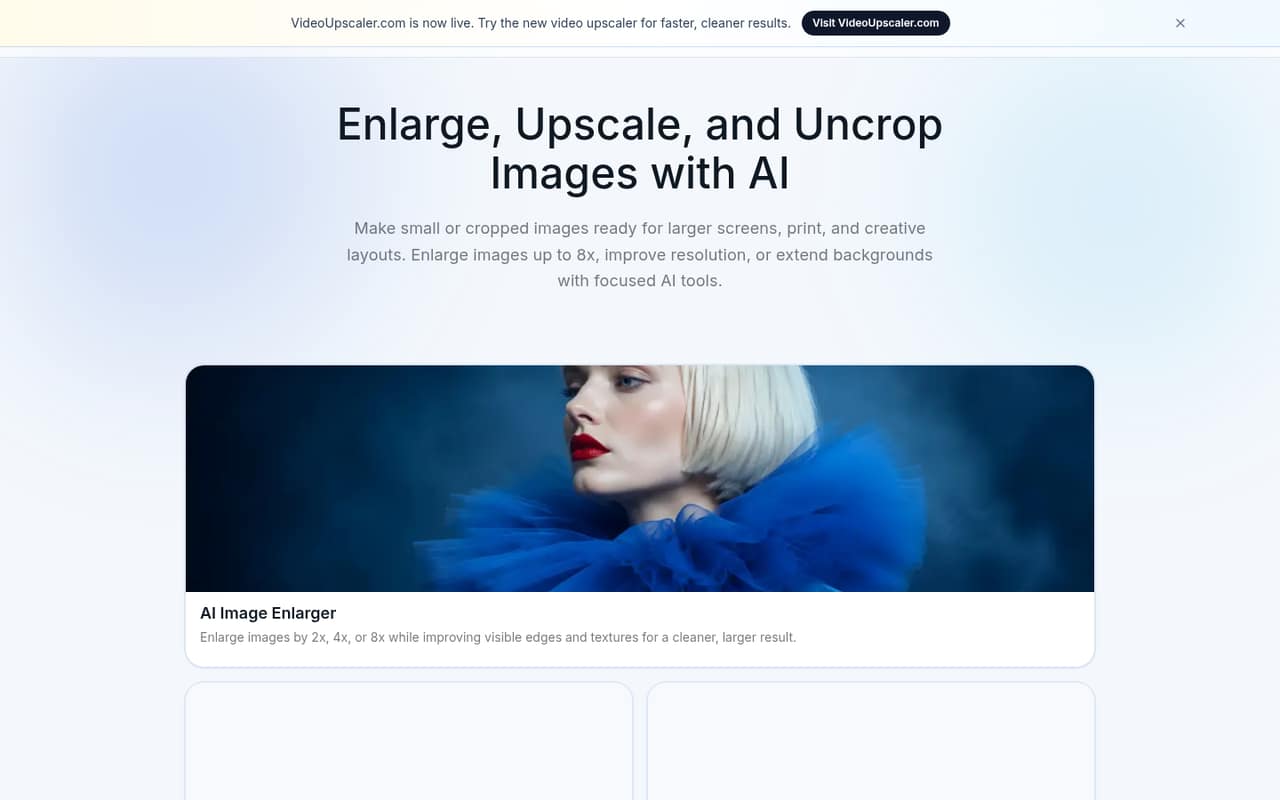
AI Image Enlarger fits small teams looking for browser-based image fixes and batch processing. It has a free plan and starts at $9.99. The listing flags credit use and seat pricing as points to check, so don't assume the starting price covers a full team's workload. Ask how batches are counted and whether access is shared.
What works
- Free plan includes 100 credits monthly
- Browser-based enlargement, editing, and conversion
- Paid plans include batch processing
What doesn't
- Free plan processes one image at a time
- Free input maximum side is 1024px
- Credit use per operation is not published
- Best for watermark cleanupDewatermark.aiDewatermark.ai
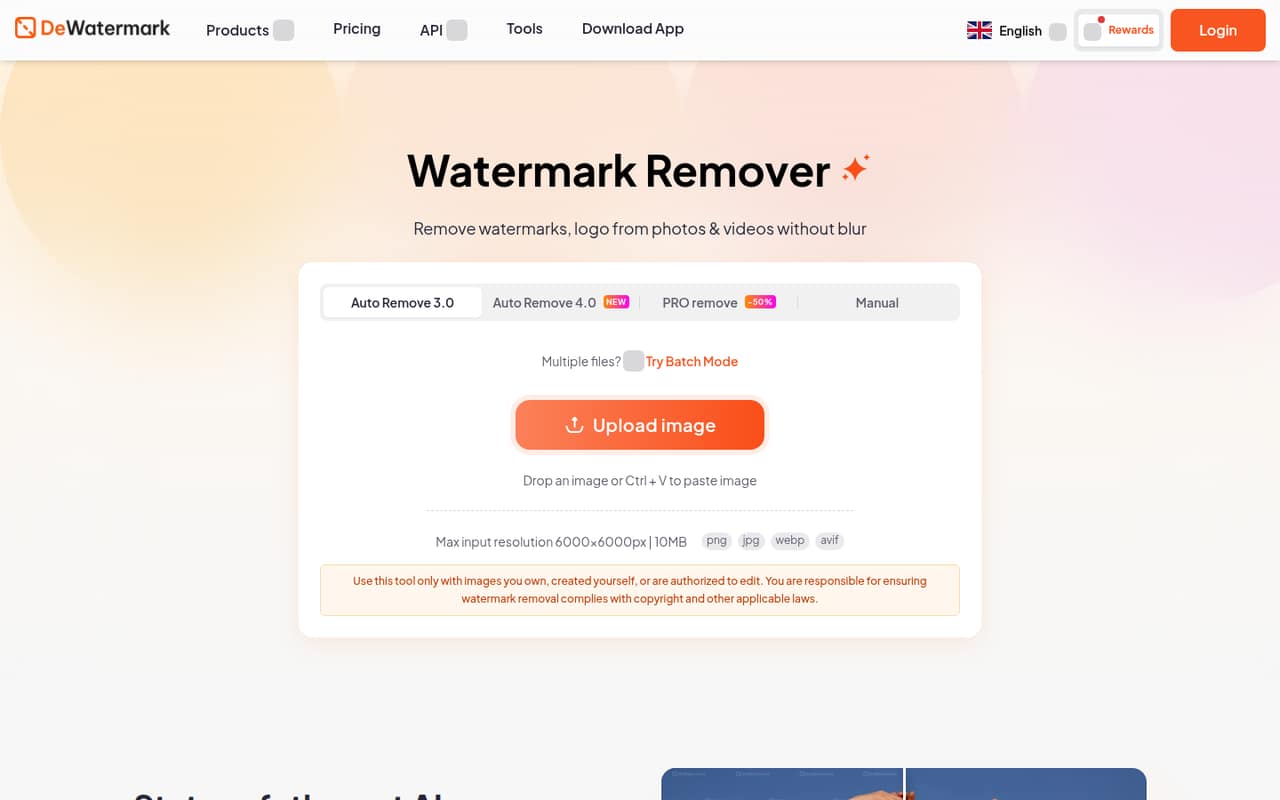
Dewatermark.ai is a focused option for occasional watermark cleanup, including varied watermark types and small batches. Its free plan and $7 starting price give a team a low-cost way to investigate the workflow. Before relying on it, check credit use and team access. The listing points to no seat pricing, so confirm the cost for several editors.
What works
- Free plan includes 3 credits daily
- Manual AI brush targets leftover artifacts
- Batch processing handles up to 50 images
What doesn't
- Pro Model uses 3 credits per image
- No published per-seat team pricing
- Free credits may not suit regular volume
- Best for photo restorationImageColorizerImageColorizer
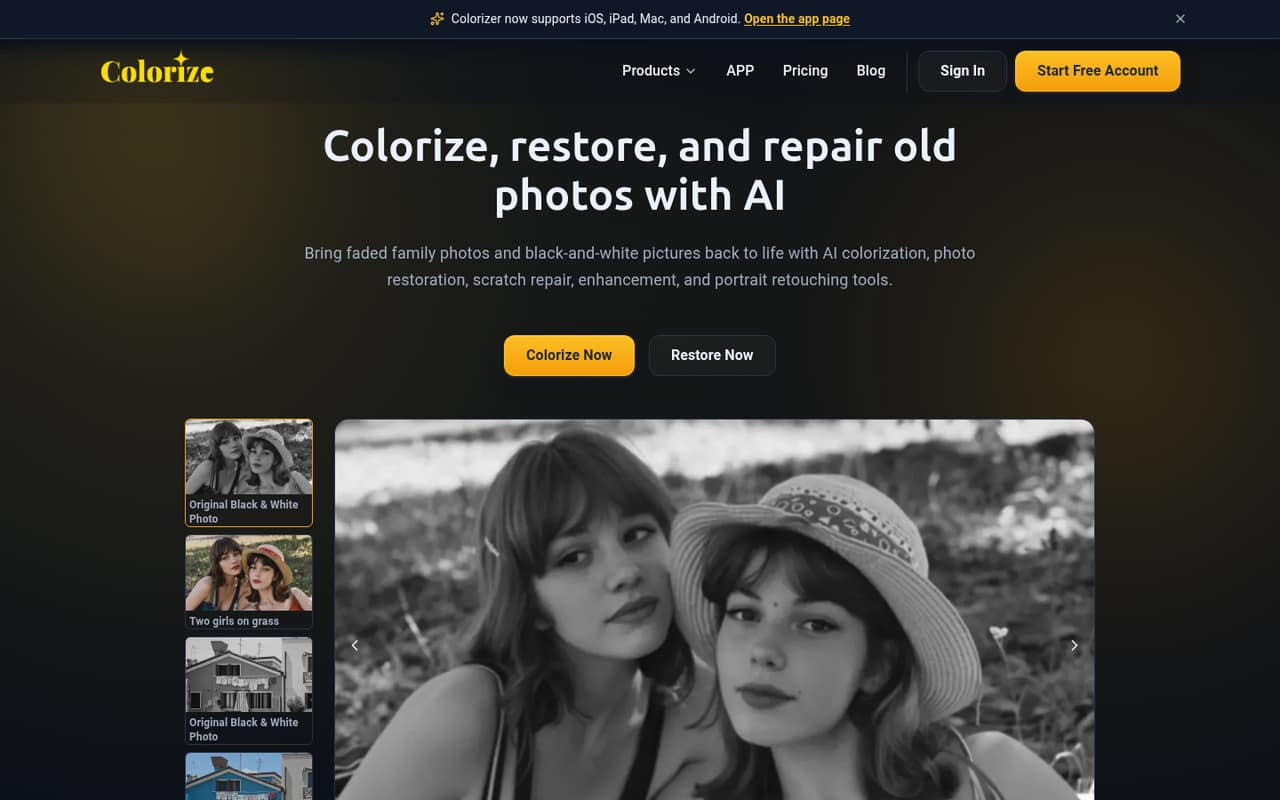
ImageColorizer is aimed at restoring family archives and occasional black-and-white photo colorization, rather than broad daily editing. It has a free plan and starts at $6.90. Team pricing is described as per-person math rather than a listed team plan, so multiply the quoted individual cost by your likely users and confirm what the free plan covers.
What works
- Free plan includes 50 credits each month
- Free plan includes all AI features
- Tools cover colorization and photo repair
What doesn't
- Free plan includes ads
- Free plan uses single processing
- Annual prices aren't published
- Best for marketing visualsinsMindinsMind
insMind offers a range of marketing creation tools and is listed for small marketing teams, character and product reuse, and AI content workflows. It has a free plan and starts at $5.83. Credits and per-person subscriptions can affect the bill, so test your expected workflow against the limits and ask for the total cost across your seats.
What works
- Creates scripts, images, videos, and voiceovers
- Supports social, presenter, and product videos
- Offers image editing and element removal
What doesn't
- Free exports include watermarks
- Free resolution and storage are capped
- Monthly credits do not roll over

- Best for varied image tasksCutout.ProCutout.Pro
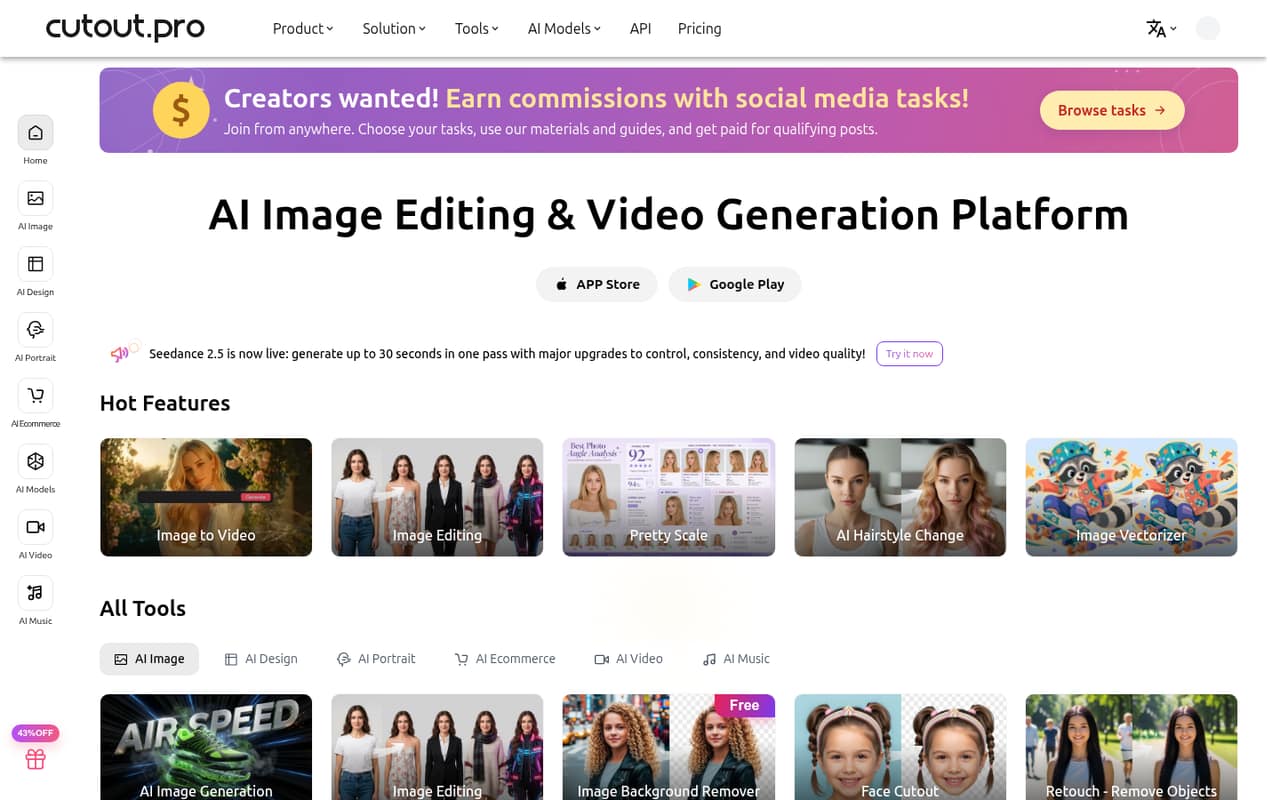
Cutout.Pro is worth considering if your team wants several AI tools alongside occasional product-image editing and cleanup. It has a free plan and starts at $5. Credit costs are the main budgeting question before depending on it at scale. Ask how credits are used across its tools, and whether your team can share a balance.
What works
- Free Account includes five credits
- Free previews are available forever
- Background removal covers images and video
What doesn't
- Credit use per tool is not published
- Seat pricing is not published
- Annual billing prices are not shown
- Best for occasional batchesDeep-Image.aiDeep-Image.ai
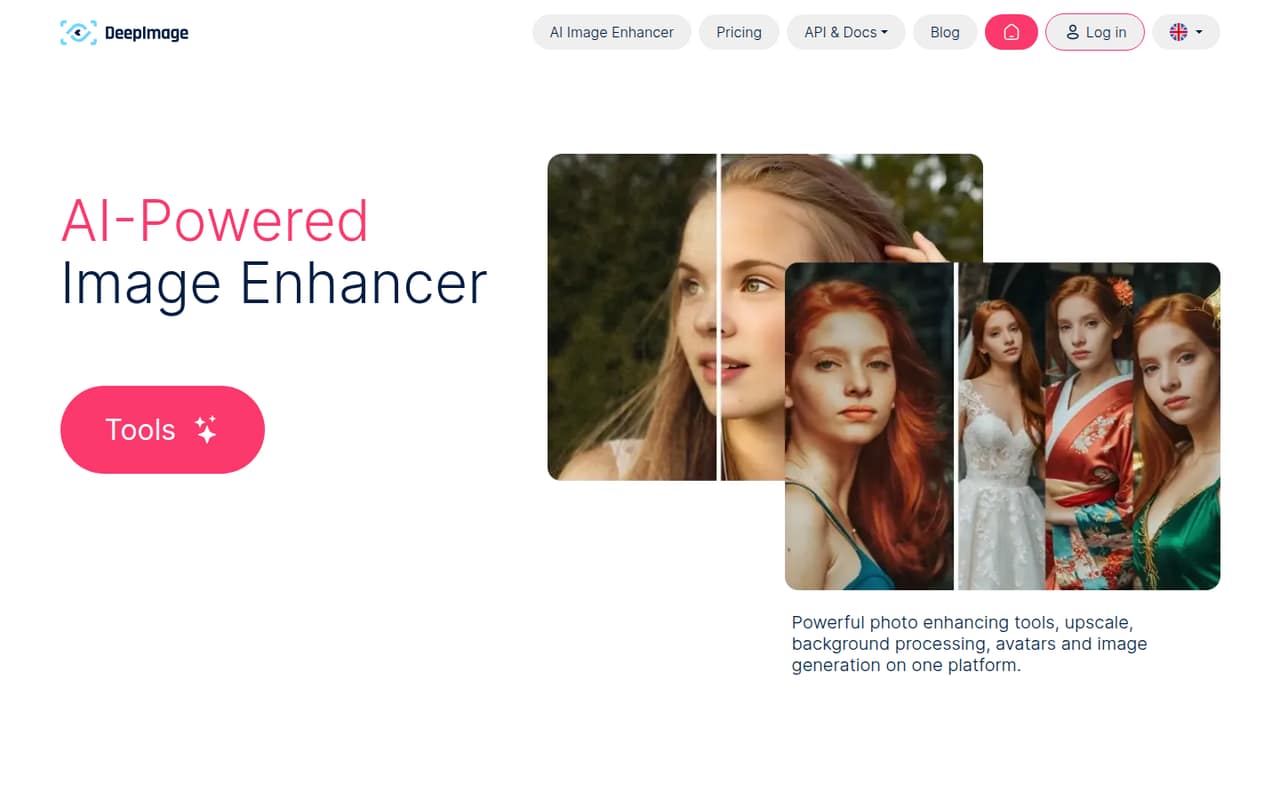
Deep-Image.ai is a reasonable candidate for occasional image edits, batch cleanup, or upscaling, with a free plan and a $7.50 starting price. The listing recommends checking credit use and image results before making it part of a regular workflow. Confirm the free-plan limits and how many paid credits your usual batch would consume.
What works
- Free plan includes 10 credits per account
- Bronze starts at $9 month to month
- Batch processing handles up to 50 images
What doesn't
- Credit use varies by tool and image option
- Paid Bronze storage lasts 7 days
- Seat limits and team access rules aren't published
- Best for sharpening photosUnblur ImageUnblur Image
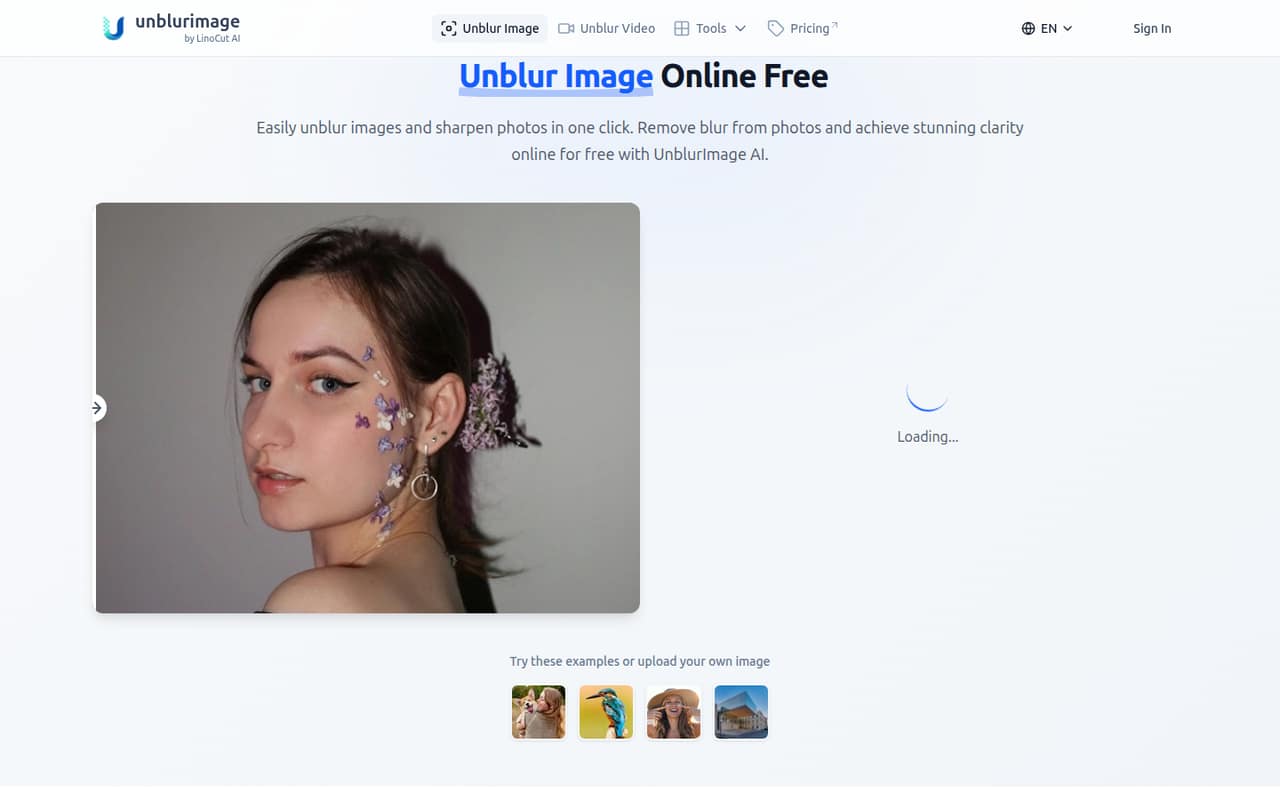
Unblur Image targets teams fixing occasional blurry photos and small shops improving product images in a browser. It has a free plan and starts at $3.90. Credits and team access need checking before you rely on it for shared work; ask how much the expected monthly volume costs and whether teammates can use the same plan.
What works
- Free plan includes six image chances daily
- Works with PNG, JPG, and HEIC uploads
- Can sharpen, reduce noise, and upscale
What doesn't
- Subscription credits expire after 30 days
- Free processed images cap at 4000×4000 pixels
- Team seats and account sharing are not published
- Best for light batchesRemoval.AIRemoval.AI
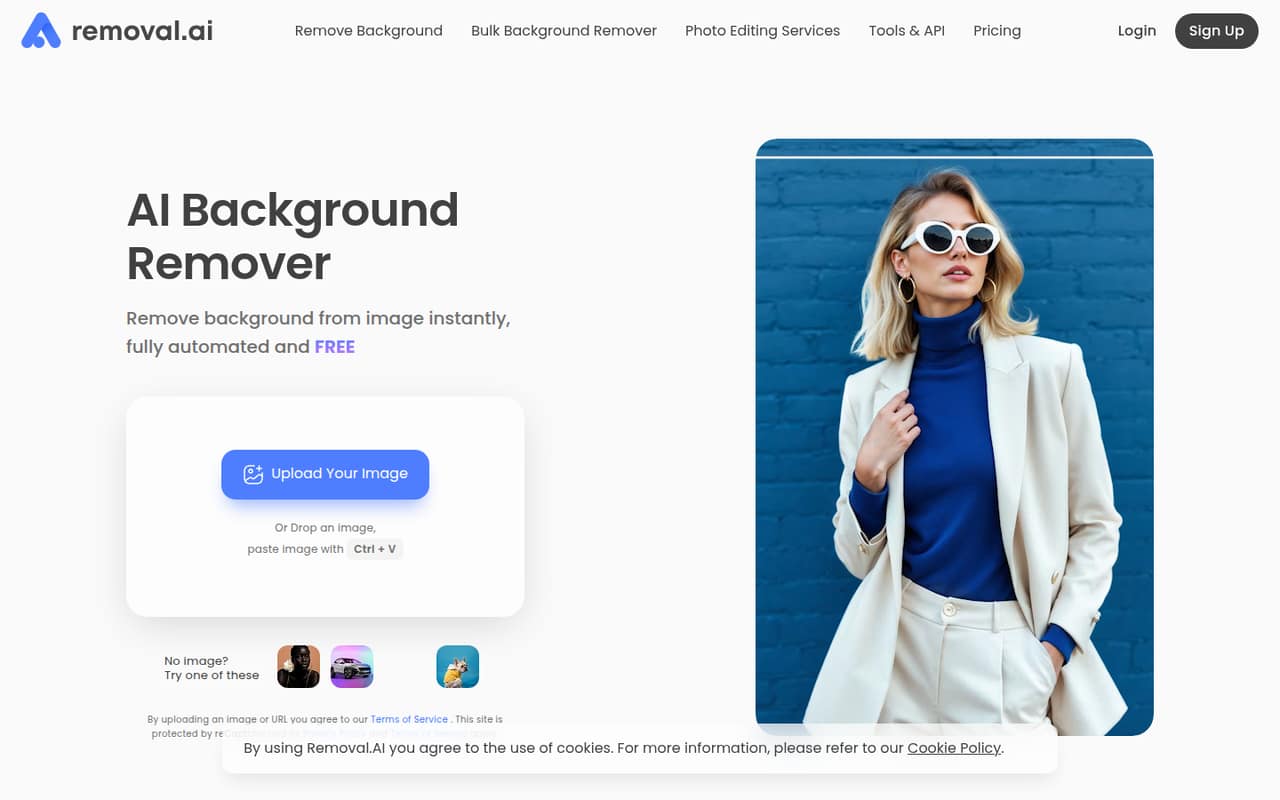
Removal.AI is a focused choice for occasional product-photo cutouts, light image batches, and teams that may need a background-removal API. It has a free plan and starts at $5.99. Check credit needs before building a workflow around it, and ask how API usage and access for several editors change the price.
What works
- Free low-resolution use for personal projects
- Background replacement and editing tools included
- Bulk upload supports up to 100 images
What doesn't
- Free-use resolution and usage limits aren't specified
- No seat-based pricing is listed
- No annual billing price is listed
- Best for raster-to-vectorVectorizer.AIVectorizer.AI
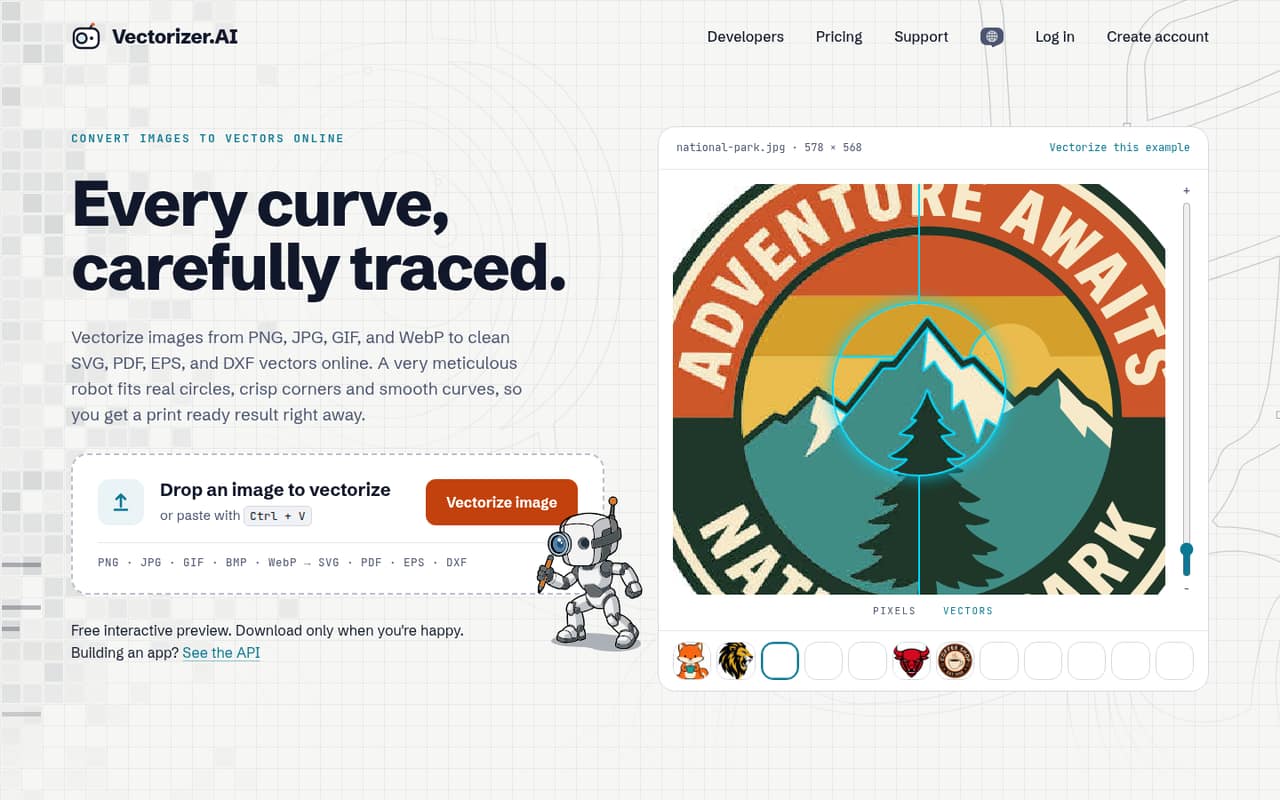
Vectorizer.AI is for teams turning raster artwork into editable vectors, especially when several vector export formats matter. It has a free plan and starts at $9.99, and browser-based image cleanup is also listed. Team access and image rights are less clear, so confirm both before using it for shared or commercial work.
What works
- Free interactive preview before paying
- Unlimited web uploads and production downloads
- Exports SVG, EPS, DXF and PDF
What doesn't
- Free download allowance is not published
- Team seats and shared access are not specified
- Annual billing is not listed
- Best for regular photo workTopaz Photo AITopaz Photo AI
Topaz Photo AI offers several enhancement models and local and cloud rendering, making it a stronger fit for photographers editing regularly than for occasional jobs. The listed starting price is $33.25, and no free plan is listed. That is a tougher subscription to justify for a small team with sporadic edits; check how licensing works across computers.
What works
- Unlimited local and cloud image rendering
- Denoise, sharpen and upscale tools
- Includes models for faces and dust
What doesn't
- No free plan or published free trial
- $39 monthly for Topaz Photo
- No annual price listed for Topaz Photo

- Best for shop product photosSlazzerSlazzer
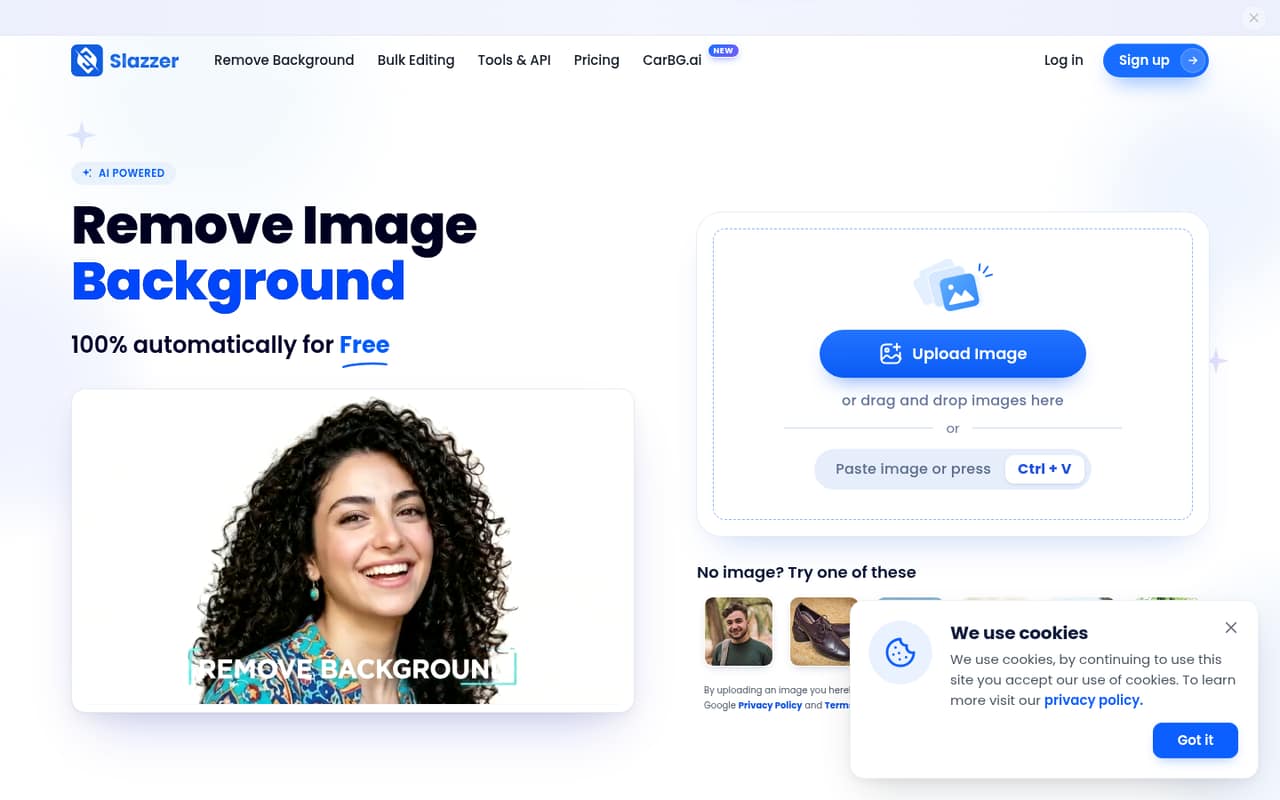
Slazzer combines several AI image tools and is listed for small online shops and occasional background removal. It has a free plan and starts at $11. The listing cautions that ongoing work means budgeting for monthly credits. Before buying, estimate your monthly image volume and confirm whether multiple team members draw from the same credits.
What works
- Free plan includes two credits and unlimited previews
- Web uploader accepts up to 10 images at once
- Desktop app supports batch editing of thousands
What doesn't
- Free processing is limited to two credits
- No annual subscription price is published
- Seat-based pricing and account sharing details are not published
- Best for occasional upscalingUpscale.mediaUpscale.media
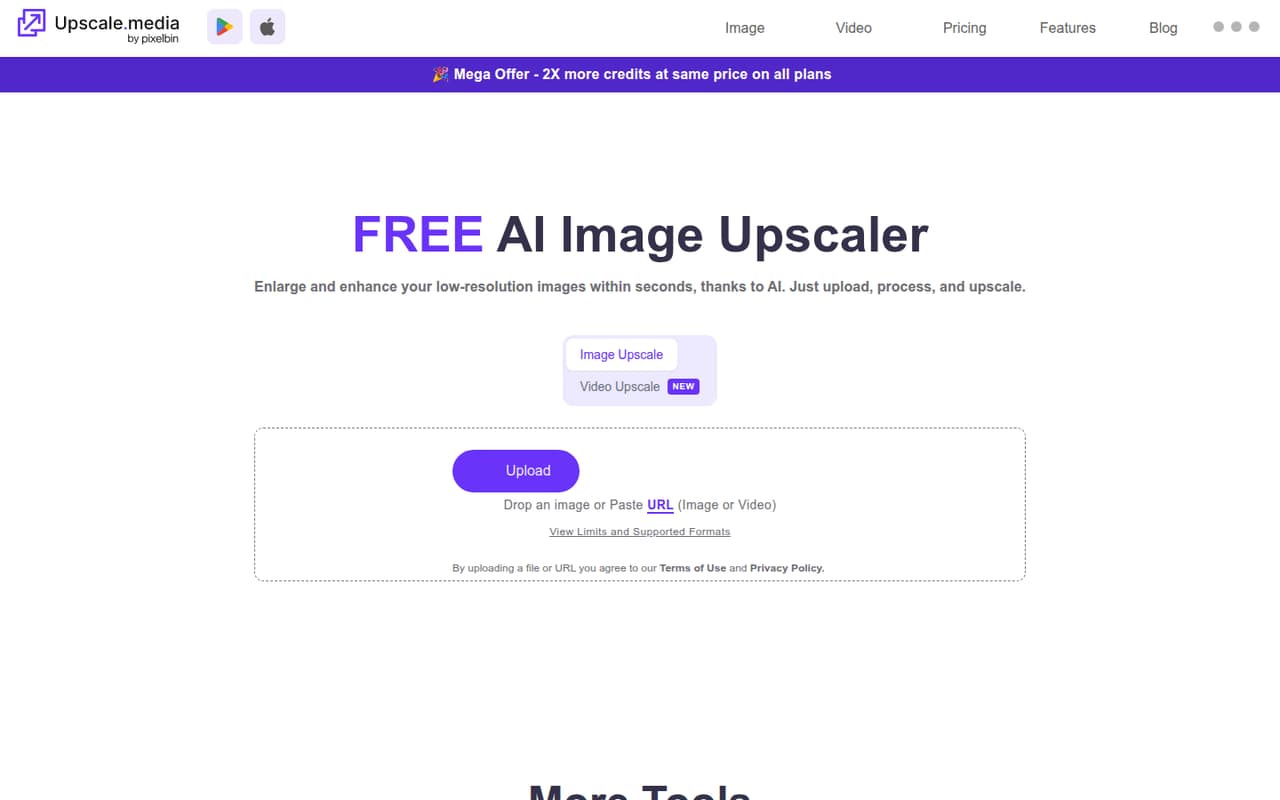
Upscale.media is a handy option for occasional image fixes, with image upscaling and short video upscales listed. It has a free plan and starts at $8.49. Free credits and annual billing limit its appeal for some small teams, so check billing terms and expected credit use before making it the default tool.
What works
- Free plan includes three monthly credits
- One image per day without signup
- Upscaling offers 1x, 2x, 4x and 8x
What doesn't
- Subscription is billed yearly
- Free plan is limited to three monthly credits
- Unused subscription credits expire each billing cycle
- Best for quick social editsClipdropClipdrop
Clipdrop is aimed at occasional image edits, social visuals, and quick background removal. It has a free plan and starts at $15, which is a higher starting point for a team with light needs. Check quotas and seat costs before relying on it team-wide, and compare the included editing allowance with your monthly volume.
What works
- Free plan includes several useful editing tools
- Free quotas are stated per 24 hours
- Pro includes higher-volume editing features
What doesn't
- Pro is $15 monthly, with annual pricing not published
- Team and per-seat pricing are not listed
- Free-plan quotas may be tight for frequent work
- Best for a broad toolkitAiEaseAiEase
AiEase puts a broad set of creative tools in one place and is listed for occasional visual content and budget-conscious testing. It has a free plan and starts at $5. Video and advanced tools can add credit costs, so focus your price check on the features your team will actually use and ask how shared credits work.
What works
- Free plan includes limited daily credits
- Image generation and editing in one platform
- Watermark-free downloads on select free tools
What doesn't
- Free plan excludes video features
- Pro video tools still use credits
- Credit rates and overage costs are unpublished
- Best for image and videoVanceAIVanceAI
VanceAI offers image and video tools and is listed for occasional image fixes, creators handling both formats, and Windows users wanting local processing. It has a free plan and starts at $8.325. Free limits and desktop reliability are cautions to investigate; ask what the plan includes and whether local processing fits your setup.
What works
- Image and video tools share subscription credits
- Starter plan begins at $15/month
- Unused subscription credits roll over
What doesn't
- Free-plan credit allowance isn't published
- Credit cost per task isn't listed
- Desktop license covers only one PC
- Best for mixed mediaPincelPincel
Pincel groups image, video, and audio tools in a browser-based suite, which may suit a small team making marketing visuals across formats. It has a free plan and starts at $19. Credits limit output, so a broader toolkit may not mean unlimited use. Estimate the credits your team needs before comparing it with focused tools.
What works
- 20 free credits with no credit card
- Browser-based tools for images, video, and audio
- Creator plan includes 1,000 monthly credits
What doesn't
- No annual billing option is shown
- Team or seat pricing is not listed
- Output allowance depends on credit use
- Best for image and video tools
UpsamplerUpsampler
Upsampler offers a broad set of image and video tools for teams comfortable managing credits. It has a free plan and starts at $15, but its listed pricing is credit-based rather than clear team-seat pricing. Check how credits are allocated across tools and ask for the cost of the workload your team expects.
What works
- Image and video workflows in one browser workspace
- Image generation supports outputs up to 4K
- Image upscaling supports up to 100 megapixels
What doesn't
- Free Starter plan includes no monthly credits
- Monthly credits on paid plans do not roll over
- Per-seat pricing and seat limits aren’t published
- Best for social videoVmake AIVmake AI
Vmake AI is more relevant to teams making product videos, testing AI video tools, or needing video translation than to teams seeking a general photo editor. It has a free plan and starts at $5.83. Its social-video focus makes it a narrower fit for this category; check the free tier and buyer cautions before committing.
What works
- Turns product images and selling points into social videos
- Includes UGC-style video and AI avatar tools
- Free plan offers 20 daily credits
What doesn't
- Free exports are limited to 720p and include a watermark
- Free use is non-commercial only
- Credit add-on and overage prices are unpublished
- Best for local restorationAiarty Image EnhancerAiarty Image Enhancer
Aiarty Image Enhancer is aimed at restoring old photos, wildlife and portrait work, and local processing. It has a free plan, but the paid price is not published; custom pricing applies beyond three computers. That makes a small-team budget harder to predict. Ask for a quote based on your computers and confirm what the free version allows.
What works
- Upscaling listed up to 32K
- Includes denoising and detail restoration
- Local image processing
What doesn't
- Free exports carry a trial watermark
- Free batch exports are limited to one image
- No monthly price is listed
- Best for solo creatorsPokecutPokecut
Pokecut is a useful free starting point for solo creators handling portraits or product images, and it supports occasional image tasks. A paid starting price is not published, making it difficult to forecast team costs. If you are considering it for several people, ask the vendor for pricing and clarify which features or limits change on a paid plan.
What works
- Free plan is listed at $0
- Batch editing supports up to 50 images
- Includes background removal and object erasing
What doesn't
- Free monthly credit amount is unpublished
- Paid monthly prices are unpublished
- Paid annual prices are unpublished
03How we chose
We ranked these tools for a team of one to ten, not for the longest feature list. We favored a useful free starting point, a low listed entry price, and a clear fit for common jobs such as cutouts, cleanup, enhancement, or product imagery. We also considered the likely setup burden: browser-based tools are easier to try than workflows requiring local processing or API setup. Credit limits, seat details, vendor documentation, and Reddit reports are useful checks before purchase. We did not treat a starting price as a full team quote.
04Start with the job, then price the seats
First, name the task you need done most often: background removal, photo restoration, sharpening, product-image cleanup, or converting raster artwork to vectors. A focused tool can be cheaper and easier to set up than a broad suite, while a multi-tool option may make sense if your team will use several of its features. Then check the free plan against a real month of work. Look for the number of credits, what counts as an edit, and whether previews have watermarks. A starting price is not the same as a five-person bill. Ask whether the subscription is per user, whether credits are shared, and what happens when you run out. If those terms are unclear, request a written quote before moving team work into the tool.
05Check setup, rights, and the next growth step
A browser-based editor can be a lighter first step for occasional jobs; local processing, API access, and automated workflows may need more planning. Before rollout, confirm which computers or accounts a license covers, whether teammates can share projects or credits, and what happens to uploaded images. For commercial work, ask the vendor about image rights and permitted use rather than assuming the answer. Also consider what will make you outgrow the tool: frequent credit top-ups, too few seats, missing batch processing, or a workflow that still requires several separate editors. If you're unsure, keep a small test workload and compare its monthly credit use with the vendor's plan terms. Revisit the choice when image volume, team size, or turnaround needs change.
Questions people ask
Does a small team need AI image editing software?
Not necessarily. If your team only needs an occasional cutout or cleanup, start with a free plan or a focused low-cost tool. A broader suite is easier to justify when people regularly use several editing features or need batch work and automated workflows.
What is the cheapest AI image editor here?
Clipping Magic has the lowest listed paid starting price at $3.32 per month with annual billing noted. That figure does not establish the total for several seats or tell you how many edits are included. Check the current plan terms and credit allowance before budgeting.
Can a team share one plan or credit balance?
That depends on the vendor and plan. Some listings flag team access or seat pricing as unclear, and credit-based plans can make shared use hard to estimate. Ask whether accounts, seats, and credits are shared before several teammates start using the service.
When should a team switch to a different tool?
Reconsider your choice when credit costs keep rising, the plan does not cover your seats, or the tool lacks a workflow your team now needs, such as batch processing or automation. Compare the actual monthly workload and current vendor terms before switching.