
We may earn a commission if you buy through links on this page. It never changes a score or a ranking. How we make money
The bottom line
Worth considering for connected spend controls, but no free plan or published price makes budgeting tough.
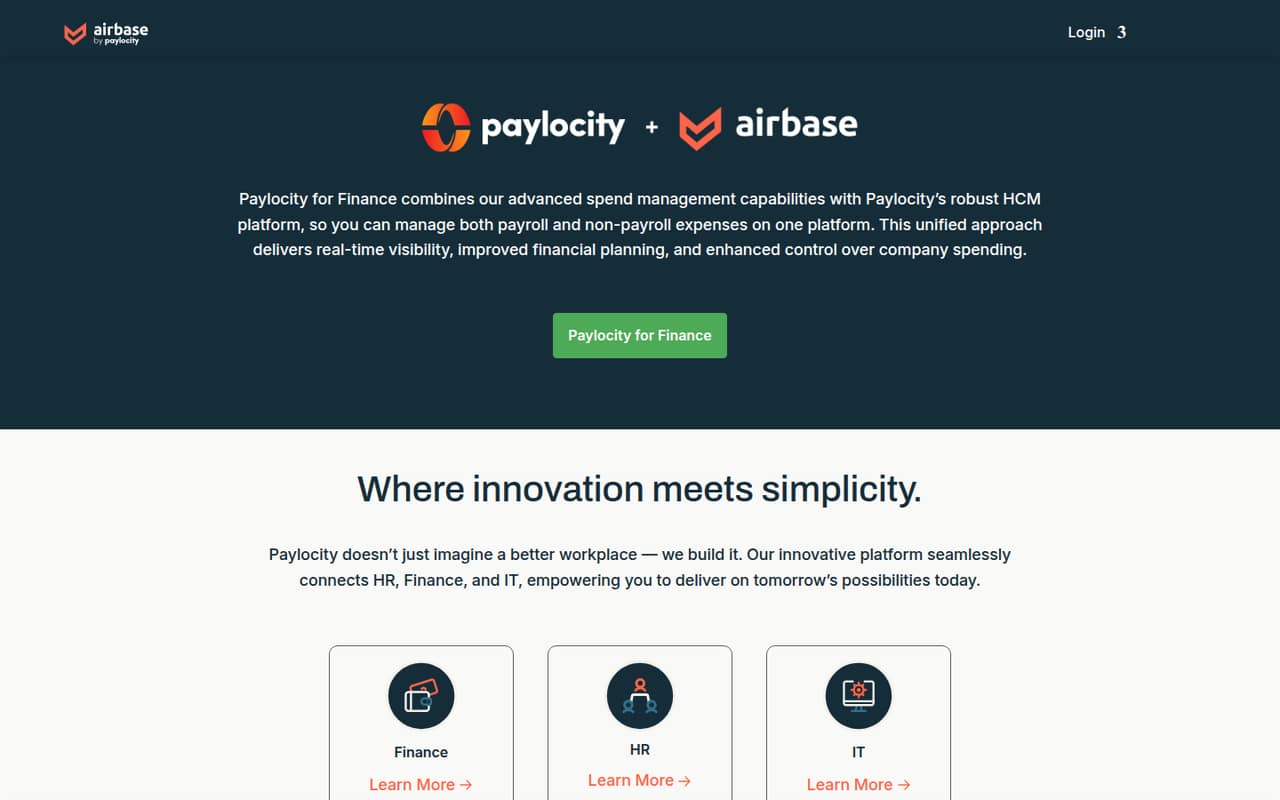
Airbase brings payroll and non-payroll expenses together with spending visibility, financial planning, and controls. That breadth may suit a finance team coordinating with HR and IT, but a small team should first decide whether it needs a dedicated spend platform at all.
There’s no free plan, and the pricing page doesn’t publish prices. Reddit feedback is mixed: one commenter praised the employee experience, while others criticized approvals, reporting, and GL uploads.
Good fit if
- Finance teams needing spend controls
- Companies connecting HR and Finance
- Organizations with up to 200 employees
Skip it if
- Teams that need a free plan
- Buyers requiring clear seat pricing
- Teams needing flexible approvals
ScoresHow it rates
What works
- Manages payroll and non-payroll expenses
- Offers real-time spending visibility
- Supports financial planning and spending control
- Connects HR, Finance, and IT
- Interactive tours cover product modules
What doesn't
- No free plan is listed
- Monthly and annual prices aren't published
- No public trial details
- A commenter criticized approval flexibility
- Reddit users reported GL upload and reporting issues
01Who Airbase is for
Airbase is spend management software for companies that want to handle payroll and non-payroll expenses in one place. It combines spend management with Paylocity’s HCM platform and is presented as a way to connect HR, Finance, and IT. The listed features include real-time spending visibility, financial planning, spending controls, and interactive tours of its modules.
For a team of 1–10, the question is whether those connected controls solve a real finance problem. If you only need a basic way to track a small number of expenses, Airbase may be more platform than you need. It could make more sense when finance needs a shared view of spending across departments and wants payroll and other expenses managed together. The pricing page lists a Standard plan for organizations up to approximately 200 employees, so a small team fits that published size band. But without a published price, it’s difficult to tell whether the budget works before talking to the vendor.
02Airbase free plan and trial
Airbase doesn’t list a free plan. Trial availability isn’t published, so ask the vendor whether your team can get access to a trial or guided evaluation before committing.
The pricing page lists Standard as the entry plan for organizations with up to approximately 200 employees. It doesn’t publish a monthly or annual price, so there’s no public cost to compare against a small team’s budget. Premium is listed for organizations up to 500 employees, and Enterprise for up to 10,000. Those size bands don’t tell you what a one-person finance team or a five-person company would pay.
The cheapest way in appears to be asking Airbase for a Standard quote. Confirm the price, contract term, included features, and any add-on charges before treating it as a fit.
03What a small team pays for Airbase
The pricing page lists three plans: Standard for organizations up to approximately 200 employees, Premium for up to 500, and Enterprise for up to 10,000. It doesn’t publish monthly or annual prices. Although the plan information uses a monthly unit, there’s no dollar amount to calculate from.
That means we can’t give a grounded cost for one person, three seats, or five seats, or compare monthly billing with annual billing. The listed plans are organized by company size, not a published per-seat rate. Ask Airbase for a quote covering your exact headcount and billing term, and request the total cost for both three and five users if those are plausible team sizes.
No add-ons are listed in the pricing information. One Reddit commenter said advanced approvals cost another $7,000, but didn’t specify the billing period. Treat that as a user report, not a confirmed current price, and ask whether the approval features you need are included in your quote.
04Getting started with Airbase
Airbase offers interactive product tours for its modules, which can help a small team understand the product before requesting a quote. The available details don’t publish a setup-time estimate or a day-one integration list, so we can’t say how much work it takes to connect your finance systems. Ask the vendor which integrations and setup steps your plan includes.
The learning curve may depend on how your team handles approvals and accounting handoffs. In one Reddit discussion, a commenter complained that getting a basic GL upload was difficult and said expense-entry time had increased by more than 100% compared with the old system. That’s one user’s experience, not a measure of setup time for every customer, but it’s a reason to walk through your actual GL workflow before signing.
Use the tours to identify the modules you need, then ask for a demonstration of your approval and export process.
05When small teams outgrow Airbase
Airbase’s published plan bands run from Standard, for organizations up to approximately 200 employees, through Enterprise, for up to 10,000. Those are employee limits, not a published measure of when a team must upgrade. The pricing page doesn’t show the cost difference between plans, so ask which features or usage needs trigger a move to Premium or Enterprise.
A growing finance team may run into workflow needs before it hits a size limit. One Reddit commenter said Airbase couldn’t route approvals to person A or person B as alternatives, and said advanced approvals cost another $7,000. Another criticized reporting and bank reconciliation; a different commenter reported difficulty with GL uploads. These are individual user reports, but they point to processes worth checking in a product tour.
If flexible approvals, reporting, or accounting exports are essential, confirm they work for your workflows and are included in your quote. If they aren’t, compare the cost of the needed add-ons with moving to another tool.
From the threadsWhat users say
Reddit sentiment is mixed and leans critical on finance workflows: commenters raised concerns about approvals, reporting, and GL uploads. One commenter did describe the employee experience positively.
solid from the employee perspective
you can’t set approvers as person A or person B
Their reporting is also pretty trash
Can't believe how difficult it is to get a basic GL upload out of airbase
Questions people ask
What does Airbase do?
Airbase is spend management software for payroll and non-payroll expenses. Its listed features include real-time spending visibility, financial planning, and spending controls. It is presented as a way to connect HR, Finance, and IT through Paylocity’s HCM platform.
Does Airbase have a free plan?
Airbase doesn’t list a free plan. The pricing page lists a Standard plan for organizations up to approximately 200 employees, but doesn’t publish its price. Ask the vendor whether it offers a trial or guided evaluation before you commit.
How much does Airbase cost for a small team?
Airbase doesn’t publish monthly or annual plan prices, and it doesn’t provide a public per-seat rate. That means there’s no reliable public total for one, three, or five people. Request a quote that specifies your team size, billing term, and any add-ons.
What are Airbase’s plan limits?
The pricing page lists Standard for organizations up to approximately 200 employees, Premium for up to 500, and Enterprise for up to 10,000. It doesn’t publish the price for these plans. Ask Airbase which plan includes the features and workflows your team needs.
Does Airbase offer advanced approvals?
A Reddit commenter said advanced approvals cost another $7,000, but didn’t specify the billing period. That is a user report, not a confirmed current price. Ask Airbase whether advanced approvals are available, what they cost, and whether your required approval paths are included in your plan.