We may earn a commission if you buy through links on this page. It never changes a score or a ranking. How we make money
A small team may not need dedicated expense software if expenses are rare and a shared process works. If staff submit receipts, need reimbursements, or spend on company cards, Ramp, Expensify, and BILL Spend & Expense are practical places to start: each lists a free plan. Expensify lists reimbursements and card management at $5 per person monthly; Ramp’s free plan may suit teams starting with cards. Costs and limits for several seats are not always clear, so confirm billing terms, seat minimums, and setup needs before switching.
Quick picksThe shortlist
 RampRampBest for small teams · $12/mo
 ExpensifyExpensifyBest for reimbursements · $5/mo
 BILL Spend & ExpenseBILL Spend & ExpenseBest free card spend · Free
 NavanNavanBest for travel · Free
 PleoPleoBest for company cards · £8/mo
 ShoeboxedShoeboxedBest for paper receipts · $8.08/mo
 FyleFyleBest for card matching · $11.99/mo
 RydooRydooBest for global expenses · $9/mo
 MileIQMileIQBest for mileage logs · $11.66/mo
 EverlanceEverlanceBest for driver mileage · $10.99/mo
 DriversnoteDriversnoteBest for light mileage · $11/mo
 Emburse SpendEmburse SpendBest for broad spend · $7/mo
 TripLogTripLogBest for mileage teams · Free
 Emburse CertifyEmburse CertifyBest for approval workflows · Custom
 HurdlrHurdlrBest for freelancers · Custom
 WellyBoxWellyBoxBest for shared receipts · $19/mo
 Receiptor AIReceiptor AIBest for receipt collection · $29/mo
 SAP ConcurSAP ConcurBest for regular travel · $7/mo
 Emburse Chrome RiverEmburse Chrome RiverBest for complex workflows · Custom
 CaleroCaleroBest for tech spend · Custom
 AirbaseAirbaseBest for connected controls · Custom
 MotusMotusBest for driver programs · Custom
 SpendeskSpendeskBest for spend controls · Custom
 PayhawkPayhawkBest for consolidated workflows · Custom
 TravelBankTravelBankBest for managed travel · Custom
 ExpenseWireExpenseWireBest for mobile approvals · Custom
 AppZenAppZenBest for finance automation · Custom
 PEXPEXBest for music rights · $1/mo
01Compared at a glance
| Tool | Score | From | Free plan | Trial |
|---|---|---|---|---|
| RampRamp | 7.1 | $12/mo | Yes | — |
| ExpensifyExpensify | 6.1 | $5/mo | Yes | — |
| BILL Spend & ExpenseBILL Spend & Expense | 6.8 | Free | Yes | — |
| NavanNavan | 6.8 | Free | Yes | — |
| PleoPleo | 7.0 | £8/mo | No | — |
| ShoeboxedShoeboxed | 7.2 | $8.08/mo | No | 30 days |
| FyleFyle | 6.7 | $11.99/mo | No | — |
| RydooRydoo | 6.3 | $9/mo | No | — |
| MileIQMileIQ | 7.2 | $11.66/mo | Yes | — |
| EverlanceEverlance | 7.0 | $10.99/mo | Yes | 7 days |
| DriversnoteDriversnote | 7.0 | $11/mo | Yes | Yes |
| Emburse SpendEmburse Spend | 6.2 | $7/mo | No | 30 days |
| TripLogTripLog | 5.8 | Free | Yes | — |
| Emburse CertifyEmburse Certify | 6.0 | Custom | No | 14 days |
| HurdlrHurdlr | 6.1 | Custom | No | — |
| WellyBoxWellyBox | 6.6 | $19/mo | No | — |
| Receiptor AIReceiptor AI | 6.5 | $29/mo | No | — |
| SAP ConcurSAP Concur | 6.2 | $7/mo | No | — |
| Emburse Chrome RiverEmburse Chrome River | 5.2 | Custom | No | — |
| CaleroCalero | 5.0 | Custom | No | — |
| AirbaseAirbase | 5.0 | Custom | No | — |
| MotusMotus | 5.2 | Custom | No | — |
| SpendeskSpendesk | 6.2 | Custom | No | — |
| PayhawkPayhawk | 5.7 | Custom | No | — |
| TravelBankTravelBank | 5.2 | Custom | No | — |
| ExpenseWireExpenseWire | 5.2 | Custom | No | — |
| AppZenAppZen | 6.2 | Custom | No | — |
| PEXPEX | 6.3 | $1/mo | Yes | — |
02The picks, in detail
- Best for small teamsRampRamp
Ramp is our top starting point for a small team that wants free cards and spend workflows. Its free plan is listed, while the paid starting price is $12 and Plus may add a platform fee. Confirm which features the free tier covers, what triggers the extra fee, and whether setup fits your finance process before moving spend over.
What works
- Free plan includes unlimited cards
- Cards, expenses, bills, and banking together
- Free plan includes 24/7 chat support
What doesn't
- Plus adds an unpublished team-size platform fee
- Procurement is an extra-cost add-on
- Enterprise pricing is custom
- Best for reimbursementsExpensifyExpensify
Expensify is a straightforward fit when employees submit expense reports and need reimbursements. The free plan covers basic expenses, while the listed price for reimbursements and card management is $5 per person monthly. That makes a few seats easier to estimate than custom-quote tools. Check the free tier’s limits and whether your accounting setup works with QuickBooks or Xero.
What works
- Free Submit plan for all members
- Unlimited SmartScans on the free plan
- Mileage tracking and expense reports included
What doesn't
- Reimbursements are not listed on Submit
- Annual Collect rate is not published
- Control pricing is custom

- Best free card spendBILL Spend & ExpenseBILL Spend & Expense
BILL Spend & Expense lists a free starting point for cards, budgets, and expenses, which suits a small team that wants spending controls without an upfront subscription. The vendor’s credit terms and setup details need checking before you rely on it. Ask what qualification involves, which features are included at no cost, and how employee spending is funded.
What works
- $0 per user per month
- Corporate cards, budgets, and expense tracking included
- Credit lines listed from $1,000 to $5 million
What doesn't
- Credit lines require application approval
- No annual billing price is listed
- No free-trial terms are listed

- Best for travelNavanNavan
Navan combines work travel with expenses and lists a free starting point for travel and five expense users. That may cover a small team with regular trips, but verify what happens if you add more expense users and what the free plan includes. Reports about support are uneven, so ask how your team can get help when travel plans or expense issues arise.
What works
- Travel is free for companies with up to 300 employees
- First five monthly expense users are free
- Combines travel booking and expense management
What doesn't
- Expense costs $15 per user monthly after five
- Annual billing is not listed
- Enterprise pricing is custom

- Best for company cardsPleoPleo
Pleo is worth considering if your main need is controlling company-card spend, especially if your small team uses Xero or manages multiple entities. Its listed starting price is $8, and costs are per seat, with fees to budget for. Ask for the total price for your actual headcount and confirm which controls come with the plan you’re quoted.
What works
- Physical and virtual cards on Start
- Automated expense reports on Start
- Approval workflows on Build
What doesn't
- No free plan
- Start allows one admin and one vendor card
- Build and Optimise require at least three users
- Best for paper receiptsShoeboxedShoeboxed
Shoeboxed fits teams that handle paper receipts and need verified scans, with QuickBooks Online and Xero listed as relevant integrations. Its listed starting price is $8.08, and there is no free plan in the published plan details. That can be expensive for a team needing only basic expense tracking. Check scan allowances and the plan’s terms before choosing it.
What works
- Accepts receipts by mail, phone, email, Gmail, or upload
- Verification experts check OCR-extracted receipt details
- Creates expense reports with receipt images
What doesn't
- No free plan is listed
- Starter includes only 20 paper scans per year
- Accounting integrations aren’t listed in Starter’s inclusions
- Best for card matchingFyleFyle
Fyle pairs receipt capture with existing business cards, making it a possible fit for teams that already have cards and want receipt-to-card matching. Its listed price starts at $11.99, and a five-seat minimum makes the entry commitment meaningful for a team of one to ten. Confirm the billing period, minimum contract, card compatibility, and what is included.
What works
- Employees can send receipt photos by text
- OCR extracts merchant, date, amount, and category
- Real-time feeds show connected-card transactions
What doesn't
- No free plan is listed
- Growth has a five-user billing minimum
- Monthly rates are not published
- Best for global expensesRydooRydoo
Rydoo is aimed at global employee expenses and includes supplier-invoice automation and multiple approval levels in its positioning. The listed starting price is $9, but there is no free plan and the five-user minimum raises the entry cost. Ask for the total price for five users, plus any fees or setup work needed for your countries and approval process.
What works
- Expense plans include unlimited expenses
- Mileage expenses are included in Essentials
- Pro adds per diems in 15+ countries
What doesn't
- No free plan is listed
- Expense plans start at five users
- AP plan prices are custom quotes
- Best for mileage logsMileIQMileIQ
MileIQ is for teams whose expense problem is business driving rather than general card and receipt control. It lists a free plan and a starting price of $11.66, and its mileage logs are aimed at solo drivers and small teams reimbursing mileage. Confirm the per-driver cost, free-plan limits, and whether the paid plan works for your number of drivers.
What works
- Automatically tracks drives
- Business or personal drive classification
- Custom labels and notes
What doesn't
- Free plan is limited to 40 drives monthly
- Unlimited multiplies by driver count
- Team pricing is not published
- Best for driver mileageEverlanceEverlance
Everlance offers a free tier and is positioned for mileage tracking, deductions, and reimbursing employee mileage. Its listed starting price is $10.99. It may work for a small team with drivers, but mileage software is not a full substitute for expense reports, cards, or bill workflows. Confirm team billing and what changes when you add more employees.
What works
- Basic is free
- Includes 30 automatic trips monthly on Basic
- Unlimited manual trips on Basic
What doesn't
- Basic limits automatic trips to 30 monthly
- Starter costs $10.99 monthly or $89.99 annually
- Team billing details need confirmation

- Best for light mileageDriversnoteDriversnote
Driversnote lists a free plan and is intended for solo drivers with few trips, small teams needing mileage reports, and business-driving reimbursements. Its listed starting price is $11. Check the trip cap before relying on the free tier, and ask whether the paid plan is priced per driver. Reports about battery use are also worth checking against your team’s phones.
What works
- Free plan includes one user and 15 trips monthly
- Paid plans include unlimited trips and reporting
- Classify trips as business, personal, medical, or charity
What doesn't
- Free plan is capped at 15 monthly trips
- Teams charges $11 per driver monthly
- Annual per-month prices are not published
- Best for broad spendEmburse SpendEmburse Spend
Emburse Spend covers bill pay, reimbursements, and global expense needs, which may suit a team trying to consolidate finance workflows. Its listed starting price is $7, but a 15-seat monthly minimum is a poor match for most teams of one to ten. Ask whether a smaller commitment is available and get the full price before comparing it with lighter tools.
What works
- Combines expense, travel, AP, and payments
- Basic includes up to 50 monthly ACH reimbursements
- Plus includes unlimited ACH reimbursements and Bill Pay
What doesn't
- No free plan
- Monthly billing requires at least 15 users
- Annual Basic and Plus require 20 active users
- Best for mileage teamsTripLogTripLog
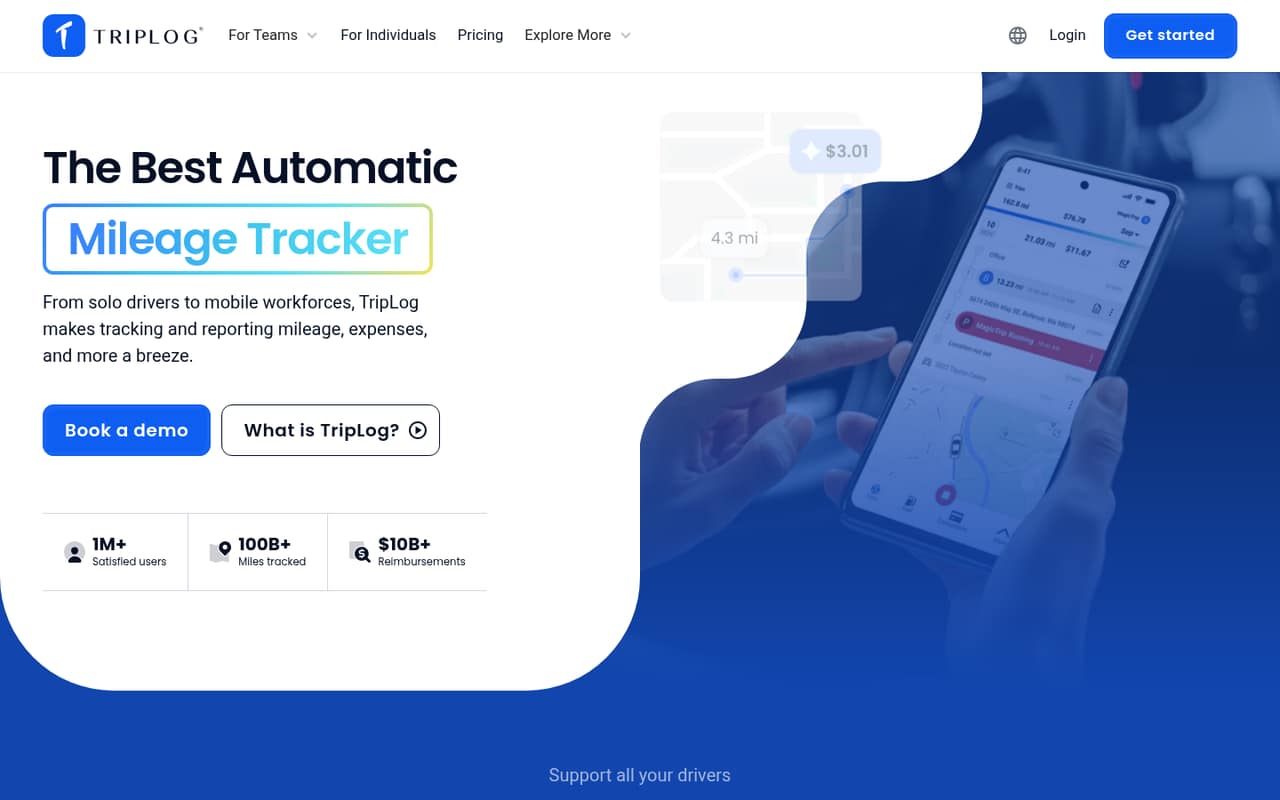
TripLog combines mileage, expenses, work time, and mileage reporting, so it may suit mobile employees whose costs center on driving and field work. A free plan is listed, but the price is not published. Ask what the free tier limits, how team billing works, and whether mileage, time, and expense functions are priced together.
What works
- Tracks mileage, expenses, and work time
- Automatically captures trips
- Scans and categorizes receipts
What doesn't
- Free-plan limits aren't published
- Paid plan prices aren't published
- Monthly and annual billing prices aren't published
- Best for approval workflowsEmburse CertifyEmburse Certify
Emburse Certify is aimed at teams with expense policies, approval workflows, and multiple spend types. That scope may help when a simple receipt app is no longer enough, but the price is not published and no free plan is listed. Request a quote for your headcount and ask what implementation, policy setup, and ongoing support will require.
What works
- Combines travel, invoice, and expense management
- Automates expense capture and reporting
- Configurable controls help manage employee spending
What doesn't
- No free plan
- Seat pricing is quote-based
- Seat and usage limits are unpublished
- Best for freelancersHurdlrHurdlr
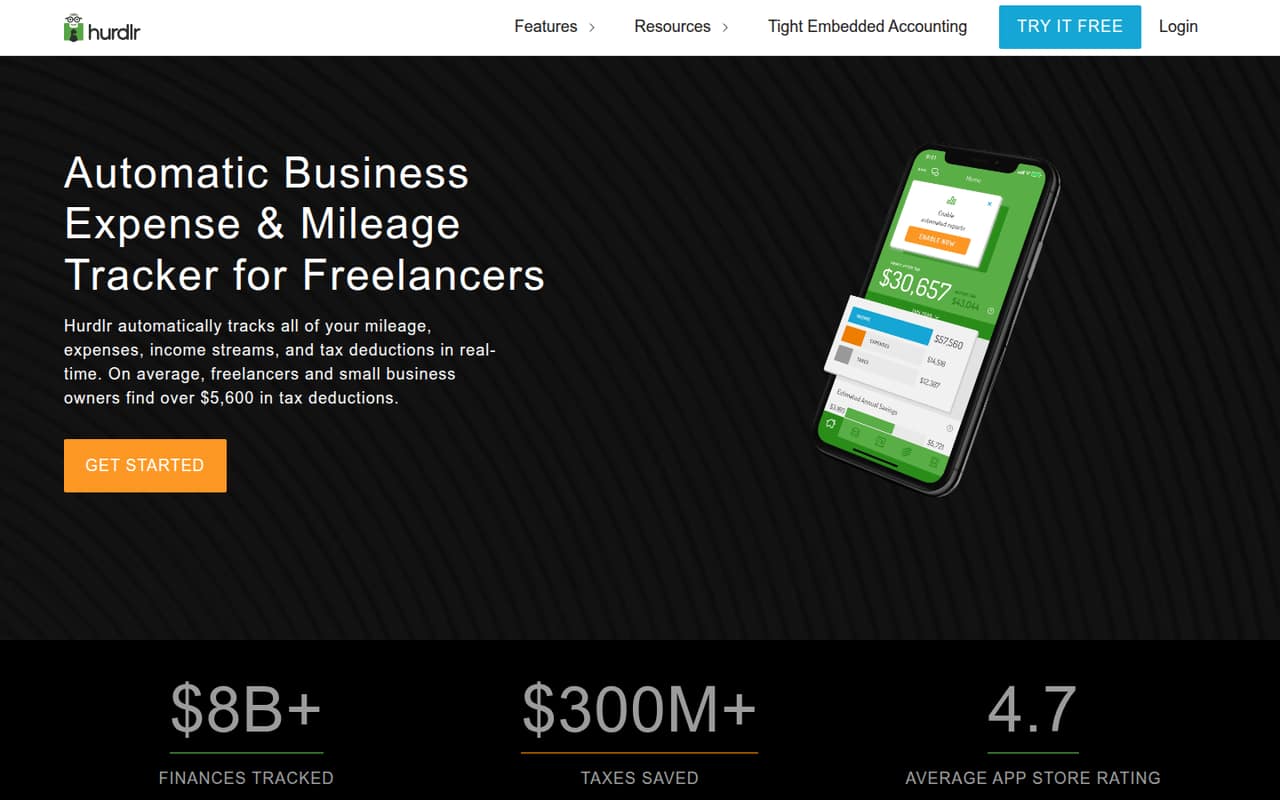
Hurdlr is primarily positioned for freelancers and sole proprietors tracking mileage, expenses, taxes, and invoicing. That breadth can help an owner who wants to manage personal business finances, but it may not meet a team’s employee reimbursement needs. Price and free access are not published; ask about both before making it part of your bookkeeping routine.
What works
- Tracks expenses and captures receipts
- Automatically tracks business mileage
- Premium includes live tax estimates and reminders
What doesn't
- Plan prices and billing terms aren’t published
- No free plan or trial is listed in pricing details
- Reddit users give conflicting reports about free mileage access
- Best for shared receiptsWellyBoxWellyBox
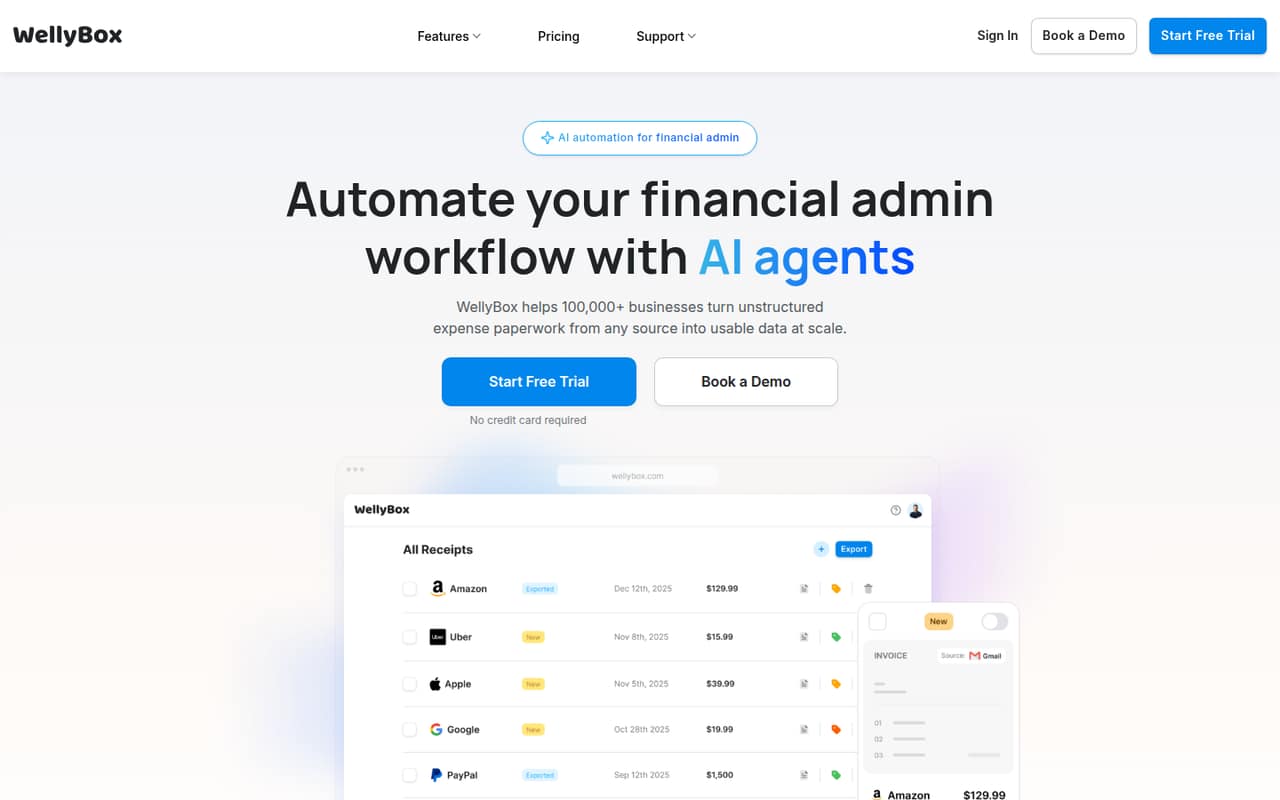
WellyBox focuses on gathering receipts for freelancers, small teams sharing bookkeeping, and firms collecting client documents. Its listed starting price is $19, and a free plan is not listed. It may suit a receipt-collection problem, but check seat pricing and whether it also handles the expense approvals, reimbursements, or card controls your team expects.
What works
- Collects documents from email and WhatsApp
- Extracts and classifies document data
- Can send transaction details to accounting software
What doesn't
- No free plan or trial is listed
- Basic is annual-only
- Basic stops at two users
- Best for receipt collectionReceiptor AIReceiptor AI
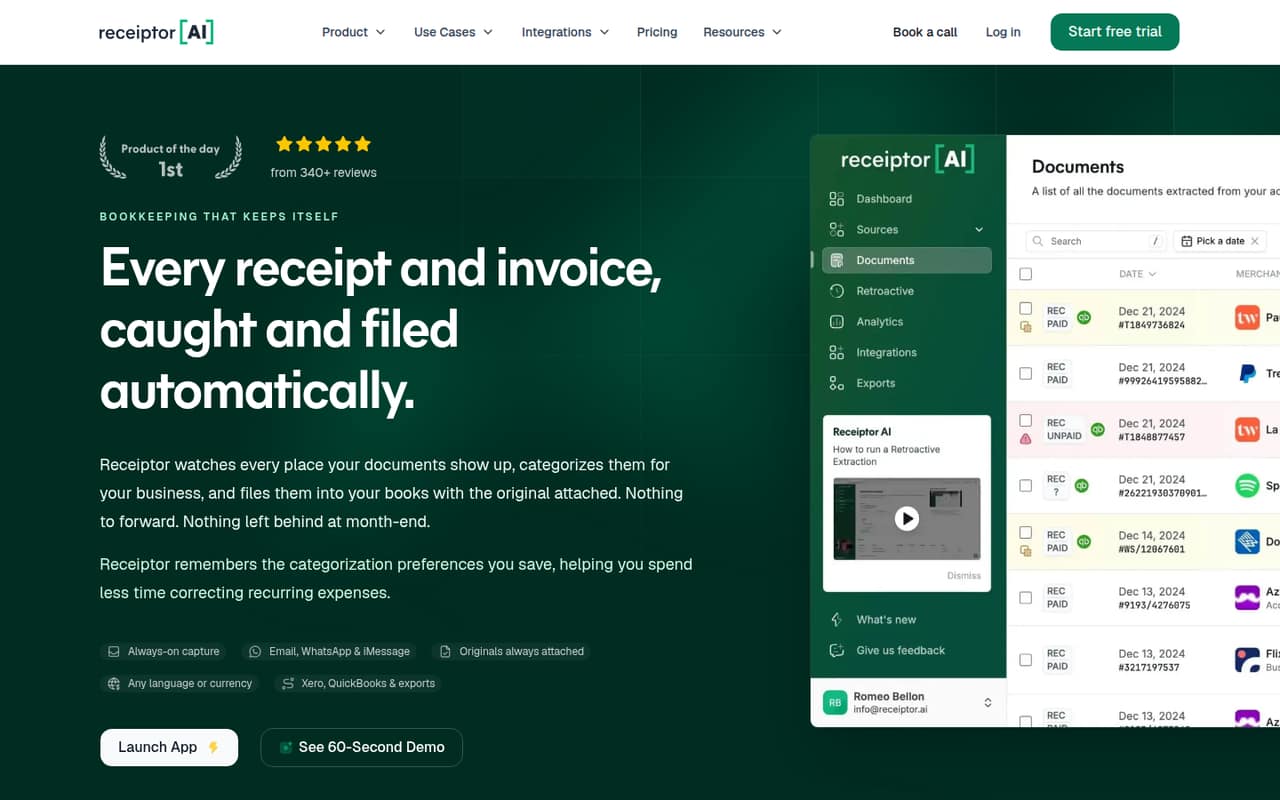
Receiptor AI is aimed at businesses collecting scattered receipts, categorizing repeat suppliers, and using Xero or QuickBooks. Its listed starting price is $29, with no free plan listed and unclear seat pricing. That makes it harder to budget for a small team. Ask whether the price covers one business or multiple users, and what setup is needed.
What works
- Captures receipts and invoices from connected sources
- Extracts key details and available line items
- Sends documents to Xero or QuickBooks
What doesn't
- No free plan or trial is listed
- Starter caps documents at 50 per month
- Extra documents cost $0.25 each on Starter
- Best for regular travelSAP ConcurSAP Concur
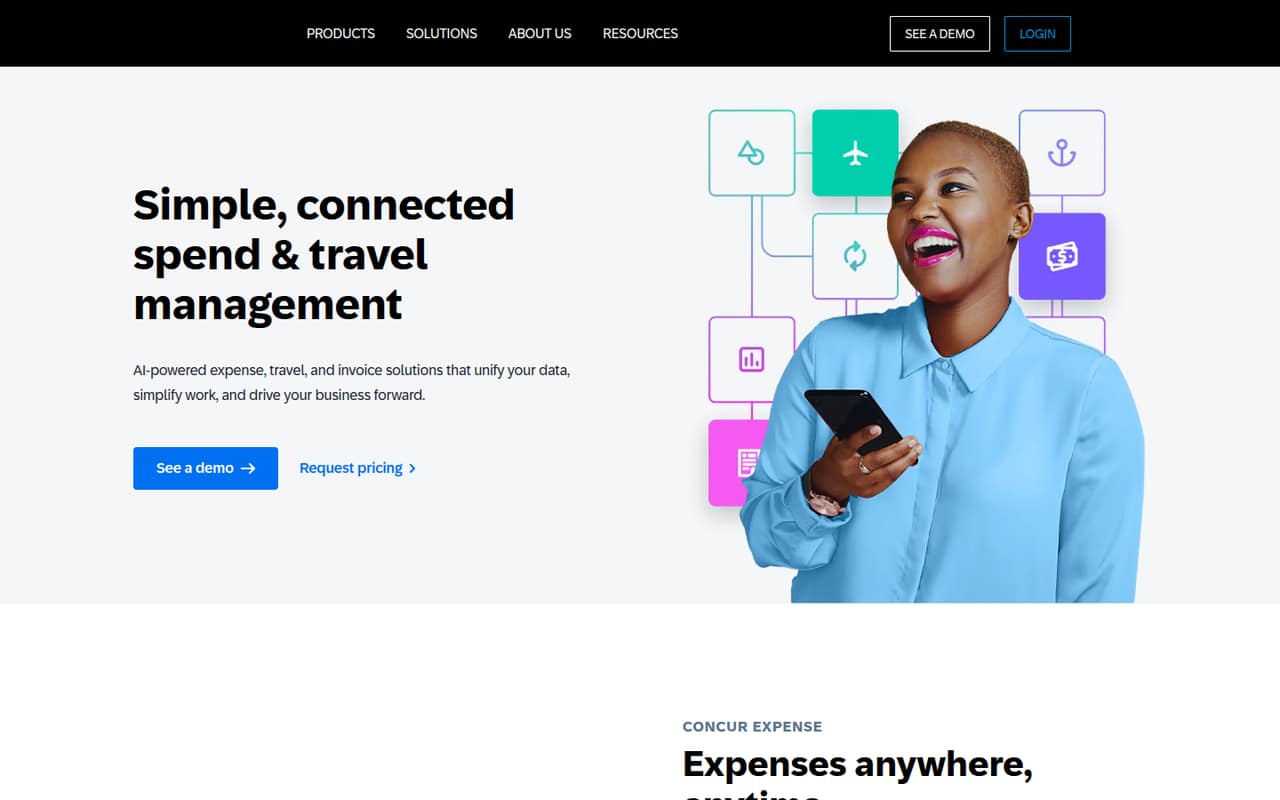
SAP Concur is positioned for regular business travel, spend policies, invoices, and expenses. Its listed starting price is $7, but pricing is per report, so a small team should model actual report volume rather than compare the headline price alone. Check the cost per report, setup requirements, and employee workflow; user friction is a concern worth investigating before rollout.
What works
- Expense, travel, and invoice processes in one platform
- Receipt capture extracts key purchase details
- Matches receipts with corporate card transactions
What doesn't
- No free plan is listed
- Starting prices are per report, not per seat
- Rates vary with monthly commitment
- Best for complex workflowsEmburse Chrome RiverEmburse Chrome River
Emburse Chrome River targets enterprises with complex expense workflows, global spend, travel, and invoice processes. That breadth is likely more than a typical team of one to ten needs. It has no free plan listed and pricing requires a custom quote. Ask for a small-team quote and implementation details only if your global or approval requirements justify an enterprise-focused option.
What works
- Combines travel, expense, and invoice management
- Supports reimbursement and reconciliation workflows
- Includes spend compliance capabilities
What doesn't
- No free plan
- Trial availability is not published
- Starting price is not published
- Best for tech spendCaleroCalero
Calero focuses on centralized reporting across several technology cost categories, rather than everyday employee expense reports alone. It may fit a business that needs to consolidate technology spend, but a small team must request a custom quote and no free plan is listed. Ask which cost categories it covers, how pricing scales, and what configuration your finance team would handle.
What works
- Covers SaaS, telecom, mobility and market data
- Aggregates spend data and usage analytics
- Flags zero usage and cost anomalies
What doesn't
- No free plan is listed
- Starting price is not published
- Monthly and annual billing terms are not published

- Best for connected controlsAirbaseAirbase
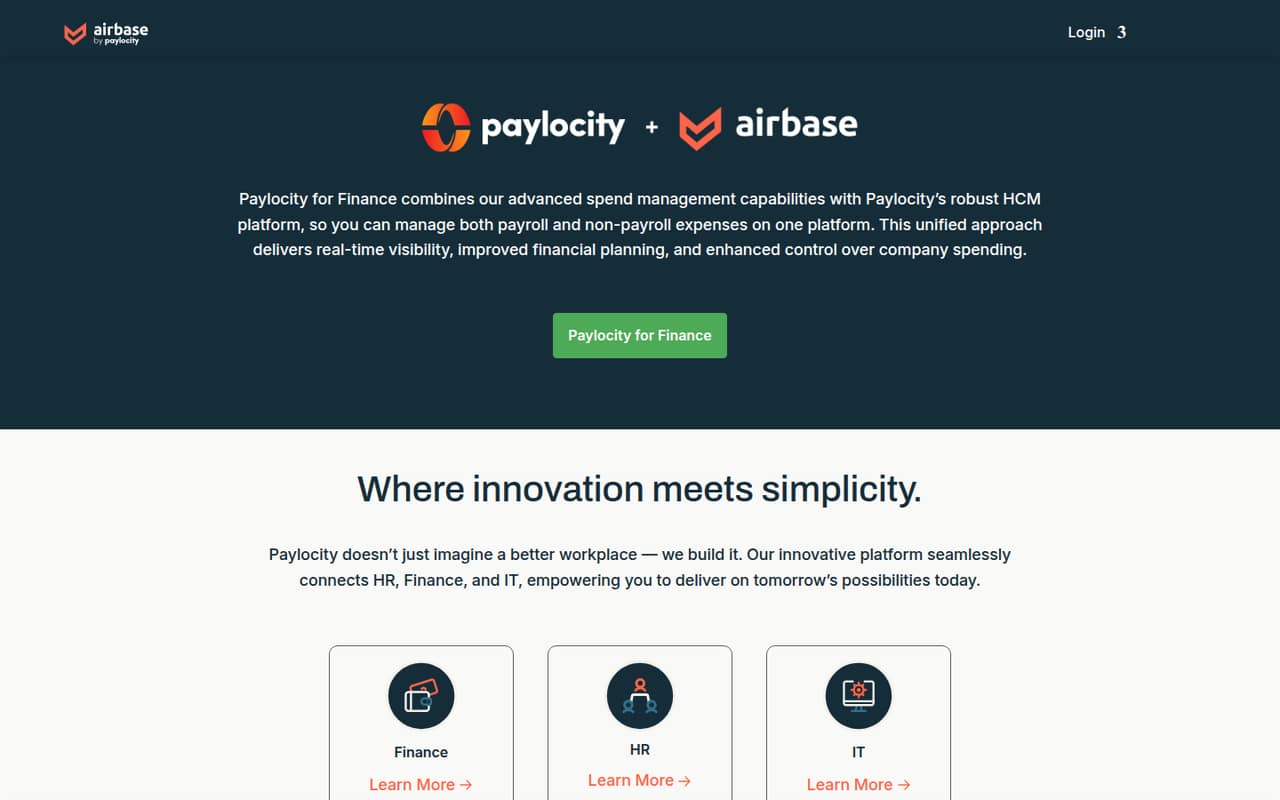
Airbase is positioned for spend controls connected to HR and Finance, including organizations with up to 200 employees. That may be useful as a team grows, but no free plan or published price is listed, making a one-to-ten-person budget difficult to assess. Request a quote and ask what integrations, onboarding, and minimum commitments are required.
What works
- Manages payroll and non-payroll expenses
- Offers real-time spending visibility
- Supports financial planning and spending control
What doesn't
- No free plan is listed
- Monthly and annual prices aren't published
- No public trial details
- Best for driver programsMotusMotus
Motus is focused on employee business mileage, driver risk, and replacing flat car allowances. It is a specialized choice rather than a general expense platform, and the price is not published. A small team should request a quote and ask how employee counts, mileage reimbursements, and driver-risk services affect the total cost before comparing it with mileage trackers.
What works
- Supports FAVR, CPM, and TAAP reimbursement programs
- Captures mileage through a driver mobile app
- Combines reimbursement and driver monitoring
What doesn't
- No free plan is listed
- The vendor requires a custom quote
- Per-driver prices aren't published
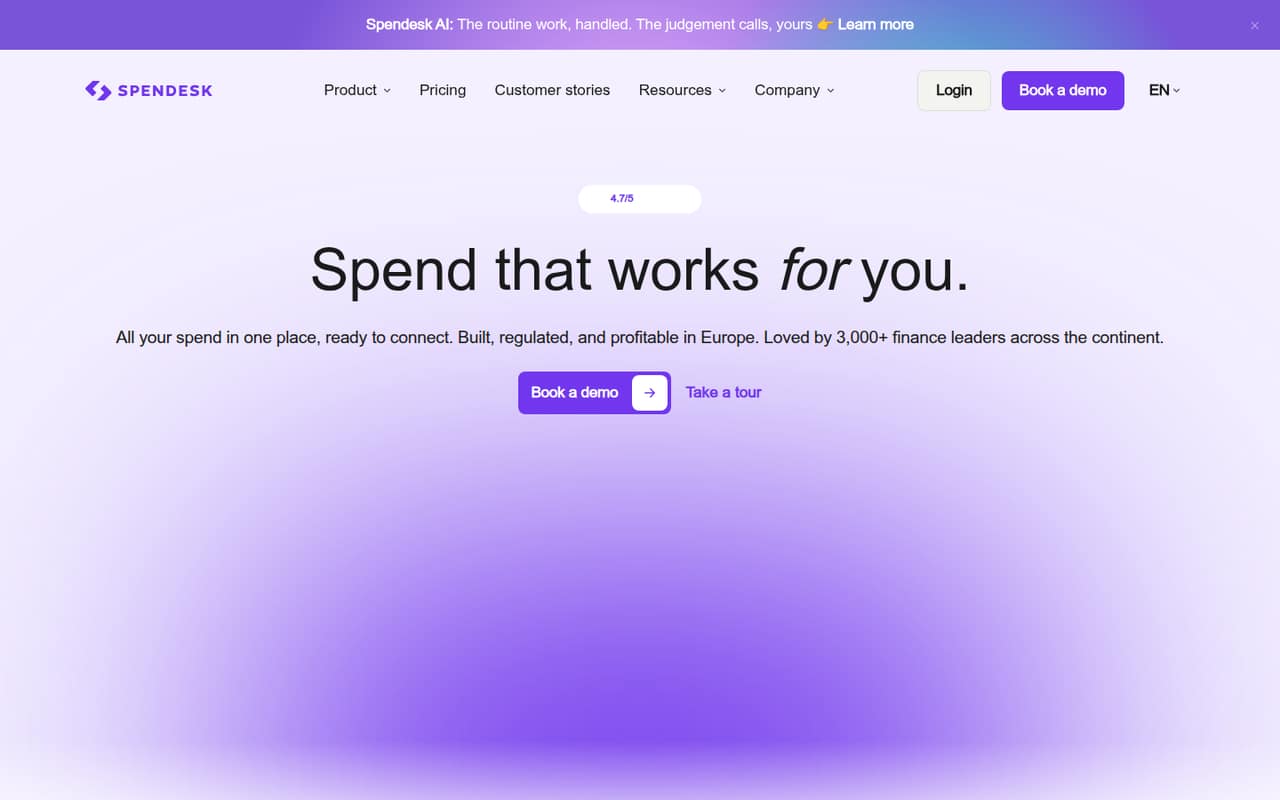
- Best for spend controlsSpendeskSpendesk
Spendesk targets finance teams centralizing company spend with card and invoice controls and support for multiple entities. It may suit a business with more complex purchasing, but a free plan and published price are not listed. Ask for a quote covering your headcount, card needs, and entities, then compare the setup and minimum commitment with simpler options.
What works
- Cards, expenses, invoices and budgets in one platform
- Unlimited physical and virtual cards on listed plans
- Foundations includes unlimited users
What doesn't
- No free plan
- Monthly and annual prices aren’t published
- Seat caps aren’t published for most plans
- Best for consolidated workflowsPayhawkPayhawk
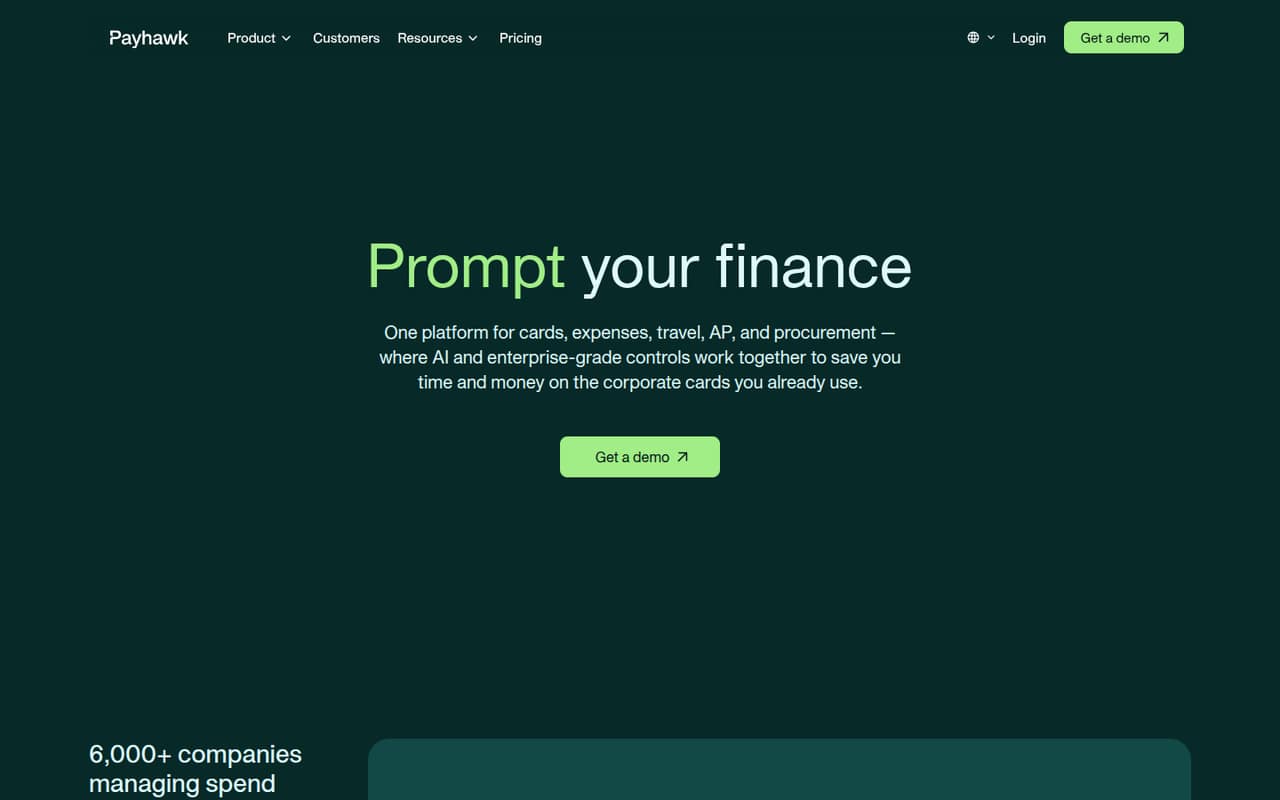
Payhawk brings spend workflows together and is aimed at companies managing multiple entities and automating approvals. That scope can be useful when separate processes become hard to manage, but no public price or free plan is listed. Request a small-team quote and ask which workflows are included, what onboarding entails, and how costs change as you add users.
What works
- Cards and expenses in one platform
- Includes invoice and supplier payment workflows
- Procurement and travel are available
What doesn't
- The vendor doesn't publish prices
- No free plan or trial is listed
- Add-on prices are not published
- Best for managed travelTravelBankTravelBank
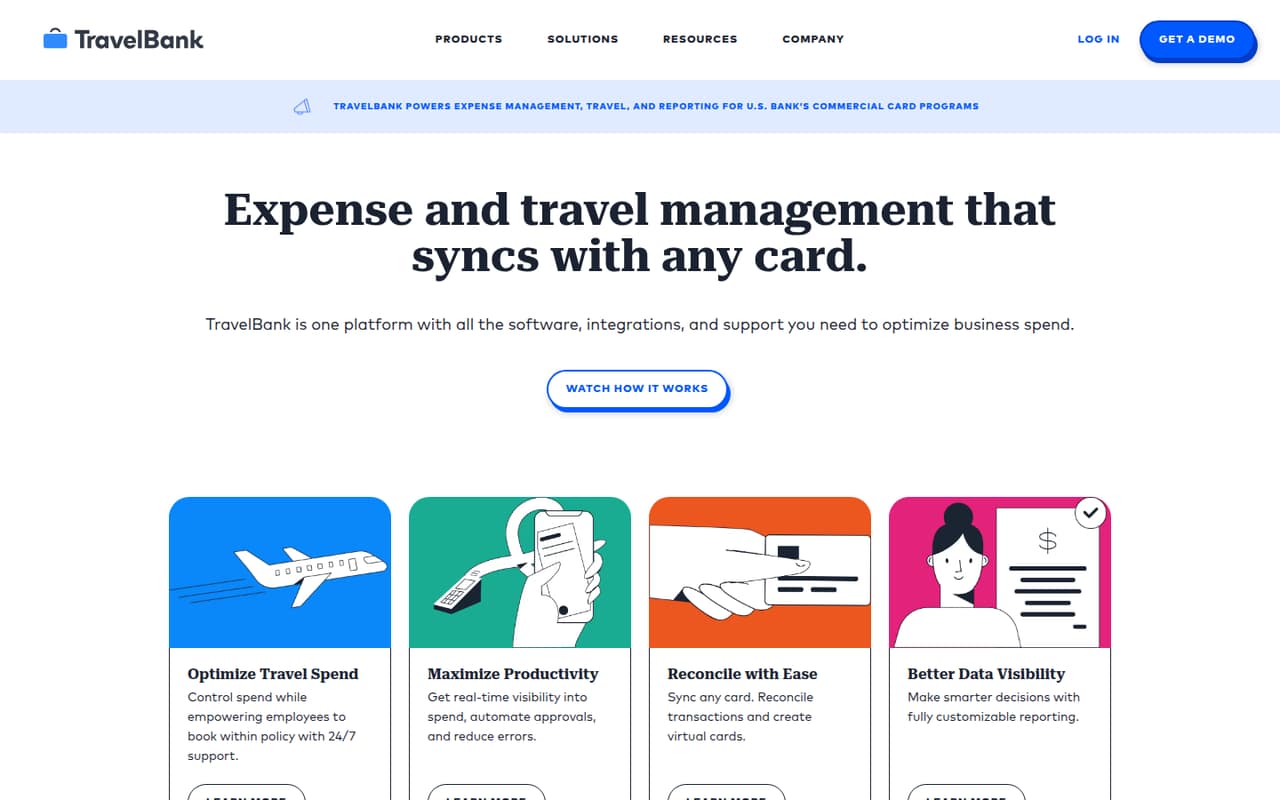
TravelBank combines employee travel policies with expenses and is positioned for organizations with 100 or more users, so it may be oversized for a team of one to ten. The listed $5,000 price needs clarification, and no free plan is listed. Ask what that figure covers, the billing period, and whether a small-team plan is available.
What works
- Combines travel, expenses, cards, and reporting
- Supports custom travel budgets and policies
- Includes approvals for policy-based bookings
What doesn't
- No free plan or published trial
- Premium lists a flat $5,000 price
- The listed billing interval is unclear
- Best for mobile approvalsExpenseWireExpenseWire
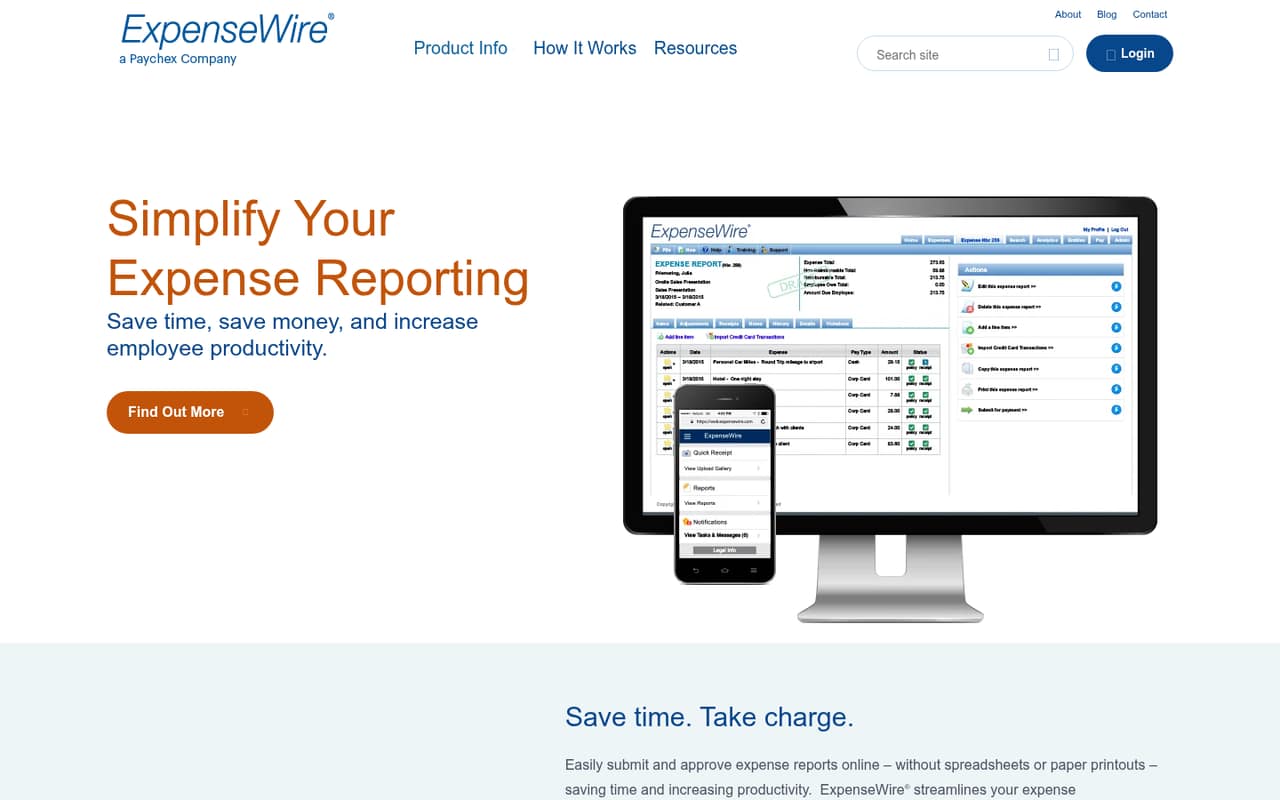
ExpenseWire covers replacing paper expense reports, mobile manager approvals, and tracking healthcare-professional spend. It may fit a team with those specific reporting needs, but custom pricing leaves a small team without a clear starting cost. Ask for a quote based on your staff count and confirm whether receipt capture, reimbursement, and approval features are included.
What works
- Online expense submission and approvals
- Receipt uploads from any device
- Expense policies help control spending
What doesn't
- Pricing is custom and quote-based
- Plan limits are not published
- No free plan is listed
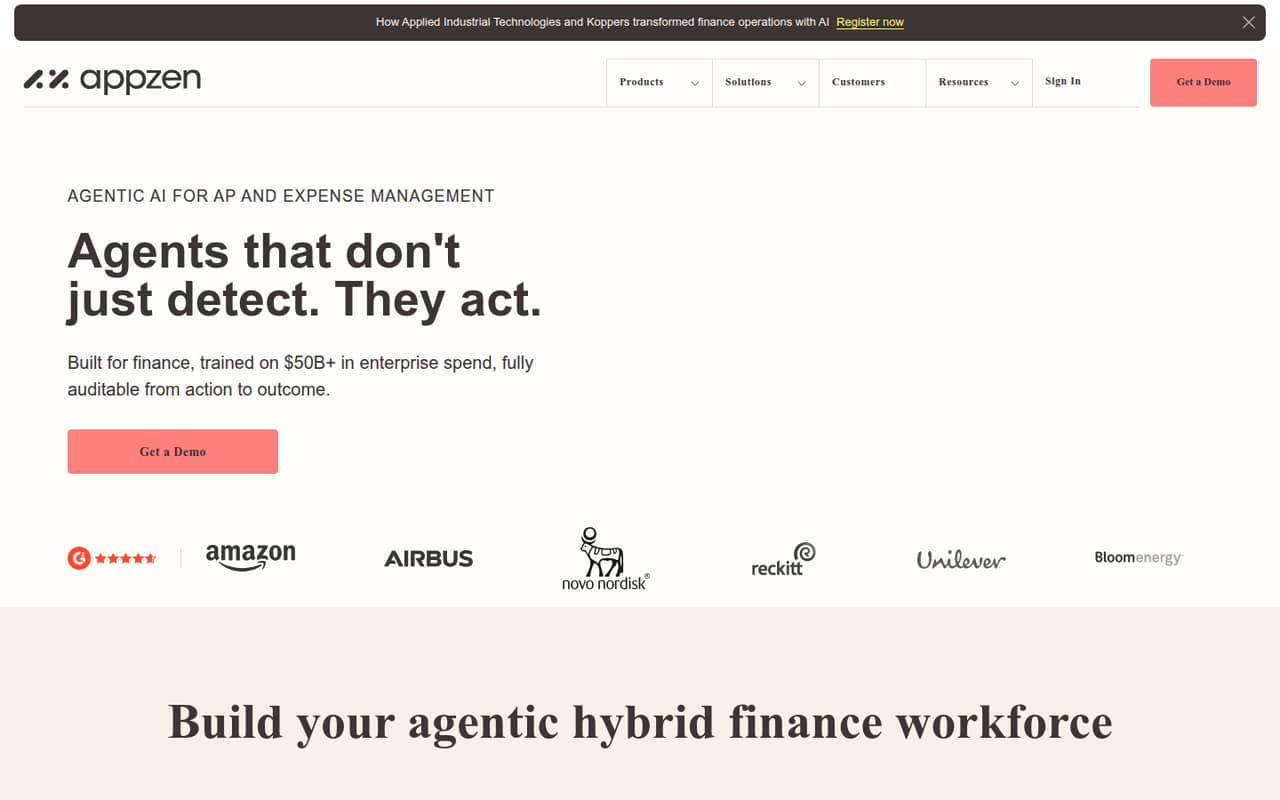
- Best for finance automationAppZenAppZen
AppZen is positioned for repeatable finance procedures, AP and expense reviews, and AI governance. That focus may fit a team with established review processes, but it is harder to judge for a small business without a published price or a free plan. Request a quote and ask how much configuration is needed before automated reviews are useful.
What works
- Agents handle invoice workflows and vendor communications
- Expense review keeps people involved when judgment is needed
- Agent Studio turns procedures into agents without code
What doesn't
- The pricing page lists no prices
- Free plan and trial terms aren't published
- One-, three- and five-seat costs are unknown
- Best for music rightsPEXPEX
PEX is described as a toolkit for protecting music rights, registering recordings, and tracking online content—not employee expenses, receipts, reimbursements, or company spend. Its listed starting price is $1 and a free plan is shown, but that does not make it a fit for this category. Small teams shopping for expense management should look elsewhere.
What works
- Identifies altered music with multiple recognition methods
- Tracks audio and video across platforms
- AI-song detection is available through a real-time API
What doesn't
- Discovery pricing requires a sales inquiry
- Annual billing is not published
- Free-plan scope is not published
03How we chose
We ranked the listed tools for a team of one to ten, weighing whether a free plan is listed, what a few seats may cost, and whether a minimum commitment makes the entry price misleading. We also considered how closely each tool fits expenses, receipts, reimbursements, cards, mileage, or travel, and whether setup and plan limits are clear. We did not claim hands-on testing. Where available, we considered published pricing and feature descriptions, documentation, and reported Reddit concerns; ask vendors to confirm anything unclear before signing.
04Check what free really covers
A free plan can be enough when your team mainly needs to capture receipts, submit expenses, or start using cards. But “free” is not a feature list. Before moving everyone over, ask which expense workflows are included, whether reimbursements or approvals have limits, and how many users can join. Ramp, Expensify, BILL Spend & Expense, and Navan list free starting options, but their included features differ. Navan’s free starting point is described as covering five expense users; check what happens if you add a sixth. For mileage tools such as MileIQ, Everlance, Driversnote, and TripLog, look for trip or driver caps. If the vendor does not publish a limit, ask for it in writing. A free plan that cannot handle your normal month is a trial, not a dependable budget.
05Price the team you actually have
A starting price is not always your cost for a few employees. Expensify lists $5 per person monthly for reimbursements and card management, while Fyle and Rydoo have five-seat minimums. Emburse Spend lists a 15-seat monthly minimum, which can price out a team of one to ten even if its starting price looks low. Pleo charges per seat and may include fees; Ramp’s Plus plan may add a platform fee. For products with custom or unpublished pricing, request a quote for your exact headcount and ask about billing periods, minimum terms, setup charges, and add-on fees. Also distinguish mileage specialists, receipt collectors, and travel tools from full expense platforms. Pay for the workflow you need, not a broad bundle your team will not use.
Questions people ask
Does a small team need expense management software?
Not always. If expenses are occasional and one person can track receipts and reimbursements reliably, a shared process may be enough. Consider software when multiple employees submit expenses, the team needs company cards or approvals, or manual tracking is becoming hard to manage.
What is the cheapest expense software for a small team?
Several products list free plans, including Ramp, Expensify, BILL Spend & Expense, and Navan. For reimbursements and card management, Expensify lists $5 per person monthly. Check what a free plan includes and whether minimum seats or extra fees change the total.
How much setup does expense software take?
Setup effort is not consistently published. Ask the vendor what is involved in adding employees, connecting accounting software or cards, setting approval rules, and importing records. A tool with a custom quote or broad finance workflows may need more configuration; confirm the expected work before signing.
When should a small team switch tools?
Look again when your current tool cannot handle reimbursements, card controls, approval steps, or the countries and entities you need. Also reassess when a seat minimum or growing per-user bill makes a simpler tool poor value. Confirm migration and setup requirements before you commit.