
We may earn a commission if you buy through links on this page. It never changes a score or a ranking. How we make money
The bottom line
Worth considering for document workflows, but get a volume quote before budgeting.
airSlate brings workflow automation, eSignatures, PDF tools, legal forms, landing pages, and marketing automation under one umbrella. Its Standard plan lists unlimited users and a starting price of $1.40 per document, so teams pay by usage rather than by seat.
There’s no free plan listed, and monthly totals aren’t published. That makes it harder for a small team to compare costs upfront; ask for a quote based on your expected document volume and workflow needs.
Good fit if
- Teams automating document workflows
- Businesses with variable seat counts
- Teams needing PDFs and eSignatures
Skip it if
- Teams that need a free plan
- Buyers needing a fixed monthly bill
- Teams wanting clear integration details
ScoresHow it rates
What works
- Standard includes unlimited users
- Starting price is $1.40 per document
- Offers workflow automation and eSignatures
- Includes PDF tools and legal forms
- Advanced and Enterprise support custom volume pricing
What doesn't
- No free plan is listed
- Monthly pricing is not published
- Total cost depends on document volume
- Advanced and Enterprise pricing is custom
- Specific integration details are not published
01Who airSlate is for
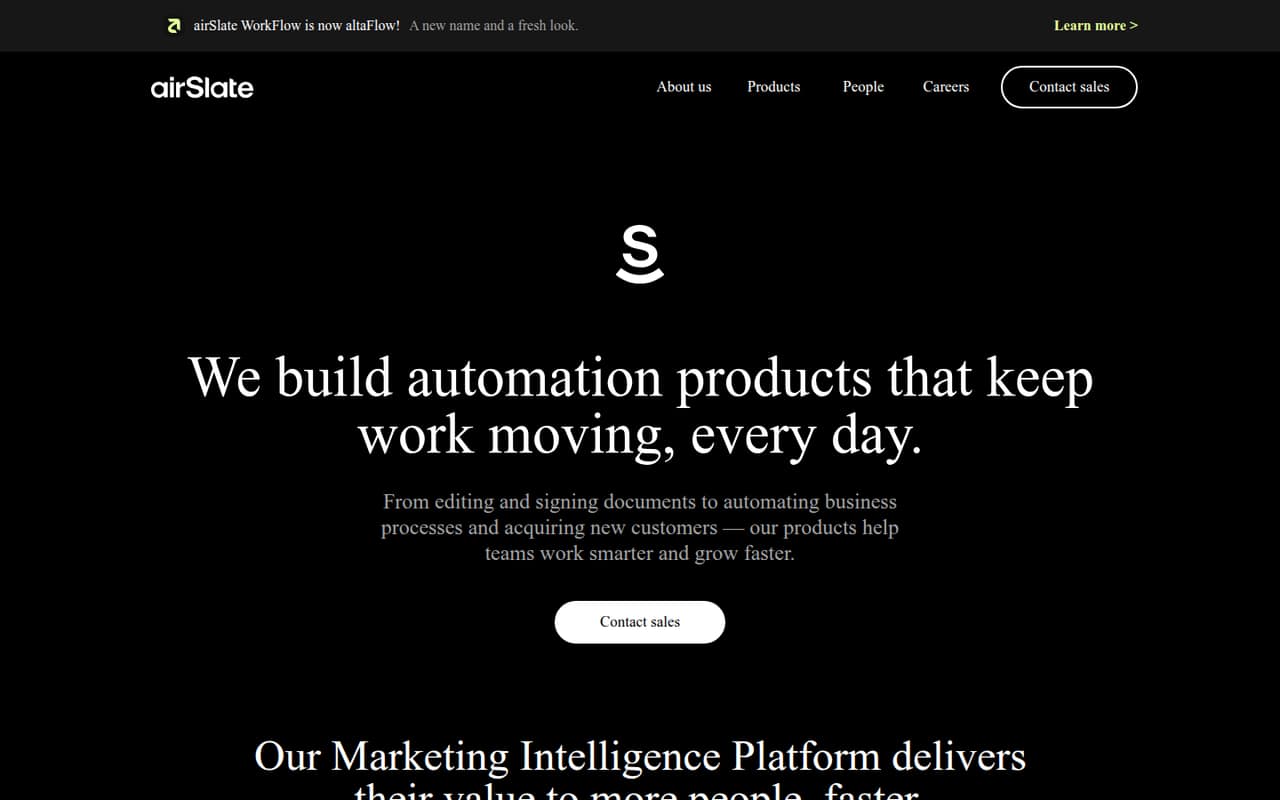
airSlate is for teams that want to build and automate document-heavy workflows, such as sending forms for signatures and connecting steps across a process. The homepage also describes products for eSignatures, PDFs, legal forms, landing pages, and marketing automation. WorkFlow is now called altaFlow.
For a team of 1–10, the appeal is that Standard lists unlimited users: adding a teammate does not add a published per-seat charge. The cost instead depends on document volume, which may suit a small team whose usage changes from month to month. The trade-off is that the vendor does not publish a typical monthly total, so it’s hard to set a budget from the starting rate alone. We’d consider airSlate when several document tasks belong in one workflow; for a single occasional signature, the wider platform may be more than the team needs.
02airSlate free plan and trial
The pricing information lists no free plan, and the vendor does not publish a free-trial offer for airSlate’s workflow plans. The cheapest listed way in is Standard, starting at $1.40 per document. That is a usage price, not a free starter tier or a monthly subscription price.
There is one billing caution from a related product: a Reddit user said they canceled a PDFfiller free trial but were charged $105 after it ended. PDFfiller is an airSlate product, but that account does not establish the trial or cancellation terms for airSlate’s workflow plans. Before entering payment details for any airSlate product, confirm the trial length, how cancellation works, and when billing begins.
03What a small team pays for airSlate
The pricing page lists Standard at a starting rate of $1.40 per document, with unlimited users and volume-based usage. That means one person, three people, and five people do not have separate published seat prices: each team’s starting rate is still $1.40 per document. The total depends on how many documents you process and any applicable volume pricing.
The vendor does not publish a monthly price or an annual monthly equivalent, so we can’t give a reliable monthly total for a team of one, three, or five. Advanced and Enterprise use custom volume pricing, also with unlimited users. The listed plans do not identify add-ons. Ask airSlate for a quote using your expected document volume and ask whether the workflow features and integrations you need are included. Don’t treat $1.40 as a monthly subscription or assume it will be the final rate at your usage level.
04Getting started with airSlate
The work starts with defining the process you want to automate: which forms or PDFs are involved, who needs to sign or approve them, and where documents should go next. The homepage describes building, automating, and integrating workflows, but the vendor does not publish enough setup detail here to estimate implementation time or the learning curve for a particular team.
A Reddit user considering airSlate for an employee-onboarding MVP said it seemed able to handle web forms and PDF integration. That was a prospective user’s assessment, not a report of a completed setup. Specific integrations and setup steps are not published in the pricing details. Before choosing a plan, ask whether your key apps are supported and whether connecting them requires extra configuration or custom volume pricing.
05When small teams outgrow airSlate
The clearest reason to revisit airSlate is cost uncertainty as document volume rises. Standard uses volume-based pricing, while Advanced and Enterprise require custom volume pricing. Unlimited users avoid a listed per-seat increase, but the vendor does not publish thresholds where a team should move up or how its bill changes as usage grows. Ask for pricing at your current and expected volumes before making airSlate central to a growing process.
A team may also need to reassess if it requires a particular integration or workflow capability that the vendor has not confirmed. The available Reddit discussion includes one prospective user who thought airSlate could suit an onboarding MVP, but it does not report a completed deployment. Separately, a PDFfiller user described being charged after trying to cancel a trial. That is a billing concern about a related product, not evidence of airSlate workflow limits; check the exact terms for the product you plan to buy.
From the threadsWhat users say
The small amount of Reddit discussion is mixed: one prospective user thought airSlate could fit an MVP, while a PDFfiller customer reported a disputed trial charge. These comments offer limited evidence about airSlate’s workflow product itself.
it seems like airslate can handle the MVP
charged me $105 through Venmo
I feel like it’s shifty to make it seem like the free trial is canceled
Questions people ask
What is airSlate?
airSlate is a document automation platform for building, automating, and integrating workflows. Its homepage also describes products for eSignatures, PDFs, legal forms, landing pages, and marketing automation. airSlate WorkFlow is now called altaFlow.
Does airSlate have a free plan?
The listed pricing does not include a free plan. The vendor also does not publish a free-trial offer for airSlate’s workflow plans. Standard is the cheapest listed plan, starting at $1.40 per document, with unlimited users and volume-based usage.
How much does airSlate cost?
Standard starts at $1.40 per document, and the plan lists unlimited users. Advanced and Enterprise use custom volume pricing. The vendor does not publish monthly prices or an annual monthly equivalent, so ask for a quote based on your expected document volume.
Does airSlate charge per user?
The listed plans include unlimited users, and Standard is priced by document volume rather than by a published per-seat rate. Adding users does not have a separate listed seat price, but your total depends on usage and any volume pricing that applies.
Can airSlate collect eSignatures?
Yes. airSlate describes eSignatures as a product for collecting legally binding signatures, with no user limits. The published pricing information does not state a separate eSignature price or explain whether particular signature workflows are included in each plan, so confirm those details with the vendor.
Sources
- airSlate homepage
- airSlate pricing, compiled via web search from pricingsaas.com, workstackreview.com, thegeeksclub.com, airslate.com, solidgrowth.com
- Reddit: Netsuite and Docusign or SignNow or Airslate or ...?
- Reddit: Venmo allowed Airslate/PDFiller to take unauthorized money out of my account
- Reddit: Opinion on AirSlate and where to find a contractor