We may earn a commission if you buy through links on this page. It never changes a score or a ranking. How we make money
A small team may not need a full document platform: if you mainly process statements or scanned PDFs, a focused extraction or conversion tool can be easier to budget for. We’d start with DocuClipper for recurring statement and invoice extraction, or ABBYY FineReader for scanned PDFs and a low listed license price. Templafy and Nanonets offer free plans, but check what those plans include and where usage limits apply. For tools with custom quotes or seat minimums, ask for a written cost for your exact team size before weighing features.
Quick picksThe shortlist
 DocuClipperDocuClipperBest for small teams · $20.30/mo
 ABBYY FineReaderABBYY FineReaderBest for scanned PDFs · $5.75/mo
 NanonetsNanonetsBest free workflow option · $100/mo
 DocparserDocparserBest for repeat documents · $32.50/mo
 TemplafyTemplafyBest for brand control · $40/mo
 RevverRevverBest low listed price · $4/mo
 Content SnareContent SnareBest for client intake · $35/mo
 LaserficheLaserficheBest for approvals · $42/mo
 GlobalSearchGlobalSearchBest for five users · $50/mo
 FormSwiftFormSwiftBest for routine forms · $8.25/mo
 EskerEskerBest for finance workflows · Custom
 airSlateairSlateBest for PDFs and eSignatures · Custom
 HotDocsHotDocsBest for rule-heavy documents · Custom
 SmartCOMMSmartCOMMBest for regulated communications · Custom
 DocMagicDocMagicBest for mortgage closings · Custom
 Vasion AutomateVasion AutomateBest for routed approvals · Custom
 DynaFileDynaFileBest for HR records · Custom
 EncaptureEncaptureBest for lending teams · Custom
 OnBaseOnBaseBest for complex content · Custom
- eDeliveryeDeliveryNot for document automation · Custom
01Compared at a glance
| Tool | Score | From | Free plan | Trial |
|---|---|---|---|---|
| DocuClipperDocuClipper | 7.2 | $20.30/mo | No | 14 days |
| ABBYY FineReaderABBYY FineReader | 7.1 | $5.75/mo | No | 7 days |
| NanonetsNanonets | 6.8 | $100/mo | Yes | Yes |
| DocparserDocparser | 6.8 | $32.50/mo | No | 14 days |
| TemplafyTemplafy | 6.2 | $40/mo | Yes | 14 days |
| RevverRevver | 6.1 | $4/mo | No | 14 days |
| Content SnareContent Snare | 6.5 | $35/mo | No | 14 days |
| LaserficheLaserfiche | 6.7 | $42/mo | No | — |
| GlobalSearchGlobalSearch | 5.8 | $50/mo | No | — |
| FormSwiftFormSwift | 5.2 | $8.25/mo | No | 7 days |
| EskerEsker | 5.4 | Custom | No | — |
| airSlateairSlate | 5.8 | Custom | No | — |
| HotDocsHotDocs | 5.8 | Custom | No | — |
| SmartCOMMSmartCOMM | 5.0 | Custom | No | — |
| DocMagicDocMagic | 5.6 | Custom | No | — |
| Vasion AutomateVasion Automate | 5.5 | Custom | No | — |
| DynaFileDynaFile | 5.6 | Custom | No | — |
| EncaptureEncapture | 5.5 | Custom | No | — |
| OnBaseOnBase | 4.8 | Custom | No | — |
| eDeliveryeDelivery | 5.8 | Custom | No | — |
02The picks, in detail
- Best for small teamsDocuClipperDocuClipper
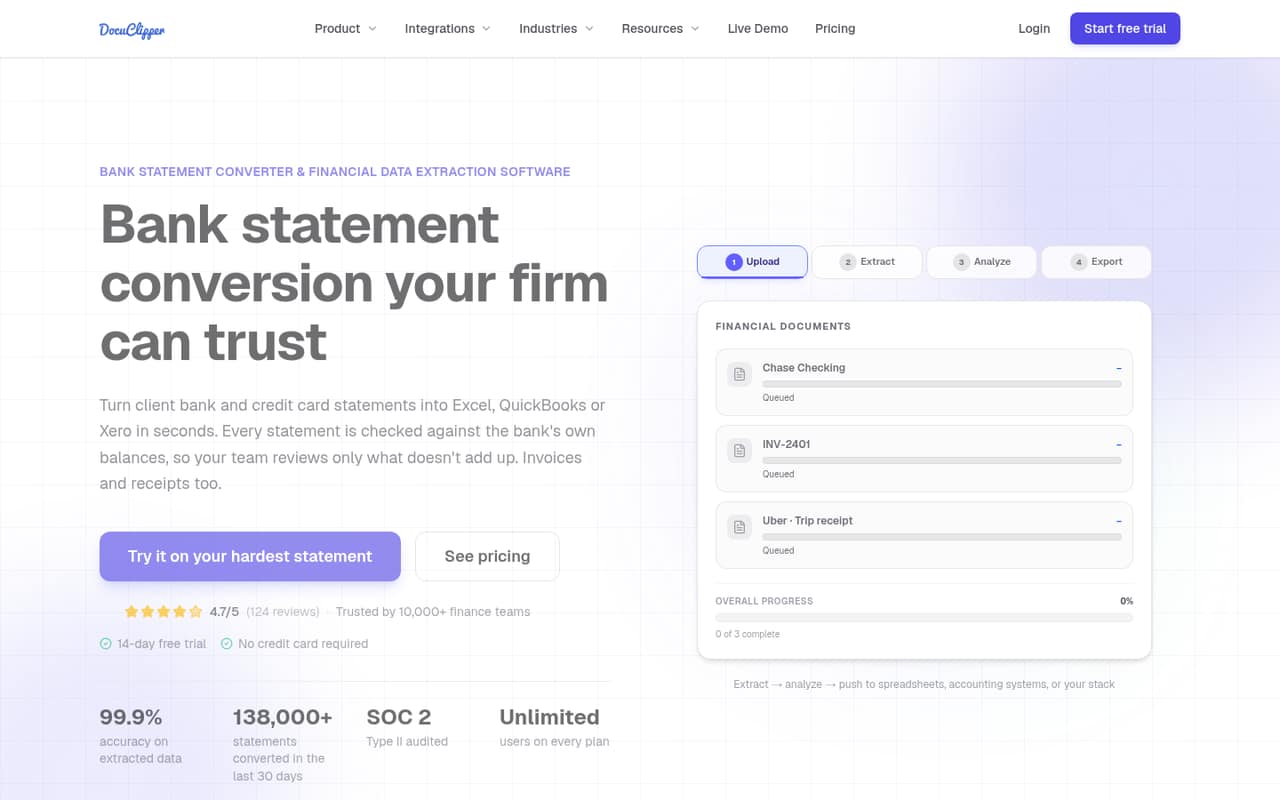
DocuClipper is our first pick for a small team that repeatedly extracts data from statements or invoices. Its listed starting price is $20.3, and teams can share one page allowance, which makes the cap important to check before uploading. It also exports to accounting software. Ask the vendor how the allowance fits your monthly volume and review its privacy details.
What works
- Unlimited users on all listed plans
- Checks extracted totals against printed balances
- Exports to Excel, CSV, and accounting formats
What doesn't
- No free plan
- Starter includes only 60 pages monthly
- Trial page allowance is not published
- Best for scanned PDFsABBYY FineReaderABBYY FineReader
ABBYY FineReader is a practical fit when the main job is handling scanned PDFs, multilingual documents, or file conversion on Windows. Its listed starting price is $5.75, but each person needs a license, so budget per user rather than assuming one team license covers everyone. It is less suited to teams looking for a broad approval-routing platform.
What works
- Windows and Mac PDF options
- 7-day trial includes up to 100 pages
- Corporate Hot Folder converts up to 5,000 pages monthly
What doesn't
- No permanent free plan
- Each listed license is standalone
- Windows monthly prices cost more than annual billing
- Best free workflow optionNanonetsNanonets
Nanonets offers a free plan and targets accounts payable, policy-heavy operations, and repeatable workflows. Its listed starting price is $100, and the Starter plan has a three-user cap; check usage costs before choosing it for a team of four or more. It is worth considering when rules and recurring processes matter more than the lowest possible entry price.
What works
- Automates accounts payable, reconciliation, and order management
- Links extracted business rules to their sources
- Lets users approve, edit, or reject rules
What doesn't
- Starter costs $100 per month
- Starter is limited to three users
- Growth pricing is quote-based
- Best for repeat documentsDocparserDocparser
Docparser is built for parsing recurring business documents, reducing manual data entry, and exporting extracted data. Its listed starting price is $32.5, and there is no free plan, so the entry cost is a real commitment for a small team. It makes most sense when the same document formats arrive often enough to justify setting up a repeatable workflow.
What works
- Parses PDFs, Word files and images
- Visual extraction rules require no coding
- Supports email, cloud storage and REST API intake
What doesn't
- No free plan is listed
- Starter begins at $32.50 monthly with annual billing
- Seat allowances and seat pricing are not published

- Best for brand controlTemplafyTemplafy
Templafy suits teams with strict brand rules and repeat document-generation needs, and it has a free plan. Its listed Team price is $40, which may stretch a small-team budget. The free option is also described for solo users exploring AI PowerPoint, so ask what it includes for your intended document workflow before treating it as a team plan.
What works
- Free Individual plan for one seat
- Team includes reusable Document Agents
- Central content library on Team
What doesn't
- Team costs $40 per user monthly
- Annual billing terms are not stated
- Team is limited to 25 seats
- Best low listed priceRevverRevver
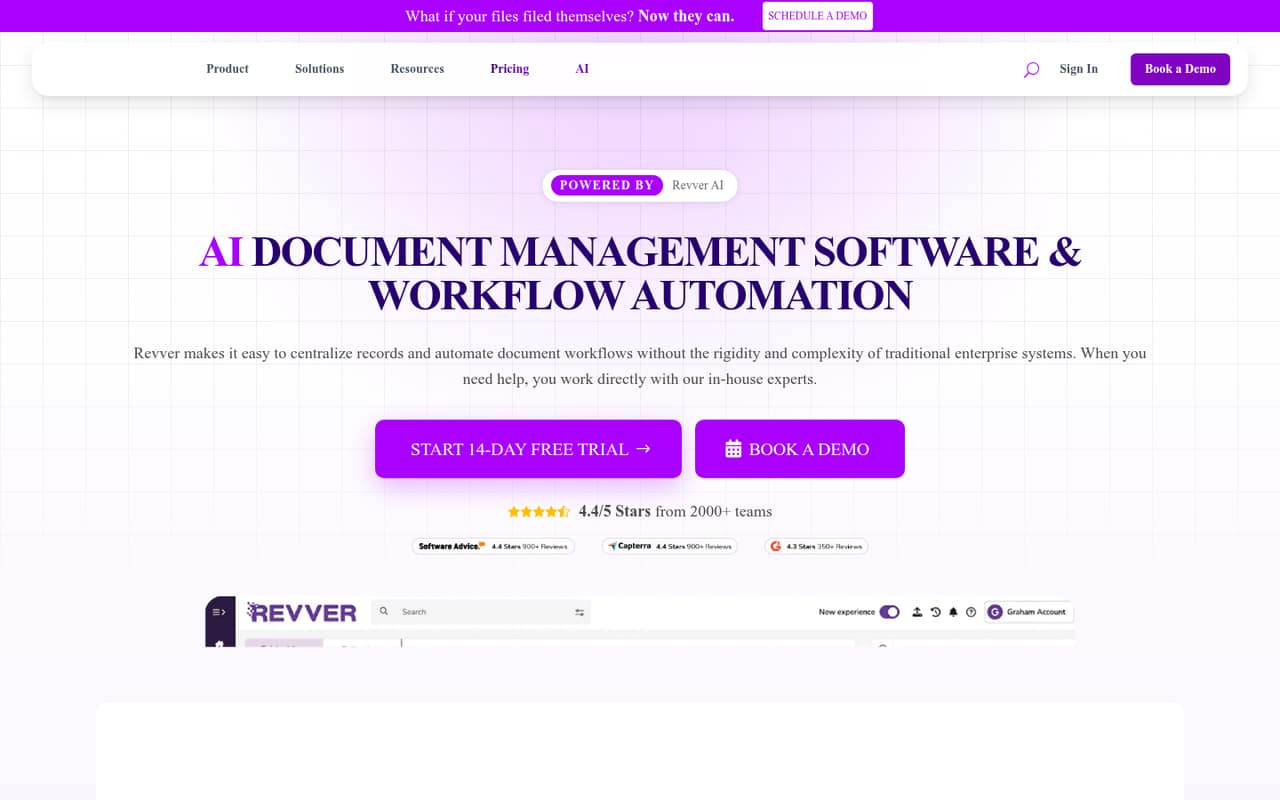
Revver’s listed starting price is $4, making it one of the lower entry points in this group. It supports document approvals, client records, and guest file sharing. The catch is value: the per-seat cost can be hard to justify if you mainly need storage. Ask which workflow features are included at the price you’re quoted.
What works
- Centralized records with metadata and versioning
- No-code workflows for reviews and approvals
- AI tools for summaries and filing
What doesn't
- No free plan; trial lasts 14 days
- Basic lists at $25 per user monthly
- Annual prices are not published
- Best for client intakeContent SnareContent Snare
Content Snare is aimed at agencies and small teams that repeatedly collect website content or other client information, with item-by-item approvals. Its listed starting price is $35. It can suit a structured intake process, but may be more than you need if a shared folder already handles requests and approvals. Confirm how many users and requests fit your plan.
What works
- Requests can collect text, files, and choices
- Automated reminders follow a customizable schedule
- Reviewers can approve or reject individual items
What doesn't
- No free plan
- Basic is capped at two users
- Monthly Basic costs $42
- Best for approvalsLaserficheLaserfiche
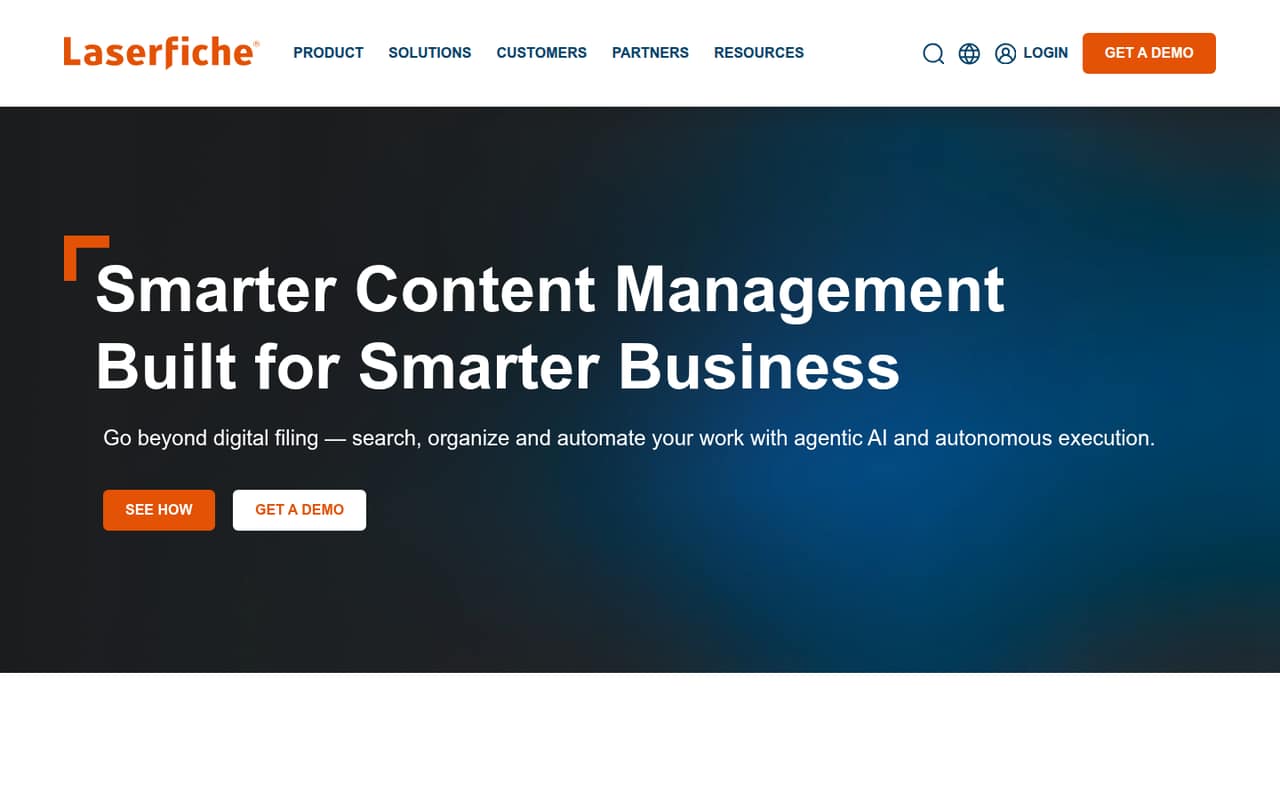
Laserfiche fits teams automating document approvals, centralizing scanned records, or handling compliance needs. The listed starting price is $42, but there is a five-seat minimum and entry-level pricing is unclear. That makes it harder for a team of one or two to judge the real bill. Ask for a quote that spells out seats, features, and implementation.
What works
- Combines document management and workflow automation
- Processes data from scans, forms and contracts
- Includes audit trails for compliance
What doesn't
- No free plan is listed
- Professional starts at five users
- Cloud Starter pricing is unpublished
- Best for five usersGlobalSearchGlobalSearch
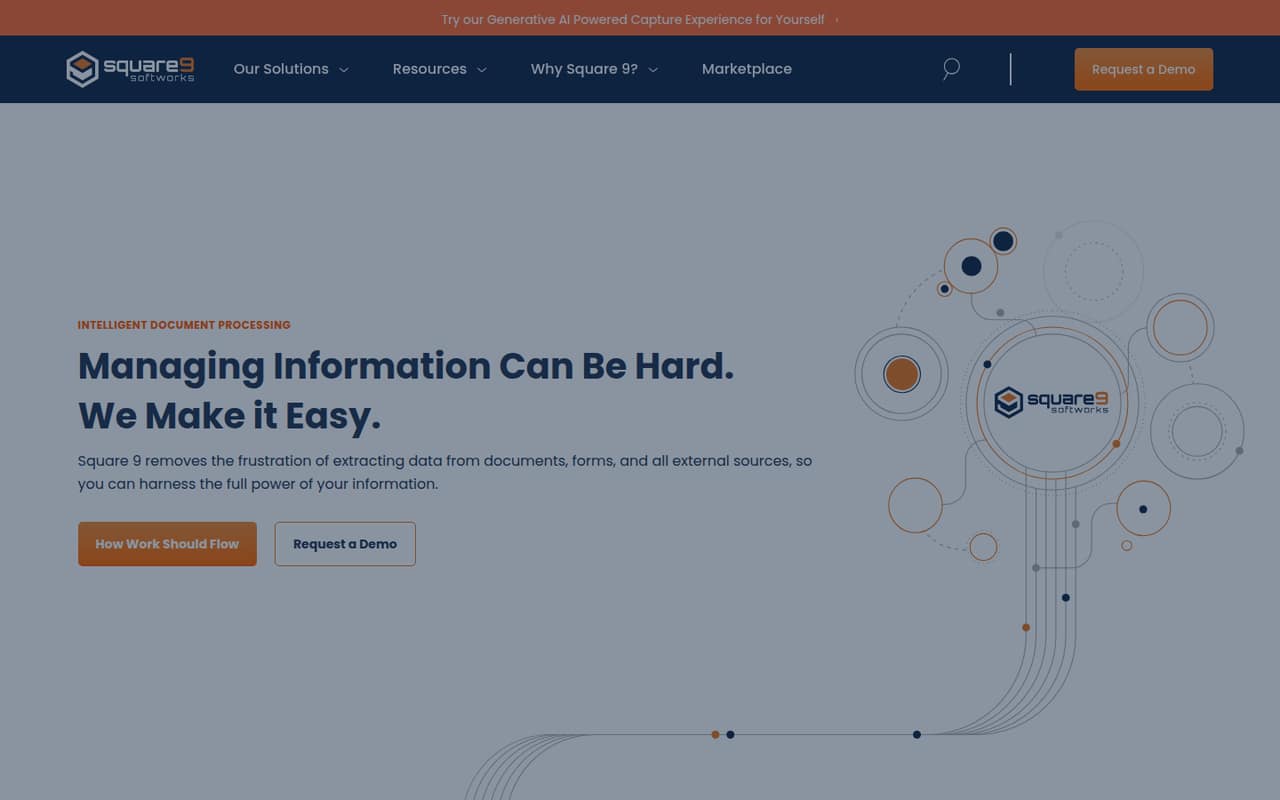
GlobalSearch is designed for document-heavy processes, structured business data, and workflow automation. Its listed starting price is $50, and the five-seat minimum puts the price at $250 a month. That is a substantial commitment for a small team, but the minimum may fit a group of five or more that needs a shared workflow platform.
What works
- Captures information from scanned and digital documents
- Turns unstructured content into searchable information
- Includes dynamic forms for capturing and routing information
What doesn't
- No free plan
- No free trial is listed
- Essentials plans require at least five users
- Best for routine formsFormSwiftFormSwift
FormSwift offers browser-based PDF editing, routine business documents, and occasional signing. Its listed starting price is $8.25, but there is no free plan and seat limits are unpublished. That makes it difficult to budget for a team without checking the exact plan. It is a better fit for straightforward document tasks than complex routing or extraction.
What works
- More than 500 templates across 50-plus categories
- Edits PDFs, Word files, and images in a browser
- Can rotate, reorder, merge, or split pages
What doesn't
- No free plan
- Seven-day trial costs $1.95 unless a promotion applies
- Seat limit is not published
- Best for finance workflowsEskerEsker
Esker covers several finance workflows and supports businesses using its supported ERP systems. That breadth may suit a finance team with multiple processes to automate, but pricing is not published, so a small team cannot easily compare the cost with a focused tool. Ask for a quote based on your ERP, workflows, users, and expected implementation needs.
What works
- Covers source-to-pay and invoice-to-cash workflows
- Automates invoice data capture and processing
- Includes electronic B2B order management
What doesn't
- Starting price is not published
- Per-seat costs are not published
- Monthly and annual terms are not published
- Best for PDFs and eSignaturesairSlateairSlate
airSlate is worth considering for teams automating document workflows that also need PDFs and eSignatures. Its pricing is not published, so the cost for a few seats is hard to judge in advance. Ask for a volume quote that specifies user counts and the features included; avoid budgeting around an assumed per-seat price.
What works
- Standard includes unlimited users
- Starting price is $1.40 per document
- Offers workflow automation and eSignatures
What doesn't
- No free plan is listed
- Monthly pricing is not published
- Total cost depends on document volume
- Best for rule-heavy documentsHotDocsHotDocs
HotDocs is aimed at teams generating documents in batches with complex rules, including legal, insurance, and HR operations. Pricing is quote-only, so small teams need to request a proposal before comparing its value with simpler tools. Ask the vendor to price your document volume, number of users, and the work required to build or maintain templates.
What works
- Conditional logic supports reusable document rules
- Batch processing can generate many documents
- Subject matter experts can configure templates without code
What doesn't
- No free plan is listed
- Pricing is quote-based, not published
- Monthly and annual billing details aren't published
- Best for regulated communicationsSmartCOMMSmartCOMM
SmartCOMM is intended for complex regulated communications and document workflows across channels. That focus may fit an organization with compliance requirements, but custom pricing means a small team cannot see its entry cost upfront. Request a quote that covers your channels, user count, compliance needs, and setup scope before deciding whether the platform is proportionate to your work.
What works
- Supports guided digital data capture
- Creates personalized communications across channels
- Includes digital delivery orchestration
What doesn't
- No free plan is listed
- No free trial is listed
- Pricing requires a custom quote
- Best for mortgage closingsDocMagicDocMagic
DocMagic focuses on mortgage workflows and digitizing loan closings, including use by small mortgage lenders and settlement service providers. Its pricing is custom, so the cost for a small team is not clear upfront. It is a specialist option rather than a general-purpose pick; ask for a quote tied to your closing workflow and expected volume.
What works
- Covers documents from disclosure through closing
- Includes e-signatures and electronic document delivery
- Supports paperless eClosings and notarization
What doesn't
- No free plan or trial is listed
- Pricing requires a custom quote
- Per-seat prices are not published
- Best for routed approvalsVasion AutomateVasion Automate
Vasion Automate is built for document approvals, routing scanned documents, and eSignature workflows. Its pricing is not published, so small teams must request a quote to understand the entry cost. Ask the vendor to include user counts, workflow requirements, and implementation scope. It is worth evaluating when routing is central to the process, not just file storage.
What works
- Drag-and-drop document workflow building
- Scans documents into workflows
- AI can classify and extract document data
What doesn't
- No free plan is listed
- Trial availability is not published
- Starting price is not published

- Best for HR recordsDynaFileDynaFile
DynaFile is aimed at HR teams centralizing employee records, preparing for compliance audits, and automating document filing. Custom pricing leaves small teams without a clear starting cost to compare. Ask for a quote based on the number of users and records, plus the setup needed to organize existing employee files.
What works
- Centralizes documents from HR systems, email, uploads, and scanning
- Classifies, indexes, and files employee documents automatically
- Keeps each employee’s documents in one record
What doesn't
- Pricing is custom and quote-based
- No free plan is listed
- Trial availability is not published
- Best for lending teamsEncaptureEncapture
Encapture focuses on bank and credit union operations, lending workflows, and reducing manual handoffs. That specialized focus may suit a financial institution, but pricing is unpublished, making small-team value hard to judge. Request a quote that covers your lending workflows, team size, and rollout requirements before comparing it with broader document tools.
What works
- Designed specifically for banks and credit unions
- Covers lending, compliance, and IT workflows
- Automates document intake and routing
What doesn't
- No free plan is listed
- Starting price is not published
- Seat costs cannot be calculated
- Best for complex contentOnBaseOnBase
OnBase is designed for complex document workflows, content governance, and connections to other systems. The fit comes with custom pricing and a steep setup, both meaningful hurdles for a team of one to ten. Ask for an implementation plan and total quote, not just a license figure, before deciding whether its broader content work is worth the effort.
What works
- Manages enterprise content and assets
- Automates processes using relevant information
- Supports document capture and data extraction
What doesn't
- No published starting price
- No free plan or trial listed
- Custom quotes make seat budgeting difficult

- Not for document automation
eDeliveryeDelivery
eDelivery is for restaurants managing delivery, local operators handling dispatch, and teams wanting custom modules. Those needs do not match document capture, extraction, routing, or generation, so we would not shortlist it for this category. If delivery operations are the actual problem, ask for a detailed quote before judging whether its custom modules fit your budget.
What works
- Customer storefront supports guest checkout and scheduled deliveries
- Menus include categories, photos, add-ons and dish variants
- Vendor dashboards support order edits and pauses
What doesn't
- No public monthly or annual price
- No free plan is listed
- Free trial terms are not published
03How we chose
We ranked these tools for a team of one to ten, giving weight to a free plan, a clear cost for a few users, and a focused document workflow. We also considered stated limits, such as DocuClipper’s shared page allowance, Nanonets’ three-user Starter cap, and GlobalSearch’s five-seat minimum. Setup effort matters too: where a tool is described as steep to set up or relies on a custom quote, we treated that as extra friction. Vendor documentation and Reddit discussions are useful checks for setup and plan details; buyers should verify both before committing.
04Check the real cost, not just the starting price
A starting price is only useful once you know whether it covers one person, several seats, or a particular usage allowance. ABBYY FineReader lists a $5.75 starting price and requires a license for each person. GlobalSearch lists $50 with a five-seat minimum, which puts the price at $250 a month. DocuClipper lists $20.3 and lets a team share one page allowance, so check how quickly your documents might use it. Nanonets has a free plan, but its Starter plan caps at three users and usage costs need checking. Templafy also has a free plan, though its Team price is listed at $40. Before signing up, ask what the free plan includes, whether prices change with usage, and what a few seats will cost.
05Match the workflow to your team's workload
Start with the repeated task that costs your team the most time. For scanned PDFs and conversion, ABBYY FineReader is a focused option. For statement and invoice extraction, consider DocuClipper; for recurring document parsing and exports, compare Docparser. If the goal is generating consistent branded documents, Templafy is aimed at teams with strict brand rules. Finance teams with several workflows may consider Esker, while HotDocs targets rule-heavy documents and batch generation. Next, ask what setup requires: templates, workflow rules, connections to other systems, and moving existing files can affect the work involved. OnBase is described as having steep setup; for tools without published setup details, request an implementation outline. As your team grows, revisit per-user licenses, seat caps, usage allowances, and whether custom pricing still fits.
Questions people ask
Which document automation tool is best for a small team?
DocuClipper is our first pick for small teams that repeatedly extract data from statements or invoices. It has a listed starting price of $20.3 and supports a shared page allowance. If your main job is scanned PDFs rather than data extraction, ABBYY FineReader is a more focused alternative with a listed starting price of $5.75 per license.
Which of these tools has a free plan?
Templafy and Nanonets are listed with free plans. Check what each free plan includes before building a team workflow around it. Nanonets’ Starter plan has a three-user cap, and its usage costs should be checked; Templafy’s listed Team price is $40.
What should I ask before buying a quote-only tool?
Ask for a written price for your exact number of users and workflows. Get the vendor to spell out setup or implementation costs, included features, usage limits, and any minimum commitment. This is especially important for tools such as SmartCOMM, Esker, HotDocs, and OnBase, which use custom or quote-only pricing.
When should a small team outgrow a basic tool?
Revisit your choice when a page allowance, user cap, or per-person license no longer fits how the team works. You may also need a broader platform if the process expands from extracting data to approvals, governance, or connections to other systems. Ask vendors to price the next team size before you hit a limit.