
We may earn a commission if you buy through links on this page. It never changes a score or a ranking. How we make money
The bottom line
A capable workflow builder for small teams, with a free starting point and costly paid seats.
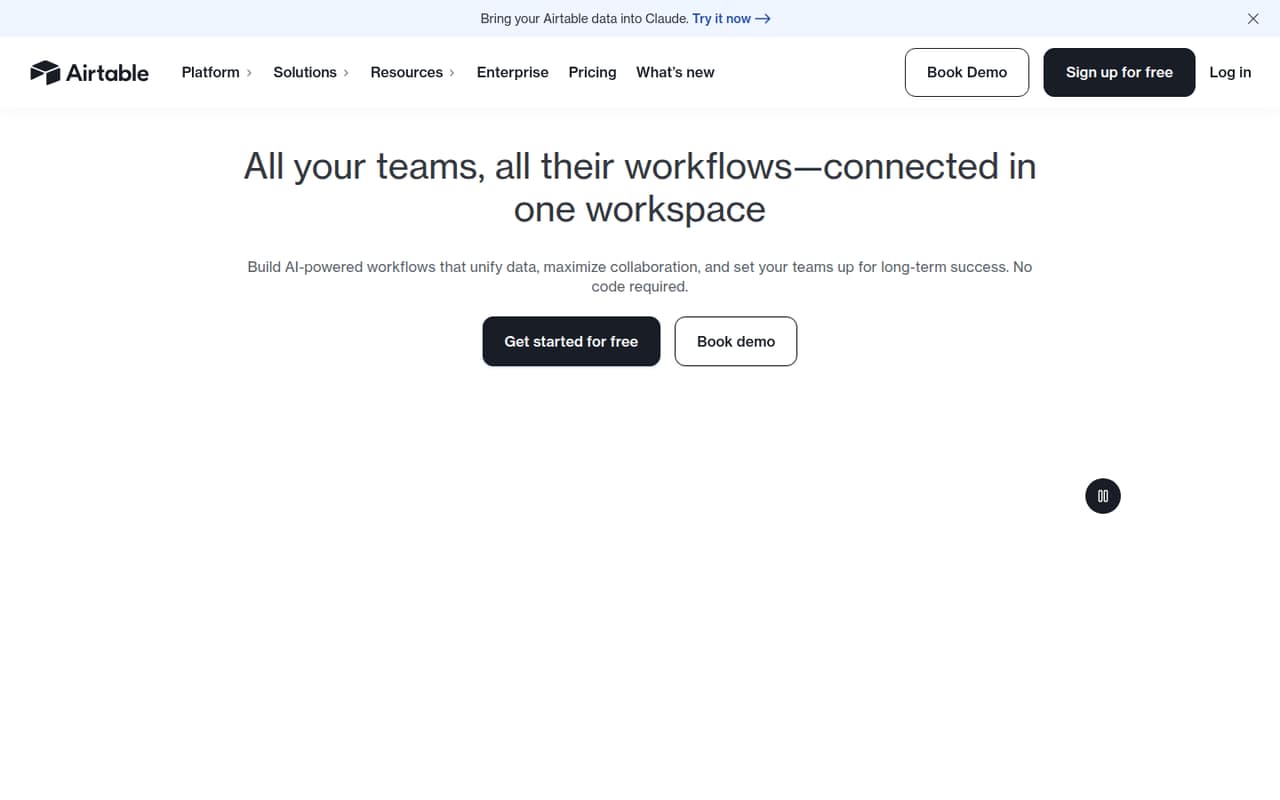
Airtable is more than a shared spreadsheet: it helps teams build no-code apps and workflows around connected data, with AI agents and administration controls aimed at larger operations. A small team can start free, but the free plan is for lightweight needs, and paid editing seats begin at $20 per user per month when billed annually.
We’d consider it when a team needs coworkers to work in a shared system, not just store rows. Reddit users praise its flexibility but also report that free-plan limits and per-seat costs can push individuals and budget-conscious teams to look elsewhere.
Good fit if
- Teams building shared operational workflows
- Small teams needing custom no-code apps
- Groups coordinating records and team actions
Skip it if
- Solo users needing a basic spreadsheet
- Teams needing generous free-tier capacity
- Groups watching every per-seat expense
ScoresHow it rates
What works
- Free plan covers lightweight needs
- Build apps with no-code components
- AI agents can orchestrate record-based actions
- Read-only collaborators do not incur seat charges
- Lists fine-grained permissions and audit logs
What doesn't
- Team costs $20 per editor monthly, billed annually
- Monthly-billed paid rates are not published
- Free-plan capacity limits are not listed in pricing
- Record and attachment limits can block new additions
- Reddit users report the free plan feels restrictive
01Who Airtable is for
Airtable makes the most sense for a small team that has outgrown a loose collection of spreadsheets and needs shared workflows built around connected records. It can turn team data into no-code apps, while AI agents can work across records and orchestrate actions. That fits jobs such as organizing operations, tracking work, or giving coworkers a more structured way to use shared information.
For a team of one to five, the budget question is whether those workflows are worth paying per editor: the pricing page lists Team at $20 per user per month when billed annually. The free plan is a reasonable place to start for lightweight needs, but the vendor does not publish its record and attachment caps in the pricing details. If all you need is a basic personal spreadsheet, Airtable’s app-building focus and paid-seat model may be more than you need. A commenter on r/Airtable likewise said the interface can feel intimidating to end users.
02Airtable free plan and trial
The Free plan costs nothing for all users and includes key building blocks for applications, according to the pricing page. Airtable positions it for lightweight needs. A free trial is not listed in the pricing details, so we would not budget around one.
The pricing page does not give the Free plan’s exact record, attachment, automation, or API limits. Reddit users describe running into a 1,000-record-per-base limit and a 1GB attachment limit, so treat those as user-reported figures and confirm current limits with Airtable before planning a project around them. The pricing page says that once record or attachment limits are reached, users cannot add more until upgrading. For a small team that expects to build a working system rather than a light prototype, check those caps before moving important processes into the Free plan.
03What a small team pays for Airtable
The pricing page lists Team at $20 per editing user per month when billed annually. That works out to $240 per person per year, or $60 per month equivalent for three editors ($720 per year) and $100 per month equivalent for five ($1,200 per year). Monthly-billed rates are not published, so those are annual-plan equivalents, not monthly-billing prices. Read-only collaborators, form submissions, and share links are not charged as seats.
Business is $45 per editing user per month billed annually: $135 monthly equivalent for three editors or $225 for five. The pricing page describes it for departments needing customization and scale. Enterprise Scale has custom pricing. Beyond seats, keep the usage rules in view: automation and API usage have plan caps, and users cannot add records or attachments after reaching their limits until they upgrade. The pricing page does not list extra add-on prices. For a small team, count everyone who needs edit permission before choosing a plan; a few paid editors can make Team a substantial annual commitment.
04Getting started with Airtable
Airtable’s no-code components and conversational prompts are meant to help teams build apps from their data without writing code. That lowers the need to build an app from scratch, but it does not remove the work of deciding what information to track, who should edit it, and what each workflow needs to do. A small team should start with one process and a short list of fields and roles, then expand once people know how they will use it.
The product highlights AI agents that work across records and models from OpenAI, Gemini, Llama, Anthropic, and other providers. Which model or workflow a team needs will depend on its use case. The vendor's site does not specify a step-by-step setup time or a day-one integration checklist, so we would not promise a quick deployment. One Reddit commenter praised Airtable’s hybrid spreadsheet/database use, while another said users can find its interface intimidating. Keep the first workflow simple and make sure the people who will use it can follow the structure.
05When small teams outgrow Airtable
The first growth trigger is capacity: the pricing page says users cannot add more records or attachments after reaching plan limits until upgrading. It also caps automation and API usage at plan limits, though the pricing details do not state the exact caps. The second trigger is headcount. Every user with edit permission is charged on Team and Business, so adding editors increases the bill; read-only collaborators, form submissions, and share links are not charged.
Reddit users report that the Free plan can feel tight, with one commenter describing a 1,000-row limit as the point where $20 or $24 a month stopped making sense for their use case. Other commenters say Airtable works well when people need to collaborate in a system rather than use raw data as the front end. Consider moving up when the workflow matters enough to justify the seats and capacity. If you only need a personal database or simple spreadsheet, those same seat costs may be a reason to move on.
From the threadsWhat users say
Reddit sentiment is mixed: users value Airtable’s mix of data, apps, and collaboration, but solo users and budget-conscious teams complain about capacity limits and paid-seat costs. Some also find the interface or onboarding demanding.
I honestly think airtable is just the best overall
Airtable has fit that space much more valuably in recent years
I'm over the 1,000 row limit on a few projects and don't feel like $20/24/mo is worth it for my use cases
our end users are getting intimidated by the interface
Questions people ask
Is Airtable free?
Yes. Airtable’s Free plan costs nothing for all users and includes key building blocks for applications. The pricing page positions it for lightweight needs. It does not list exact record, attachment, automation, or API limits there, so confirm those caps before relying on the free plan for a larger workflow.
How much does Airtable cost for a small team?
The pricing page lists Team at $20 per editing user per month when billed annually. That is a $60 monthly equivalent for three editors or $100 for five. Monthly-billed rates are not published. Read-only collaborators, form submissions, and share links are not charged as seats.
Do Airtable read-only users cost money?
The pricing page says read-only collaborators are not charged on Team and Business. Users with edit permissions are charged on those plans. Form submissions and share links are also not charged, so identify who needs editing access before estimating a small team’s bill.
What can you build with Airtable?
Airtable provides no-code components and conversational prompts for building apps from team data. Its product information also describes AI agents that work across records and orchestrate actions across operations. The best fit is a shared workflow or app, rather than a simple personal spreadsheet.
Does Airtable include AI features?
Yes. Airtable highlights AI agents that work across records and orchestrate actions. It also lists model options from OpenAI, Gemini, Llama, Anthropic, and other providers. Check the plan details and usage limits for the specific AI workflow you intend to use before budgeting.
Sources
- Airtable homepage
- Airtable pricing page
- Reddit: Looking for Airtable alternatives for small business use
- Reddit: Airtable alternative for spreadsheet/database usage for a single user?
- Reddit: Airtable Alternatives that don't charge per line? Just got shook down by my spreadsheets.
- Reddit: Alternative(s) to Airtable?