We may earn a commission if you buy through links on this page. It never changes a score or a ranking. How we make money
A small team may not need another spreadsheet subscription: if you mainly organize data, analyze it, and share files, LibreOffice Calc is free. If you need live business data, recurring reports, or spreadsheet-based workflows, Rows, Grist, and other specialized tools may fit better. The listed starting prices range from free to $49, but a few seats can cost more than the headline price suggests. Check whether pricing is per user, what the free plan includes, and how much setup your workflow will take.
Quick picksThe shortlist
 LibreOffice CalcLibreOffice CalcBest free · Free
 RowsRowsBest for reports · $6/mo
 GristGristBest for workflows · $8/mo
 Row ZeroRow ZeroBest for big data · $12/mo
 QuadraticQuadraticBest for connected data · $18/mo
 AirtableAirtableBest for no-code apps · $20/mo
 Excel Price FeedExcel Price FeedBest for market data · $13.75/mo
 CoefficientCoefficientBest for automation · $49/mo
 GridGridBest for developers · $29/mo
 MacabacusMacabacusBest for finance teams · $16.67/mo
 LidoLidoBest for extraction · $29/mo
01Compared at a glance
| Tool | Score | From | Free plan | Trial |
|---|---|---|---|---|
| LibreOffice CalcLibreOffice Calc | 8.0 | Free | Yes | — |
| RowsRows | 7.2 | $6/mo | Yes | — |
| GristGrist | 6.5 | $8/mo | Yes | 30 days |
| Row ZeroRow Zero | 7.2 | $12/mo | Yes | — |
| QuadraticQuadratic | 7.3 | $18/mo | Yes | — |
| AirtableAirtable | 7.2 | $20/mo | Yes | — |
| Excel Price FeedExcel Price Feed | 7.0 | $13.75/mo | No | 10 days |
| CoefficientCoefficient | 7.0 | $49/mo | Yes | 30 days |
| GridGrid | 6.8 | $29/mo | Yes | 7 days |
| MacabacusMacabacus | 6.8 | $16.67/mo | No | 14 days |
| LidoLido | 6.4 | $29/mo | Yes | Yes |
02The picks, in detail
- Best freeLibreOffice CalcLibreOffice Calc
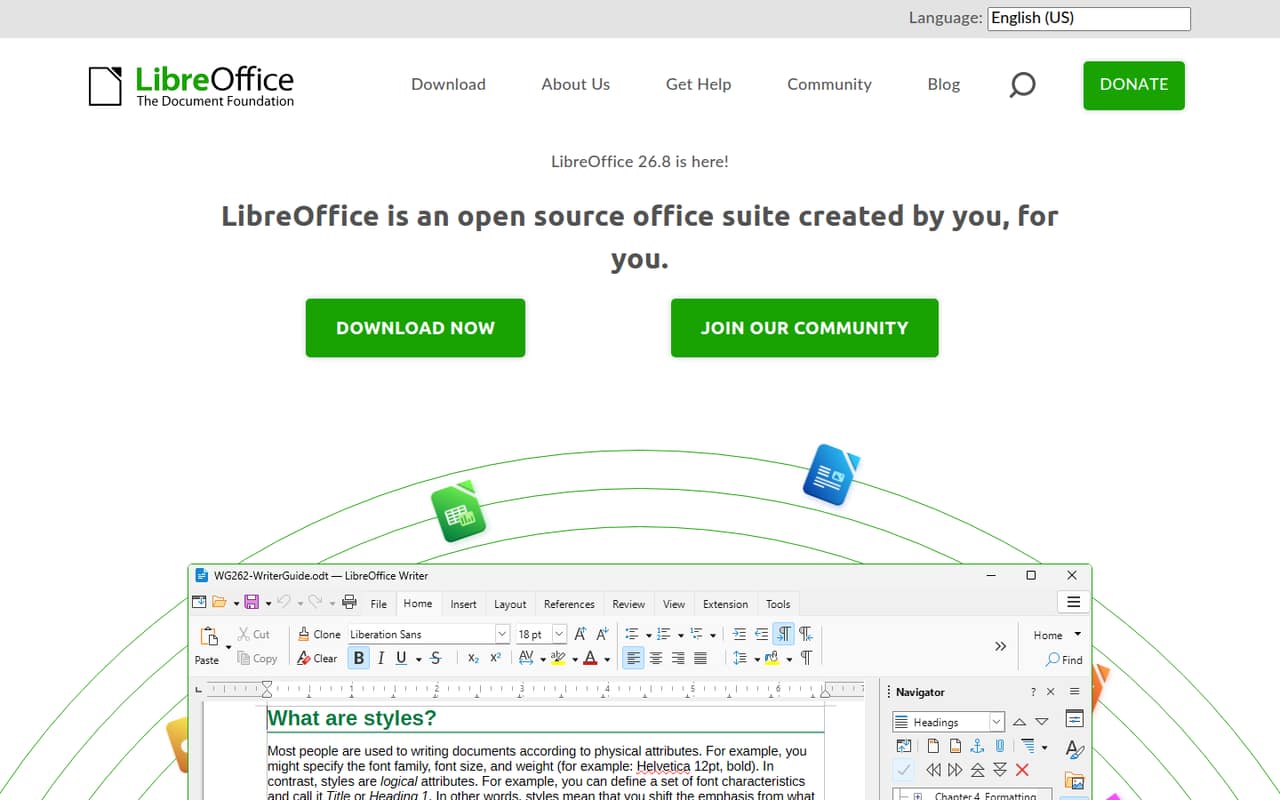
LibreOffice Calc is our budget pick: it is free and offers spreadsheet analysis and charting, according to its listing. It suits teams comfortable with open-source software and willing to work with differences from Excel. There is no paid seat price to multiply across a small team, but check whether those differences fit the files and habits your team already relies on.
What works
- Free to use, with no paid billing listed
- Open-source spreadsheet in the LibreOffice suite
- Designed for analysis and number crunching
What doesn't
- Seat and usage limits are not published
- Excel differences can confuse new users
- One Reddit user reports frustration beyond basic tasks
- Best for reportsRowsRows
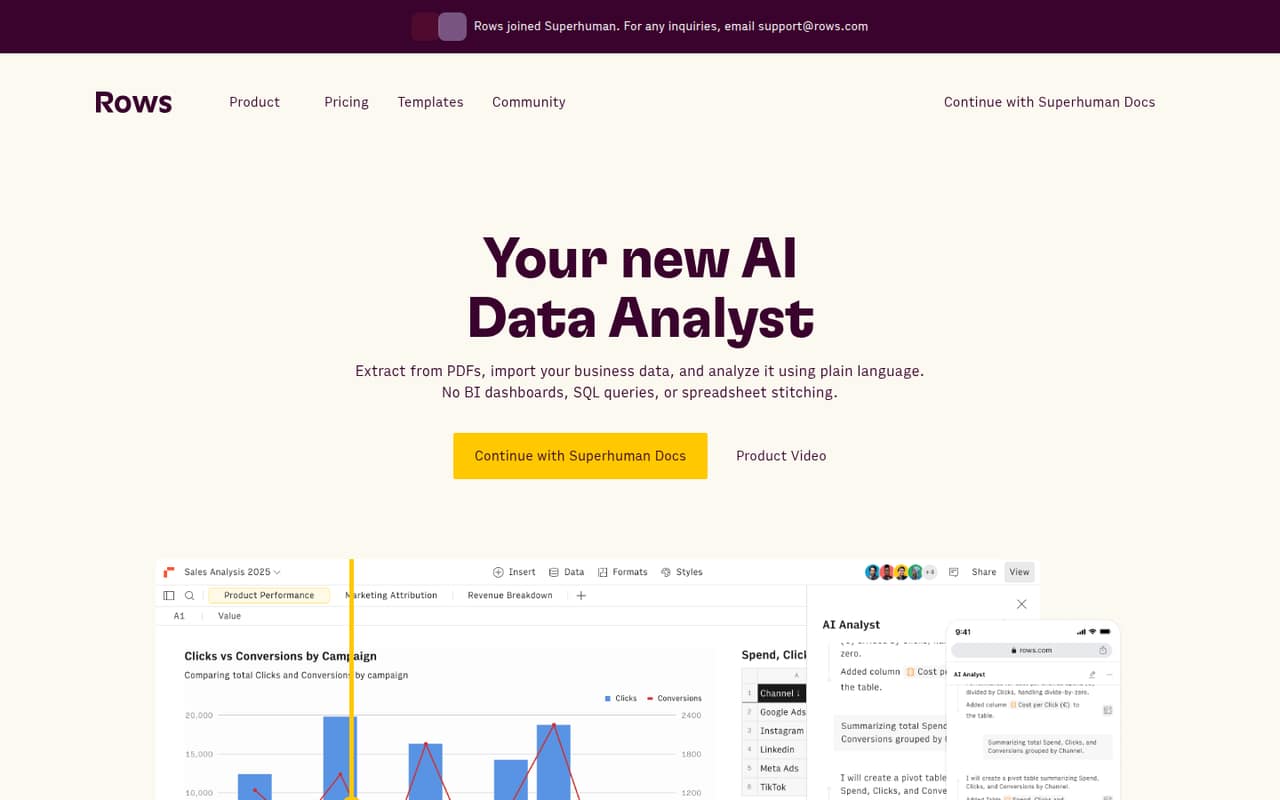
Rows starts free, with paid plans listed from $6. It is aimed at small teams building recurring reports, combining live business data, or asking plain-language queries. That makes it a useful fit when a basic grid is not enough. Before moving several teammates over, check the limits on the free plan and the paid plan you would actually need.
What works
- Free plan available for exploration
- Ask for analysis in plain language
- Imports data from business tools
What doesn't
- Free includes only five AI tasks monthly
- Free file imports are limited to 1 MB
- Plus Data Tables automate daily, not every minute
- Best for workflowsGristGrist
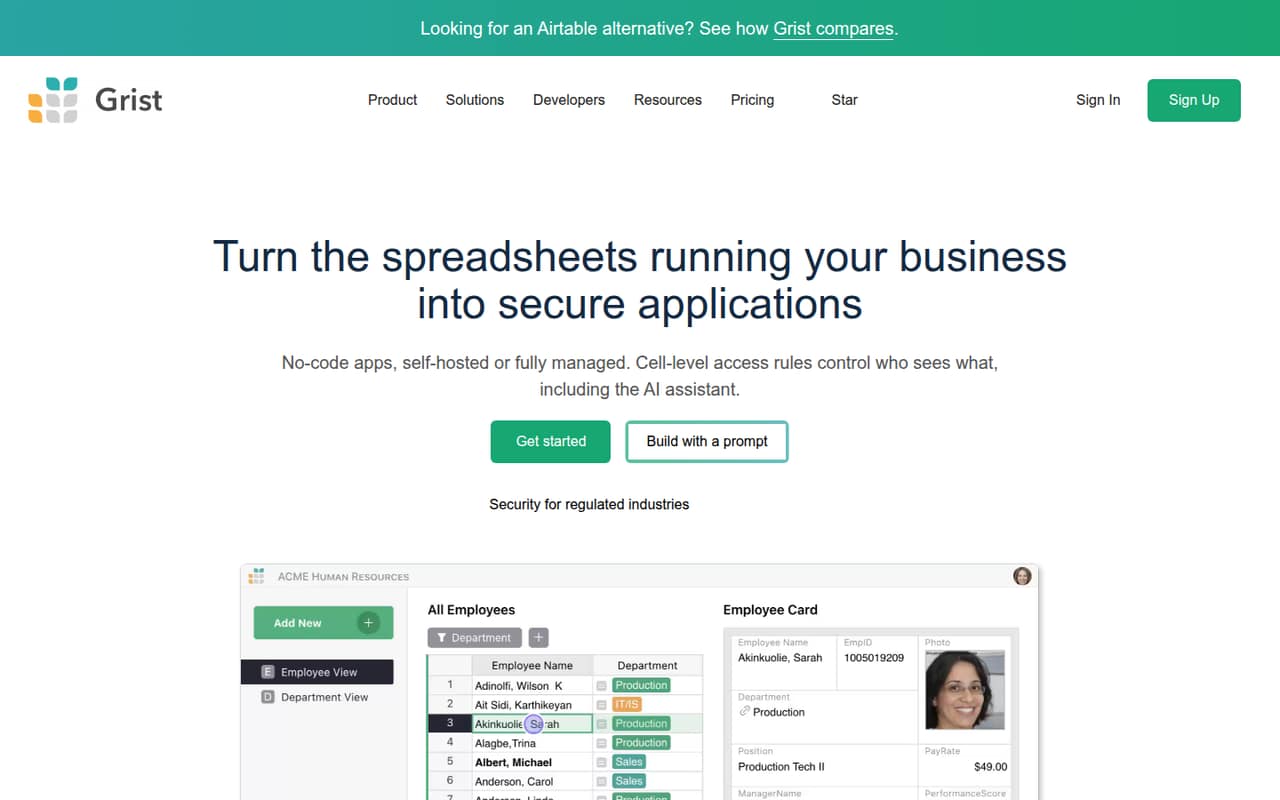
Grist has a free plan and paid seats listed from $8. It combines spreadsheet and database use, with workflow building and granular access rules among its strengths. That can suit a small team that needs more structure than a shared sheet. Review the free plan's data limits and weigh the paid-seat and self-hosted SSO trade-offs before committing.
What works
- Free hosted plan allows 10 team members
- Unlimited documents on the Free plan
- Forms, charts, summaries, and flexible layouts
What doesn't
- Free documents are capped at 5,000 records
- Pro is charged per user
- Business has a five-user minimum
- Best for big dataRow ZeroRow Zero
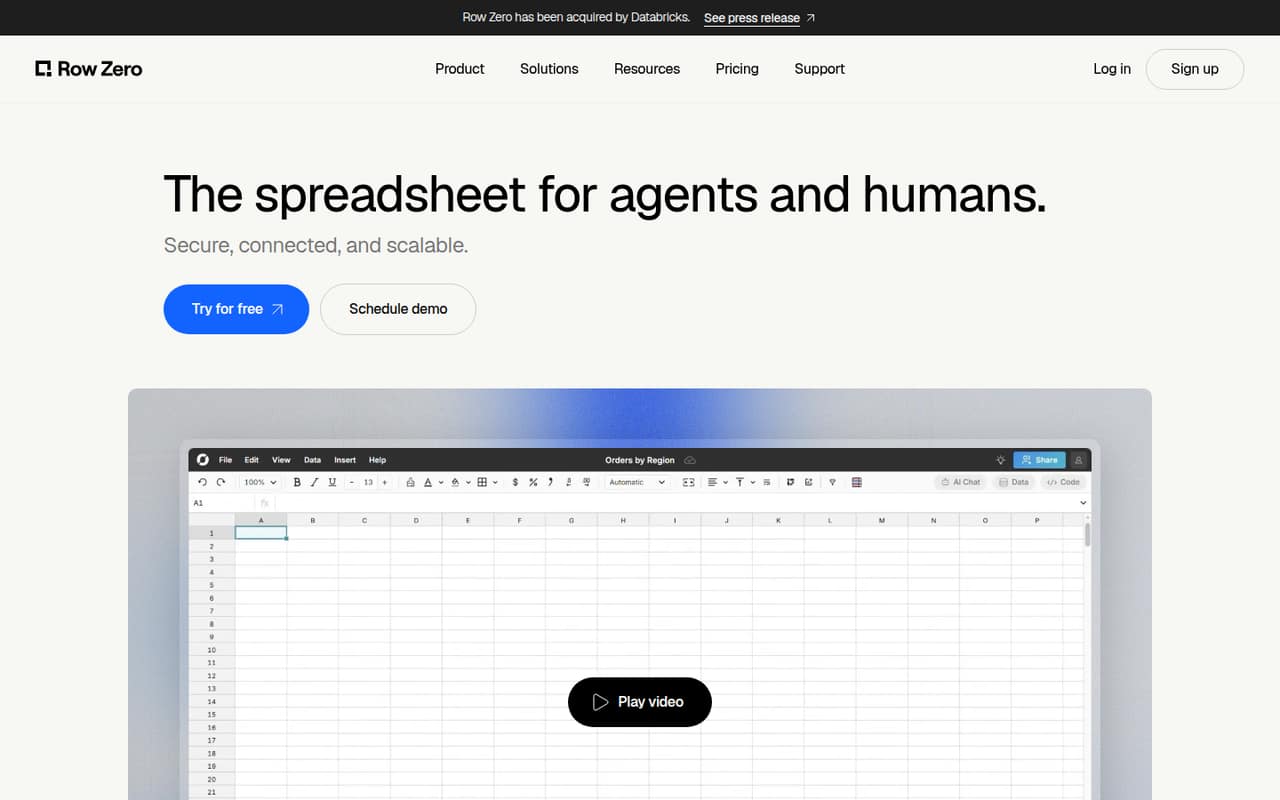
Row Zero is built for teams working with large datasets, querying warehouse data, or writing data back to a warehouse. It has a free plan and starts at $12, while team features start at $20 per user monthly. For three people, that team-feature price is $60 monthly before any other charges. Confirm that warehouse access is worth the added spend.
What works
- Free plan includes one workbook and 5GB
- Supports 400+ spreadsheet functions
- Business includes automated data refresh
What doesn't
- Free plan is limited to one workbook
- Free AI models have weekly limits
- Business costs $20 per user monthly
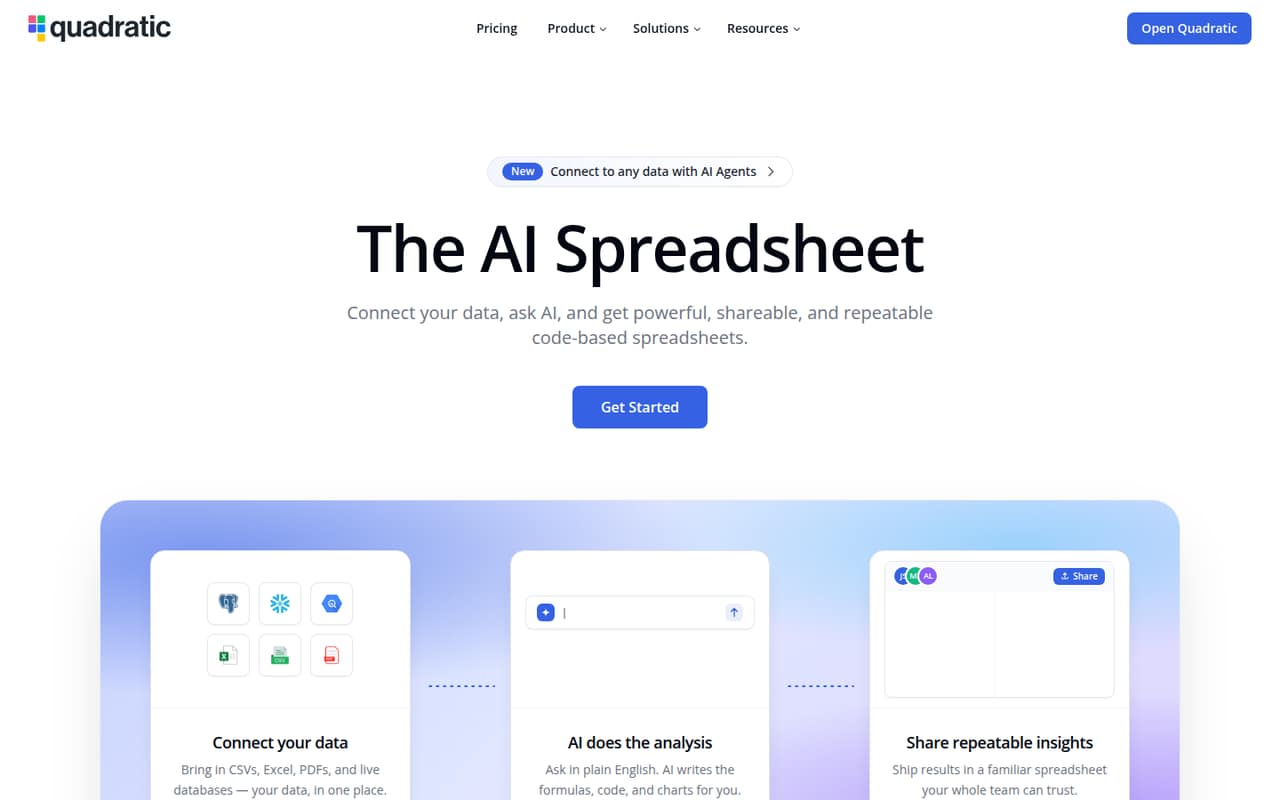
- Best for connected dataQuadraticQuadratic
Quadratic offers a free starting point and paid seats from $18 per month when billed annually. It is aimed at teams analyzing connected data and spreadsheet users who want Python or SQL, with AI-assisted analysis also in its listing. It may suit data-heavy work better than a basic sheet. Check the free-plan limits and whether your team needs the annual billing commitment.
What works
- Free Personal plan for getting started
- AI can generate formulas, Python, and SQL
- Connects databases, files, APIs, and services
What doesn't
- Personal has limited AI usage and sharing
- Monthly paid-plan rates are not published
- Pro's $20 monthly AI credit is limited
- Best for no-code appsAirtableAirtable
Airtable has a free plan and starts at $20. Its strengths are shared operational workflows, custom no-code apps, and coordinating records with team actions. That makes it a candidate when a spreadsheet needs to support a repeatable process. The paid seats can get costly for a small team, so check the plan and billing basis before adding everyone.
What works
- Free plan covers lightweight needs
- Build apps with no-code components
- AI agents can orchestrate record-based actions
What doesn't
- Team costs $20 per editor monthly, billed annually
- Monthly-billed paid rates are not published
- Free-plan capacity limits are not listed in pricing
- Best for market dataExcel Price FeedExcel Price Feed
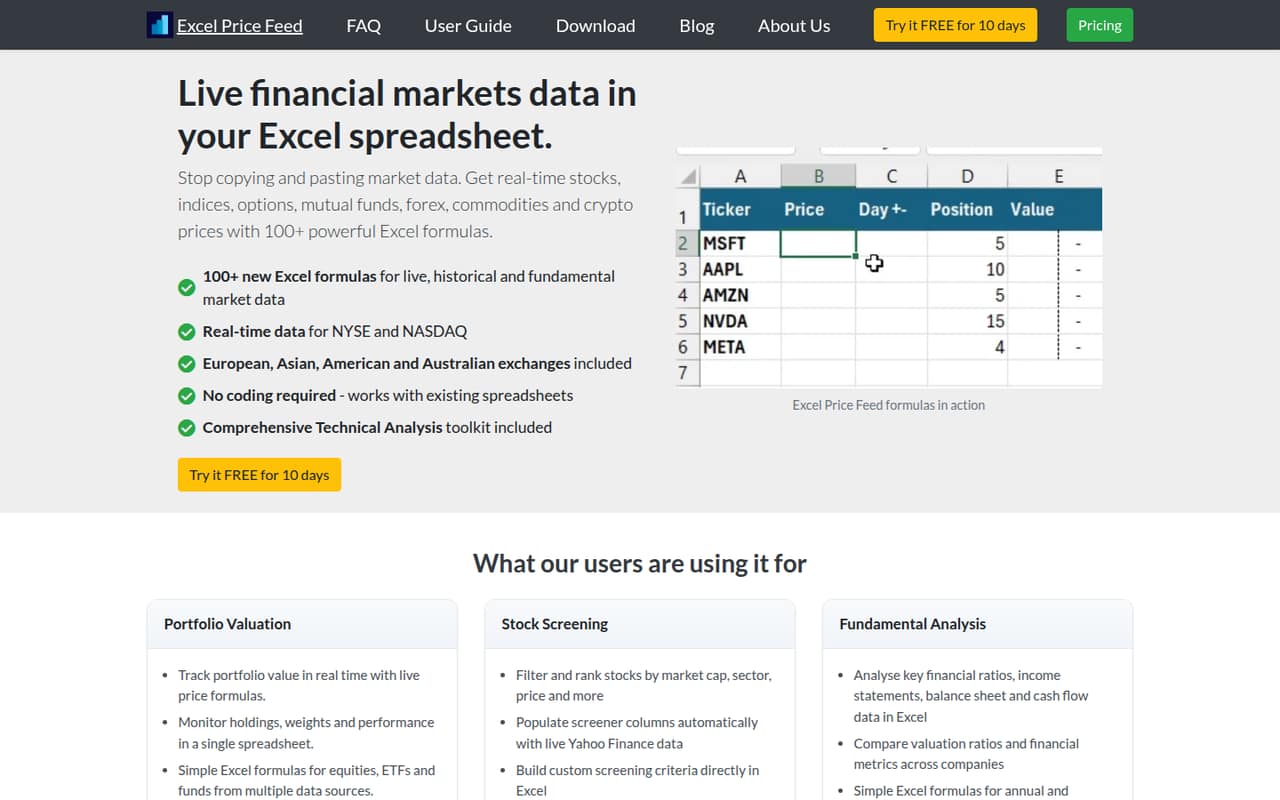
Excel Price Feed is for small teams already working in Excel, especially investors tracking portfolios and analysts who need market-data formulas. It starts at $13.75, and each user needs a paid seat. For three users, budget for three seats; the listing does not specify the billing period here. Confirm the term and the market data your team needs.
What works
- More than 100 add-in formulas for Excel
- Live and historical market data
- Company statements available through formulas
What doesn't
- No free plan after the 10-day trial
- Business use requires the Professional plan
- Each subscription covers one user and machine
- Best for automationCoefficientCoefficient
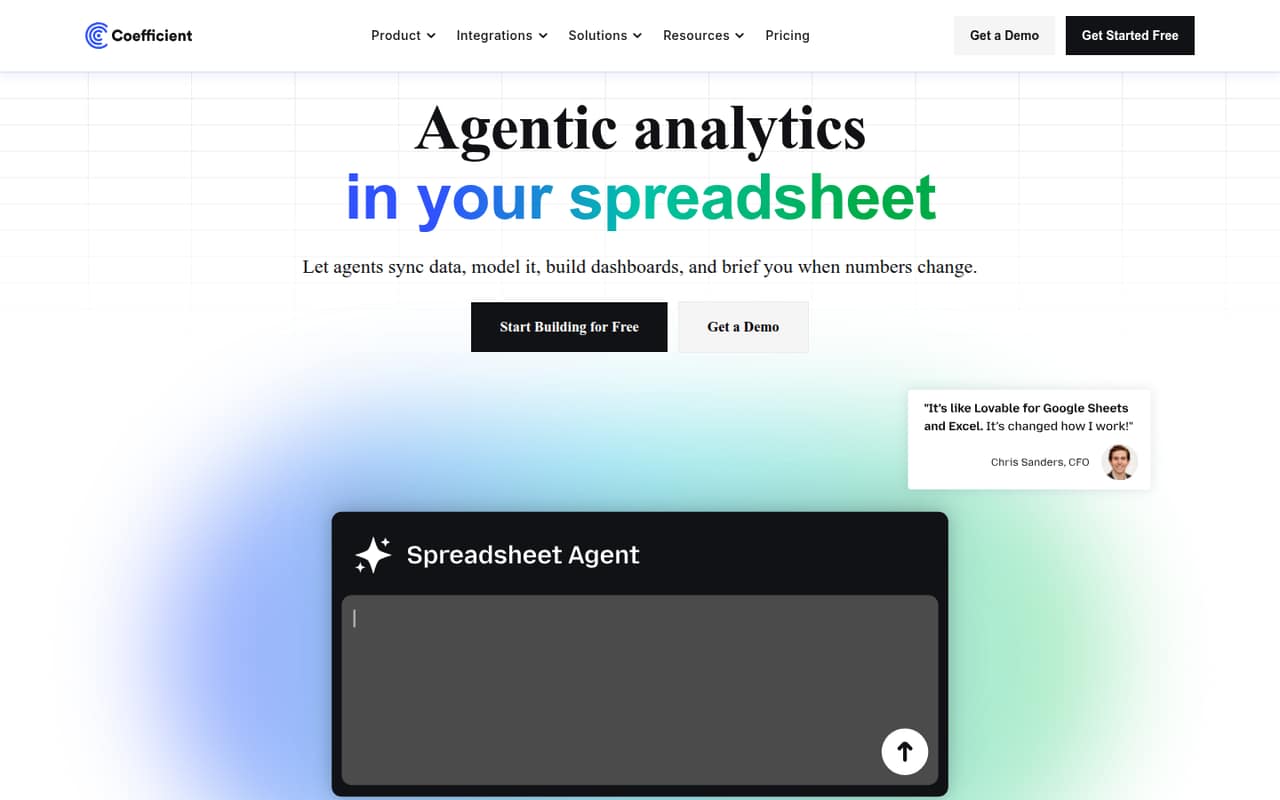
Coefficient offers a free plan and starts at $49, with its Pro plan listed at $99 per user. It is designed for spreadsheet automation, manual-update tasks, and monitoring business metrics. The Pro price would be $297 monthly for three users, so compare the free plan and lower-cost options before expanding. Check which plan includes the automation your team actually needs.
What works
- Free plan includes three standard data sources
- Starter adds daily automatic data refreshes
- Pro supports unlimited import and export rows
What doesn't
- Free imports are limited to 5,000 rows
- Free plan has 50 import refreshes monthly
- Starter exports are limited to 500 rows
- Best for developersGridGrid
Grid is best suited to developers embedding spreadsheet logic, AI products editing workbooks, and individuals building spreadsheet tools. It has a free plan and is listed from $29, but its commercial pricing is unclear, making a small-team budget harder to pin down. Ask the vendor for the total cost for your team size and intended commercial use before adopting it.
What works
- Structured operations let agents read, edit, and recalculate spreadsheets
- Viewer and editor can be embedded in a product
- Evaluation License is free for development and testing
What doesn't
- Commercial License pricing is custom
- Seat limits and deployment limits are not published
- Evaluation License bars production and commercial use

- Best for finance teamsMacabacusMacabacus
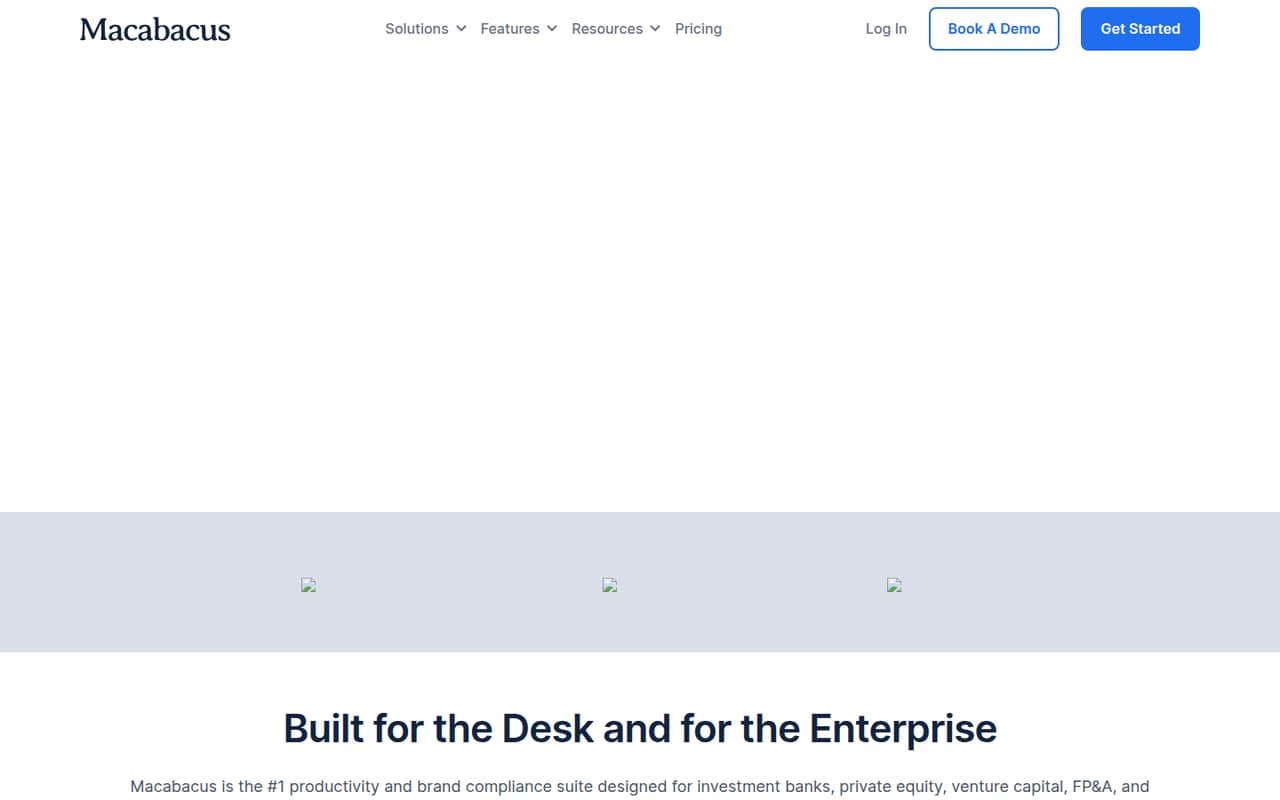
Macabacus focuses on finance teams building client decks, checking financial models, and standardizing branded materials. It starts at $16.67 per seat and has no free plan, so a team of three starts at $50.01 at that listed rate. It can make sense for finance-specific needs, but compare the seat cost with the checks and automation your team will use.
What works
- Model Check runs 50+ checks
- Deck Check flags slide errors and typos
- Deck Check AIR checks across-slide consistency
What doesn't
- No free plan
- Monthly prices aren’t published
- Professional costs $360 per license annually
- Best for extractionLidoLido
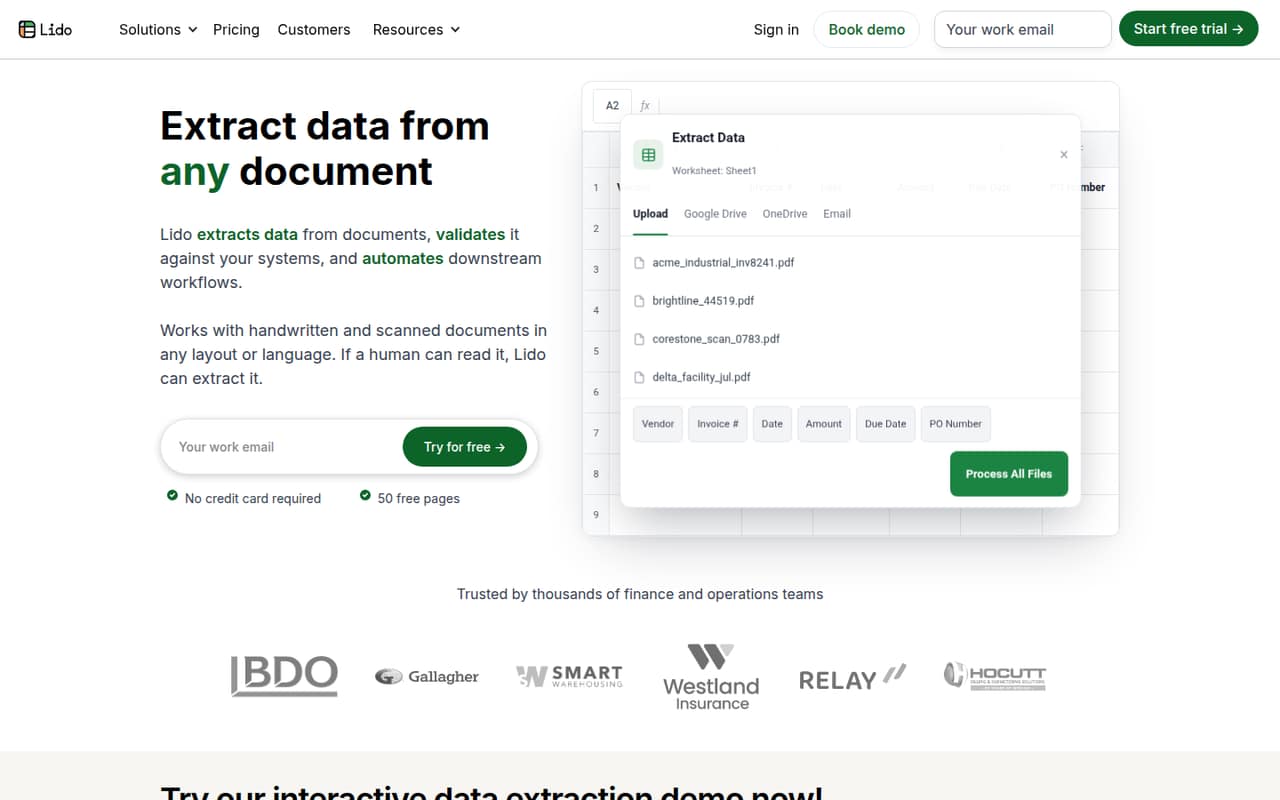
Lido has a free plan for trying document extraction and supports varied document formats. Its paid plan starts at $29, and the listing warns that several teammates can make it pricey. It is a more specific choice than a general spreadsheet, so first confirm that document processing is the job you need done and ask how team access is priced.
What works
- Free 50 pages do not expire
- Accepts PDFs, scans, images, and emails
- Exports to Excel and CSV
What doesn't
- Free plan stops at 50 pages
- Standard includes just one user
- Scale requires annual billing
03How we chose
We ranked these tools for teams of one to ten, prioritizing a useful free plan, a manageable cost for a few seats, and a clear fit for common small-team jobs. We also considered setup effort: tools that add workflows, warehouse connections, or finance automation may need more planning than a basic spreadsheet, so teams should confirm the steps with vendor docs. We treat plan limits and pricing terms as buying checks, and use current Reddit sentiment as a cross-check where available—not as a substitute for published plan details.
04Check the real cost before adding seats
A starting price is not always the price your whole team will pay. This list has free options, plans starting at $6, and specialist tools with prices from $13.75 to $49. Some listings specify per-seat pricing; others do not state the billing basis. Ask the vendor for a quote for your actual number of users, whether the price is monthly or annual, and which plan includes the features you need. Pay particular attention to tools with explicit per-user costs: Row Zero lists team features at $20 per user monthly, and Coefficient lists Pro at $99 per user. For three people, those are $60 and $297 monthly, respectively. If you can start with a free plan, check its limits first; you may be able to delay paid seats until the team hits a real constraint.
05Match setup to the work you need done
Start with the job, not the feature list. If your team needs spreadsheet analysis and charting on a budget, Calc is free. For recurring reports or live business data, Rows is built for that work. Grist and Airtable are more relevant when records need to support workflows or team actions. Row Zero targets warehouse data and large datasets, while Macabacus and Excel Price Feed serve finance-specific tasks. These different jobs can mean different setup needs. Before choosing, ask who will configure the tool, whether you need to connect existing data, and what happens when the person maintaining it is away. Check the vendor docs for setup steps and plan limits, then ask for a small-team quote. If the tool solves a one-off need, a new subscription and migration may be more work than the task warrants.
Questions people ask
What are the seven software programs in MS Office?
The apps included can depend on the Microsoft plan, so check the current plan details rather than relying on a fixed seven-app list. If your main need is spreadsheets, compare the spreadsheet options and included features directly before paying for a wider software bundle.
Is Excel still relevant in 2026?
Excel remains relevant if your team already works in it or needs a tool built around it: Excel Price Feed is specifically aimed at teams using Excel for market-data formulas. If your needs are basic, compare free LibreOffice Calc as an alternative before adding a subscription.
Is Google Sheets as good as Excel?
There is no universal winner for every team. Compare the specific features, file needs, sharing habits, and costs that matter to your business. The options in this guide include LibreOffice Calc and tools built for workflows, reports, or data analysis; they are not a direct Google Sheets-versus-Excel comparison.
How can I install Excel on a PC for free?
Check Microsoft's current licensing and trial options before installing; do not assume the desktop version is free. If your goal is a free spreadsheet on a PC, LibreOffice Calc is listed as free. Confirm that it fits your team's needs, especially if you exchange Excel files.