
We may earn a commission if you buy through links on this page. It never changes a score or a ranking. How we make money
The bottom line
Strong benefits breadth, but no free plan or published price makes small-team value hard to judge.
Alight Worklife brings benefits administration, employee support, analytics and AI automation into one platform. Alight says it connects more than 600 HR and benefits tools, a potentially useful range for employers managing a complicated benefits setup.
For a team watching every subscription, the problem is the buying information: the vendor publishes no starting price, free plan or clear trial terms. You’ll need a direct quote to learn whether it fits a small-team budget.
Good fit if
- Employers consolidating benefits tools
- Teams with complex benefits needs
- Companies seeking employee benefits guidance
Skip it if
- Teams needing a free plan
- Buyers requiring public seat pricing
- Very simple benefits setups
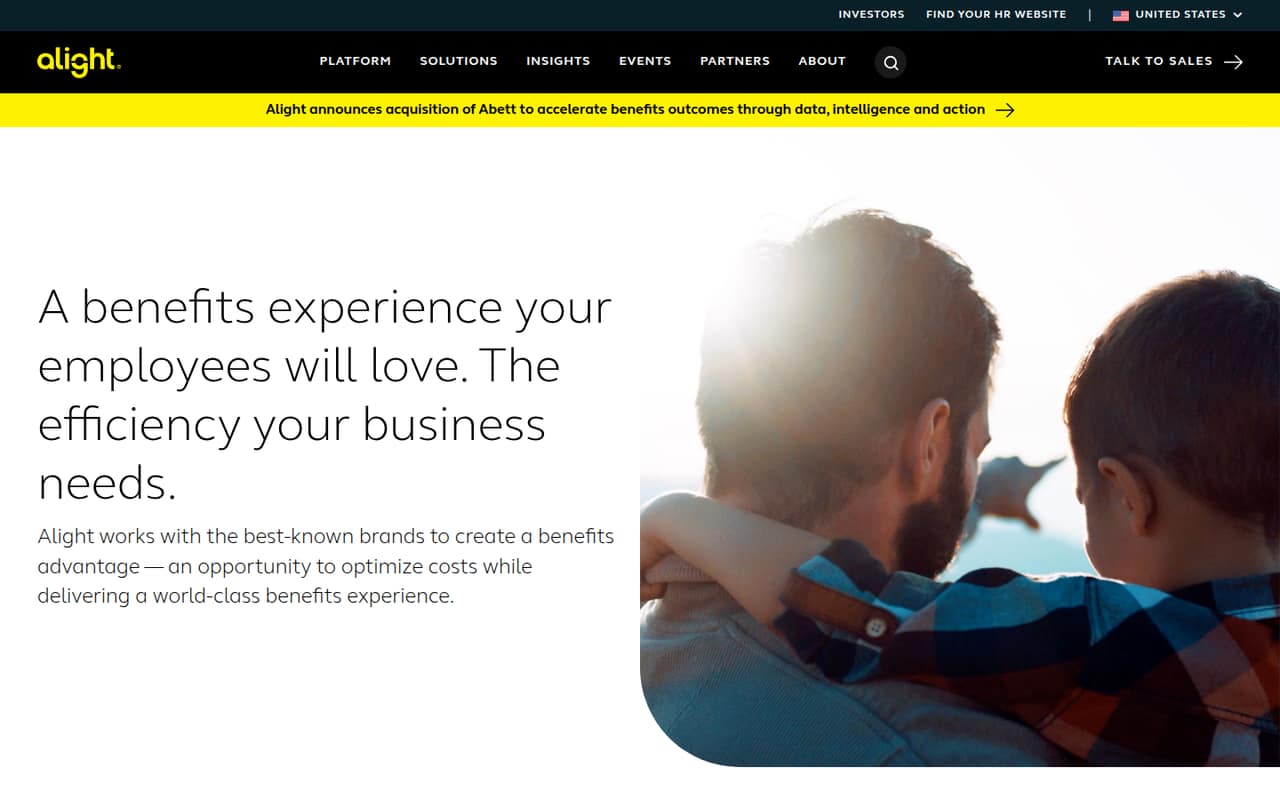
ScoresHow it rates
What works
- Connects more than 600 HR and benefits tools
- Covers health, wellbeing, absence and retirement benefits
- Includes employee health and financial guidance support
- LumenAI aims to personalize benefits and automate tasks
- Analytics can inform benefits decisions
What doesn't
- No free plan is listed
- Starting price is not published
- Costs for one, three or five people are not published
- Trial availability and terms are not published
- Setup timeline and prerequisites are not published
01Who Alight Worklife is for
Alight Worklife is for employers that need to bring benefits administration and employee support together. Alight describes a platform covering health, wellbeing, absence management and retirement benefits, with analytics and AI tools aimed at personalizing the employee experience.
For a team of 1–10, we’d consider it only if benefits are complicated enough to justify a dedicated platform—for example, if you’re trying to connect several HR and benefits tools or give employees more guidance. Alight says Worklife connects more than 600 tools across those ecosystems, but that breadth alone doesn’t tell a small team what it will cost or how much setup it needs.
Alight doesn’t publish a minimum employee count or a small-team package. If your benefits setup is simple, ask for a quote and a clear account of implementation costs before treating it as a fit. This looks more appropriate for employers with a defined benefits-management need than for a team looking for basic HR software.
02Alight Worklife free plan and trial
Alight Worklife has no free plan listed, so there isn’t a free tier for a small team to use as its starting point. The vendor also doesn’t publish whether it offers a free trial or what a trial would include. Ask Alight directly if a guided demo, pilot or trial is available, and whether it requires a paid commitment.
The cheapest way in is a direct quote: Alight says pricing is available by request, but it doesn’t publish a starting price or a self-serve plan. Before booking a sales conversation, write down which benefits you need to manage, the tools you want connected and how many employees need access. That gives you a useful basis for asking what the quote covers and whether any implementation or support fees are separate.
03What a small team pays for Alight Worklife
The vendor doesn’t publish a starting price, per-person rate or monthly and annual billing terms. Its pricing information says to request a direct quote, so we can’t give a grounded cost for one person or calculate what three or five seats would cost. Ask Alight for a written quote at each team size you expect to have, and confirm whether the price changes with employee count or benefits modules.
The listed currency is USD, but that does not establish a public rate or billing schedule. The available pricing information doesn’t list add-on prices either. Before comparing the quote with simpler HR or benefits tools, ask whether it includes benefits administration, health and financial guidance, analytics, LumenAI, integrations, implementation and ongoing support. Also confirm which of those capabilities are included versus priced separately.
For a budget-conscious team, the practical issue is uncertainty: without per-seat pricing, you can’t compare a one-person starting point with a team of three or five until Alight responds.
04Getting started with Alight Worklife
Alight says Worklife connects more than 600 tools across HR and benefits ecosystems, but its public product description doesn’t publish a setup timeline, step-by-step checklist or technical prerequisites. That leaves a small team without enough detail to estimate the work before speaking with the vendor.
A sensible first conversation is about your current HR and benefits systems, which connections are supported for your specific setup, what employee information needs to move, and who handles configuration. Ask for an implementation plan, a named point of contact and any fees in writing. Alight describes expert support and employee guidance, but the public description doesn’t specify what implementation help includes.
For day one, list the integrations and benefits workflows you actually need rather than assuming every listed connection is relevant. Until Alight shares a tailored plan, treat setup effort and learning curve as unknown—not as a quick plug-in process.
05When small teams outgrow Alight Worklife
Alight doesn’t publish seat limits, package tiers or upgrade thresholds, so there’s no public point at which a growing team must move to another plan. It also doesn’t publish per-seat costs to show how the bill might change as headcount rises. Ask for pricing at your current size and a few likely future sizes before signing.
A team might outgrow the platform if its needs are simpler than the benefits workflows it is buying, or if the direct quote doesn’t make sense against a smaller toolset. The reverse can also happen: more complex benefits administration, employee guidance or integrations could make a broader platform more useful. Those are decision points to discuss with Alight, not published product limits.
Before committing, request a written list of included features, any add-on charges, contract terms and the cost of adding employees. Without those details, a small team can’t reliably forecast the cost of staying as it grows.
Questions people ask
Does Alight Worklife have a free plan?
No free plan is listed for Alight Worklife. The vendor also doesn’t publish whether a free trial is available or what its terms would be. Ask Alight whether it offers a demo or pilot, and confirm whether either requires a paid commitment.
How much does Alight Worklife cost?
Alight doesn’t publish a starting price, per-seat rate or billing schedule. Its pricing information directs buyers to request a quote. Ask for pricing at your current employee count and at likely future sizes, and check whether implementation, support or specific features cost extra.
What does Alight Worklife do?
Alight describes Worklife as a benefits platform for managing health, wellbeing, absence and retirement benefits. It also offers employee support, analytics and LumenAI features intended to personalize benefits experiences and automate tasks.
Can Alight Worklife connect to our HR tools?
Alight says Worklife connects more than 600 tools across HR and benefits ecosystems. That figure doesn’t confirm whether a particular system or configuration is supported. Ask Alight to verify your exact tools and explain any setup requirements before signing.
Is Alight Worklife suitable for a team of five?
Alight doesn’t publish a minimum employee count or a five-person plan. A team of five could consider it if it has complex benefits needs, but the quote and setup effort need checking first. Ask for a five-person price and an implementation plan tailored to your benefits and integrations.