We may earn a commission if you buy through links on this page. It never changes a score or a ranking. How we make money
A team of 1–10 may not need a full HR suite yet. If the main job is scheduling hourly staff, Connecteam, Sling, and Homebase have free starting points; if you need employee records, onboarding, and payroll, Eddy brings more HR tasks together but adds a base fee and payroll cost. Prices alone don’t tell you what a few seats will cost: several vendors don’t make the billing unit clear in their starting price. We’d confirm the total, any add-ons, and setup support before signing.
Quick picksThe shortlist
 ConnecteamConnecteamBest free for 10 · $29/mo
 SlingSlingBest free scheduler · $1.70/mo
 HomebaseHomebaseBest for one location · $30/mo
 EddyEddyBest core HR · $4/mo
 DeputyDeputyBest for shift teams · $5/mo
 When to WorkWhen to WorkBest for 10 employees · $17.08/mo
 When I WorkWhen I WorkBest for shift messaging · $2.50/mo
 BambooHRBambooHRBest for growing HR · $10.25/mo
01Compared at a glance
| Tool | Score | From | Free plan | Trial |
|---|---|---|---|---|
| ConnecteamConnecteam | 7.6 | $29/mo | Yes | 14 days |
| SlingSling | 7.4 | $1.70/mo | Yes | 15 days |
| HomebaseHomebase | 7.0 | $30/mo | Yes | 14 days |
| EddyEddy | 6.4 | $4/mo | No | — |
| DeputyDeputy | 7.0 | $5/mo | No | 31 days |
| When to WorkWhen to Work | 7.0 | $17.08/mo | No | 30 days |
| When I WorkWhen I Work | 6.2 | $2.50/mo | No | 14 days |
| BambooHRBambooHR | 6.2 | $10.25/mo | No | — |
02The picks, in detail
- Best free for 10ConnecteamConnecteam
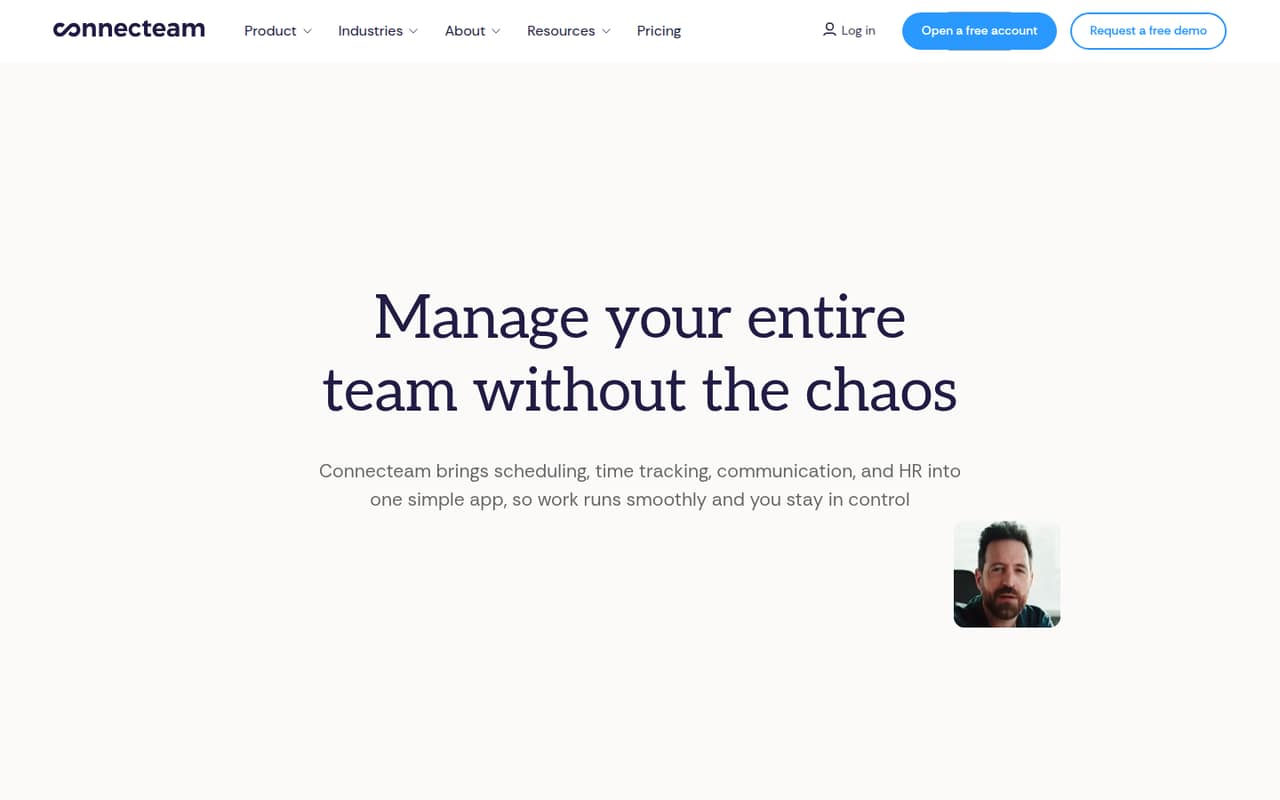
Connecteam is our first pick when a team of up to 10 needs scheduling and time tracking without a bill to start. The listed starting price is $29, and a free plan is available. The trade-off is that paid hubs and extra controls can add complexity. Before upgrading, ask which features your team actually needs and what the paid setup will cost.
What works
- Small Business is free for up to 10 users
- Free plan includes all three hubs
- Scheduling, time tracking, and messaging in one app
What doesn't
- Paid pricing is charged per hub
- Some monthly add-on rates are not published
- Reddit users report reporting frustrations
- Best free schedulerSlingSling
Sling suits a small hourly team that wants a free place to begin scheduling shifts. Its listed starting price is $1.70, and paid plans add time tracking and reporting by seat. That makes the free plan a sensible starting point if scheduling is the main need. Check the price for the features you want before estimating the cost for several employees.
What works
- Free plan covers up to 30 users
- Free includes scheduling and time-off requests
- Premium adds mobile time tracking
What doesn't
- Free excludes time and labor tracking
- Premium and Business charge per user
- Business costs twice Premium per seat
- Best for one locationHomebaseHomebase
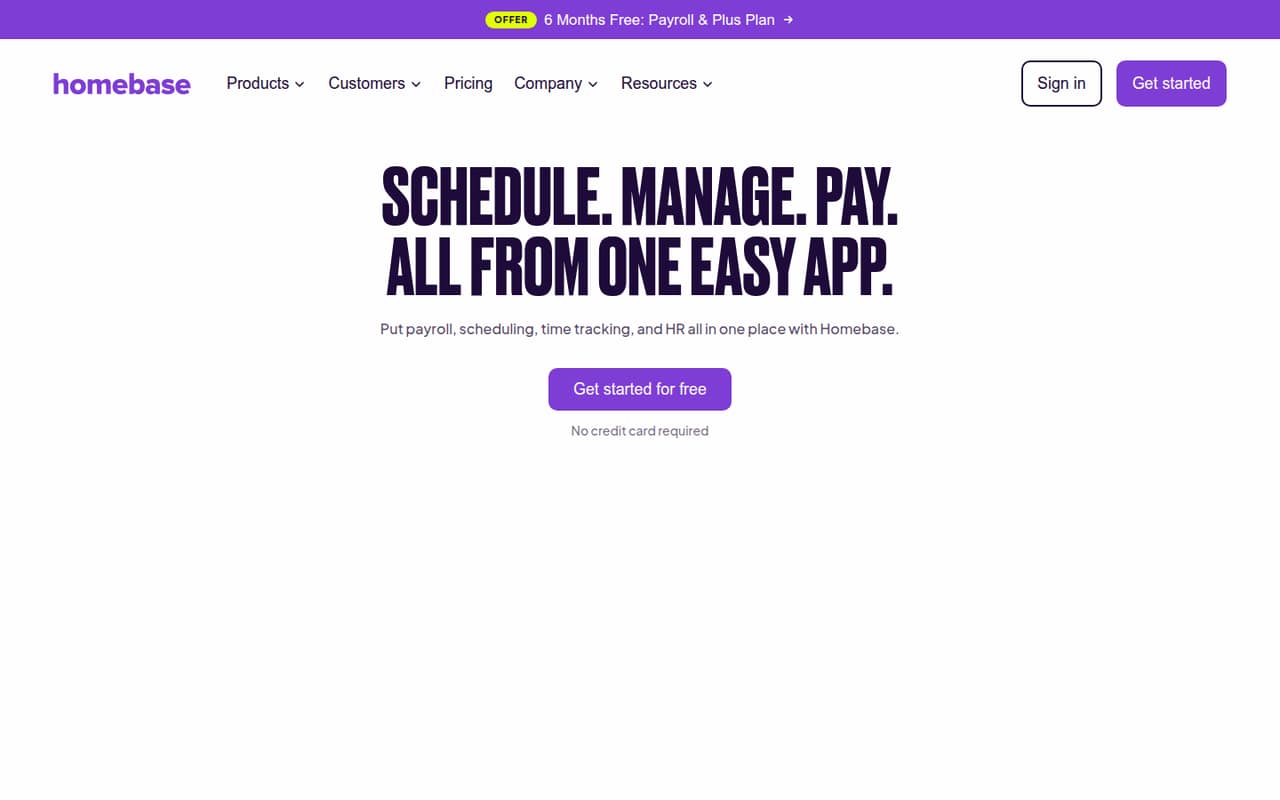
Homebase gives hourly teams at one location a free starting point for scheduling and time tracking. The listed starting price is $30, with paid upgrades for more control. The product is a better fit for shift operations than for a team seeking a full HR system. Confirm what the free plan includes for your needs and how paid upgrades change the total.
What works
- Free Basic plan covers up to 10 employees
- Basic includes scheduling and time tracking
- Timesheets track hours, breaks and overtime
What doesn't
- Basic timesheets are stored for 90 days
- Paid plans are priced per location
- Annual prices are not published
- Best core HREddyEddy
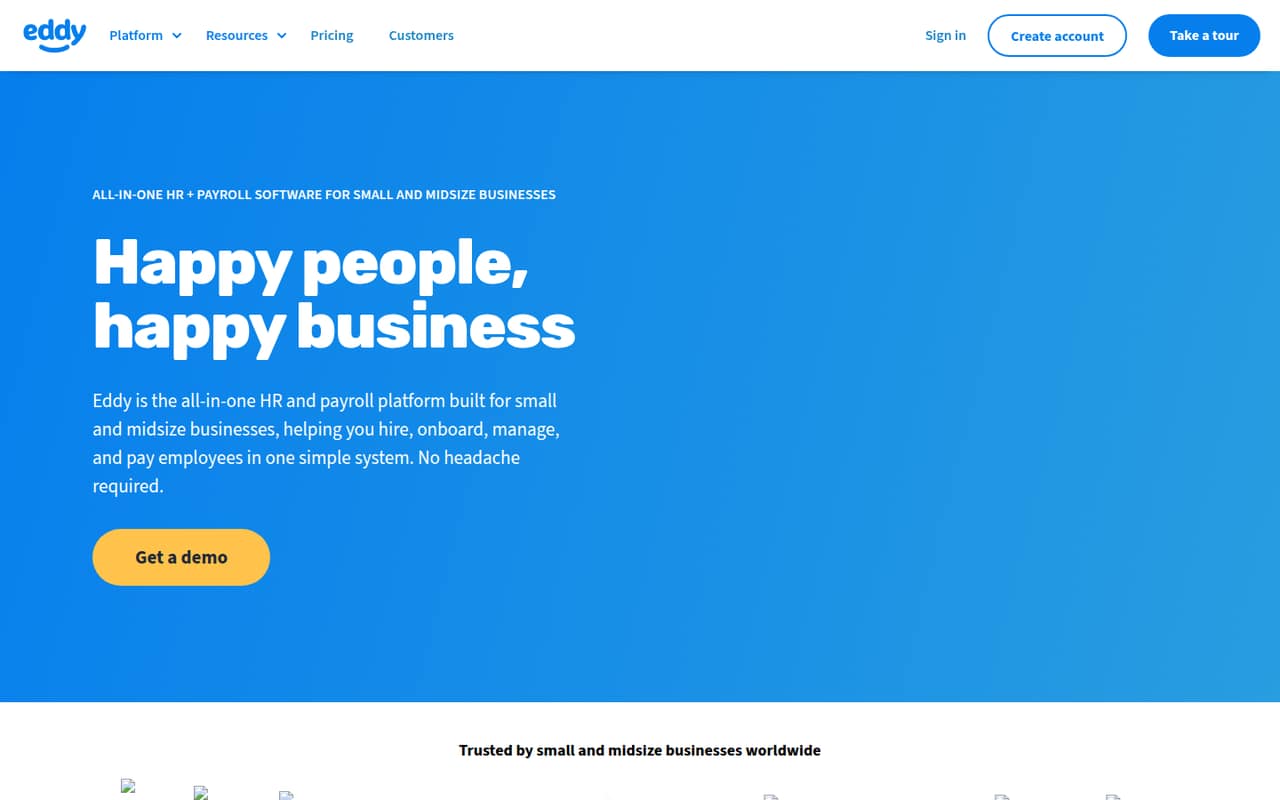
Eddy is worth considering when your team wants employee records, onboarding, time off, payroll, and hiring in one place. Its listed starting price is $4, but the description also says to budget for a base fee and payroll add-on. Ask for a written total for your team size and the features you need; the starting figure alone won’t show the full bill.
What works
- Combines employee records and HR tasks
- Starter includes time tracking and PTO
- Hiring supports job listings and offer letters
What doesn't
- No free plan or published trial
- Starter and Growth have monthly base fees
- Payroll adds a base fee and per-person charge
- Best for shift teamsDeputyDeputy
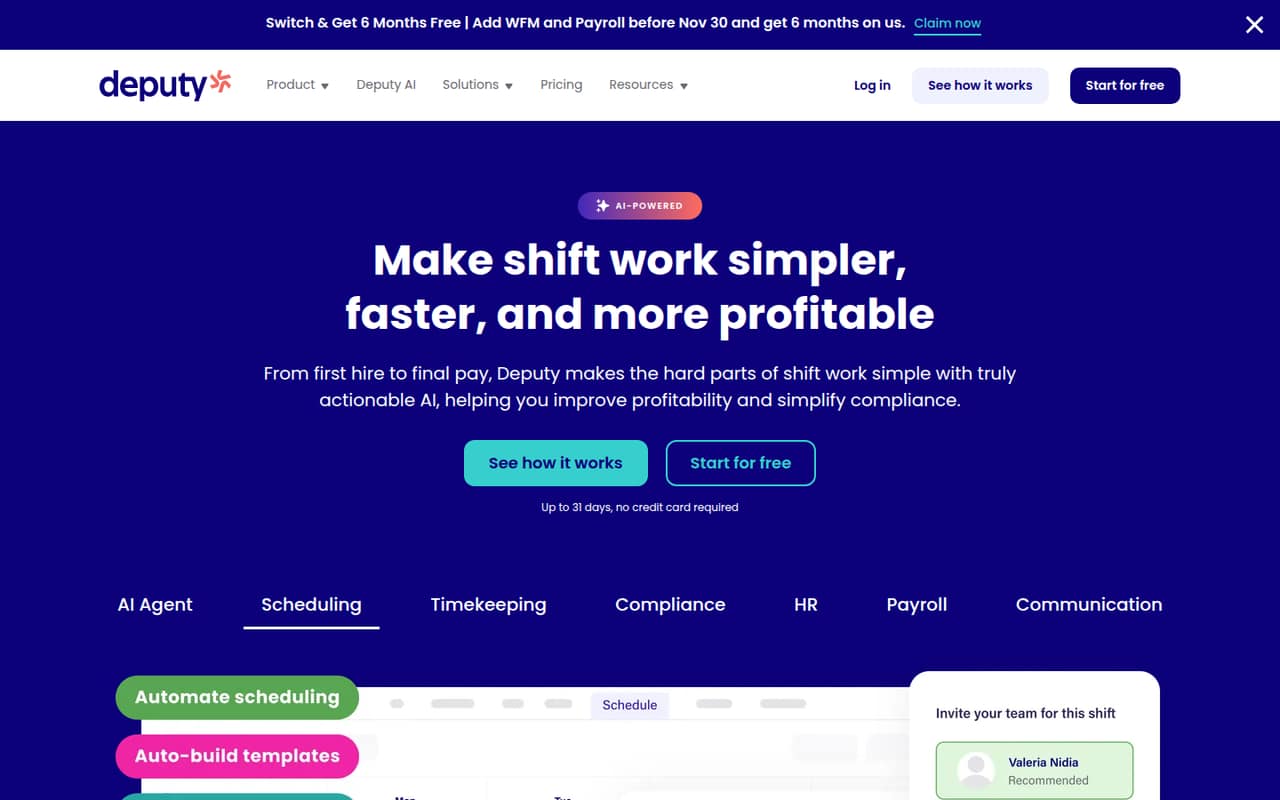
Deputy fits shift-based teams of 3–10 that want to replace paper schedules and track hours and breaks. The listed starting price is $5. It is less compelling if you need a free plan or have a very small team, so compare the full cost with free schedulers first. Ask the vendor how the price applies to your seats and whether your required features are included.
What works
- Scheduling and timesheets start at $5 per user annually
- Lite includes basic time clocking and compliance
- Core adds auto-scheduling and demand forecasting
What doesn't
- No free plan
- US monthly plans have a $30 invoice minimum
- Separate monthly plan prices are not published
- Best for 10 employeesWhen to WorkWhen to Work
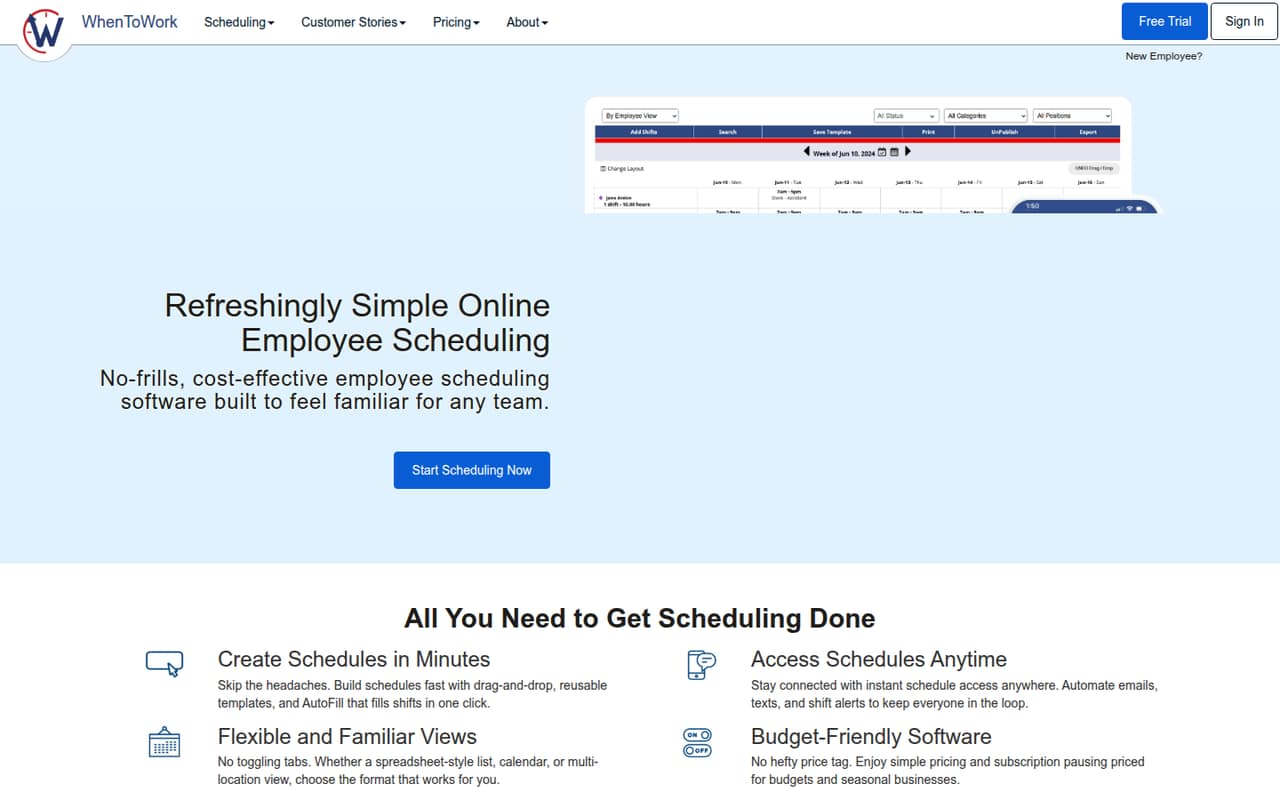
When to Work is aimed at teams with up to 10 employees that need shift scheduling and mobile schedule sharing. The listed price is $17.08, with a paid subscription after a 30-day trial. It may suit a team ready to pay for scheduling, but check what happens after the trial and confirm the total for your employees before committing.
What works
- One subscription covers up to 10 employees
- Managers and employees have unlimited use
- Includes computer and mobile access
What doesn't
- No free plan is listed
- The free trial lasts only 30 days
- Standard rates are higher than introductory rates
- Best for shift messagingWhen I WorkWhen I Work
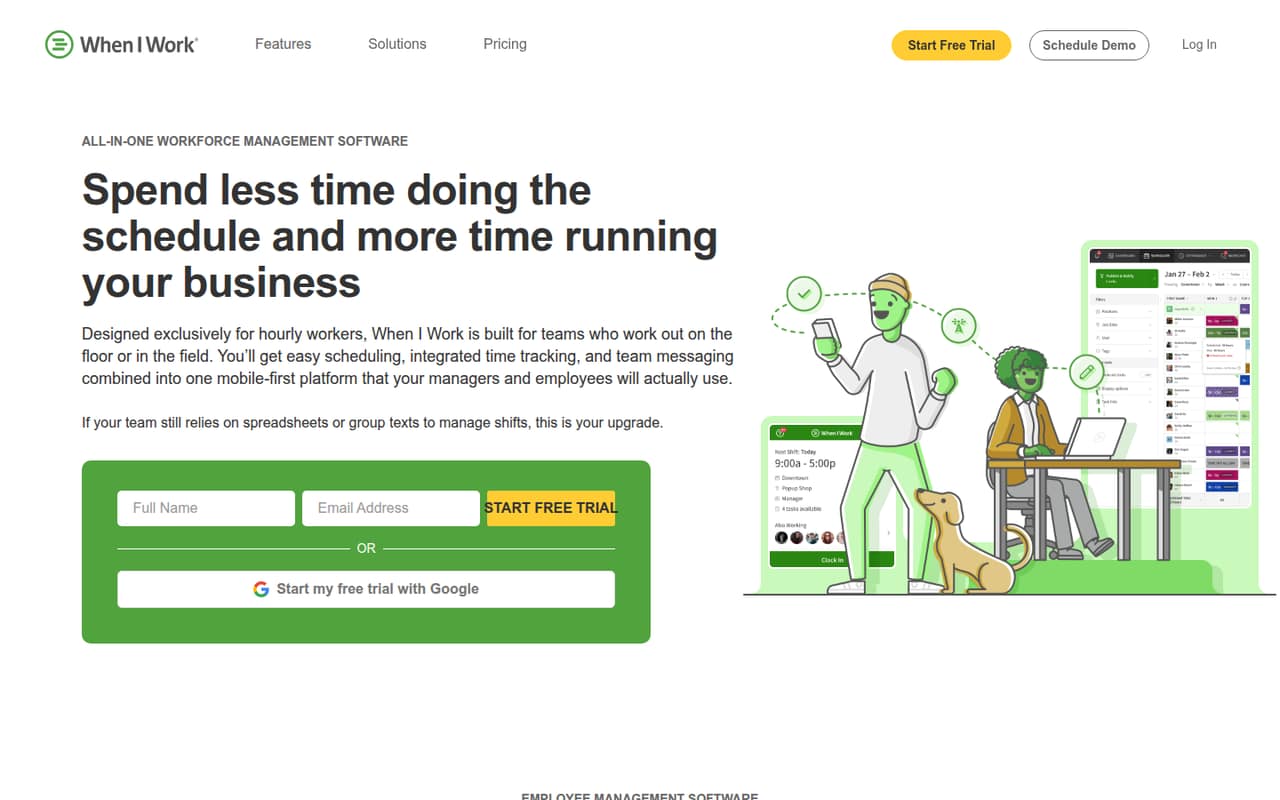
When I Work offers scheduling basics for hourly teams, including teams with multiple locations, and shift messaging. Its listed starting price is $2.50. The cost of its time-tracking add-on is a point to check before signing up. Ask for a quote that includes the features and number of employees you need, rather than treating the starting price as your final bill.
What works
- Essentials starts at $2.50 per user monthly
- Supports multi-week and multi-location scheduling
- Includes auto scheduling and schedule templates
What doesn't
- No free plan
- Time Tracking & Attendance costs extra
- Add-on price is not published
- Best for growing HRBambooHRBambooHR
BambooHR is a candidate for a growing team that wants to centralize HR and add hiring and onboarding, rather than stop at basic payroll. Its listed starting price is $10.25, but the product description warns that a flat monthly minimum can price out very small teams. Ask for the minimum bill and included features before comparing it with simpler, lower-cost tools.
What works
- Employee records, time off, and benefits tracking in Core
- Hiring and onboarding tools
- Higher plans add performance and recognition
What doesn't
- No free plan
- Core has a $250 monthly minimum for up to 25 employees
- Add-on prices are not published

03How we chose
We ranked these tools for a team of 1–10, giving extra weight to usable free plans, clear starting prices, and features that match common small-team jobs. We also considered plan limits and the risk of add-ons or minimum charges changing the bill. Setup effort matters too: vendor documentation and Reddit reports can help flag questions to ask, but a feature list alone doesn’t prove implementation will be easy. Where the listed price doesn’t explain its billing basis, we recommend getting a written quote instead of guessing a seat total.
04Start with the job you need done
A small team may need a scheduler, not a broad HR suite. For hourly shifts, start by checking whether a free plan covers the scheduling and time-tracking work you need: Connecteam, Sling, and Homebase all list free starting points, though their paid options differ. If employee records, onboarding, time off, or payroll are the priority, compare broader HR tools such as Eddy and BambooHR instead.
Be specific about your must-haves before comparing prices. Ask whether scheduling, time tracking, payroll, and reporting are included in the plan you’re considering, or sold as add-ons. For a team with one location, several locations, or a mix of salaried and hourly workers, explain that setup to the vendor and ask for a plan recommendation in writing.
05Get the real price and setup plan
A starting price is not always a usable quote for a team of several people. Some products describe per-seat charges or add-ons, while others list a price without making the billing basis clear. Ask for the total for your current headcount, the cost of any required add-ons, and what happens to the price as you add employees. Check for a flat minimum, too; BambooHR’s product description flags one, and Eddy’s calls out a base fee and payroll add-on.
Ask how employee data gets into the system, what your team must do before launch, and whether implementation help costs extra. Review the vendor’s setup documentation and look for recurring user comments about setup friction. If the tool is mainly for scheduling, compare the time you’ll save with the effort of moving schedules, employee details, and time records.
Questions people ask
What is the best free HR software for a team of 1–10?
Connecteam is our top pick for a free starting point when a team of up to 10 needs scheduling and time tracking. Sling and Homebase also list free plans for scheduling-focused teams. Check each plan’s included features before choosing; a free plan may not cover every HR task your team needs.
How much does HR software cost for a small team?
The listed starting prices in this guide range from $1.70 for Sling to $30 for Homebase, but those figures may not show a full team bill. Some tools charge by seat, and others have add-ons or minimums. Ask each vendor for a written quote based on your headcount and required features.
How much setup work should a small team expect?
Setup effort depends on the tool and what you’re moving into it. Ask the vendor what employee data you need to prepare, who handles configuration, and whether implementation support costs extra. Read the setup documentation and check user reports for recurring issues before making a commitment.
When should a small team outgrow a free plan?
Consider upgrading when your team needs features the free plan doesn’t cover, such as paid-plan controls or additional reporting. Connecteam’s description notes that paid hubs and extra controls add complexity; Sling’s paid plans add time tracking and reporting by seat. Confirm the paid cost before your needs change.