
We may earn a commission if you buy through links on this page. It never changes a score or a ranking. How we make money
The bottom line
Strong identity and fraud coverage for fintechs; no public pricing or free plan for small teams.
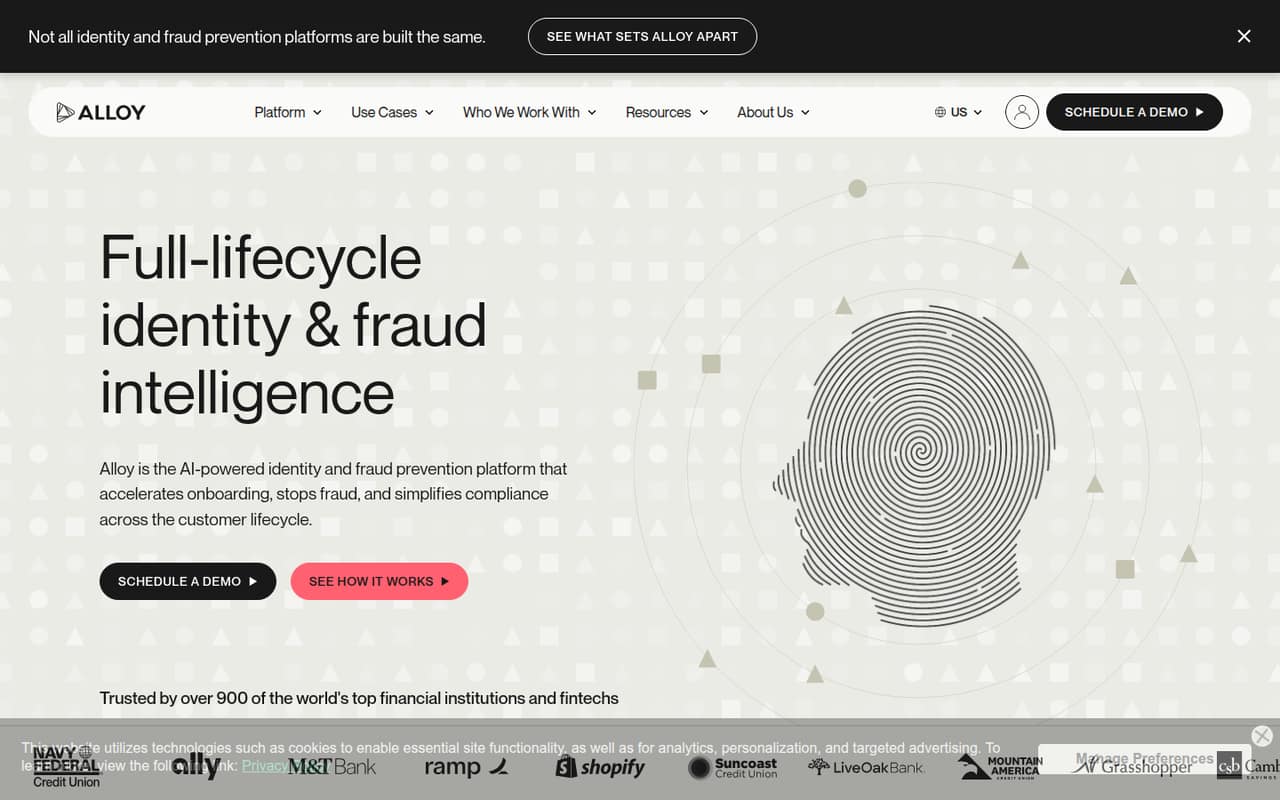
Alloy brings identity verification, fraud prevention, and compliance workflows together for financial institutions and fintechs. Its feature set covers onboarding, ongoing checks, fraud signals, and case recommendations.
For a 1–10-person team watching costs, the main drawback is price uncertainty: Alloy has no listed plans or free plan, and quotes are custom. We’d ask for a written quote and implementation plan before evaluating fit.
Good fit if
- Fintech risk and compliance teams
- Teams managing identity checks
- Financial firms coordinating fraud workflows
Skip it if
- Teams needing a free starting tier
- Buyers requiring public seat pricing
- Businesses outside financial services
ScoresHow it rates
What works
- Covers onboarding and later customer interactions
- Combines identity verification and fraud prevention
- Includes ongoing KYC, KYB, and AML checks
- Fraud Attack Radar flags coordinated attacks
- AI agents recommend case next steps
What doesn't
- No public list prices or billing cadence
- No free plan listed
- Trial availability is not published
- Per-seat costs cannot be calculated
- Setup effort and supported integrations need confirmation
01Who Alloy is for
Alloy is built for financial institutions and fintechs that need identity, fraud, and compliance controls across the customer lifecycle. It verifies identity during onboarding, surfaces fraud risk in later activity, and supports ongoing KYC, KYB, and AML checks. Fraud Signal predicts risk, Fraud Attack Radar alerts teams to coordinated attacks, and AI agents recommend next steps for case work.
For a 1–10-person team, Alloy makes most sense when risk and compliance work is central to the business and the team needs to coordinate several checks in one platform. It is a harder fit for a small company looking for an inexpensive, self-serve tool: Alloy publishes no list price, and access is demo- and sales-gated with custom quotes. Before budgeting, ask for a quote sized to your team and expected workload.
02Alloy free plan and trial
Alloy has no free plan listed, so there is no published free tier to test with a few users. The pricing information also does not list a free trial. Access is demo- and sales-gated, with custom quotes rather than a posted entry plan.
That makes a sales conversation the cheapest way in, but it does not establish what a minimum contract costs. Ask Alloy whether it offers a limited evaluation, what that evaluation includes, and whether it requires a paid commitment. Also confirm which identity, fraud, and compliance features are included in the quote. Without those answers, a small team cannot use a free tier to check fit before weighing the full cost.
03What a small team pays for Alloy
Alloy does not publish plan prices, per-seat rates, or billing cadence. The vendor uses custom quotes, so we cannot calculate the cost for one person or compare totals for a team of three or five. Monthly versus annual pricing is not published either; ask for both options if your team is comparing contracts.
There are no listed add-on prices in the pricing information. Alloy describes capabilities including Fraud Signal, Fraud Attack Radar, AI agents, and compliance automation, but a small team should confirm which are included in its quote and whether any carry separate fees. Ask whether pricing changes with seats, customer volume, data partners, or the workflows you need. Until Alloy provides those details in writing, there is no reliable starting price to put in a small-team budget.
04Getting started with Alloy
Alloy's described product combines data partners, workflow orchestration, and AI tools. That gives a team several areas to scope before launch: which identity checks to run, what fraud signals to use, and how compliance cases should be handled. The available feature descriptions do not specify a setup timeline, required technical work, or supported integrations.
We would ask Alloy for a written implementation plan before signing, including the systems it connects to, who configures workflows, and what training or ongoing support is included. A small team should also confirm how its current KYC, KYB, AML, and fraud processes map to Alloy's workflows. Without answers on those points, it is not possible to estimate the learning curve or staff time confidently.
05When small teams outgrow Alloy
Alloy's published feature set is aimed at handling identity and fraud work across onboarding and later customer interactions. As a team grows, more workflows, checks, or staff may make that breadth useful—but the pricing model makes it hard to predict the point when it becomes too costly. Alloy does not publish seat rates, usage limits, or contract thresholds, so there is no public upgrade point to compare against.
Before committing, ask how a quote changes as your team adds users, customer volume, data partners, or compliance workflows. Also confirm whether you can add or remove capabilities without renegotiating the whole contract. A small team should revisit fit if the quote outgrows its budget or if it needs integrations and implementation details Alloy cannot confirm. Get those terms in writing rather than assuming the price scales linearly by seat.
Questions people ask
How much does Alloy cost?
Alloy does not publish list prices, per-seat rates, or billing cadence. Pricing is custom and access is demo- and sales-gated. Ask for a quote based on your team size, workflows, and expected customer volume; a public starting price is not available.
Does Alloy have a free plan or trial?
Alloy has no free plan listed, and the pricing information does not list a free trial. Ask the vendor whether it offers a limited evaluation and whether that requires a paid commitment.
What does Alloy do?
Alloy provides identity verification, fraud prevention, and compliance tools for financial institutions and fintechs. Its described capabilities include onboarding checks, ongoing KYC, KYB, and AML workflows, fraud-risk signals, coordinated-attack alerts, and AI case recommendations.
Who is Alloy best suited for?
Alloy is aimed at financial institutions and fintechs managing identity, fraud, and compliance across the customer lifecycle. A small team may find it relevant when these controls are core work, but should first confirm the custom quote and implementation requirements.
What should I ask Alloy before buying?
Request written pricing for your team size and expected workload, including monthly and annual options. Confirm which features are included, whether any capabilities cost extra, what integrations are supported, and what implementation, training, and support the quote covers.