
We may earn a commission if you buy through links on this page. It never changes a score or a ranking. How we make money
The bottom line
Good for trying design-to-app workflows; less clear as a paid tool for a small team.
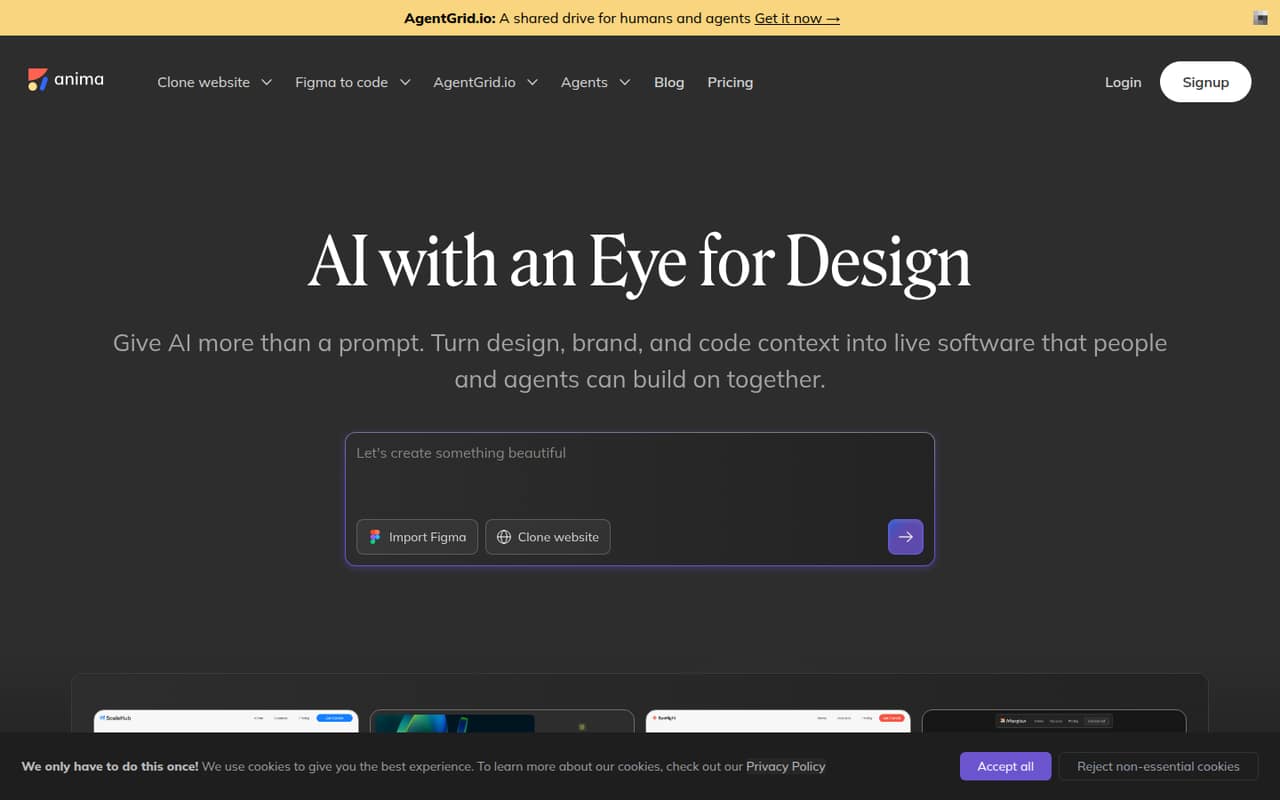
Anima turns prompts, Figma files, websites, images, and imported code into editable apps. Teams can generate HTML or React, refine and preview work in a browser, then export or publish it. MCP and API connections also link AI coding agents with app creation and project context.
The Free plan includes five AI Playground messages, five Figma imports or website clones, and five Figma-plugin code generations. Enterprise starts at $500 per month when paid annually and lists compliance and security features. For a small team, the free quotas are easy to understand; the jump to Enterprise is harder to justify unless its listed features fit your needs.
Good fit if
- Designers turning Figma files into code
- Small teams prototyping app ideas
- Teams exploring AI-assisted app creation
Skip it if
- Teams needing generous free usage
- Small teams seeking published seat pricing
- Teams needing a low-cost paid tier
ScoresHow it rates
What works
- Generates editable apps from prompts and design inputs
- Supports HTML and React generation
- Imports websites with routes and navigation
- Free plan includes several ways to try it
- MCP and API connect coding agents
What doesn't
- Free plan limits each listed activity to five
- No paid plan below Enterprise is listed
- Enterprise starts at $500 monthly when paid annually
- Per-seat pricing is not published
- Setup time and support details are not published
01Who Anima is for
Anima is aimed at people who want to turn design or product context into a working app, rather than start every screen from code. A solo designer can use it to convert a Figma file or screenshot into HTML or React. A product team of a few people can try prompt-based app creation, bring in website pages, and refine the result in a browser.
The Free plan makes sense for a one-to-five-person team testing occasional ideas on a tight budget. Its five-message and five-import limits are best treated as a trial-sized allowance, not a shared production budget. The pricing page lists Enterprise for organizations that need features such as SSO, MFA, SLAs, and enhanced security. At $500 per month when paid annually, that is a different budget category. Anima fits best when design-to-code or quick app creation is a real team task, not just a feature someone might use once.
02Anima free plan and trial
Anima has a Free plan at $0 per month; the pricing page lists no separate free-trial term. It includes five AI Playground chat messages, five Figma imports or website clones, and five code generations in the Figma plugin. That gives a small team a way to try prompt-to-app work, imports, and plugin-based code generation without paying.
The limit is the small number of included actions. A team building several versions or importing many pages can use up an allowance quickly. The pricing page does not specify whether quotas renew on a particular schedule or how usage is shared across team members, so ask Anima before planning a team workflow around them. There is no lower-priced paid plan listed between Free and Enterprise.
03What a small team pays for Anima
For one person, the listed Free plan costs $0 per month and includes five AI Playground messages, five Figma imports or website clones, and five Figma-plugin code generations. For a team of three or five, Free is also the only listed $0 option; the pricing page does not publish a per-seat fee or explain how those quotas are shared.
Enterprise starts at $500 per month when paid annually. That is a $6,000 annual commitment at the listed starting rate, whether the organization has one, three, or five people; the vendor does not publish a seat minimum or per-seat calculation. Its monthly billing price is not listed. The plan includes SSO, MFA, enterprise-grade SLAs, and enhanced security for compliance. No add-ons are listed. For a small team that only wants more usage, there is no published mid-tier price to compare, so ask Anima for a quote and confirm the seat count, billing terms, and included usage before budgeting.
04Getting started with Anima
The basic workflow is to provide a prompt, Figma file, website, image, or imported code, then refine and preview the app in a browser. Anima describes output options including HTML and React, plus export and publishing. That gives a small team several ways to begin, but the vendor does not publish a setup-time estimate or a step-by-step onboarding requirement in the pricing details.
For a Figma-centered team, the Figma plugin is one route; the listed free allowance includes five code generations there. Teams connecting coding agents can look at Anima MCP or API, which Anima says connect agents to app creation, Figma-to-code, and project context. How much configuration those connections take is not published, so check the docs for your chosen setup before making it part of a deadline. A team can start by testing one input type and one output workflow before committing to a broader process.
05When small teams outgrow Anima
The first pressure point is usage. Five AI Playground messages, five Figma imports or website clones, and five plugin code generations may be enough to evaluate Anima, but teams with recurring work should check how those quotas renew and whether they are shared. The pricing page does not publish those details.
The next pressure point is the paid-plan gap. Enterprise is the only paid plan listed, starting at $500 per month when paid annually. A small team that simply needs more app generations may find that difficult to justify, especially because per-seat pricing and a monthly Enterprise price are not published. Enterprise's listed SSO, MFA, SLAs, and enhanced security may matter to organizations with compliance needs. If your team needs those features, ask for a quote and confirm the contract terms. If you only need a larger usage allowance, ask whether Anima offers an option that is not listed on its pricing page.
Questions people ask
How much does Anima cost?
The pricing page lists a Free plan at $0 per month. Enterprise starts at $500 per month when paid annually. Anima does not publish per-seat pricing or an Enterprise monthly-billing price, so ask for a quote if you need a paid team plan.
Is Anima free to use?
Yes. Anima's Free plan includes five AI Playground chat messages, five Figma imports or website clones, and five code generations in the Figma plugin. The pricing page does not state how those allowances renew or how they are shared among team members.
What can Anima generate?
Anima can turn prompts, Figma files, websites, images, and imported code into editable apps. Its listed output formats include HTML and React. The product also supports refining and previewing work in a browser, then exporting or publishing it.
Can Anima turn a Figma design into code?
Yes. Anima describes generating responsive HTML or React from Figma while carrying over design structure, assets, and visual details. Its Free plan includes five code generations in the Figma plugin, according to the pricing page.
Does Anima connect to AI coding agents?
Anima lists MCP and API connections for AI coding agents. The stated uses include app creation, Figma-to-code, and access to project context. The setup requirements and time needed for those connections are not published in the pricing details.