We may earn a commission if you buy through links on this page. It never changes a score or a ranking. How we make money
A small team may not need dedicated UI/UX software if it only sketches occasional ideas. But if you’re sharing interface files, prototyping user flows, or handing designs to developers, a shared tool can save coordination. We’d start with Penpot for a budget-conscious team, or Figma if shared design files and developer handoff are central to your work. Both have free plans. Before paying, check what the free tier covers and how the vendor charges for each editor: a low starting price can change quickly when several people need access.
Quick picksThe shortlist
 PenpotPenpotBest for small teams · $7/mo
 FigmaFigmaBest for collaboration · $3/mo
 UizardUizardBest for quick concepts · $12/mo
 PixsoPixsoBest low-cost workspace · $4/mo
 MotiffMotiffBest for AI UI drafts · $4/mo
 BalsamiqBalsamiqBest for wireframes · $16/mo
 RiveRiveBest for interactive graphics · $9/mo
 SketchSketchBest for Mac teams · $12/mo
 Axure RPAxure RPBest for complex flows · $29/mo
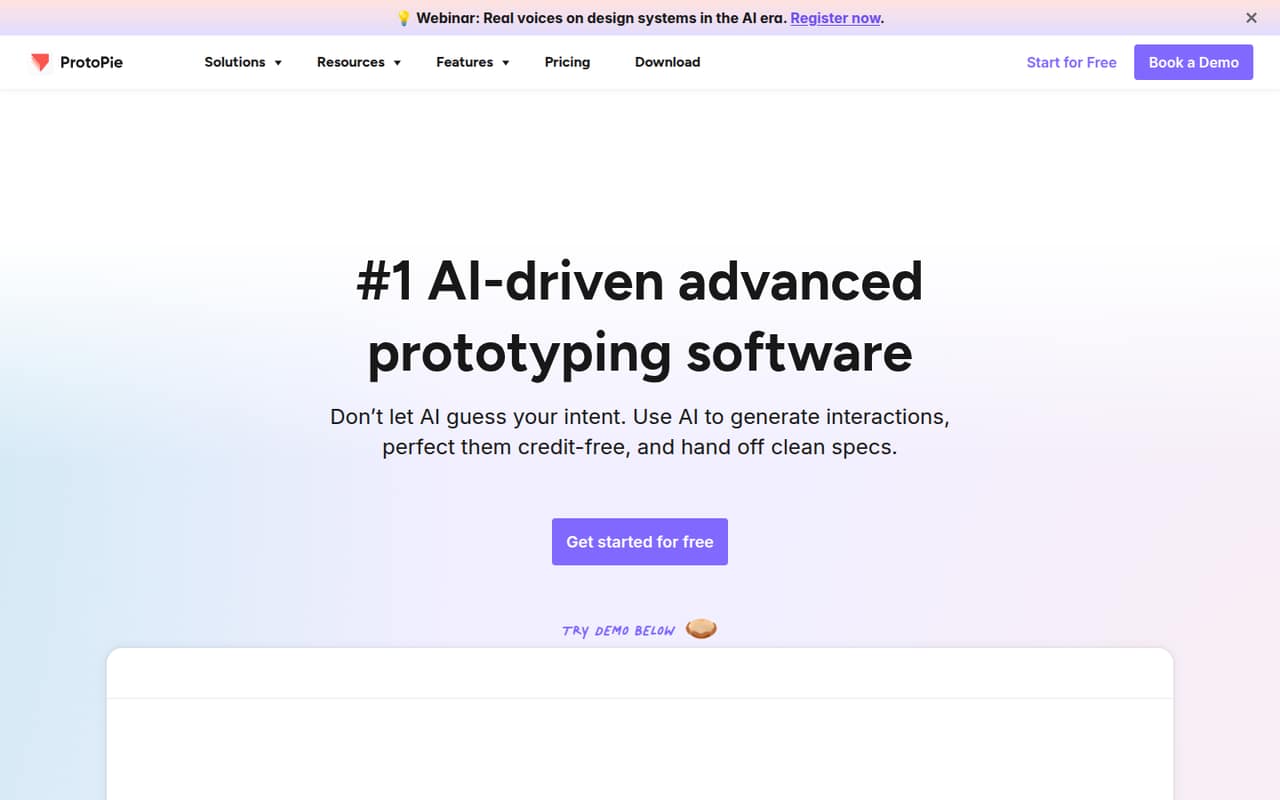
 ProtoPieProtoPieBest for advanced interactions · $25/mo
01Compared at a glance
02The picks, in detail
- Best for small teamsPenpotPenpot
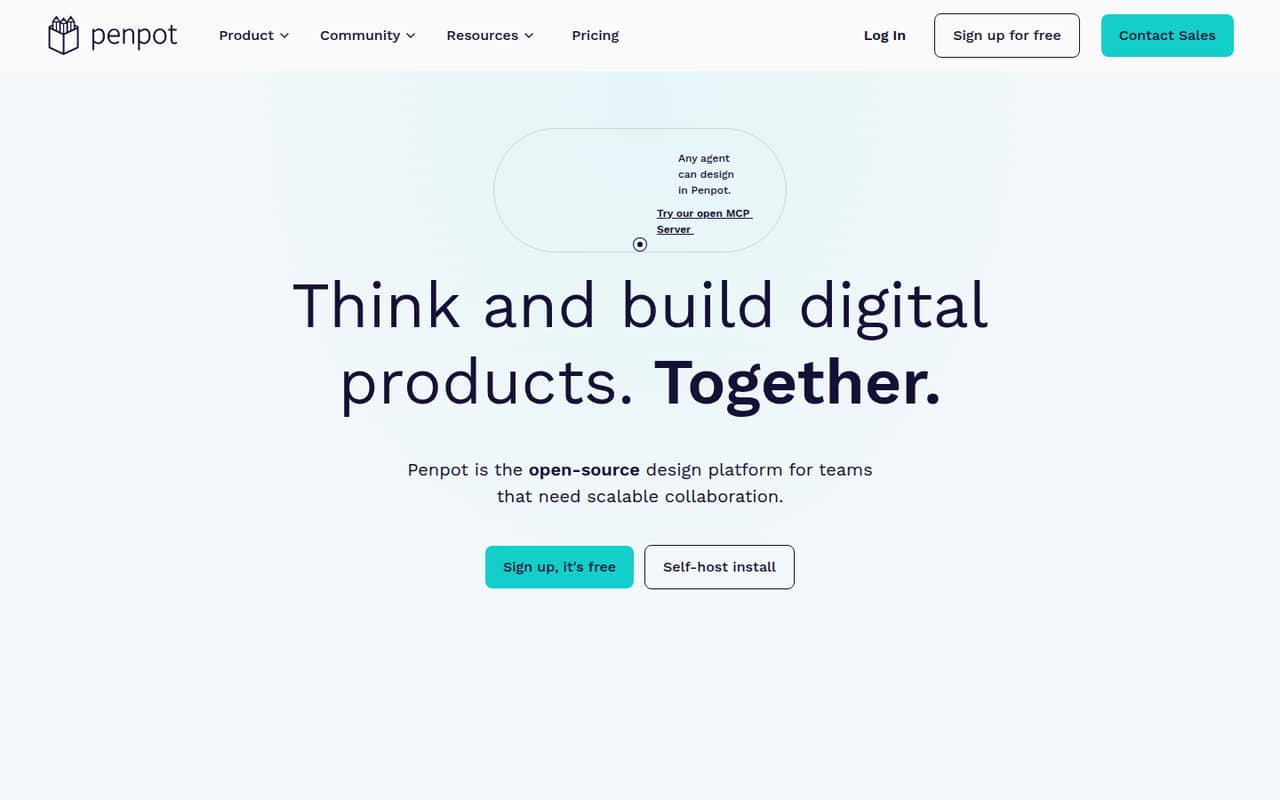
Penpot is our first stop for a team watching its software budget: the listing describes a genuinely free design workspace, with paid upgrades for storage and history starting at $7. It suits product teams working closely with developers and those who value open standards. Check the paid plan’s storage and history details before upgrading, especially if your team expects to keep a long record of design changes.
What works
- Free plan includes the full feature set
- Unlimited teams on the free plan
- Uses CSS Grid and Flex layouts
What doesn't
- Free storage capacity is not published
- Extra space and extended history cost more
- Some users report lag on complex files
- Best for collaborationFigmaFigma
Figma fits teams that need shared design files and developer handoff, and it has a free plan with pricing starting at $3. That makes it worth comparing with Penpot if your team’s main need is a common place to work on app or website designs. The starting price alone doesn’t establish what several editors will cost, so confirm seat rules and the features included in each tier.
What works
- Free Starter plan for exploring
- Unlimited drafts on Starter
- Paid plans include unlimited files and projects
What doesn't
- Professional monthly billing price is unclear
- Full seats cost more than collaborator seats
- Starter AI credits have monthly and daily caps
- Best for quick conceptsUizardUizard
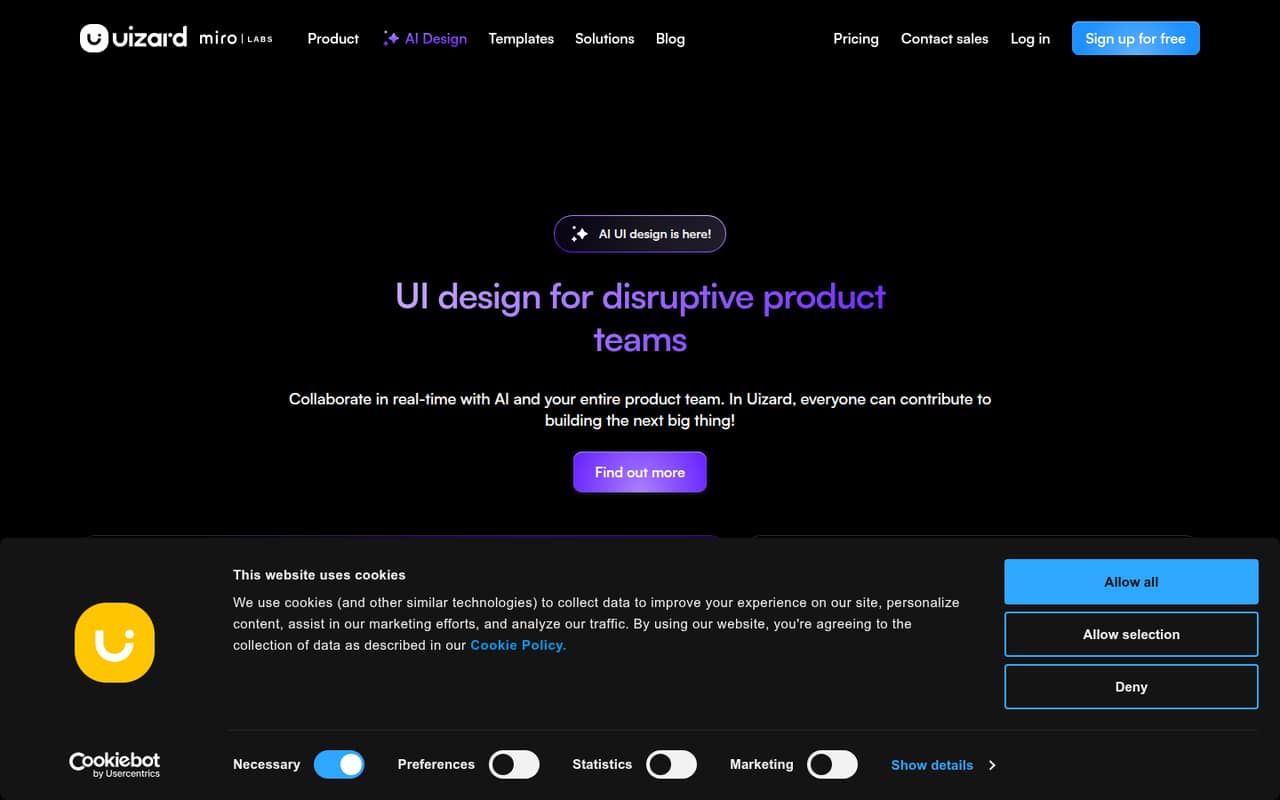
Uizard is aimed at small teams exploring product concepts and making editable prototype drafts. It has a free plan, with paid pricing starting at $12. That makes it a candidate for teams that want to explore ideas before investing in a fuller design workflow. The listing describes it as less convincing as a replacement for hands-on UX design, so treat it as a concept tool rather than an automatic substitute for design work.
What works
- Free plan includes three AI generations monthly
- Text prompts can generate editable prototypes
- Screenshot and sketch conversion are included features
What doesn't
- Free plan is limited to two projects
- Free projects allow up to five screens each
- Pro and Business monthly prices aren’t listed
- Best low-cost workspacePixsoPixso
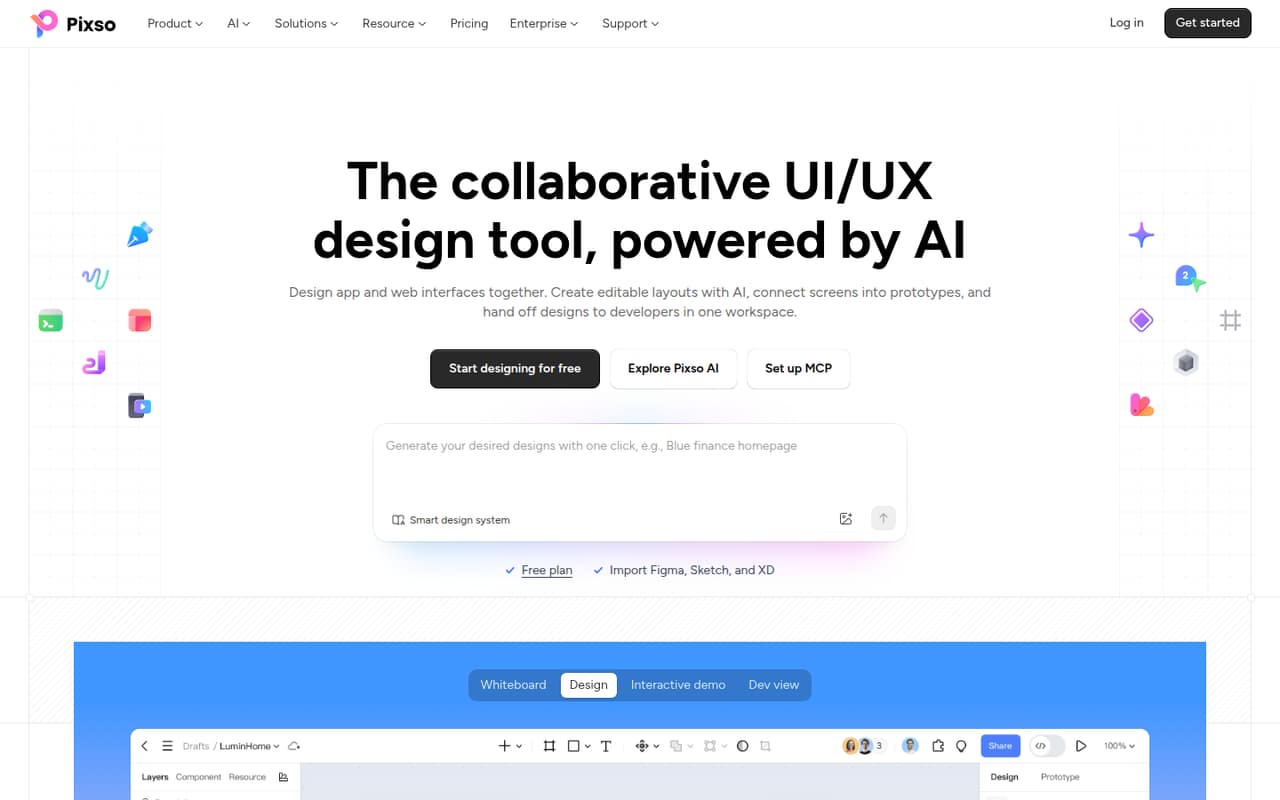
Pixso combines UI design and whiteboarding, with developer specs and a free plan; paid pricing starts at $4. That breadth may suit a small team trying to keep design work in one budget-friendly workspace. The listing flags portability and support concerns, so check how you can move your files and what support is available before building a core workflow around it.
What works
- Free plan includes unlimited viewer seats
- Free plan allows unlimited draft files
- Paid plans include unlimited files and pages
What doesn't
- Free plan limits design files to three
- Free plan limits whiteboards to three
- Annual Team seat pricing is not published
- Best for AI UI draftsMotiffMotiff
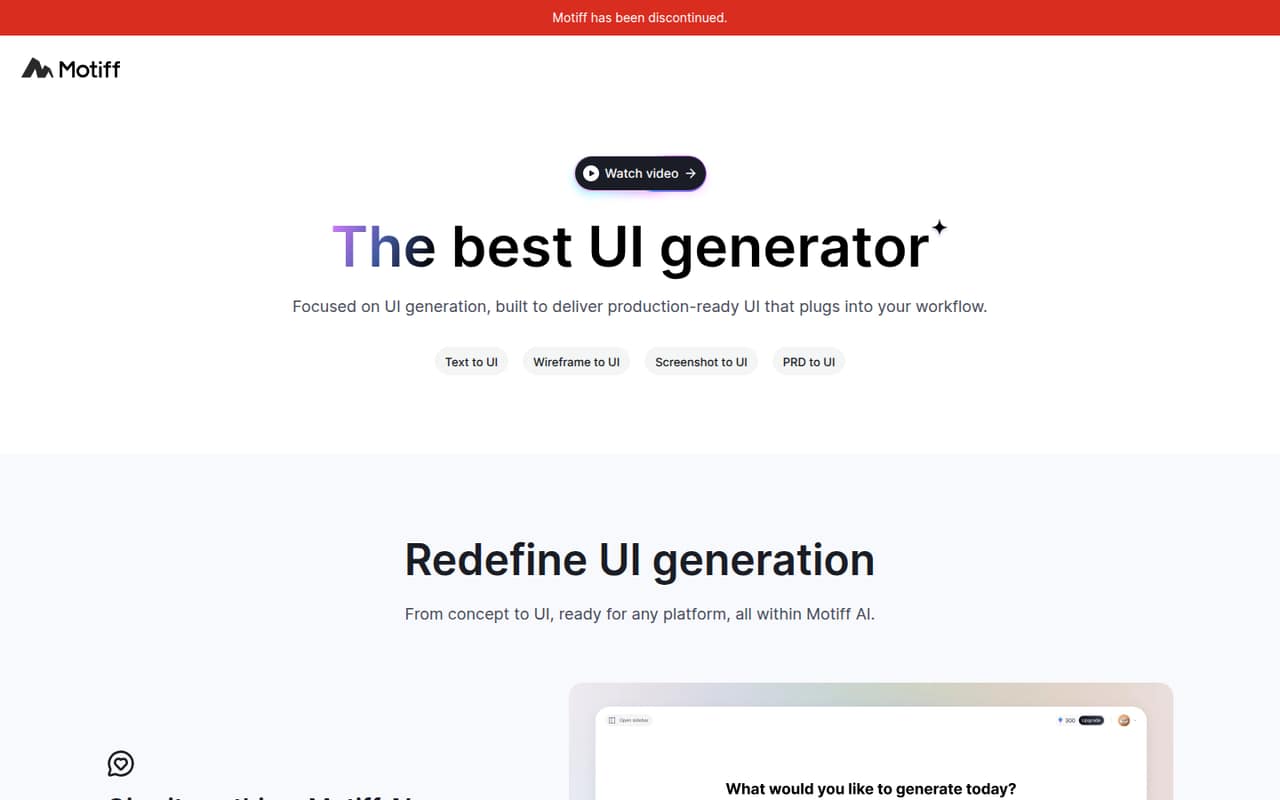
Motiff is built for small teams exploring AI UI generation, and its listing mentions React or HTML exports. There’s a free plan and pricing starts at $4. It may suit a team curious about generating interface drafts, particularly one already working with Figma. Check the separate costs that can arise as your team grows, and make sure the export options fit your development workflow.
What works
- AI Free includes 100 monthly credits
- Free AI plan allows up to 10 UIs
- AI Pro exports HTML and React code
What doesn't
- AI credits and design seats have separate pricing
- Free AI exports are limited to image formats
- Core Starter allows only three shared files
- Best for wireframesBalsamiqBalsamiq
Balsamiq is a focused option for mapping early product flows and sharing rough ideas with a team. Its listing says it charges per editor from the start, with pricing from $16. That can work when a few people need a dedicated low-fidelity prototyping tool, but it is less appealing if every teammate needs access and the team is trying to avoid paid seats.
What works
- Focused on structure before visual polish
- Interactive prototypes without code
- AI generation from a prompt or screenshot
What doesn't
- No free plan
- Prices are per editor and billed annually
- Monthly billing prices are not published
- Best for interactive graphicsRiveRive
Rive is for teams building interactive app graphics and taking them from design into runtime. It has a free plan, with pricing starting at $9, and the listing says it can take time to learn. That learning curve is worth weighing if your project only needs basic screens or click-throughs. It makes more sense when interactive graphics are a meaningful part of the product.
What works
- Free plan includes 3 collaborative files
- State machines add interaction without code
- Open-source runtimes support app and web shipping
What doesn't
- Free plan includes just 1 project
- Free asset imports max out at 10 MB
- Cadet is limited to 3 seats

- Best for Mac teamsSketchSketch
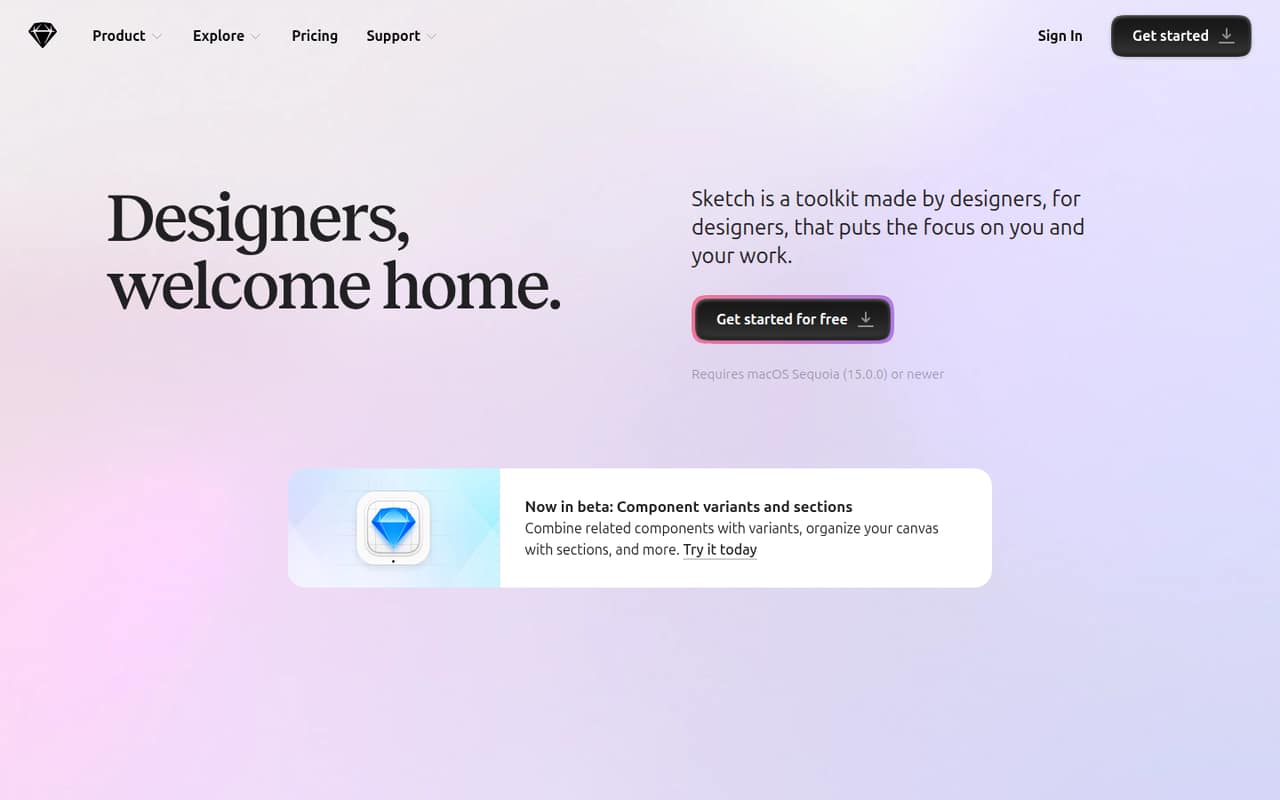
Sketch is a Mac-first design toolkit for sharing prototypes and design files, with developer inspection for designs and assets. The listing puts team collaboration at $12 per Editor monthly on annual billing. That gives a small team a clearer seat-based starting point than some listings, but the annual commitment matters. Choose it when the Mac-first workflow fits your team, not just because the entry price looks manageable.
What works
- Native Mac app supports offline design work
- Prototypes include animations, overlays, and scrolling
- Standard includes unlimited documents
What doesn't
- No free plan
- Subscription rates are listed only for annual billing
- Standard includes one Workspace
- Best for complex flowsAxure RPAxure RP
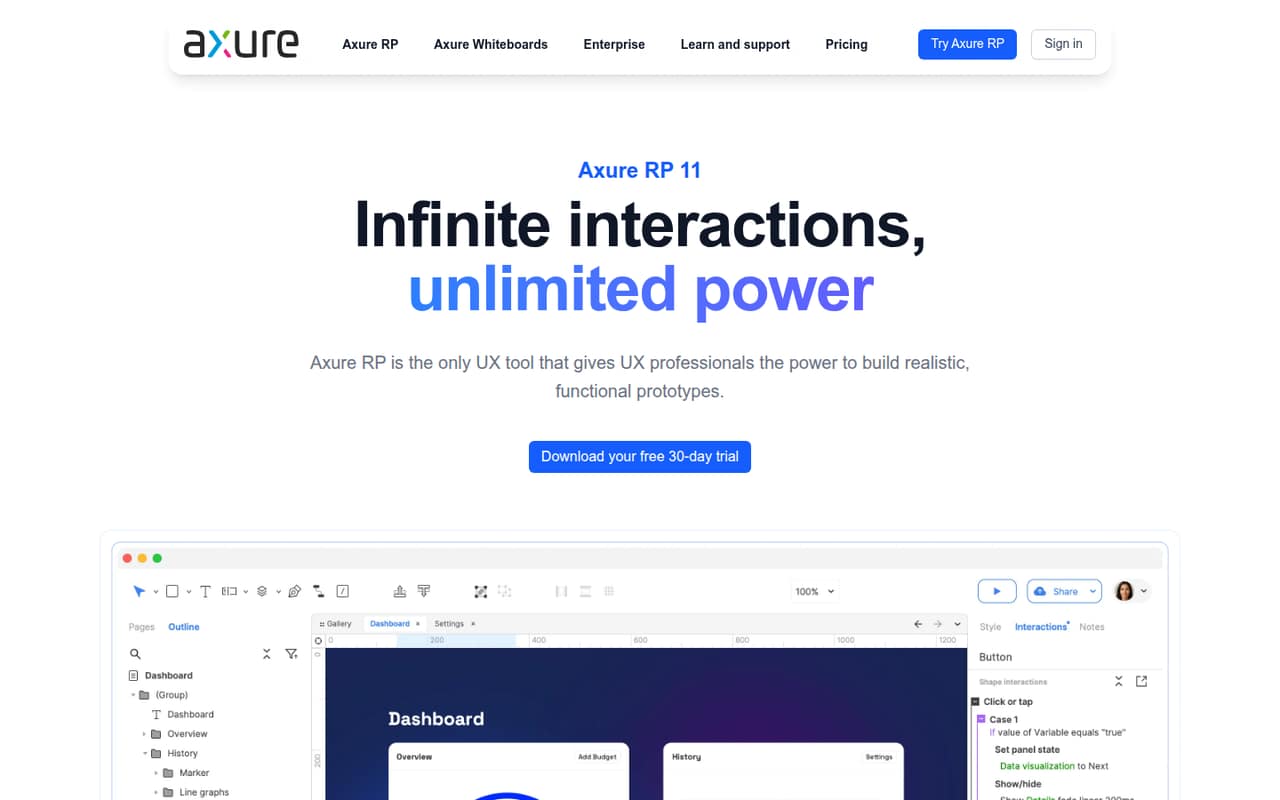
Axure RP is built for logic-heavy prototypes, including forms and data tables, and teams documenting product requirements. It has a free plan, with pricing starting at $29. That makes it a more specialized choice than a basic mockup tool: useful when a prototype needs to represent a complex workflow, but harder to justify if your team only needs simple click-through screens.
What works
- Conditional logic and variables
- Interactive forms and dynamic content
- Adaptive views for desktop, tablet, and phone
What doesn't
- Team collaboration costs $49 per user monthly
- Free-plan limits aren’t published
- Annual prices aren’t listed
- Best for advanced interactionsProtoPieProtoPie
ProtoPie is aimed at teams testing complex interactions, connected-device and hardware prototypes, or realistic user tests. It has a free plan, with pricing starting at $25. That is a higher starting point than several general interface tools, so it suits a specific interaction-design need better than everyday mockups. Check plan limits and seat costs before committing a small team to a paid workflow.
What works
- Build interactions with logic, variables, and formulas
- Supports multi-device prototypes and previews
- AI can generate and refine interactions credit-free
What doesn't
- Free plan is limited to two prototypes
- Free prototypes have an eight-scene limit
- Basic is limited to one seat
03How we chose
We ranked tools for a team of 1–10, not by feature count alone. We gave weight to whether a free plan is available, the published starting price, and how the stated use case fits a small product team. We also considered setup effort where the product description flags it, along with plan limits, vendor documentation, and recurring themes in Reddit discussions. User reports are useful context, not a substitute for published terms. We don’t claim hands-on testing; check current pricing and seat rules before buying.
04Start with the work your team actually does
A team that mostly sketches early ideas may need a simple wireframing tool, not a research suite or an advanced interaction editor. If people need to work from shared files and pass designs to developers, compare Figma and Penpot. For rough product flows, Balsamiq is purpose-built for low-fidelity prototypes. For complex interactions, Axure RP or ProtoPie may fit better, but their more specialized use cases can be unnecessary overhead for basic screens.
Be honest about setup effort, too. Rive’s listing notes that learning it takes time; that may be worthwhile for interactive graphics but not for a one-off mockup. Before choosing, write down who will create designs, who needs to comment or edit, and what a developer needs at handoff. Then check that the tool supports those jobs on the plan you can afford.
05Price the seats you need, not just the entry plan
A starting price is not the same as the bill for your whole team. Sketch’s listing specifies $12 per Editor monthly on annual billing, while Balsamiq charges per editor from the start. For other tools, confirm whether the listed starting price is per person, what billing period it assumes, and which roles require paid access. Ask the vendor for the cost of the exact number of editors your team needs before you commit.
Free plans can be a sensible way to begin, but check their limits against your real workflow: how many people need access, what files or projects you need to keep, and whether developers need handoff features. Penpot’s listing notes that paid upgrades cover storage and history. For other plan limits, consult the current pricing page and docs rather than assuming a free tier will cover a growing team.
Questions people ask
Which UI/UX design tool is best for a small team?
For a budget-conscious team, we’d start with Penpot: its listing describes a free design workspace and paid upgrades from $7. Figma is a good alternative when shared design files and developer handoff are key. The right fit depends on which features your team needs and what several editors will cost.
Is there free UI/UX design software?
Yes. Penpot, Figma, Uizard, Pixso, Motiff, Rive, Axure RP, and ProtoPie are listed with free plans. Free-plan availability doesn’t tell you whether a particular team workflow fits within the tier, so check current limits for seats, projects, and the features your team needs.
How much does UI/UX design software cost for a small team?
Published starting prices in this list range from $3 for Figma to $29 for Axure RP among paid options. That does not establish the total for a few editors. Confirm whether pricing is per seat, what billing period applies, and which plan includes the features your team needs.
When should a small team move beyond a free plan?
Consider upgrading when the free tier no longer supports the people, files, or workflow your team needs. For Penpot, the listing says paid upgrades cover storage and history. For other tools, check the vendor’s current plan details and compare the cost of the paid features against the time or coordination they save.