
We may earn a commission if you buy through links on this page. It never changes a score or a ranking. How we make money
The bottom line
A capable animation toolkit, but budget for paid plans and count exports before inviting a team.
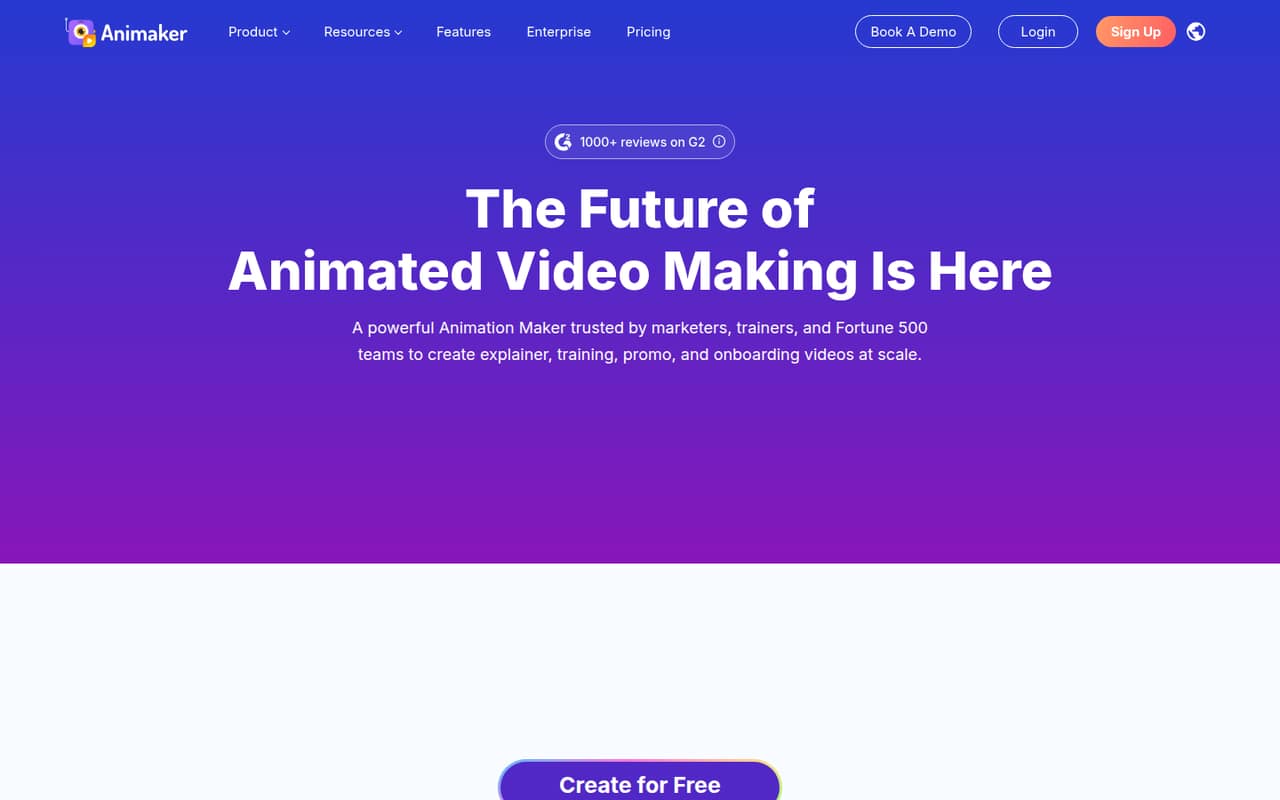
Animaker turns text prompts into animated videos and adds character building, AI voices, subtitles, templates, and stock assets. It can suit a small team making training or marketing videos, especially when animated characters are part of the brief.
There’s no free plan, and the $10 Basic plan limits users to five premium exports a month at 720p. Separate subscriptions would put three people on Basic at $30/month and five at $50/month, though Animaker doesn’t publish team-seat pricing. Check export needs and collaboration details before committing.
Good fit if
- Small teams making character-led explainers
- Training and onboarding video creators
- Teams needing multilingual voiceovers
Skip it if
- Teams needing a free video tool
- High-volume creators on a tight budget
- Teams wanting polished live-action editing
ScoresHow it rates
What works
- Creates animated videos from text prompts
- Custom character builder for branded stories
- AI voices and subtitles in multiple languages
- Templates, stock media, icons, music, and stickers
- Exports include MP4, GIF, and WebM
What doesn't
- No free plan; trial availability isn't published
- Basic allows five premium exports monthly
- Basic video resolution is limited to 720p
- Extra exports cost $20 on Basic
- Team-seat and collaboration pricing isn't listed
01Who Animaker is for
Animaker is aimed at people who need animated videos but don’t want to build them from scratch with professional animation software. You can start with a plain-language prompt, then refine the video with editing tools, templates, characters, voiceovers, and stock assets. The platform lists training, marketing, onboarding, and other video uses.
For a team of one to ten, it makes the most sense when you’ll produce character-led explainers or training content regularly. A small team making occasional announcements may not get enough use from a paid subscription, especially with no free plan. Animaker’s Basic plan is $10/month, but it includes only five premium exports a month and 720p video. A team that needs more exports or sharper video will have to consider Starter at $19/month or Pro at $49/month. Those are listed monthly prices; team-seat pricing isn’t stated.
02Animaker free plan and trial
Animaker does not list a free plan. The availability and length of a free trial aren’t published, so ask Animaker before assuming you can test the full video suite without paying.
The cheapest listed way in is Basic at $10/month. It includes five premium exports per month, five custom characters, 10 stock assets per month, and 720p video. That’s enough to explore a small batch of videos, but it’s not a free sandbox and the export allowance may be restrictive if several teammates are producing content. If you need more than five exports, the pricing page lists extra exports at $20 each on Basic. Check whether the plan’s export and asset limits fit your actual publishing schedule before signing up.
03What a small team pays for Animaker
Animaker lists Basic at $10/month, Starter at $19/month, and Pro at $49/month. Those prices appear to be for a plan, not a published team-seat package: the pricing page doesn’t state seat counts or per-seat rates. If each person needs a separate Basic subscription, one person costs $10/month, three cost $30/month, and five cost $50/month. At Starter, the same arithmetic is $19, $57, and $95/month. Confirm with Animaker whether multiple people can share a subscription before budgeting on that basis.
The named plans’ annual prices aren’t listed. The pricing page also shows an unnamed option at $35 monthly or $19/month billed yearly ($228/year), but it doesn’t identify which plan that applies to. Basic includes five exports; Starter includes 10 and 1080p; Pro includes 30 and 2K. Extra exports cost $20 on Basic, $15 on Starter, and $10 on Pro. Ask about seat pricing and the unnamed billing option before comparing annual costs.
04Getting started with Animaker
The basic workflow is straightforward to understand: describe an idea in a text prompt, generate an animated video, then refine it with editing tools. The character builder, templates, stock library, AI voices, and subtitles give a small team several ways to shape a video without starting with a blank canvas.
How long setup takes, what onboarding is included, and which integrations are available aren’t stated in the plan listings. Animaker’s published feature details also don’t specify how teammates share projects or manage approvals. If your first video depends on a brand kit, shared review, or an existing content system, ask Animaker about those needs before buying. Reddit discussion of animation tools points to a broader trade-off: they can help people without editing backgrounds make video, but some users find these platforms overloaded or their visual style too childish for certain audiences. Keep the first project focused and check that the look fits your viewers.
05When small teams outgrow Animaker
You may outgrow Basic when five monthly exports, 10 stock assets, or 720p video aren’t enough. Starter raises the allowance to 10 exports and 1080p for $19/month; Pro offers 30 exports and 2K video for $49/month. Extra exports cost $20, $15, and $10 on Basic, Starter, and Pro respectively, so frequent overages are a reason to compare the next plan. Enterprise offers unlimited custom characters and unlimited 4K video exports, but its price is by contact.
A team may also need clearer seat, approval, or collaboration terms as more people join. Animaker doesn’t list those details in its plan information, so ask for a team quote rather than assuming the individual plan scales neatly. Reddit comments about animation tools are mixed: one user praised them for simplifying video creation, while others warned that character animation can feel childish or overloaded. If your audience or stakeholders want a restrained, polished style, a simpler video editor may fit better.
From the threadsWhat users say
Discussion of animation tools is mixed: users value the shortcut to character-led storytelling, but question whether the style suits every audience. The Reddit comments here discuss the category and competing tools more than Animaker itself, so they aren’t a firm verdict on Animaker.
they simplify video creation for those in the field that don’t have the background/skillls to edit/create video content using Camtasia or Premiere
Once the novelty of the animation wears off they’re not that engaging and they feel a little childish
I like vyond for storytelling. You can create short videos to tee something up or tell a visual story that’s so much more interesting
The Bad Experience part is there is all of these tools, its overloaded with lots of stuff
Questions people ask
Is Animaker free?
Animaker does not list a free plan. A free trial isn’t listed either, so ask the vendor whether a trial is available before you buy. The cheapest listed plan is Basic at $10/month, with five premium exports per month, five custom characters, 10 stock assets per month, and 720p video.
How much does Animaker cost?
The listed monthly prices are $10 for Basic, $19 for Starter, and $49 for Pro. Enterprise pricing is by contact. The pricing page also displays an unnamed option at $35 monthly or $19/month billed yearly, so confirm which plan that refers to before purchasing.
Can Animaker create an animation from a text prompt?
Yes. Animaker supports creating animated videos from a plain-language idea or prompt, then refining them with editing tools. Its feature list also includes a character builder, templates, stock assets, AI voices, and subtitles. The plan details don’t specify how many prompt-based generations each plan includes.
Can Animaker translate and export videos?
Animaker lists translation into more than 100 languages and exports in MP4, GIF, or WebM. The maximum resolution depends on plan: Basic lists 720p, Starter 1080p, Pro 2K, and Enterprise unlimited 4K video exports. Check the plan limits if your team needs a particular format or resolution.
How much does a 20-minute Animaker video cost?
Animaker’s listed plans are monthly subscriptions, not prices per video minute. Basic starts at $10/month, Starter at $19/month, and Pro at $49/month, with different monthly export allowances. The pricing details don’t publish a separate cost or duration limit for a 20-minute video, so ask Animaker about your intended output.
Sources
- Animaker homepage
- Animaker pricing page
- Reddit: Why Do People Use Tools Like Vyond, Videoscribe, Powtoon, or Animaker?
- Reddit: Vyond, Videoscribe, Powtoon, or Animaker?
- Reddit: Why Do People Use Tools Like Canva, Vyond, Videoscribe, Powtoon, or Animaker?
- Reddit: How do platforms like Animaker, Vyond, or Canva actually make money?