
We may earn a commission if you buy through links on this page. It never changes a score or a ranking. How we make money
The bottom line
Easy, template-led video creation; free exports are watermarked and team-seat costs can be unclear.
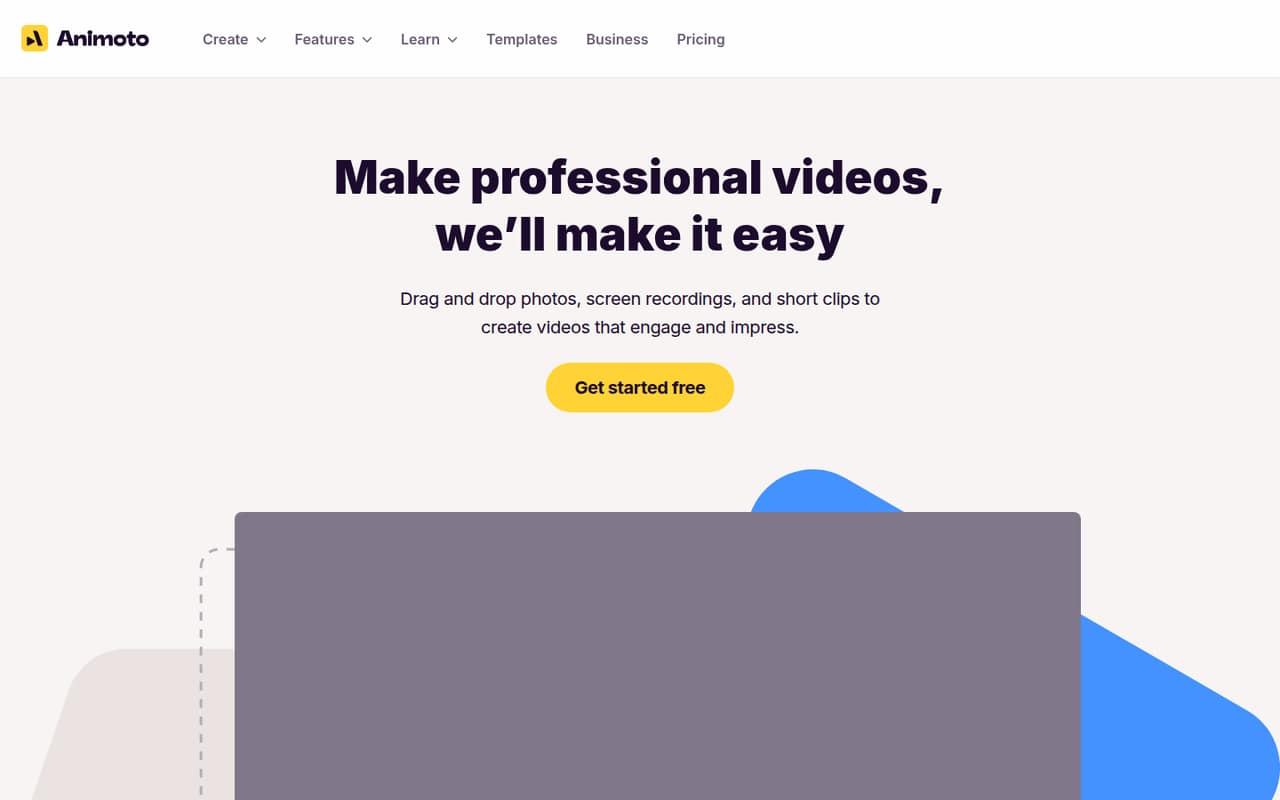
Animoto is browser-based video software for making videos from photos, clips, and screen recordings. Its drag-and-drop editor, templates, stock media, voice-over, and branding tools suit small teams that need simple marketing or training videos without a dedicated editor.
The free plan lets one person make unlimited 720p videos, but exports carry a watermark. Paid plans remove it, while Professional Plus includes three users; extra-seat pricing isn’t published. Reddit comments include both praise for easy video creation and complaints about renewals and refunds.
Good fit if
- Solo marketers making social videos
- Small teams creating branded clips
- Teams that want browser-based editing
Skip it if
- Teams needing watermark-free free exports
- Groups that need clear seat pricing
- Editors seeking advanced production controls
ScoresHow it rates
What works
- Free plan allows unlimited video creation
- Drag-and-drop editing keeps the workflow approachable
- Templates cover social and advertising projects
- Getty Images stock media is included on paid plans
- Professional Plus includes three users
What doesn't
- Free exports include an Animoto watermark
- Free plan is limited to 720p
- Basic and Professional are single-user plans
- Professional Plus extra-seat pricing isn’t published
- Reddit users report renewal and refund disputes
01Who Animoto is for
Animoto fits a solo marketer or a small team of up to a few people that needs polished videos without a complicated editing workflow. It’s browser-based software for turning photos, clips, and screen recordings into videos using templates and drag-and-drop tools. You can add music or a browser-recorded voice-over, and paid plans add stock media and saved branding features.
For a team watching its budget, the free plan is a low-risk way for one person to create videos, as long as 720p exports and a watermark are acceptable. If you need watermark-free HD, Basic is the entry paid plan, but it covers one user. A three-person team gets three seats with Professional Plus. Animoto is less compelling if you need several seats at a predictable price, advanced production tools, or a published cost for every additional user.
02Animoto free plan and trial
Animoto’s Free plan costs $0 and includes one user, unlimited video creation, 720p resolution, and 50 licensed music tracks. The catch is that exports include an Animoto watermark, so it’s better for trying out the workflow or making informal clips than for polished client-facing work.
A separate free trial isn’t listed. The cheapest paid option is Basic, at $19 per month or $9 per month when billed annually. It includes one user, 1080p HD resolution, unlimited video creation and downloads, and no watermark. Before choosing annual billing, check the checkout terms: Reddit users have reported disputes about recurring charges and refunds.
03What a small team pays for Animoto
Basic costs $19 monthly for one user, or $9 per month billed annually ($108 for the year). Professional is $29 monthly or $19 per month billed annually ($228 for the year), also for one user. It adds 4K exports, more than one million Getty Images photos and videos, 3,000 licensed music tracks, one saved brand, and three saved templates.
For three people, Professional Plus is the plan with seats included: $79 monthly or $39 per month billed annually ($468 for the year). That works out to about $26 per seat monthly or $13 per seat per month on annual billing. A five-person team would need two additional seats, but Animoto doesn’t publish their price, so the total isn’t clear. Professional Plus also includes shared workspace, timestamped comments, 10 saved brands, and 25 saved templates. Compare the full annual commitment with monthly billing before you choose.
04Getting started with Animoto
Animoto is browser-based, and its drag-and-drop workflow is designed around uploading, cropping, merging, and arranging clips and pictures. A small team can start with a template, add its media, then use music, voice-over, or branding features as needed. Screen and webcam recording are also listed features, so a basic video workflow can happen in the browser.
The listed capabilities don’t specify which integrations are available. If your team needs to connect a particular storage, publishing, or collaboration tool, confirm that with Animoto before signing up. A Reddit commenter described Animoto as easy to set up, while another said Canva was easy to use for simple social videos. Those are individual opinions, not a promise that every team will have the same learning curve.
05When small teams outgrow Animoto
The first ceiling is the free plan’s watermark and 720p output. Basic removes the watermark and raises resolution to 1080p, but it’s limited to one user. Professional adds 4K exports and more branding and media, yet it also covers only one user. A team that needs shared work or several accounts will likely look at Professional Plus, which includes three seats.
A growing team can add Professional Plus seats, but the extra-seat price isn’t published, making a five-person budget hard to pin down. Teams may also outgrow the template-led approach if they need more advanced editing controls or integrations; confirm those requirements with Animoto before buying. Reddit users report concerns about recurring billing and difficulty getting refunds. One thread also includes praise for Animoto’s ease of use, so sentiment is mixed rather than uniformly negative.
From the threadsWhat users say
Reddit comments show that some users find Animoto easy to set up and useful for basic videos. Other commenters describe unwanted renewals and refund disputes, so we’d pay close attention to billing terms.
Man Animoto seems great and easy to setup
yeah it's basic facebook ads for products they may have I just found something called Canva and its sooooo good
they will leave ON an automatically renewal policy without amny notification
Fraud/scam. My wife signed up to make a funeral slideshow as she was grieving the loss of a grandparent
Questions people ask
What is Animoto used for?
Animoto is browser-based video creation software. It lets users make videos from photos, screen recordings, and clips, using templates and drag-and-drop editing. Features include stock media, music, browser-recorded voice-over, and saved branding tools for marketing, company communications, and training videos.
Does Animoto have a free plan?
Yes. The Free plan includes one user, unlimited video creation, 720p resolution, and 50 licensed music tracks. Exports include an Animoto watermark. A separate free trial isn’t listed, so check Animoto’s current signup options if you want to know whether a trial is available.
How much does a two-minute Animoto video cost?
Animoto’s listed plans are priced by subscription, not by video length. The Free plan is $0. Basic starts at $19 monthly or $9 per month billed annually; it includes one user and watermark-free 1080p exports. The pricing listed doesn’t set a separate price for a two-minute video.
Can a team share an Animoto workspace?
Professional Plus includes three users and a shared workspace with timestamped comments. It costs $79 per month or $39 per month billed annually. Additional seats are available, but Animoto doesn’t publish their price. Basic and Professional list one user each.
How do I cancel Animoto, and does it renew automatically?
Reddit users report unexpected recurring charges and disputes about refunds. Review the renewal terms during checkout and keep a record of your plan and billing details. The available plan information doesn’t specify cancellation steps, so check your account or contact Animoto for its current process before subscribing.