We may earn a commission if you buy through links on this page. It never changes a score or a ranking. How we make money
A small team may not need a dedicated video marketing platform: if you only make occasional clips, a simple editor may be enough. If you need branded hosting, engagement tracking, video outreach, or a library people can search, a specialist tool can earn its subscription. Headliner and Animoto are approachable starting points for clips, while Wistia, Vidyard, and Dubb add business or sales workflows. Several tools have free plans, but seat limits and team pricing aren’t always clear. Check the cost for every user who needs access before you commit.
Quick picksThe shortlist
 HeadlinerHeadlinerBest for small teams · $7.99/mo
 AnimotoAnimotoBest for simple clips · $9/mo
 WistiaWistiaBest for video marketing · $79/mo
 VidyardVidyardBest for sales teams · $59/mo
 DubbDubbBest for video outreach · $42/mo
 VidalyticsVidalyticsBest for conversion tracking · $19/mo
 RiplRiplBest for branded posts · $12.99/mo
 KinescopeKinescopeBest for protected video · Free
 DacastDacastBest for live events · $39/mo
 SearchieSearchieBest for member libraries · $41/mo
 PromoPromoBest for social scheduling · $29/mo
 PlayPlayPlayPlayBest for approval workflows · Custom
 ThankViewThankViewBest for fundraising videos · $250/mo
 KalturaKalturaBest for video programs · $19/mo
 PanoptoPanoptoBest for training libraries · Custom
 CovideoCovideoBest for dealership teams · Custom
 PlayablePlayableBest for interactive campaigns · Custom
 OpenReelOpenReelBest for remote interviews · Custom
 BrightcoveBrightcoveBest for large libraries · Custom
 JW PlayerJW PlayerBest for video publishers · Custom
01Compared at a glance
| Tool | Score | From | Free plan | Trial |
|---|---|---|---|---|
| HeadlinerHeadliner | 7.2 | $7.99/mo | Yes | — |
| AnimotoAnimoto | 6.8 | $9/mo | Yes | — |
| WistiaWistia | 7.1 | $79/mo | Yes | — |
| VidyardVidyard | 6.8 | $59/mo | Yes | 14 days |
| DubbDubb | 7.0 | $42/mo | Yes | 7 days |
| VidalyticsVidalytics | 6.8 | $19/mo | Yes | 14 days |
| RiplRipl | 6.0 | $12.99/mo | No | 7 days |
| KinescopeKinescope | 6.7 | Free | Yes | — |
| DacastDacast | 6.5 | $39/mo | No | 14 days |
| SearchieSearchie | 6.5 | $41/mo | No | — |
| PromoPromo | 6.3 | $29/mo | No | — |
| PlayPlayPlayPlay | 6.2 | Custom | No | 7 days |
| ThankViewThankView | 6.2 | $250/mo | No | 14 days |
| KalturaKaltura | 5.8 | $19/mo | No | 14 days |
| PanoptoPanopto | 5.8 | Custom | No | — |
| CovideoCovideo | 5.8 | Custom | No | — |
| PlayablePlayable | 5.8 | Custom | No | — |
| OpenReelOpenReel | 6.1 | Custom | No | 14 days |
| BrightcoveBrightcove | 5.0 | Custom | No | — |
| JW PlayerJW Player | 5.4 | Custom | No | — |
02The picks, in detail
- Best for small teamsHeadlinerHeadliner
Headliner is our best starting point for a small team focused on podcast clips, captions, audiograms, or transcripts. The listed starting price is $7.99, and a free plan is available. Its use case is narrower than a full video platform, so ask about seat limits and paid-plan features before inviting the whole team.
What works
- Free plan includes two transcription hours monthly
- Transcribes podcasts in over 100 languages
- Basic includes unlimited captions
What doesn't
- Free videos are limited to ten minutes
- Free transcription stops at two hours monthly
- Basic limits unwatermarked audiograms to ten monthly
- Best for simple clipsAnimotoAnimoto
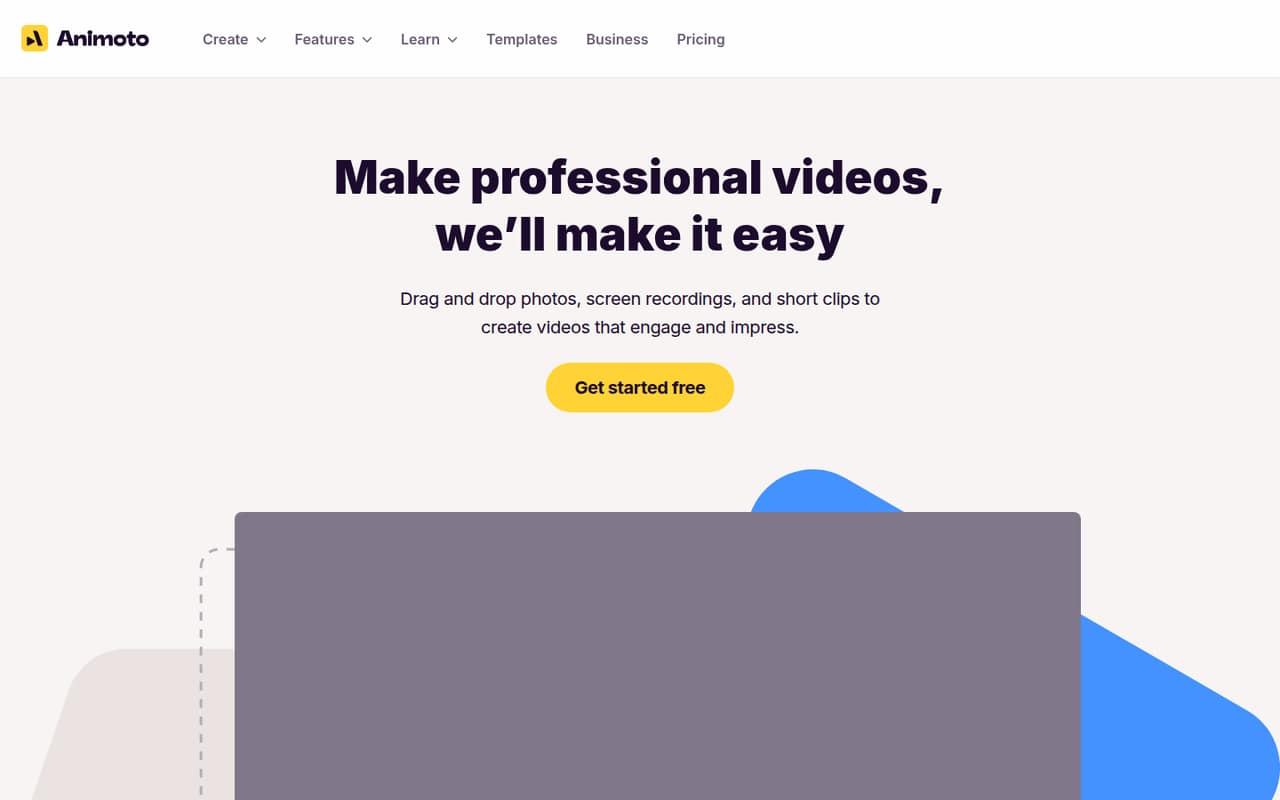
Animoto suits solo marketers and small teams that want browser-based, template-led branded clips. The listed starting price is $9, with a free plan; free exports are watermarked. That makes it easy to try before paying, but check how team seats are priced and whether the watermark removal you need is included in the plan.
What works
- Free plan allows unlimited video creation
- Drag-and-drop editing keeps the workflow approachable
- Templates cover social and advertising projects
What doesn't
- Free exports include an Animoto watermark
- Free plan is limited to 720p
- Basic and Professional are single-user plans
- Best for video marketingWistiaWistia
Wistia is a stronger match when marketing videos need branded hosting, engagement tracking, or webinars. The pricing lists a free plan and a starting price of $79. A small team should check the price per additional seat and which plan includes the features it needs; the published pricing summary does not establish a few-seat total.
What works
- Free plan includes 25 GB storage
- Ad-free video player
- Video hosting and webinars in one platform
What doesn't
- Free plan is limited to one user
- Free videos include Wistia branding
- Paid plans are listed with annual billing
- Best for sales teamsVidyardVidyard
Vidyard fits sales teams that want video engagement tracking, shared video organization, or a free way for a solo rep to try video outreach. Its listed starting price is $59, and it has a free plan. Paid seats can stretch a small-team budget, so ask for the total price for everyone who needs access.
What works
- Free plan includes limited AI and recorded videos
- Starter includes unlimited recording length
- Starter lists full video analytics
What doesn't
- Starter costs $59 per seat monthly, billed annually
- Monthly billing prices are not published
- Teams pricing is custom
- Best for video outreachDubbDubb
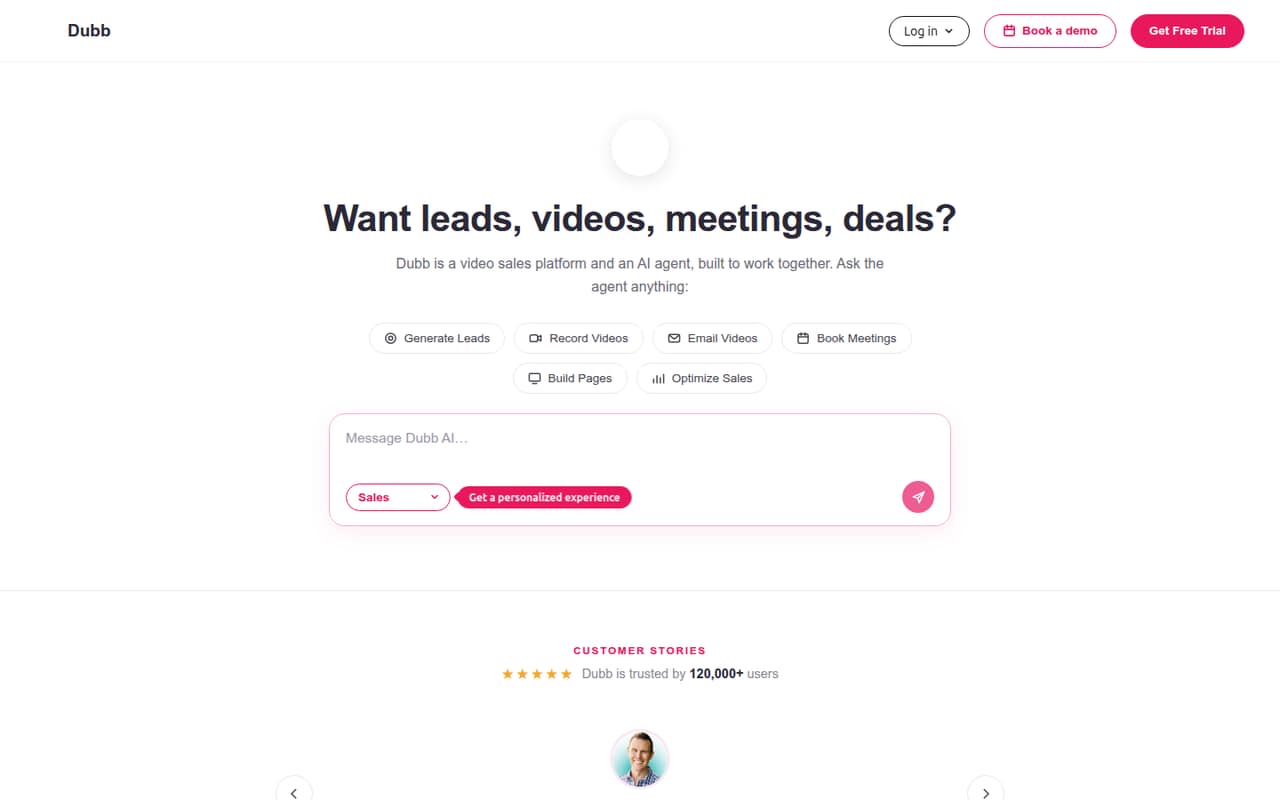
Dubb is worth considering if video outreach is part of your sales process and you want CRM and video together. A free plan is listed, with a starting price of $42. It is less compelling for occasional recordings, so map the features you will actually use and confirm whether each teammate needs a paid seat.
What works
- Free Starter plan includes 25 SD videos
- Tracks watch percentages and CTA clicks
- Branded pages can include interactive calls-to-action
What doesn't
- Starter uploads are limited to 25MB
- Pro costs $59 per user monthly without annual billing
- Pro Plus is a steep jump in per-seat cost
- Best for conversion trackingVidalyticsVidalytics
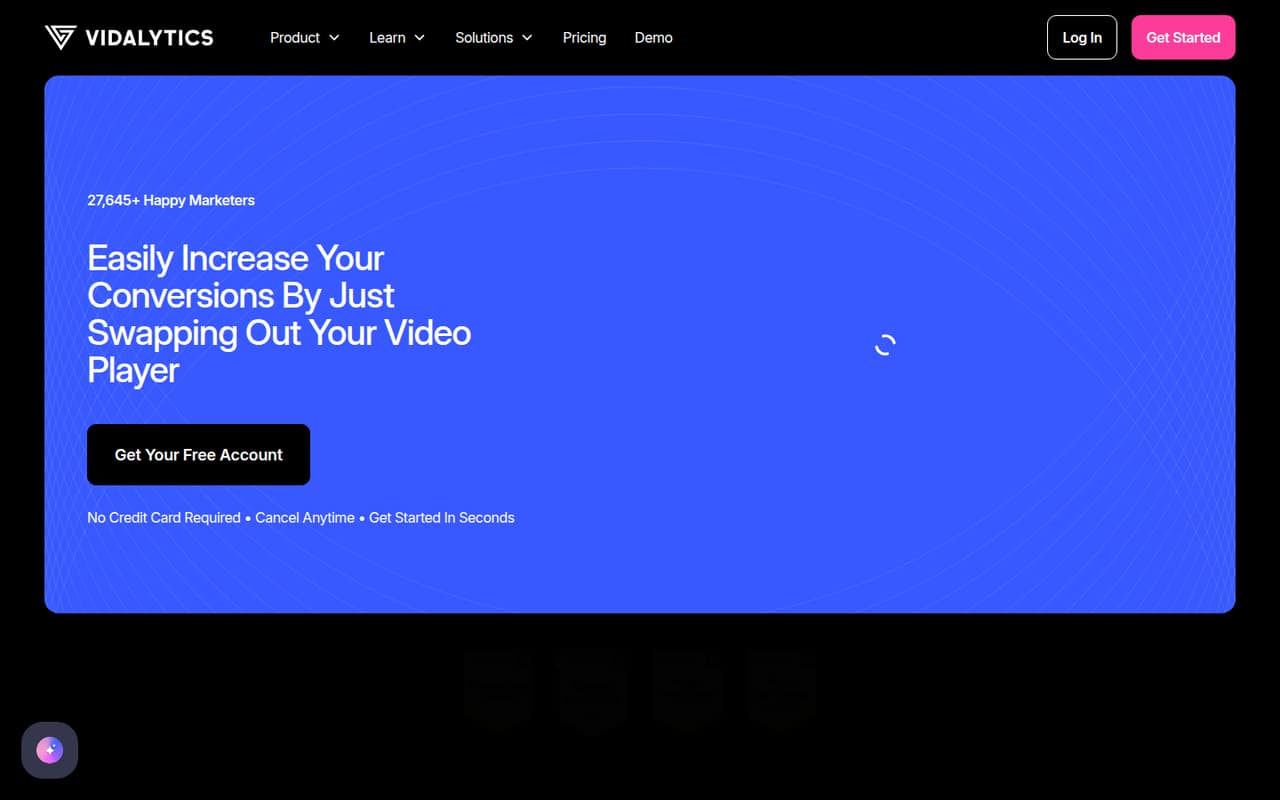
Vidalytics is aimed at teams measuring video conversions, testing content, or capturing leads through video. The listed starting price is $19, and a free plan is available. Seat limits aren’t clear in the published pricing summary, so ask the vendor for a quote covering your team and confirm which conversion features are included.
What works
- Free plan is listed as free forever
- Tracks where viewers convert
- Heatmaps show skips and rewinds
What doesn't
- Free plan has fewer analytics metrics
- Seat limits for most plans aren't listed
- Trial features aren't specified
- Best for branded postsRiplRipl
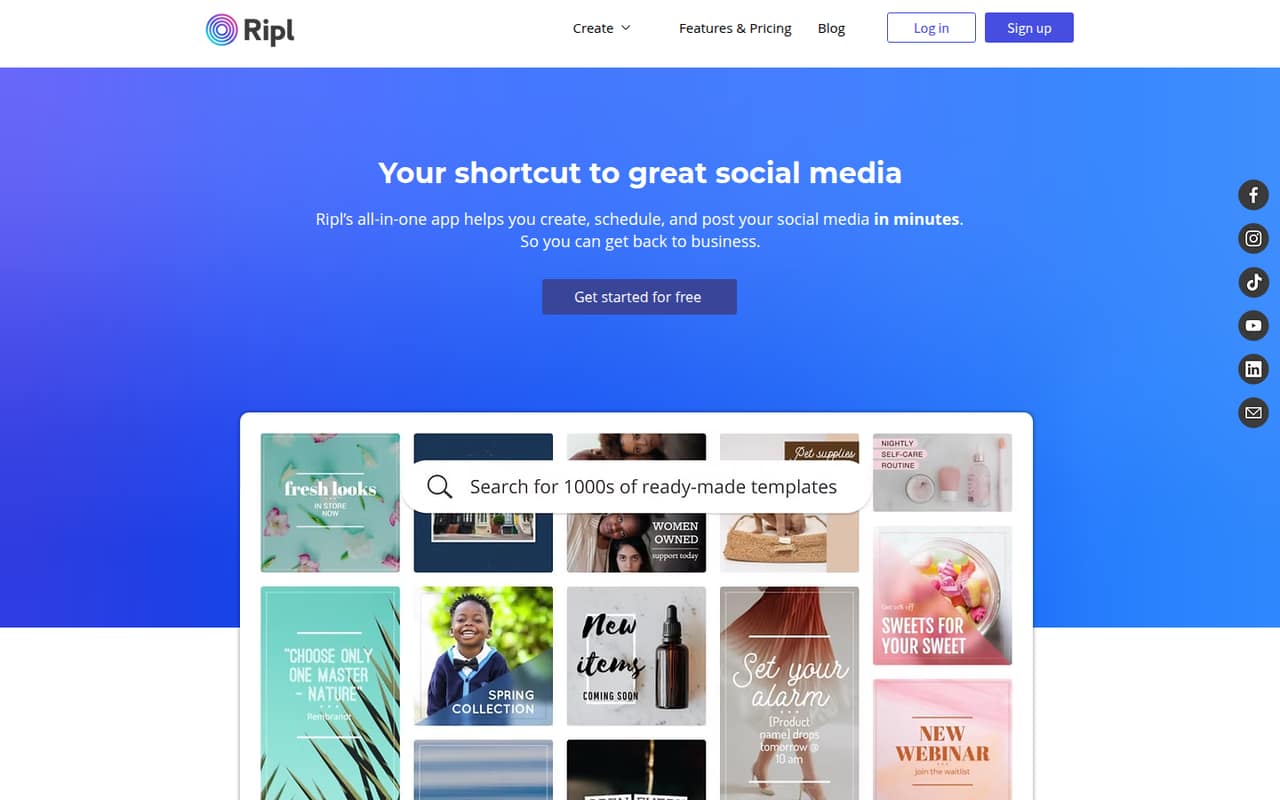
Ripl focuses on branded social posts and simple videos, including work across multiple brands. Its listed starting price is $12.99. A free plan and seat limits aren’t listed, so ask what a few users will pay and whether each brand or social account changes the price before building it into a recurring budget.
What works
- Create posts with photos, videos, logos, and branding
- Templates cover promotions and product announcements
- Scheduling and posting are included features
What doesn't
- No free plan is listed
- The free trial lasts seven days
- Annual prices are not published
- Best for protected videoKinescopeKinescope
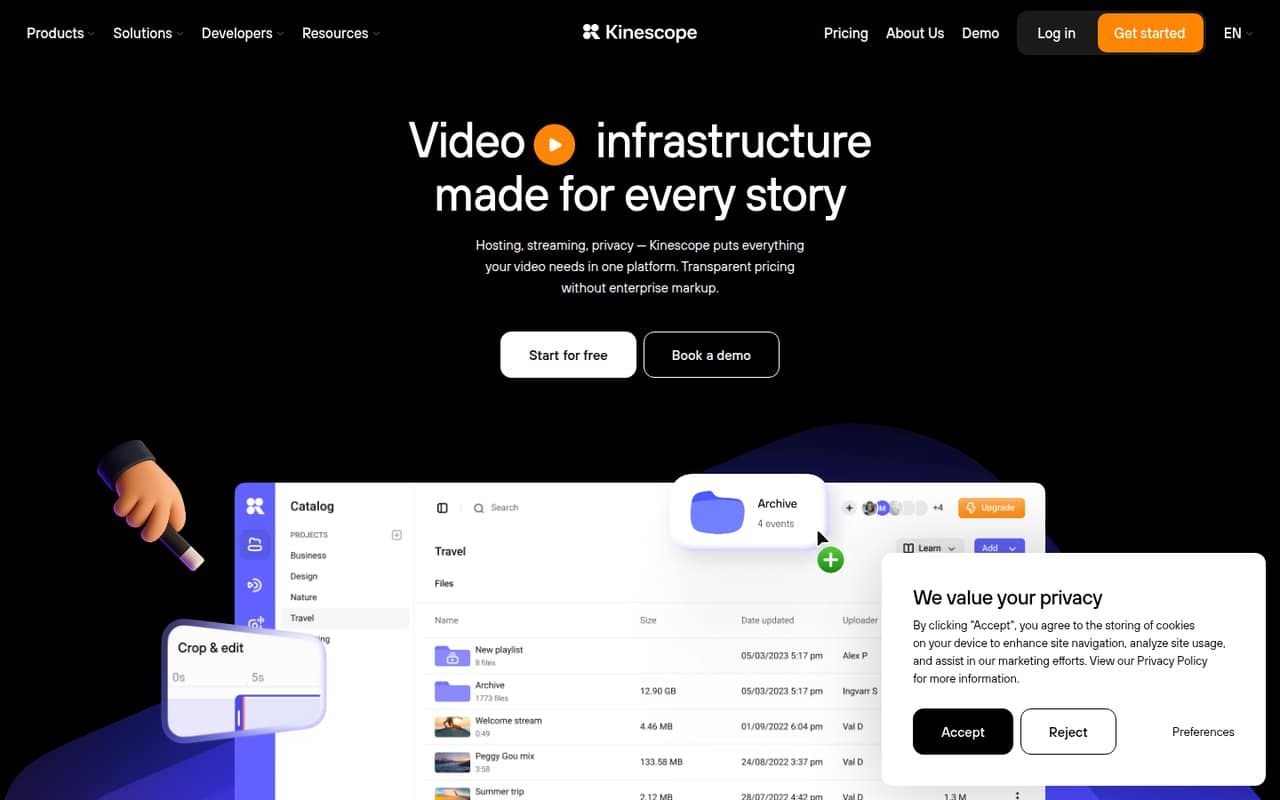
Kinescope may suit a small team that publishes protected video, embeds it in a product, or needs live streams. A free plan is listed, but there is no published starting price in the published pricing summary. Check how seats are counted and ask for a paid-plan estimate before relying on the free tier for a team workflow.
What works
- Free forever plan includes 100 minutes of video
- Free plan includes 200 GB per month
- Ad-free, customizable player supports 4K
What doesn't
- Free plan's core features aren't itemized
- Vendor doesn't publish per-seat pricing
- Annual price isn't published
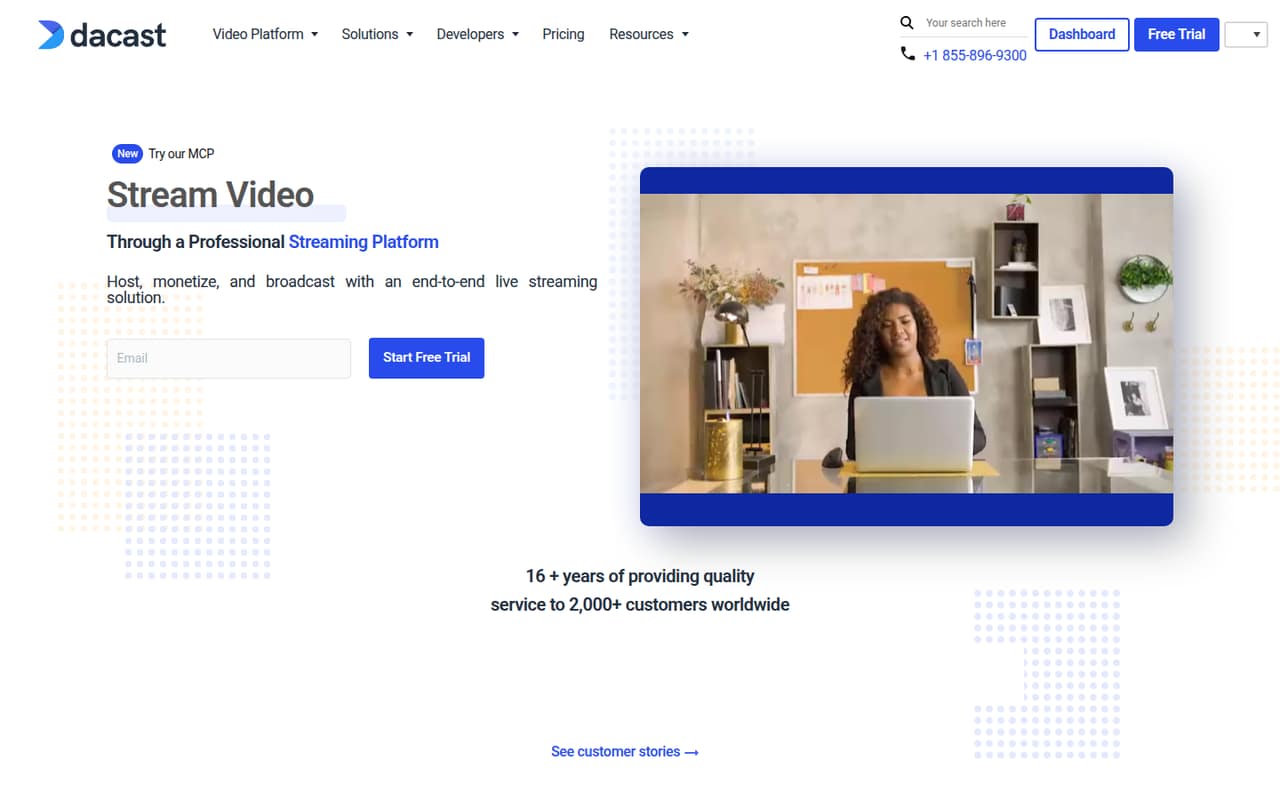
- Best for live eventsDacastDacast
Dacast is a candidate for organizations that need live streaming, video on demand, or video monetization. The listed starting price is $39. Seat counts and billing details need confirmation before signing up, so ask for a quote based on your team size and event needs rather than assuming the starting price covers every user.
What works
- Supports live and on-demand video
- Includes video monetization tools
- Offers live transcoding channels
What doesn't
- No free plan
- Monthly price listings conflict
- Included seats aren't clear for standard plans
- Best for member librariesSearchieSearchie
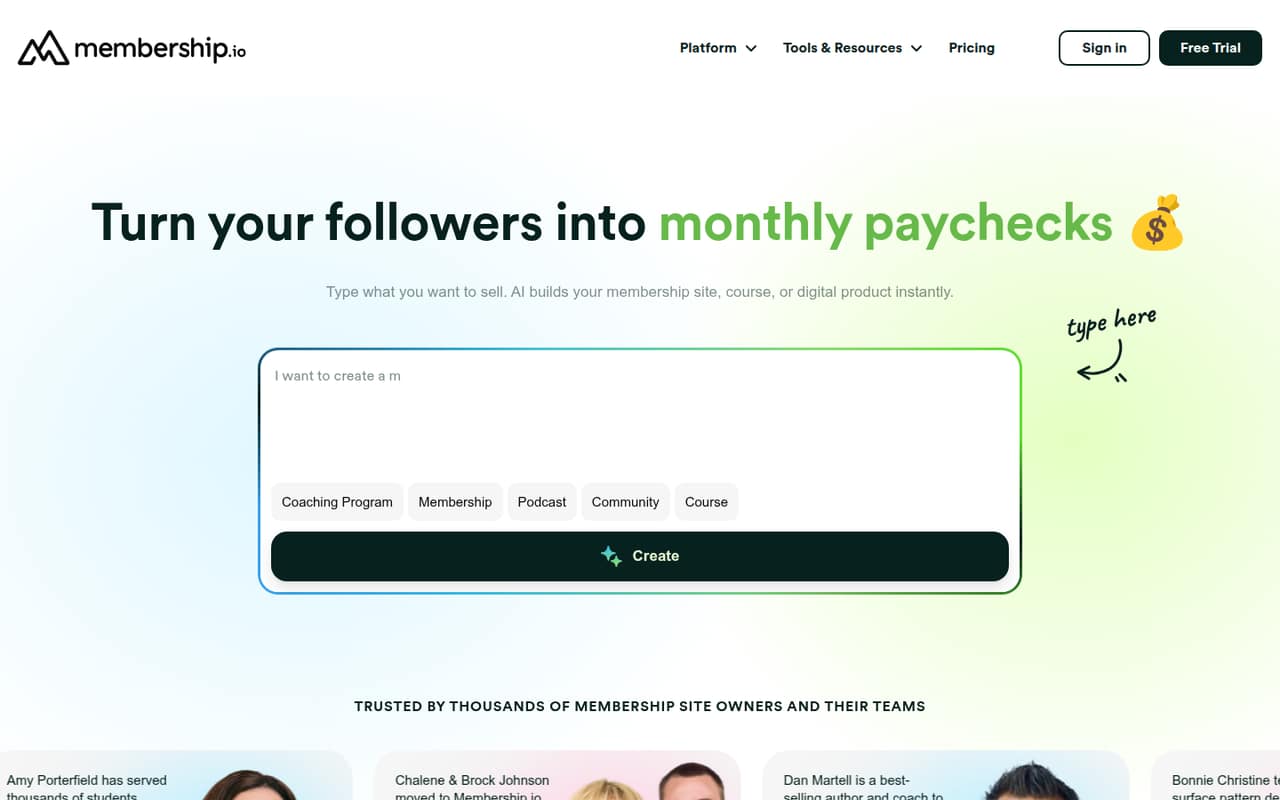
Searchie is built for creators selling memberships or courses and teams that want branded member hubs and searchable content libraries. Its listed starting price is $41. It may be harder to justify for a team with simpler video needs; ask whether the plan fits your library and how many teammates can manage it.
What works
- Start includes unlimited members and content playlists
- AI Content Library is included on Start
- Grow includes personalized content and automations
What doesn't
- No free plan or free trial is listed
- Monthly prices are not published
- Start’s team-seat allowance is not listed
- Best for social schedulingPromoPromo
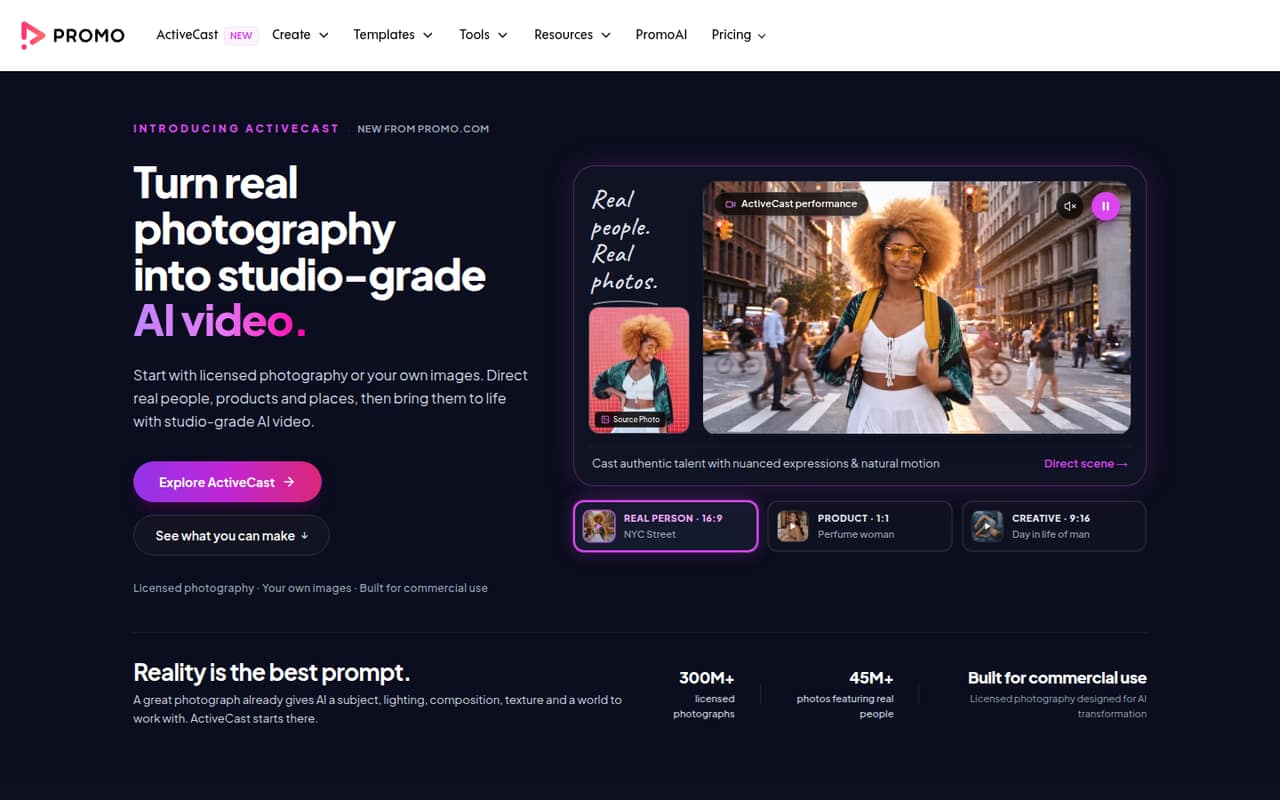
Promo brings branded video creation and social publishing together, with stock media for marketers making regular content. The listed starting price is $29, and there is no free plan. Small teams pay per seat, so calculate the cost for everyone creating or scheduling videos before deciding whether combining those tasks is worth it.
What works
- Combines video editing and social publishing
- Includes Getty Images and iStock media
- Offers AI video creation on Standard and Pro
What doesn't
- No free plan or free trial is listed
- Basic includes no PromoAI videos
- Monthly billing costs more than annual billing
- Best for approval workflowsPlayPlayPlayPlay
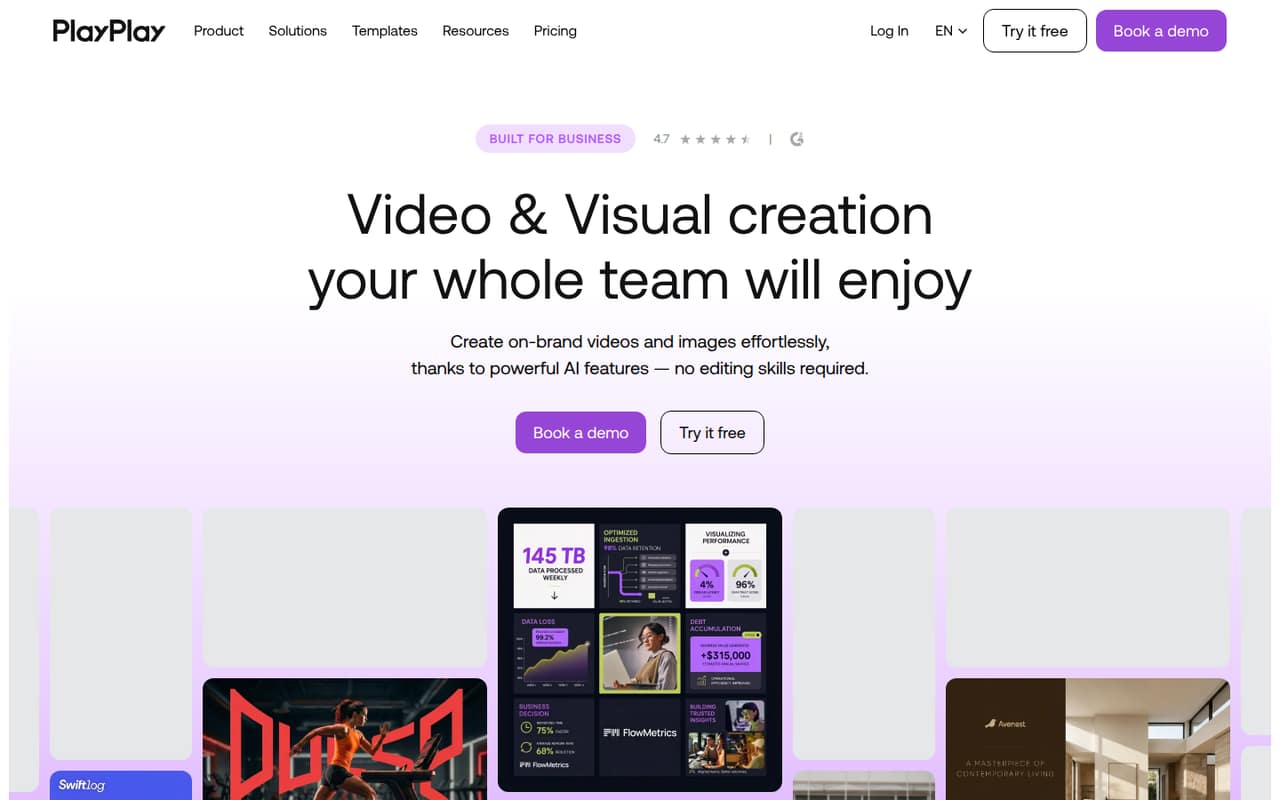
PlayPlay is aimed at teams producing business videos regularly and coordinating visual assets and approvals. The published pricing summary lists no ongoing free plan and no published subscription price. That makes it difficult to compare with a fixed small-team budget; ask for a quote and clarify what setup and approval workflows the plan includes.
What works
- AI tools cover video, copy, images and voice-overs
- Templates address social, HR, sales and company updates
- Brand controls save logos, colors and fonts
What doesn't
- No ongoing free plan is listed
- Subscription price requires a custom quote
- Seat limit for subscriptions isn’t published
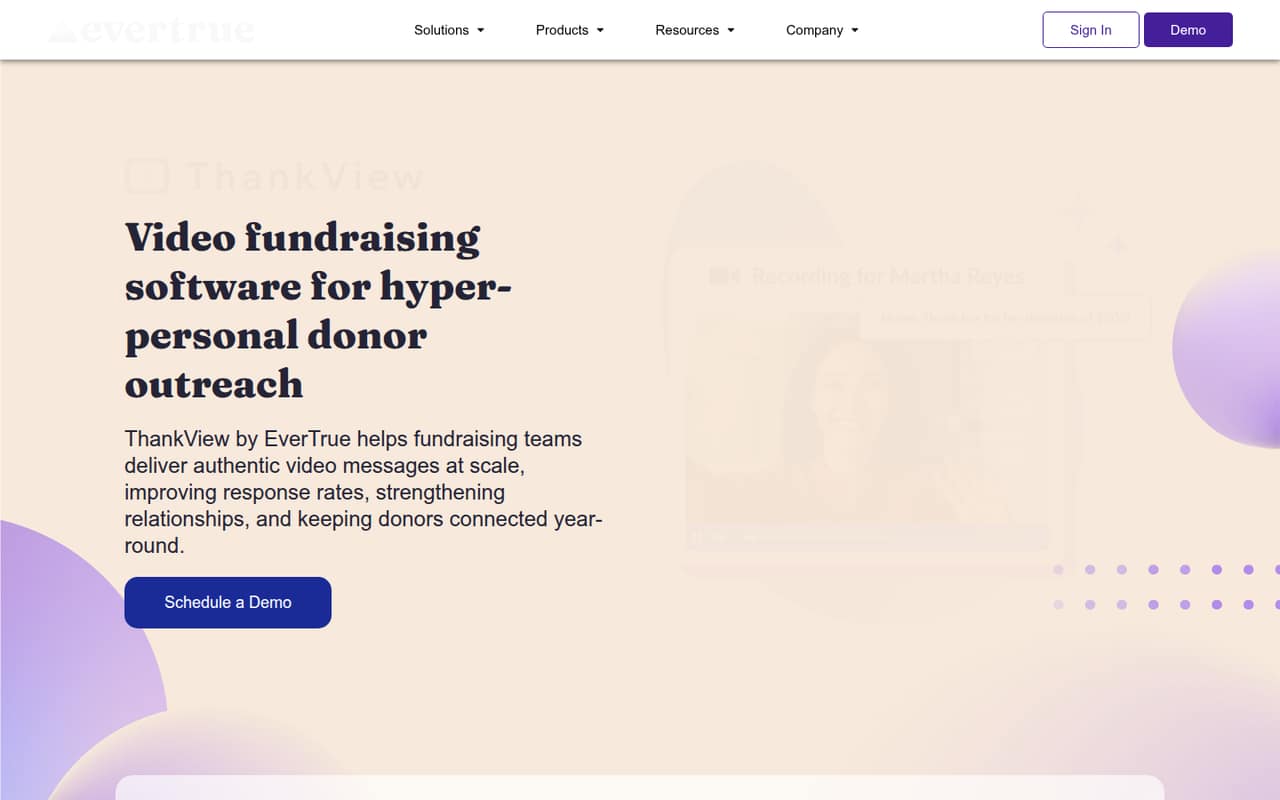
- Best for fundraising videosThankViewThankView
ThankView is designed for fundraising teams using donor videos and coordinating stewardship campaigns, with a stated fit for groups with up to 1,000 contacts. Its listed starting price is $250 per month. That is a substantial commitment for a small team, so it makes most sense when donor-video workflows are central to your work.
What works
- Record or upload videos from any device
- Personalize names, captions, landing pages, and segments
- Send through email, text, or shareable links
What doesn't
- No free plan
- Starter and Pro prices use annual pricing
- Monthly prices are not published
- Best for video programsKalturaKaltura
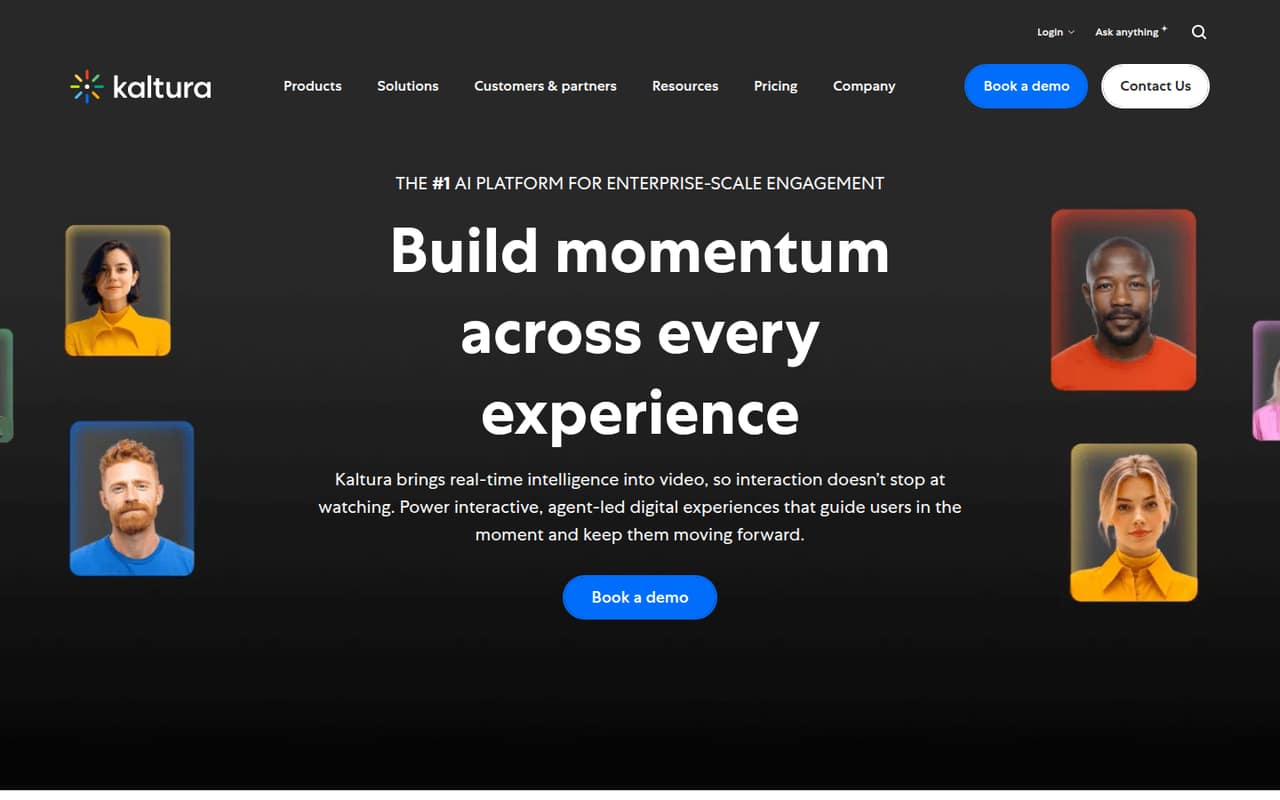
Kaltura offers a broad fit for recurring video events, video portals, and university content management. Its listed starting price is $19, but the published summary does not clarify seat costs or which features come at that price. A small team with simple needs may find the breadth unnecessary; request a quote tied to your actual workflow.
What works
- Supports events, webinars, portals, and video management
- Agentic Avatars use approved organizational content
- Avatars can respond with video, visuals, or text
What doesn't
- No free plan is listed
- Broader enterprise platform pricing is unclear
- Standard Classroom limits sessions to 10 participants
- Best for training librariesPanoptoPanopto
Panopto is suited to organizations building searchable video training libraries or capturing lectures and shared knowledge. The vendor does not publish a starting price in the published pricing summary, making it hard to budget for a small team. Ask for a quote and confirm what library, search, and user needs are included.
What works
- Searchable library for recorded knowledge
- AI-powered search, summaries, and navigation
- Built-in captions and transcripts
What doesn't
- No listed free plan
- Starting price is not published
- Monthly and annual rates are not published

- Best for dealership teamsCovideoCovideo
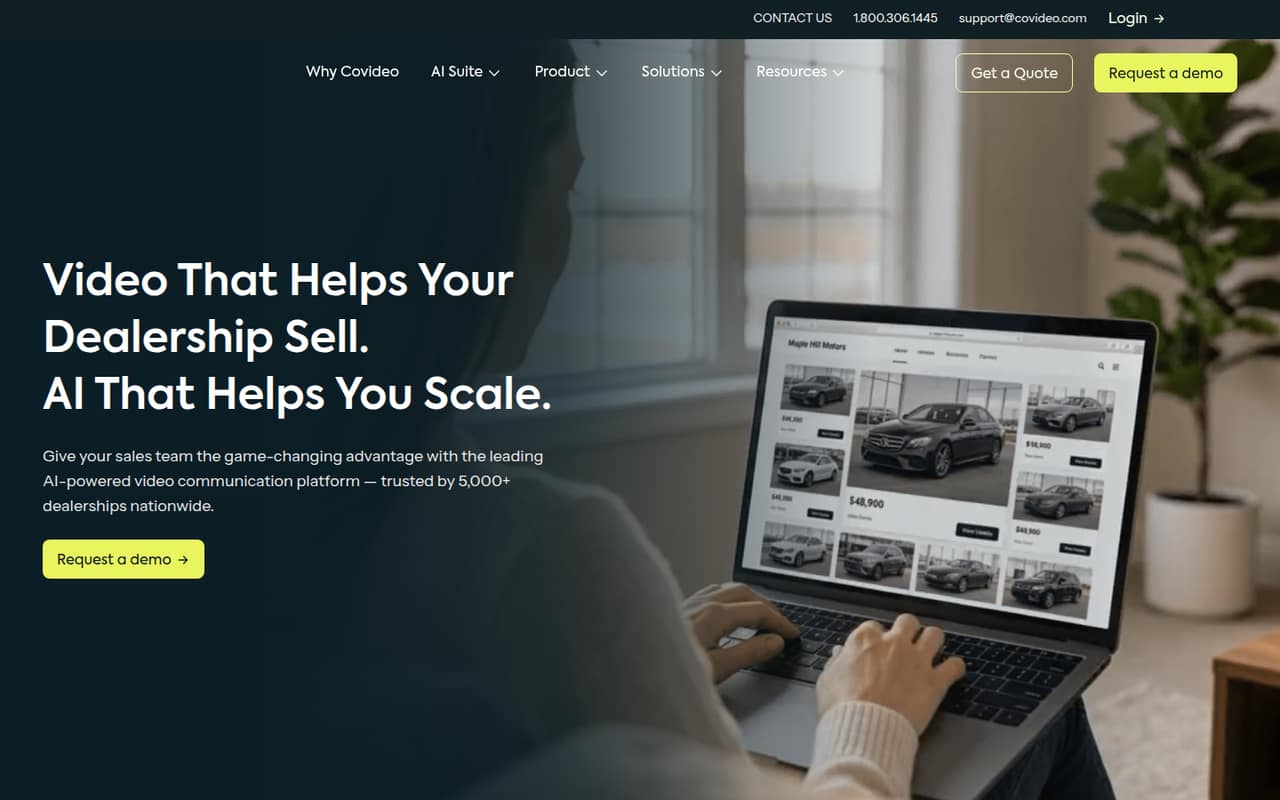
Covideo is particularly relevant to dealership sales teams and service teams sharing repair recommendations, with viewer insights as part of its fit. The vendor uses custom pricing, so a small team cannot estimate its cost from a published starting price. Ask for a quote based on your team size and the workflows you need.
What works
- Record personalized videos on mobile or desktop
- Share videos through email, text, CRM, or social media
- See who watches and for how long
What doesn't
- No free plan is listed
- Monthly and annual prices are not published
- Seat limits are not published
- Best for interactive campaignsPlayablePlayable
Playable is aimed at marketers running interactive campaigns, collecting zero-party data, and planning campaign volume. It offers more than 40 game types, but the vendor does not publish pricing in the published summary. Get a quote and ask how campaign volume affects cost before comparing it with simpler video tools.
What works
- More than 40 game types
- Unlimited campaigns listed on every plan
- Essentials includes one user
What doesn't
- Monthly and annual prices aren't published
- No free plan is listed
- Trial availability isn't published
- Best for remote interviewsOpenReelOpenReel
OpenReel is a fit for branded remote interviews, teleprompter use, and teams needing production support. The vendor does not publish a starting price in the published pricing summary. That makes it a tougher budget choice for a small team; ask for a quote and clarify which production support is included.
What works
- Remote recording supports up to 4K on compatible devices
- Includes branded templates, color correction, and logo placement
- Cloud storage supports public or private sharing
What doesn't
- The vendor doesn't publish plan prices
- No free plan is listed
- Reddit users report bugs and troubleshooting
- Best for large librariesBrightcoveBrightcove
Brightcove is positioned for large video libraries, monetized video, and live events. The vendor does not publish a starting price in the published summary, and setup is unclear, which makes it difficult to assess for a small team. Request a quote and ask what implementation work and ongoing support your use case requires.
What works
- Covers live and on-demand video
- Includes library management and analytics
- Supports ads, subscriptions, and transactions
What doesn't
- No free plan or published trial
- Studio prices require a custom quote
- Seat and usage limits are not published
- Best for video publishersJW PlayerJW Player
JW Player is aimed at media publishers and teams delivering live and on-demand video or using ad tools. The vendor does not publish a starting price in the published summary. It is not an easy low-cost choice for teams that need clear pricing, so request a quote and confirm the price for your users and delivery needs.
What works
- Supports live and on-demand video delivery
- Express lists capped delivery allowances
- Publishing plans include ad-revenue metering
What doesn't
- No free plan is listed
- Monthly and annual prices are unpublished
- Per-seat costs are not published
03How we chose
We ranked these tools for teams of one to ten, weighing whether a free plan can cover a real first use, the listed starting price, the likely cost of adding seats, and the work needed to fit the tool into a small team’s workflow. We also considered plan limits, vendor documentation, and Reddit sentiment as useful context—not substitutes for published pricing. When seat totals or setup requirements are unclear, we say so and recommend questions to ask the vendor rather than guessing.
04Check the real cost for your team
A starting price rarely tells you what a few teammates will pay. Promo’s listed starting price is $29 and its summary says small teams pay per seat; Vidyard’s paid seats can also stretch a budget. For other tools, the number of included users or the added-seat price may not be clear. Ask the vendor for a quote covering every person who needs to create, review, publish, or manage videos, and confirm whether billing is per user, account, or usage. Check what the free plan actually permits, too: Animoto’s free exports are watermarked, while some other free plans have no limits listed in the available summary. If a tool has no free plan or published price, get the full cost before spending time setting up a workflow.
05Match the tool to the work you need done
Start with the job, not a long feature checklist. For podcast clips and captions, Headliner has a focused use case; for template-led branded clips, Animoto is a straightforward candidate. Sales teams can compare Vidyard and Dubb, while Wistia is a better fit to investigate for branded hosting, engagement tracking, or webinars. Training libraries, member hubs, live events, and fundraising each point to a different set of tools. Before choosing, ask what setup the workflow requires, who needs to approve or publish content, and whether the plan covers those users. A growing team should also check how the tool handles a larger library, more seats, or more regular publishing. If those future costs or limits are unclear, get them in writing before making the tool part of your process.
Questions people ask
Which video marketing software has a free plan?
The listed options with free plans are Wistia, Animoto, Headliner, Vidyard, Dubb, Vidalytics, and Kinescope. Free-plan limits aren’t fully specified in the published summaries. Animoto’s free exports are watermarked, so check the vendor’s plan details before using free exports in a campaign.
What is the cheapest video marketing software?
Among tools with a listed starting price, Animoto starts at $9 and Headliner at $7.99. A low starting price does not establish the total cost for several people. Confirm seat pricing, included features, and billing terms with the vendor before comparing plans.
Which tool is best for sales video outreach?
Vidyard and Dubb are both positioned for sales video. Vidyard highlights engagement tracking and shared video organization; Dubb combines video with CRM features. Both have free plans listed, but paid seat costs can affect a small-team budget, so ask each vendor for a total based on your number of users.
When should a small team move beyond a free plan?
Consider a paid plan when the free tier blocks a needed workflow, such as removing a watermark, adding teammates, or using a specific business feature. Check the vendor’s current limits and paid-seat price first. The available summaries do not establish the full limits for each free plan.