
We may earn a commission if you buy through links on this page. It never changes a score or a ranking. How we make money
The bottom line
A capable Ray platform for distributed AI, with costs tied to GPU hours rather than seats.
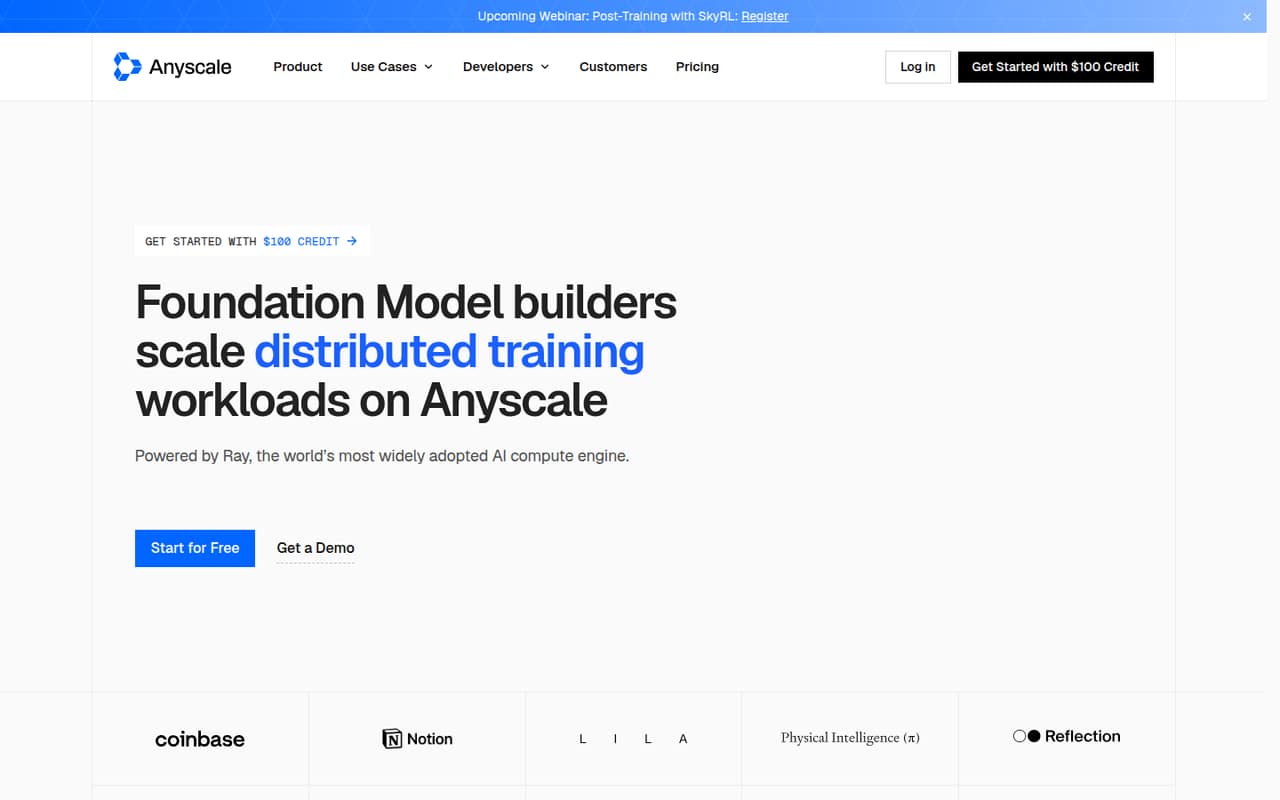
Small teams only need Anyscale if their AI workloads outgrow a simpler single-machine setup. It runs distributed training, data pipelines, embeddings, and inference on GPU clusters across clouds, regions, and Kubernetes clusters.
A free plan is listed, but its allowances aren't published. Paid use has no fixed monthly fee: CPU and GPU compute is billed hourly, and committed-contract pricing is custom. Budget by expected compute hours, not headcount.
Good fit if
- AI teams running distributed workloads
- Teams pooling GPUs across clouds
- Data teams generating embeddings at scale
Skip it if
- Teams with no GPU workloads
- Buyers needing a fixed monthly price
- Small teams wanting a published free allowance
ScoresHow it rates
What works
- Supports distributed training and inference workloads
- Runs across AWS, GCP, and Azure
- Can pool GPUs across clouds and regions
- Pay-as-you-go has no fixed monthly fee
- Committed contracts offer volume discounts
What doesn't
- Free-plan allowances aren't published
- GPU rates can make bills hard to forecast
- Committed-contract prices require a sales conversation
- H/B/GB GPU-family pricing requires contacting sales
- No per-seat or annual price is listed
01Who Anyscale Platform is for
Anyscale Platform is for teams whose AI work needs more compute than a single machine can comfortably handle. It is built on Ray, the open-source compute engine, and supports distributed training, multimodal data preparation, batch embeddings, and inference. Workloads can run across GPU clusters, clouds, regions, and Kubernetes clusters.
For a team of one to ten, the case is strongest when several people share infrastructure for substantial data or model workloads. A small team doing occasional experiments may find the operational scope and GPU bills hard to justify. The platform supports AWS, GCP, Azure, Nebius, and CoreWeave, so it can suit teams with an existing cloud footprint or a need to use more than one provider. We’d treat it as an infrastructure choice, not a general-purpose AI app: the payoff depends on having distributed workloads to run and someone who can manage their compute budget.
02Anyscale Platform free plan and trial
Anyscale lists a free plan, but its pricing page does not publish what the plan includes, its usage limits, or when charges begin. There is no published free-trial duration either. That makes it difficult for a small team to tell whether the free option can handle a real workload or is mainly useful for an initial look.
Ask Anyscale to confirm the free plan’s compute allowance, eligible GPU types, and any account or workspace restrictions before relying on it for production. The cheapest published paid option is Pay as you go: CPU-only compute is listed at $0.0135 per hour, with no fixed monthly fee. GPU compute costs more, starting at $0.5682 per hour for NVIDIA one thread. Pay only for compute used, but check how usage is measured for the workloads you plan to run.
03What a small team pays for Anyscale Platform
Anyscale prices Pay as you go by compute hour, not by seat. The pricing page lists CPU-only at $0.0135/hour, NVIDIA one thread at $0.5682/hour, L4 at $0.9542/hour, A10G at $1.3635/hour, and A100 at $4.9591/hour. There is no fixed monthly fee, but monthly and annual totals depend on how many hours your team uses. Annual plan pricing is not published.
For a simple comparison, if one person runs one hour of L4 compute, that hour costs $0.9542. If three people each run one L4 compute hour, the combined hour costs $2.8626; for five, it is $4.771. These examples assume one hour per person and are not seat prices or monthly totals. Multiply each person’s actual GPU hours by the relevant hourly rate to estimate a bill. Committed contracts offer volume discounts and may use GPU reservations, but pricing is custom. H/B/GB GPU families require contacting sales for pricing.
04Getting started with Anyscale Platform
Anyscale is built on Ray, so a team should expect to work with distributed-computing concepts rather than a simple point-and-click AI tool. The platform’s stated uses include training, data curation, embedding generation, and inference, and it can run across several clouds and Kubernetes clusters. That flexibility can mean more choices to configure and monitor; the exact setup steps and time to first workload are not published in the pricing material.
Before onboarding, decide which cloud or cluster will run the first workload and which GPU type it needs. The product supports AWS, GCP, Azure, Nebius, and CoreWeave; the listed enterprise governance features include access controls, SSO, SAML, SCIM, and audit logs. Confirm which setup steps apply to your account and whether those governance features are available on your intended plan. We can’t verify a specific day-one integration checklist or setup time from published details, so ask for the docs and a workload-specific walkthrough.
05When small teams outgrow Anyscale Platform
Anyscale’s pricing is usage-based, so a growing team may not hit a seat cap, but more GPU hours can raise the bill quickly. The published hourly rates span from $0.0135 for CPU-only compute to $4.9591 for an A100. If usage becomes steady or large, ask about Committed contracts: Anyscale says volume discounts and GPU reservations are available, but it does not publish contract prices.
A different constraint is pricing visibility. The free plan’s allowances are not published, and prices for H/B/GB GPU families require contacting sales. Teams that need a predictable monthly or annual software fee may prefer a tool with public per-seat or fixed-plan pricing. Teams may also outgrow the fit if they no longer need distributed training, data pipelines, or GPU pooling; those are the jobs Anyscale is designed to handle. Before expanding use, compare actual workload hours with the hourly rates and ask for a written estimate for the GPU mix you expect.
Questions people ask
What does Anyscale Platform do?
Anyscale Platform runs data-intensive AI workloads across GPU clusters. Its stated uses include distributed model training, multimodal data preparation, batch embedding generation, and inference. It is built on Ray and can run workloads across clouds, regions, and Kubernetes clusters.
Does Anyscale Platform have a free plan?
Anyscale lists a free plan, but its allowances and limits are not published. A free-trial duration is not listed either. Before using the free plan for a project, ask Anyscale what compute, GPU types, and usage limits it includes.
How much does Anyscale Platform cost?
Pay as you go has no fixed monthly fee and charges for compute used. Published rates include $0.0135 per hour for CPU-only compute, $0.9542 for an NVIDIA L4, and $4.9591 for an A100. Committed-contract pricing is custom and not published.
Does Anyscale Platform charge per user?
The published Pay as you go rates are hourly compute prices, not per-seat prices. Anyscale does not publish a user or seat fee in the pricing details. Estimate costs from expected compute hours, and ask the vendor about any account or contract charges that may apply.
Which clouds does Anyscale Platform support?
Anyscale says the same code can run across AWS, GCP, Azure, Nebius, and CoreWeave. The platform also describes GPU pooling across clouds, regions, and Kubernetes clusters. Ask Anyscale which configurations and GPU types are available for your intended deployment.