
We may earn a commission if you buy through links on this page. It never changes a score or a ranking. How we make money
The bottom line
Good feature coverage and self-hosting options, with setup and licensing questions to settle first.
The free Personal plan is for one workspace owner, so a team needs Pro. Pro starts at $12 per member monthly with annual billing, but Reddit users report confusion about self-hosted licensing. Confirm the terms and setup needs before committing.
Good fit if
- Teams that need self-hosting
- Small teams replacing scattered workspaces
- Budget-conscious teams needing shared features
Skip it if
- Teams needing a free shared workspace
- Nontechnical teams avoiding server setup
- Buyers needing clear self-hosted licensing
ScoresHow it rates
What works
- Projects, docs and wikis in one workspace
- Self-hosting includes air-gapped environments
- Free Personal plan for one owner
- Free guest editors on Pro
- Annual Pro billing saves 25%
What doesn't
- Personal is limited to one workspace owner
- Pro charges for each member per workspace
- Self-hosted licensing has prompted Reddit complaints
- Self-hosting can require Docker and server configuration
- Integration needs should be confirmed with AppFlowy
01Who AppFlowy is for
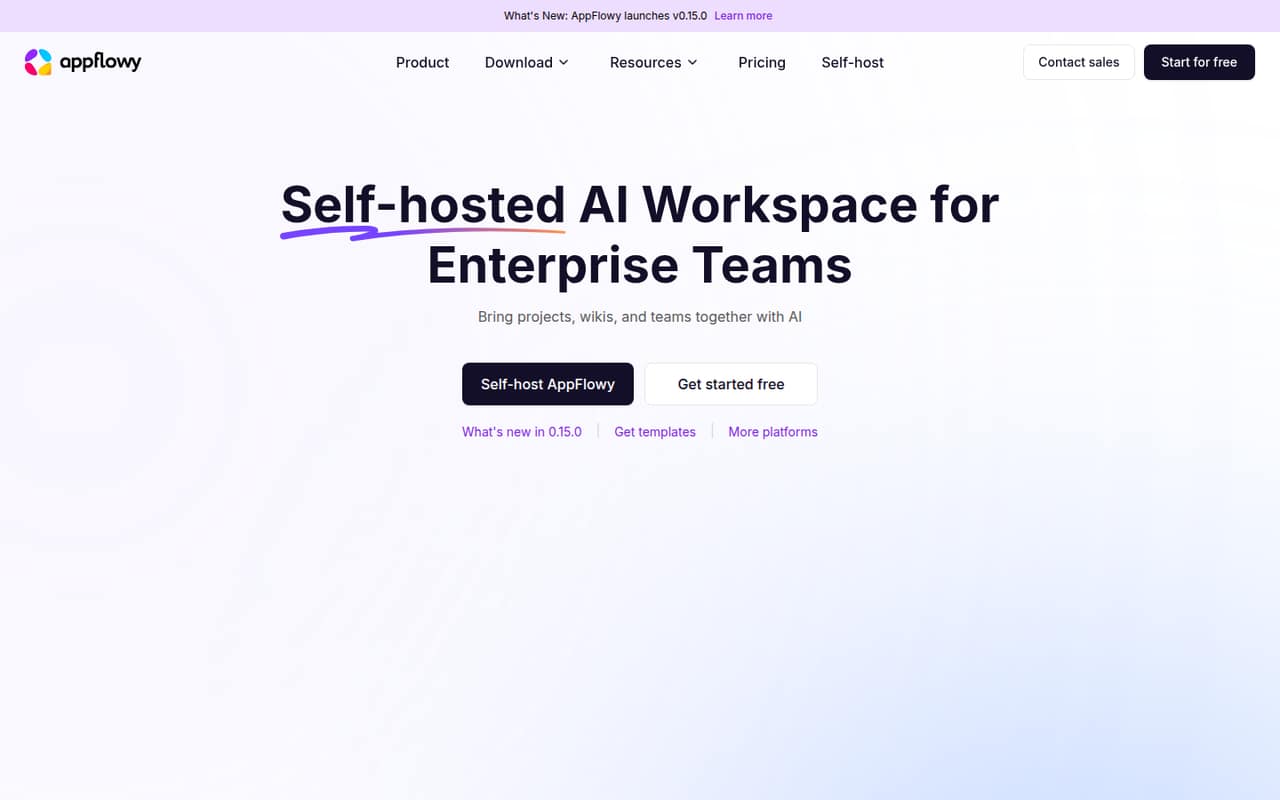
AppFlowy is worth considering if your small team wants projects, documentation and collaboration in one place, especially when you need control over where the workspace runs. The product covers project management, docs and wikis, meeting notes, real-time co-editing and asynchronous comments. Its AI search is described as answering from your sources.
For a team of 1-10, the Personal plan is a solo option, not a shared team plan: it includes one workspace owner. A team needs Pro for multiple paid members, with free guest editors. Pro can make sense if the alternative is paying for several tools, but the per-member, per-workspace billing means you should price your actual seats first. AppFlowy supports desktop, mobile and web, and can be hosted on your infrastructure, in the cloud or in an air-gapped environment. If you want a simple notes app with no server work, its broader scope may be more than you need.
02AppFlowy free plan and trial
The Personal plan costs $0 and includes one workspace owner, one form, one chart, up to 100 MB of storage and 7-day version history, per the pricing page. It is a fit for individual productivity, not a small team that needs several people working in one workspace.
The pricing page lists Pro for professional work and teams, with unlimited members and guest editors, forms, charts, storage and file uploads, plus 90-day version history and PDF export with subpages. Pro costs $16 per member monthly or $12 per member per month with annual billing. The pricing information lists no free trial. If several teammates need access as members, Pro is the listed entry point; guest editors are free on that plan. Before self-hosting, ask AppFlowy to confirm which license and member terms apply to your deployment.
03What a small team pays for AppFlowy
The pricing page lists Pro at $16 per member per month with monthly billing, or $12 per member per month billed annually. Annual billing is $144 per member per year, a 25% saving. Since Pro is charged per member per workspace, one paid member costs $16 monthly or $144 yearly on annual billing.
For three members, that works out to $48 per month, or $36 per month equivalent with annual billing ($432 per year). For five, it is $80 monthly, or $60 per month equivalent with annual billing ($720 per year). These totals count paid members in one workspace; guest editors are free on Pro, and added members are prorated for the remaining billing period.
The free Personal plan does not cover a shared team workspace. The listed Pro prices do not add a separate charge for forms, charts, storage or file uploads, since those are unlimited on Pro. Reddit users have reported a self-hosted member limit and subscription requirement, so confirm whether those reports apply to your intended setup before budgeting.
04Getting started with AppFlowy
A team using AppFlowy in the cloud avoids the server work involved in self-hosting. For an on-premises or air-gapped deployment, plan for a technically capable owner: one Reddit user describes setting up Docker, configuration, a database and a reverse proxy. That is a useful warning about the work involved, not a published setup-time estimate.
The workspace brings together projects, docs, wikis, meeting notes and collaboration, so teams may need to agree how they will organize those areas before inviting everyone in. AppFlowy lists desktop, mobile and web access. Its feature description includes real-time co-editing and asynchronous comments, but does not name specific third-party integrations. If your team depends on particular tools or sign-in systems, ask AppFlowy to confirm support before choosing a deployment. For self-hosting, also verify the license and member rules directly; Reddit reports raise questions about those terms.
05When small teams outgrow AppFlowy
The first limit is straightforward: Personal has one workspace owner, 100 MB of storage and 7-day version history. A team that needs shared access, more storage or longer history will need Pro. Pro removes those listed limits, but the per-member, per-workspace charge rises with each paid seat: five members cost $80 monthly or $720 per year with annual billing.
The bigger concern for a growing self-hosted team is licensing clarity. A Reddit post reports hitting a member limit on self-hosted AppFlowy unless the user upgraded a license; another commenter describes a monthly subscription for self-hosting with more than one user. Those are user reports, not the pricing page’s stated Pro terms, so get written confirmation from AppFlowy about your deployment and member count.
If the per-seat bill or server administration no longer fits, compare alternatives against your requirements for collaboration, hosting and data control before moving. Reddit users also raise concerns about vulnerability patching for a self-hosted version, making a clear update and support policy worth confirming.
From the threadsWhat users say
The Reddit discussion is mixed: some users recommend AppFlowy among self-hostable note tools, while others raise concerns about licensing and security updates. Treat those reports as prompts to confirm terms and deployment support with AppFlowy.
I've done a pretty substantial amount of research on this lately and I've narrowed down the options to AnyType, AppFlowy, and SilverBullet
AppFlowy's database capabilities have advanced significantly
only to find out there’s a hard member limit unless you “upgrade your license.”
Questions people ask
Is AppFlowy completely free?
AppFlowy has a free Personal plan, but it is limited to one workspace owner, one form, one chart, up to 100 MB of storage and 7-day version history. Teams needing multiple paid members need Pro, which the pricing page lists at $16 per member monthly or $12 per member per month billed annually.
How much does AppFlowy cost for a team?
Pro costs $16 per member monthly, or $12 per member per month with annual billing. For three members in one workspace, that is $48 monthly or $432 per year billed annually. For five members, it is $80 monthly or $720 per year. Guest editors are free on Pro.
Can we self-host AppFlowy?
AppFlowy says teams can host it on their own infrastructure, in the cloud or in air-gapped environments. Reddit users have reported member limits and subscription requirements for self-hosting. Ask AppFlowy to confirm the current license terms for your deployment and team size before setting it up.
What does AppFlowy include?
AppFlowy brings together project management, docs and wikis, meeting notes, AI search and team collaboration. Its feature description lists real-time co-editing and asynchronous comments, and says AI search answers are grounded in your sources. The workspace is available across desktop, mobile and web.
Does AppFlowy offer a free trial?
The pricing page lists a free Personal plan and paid Pro plan, but does not list a free trial. Personal is limited to one workspace owner, so it is not a substitute for Pro when several team members need access. Contact AppFlowy if you want to confirm any current trial offer.
Sources
- AppFlowy homepage
- AppFlowy pricing page
- Reddit: Which Note-Taking App Do You Recommend: Appflowy, Affine, or Anytype?
- Reddit: Tried self-hosting AppFlowy — turns out it’s not really open-source or worth the hassle
- Reddit: PSA: Avoid self hosting AppFlowy, they patched a vulnerability in their SaaS but didn't patch the self hosted version.
- Reddit: Appflowy vs Affine Which notion alternative ?