We may earn a commission if you buy through links on this page. It never changes a score or a ranking. How we make money
A small team may not need a dedicated note app if shared documents already work. But when project notes, research, or meeting context are getting lost, a focused tool can help. For a budget-first team, start with Joplin, Supernotes, or AFFiNE; choose based on how much setup and structure you want. Free plans can be useful, but they often come with limits. And a starting price is not necessarily a team total: check seat pricing and sharing rules before you invite everyone.
Quick picksThe shortlist
 JoplinJoplinBest for DIY teams · €2.40/mo
 SupernotesSupernotesBest free plan · Free
 AFFiNEAFFiNEBest for three · $6.75/mo
 AmplenoteAmplenoteBest notes and tasks · $5.84/mo
 AgendaAgendaBest for Apple teams · $2.92/mo
 WallingWallingBest visual planning · $6/mo
 WorkFlowyWorkFlowyBest simple outliner · $6.99/mo
 ObsidianObsidianBest local Markdown · $4/mo
 Standard NotesStandard NotesBest private notes · $7.50/mo
 TanaTanaBest meeting context · $15/mo
 TheBrainTheBrainBest connected knowledge · $15/mo
 xTilesxTilesBest visual workspace · $12.42/mo
 MemMemBest AI search · $9/mo
 HeptabaseHeptabaseBest visual research · $8.99/mo
 Roam ResearchRoam ResearchBest linked research · $8.33/mo
 DynalistDynalistBest free outlining · $7.99/mo
 AppFlowyAppFlowyBest self-hosting option · $12/mo
 NotePlanNotePlanBest daily planning · $8.33/mo
 DEVONthinkDEVONthinkBest for Mac research · Custom
 EvernoteEvernoteBest notes and tasks · $8.25/mo
01Compared at a glance
| Tool | Score | From | Free plan | Trial |
|---|---|---|---|---|
| JoplinJoplin | 7.8 | €2.40/mo | No | 14 days |
| SupernotesSupernotes | 7.3 | Free | Yes | — |
| AFFiNEAFFiNE | 7.3 | $6.75/mo | Yes | — |
| AmplenoteAmplenote | 7.2 | $5.84/mo | Yes | 14 days |
| AgendaAgenda | 7.2 | $2.92/mo | Yes | 7 days |
| WallingWalling | 7.2 | $6/mo | Yes | — |
| WorkFlowyWorkFlowy | 7.1 | $6.99/mo | Yes | 7 days |
| ObsidianObsidian | 8.0 | $4/mo | Yes | — |
| Standard NotesStandard Notes | 7.0 | $7.50/mo | Yes | — |
| TanaTana | 7.2 | $15/mo | Yes | 14 days |
| TheBrainTheBrain | 7.1 | $15/mo | Yes | — |
| xTilesxTiles | 7.0 | $12.42/mo | Yes | — |
| MemMem | 6.4 | $9/mo | Yes | — |
| HeptabaseHeptabase | 6.8 | $8.99/mo | No | — |
| Roam ResearchRoam Research | 6.2 | $8.33/mo | No | 31 days |
| DynalistDynalist | 6.4 | $7.99/mo | Yes | 14 days |
| AppFlowyAppFlowy | 6.8 | $12/mo | Yes | — |
| NotePlanNotePlan | 7.1 | $8.33/mo | No | 7 days |
| DEVONthinkDEVONthink | 7.0 | Custom | No | — |
| EvernoteEvernote | 6.4 | $8.25/mo | Yes | 7 days |
02The picks, in detail
- Best for DIY teamsJoplinJoplin
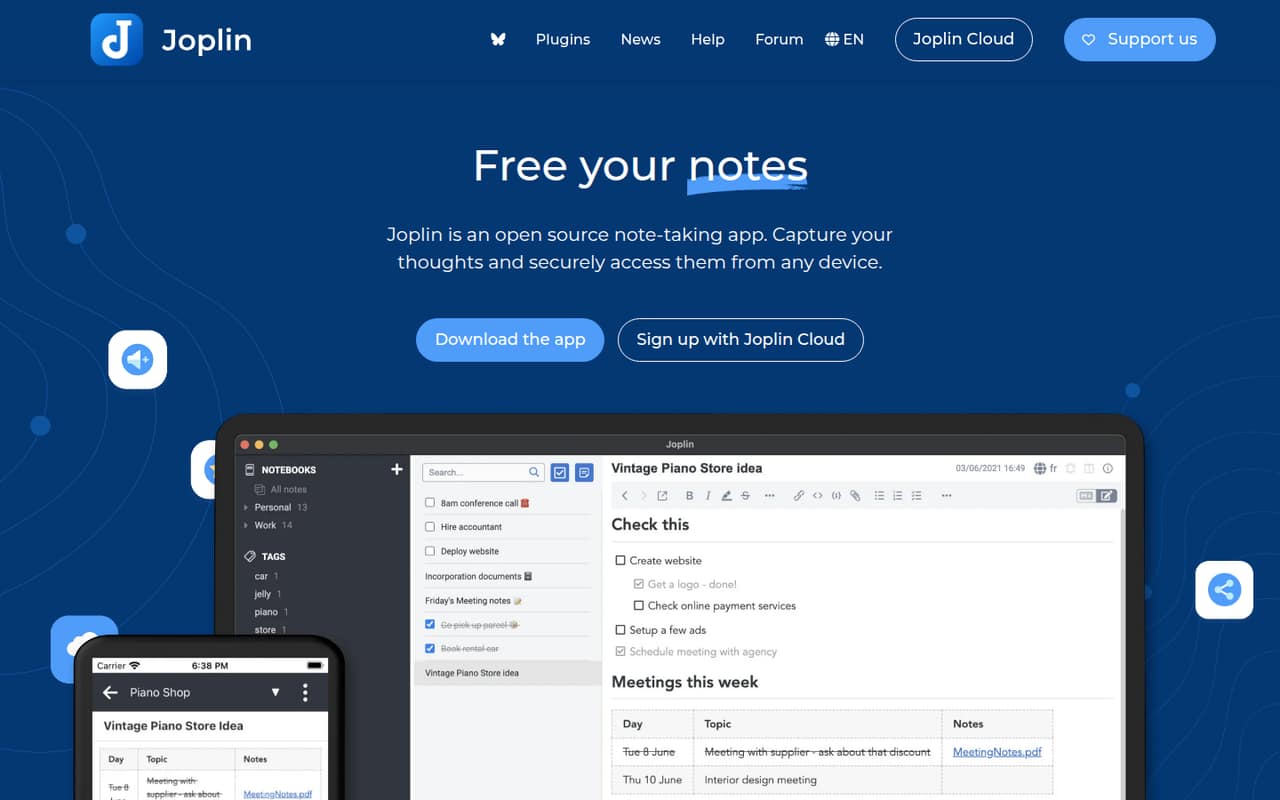
Joplin is our budget-conscious pick for teams comfortable managing their own sync and sharing. It’s an open-source notes app with Markdown support, and its listed starting price is $2.40. The trade-off is setup: the team should be ready to sort out how notes sync and how people share them rather than expecting a ready-made shared workspace.
What works
- Open-source app for notes and to-do lists
- Syncs through Joplin Cloud and other services
- Supports end-to-end encryption for notes
What doesn't
- No free Joplin Cloud plan is listed
- Basic storage is capped at 2 GB
- Attachments have a 10 MB per-item limit
- Best free planSupernotesSupernotes
Supernotes suits teams that like breaking ideas into linked cards, and its free plan gives a small group a low-cost place to start. The main limit to watch is the 100-card ceiling, which active teams may reach. Its listed starting price is n/a, so ask the vendor what a paid team setup costs before relying on it for a growing knowledge base.
What works
- Free Starter plan includes 100 cards
- Mobile, desktop, and web apps
- Offline card creation and editing
What doesn't
- Starter stops at 100 cards
- USD pricing is not shown
- Seat pricing is not clear
- Best for threeAFFiNEAFFiNE
AFFiNE combines notes, whiteboards, and databases, with a fit described for teams of up to three on a budget. Its free plan makes it worth considering for a tiny group, while the listed starting price is $6.75. Before adopting it, check the limits and licensing terms, especially if your team expects to self-host or add more people.
What works
- Free plan supports up to three members
- Documents, whiteboards, and databases share a workspace
- Free tier includes 10 GB cloud storage
What doesn't
- Free plan limits files to 10 MB
- Free version history lasts seven days
- Pro pricing does not clarify its seat basis
- Best notes and tasksAmplenoteAmplenote
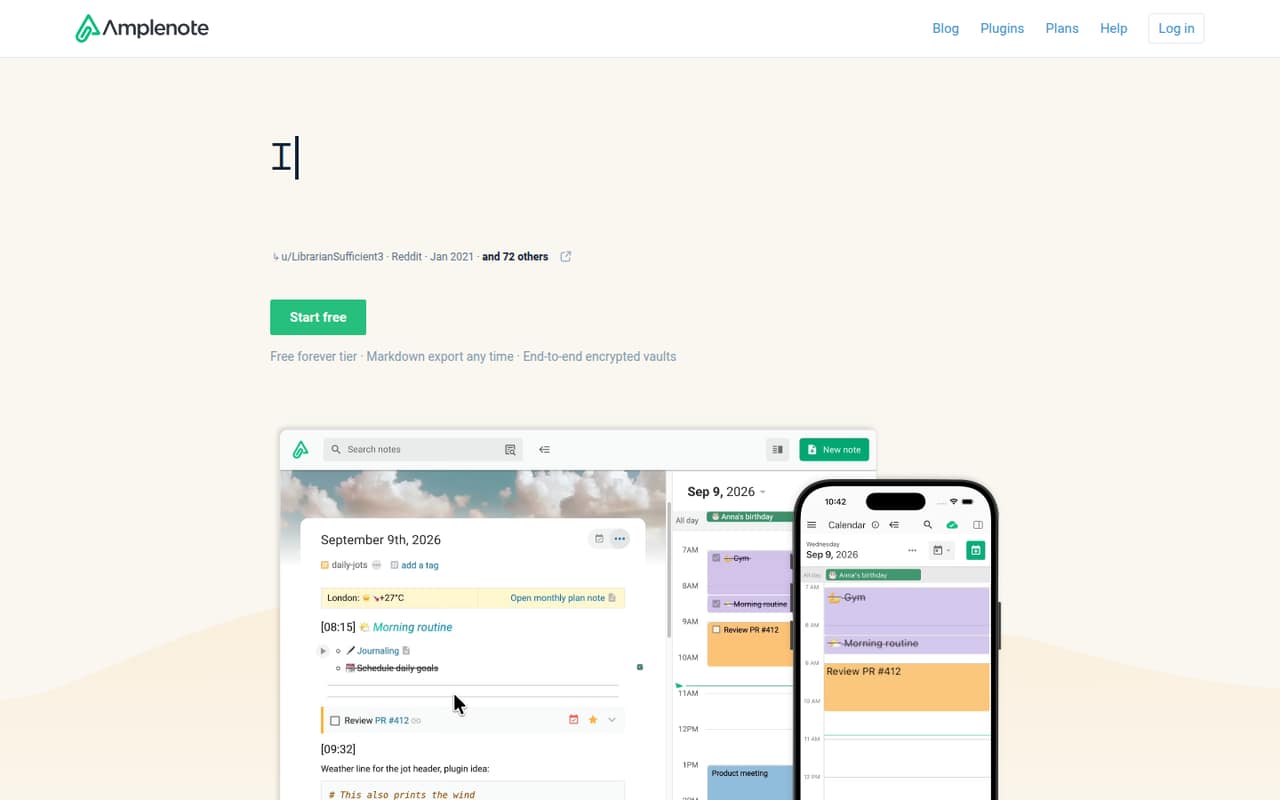
Amplenote is a good shortlist option when a small team wants notes, tasks, and calendar planning together. Its free plan and $5.84 listed starting price look budget-friendly, but the product has a learning curve. The free option is also described as a fit for non-commercial solo users, so check eligibility and team pricing before building a shared workflow around it.
What works
- Brings notes, tasks, and calendar planning together
- Free Personal plan for non-commercial use
- Pro includes tag sharing for group collaboration
What doesn't
- Free plan is licensed for non-commercial use
- Paid monthly prices are not published
- Pro's annual equivalent is $5.84 per month
- Best for Apple teamsAgendaAgenda
Agenda is a practical free starting point for Apple-device teams that want project notes and a history of work. Its listed starting price is $2.92. It is not a complete team task manager, so it makes more sense alongside a separate task tool than as the place to run every project workflow. Check that your team’s devices fit before choosing it.
What works
- Free plan lists unlimited notes with no time limits
- Notes can be organized into dated project timelines
- Links notes with calendar events
What doesn't
- Premium monthly billing is not published
- Pricing lists personal-device coverage, not team pricing
- Reddit users question its fit as a task manager
- Best visual planningWallingWalling
Walling is aimed at small teams that want to collect notes, links, and ideas on visual project walls. A free plan gives solo users a way to start, and the listed starting price is $6. Shared project walls may suit a group better than a plain notes list. Check the 2026 service transition before moving team knowledge into it.
What works
- Free plan includes up to 10 walls
- Walls can hold notes, media, links and tasks
- AI can generate several content types
What doesn't
- Free file uploads are capped at 5 MB
- Free plan allows one guest per wall
- Paid monthly prices are not published
- Best simple outlinerWorkFlowyWorkFlowy
WorkFlowy is a straightforward choice for teams that think in nested lists and want notes and tasks in a simple workspace. It has a free plan, with a listed starting price of $6.99. The free node cap and per-person Pro cost matter as use grows, so check how the limits apply to your team before making it the home for ongoing project notes.
What works
- One nested list for notes, tasks, and documents
- Syncs across web, desktop, and mobile
- Basic plan is free
What doesn't
- Basic allows 100 nodes per month
- Basic file uploads are capped at 100 MB
- Pro costs more when paid monthly
- Best local MarkdownObsidianObsidian
Obsidian fits teams that prefer local Markdown files and want flexible research or project notes without paying for Sync at the start. The app is free; Sync is listed from $4 for teams that need a vault on multiple devices. Plan how your team will share files and keep them in sync, rather than assuming the free setup provides shared team access.
What works
- Free plan has no limits and needs no sign-up
- Notes stay on your device as Markdown files
- Links and Graph view connect ideas
What doesn't
- Sync costs extra per user
- Teams must decide how to share vaults
- The pricing page lists no separate free trial

- Best private notesStandard NotesStandard Notes
Standard Notes is worth considering when private notes across personal devices matter more than a full team workspace. The free plan covers syncing private notes, while advanced editors, revision history, and file sharing are paid features. Its listed starting price is $7.50. Check which paid features your team needs before comparing that price with tools built around shared project notes.
What works
- Free plan includes unlimited notes
- Unlimited device sync on the free plan
- End-to-end encryption for notes and files
What doesn't
- Monthly prices for paid plans are not published
- Advanced editors require the Productivity plan
- Professional is needed for listed file storage
- Best meeting contextTanaTana
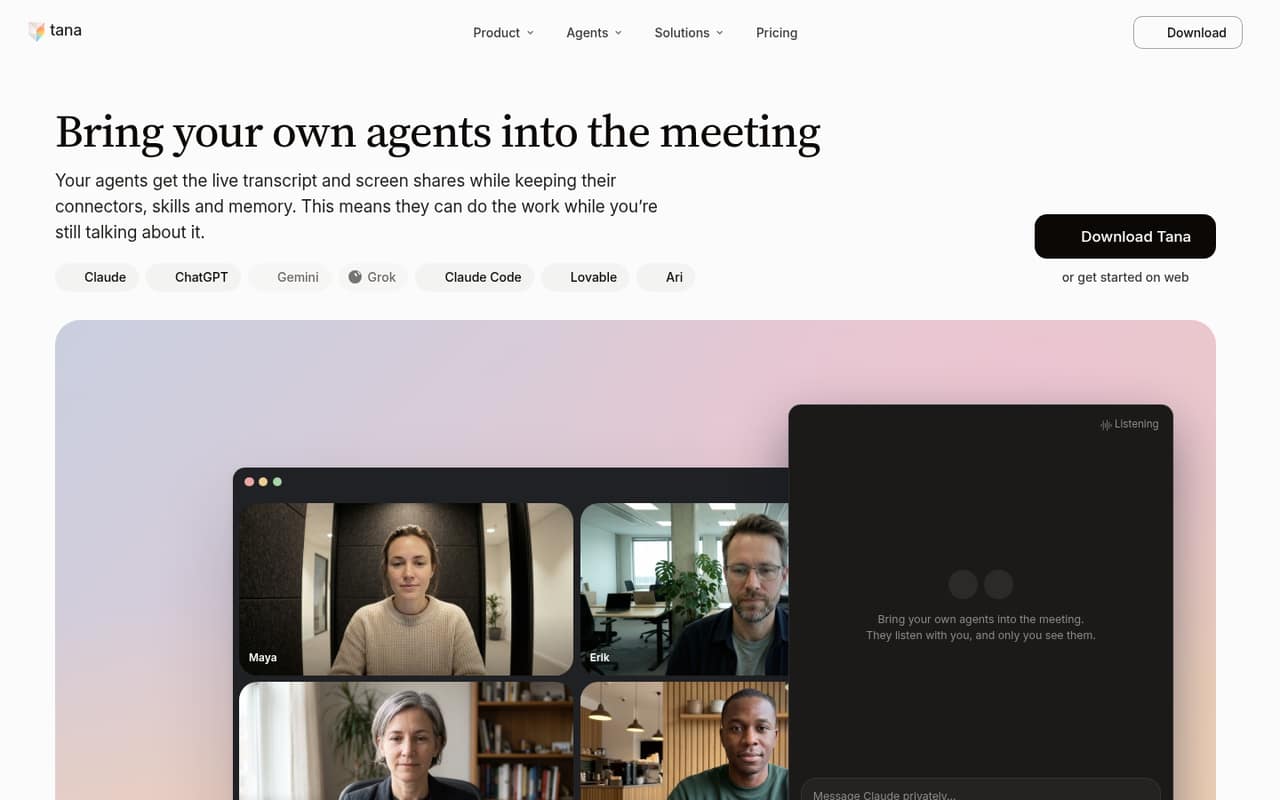
Tana is aimed at teams linking meetings to projects and using AI agents with shared context. Team use starts at $15 per seat monthly, billed yearly, so five seats would cost $75 per month on that billing basis. A free plan is listed, but check what team collaboration includes before starting there. It is a stronger fit when linked context matters enough to justify seat costs.
What works
- Free plan includes unlimited meetings, subject to fair use
- No meeting bot joins the call
- Agents can use live transcripts and shared screens
What doesn't
- Free searchable history lasts 30 days
- Free plan has about 50 AI queries
- Pro's monthly billing price is not published
- Best connected knowledgeTheBrainTheBrain
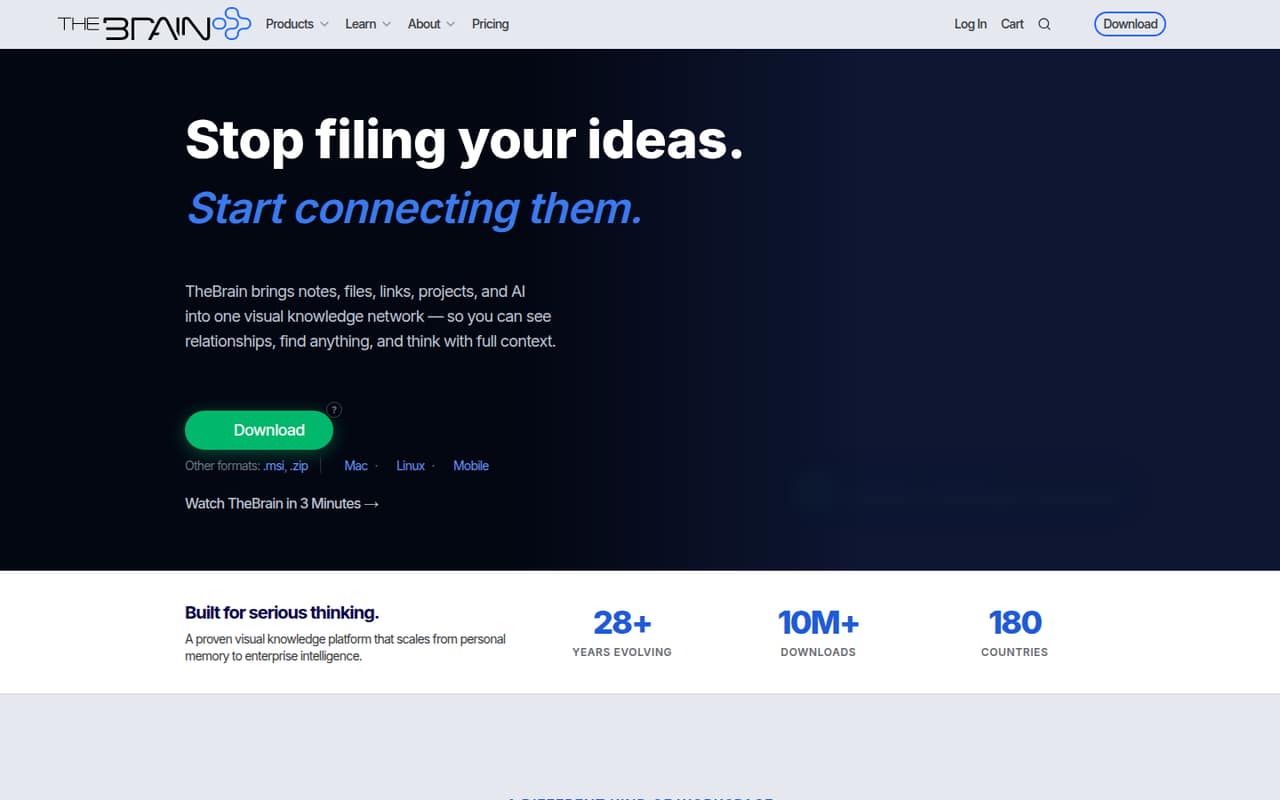
TheBrain suits visual thinkers who want to map connected research and share project context. A free plan is listed, with a starting price of $15, but shared editing costs $25 per seat monthly on annual billing. That makes the cost for even a few collaborators important to check up front. Choose it for connected knowledge, not as the cheapest shared notes cabinet.
What works
- Free plan includes unlimited thoughts, links, and brains
- Connects notes, files, projects, people, and ideas
- Card View, Mind Map, and Tree View
What doesn't
- Free private sync stops at 1,000 thoughts
- TeamBrain costs $25 per seat monthly, billed annually
- Monthly TeamBrain billing is $29 per seat
- Best visual workspacexTilesxTiles
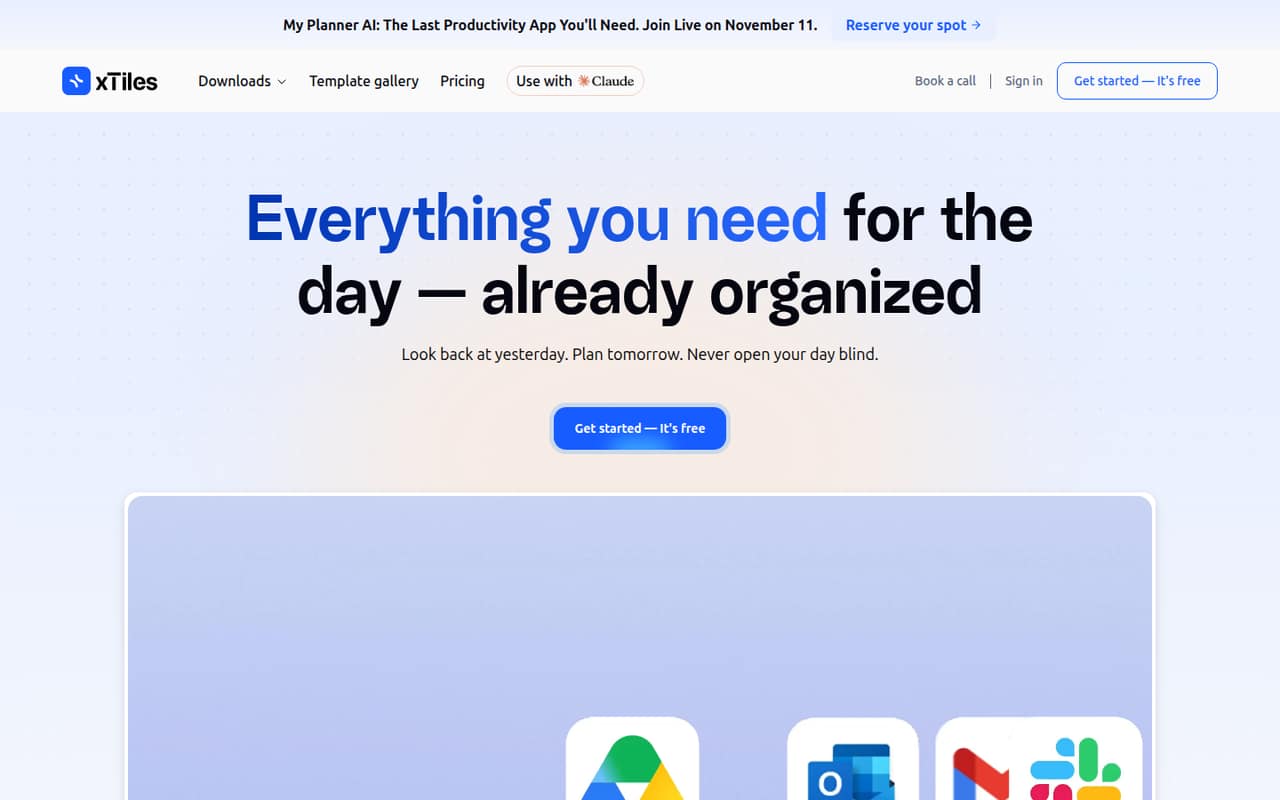
xTiles is a flexible visual planner for people organizing projects on boards, and it has a free plan for solo users to try. Its listed starting price is $12.42, while shared team workspaces cost more. Ask for the price that applies to your number of seats before moving a team onto it; the solo entry point may not reflect what collaboration will cost.
What works
- Free plan includes unlimited pages and projects
- Daily planning and project organization in one workspace
- AI Assistant credits included on Free
What doesn't
- Shared spaces require the $35-per-user Pro plan
- Plus AI Integrations add-on price is not published
- Free file uploads are limited to 5 MB
- Best AI searchMemMem
Mem is built for individuals with scattered notes, AI-powered note search, and voice capture. A free plan is listed, with a starting price of $9. For a team, first clarify shared-workspace features and team pricing; an individual-oriented notebook may not cover how your group needs to organize and share project context. It is a better fit when AI search is a priority.
What works
- Free plan includes Deep Search and templates
- AI can answer questions about stored notes
- Voice Mode includes transcription
What doesn't
- Free plan caps messages and new notes
- Annual-billing prices aren't published
- Team pricing and seat terms aren't published

- Best visual researchHeptabaseHeptabase
Heptabase is a visual research workspace for organizing complex topics and annotating research PDFs. Its listed starting price is $8.99, and there is no free tier, which makes trying it harder for a team watching every subscription. It is worth considering when visual research is central to your work; ask how its plans handle multiple collaborators before treating it as a team knowledge base.
What works
- Notes, sources, and whiteboards stay connected
- PDF annotation supports research workflows
- Offline access to notes and files
What doesn't
- No free plan is listed
- Pro’s AI agent uses Gemini only
- More AI credits require a higher plan

- Best linked researchRoam ResearchRoam Research
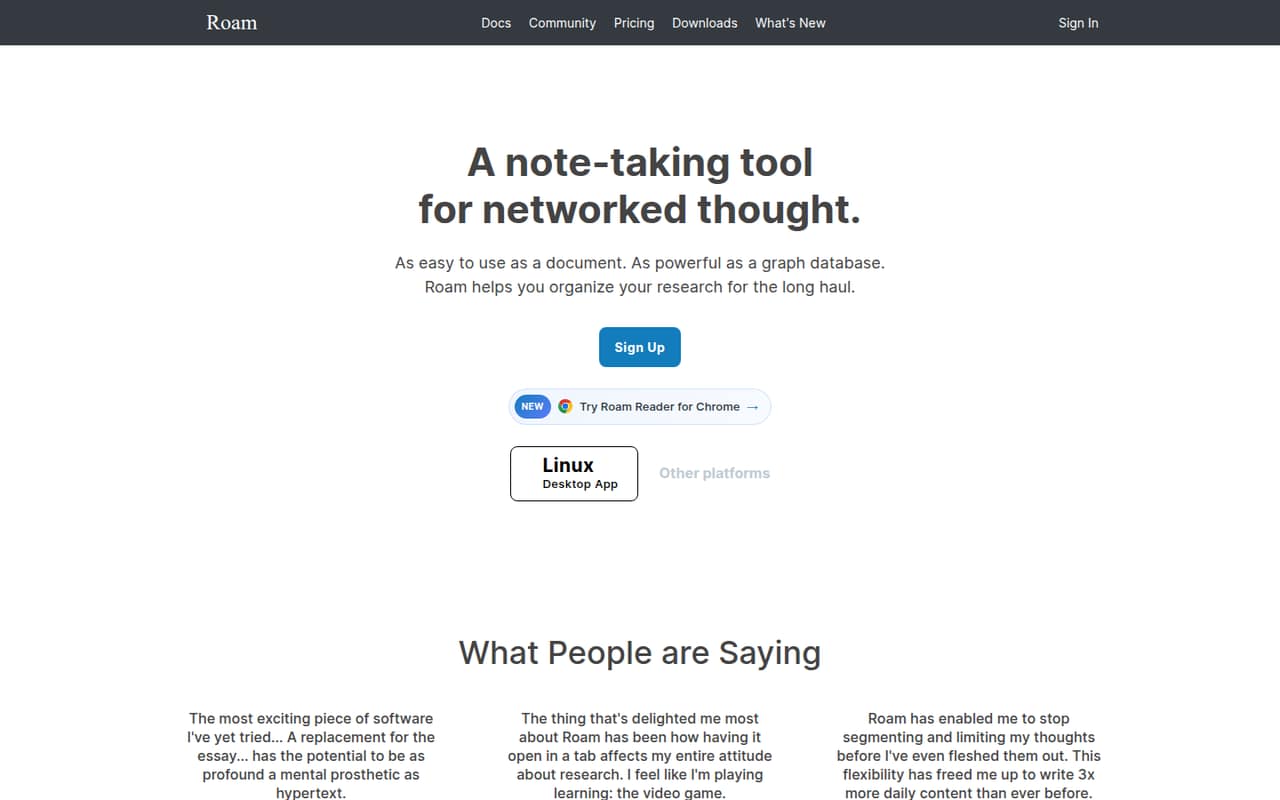
Roam Research is designed for connecting ideas across notes and building a long-term research knowledge base. Its listed starting price is $8.33, so a small group should check the total before committing. It can suit teams that value linked research notes, but the price is a premium for groups that mainly need a basic shared place to file project notes.
What works
- Designed to connect ideas across notes
- Combines document writing with graph capabilities
- Pro includes unlimited private or public graphs
What doesn't
- No free plan is listed
- Pro costs $15 per person monthly
- Annual billing still costs $165 per person
- Best free outliningDynalistDynalist
Dynalist offers a free plan for small teams organizing ideas in shared lists and documents, with a listed starting price of $7.99. It is a useful low-cost option if outlining is the main job. Reddit users report reliability and development concerns, so check recent user feedback and test your team’s essential workflows before depending on it for important project context.
What works
- Free plan lists unlimited items and documents
- Free plan includes sharing and collaboration
- Pro adds unlimited bookmarks
What doesn't
- Free plan limits bookmarks to five
- No team or seat pricing is listed
- Pro costs $9.99 monthly without annual billing
- Best self-hosting optionAppFlowyAppFlowy
AppFlowy is a candidate for teams replacing scattered workspaces or looking for self-hosting options. It has a free plan and a listed starting price of $12, with feature coverage aimed at shared work. Setup and licensing need attention, so ask what hosting and collaboration require for your team before choosing it just because self-hosting is available.
What works
- Projects, docs and wikis in one workspace
- Self-hosting includes air-gapped environments
- Free Personal plan for one owner
What doesn't
- Personal is limited to one workspace owner
- Pro charges for each member per workspace
- Self-hosted licensing has prompted Reddit complaints
- Best daily planningNotePlanNotePlan
NotePlan suits Apple-first teams of one to five that want daily notes beside calendar events and Markdown-based project planning. Its listed starting price is $8.33, and it is not described as a free or clearly team-priced workspace. Confirm how collaboration and seats work before buying; it is most compelling when the team already prefers Apple devices and daily planning.
What works
- Daily notes keep plans and meeting details together
- Apple Calendar events and Reminders appear alongside notes
- Checking off a reminder syncs it back
What doesn't
- No free plan, only short trials
- Annual plan requires $99 upfront
- Monthly billing costs $12 per person
- Best for Mac researchDEVONthinkDEVONthink
DEVONthink is worth considering for Mac-first research teams managing many files, especially if iOS access matters. It is described as more involved and expensive than a basic archive, and no starting price is listed. Ask the vendor for current pricing and the setup requirements for your team before comparing it with simpler shared note apps.
What works
- Mac app plus an iOS app
- XRay previews folders and archives
- XRay renders Markdown files
What doesn't
- No free DEVONthink plan is listed
- Extra Standard Mac seat costs $49
- Extra Pro Mac seat costs $99
- Best notes and tasksEvernoteEvernote
Evernote may fit teams that share project notes, save web content, and want notes and tasks together. A free plan is listed, with a starting price of $8.25. It is an expensive choice for a team that only needs a basic filing cabinet, so check what collaboration features your few seats need and compare the team total before moving everything over.
What works
- Notes, tasks and schedules share one workspace
- Search helps find notes and other content
- Web Clipper saves online content
What doesn't
- Free plan stops at 50 notes and one device
- Flexible costs $10 per seat monthly
- Starter and Advanced monthly rates are not published
03How we chose
We ranked these tools for a team of one to ten, giving extra weight to a useful free plan, a reasonable path to paid use, and clear collaboration fit. We also considered listed starting prices, limits that could pinch as notes grow, and setup needs such as syncing local files, self-hosting, or checking licensing. A starting price is not always a team total, so we called out per-seat pricing where it is specified. Vendor docs are the right place to confirm setup and plan rules; Reddit reliability concerns are worth checking too.
04Work out the real cost for your seats
Start with the free plan, but check what it lets each teammate do. A free tier may be useful for individual notes without covering shared editing, file sharing, or a growing collection. Then compare the listed starting price with the team price: do not assume an entry price covers everyone. Tana, for example, lists team use at $15 per seat monthly, billed yearly; TheBrain lists shared editing at $25 per seat monthly on annual billing. Those rates make seat count matter. For tools whose team price is unclear, ask the vendor for the total for your headcount, billing period, and required collaboration features. Also check limits before importing years of notes. Supernotes has a 100-card ceiling, and WorkFlowy has a free node cap. A low starting price helps only if the plan covers your actual workflow.
05Match the setup to your team's habits
A note system is only useful if the team can keep it organized and accessible. Decide whether you want a shared workspace ready for collaboration or are comfortable managing more of the setup. Obsidian keeps notes in local Markdown files, with Sync listed from $4 when a vault needs to be on multiple devices. Joplin is open source, but teams should expect to sort out syncing and sharing. AppFlowy offers self-hosting options, with setup and licensing to check first. If your team prefers a visual way to organize ideas, compare card and board approaches such as Supernotes, xTiles, and Walling. Apple-first groups may prefer Agenda or NotePlan. Before committing, ask who can edit, how sharing works, what happens when you add seats, and whether your team’s devices and habits fit the tool.
Questions people ask
What is the best free note-taking software for a small team?
Supernotes is a strong free starting point for teams that like organizing ideas as cards, but its 100-card ceiling may limit active use. AFFiNE is another option for teams of up to three. Check each plan’s collaboration rules and limits before moving shared notes into it.
How much does note-taking software cost for a small team?
Listed starting prices in this guide range from $2.40 for Joplin to $15 for Tana, but most listed prices do not establish a total for several seats. Tana specifies $15 per seat monthly, billed yearly. Ask vendors for the price at your team size and for the features you need.
Which note app is easiest for a small team to set up?
WorkFlowy is described as a simple outliner, while Agenda offers a free home for project notes on Apple devices. Tools involving local-file syncing, self-hosting, or licensing may need more planning. Confirm sharing and device support before deciding that a low-cost plan is the easiest fit.
When should a team outgrow a free note-taking plan?
Revisit the plan when its limits block everyday work, such as reaching Supernotes’ 100-card ceiling or needing paid Standard Notes features like file sharing. Also review whether the free plan supports the collaboration and number of people your team needs, rather than waiting until notes become difficult to share.