
We may earn a commission if you buy through links on this page. It never changes a score or a ranking. How we make money
The bottom line
Worth considering if your team repeats spreadsheet chores; business use starts at $49 per licensed user.
Small teams that spend time cleaning data or repeating spreadsheet tasks may get real value from ASAP Utilities. It adds tools for tasks such as fixing formatting, selecting cells by criteria, and organizing sheets inside Excel.
Eligible non-commercial users can use the Home & Charity Edition free. Businesses need Professional Edition, listed at $49 for one named user as a one-time purchase; exact totals for three or five seats aren't published.
Good fit if
- Excel-heavy small businesses
- People cleaning CSV data
- Eligible nonprofit users
Skip it if
- Teams seeking a free business plan
- Teams leaving Excel behind
- Buyers needing published team quotes
ScoresHow it rates
What works
- Tools for data cleanup and sheet management
- Can select cells by content or formatting
- Applies actions across many cells or sheets
- 90-day fully functional trial
- One license covers up to three computers
What doesn't
- Commercial use requires a paid license
- Each license is for one named user
- Exact three- and five-seat prices aren't published
- One-time purchase, not monthly billing
- Designed as an Excel add-in
01Who ASAP Utilities is for
ASAP Utilities is aimed at people who spend a lot of their workday in Excel and repeatedly clean data, adjust formatting, or manage worksheets. For a one-to-ten-person team, it can be useful when a few people handle imports, reports, or other spreadsheets and small manual tasks keep adding up.
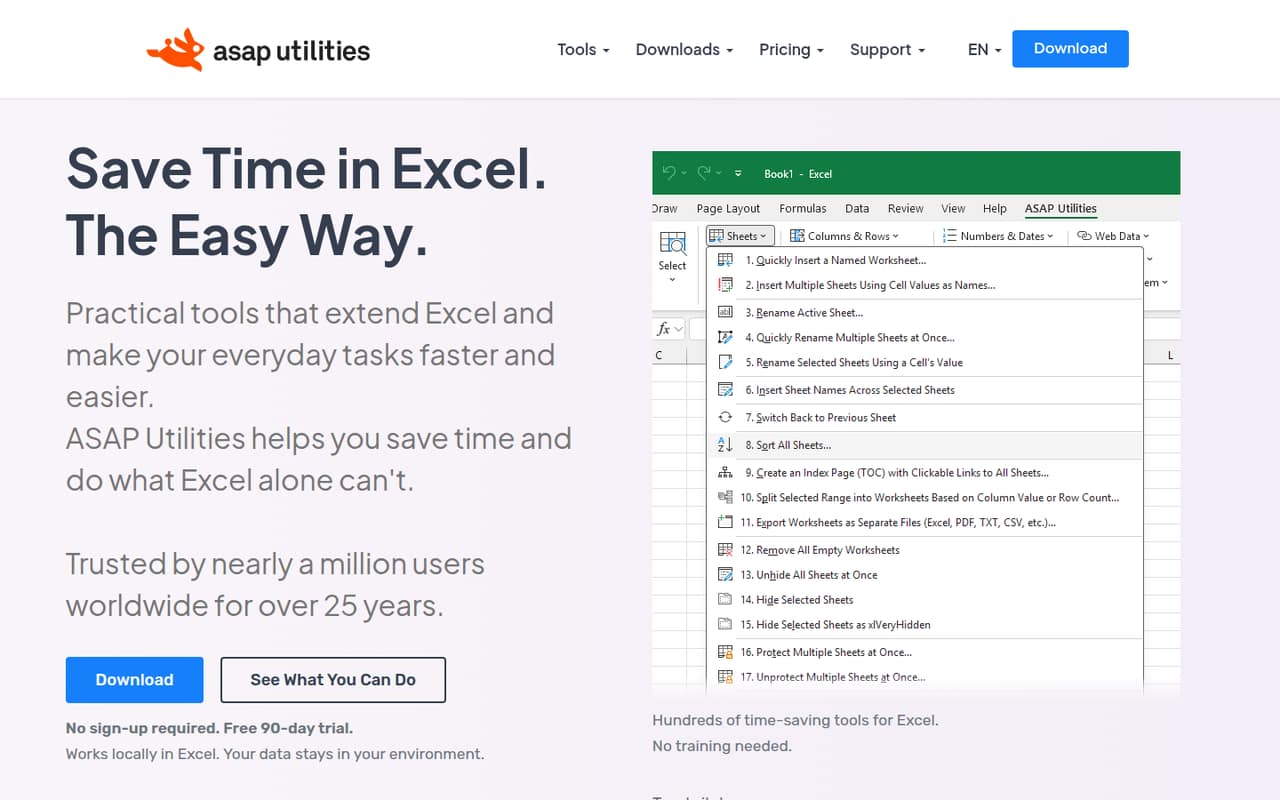
The add-in offers tools for cleaning spaces, text-formatted numbers and dates; selecting cells by content or formatting; and organizing sheets and workbooks. It also includes ways to count or sum by cell color and apply actions across multiple cells or sheets. Those are specific jobs, rather than a replacement for Excel or a shared database.
The budget fit depends on who uses it. Eligible nonprofit, charity, student-homework, and personal users can use the free Home & Charity Edition. Commercial teams need Professional Edition, listed at $49 for one licensed user. A Reddit poster describes using ASAP Utilities daily to format CSV files for database imports, a good example of a repetitive task it may help with.
02ASAP Utilities free plan and trial
There are two ways to try or use ASAP Utilities without an initial purchase. The Home & Charity Edition is free, with no sign-up required, for personal use, individual student homework, and eligible nonprofit or charity use. It cannot be used for commercial, business, or government work, so it is not a free plan for a small company.
For business buyers, the homepage offers a 90-day fully functional trial. The pricing page lists no sign-up or credit card requirement for the trial. That gives a team time to see whether the add-in fits its real spreadsheet chores before buying. The trial is not a continuing free business tier: once it ends, a commercial user needs a Professional Edition license. The sources don't specify which operating systems or Excel versions the trial supports, so confirm compatibility with the vendor before relying on it.
03What a small team pays for ASAP Utilities
The pricing page lists Professional Edition at $49 for one user, paid once rather than monthly or annually. Each license is for one named user and can be used on up to three computers. That makes one business seat $49 upfront; it doesn't turn into a recurring subscription based on the listed billing terms.
For three or five people, budget for one license per user. The pricing page gives volume rates from $45 to $7 per user for purchases covering 2 to 1,500 users, but it doesn't publish the exact rate or total for three or five seats. Ask the vendor for a quote before setting a team budget; don't assume the one-user price applies unchanged.
Eligible non-commercial users can choose the free Home & Charity Edition, but businesses cannot. The listed 50% upgrade discount applies to licenses for version 7 or earlier; it isn't a general discount for new team purchases. Professional Edition is the cheapest listed route for commercial use, and the available pricing is a one-time license rather than a monthly plan.
04Getting started with ASAP Utilities
ASAP Utilities is an add-in that works locally in Excel, so its main job is to add tools to an existing spreadsheet workflow rather than move your files into a separate service. A team can start by identifying a repetitive task—such as fixing text-formatted numbers or selecting cells based on formatting—and checking whether the matching tool covers it.
The vendor offers a 90-day fully functional trial, which gives users a way to assess the tool before purchasing. The vendor's site doesn't detail installation steps, training, or a learning curve, so we wouldn't promise a particular setup time. Its range of tools may take some browsing to learn, especially if users only need a few of them.
No named integrations are listed beyond Excel. A Reddit poster reports using the add-in for CSV formatting before database imports, but that doesn't establish a direct database integration. Ask the vendor about Excel-version compatibility and deployment requirements for your team's computers.
05When small teams outgrow ASAP Utilities
ASAP Utilities may stop fitting when the job shifts from making spreadsheet work faster to coordinating data across systems or people. Its described role is an Excel add-in for everyday spreadsheet tasks; the sources don't list database connections, shared workflows, or team administration features. If those matter, ask the vendor what is supported before making it part of a larger process.
Seat costs can also add up as more people need access. Each Professional Edition license is for one named user, and the exact prices for three or five seats aren't published. The listed volume range reaches 1,500 users, but that doesn't tell a small team its precise quote. Get the total for your planned seat count first.
A Reddit poster says ASAP Utilities is a daily tool for formatting CSV files, while the same discussion is about switching from Windows to Linux. That points to a practical boundary: if your team changes its spreadsheet environment, check that ASAP Utilities still fits before depending on it. The sources don't specify operating-system compatibility.
From the threadsWhat users say
The Reddit discussion suggests at least one user relies on ASAP Utilities for daily CSV formatting, but it doesn't offer broad feedback on the product. Replies point to alternatives for some CSV tasks and raise the question of whether the user's work still requires Excel.
I use it on a daily basis for formatting CSV files for imports into databases
Libre office is actually pretty good at importing csv files, and can likely handle all the data formating issues you need
Thanks, I never heard of it I will give it a go
If you need ms office you must stay on Windows
Questions people ask
Is ASAP Utilities free for business use?
No free business plan is listed. The Home & Charity Edition is free for personal use, individual student homework, and eligible nonprofit or charity use, but commercial, business, and government use is prohibited. The pricing page lists Professional Edition at $49 for one user as a one-time purchase.
How much does ASAP Utilities cost for a small team?
The listed price is $49 one-time for one Professional Edition user. Each license is for one named user. The pricing page gives a volume range of $45 to $7 per user for 2 to 1,500 users, but doesn't publish exact totals for a team of three or five. Ask the vendor for a quote.
Does ASAP Utilities offer a free trial?
Yes. The homepage offers a 90-day fully functional trial, and the pricing information says no sign-up or credit card is required. It is a trial rather than a continuing free plan for businesses. Commercial users need a Professional Edition license after the trial.
What does ASAP Utilities do in Excel?
It adds tools for everyday spreadsheet tasks, including cleaning extra spaces, numbers stored as text, dates, and formatting; managing sheets; and selecting cells or ranges by content, formatting, or comments. It can also count or sum by cell color and apply actions across multiple cells or sheets.
Can one ASAP Utilities license be used on multiple computers?
The pricing page lists one named user per Professional Edition license and use on up to three computers per licensed user. That is a computer allowance, not permission for three people to share one license. Confirm any deployment questions with the vendor.