We may earn a commission if you buy through links on this page. It never changes a score or a ranking. How we make money
Most teams of 1–10 don’t need a sprawling office suite: start with the documents, email, PDFs, or fax jobs you actually handle. Word for the web is our best free starting point for basic documents; WPS Office adds a broader suite on a free plan. For team email, Fastmail starts at $3, while PDF and fax tools are best bought for a clear recurring need. Prices below are listed starting prices, not guaranteed totals for your whole team. Check seat terms and plan limits before budgeting.
Quick picksThe shortlist
 Word for the webWord for the webBest free documents · $1.67/mo
 WPS OfficeWPS OfficeBest low-cost suite · $2.49/mo
 FastmailFastmailBest team email · €3/mo
 iLovePDFiLovePDFBest PDF toolkit · €5/mo
 Microsoft OutlookMicrosoft OutlookBest email basics · $1.67/mo
 PDF-XChange EditorPDF-XChange EditorBest one-time PDF · $62/mo
 ONLYOFFICEONLYOFFICEBest for shared docs · $149/mo
 FAX.PLUSFAX.PLUSBest for online fax · $6.99/mo
- Collabora OnlineCollabora OnlineBest self-hosted docs · $3.40/mo
 eFaxeFaxBest routine fax · €6.66/mo
01Compared at a glance
| Tool | Score | From | Free plan | Trial |
|---|---|---|---|---|
| Word for the webWord for the web | 6.8 | $1.67/mo | Yes | 1 month |
| WPS OfficeWPS Office | 6.7 | $2.49/mo | Yes | 7 days |
| FastmailFastmail | 7.8 | €3/mo | No | 30 days |
| iLovePDFiLovePDF | 7.8 | €5/mo | Yes | — |
| Microsoft OutlookMicrosoft Outlook | 6.8 | $1.67/mo | Yes | 1 month |
| PDF-XChange EditorPDF-XChange Editor | 7.4 | $62/mo | Yes | — |
| ONLYOFFICEONLYOFFICE | 7.3 | $149/mo | No | — |
| FAX.PLUSFAX.PLUS | 7.0 | $6.99/mo | Yes | — |
| Collabora OnlineCollabora Online | 7.2 | $3.40/mo | Yes | — |
| eFaxeFax | 6.3 | €6.66/mo | No | — |
02The picks, in detail
- Best free documentsWord for the webWord for the web
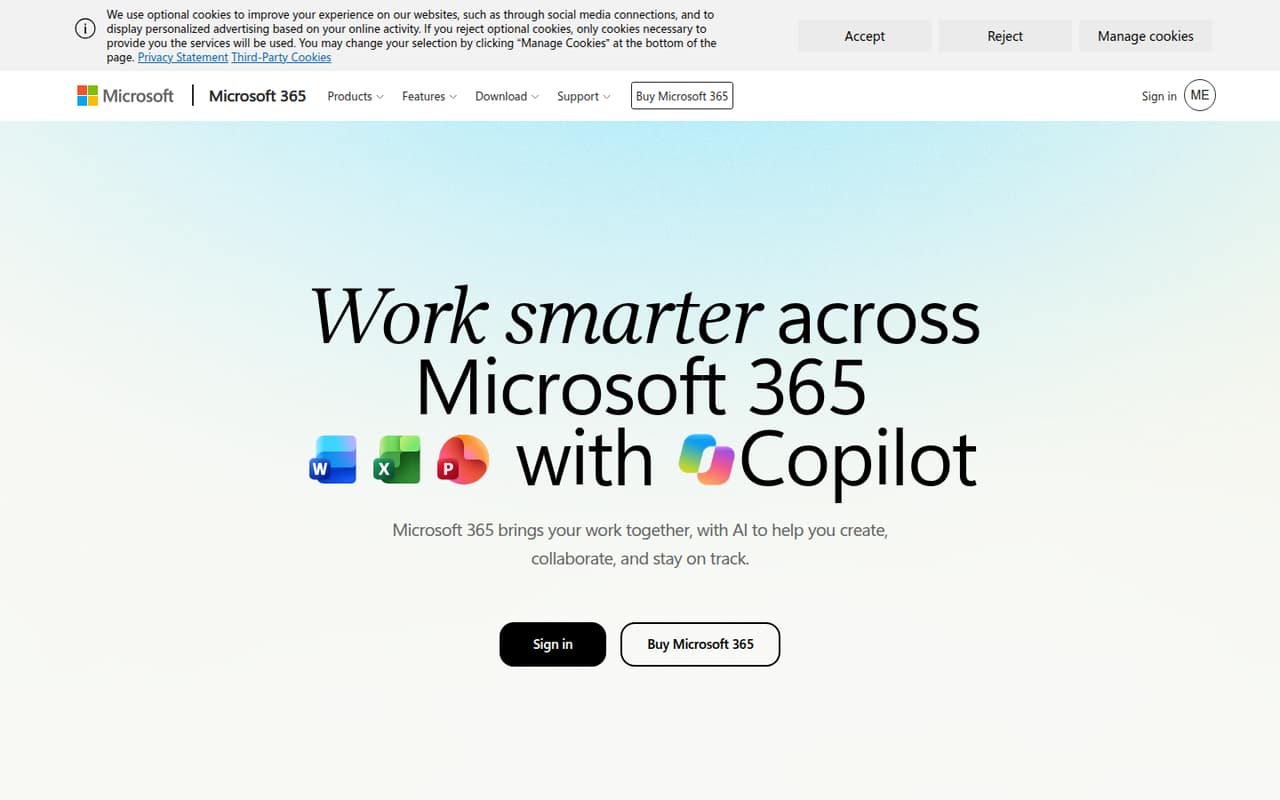
For basic team documents, Word for the web gives you a free browser-based starting point, and the listed paid starting price is $1.67. The pricing page says paid plans add storage and apps, but team pricing needs a closer look. It’s a practical first choice if your team already uses Microsoft accounts and doesn’t need desktop apps for everyone.
What works
- Free web and mobile access
- Free tier includes 5 GB storage
- Runs in a browser
What doesn't
- Free plan is listed for one person
- Desktop apps require a paid plan
- Family plan is presented for households
- Best low-cost suiteWPS OfficeWPS Office
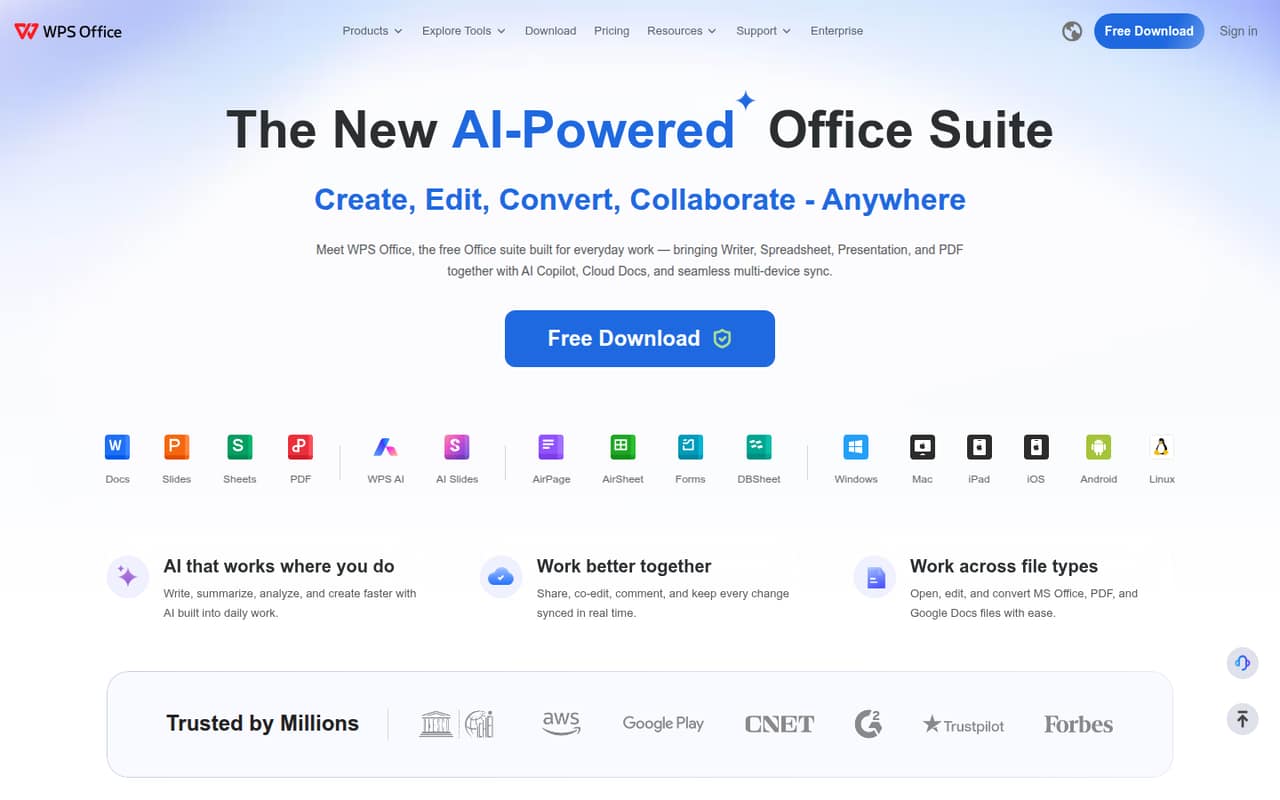
WPS Office has a free plan and a listed starting price of $2.49, making it worth a look for budget-conscious teams that edit familiar file formats and need PDF tools. The free plan and team pricing have important limits, so confirm what each seat gets before rollout. It’s a broader alternative to buying a PDF editor alone.
What works
- Combines documents, spreadsheets, presentations, and PDFs
- Free plan covers one user
- Opens, edits, and converts MS Office files
What doesn't
- Free plan limits templates and AI usage
- Free PDF viewing is ad-supported and basic
- Sharing plan requires at least two users
- Best team emailFastmailFastmail
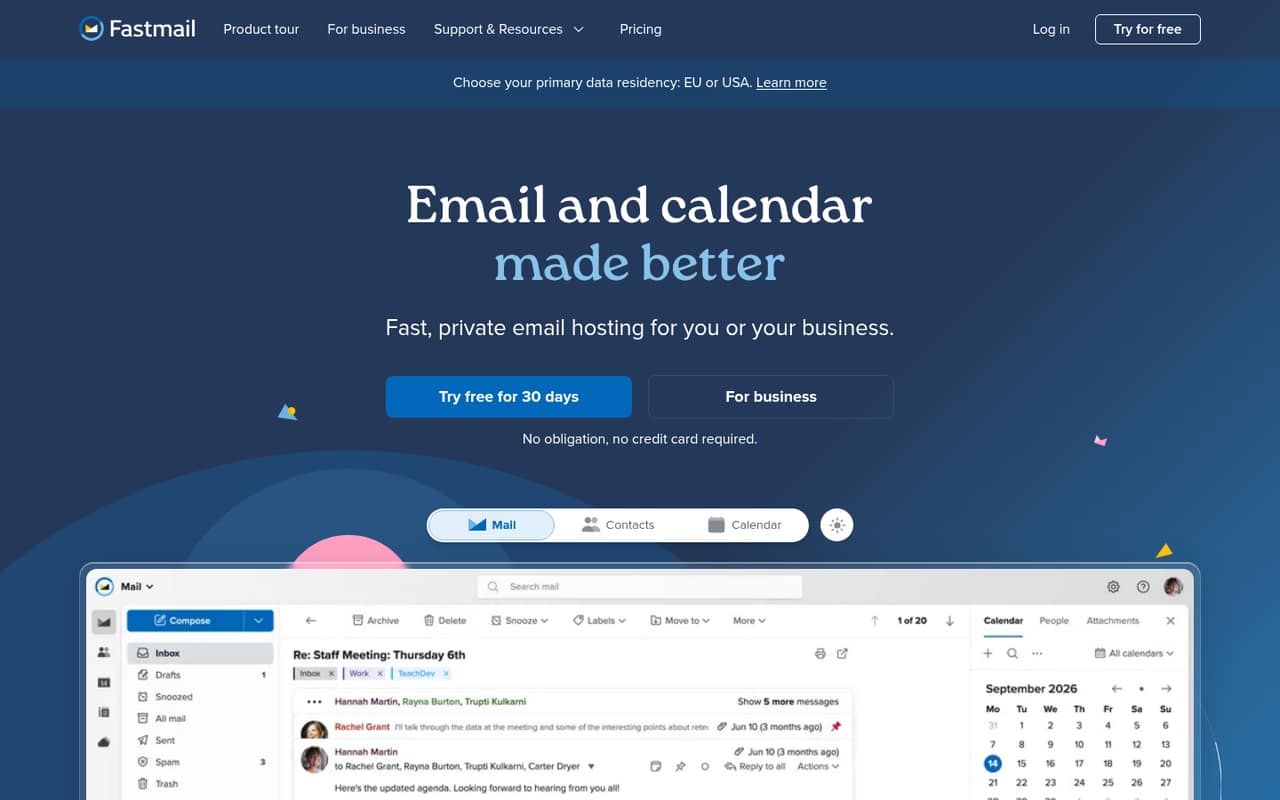
Fastmail starts at $3 and charges per seat, so a small team can estimate costs more directly than with tools whose team terms need clarification. The listed fit includes custom domains, shared calendars and contacts, and offline email access. It has no free plan listed, so budget for every person who needs an account.
What works
- Email, calendar, and contacts are included
- Business plans include shared email addresses and calendars
- Offline access covers mail, calendar, and contacts
What doesn't
- There is no free plan
- Business pricing is charged per user
- Extra storage pricing is not published
- Best PDF toolkitiLovePDFiLovePDF
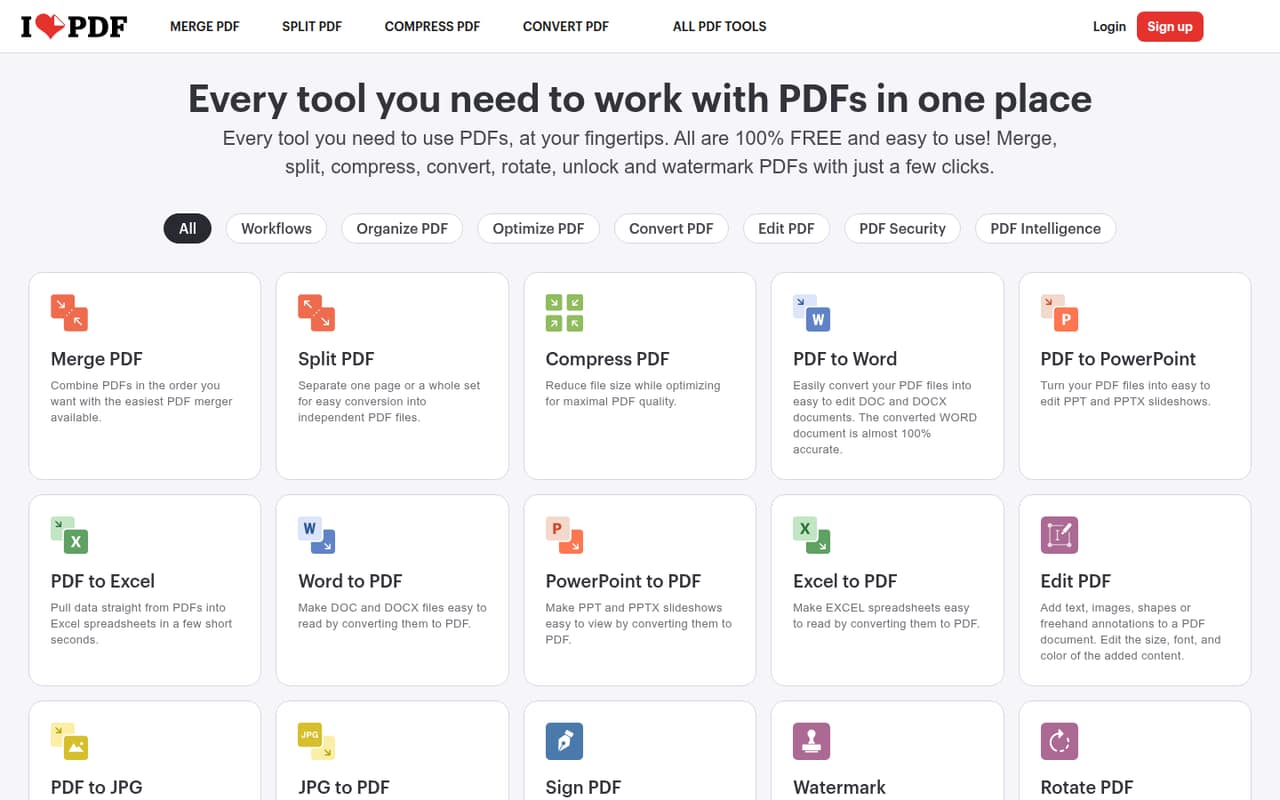
iLovePDF offers a free plan and a listed starting price of $5. Its tools suit routine PDF tasks, and the listing says small teams can share one Premium plan. Check what sharing means for your team and review privacy terms before sending sensitive documents. It’s a useful choice when PDF work is regular but not your whole office workflow.
What works
- Free plan covers essential PDF tools
- Premium is listed for up to 25 users
- One toolkit handles editing and conversion
What doesn't
- Free processing and batch work are limited
- Free merges have a 100 MB file limit
- Extra license prices are not published
- Best email basicsMicrosoft OutlookMicrosoft Outlook
Outlook has a free plan and a listed starting price of $1.67, with email and calendar basics that may suit a small team already using Microsoft services. The listing notes complaints about the new Outlook interface, so make sure its current experience fits your team before paying. Confirm whether the plan you choose covers all the accounts you need.
What works
- Free plan includes 15 GB of mailbox storage
- Email, calendars, contacts and tasks share one service
- Flagged messages can become Microsoft To Do tasks
What doesn't
- Free cloud storage is limited to 5 GB
- Paid plan prices are per person on individual plans
- Copilot pricing is not listed
- Best one-time PDFPDF-XChange EditorPDF-XChange Editor
PDF-XChange Editor is listed from $62, has a free plan, and offers one-time pricing—useful if you want to avoid a recurring license fee. The free version has limits to confirm, and the listing describes a wide range of PDF tasks. Check which license applies to commercial use and how it covers multiple team members.
What works
- Creates, edits, enhances, and converts PDFs
- Offers downloadable free versions
- Paid licenses are one-time purchases
What doesn't
- Free-version limits are not published
- Optional maintenance has no listed price
- No monthly or annual billing price is listed
- Best for shared docsONLYOFFICEONLYOFFICE
ONLYOFFICE is aimed at teams sharing office files and working in Microsoft Office-style formats. Its listed $149 Home plan covers 10 users, but the tool has no permanent free tier. Before treating that plan as your team option, ask the vendor whether its Home license permits business use and what deployment or support it includes.
What works
- Edits documents, spreadsheets, presentations, and PDFs
- Supports real-time document collaboration
- Offers web, desktop, and mobile apps
What doesn't
- No permanent free plan
- Home pricing is annual, not monthly
- Enterprise starts at 50 connections
- Best for online faxFAX.PLUSFAX.PLUS
FAX.PLUS has a free plan and a listed starting price of $6.99. The listing describes fax workflows and integrations for small teams, but calls the free limits tight and flags billing complaints to weigh. Check the page allowance, overage rules, team access, and renewal terms before moving routine business faxing onto a paid plan.
What works
- Send and receive faxes from web, mobile, email, and supported apps
- Free plan includes 10 pages total
- Business includes five members and multiple fax numbers
What doesn't
- Free plan is limited to 10 pages total
- Basic and Premium each allow only one member
- Extra pages cost money on every listed plan

- Best self-hosted docs
Collabora OnlineCollabora Online
Collabora Online is listed from $3.40 and has a free plan. It can be a low-cost route to collaborative document editing if your team already manages infrastructure or can work with a partner. That hosting requirement adds setup and maintenance work, so it’s a better fit for technically capable teams than for a group seeking a ready-to-use office app.
What works
- Free edition for testing and home use
- Business starts at $3.40 per user monthly
- Edits documents, spreadsheets, presentations, and drawings
What doesn't
- Free edition is listed for testing and home use
- Annual Business pricing is not published
- Enterprise pricing is not published
- Best routine faxeFaxeFax
eFax starts at $6.66 and is listed for teams that fax regularly or want fax-to-email. The listing describes it as a low-cost option if the page caps and team terms fit, but doesn’t give those limits here. Ask the vendor to confirm included pages, extra-page charges, and how shared team access is priced before you commit.
What works
- Send and receive faxes online
- Email faxing sends and receives messages
- Plus includes a local or toll-free number
What doesn't
- No free plan is listed
- No free trial is listed
- Plus has 30-page send and receive limits
03How we chose
We ranked these tools for teams of 1–10, weighing free-plan availability, listed starting prices, the cost of adding a few seats where stated, setup effort, and plan limits. We also consider documentation and reported user sentiment as buying signals, without treating either as a substitute for checking your use case. Browser tools can mean less deployment work; products that require hosting need more technical ownership. Where seat pricing, licensing, or limits need clarification, we say so rather than assuming a team total. A high score alone doesn’t make a tool the best fit for a small budget.
04Start with the workflow—and price the seats
Pick the job that causes the most friction first. If it’s everyday documents, try Word for the web’s free browser-based option before paying for a suite. If your team needs a wider set of office tools and PDFs, WPS Office also has a free plan. For email, Outlook offers free basics, while Fastmail starts at $3 and charges per seat.
Treat a listed starting price as a starting point, not your team’s total. A price may not tell you whether it applies per person, whether annual billing is required, or whether a plan supports shared work. Before choosing, ask for the cost for your actual seat count and confirm whether accounts, calendars, storage, and admin controls are included. If the vendor doesn’t publish a detail, get it in writing before purchase.
05Check limits, setup, and the point you’ll outgrow it
Free plans can be enough for occasional work, but verify their limits against a normal week for your team. PDF tools may cap free use; fax services can cap pages; desktop editors may restrict free versions or license use. Ask about overages, commercial-use rights, and what happens when more people need access. Don’t assume a shared plan covers multiple employees just because the tool supports sharing.
Setup is part of the price. Browser-based tools can avoid installing desktop software, while Collabora Online expects your team to manage infrastructure or find a partner. That can be a sensible trade if you already have technical support, but extra administration can outweigh a low subscription. Revisit the choice when page limits, storage, seat costs, or maintenance start creating more work than the tool saves.
Questions people ask
What is the #1 app in productivity?
There isn’t one app that’s #1 for every small team. Word for the web is a sensible free starting point for basic documents; Fastmail is a paid option for custom-domain email and calendars. The right pick depends on whether documents, email, PDFs, or fax take most of your team’s time.
What is a good app for organizing work?
For office work centered on email and calendars, Fastmail lists shared calendars and contacts, while Outlook combines email and calendar basics. If your team mainly organizes shared documents, consider Word for the web or ONLYOFFICE. Compare the needed seats and confirm each plan’s sharing terms before deciding.
What is productivity software?
Productivity software helps people create and manage work materials and communications. For a small office, that can mean writing documents, handling PDFs, managing email and calendars, or sending and receiving faxes. Some teams need one suite; others can keep costs down with separate tools for specific jobs.
What are the four most common types of productivity software?
For office teams, four useful categories are document and office suites, email and calendar apps, PDF tools, and fax services. A small team might use a free document app, pay for team email, and add PDF or fax software only when those jobs happen often enough to justify another subscription.