
We may earn a commission if you buy through links on this page. It never changes a score or a ranking. How we make money
The bottom line
Strong Airflow tooling, but no free plan and hourly usage pricing raise the bar for small teams.
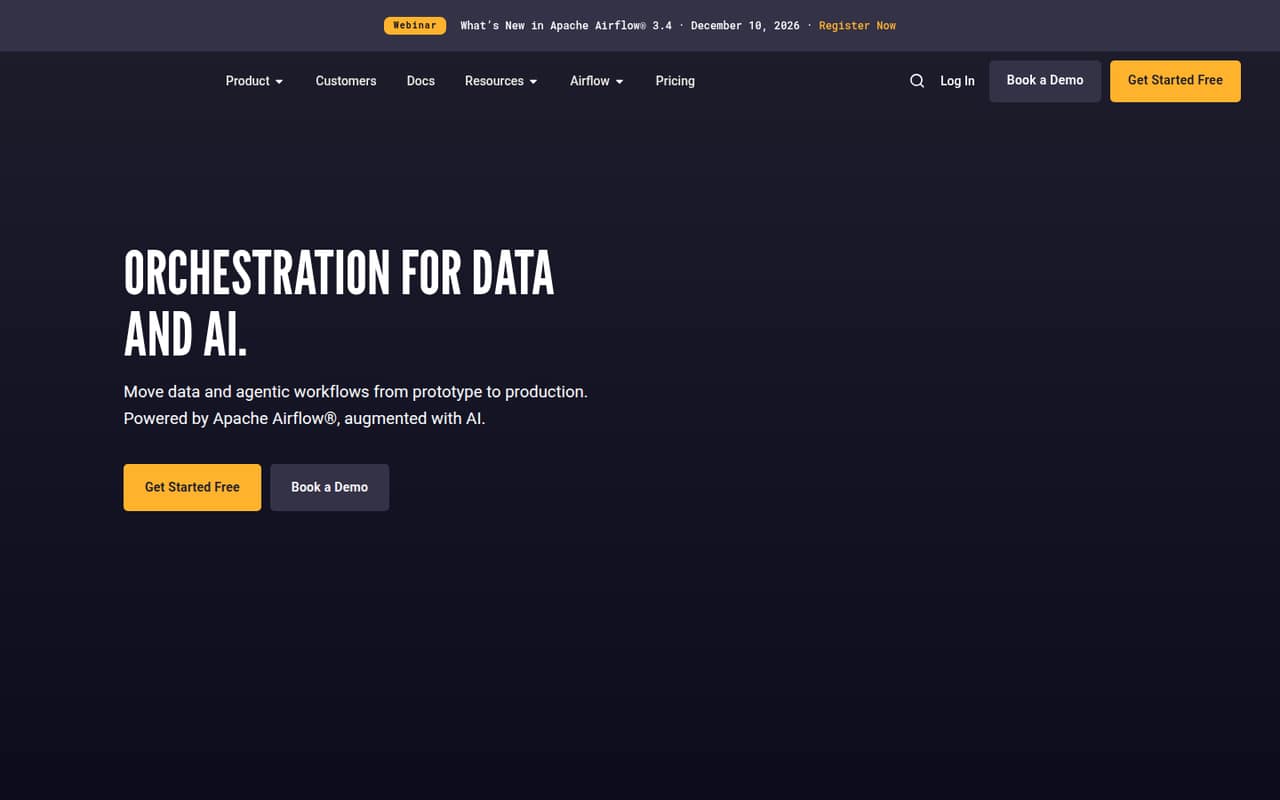
Astro is Astronomer’s platform for building, running, and monitoring data and AI workflows with Apache Airflow. It offers local development, event scheduling, observability, and AI help with DAGs and failures.
There’s no free plan, and the cheapest listed deployment starts at $0.35 per hour. That can work for a small team with a clear production need, but budget depends on deployment and worker usage—not just headcount.
Good fit if
- Small teams running production Airflow
- Teams building data and AI workflows
- Platform teams managing multiple deployments
Skip it if
- Teams that need a free starter tier
- Projects with a strict fixed budget
- Teams seeking a no-code workflow tool
ScoresHow it rates
What works
- Built on Apache Airflow
- Developer deployments start at $0.35 per hour
- Local development with Astro CLI or browser IDE
- Event scheduling reacts to incoming work
- Higher plans include SSO and stronger support
What doesn't
- No free plan
- Trial availability is not published
- Hourly usage makes total costs less obvious
- AI token rates are not published
- Annual price equivalents are not published
01Who Astro is for
Astro is for small data teams that already need Airflow or expect their workflows to become important enough to operate like production software. A team of one to ten can use it, but the fit depends more on workload and operational needs than headcount. It’s built to develop, deploy, observe, and operate data and AI workflows, with Apache Airflow at its core.
For a lean team, the practical case is strongest when pipelines need event scheduling, monitoring, data quality checks, or support for production operations. Astro also offers AI features for DAG authoring and debugging. It is a harder sell for a team that only needs a few simple automations or must keep software spending predictable: there’s no free plan, and deployments are billed by the hour. We’d estimate workload and compute needs before choosing a plan.
02Astro free plan and trial
Astro does not list a free plan. The pricing page also doesn’t publish whether a free trial is available, so ask Astronomer about trial access before planning a pilot.
The cheapest listed way in is Developer, with deployments starting at $0.35 per hour. That plan includes AI-powered DAG authoring and debugging, scale-to-zero compute and hibernating deployments, API access, and deployment rollbacks. The hourly starting rate is not a fixed monthly bill: the amount depends on how long deployments run and what compute the team uses. For a small team testing the platform, scale-to-zero and hibernation may help manage usage, but they don’t replace a free tier. Confirm expected usage and any extra charges with the vendor.
03What a small team pays for Astro
Astro does not charge per seat in the listed plans. Developer deployments start at $0.35 per deployment per hour, so a team of one, three, or five pays the same rate for the same deployment usage; headcount alone doesn’t change the bill. The total depends on deployment hours and other compute, so we can’t turn that starting rate into a reliable monthly or annual total. The pricing page offers Monthly and Annual views but publishes no annual equivalents.
For production, Team deployments start at $0.42 per hour and include dedicated clusters and high availability, observability and data quality, seven-day audit-log retention, and 24x5 support. Dedicated clusters are an add-on starting at $2.40 per hour; workers start at $0.13 per hour. Astro Observe costs a percentage of deployment and worker compute, AI token usage adds costs at unpublished rates, and cloud-provider networking costs pass through. Ask for a usage estimate before committing.
04Getting started with Astro
Astro offers two ways to develop: locally with Astro CLI or in the browser with Astro IDE. The platform also supports managing configuration through Git, CLI, API, or Terraform. That gives a small team a choice between a lighter browser-based start and a more controlled, code-managed workflow.
The learning curve is likely to be manageable for people already familiar with Airflow, but teams new to DAGs and orchestration should budget time to learn those concepts. Astro’s pricing and feature descriptions don’t publish a setup-time estimate, so we wouldn’t promise a same-day production rollout. For day one, decide how the team will develop and manage configuration, then identify the workflows and compute needs to deploy. The listed capabilities don’t specify particular third-party integrations, so confirm that any required services are supported before building around them.
05When small teams outgrow Astro
Astro’s plan steps reflect growing operational needs, not seat counts. Developer is positioned for building and testing; Team adds dedicated clusters, high availability, observability, data quality, seven-day audit logs, and 24x5 support. If a production team needs those capabilities, it may need to move up from Developer, with deployments starting at $0.42 per hour.
Business adds SSO, CI/CD enforcement, 90-day audit-log retention, and 24x7 support with a one-hour SLA. Enterprise adds remote execution agents, custom RBAC, SCIM provisioning, IP access lists, and organization dashboards. Enterprise Business Critical adds cross-region disaster recovery and a 30-minute support SLA. These plans require a quote, so pricing is not listed. A team can also hit budget friction before it outgrows features: worker, dedicated-cluster, Observe, AI-token, and networking charges can add to deployment costs. Ask for a forecast as usage grows.
Questions people ask
Does Astro use Apache Airflow?
Yes. Astro is Astronomer’s orchestration platform, powered by Apache Airflow. It adds tools for building, deploying, observing, and operating data and AI workflows, including Astro Runtime and AI features for DAG authoring and debugging.
What is the cheapest Astro plan?
Developer is the cheapest listed plan, with deployments starting at $0.35 per hour. It includes AI-powered DAG authoring and debugging, scale-to-zero compute and hibernating deployments, API access, and deployment rollbacks. Your total depends on usage.
Does Astro have a free trial?
The pricing information doesn’t publish whether Astro offers a free trial. Contact Astronomer to confirm trial availability and ask what usage, support, or deployment limits would apply before starting a pilot.
Can I develop locally with Astro?
Yes. Astro lists local development with Astro CLI and browser-based development with Astro IDE. It also lists Git, CLI, API, and Terraform as ways to manage configuration. Check with Astronomer about any specific integration your team needs.
Is Astro good for SEO?
Astro here refers to Astronomer’s workflow orchestration platform, not a website-building tool. Its listed purpose is running data and AI workflows, so it isn’t a product to choose for building or optimizing an SEO-focused website.