We may earn a commission if you buy through links on this page. It never changes a score or a ranking. How we make money
A small team does not need a sprawling data platform just to move a few files or sync business apps. Start with the job: occasional PDF tables, recurring reports, warehouse pipelines, or production data changes. Free plans from KNIME, Tabula, and several others can keep early costs down, but they cover different work. For collaboration, check the real price for your seats: KNIME lists $99 monthly for three-person collaboration, while dbt starts at $100 and limits its free plan to one developer. Managed tools can save upkeep, but costs rise quickly.
Quick picksThe shortlist
 KNIME Analytics PlatformKNIME Analytics PlatformBest for visual workflows · $19/mo
 TabulaTabulaBest free PDF tool · Free
 Apache NiFiApache NiFiBest for self-hosting · Free
 Coupler.ioCoupler.ioBest for recurring reports · $24/mo
 dbtdbtBest for SQL modeling · $100/mo
 ArtieArtieBest for free CDC · $500/mo
 SkyviaSkyviaBest for app syncing · Free
 AirbyteAirbyteBest for custom connectors · $20/mo
 PrefectPrefectBest for Python orchestration · $100/mo
 FivetranFivetranBest for managed connectors · Free
 DagsterDagsterBest for asset lineage · $10/mo
 RiveryRiveryBest for managed ingestion · $0.90/mo
 Transaction Pro ImporterTransaction Pro ImporterBest for QuickBooks imports · $10/mo
 HightouchHightouchBest for customer activation · Free
 FMEFMEBest for spatial data · Free
 AlteryxAlteryxBest for finance workflows · $250/mo
 AstroAstroBest for managed Airflow · Custom
 Hevo DataHevo DataBest for managed replication · $265/mo
 Talend Data IntegrationTalend Data IntegrationBest for mixed skill teams · Custom
 MatillionMatillionBest for warehouse pipelines · Custom
 Confluent CloudConfluent CloudBest for real-time streaming · Custom
 Ab InitioAb InitioBest for enterprise governance · Custom
 MatiaMatiaBest for tool consolidation · $1,250/mo
01Compared at a glance
| Tool | Score | From | Free plan | Trial |
|---|---|---|---|---|
| KNIME Analytics PlatformKNIME Analytics Platform | 8.0 | $19/mo | Yes | Yes |
| TabulaTabula | 8.0 | Free | Yes | — |
| Apache NiFiApache NiFi | 7.2 | Free | Yes | — |
| Coupler.ioCoupler.io | 7.2 | $24/mo | Yes | 7 days |
| dbtdbt | 7.4 | $100/mo | Yes | 30 days |
| ArtieArtie | 7.0 | $500/mo | Yes | 14 days |
| SkyviaSkyvia | 6.3 | Free | Yes | — |
| AirbyteAirbyte | 6.5 | $20/mo | Yes | 14 days |
| PrefectPrefect | 7.6 | $100/mo | Yes | — |
| FivetranFivetran | 6.4 | Free | Yes | 14 days |
| DagsterDagster | 6.4 | $10/mo | No | 30 days |
| RiveryRivery | 6.7 | $0.90/mo | No | 14 days |
| Transaction Pro ImporterTransaction Pro Importer | 6.0 | $10/mo | No | 7 days |
| HightouchHightouch | 6.5 | Free | Yes | — |
| FMEFME | 6.2 | Free | Yes | — |
| AlteryxAlteryx | 6.2 | $250/mo | No | 30 days |
| AstroAstro | 6.8 | Custom | No | — |
| Hevo DataHevo Data | 7.0 | $265/mo | No | 14 days |
| Talend Data IntegrationTalend Data Integration | 6.0 | Custom | No | — |
| MatillionMatillion | 6.2 | Custom | No | — |
| Confluent CloudConfluent Cloud | 5.8 | Custom | No | — |
| Ab InitioAb Initio | 4.8 | Custom | No | — |
| MatiaMatia | 6.2 | $1,250/mo | No | 2 weeks |
02The picks, in detail
- Best for visual workflowsKNIME Analytics PlatformKNIME Analytics Platform
KNIME is a strong starting point for analysts who want visual workflows and repeatable processes without committing to a paid plan immediately. Its free plan supports solo workflows; the pricing details list $99 monthly for three-person collaboration. That makes the team cost clearer than many competitors, though life-sciences and chemistry teams may find its specialized workflow fit especially relevant.
What works
- Free open-source desktop download
- Homepage lists 300+ connectors
- Handles data of any size or type
What doesn't
- Team plan starts at three members
- Additional Team members cost $49 monthly
- Runtime credits are limited on paid plans
- Best free PDF toolTabulaTabula
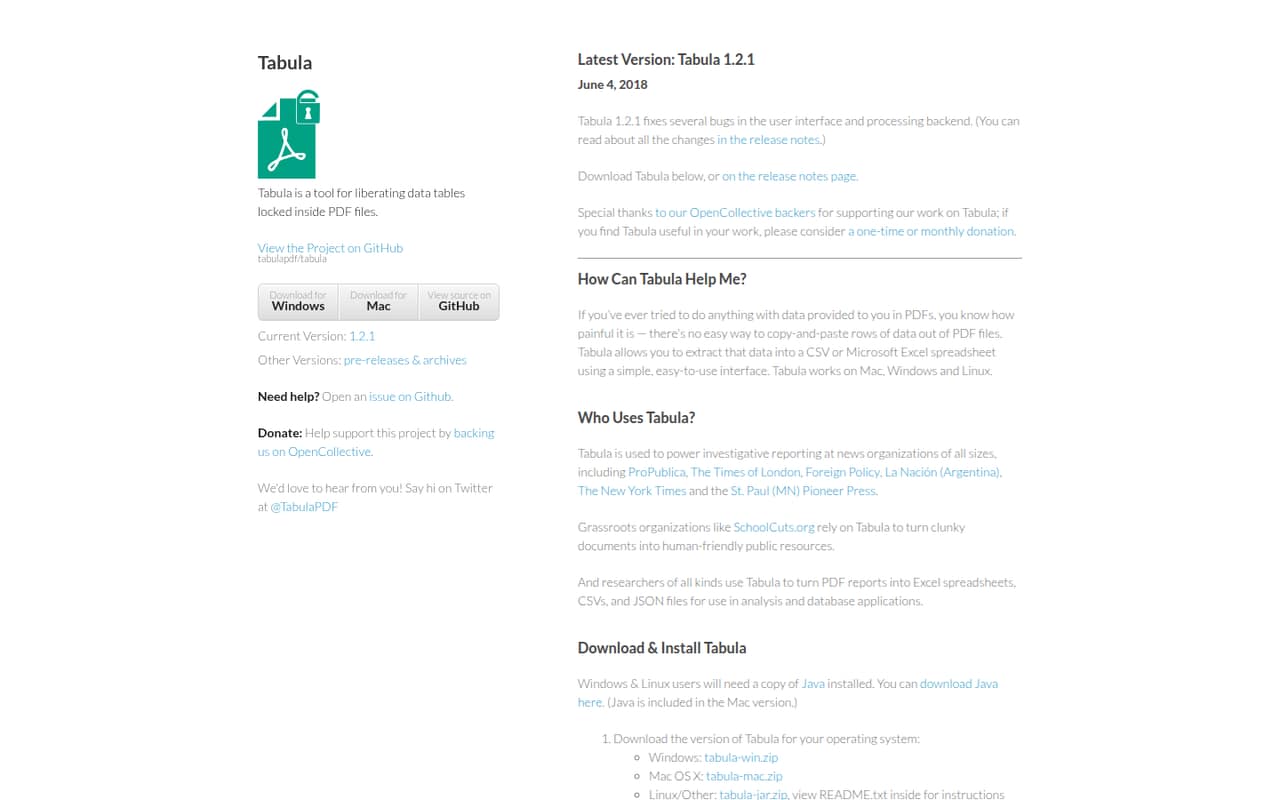
Tabula is the leanest fit when the job is pulling tables from PDFs and exporting them to CSV or Excel. It is free, according to the published pricing summary, and does not require a broad integration platform for occasional extraction. The tradeoff is narrow scope: teams that need shared workflows or recurring connections across business systems should choose a different tool.
What works
- Free under the MIT license
- Runs on Mac, Windows, and Linux
- Exports extracted tables to CSV and Excel
What doesn't
- Does not work with scanned documents
- No paid support plan is listed
- No setup-time estimate is published
- Best for self-hostingApache NiFiApache NiFi
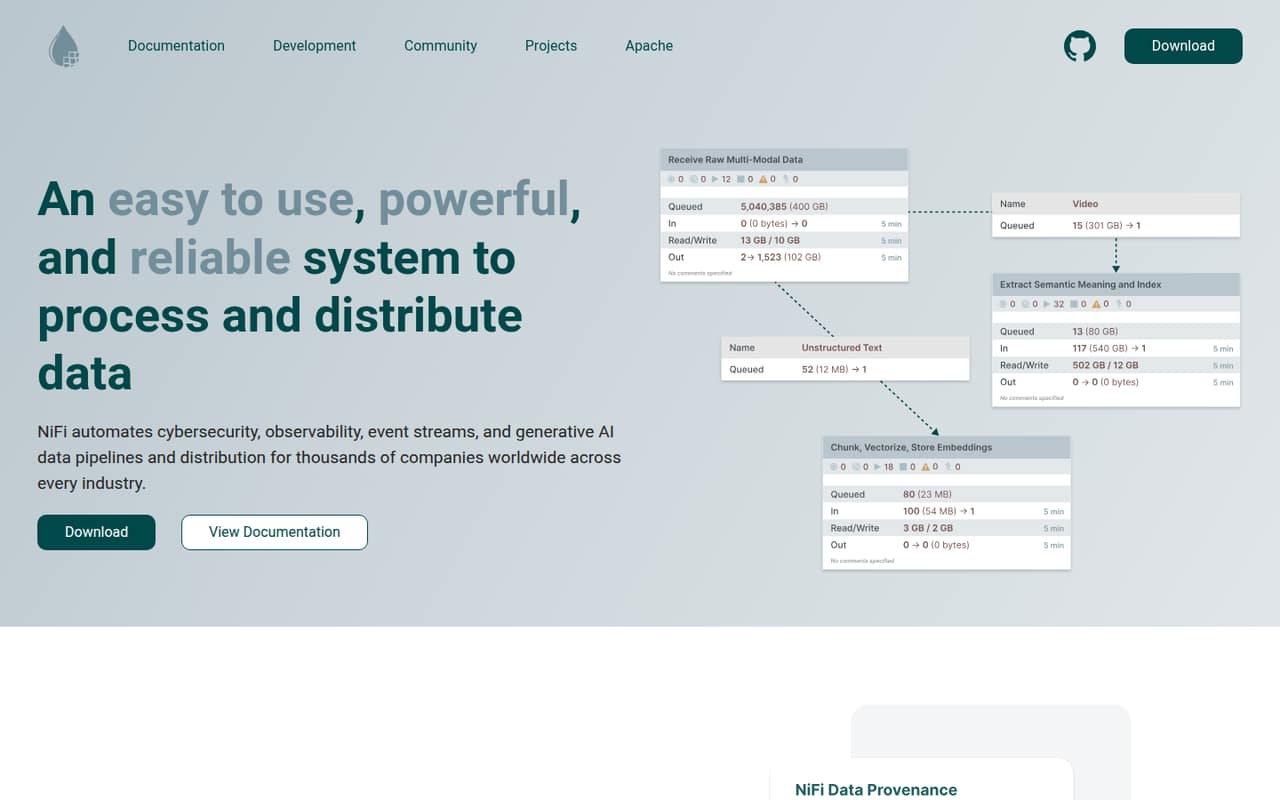
Apache NiFi suits a technically capable small team that wants free, self-hosted visual flows for batch or streaming data. There is no listed subscription price, but free software still needs an operator: upkeep can outweigh the savings for a team without that capacity. Choose it when controlling and managing pipelines in-house matters more than having a vendor handle the operational work.
What works
- Free to download and self-host
- Released under Apache License 2.0
- Tracks data lineage with provenance
What doesn't
- Self-hosting means your team owns operations
- No paid support pricing is published
- Reddit users report debugging can be difficult
- Best for recurring reportsCoupler.ioCoupler.io
Coupler.io is aimed at recurring reports, marketing data in spreadsheets or BI, and teams combining several sources. It has a free plan and starts at $24, but the free tier is described as a taste rather than a complete team setup. It makes most sense when automating routine reporting is the immediate need, not when you want a general-purpose warehouse pipeline platform.
What works
- Connects to 400+ apps without code
- Transforms data with formulas, filters, and joins
- Sends data to several destination types
What doesn't
- Free refreshes are manual
- Free runs stop at 100 rows
- Starter is limited to one user
- Best for SQL modelingdbtdbt
dbt fits solo SQL developers and teams standardizing transformations or needing lineage. The free plan is for one developer, and paid collaboration starts at $100, so check that cost before more people depend on shared models. It is a focused choice for transformation work, not a complete answer to every ingestion or synchronization need a small data team may have.
What works
- Free Developer plan includes one developer seat
- SQL models can be tested and version-controlled
- Interactive lineage includes column-level tracing
What doesn't
- Starter lists $100 per user each month
- Annual billing and discounts are not published
- Free Developer plan is limited to one seat

- Best for free CDCArtieArtie
Artie is worth considering when a small team needs change data capture for production pipelines, including backfills and schema changes. Its free plan is positioned for small pipelines; growth starts at $500 per month when billed annually. That is a substantial step up, so confirm that the free capacity fits the project and that the annual growth plan is justified before building around it.
What works
- Free plan includes up to 1 million billable rows monthly
- Two active pipelines are included on Free
- Backfills are included and excluded from billable rows
What doesn't
- Free plan is limited to two active pipelines
- Growth costs $600 month-to-month
- Extra Growth usage rates are not published
- Best for app syncingSkyviaSkyvia
Skyvia offers a broad no-code toolkit for syncing business apps, scheduled warehouse pipelines, and data backups. A free entry point gives a small team room to start, but the paid prices need confirmation with the vendor. It is a sensible shortlist option for teams that want several no-code data tasks together; ask for the specific plan cost and limits before relying on it for regular production work.
What works
- Free plan includes 10,000 records monthly
- No-code pipelines support ETL and Reverse ETL
- Basic plan includes unlimited users and connections
What doesn't
- Paid subscription prices are not published
- Free plan has a 10,000-record monthly limit
- Free integrations run at most once daily
- Best for custom connectorsAirbyteAirbyte
Airbyte can suit small teams that are comfortable managing pipelines and want to test self-hosted ingestion or build custom connectors. The listed starting point is $20, alongside a free plan, but credits affect value and the tool is less appealing if support is critical. Budget for the people and upkeep needed to manage connectors, not just the advertised entry price.
What works
- Free self-hosted Core edition
- Managed Standard starts at $20/month
- Connector Builder supports custom connectors
What doesn't
- Core usage limits are not published
- Standard includes only five credits
- Extra Standard and Plus credits cost $5 each
- Best for Python orchestrationPrefectPrefect
Prefect is a fit for Python-first teams piloting orchestration and needing workflow retries. It has a useful free tier, while the listed paid starting point is $100; the jump to paid seats is described as steep. A small team should verify how many people can work comfortably on the free plan and what paid access will cost before making it the home for shared workflows.
What works
- Turn Python functions into workflows with a decorator
- Retries and recovery for failed runs
- Schedule workflows with cron, events and backfills
What doesn't
- Hobby is limited to two users
- Starter costs $100 per month for three users
- Team costs $100 per user per month
- Best for managed connectorsFivetranFivetran
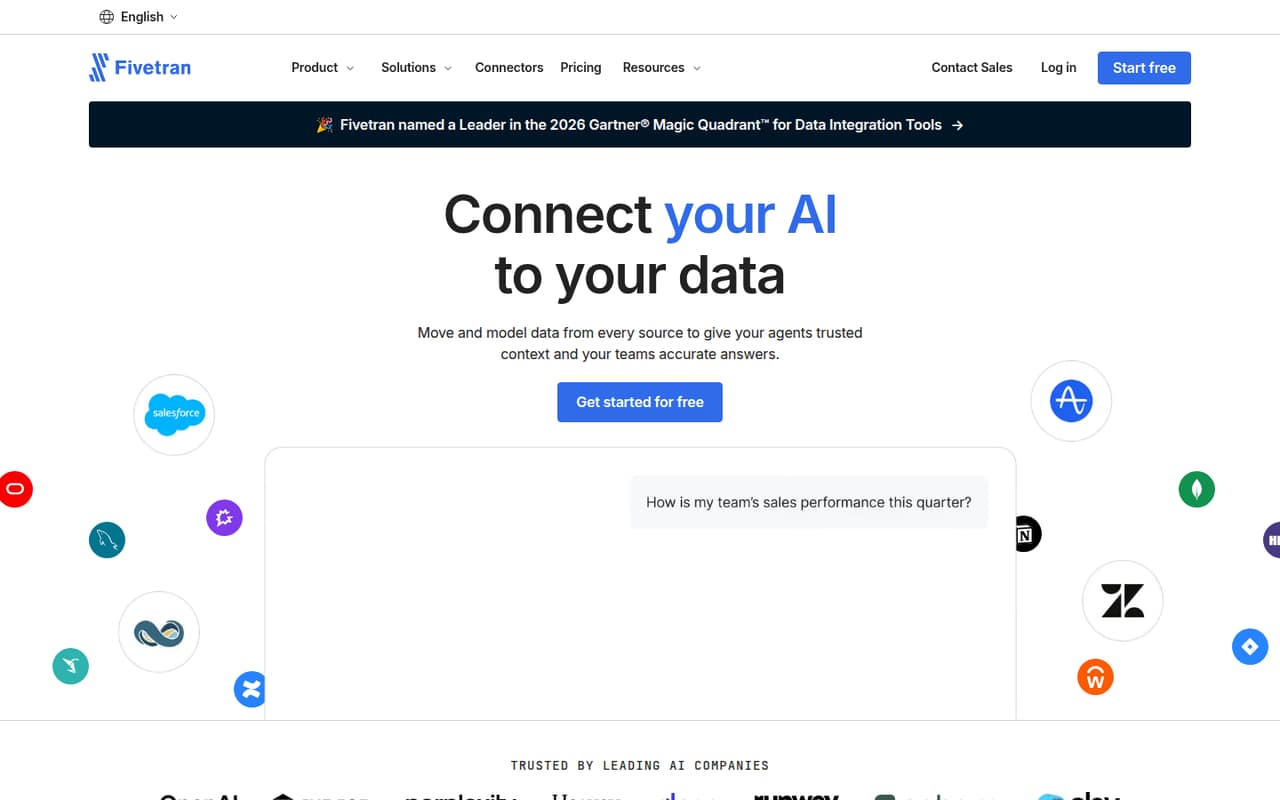
Fivetran can save a small team with one data engineer from maintaining custom connectors, and it is positioned for low-volume data projects. A free plan is listed, but there is no published paid starting price in this comparison. Start with the free option if its limits fit, then ask for a usage-based estimate before expanding the number of sources or volume.
What works
- Free plan includes 500,000 MAR for connections
- Managed connectors reduce custom integration work
- Standard lists unlimited users
What doesn't
- Paid plan prices aren’t published
- Usage-based costs can be hard to forecast
- Free plan allowances are limited
- Best for asset lineageDagsterDagster
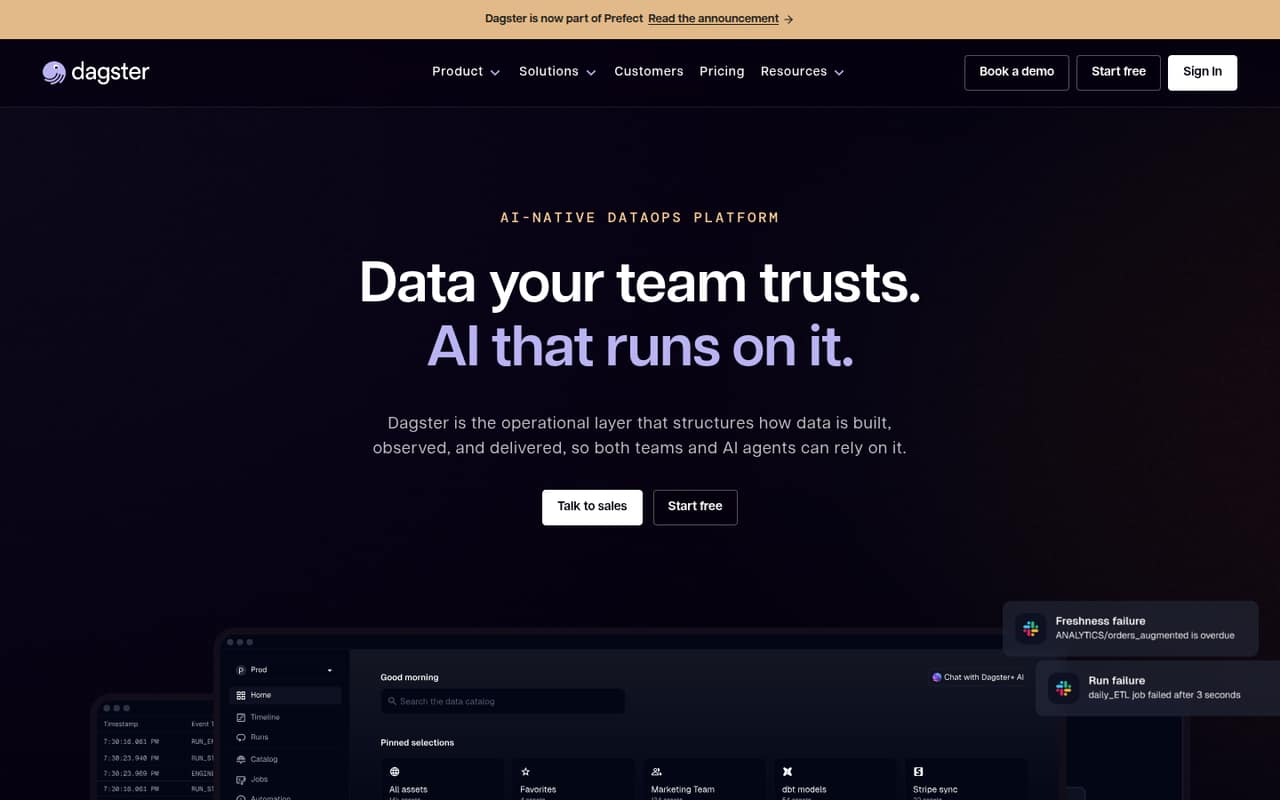
Dagster is aimed at small teams running production pipelines and tracking assets and lineage, with hybrid deployments also among its use cases. The listed starting point is $10, but teams should budget for credits and confirm pricing beyond three users. Its orchestration focus makes it a better match for teams with engineering ownership than for people who only need an occasional file import.
What works
- Tracks assets, lineage, dependencies, and data health
- Starter supports up to three users
- Hybrid deployments have no compute charge
What doesn't
- No free plan is listed
- Solo and Starter add per-credit charges
- Five-user pricing is not published
- Best for managed ingestionRiveryRivery
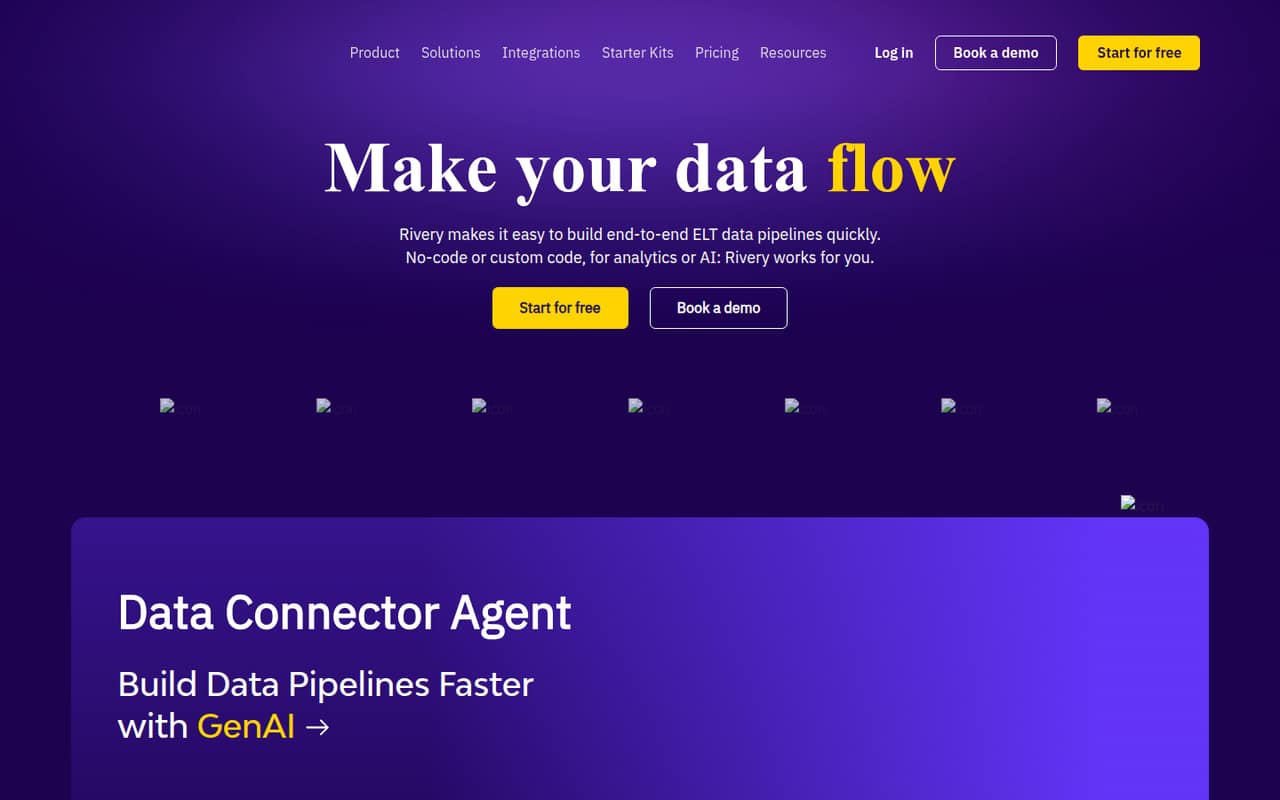
Rivery combines ingestion, transformation, and orchestration for teams centralizing data, including teams that use SQL or Python. Its listed starting figure is $0.9, but small-team costs are hard to predict from that figure alone. Ask the vendor how usage is charged and what a few sources and regular runs would cost; a low starting number is not a complete budget.
What works
- Ingests data from apps and databases
- Supports transformations with SQL or Python
- Includes orchestration with conditional logic and loops
What doesn't
- No free plan
- Base is limited to two users
- Professional pricing isn’t published
- Best for QuickBooks importsTransaction Pro ImporterTransaction Pro Importer
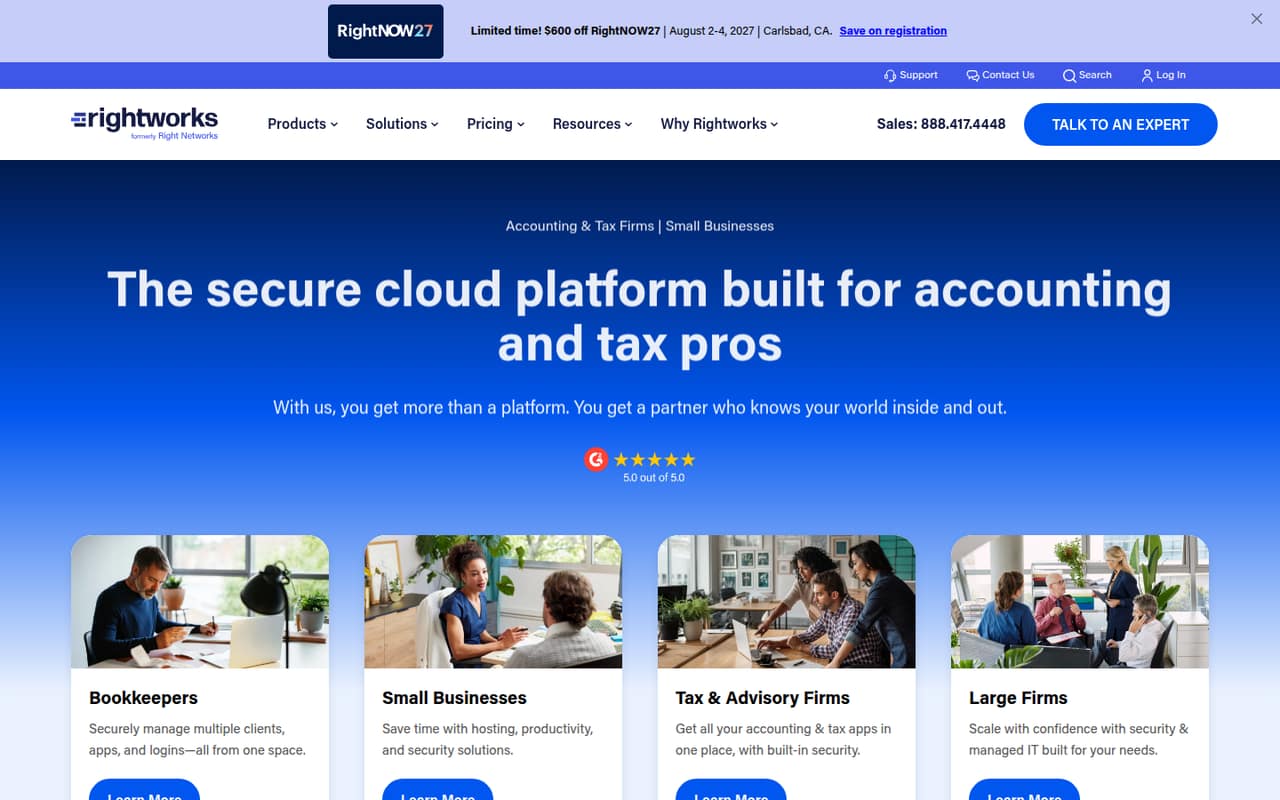
Transaction Pro Importer is a focused option for QuickBooks teams that regularly import files, share one online plan, or work across client companies. The listed starting price is $10. Before choosing it, check row and company limits against your actual workload. It is less suited to broad data integration than to recurring file transfers centered on QuickBooks.
What works
- Transfers data between QuickBooks and Excel or CSV
- QuickBooks Online plans include unlimited users
- Essentials starts at $10 monthly with annual billing
What doesn't
- No free plan is listed
- Essentials caps imports at 200 rows monthly
- Desktop licenses are charged per user
- Best for customer activationHightouchHightouch
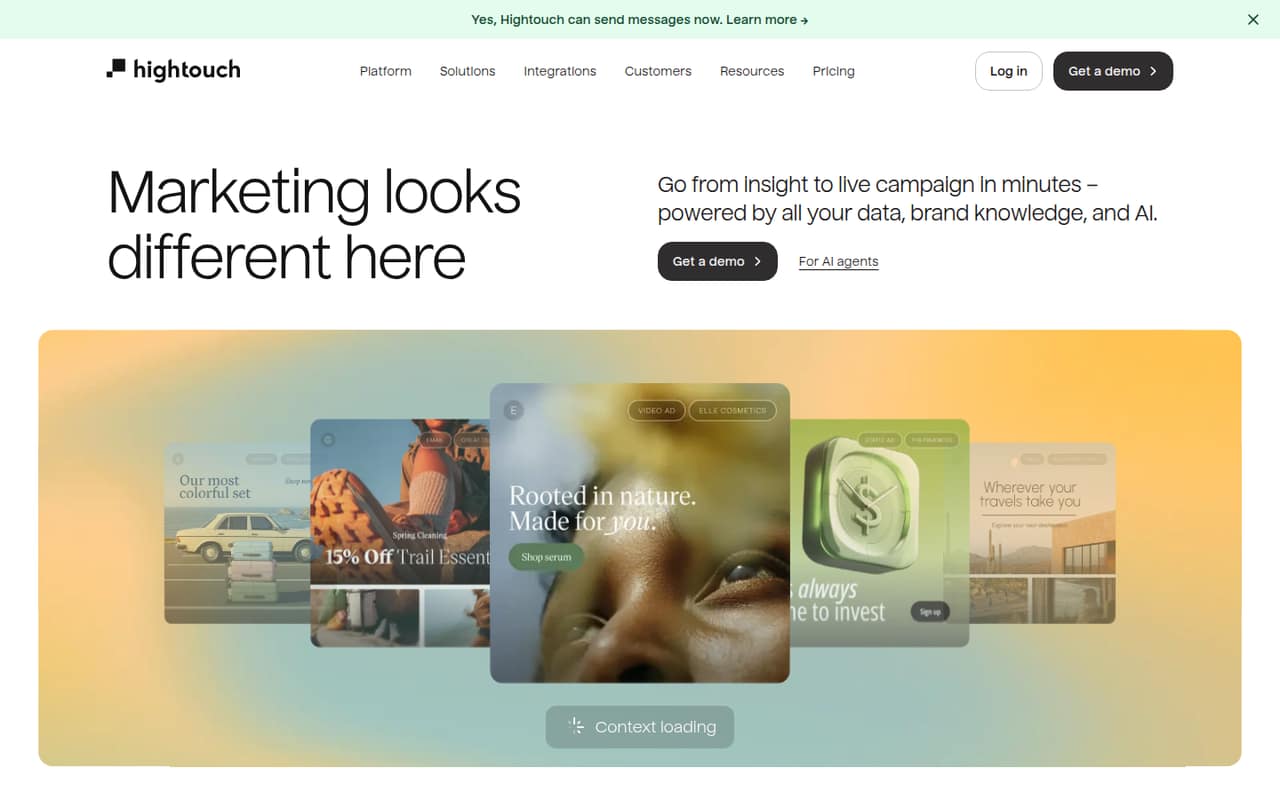
Hightouch is for teams activating customer data from a warehouse, including marketers coordinating personalized campaigns. Small teams can start with two syncs on the free plan, while paid plans are quote-based. That makes it possible to explore a narrow use case before buying, but budget-conscious teams should ask for a written price once they need more syncs or broader team use.
What works
- Free plan includes two active syncs
- Unlimited destinations on the free plan
- Unlimited user seats on the free plan
What doesn't
- Paid plan prices require a quote
- Annual prices are not published
- Free plan is limited to two active syncs
- Best for spatial dataFMEFME
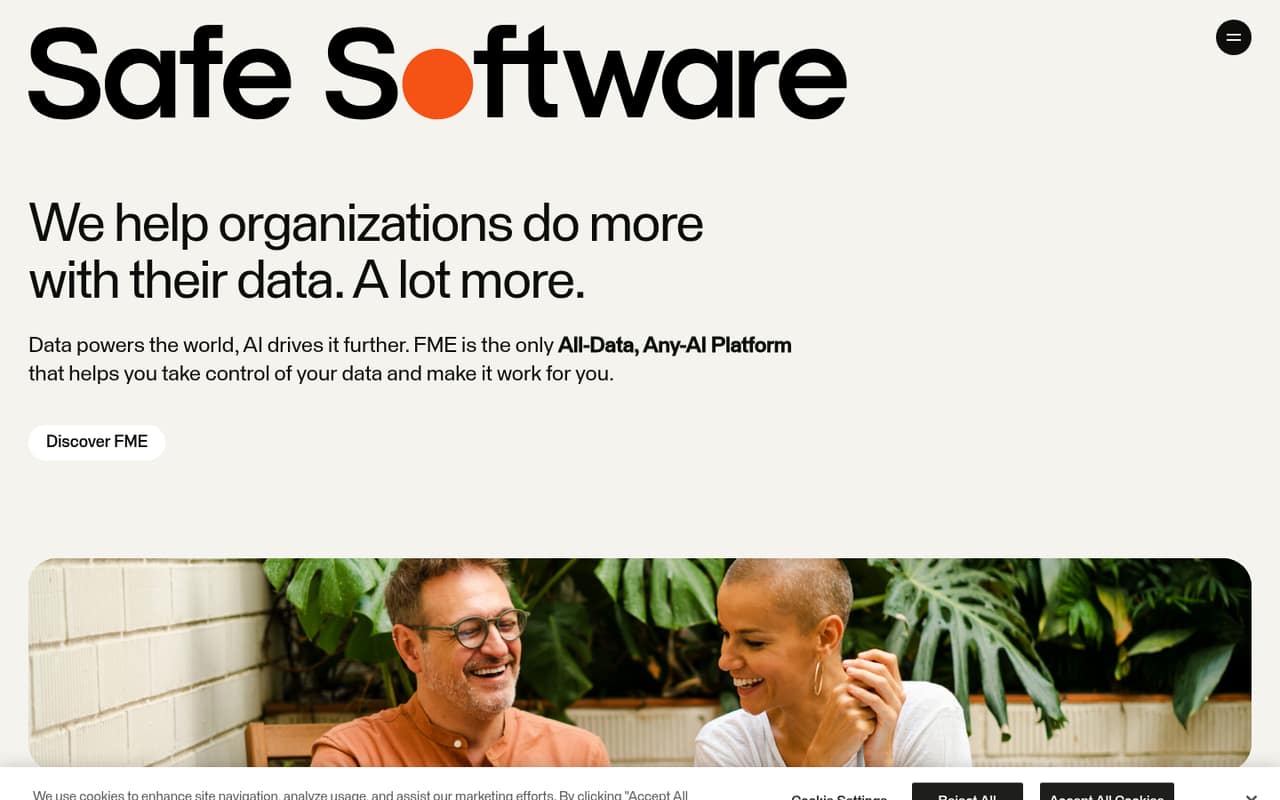
FME connects varied data sources and is a notable option for organizations working with spatial data. A free plan is available to eligible academic or humanitarian applicants, but other small teams need to ask Safe Software for a usable price. Confirm eligibility, seat costs, and the setup needed for your data sources before comparing it with tools that publish an entry price.
What works
- Connects databases, real-time sources, and business systems
- Includes support for spatial data
- Described as an all-data, any-AI platform
What doesn't
- Paid subscription prices are not published
- Seat and engine limits may be tailored
- Monthly and annual billing terms are not specified
- Best for finance workflowsAlteryxAlteryx
Alteryx is suited to finance teams automating manual processes, analysts who prefer visual workflows, and teams that need governed business logic. The listed Starter plan begins at $250 per seat, making a few-person rollout expensive for a lean team. Consider it when repeatable analytics and governance justify the spend; otherwise, a free or lower-cost workflow tool may be easier to budget.
What works
- Turns business rules into repeatable workflows
- Makes workflow steps and data sources traceable
- Can help non-coders automate existing processes
What doesn't
- No free plan
- Starter costs $250 per user monthly, billed annually
- Monthly billing rates are not published
- Best for managed AirflowAstroAstro
Astro is aimed at technical teams already building Airflow DAGs, as well as data and AI workflow operators who want managed Airflow. Its pricing is hourly, but no starting figure is listed here, so total cost needs careful budgeting. Ask the vendor for an estimate based on your expected usage and team size before treating managed infrastructure as a predictable monthly expense.
What works
- Built on Apache Airflow
- Developer deployments start at $0.35 per hour
- Local development with Astro CLI or browser IDE
What doesn't
- No free plan
- Trial availability is not published
- Hourly usage makes total costs less obvious
- Best for managed replicationHevo DataHevo Data
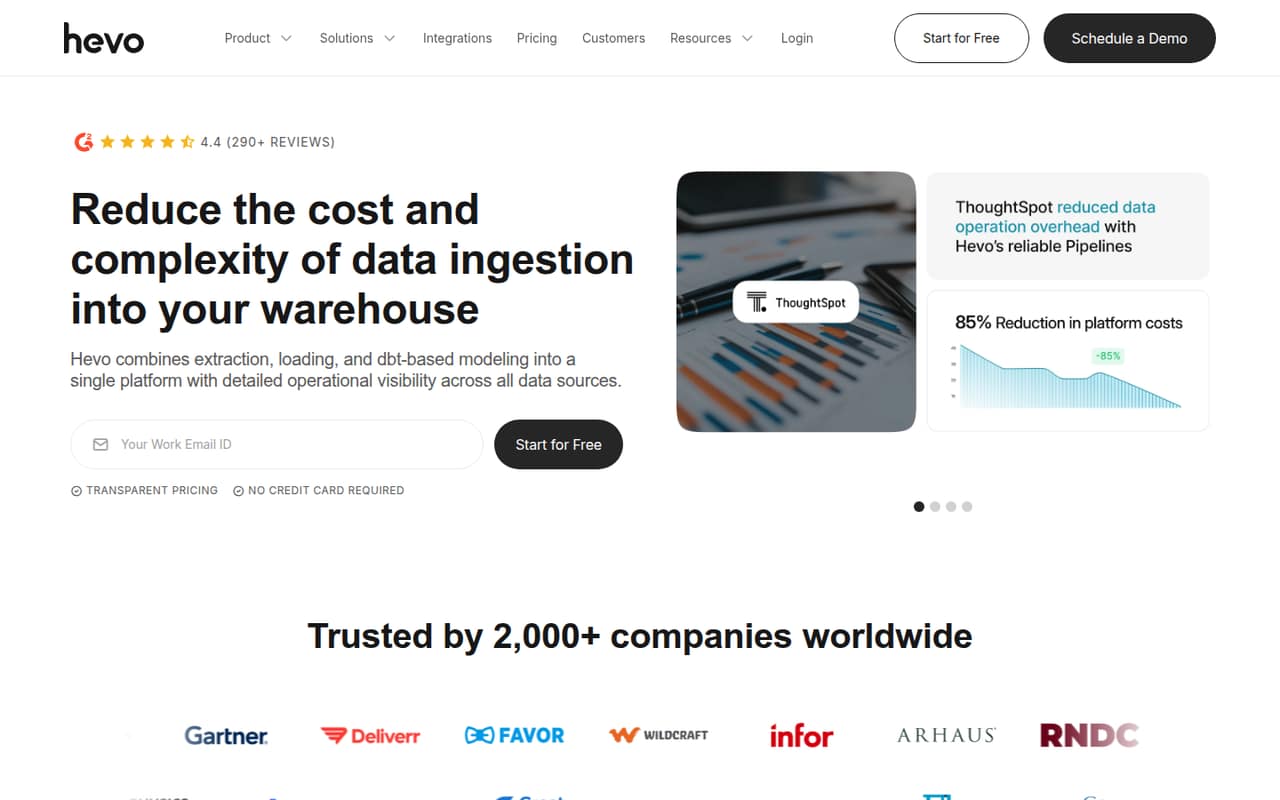
Hevo is aimed at small teams with recurring pipelines, including analytics groups using dbt or SQL and teams needing managed database replication. Its cheapest listed plan starts at $265 per month when billed annually. That can be worthwhile if reducing pipeline work is a priority, but the annual commitment makes it important to confirm the workload and expected use before signing.
What works
- 190+ pre-built connectors
- Managed, no-code pipeline setup
- dbt, SQL, and Hevo Transformer jobs
What doesn't
- No free plan
- Starter costs $299 month to month
- Event overage rates are not published
- Best for mixed skill teamsTalend Data IntegrationTalend Data Integration
Talend Data Integration targets teams working across environments, combining low-code and coding approaches, and organizations that need data governance. The vendor does not publish a starting price in this comparison, and usage charges complicate budgeting. Ask for a quote based on sources, volume, and seats. Its flexibility may appeal to mixed-skill teams, but cost clarity is a hurdle for a small buyer.
What works
- Supports batch, real-time, ETL, ELT, and API workflows
- Deploys in cloud, on-premises, or hybrid environments
- Combines data integration, quality, and governance
What doesn't
- No free plan is listed
- Monthly and annual prices are not published
- Seat caps are not published

- Best for warehouse pipelinesMatillionMatillion
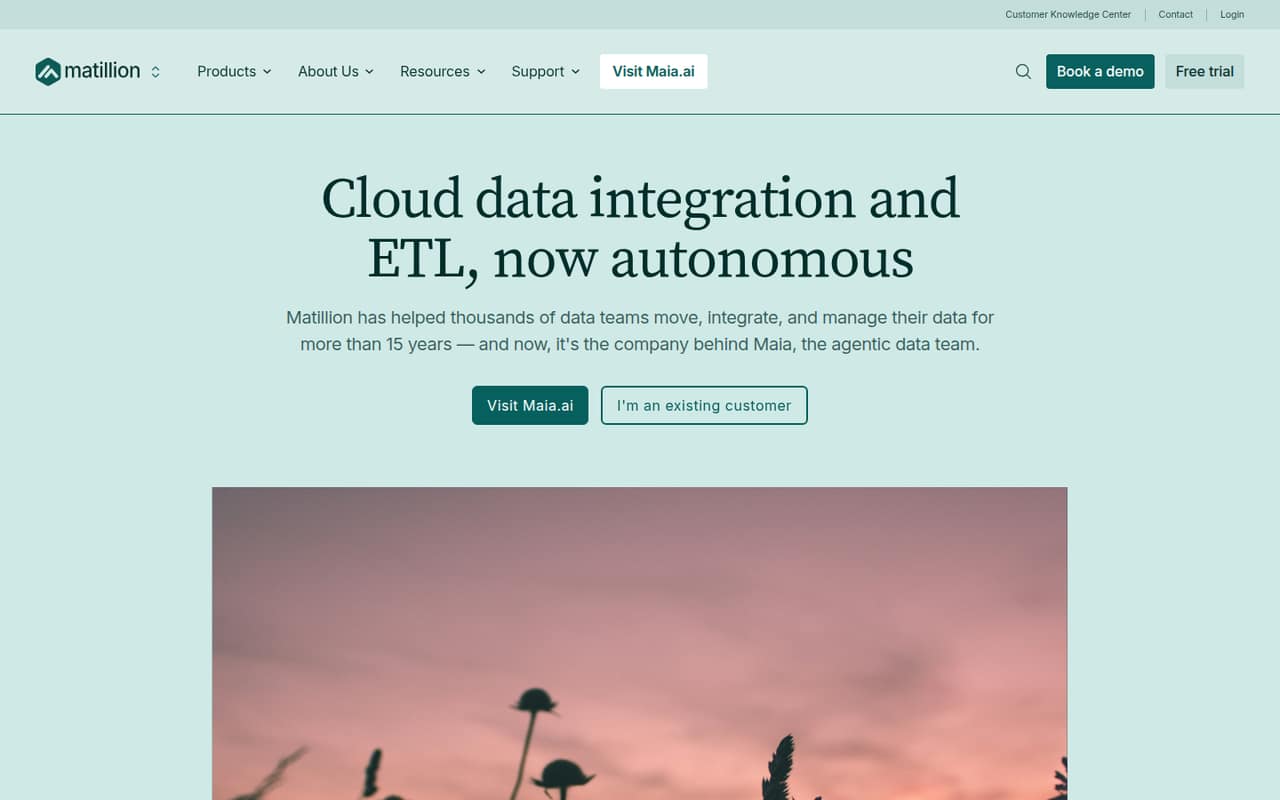
Matillion is built for cloud warehouse pipeline teams and offers governed orchestration and AI pipeline assistance among its stated use cases. There is no free plan or published starting price, so a small team cannot easily estimate the first few seats from public pricing. Request a quote tied to your warehouse and expected usage, then compare that figure with the value of its pipeline features.
What works
- Maia agents can build and fix pipelines
- Users review agent plans before they run
- Context Engine supplies business rules and standards
What doesn't
- No free plan is listed
- Plan prices are not published
- Developer usage is billed in credits
- Best for real-time streamingConfluent CloudConfluent Cloud
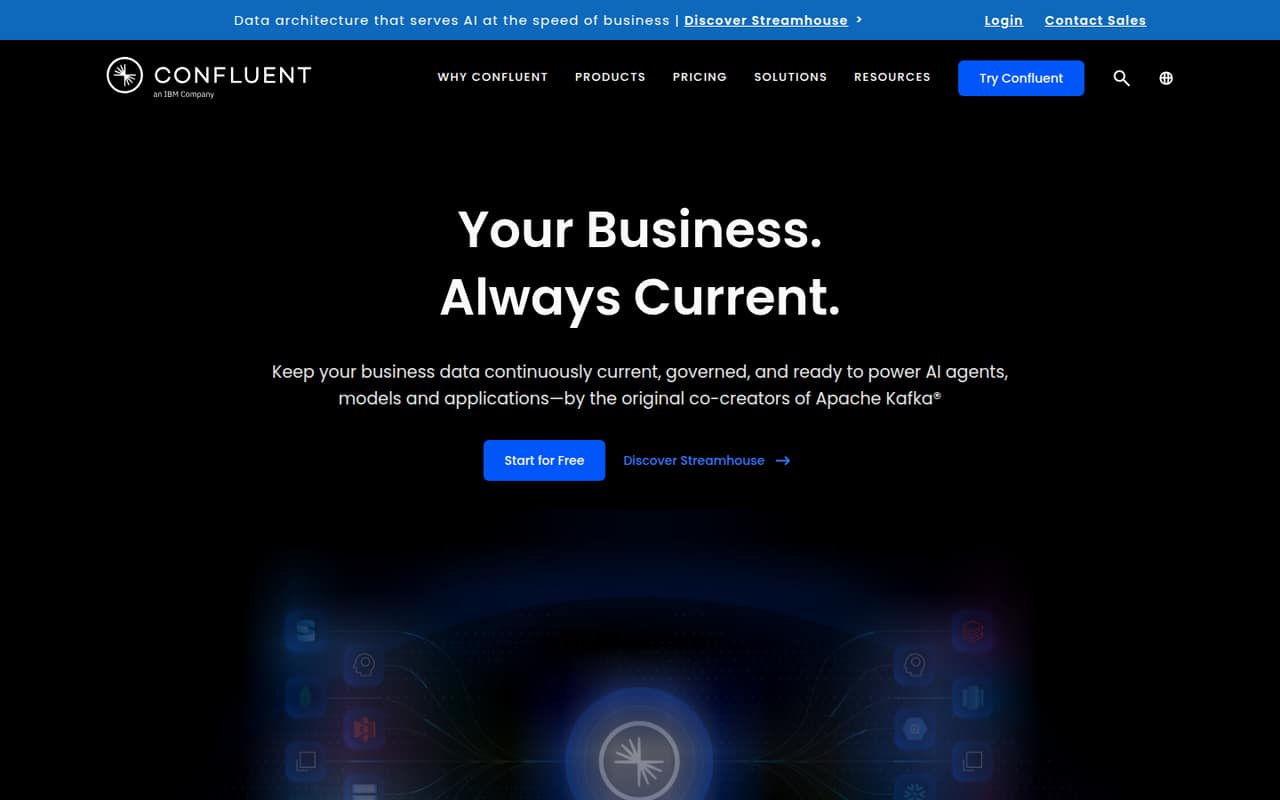
Confluent Cloud is for Kafka teams and products that need managed infrastructure for real-time applications. Its streaming focus is specialized, and entry costs are unclear, making it a difficult fit for a tight budget without a concrete workload. Ask for an estimate based on expected use before shortlisting it; teams that only need scheduled data movement may not need this kind of streaming platform.
What works
- Combines streaming, processing, governance, and querying
- Connects legacy databases and modern SaaS apps
- Kora provides autoscaling
What doesn't
- No free plan is listed
- Trial availability is not published
- Starting price and seat costs are not published
- Best for enterprise governanceAb InitioAb Initio
Ab Initio is built for large-scale data processing, batch and streaming work, and enterprise data governance. Custom pricing and limited public setup details make it hard for a 1–10 person team to assess cost or effort before speaking with the vendor. It may suit an organization with established enterprise needs, but a small team should first confirm the minimum commitment and implementation requirements.
What works
- Processes data across CPUs, networks, containers, and clouds
- Supports both batch and real-time streaming
- Handles large-scale ETL and ELT workflows
What doesn't
- Pricing is negotiated directly
- No starting price is published
- Seat and usage limits are unpublished

- Best for tool consolidationMatiaMatia
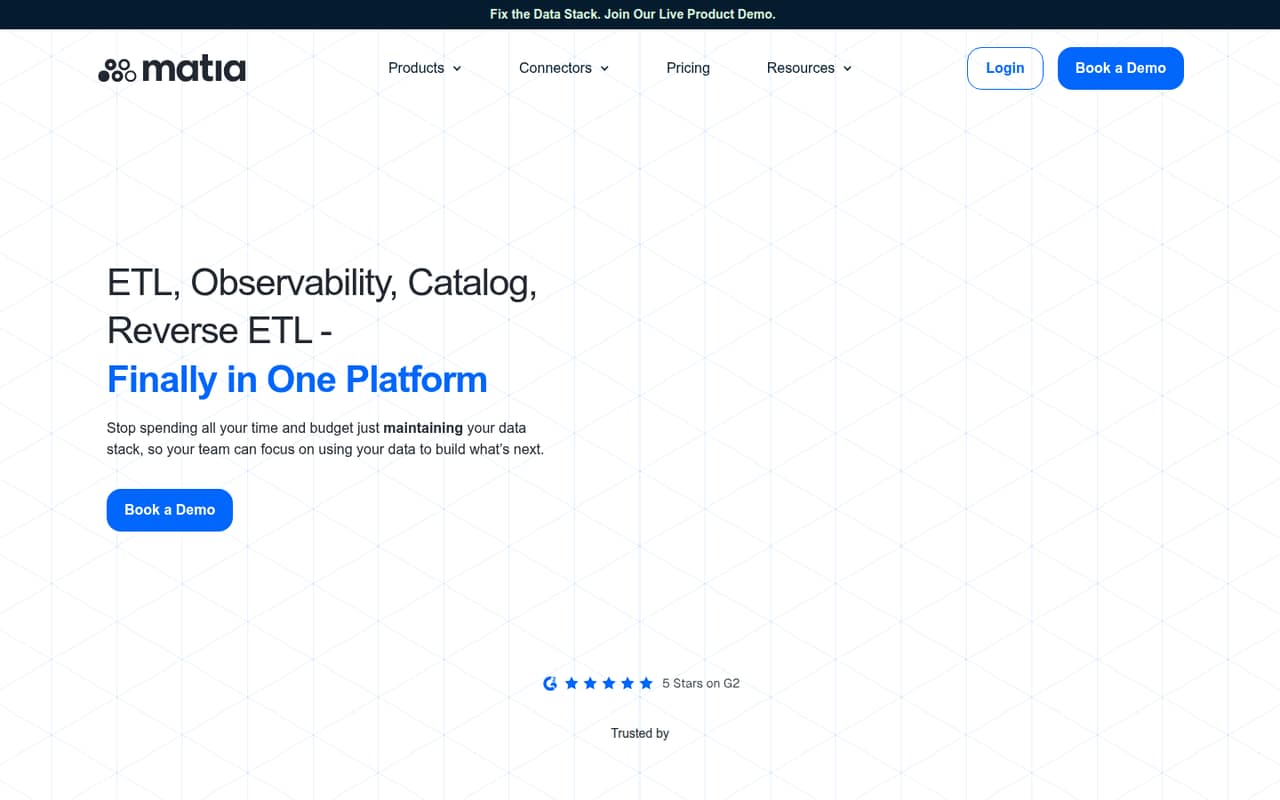
Matia brings several data tools together for warehouse-centered analytics teams, but its listed minimum is $1,250 per month. That is hard to justify for a tiny team unless consolidating existing tools solves a costly problem. Ask what is included at that monthly minimum and compare it with your current subscriptions; teams with a modest pipeline need should look at narrower, lower-cost options first.
What works
- Combines ingestion, reverse ETL and observability
- Starter allows up to 10 users
- Includes lineage and data catalog features
What doesn't
- No free plan
- Starter starts at $1,250 per month
- Standard and Enterprise prices aren't published
03How we chose
We ranked these tools for a team of one to ten, weighing whether a free plan can handle real work, what a few seats may cost, and how much operational effort the product implies. We favored clear entry pricing and small-team use cases, while noting when costs are quote-based, usage-based, or tied to credits. We also considered plan limits, vendor documentation, and user sentiment on Reddit as signals to investigate—not substitutes for a price quote or a fit check. We did not assume a tool had been tested hands-on.
04Match the tool to the data job
“Data integration” covers different work, so write down the actual job before comparing plans. Are you extracting tables from PDFs, automating recurring reports, syncing business apps, transforming warehouse data, or moving production changes? Tabula focuses on PDF tables; Coupler.io targets routine reports; dbt centers on SQL transformations; and Artie is positioned for change data capture. Those are not interchangeable jobs. Next, decide who will own setup and upkeep. A visual workflow or no-code tool may suit analysts who prefer not to manage connectors, while self-hosted NiFi or pipeline-focused Airbyte expects technical operators. Ask the vendor which sources and destinations are supported for your use case, how schema changes and failed runs are handled, and what ongoing maintenance your team should expect. Do not pay for orchestration or streaming capabilities you will not use.
05Price the team, not the first seat
A free plan can be useful and still fail as soon as a second person needs access. Check whether its limits apply to users, syncs, credits, rows, sources, or data volume; then price the smallest setup your team can actually share. KNIME lists $99 monthly for three-person collaboration, while dbt’s free plan is for one developer and its listed starting price is $100. For quote-based products such as Hightouch, FME, or Talend, ask for a written estimate tied to your planned seats and usage. Also distinguish monthly pricing from annual billing: Artie’s $500 growth price is billed annually, and Hevo’s $265 starting price is also tied to annual billing. Before committing, check what changes when you add users, pipelines, or volume. A tool is only affordable if its next growth step is affordable too.
Questions people ask
What are the top 5 data management tools?
There is no one top five for every data job. For this guide’s small-team focus, KNIME, Tabula, Apache NiFi, Coupler.io, and dbt rank highly for different needs: visual workflows, PDF tables, self-hosted flows, recurring reports, and SQL transformations. Choose by task, not rank alone.
Is ETL the same as an API?
No. ETL describes moving data through extraction, transformation, and loading steps; an API is a way for systems to expose or exchange data. A team may use an API as part of an integration pipeline, but the terms describe different things.
What are some effective tools for ETL testing?
The right choice depends on what you need to test. For transformation work, compare a SQL-centered option such as dbt with visual workflow tools such as KNIME or Alteryx. Check whether the product supports the checks your team needs, and ask for a demonstration using representative data.
What is an example of data integration?
A common example is syncing data from business apps into a warehouse, then transforming it for reporting. This guide includes tools for app syncing, warehouse pipelines, and transformations; choose the combination based on where your data starts and what your team needs to do with it.