
We may earn a commission if you buy through links on this page. It never changes a score or a ranking. How we make money
The bottom line
Auditoria automates AP and AR tasks, but small teams must request a quote to learn the cost.
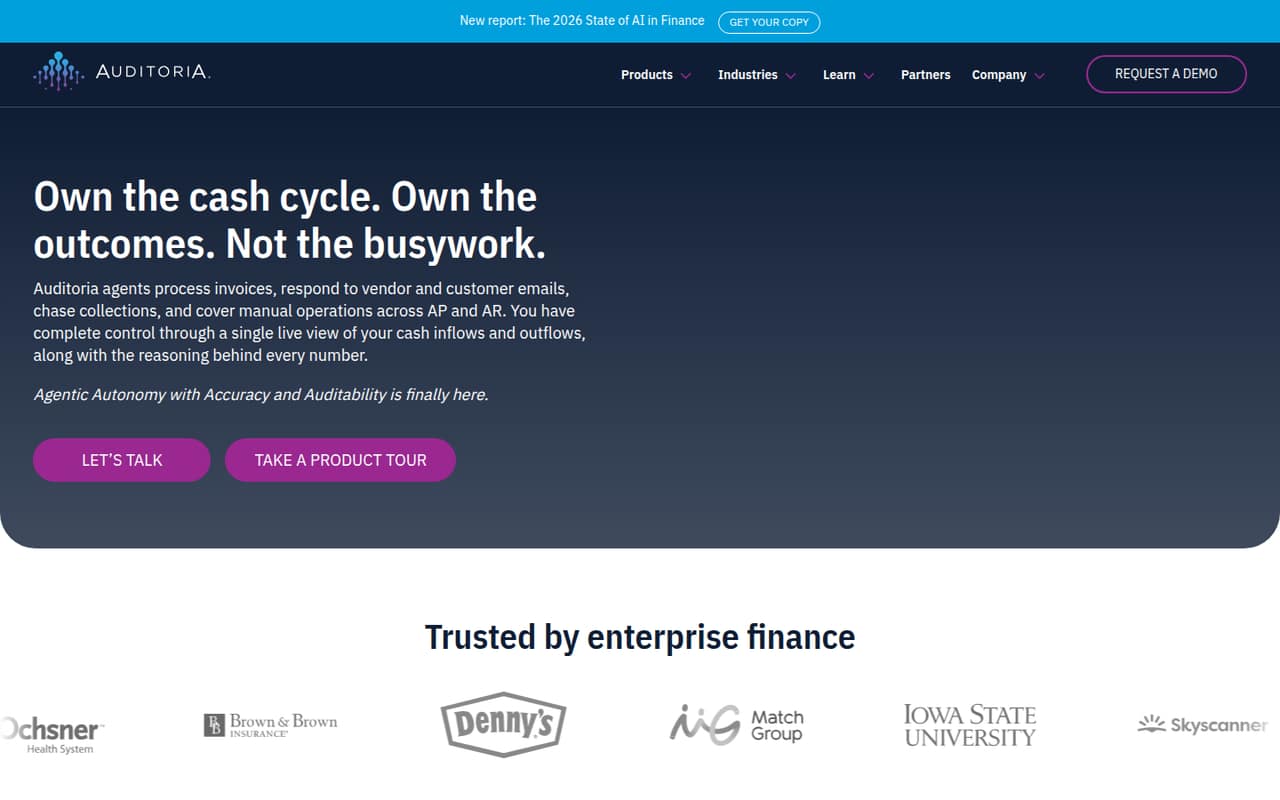
Auditoria uses AI agents for finance work, including invoice processing, supplier and customer inquiries, and collections follow-ups. SmartResearch answers questions from live records and traces figures to transactions.
The pricing page lists custom, quote-based pricing for enterprise finance teams. It does not publish a starting price, seat or usage limits, or billing terms, and a free plan is not listed. Small teams should confirm fit and cost before investing time in setup.
Good fit if
- Finance teams with repetitive AP work
- Teams managing vendor and customer inquiries
- Businesses needing transaction-linked answers
Skip it if
- Teams requiring a published price
- Buyers looking for a free plan
- Small teams with simple finance workflows
ScoresHow it rates
What works
- Automates invoice processing between an AP inbox and ERP
- Handles supplier inquiries and AP accrual management
- Supports vendor monitoring for risk
- Follows up on collections and customer inquiries
- SmartResearch traces figures to transactions
What doesn't
- Starting price is not published
- Seat and usage limits are not published
- Monthly and annual billing terms are not published
- A free plan is not listed
- Setup requirements are not published
01Who Auditoria is for
Auditoria is aimed at finance teams handling recurring accounts payable and receivable work. Its AI agents process invoices between a shared AP inbox and an ERP, answer supplier and customer inquiries, help manage AP accruals, monitor vendors, and follow up on collections. SmartResearch answers questions from live records and traces figures to transactions.
For a small team of one to ten people, the key question is whether those tasks take enough staff time to justify a custom quote. The pricing page positions the offer for enterprise finance teams, so a very small business with straightforward invoicing may find it hard to make the case. A team with a busy AP inbox, frequent vendor questions, or ongoing collections work has a clearer reason to ask for a demo and pricing. We’d get a quote before planning around it: the vendor does not publish a starting price or minimum team size.
02Auditoria free plan and trial
The pricing page does not list a free plan. It also does not publish whether a free trial is available, so small teams should ask Auditoria directly rather than assume they can test the product at no cost.
The cheapest way in is a custom quote: the pricing page lists a Custom plan for enterprise finance teams, with pricing by request. It does not publish a minimum seat count or usage limit. Before booking time for evaluation, ask what a pilot includes, how long it runs, whether it requires a paid agreement, and which AP and AR workflows are included. Without those details, there is no public free option a budget-conscious team can use to check fit.
03What a small team pays for Auditoria
The pricing page lists one plan, Custom, with pricing available by request. It does not publish a starting price, per-seat rate, monthly or annual billing terms, seat limits, or usage limits. That means we can’t calculate the cost for one person, three people, or five people from public pricing, and there is no reliable per-seat math to apply.
For a small team, ask for an itemized quote covering the expected users and workload. Get the price for one, three, and five people, and ask whether billing is monthly or annual, whether there is a minimum commitment, and how usage affects the total. The pricing material does not list add-ons, so ask whether any needed capabilities or implementation services cost extra. The listed plan is positioned for enterprise finance teams; confirm whether Auditoria will quote a smaller team before building a budget around it.
04Getting started with Auditoria
Auditoria’s listed workflows involve a shared AP inbox and an ERP, and its SmartResearch tool uses live records. That makes it important to establish which systems the product can connect to and what access it needs before a team commits. The vendor does not publish setup steps, supported ERP or inbox integrations, implementation timelines, or training requirements on the pricing material available here.
We’d ask for a walkthrough of one concrete process, such as routing an invoice from the AP inbox into the ERP, and confirm how the team sets guardrails for that work. Also ask how supplier and customer inquiries are handled, who reviews automated actions, and what is needed to enable SmartResearch on live records. Until those details are confirmed, setup effort and learning curve are unknown; don’t assume this is a plug-and-play tool.
05When small teams outgrow Auditoria
Auditoria is positioned for enterprise finance teams, so some small teams may find it is more tool than their workload needs from the start. The reverse can also happen: as invoice volume, vendor questions, or collections follow-ups grow, a team may want to know whether the product’s seat and usage limits cover the added work. The vendor does not publish those limits, and the custom-quote price makes growth costs hard to forecast.
Before expanding use, ask for written pricing at the current and expected team size, plus the expected workload. Confirm whether added seats or usage change the quote and whether AP and AR workflows are included. If the price or requirements do not fit, a team may need to keep those processes manual or choose another tool. Auditoria’s public pricing does not give a threshold at which an upgrade or move becomes necessary.
Questions people ask
Does Auditoria have a free plan?
The pricing page does not list a free plan. It also does not publish whether a free trial is available. Ask Auditoria whether it offers a no-cost pilot, what workflows that pilot covers, and whether it requires a paid agreement.
How much does Auditoria cost?
Auditoria lists a Custom plan with pricing available by request. The vendor does not publish a starting price, per-seat rate, or monthly and annual billing terms. Request a quote that shows the price for your team size and expected usage.
What does Auditoria automate?
Auditoria’s AI agents handle finance tasks across AP and AR. Listed capabilities include invoice processing between a shared AP inbox and ERP, supplier and customer inquiries, AP accrual management, vendor monitoring, and collections follow-ups.
What is Auditoria SmartResearch?
SmartResearch answers questions using live records and traces figures to transactions. If you are evaluating it, ask which records it can access, what setup is required, and how it presents the transaction trail behind an answer.
What should a small team ask before buying Auditoria?
Ask for pricing for your exact team size and expected usage, plus any minimum commitment. Confirm supported ERP and inbox connections, setup and training requirements, and whether a trial or pilot is available. The vendor does not publish those details in its pricing information.