
We may earn a commission if you buy through links on this page. It never changes a score or a ranking. How we make money
The bottom line
Useful bank-embedded payments and bookkeeping, but small-team costs and seat pricing need clarification.
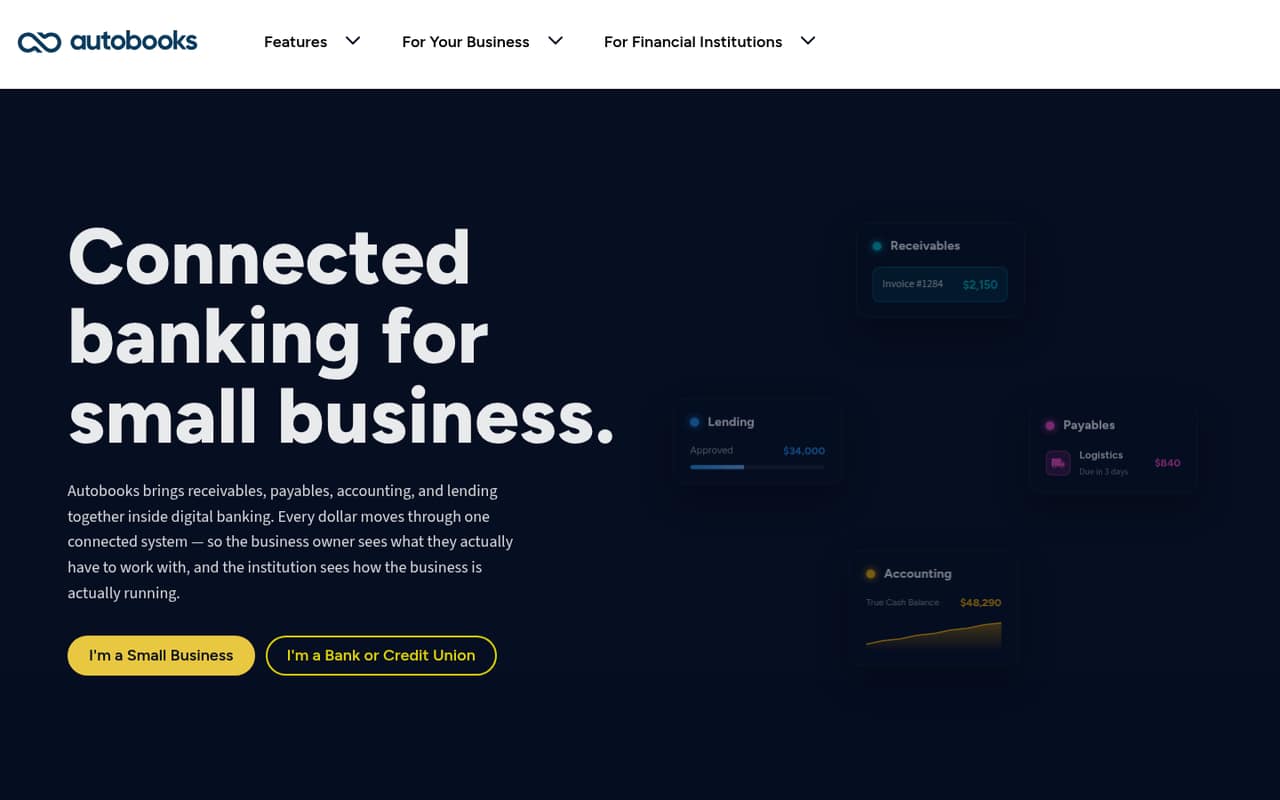
Autobooks brings invoicing, payment collection, bill pay, bookkeeping, reporting, and lending into a bank or credit union’s digital banking. That can suit a small team that wants core money tasks together without adopting a separate accounting tool first.
The catch is pricing clarity. Business checking is listed at $0 or $8 per month, but standard pricing requires contacting Autobooks. Processing fees apply, and published prices don’t let us calculate a reliable total for a team of one, three, or five.
Good fit if
- Small teams using a participating bank
- Businesses needing invoices and bill pay
- Owners wanting banking-linked bookkeeping
Skip it if
- Teams needing published seat pricing
- Businesses seeking a standalone accounting app
- Buyers needing confirmed third-party integrations
ScoresHow it rates
What works
- Invoices, payment links, and checkout pages
- Accepts card and ACH payments
- Bill pay and expense recording
- Automated accounting when enabled
- Lending is available inside digital banking
What doesn't
- Standard business pricing requires contacting Autobooks
- Processing fees add to the cost
- Team and per-seat prices aren't published
- Plus and Pro license fees aren't published
- Setup details and integrations aren't published
01Who Autobooks is for
Autobooks is for small businesses that want to handle routine money tasks inside their bank or credit union’s digital banking. A team of one to ten could use it to send invoices or payment links, collect card or ACH payments, pay vendors, and record expenses. When automated accounting is enabled, transactions are recorded in its ledger; it also offers financial reporting and a cash position based on activity from connected capabilities.
The strongest fit is a small team that already banks with a financial institution offering Autobooks and values having these tasks in one banking experience. It may be less suitable if you want to choose a standalone accounting product independently of your bank, or need a clear per-user budget before signing up. Autobooks also offers working-capital lending through digital banking, with underwriting based on business operations. That may matter to businesses seeking financing, but lending terms aren’t published in the pricing details.
02Autobooks free plan and trial
The pricing page lists Basic at $0 per month for financial institutions starting with transaction processing. That is an institution plan, not a confirmed free subscription for every small business. It includes a 5% revenue share on transaction processing, while the listed processing fees are 3.49% for cards and 1% for ACH.
For businesses, Smart Checking (also listed as Pro for Business Checking) is shown at $0 or $8 per month. Standard pricing requires contacting Autobooks, so check with your bank or Autobooks to confirm which price and terms apply. The sources don’t list a free trial. The $0 monthly Basic license also doesn’t mean transactions are free: processing fees and the institution’s revenue share still matter.
03What a small team pays for Autobooks
The pricing page lists Smart Checking at $0 or $8 per month, but standard pricing requires contacting Autobooks. It doesn’t publish per-seat rates, so we can’t calculate a dependable monthly total for one person or a team of three or five. There are no annual rates to compare, either. Ask whether the $0 or $8 listing applies to your business and whether adding team members changes the price.
The listed processing fees are 3.49% for card payments and 1% for ACH. Those costs depend on the payment volume and payment mix, so they’re on top of any monthly charge. On-site training costs extra, but its price isn’t published; real-time deposits are available, with pricing also unpublished.
Basic, Plus, and Pro are institution plans, not clear per-business seat tiers. Basic has no monthly license fee; Plus and Pro have unpublished monthly license fees. Their revenue shares are 5%, 10%, and 15%, with different fees covered by each plan. Confirm your bank’s terms before budgeting.
04Getting started with Autobooks
Autobooks is accessed through a participating bank or credit union’s digital banking, so the first step is to check whether your financial institution offers it. The product description says its payment collection, bill pay, accounting, and lending capabilities sit within that banking experience. It doesn’t publish a general setup timeline or step-by-step onboarding instructions, so we can’t promise how quickly a business will be ready to invoice or pay bills.
The setup effort may depend on which capabilities your bank enables. Automated transaction recording applies when accounting is enabled, and cash position draws on activity from connected capabilities. The supported third-party integrations beyond that banking connection aren’t published. On-site training is available at extra cost, but the price isn’t listed. Before starting, ask your bank which tools are active, what information you’ll need to provide, and whether training or integrations carry extra charges.
05When small teams outgrow Autobooks
Autobooks may stop fitting when a team needs a predictable per-seat bill, more clarity on growing costs, or integrations beyond its banking connection. The pricing information doesn’t publish seat limits, team-size limits, or per-user charges. Card and ACH fees apply, and Plus and Pro institution license fees aren’t published, so a business should confirm how its bank’s terms change as payment volume or needs grow.
The available details describe automated bookkeeping and financial reporting, but don’t establish whether Autobooks covers every accounting workflow your business may need. If you need particular integrations, advanced accounting functions, or specific team permissions, confirm those before relying on it as your main system. The Plus and Pro tiers add institution-level lending and SaaS monetization options; they aren’t clearly presented as business upgrades. A growing business should ask its bank what changes when it adds users or needs more than the listed capabilities.
Questions people ask
How much does Autobooks cost?
Smart Checking is listed at $0 or $8 per month, but standard business pricing requires contacting Autobooks. The pricing page also lists card processing at 3.49% and ACH at 1%. Ask your bank which business terms apply and whether adding team members changes the price.
Does Autobooks have a free plan?
Basic is listed at $0 per month as an institution plan, with a 5% revenue share on transaction processing. That doesn’t mean a business’s transactions are free: card processing is listed at 3.49% and ACH at 1%. Business checking is separately listed at $0 or $8 per month.
What can I do with Autobooks?
Autobooks lets businesses send invoices and payment links, accept card or ACH payments, create checkout pages, pay vendors, schedule bills, and record expenses. When accounting is enabled, it records transactions in a ledger. It also offers financial reporting, cash position information, and lending through digital banking.
Is Autobooks a replacement for accounting software?
Autobooks includes automated bookkeeping, a ledger, and financial reporting, so it can cover some accounting tasks. The published feature details don’t establish whether it supports every accounting workflow or third-party integration your business needs. Confirm those requirements with your bank or Autobooks before treating it as your sole accounting system.
Can I use Autobooks with my bank?
Autobooks provides its capabilities through a bank or credit union’s digital banking. Check with your financial institution to confirm whether it offers Autobooks and which features are enabled for your business. The supported integrations beyond the banking experience aren’t published in the pricing details.