
We may earn a commission if you buy through links on this page. It never changes a score or a ranking. How we make money
The bottom line
Useful privilege controls, but no public seat price makes small-team budgeting a guessing game.
Small teams that need to remove persistent admin rights may find AutoElevate useful: it lets IT set access policies, grant task-specific elevation, and log activity. Teams that only need occasional approvals may not need a dedicated tool.
There’s no free plan, and the vendor doesn’t publish a starting price. The pricing page lists a 14-day trial and custom endpoint-based pricing, so ask for a quote before budgeting.
Good fit if
- Teams removing standing admin rights
- IT providers managing endpoints
- Teams needing approval logs
Skip it if
- Teams needing a free plan
- Buyers requiring public seat pricing
- Teams wanting low-touch setup
ScoresHow it rates
What works
- Removes persistent administrator privileges
- Supports task-specific privilege elevation
- Policies can cover applications and workflows
- Automated approvals and activity logging
- Pricing page lists no cancellation fees
What doesn't
- No free plan
- Starting price is not published
- Custom endpoint pricing complicates budgeting
- Setup effort is not published
- Reddit users report support and product concerns
01Who AutoElevate is for
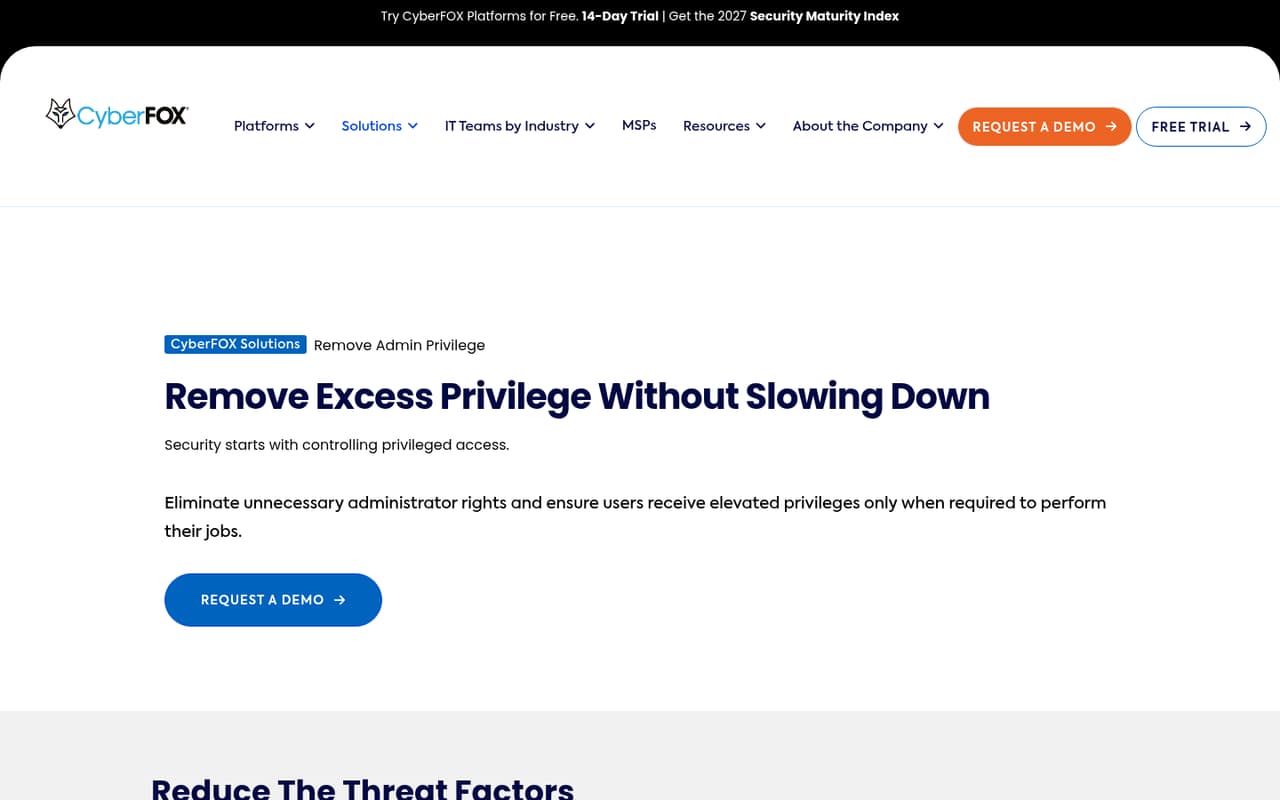
AutoElevate is for teams that want users to work without permanent administrator rights, while still allowing approved tasks to run with elevated privileges. In plain terms, IT can set rules for applications and workflows, grant access when a task needs it, and keep a record of approvals and actions.
For a 1–10-person team, it makes most sense when protecting endpoints and controlling admin access is a real operational need—not just an occasional annoyance. IT providers may also value the centralized management and audit logging. If your team rarely handles privileged requests, the setup and custom quote may be more than you need.
The vendor prices by endpoint count, but doesn’t publish rates, so a small team can’t tell from the pricing page whether it fits a tight budget. Get a quote based on your actual endpoint count before comparing it with other endpoint security tools.
02AutoElevate free plan and trial
AutoElevate has no free plan. The pricing page lists a 14-day free trial, but does not say which features, endpoint limits, or support options the trial includes. Ask the vendor to confirm those details before you start, especially if you need to try the product across several devices or approval workflows.
After the trial, the listed route is custom pricing based on endpoint count. The vendor does not publish a cheapest plan or minimum purchase, so there’s no public price to use for a small-team budget. The pricing page lists no cancellation fees and no hidden fees, but get the quote and billing terms in writing. If you need a free tool or a known monthly cost before testing, AutoElevate may not be a fit.
03What a small team pays for AutoElevate
The pricing page lists custom pricing based on endpoint count, not a public per-seat rate. It doesn’t publish monthly or annual prices, a starting price, or a minimum endpoint count. That means we can’t calculate a reliable cost for one person, three people, or five people—or compare monthly billing with annual billing. Ask the vendor for a quote covering your endpoint count and preferred billing term.
The pricing page lists flexible pricing options for partners and says there are no cancellation fees or hidden fees. It does not list add-ons or their prices, so ask whether the features and support you need are included in the quote.
For a small team watching every subscription, the practical snag is the lack of a public number: you can’t check whether adding a few people or devices stays within budget without contacting sales. The listed 14-day trial gives you a way to evaluate the product, but confirm its limits and what happens when it ends.
04Getting started with AutoElevate
The vendor describes a centralized platform for access policies, privilege elevation, approvals, and logging. The available product details don’t spell out deployment steps, setup time, or the technical skills a small team needs. Ask for the deployment guide and a walkthrough before committing, and check what endpoint setup and policy design involve for your devices.
A useful first-day checklist is to decide which users should be standard users, which applications or tasks need elevation, and who should approve requests. AutoElevate’s listed features cover policies for applications, actions, and workflows, but the vendor doesn’t publish specific integrations here. Ask whether it connects to the ticketing and endpoint tools your team already uses.
Reddit users describe requests that can appear as broad labels such as “Settings” or “Windows Installer.” Some users say they deny unclear requests and ask the employee to open a support request; that approach may mean extra ticket handling.
05When small teams outgrow AutoElevate
A team may outgrow AutoElevate if the custom endpoint quote no longer fits its budget, or if its approval volume makes unclear requests and manual follow-up burdensome. The vendor doesn’t publish endpoint limits, seat limits, or upgrade tiers, so ask how pricing and capacity change as your device count grows.
Reddit feedback is mixed. In one r/msp thread, a user complained about difficulty reaching support during an issue; the company’s co-founder replied and said the team would investigate. Other commenters raised concerns about product updates, while company representatives said development and support were being expanded. These are individual reports, not a guarantee of what your team will experience.
If the product no longer fits, compare alternatives against your must-haves: task-specific elevation, approval workflows, centralized control, and audit logs. ThreatLocker’s Elevate feature came up as an alternative in an r/msp discussion, but check its current fit and pricing directly before switching.
From the threadsWhat users say
Reddit sentiment is mixed: some users like the product, while others raise concerns about support responsiveness and product changes. Company representatives responded in those discussions and said they were addressing feedback and investing in development and support.
In 12 days of easily 10 calls a day, their phones have only ONCE been answered
I like AE, but they haven't made a single change to the product in five months
All we get is "Settings." Sometimes "Advanced System Settings
we have been extremely busy. Very extremely
Questions people ask
What is AutoElevate?
AutoElevate is a privileged access control product from CyberFOX. It removes persistent administrator rights and lets IT define policies, grant elevated privileges for specific tasks, and automate approvals. Its listed features also include centralized management, audit logging, and ticketing.
Does AutoElevate have a free plan?
No. The pricing page does not list a free plan. It lists a 14-day free trial, but does not publish the trial’s feature or endpoint limits. Ask the vendor what is included and what happens when the trial ends.
How much does AutoElevate cost?
The vendor does not publish monthly or annual rates or a starting price. The pricing page lists custom pricing based on endpoint count. Ask for a quote using your endpoint count and billing preference; the public information is not enough to calculate costs for one, three, or five people.
Does AutoElevate work for a small team?
It may suit a small team that needs to remove persistent admin rights and control task-specific elevation. Whether it fits your budget depends on the custom endpoint quote, which the vendor does not publish. A team with few privileged requests may find a dedicated tool unnecessary.
Can AutoElevate automatically approve requests?
Yes. Automated approvals are among AutoElevate’s listed features, alongside policies for applications, actions, and workflows. The vendor does not publish the details of how approval rules are configured, so ask for a demonstration of the workflows you need before choosing a plan.
Sources
- AutoElevate homepage
- AutoElevate pricing, compiled via web search from trustradius.com, cyberfox.com, g2.com
- Reddit: Cyberfox Autoelevate - Time for an alternative
- Reddit: AutoElevate is so stale. Alternatives?
- Reddit: Those using AutoElevate - how do you handle the regular "Windows Installer" requests?