
We may earn a commission if you buy through links on this page. It never changes a score or a ranking. How we make money
The bottom line
Good for one recurring video series; less clear for teams that need multiple series or deeper editing.
A small team that wants to automate one faceless-video series can start free, then pay $19 a month for up to three posts weekly. The free plan is limited to one video total, so it is a sample rather than an ongoing publishing plan.
AutoShorts AI lets you preview and edit videos, connect channels, and schedule posts. Its plan list caps every tier at one series, and it does not publish team-seat details in the pricing information here. Check those limits before building a wider content operation around it.
Good fit if
- One-person faceless-video channels
- Teams posting a few times weekly
- Creators who want scheduled publishing
Skip it if
- Teams running multiple video series
- Editors needing scene-level control
- Buyers who need clear seat pricing
ScoresHow it rates
What works
- Free plan includes one video and auto-posting
- Preview and edit videos before publishing
- Starter supports up to three weekly posts
- Paid plans include voice cloning
- HD resolution is listed across plans
What doesn't
- Free plan allows only one video total
- Every listed plan is limited to one series
- Team-seat pricing is not published
- Scene-by-scene editing is not specified
- Support channels and response times are not listed
01Who AutoShorts AI is for
AutoShorts AI is aimed at a solo creator or a small team of 1–10 people that wants a recurring faceless-video series without making every post from scratch. You choose a preset topic or write a custom prompt; the platform creates videos for that series, then lets you preview and edit scripts, titles, images, and background music before scheduling posts.
That fits a small marketing team testing a regular short-video channel, especially if one person owns the series and publishing calendar. The free plan can show what a single generated video looks like, but it is not enough for ongoing posting. For light publishing, Starter costs $19 monthly or $16 per month billed yearly. Teams planning several distinct series should pause: all listed plans include one series, and the pricing information does not explain team access or additional series.
02AutoShorts AI free plan and trial
The Free Plan costs $0 and includes one video total, one series, HD resolution, and auto-posting. It lists zero motion credits, marked paused. That one-video cap makes the free tier useful for seeing the basic creation and publishing workflow, not for maintaining a regular channel. The pricing details do not list voice cloning or no-watermark access for the free plan, so ask the vendor if either matters to you.
No separate free-trial terms are listed in the pricing information. The cheapest ongoing option is Starter: $19 month to month, or a $16 monthly equivalent when billed yearly. It includes up to three posts per week, one series, 27 motion credits, voice cloning, and no watermark.
03What a small team pays for AutoShorts AI
Starter is the cheapest paid plan for light schedules: $19 monthly, or $16 per month billed yearly with two months free. That works out to $192 for a year. Daily costs $39 monthly or $33 per month billed yearly ($396 a year); Hardcore is $69 monthly or $58 per month billed yearly ($696 a year). They allow one post per day and two posts per day, respectively. Each plan lists one series.
The pricing page gives plan prices, but does not say whether they are per seat or whether several teammates can share one subscription. For a budget check, if each teammate needs a separate Starter subscription, three would cost $57 monthly or $48 per month at the annual rate ($576 a year); five would cost $95 monthly or $80 at the annual rate ($960 a year). Those are conditional calculations, not confirmed team rates. No add-ons are listed. Ask the vendor about shared access and extra series before choosing a plan.
04Getting started with AutoShorts AI
The described workflow is straightforward: start a series from a preset topic or custom prompt, review the generated video, edit its script, title, images, or music, then connect a channel and set a publishing schedule. The product description says it can publish automatically, so the main setup questions for a small team are which channels it supports and who can access the connected account.
The pricing details do not list channel integrations, team permissions, or support response times. The vendor does not publish those details there, so confirm them before you plan a shared workflow. One Reddit post promotes AutoShorts AI as an automated faceless-channel tool, but it does not offer independent setup guidance. We would treat setup effort as uncertain until you confirm channel connection steps, account sharing, and whether edits can be made at the level your team needs.
05When small teams outgrow AutoShorts AI
The first pressure point is publishing volume: Starter tops out at three posts a week, while Daily and Hardcore raise that to one or two posts a day. The next is series count. Every listed plan includes one series, so a team managing separate topics or brands should ask whether more series are available before upgrading. Team-seat pricing is also not published, which makes a true three- or five-person budget hard to confirm.
Editing depth may be another reason to look elsewhere. The feature list covers scripts, titles, images, and background music, but does not specify separate scene-level editing. In one Reddit discussion, a creator says they want to change scenes and regenerate individual parts; another commenter asks whether elements can be edited separately. Those comments show the kind of control some buyers want, not confirmation of AutoShorts AI’s limits. Ask the vendor for a sample workflow if your team needs that level of editing.
From the threadsWhat users say
The available Reddit discussion gives little reliable evidence of broader customer sentiment: one AutoShorts AI post is promotional, while another discussion raises a desire for more editing control. We would treat the positive pitch cautiously and confirm editing needs directly.
Autoshorts AI is THE BEST Tiktok video generator we've ever used!
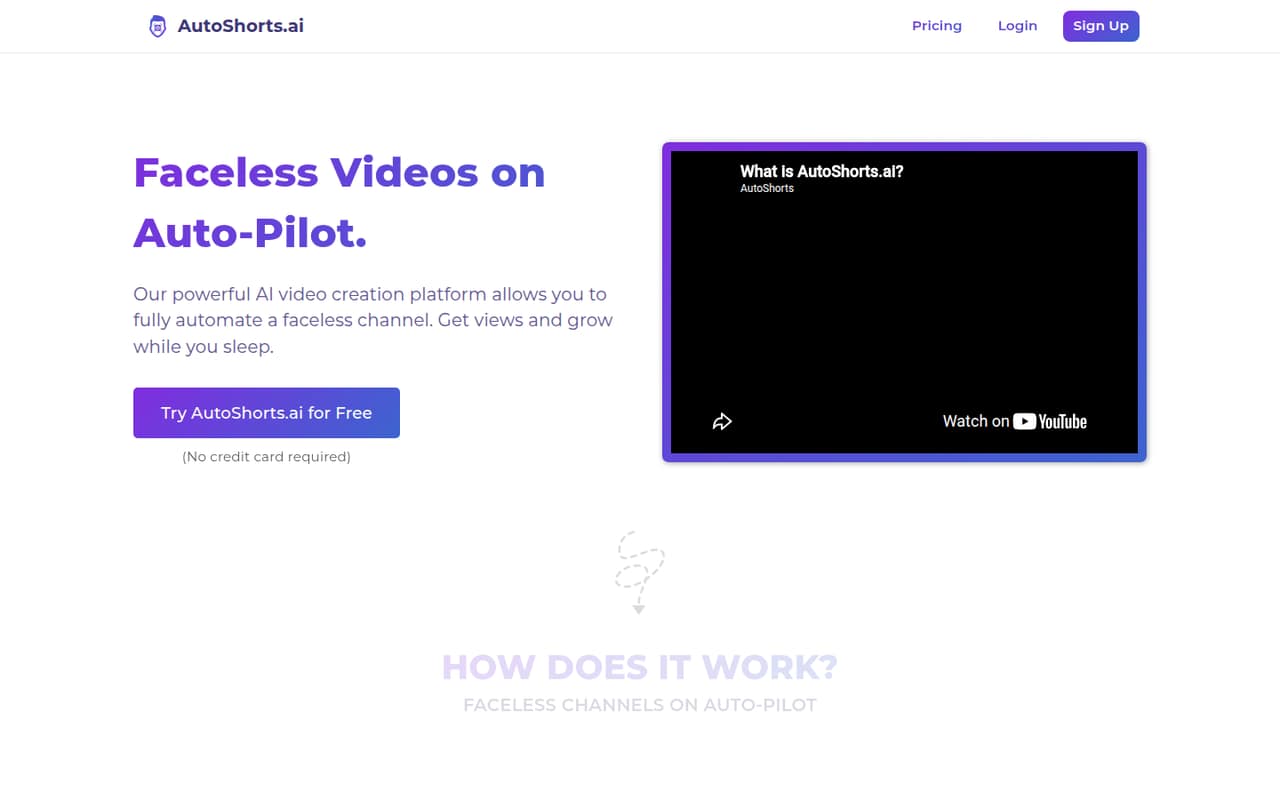
Get views and grow while you sleep
I'm more interested in tools where you can still edit the result properly change scenes, regenerate individual parts,
Are you sure I can actually edit those elements separately without fully regenerating each scene or video?
Questions people ask
What does AutoShorts AI’s free plan include?
The Free Plan includes one video total, one series, HD resolution, and auto-posting. It lists zero motion credits, marked paused. Since the video allowance is total rather than a recurring monthly amount, it is best treated as a way to try the basic workflow rather than keep a channel publishing.
How much does AutoShorts AI Starter cost?
Starter costs $19 per month when billed monthly, or $16 per month as a yearly equivalent. The pricing details say paid plans billed yearly include two months free, making Starter $192 for a year. It includes up to three posts per week, one series, 27 motion credits, voice cloning, and no watermark.
Can AutoShorts AI publish videos automatically?
Yes. AutoShorts AI’s described workflow lets you connect channels and schedule posts for automatic publishing. The Free Plan also lists auto-posting. The pricing information does not identify supported channels, so confirm that your team’s accounts are supported before relying on it for a publishing calendar.
Can I edit an AutoShorts AI video before it goes live?
Yes. The product description says you can preview videos and edit scripts, titles, images, and background music before posting. It does not specify whether you can edit individual scenes separately or regenerate only part of a video. Ask the vendor for a demonstration if scene-level control is important.
How many videos or series can I make on each plan?
The Free Plan includes one video total and one series. Starter, Daily, and Hardcore each list one series, with posting limits of up to three per week, one per day, and two per day, respectively. The pricing details do not state whether extra series can be added.
Sources
- AutoShorts AI homepage
- AutoShorts AI pricing, compiled via web search from sendshort.ai, bestaivideogenerators.com, autoshort.io, usefastlane.ai, relvehq.com, faceless.so
- Reddit: Do people here actually use AI short-form video generation tools?
- Reddit: Autoshorts AI is THE BEST Tiktok video generator we've ever used! Free trial below.