We may earn a commission if you buy through links on this page. It never changes a score or a ranking. How we make money
A small team may not need a dedicated AI video generator if a basic social editor or transcript-based tool already covers its workload. For frequent short-form edits, CapCut is our first pick; Opus Clip suits teams turning longer videos into clips, while Guidde and Synthesia focus on repeatable training content. Several picks have free plans, but a starting price does not tell you what three or five seats will cost. Check the billing basis, usage limits, and credit rules before building a team workflow around any one tool.
Quick picksThe shortlist
 CapCutCapCutBest for small teams · €11/mo
 Opus ClipOpus ClipBest for clipping · $15/mo
 InVideoInVideoBest for AI editing · $10/mo
 DescriptDescriptBest for interviews · $16/mo
 GuiddeGuiddeBest for how-to videos · $19/mo
 SynthesiaSynthesiaBest for training · $14/mo
 VEEDVEEDBest for branded social · $12/mo
 CreatifyCreatifyBest for ad concepts · $10/mo
 HeyGenHeyGenBest for translation · $24/mo
 Kling AIKling AIBest for video concepts · $6.60/mo
01Compared at a glance
| Tool | Score | From | Free plan | Trial |
|---|---|---|---|---|
| CapCutCapCut | 7.3 | €11/mo | Yes | 7 days |
| Opus ClipOpus Clip | 7.1 | $15/mo | Yes | — |
| InVideoInVideo | 5.8 | $10/mo | No | — |
| DescriptDescript | 7.0 | $16/mo | Yes | — |
| GuiddeGuidde | 7.2 | $19/mo | Yes | 7 days |
| SynthesiaSynthesia | 6.8 | $14/mo | Yes | — |
| VEEDVEED | 6.4 | $12/mo | Yes | — |
| CreatifyCreatify | 6.7 | $10/mo | Yes | — |
| HeyGenHeyGen | 6.5 | $24/mo | Yes | — |
| Kling AIKling AI | 6.7 | $6.60/mo | Yes | — |
02The picks, in detail
- Best for small teamsCapCutCapCut
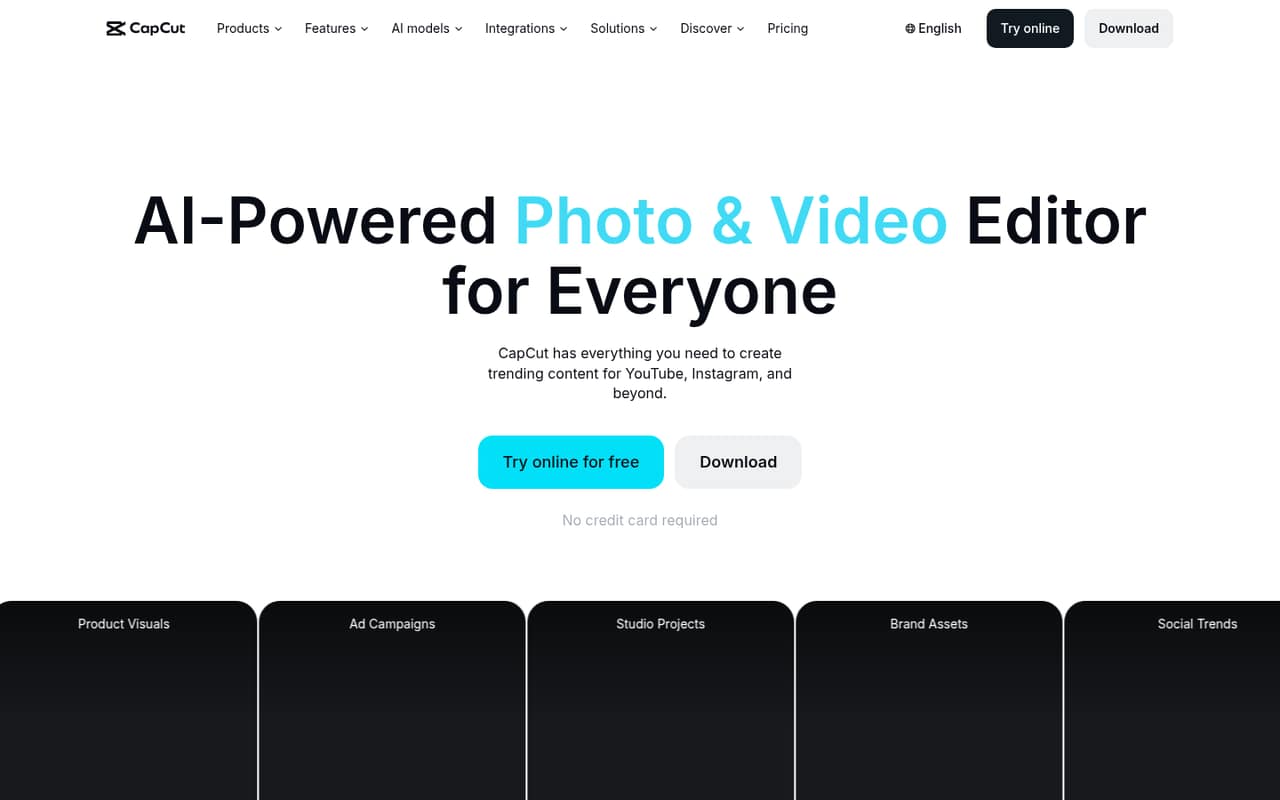
CapCut is a practical starting point for short-form social video, captions, and shared brand assets. The listed starting price is $11, and a free plan is available. The pricing summary flags that team pricing and free features can change, so confirm which collaboration features and exports your team gets before relying on the free tier.
What works
- Free plan includes basic editing tools
- Auto captions can be translated and styled
- Text to speech supports 40+ languages
What doesn't
- Free-plan limits are not fully specified
- Three-seat Teams pricing is not listed
- Extra AI credit prices are not published
- Best for clippingOpus ClipOpus Clip
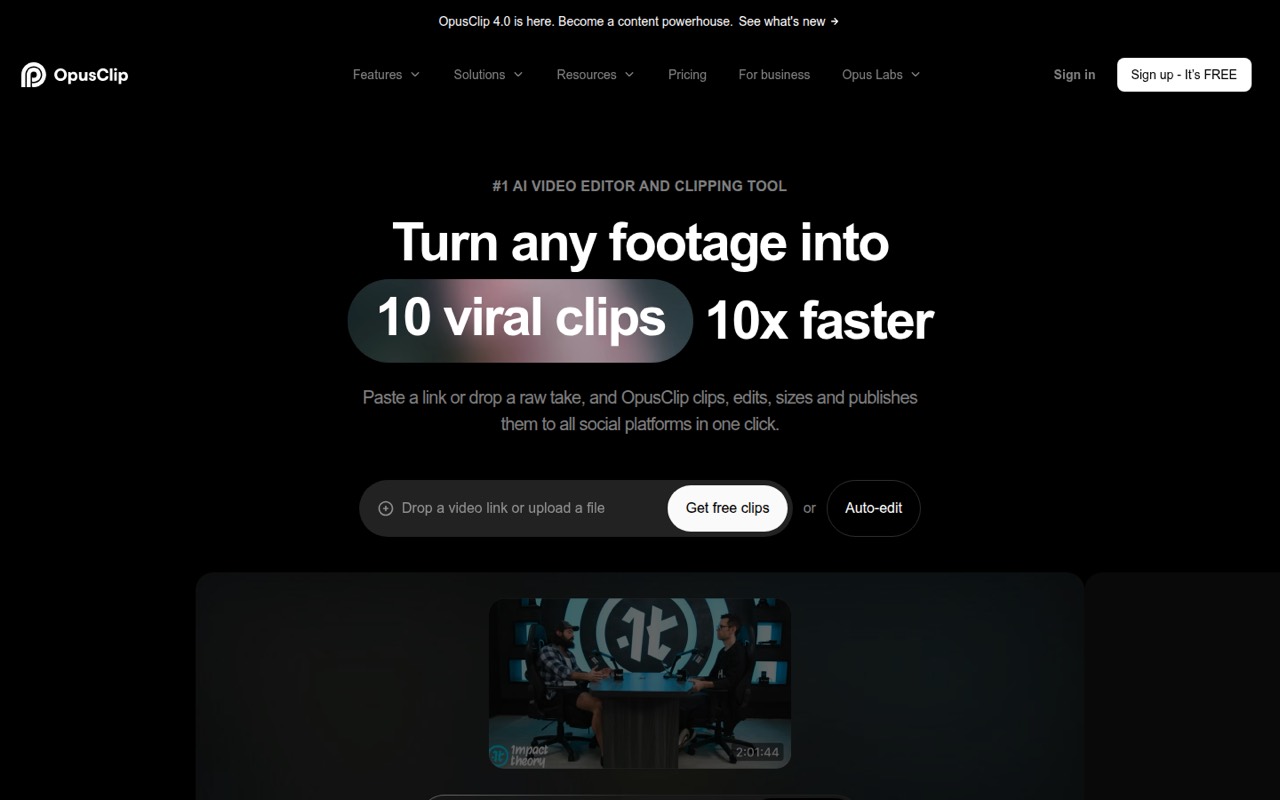
Opus Clip is aimed at turning long videos into shorter clips, with workflows for sharing clips and scheduling social posts. It has a free plan and starts at $15. Check the watermark rules and what adding teammates costs before moving a regular publishing workflow onto it.
What works
- Turns long videos into short social clips
- AI reframing and object tracking
- Pro includes a workspace for up to four users
What doesn't
- Free exports have watermarked captions
- Free output is limited to 9:16
- Extra Pro seat pricing isn't published
- Best for AI editingInVideoInVideo
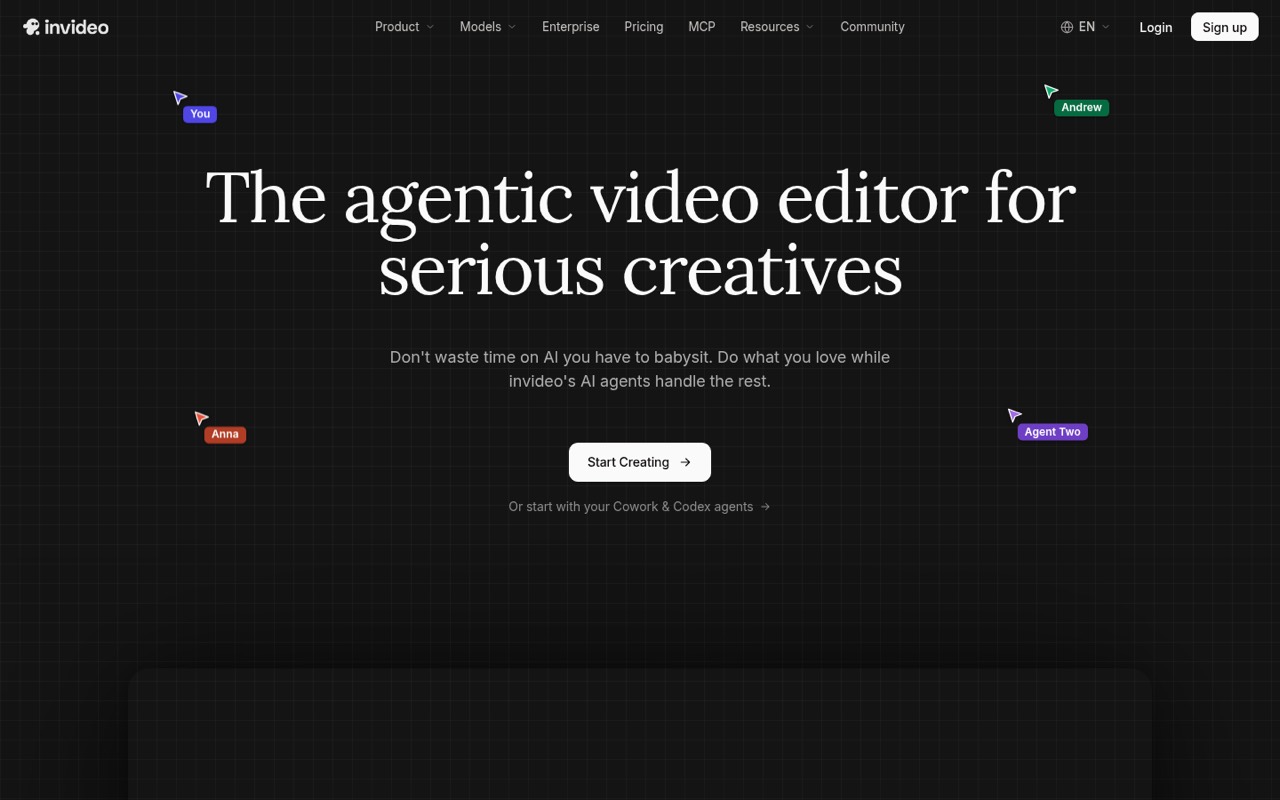
InVideo is a fit for teams that want to direct AI editing with plain language or work together on timeline edits. Its listed starting price is $10. The summary flags per-seat costs and credits as items to check; ask for the total at your team size and the included generation allowance before choosing a plan.
What works
- AI can log clips for description-based search
- One instruction can edit multiple timeline shots
- Real-time collaboration with live cursors
What doesn't
- No free plan or trial is listed
- Paid plans charge per seat
- Unused monthly credits do not roll over
- Best for interviewsDescriptDescript
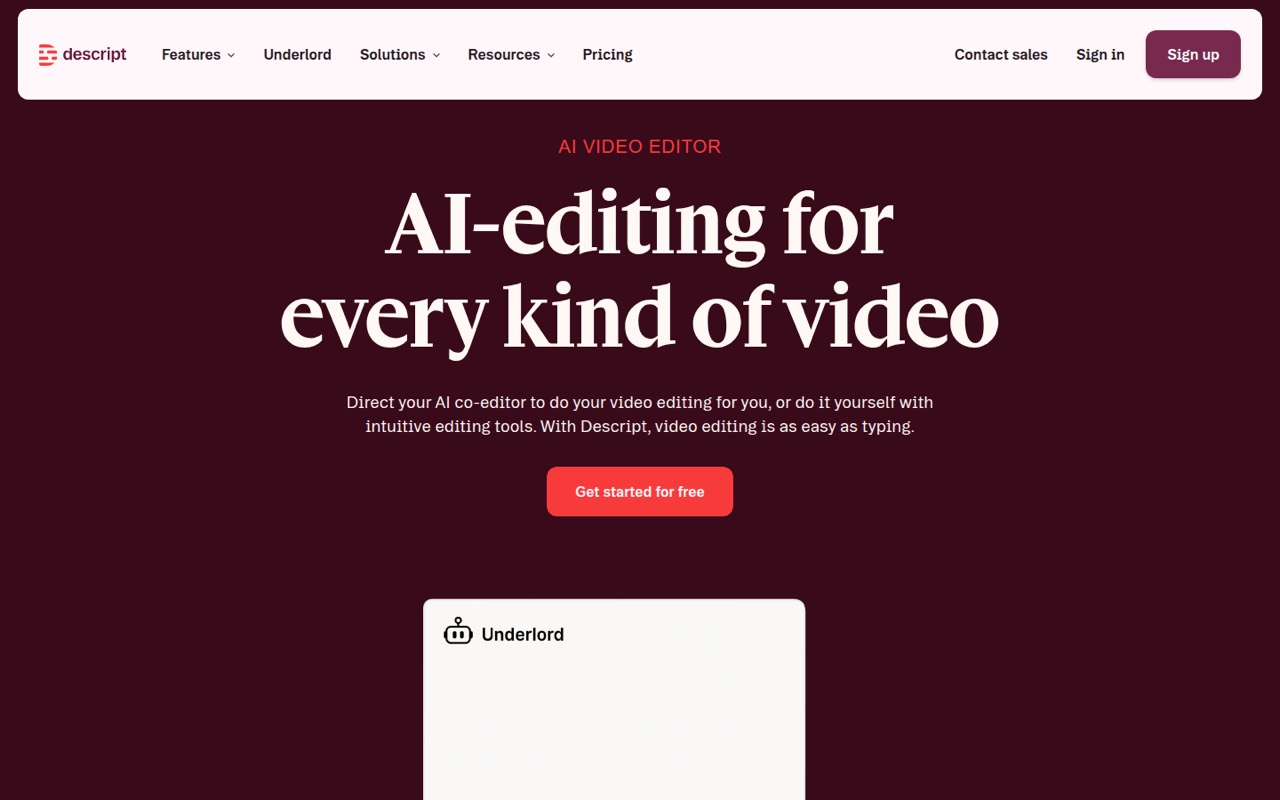
Descript suits teams editing podcasts, interviews, and talking-head videos through transcripts. It has a free plan and starts at $16. That makes it worth considering if transcript editing matches your workflow, but the listed summary warns that multiple seats and heavier AI use can raise the bill.
What works
- Edit footage by changing its transcript
- Free plan includes one seat
- Combines captions, clips, recording, and editing
What doesn't
- Free exports are limited to 720p and include a watermark
- Paid plans charge per person
- Monthly media hours and AI credits are capped
- Best for how-to videosGuiddeGuidde
Guidde focuses on making repeatable video guides from workflows, with voiceover and captions. The free tier gives a small team a way to assess that focused use case, and the starting price is $19. The listed upgrade cost is per creator, so check how many people need to create rather than just view guides.
What works
- Free plan includes up to 25 how-to videos
- Creates narrated, captioned workflow videos
- More than 200 voices and languages
What doesn't
- Pro charges per creator
- Monthly Pro costs $29 per creator
- Business lists a maximum of five creators

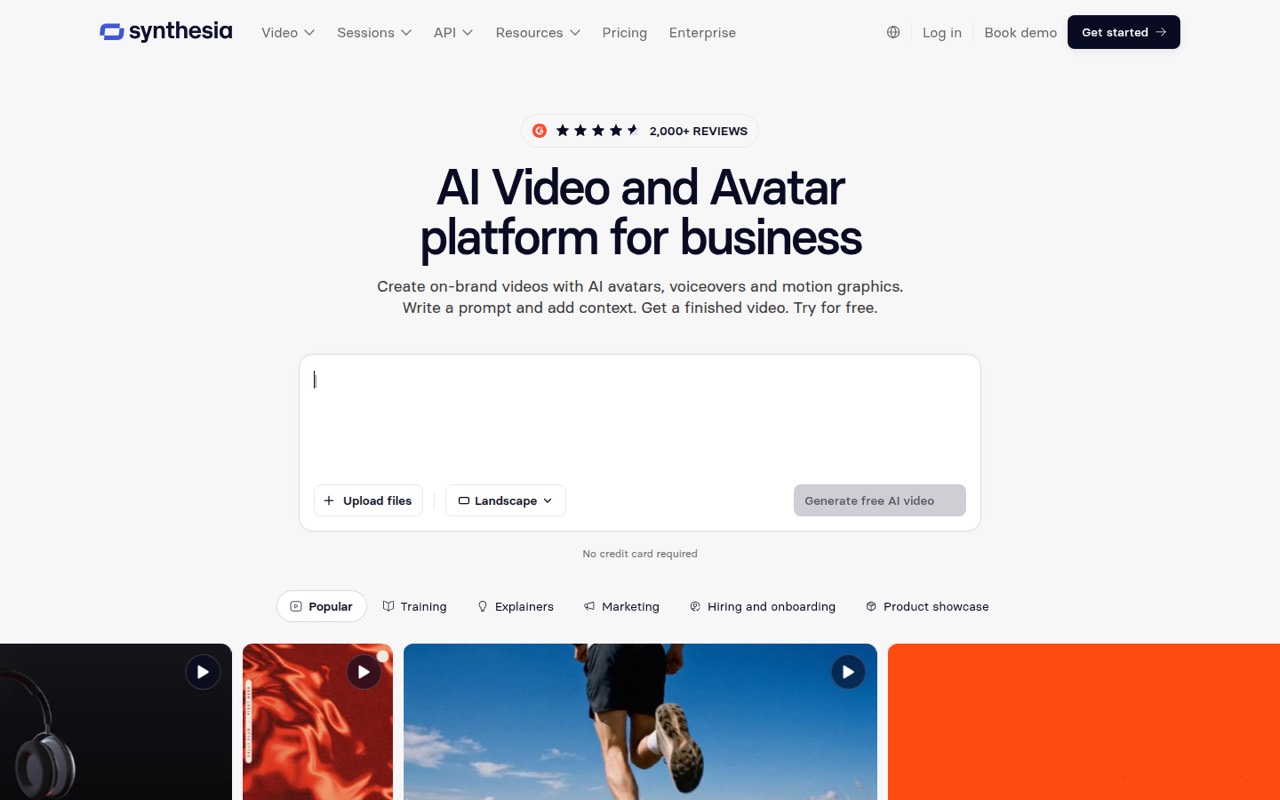
- Best for trainingSynthesiaSynthesia
Synthesia is built for repeatable business videos and translating video content, particularly when one person handles editing. It has a free plan and starts at $14. It may be a poor fit if your audience dislikes AI presenters, so consider whether that format suits the people who will watch your training.
What works
- Create videos from prompts, documents, PowerPoints, or links
- Translate videos into 140+ languages
- Share by link, embed, or SCORM
What doesn't
- Basic videos carry a watermark
- Starter and Pro each include one editor
- Annual video-plan prices are not shown
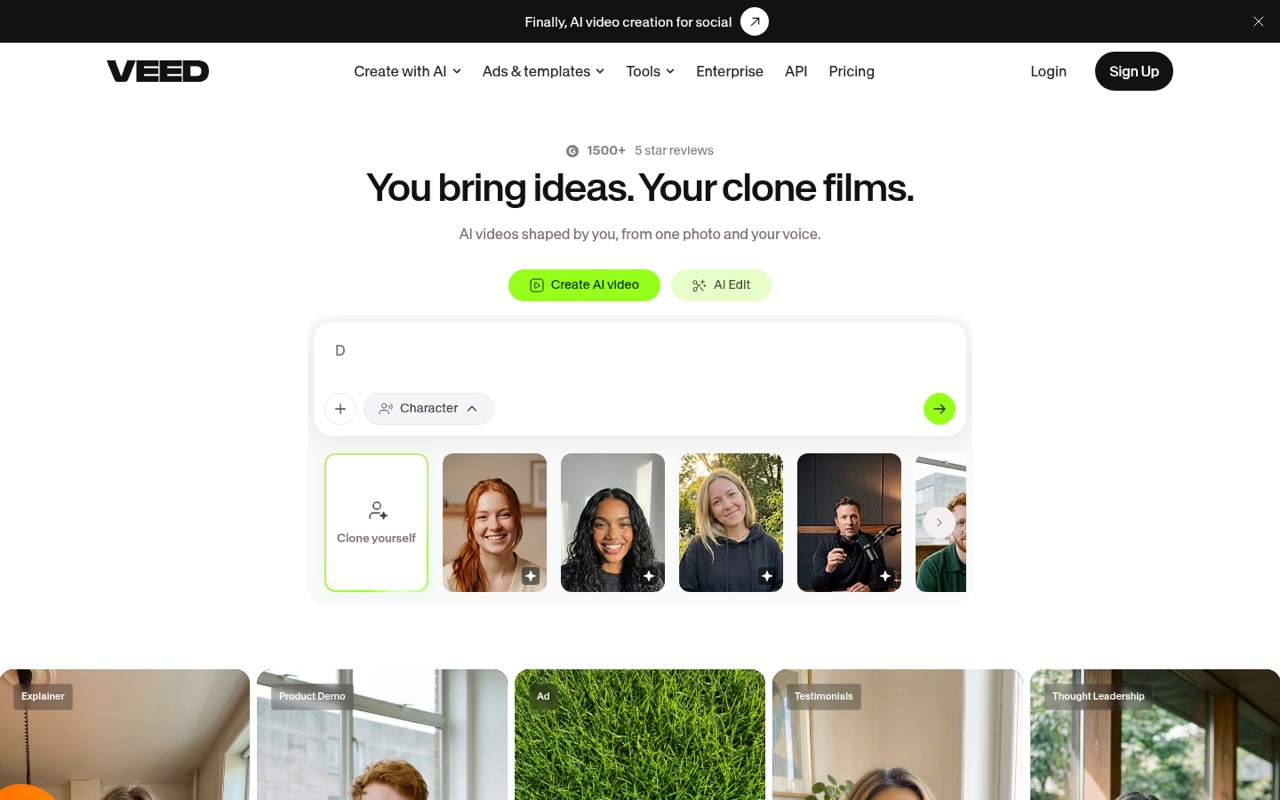
- Best for branded socialVEEDVEED
VEED is designed for quick social videos, designed subtitles, and consistent brand styling. A free plan is available, with a listed starting price of $12. Before paying, verify seat limits, credit allowances, and export rules; those details can matter more to a small team than the entry price.
What works
- AI video creation, editing, and avatars
- Unlimited auto-subtitles on Creator
- Brand colors, fonts, logos, and voice
What doesn't
- Free exports have a VEED watermark
- Free exports are limited to 720p
- Creator is billed per seat
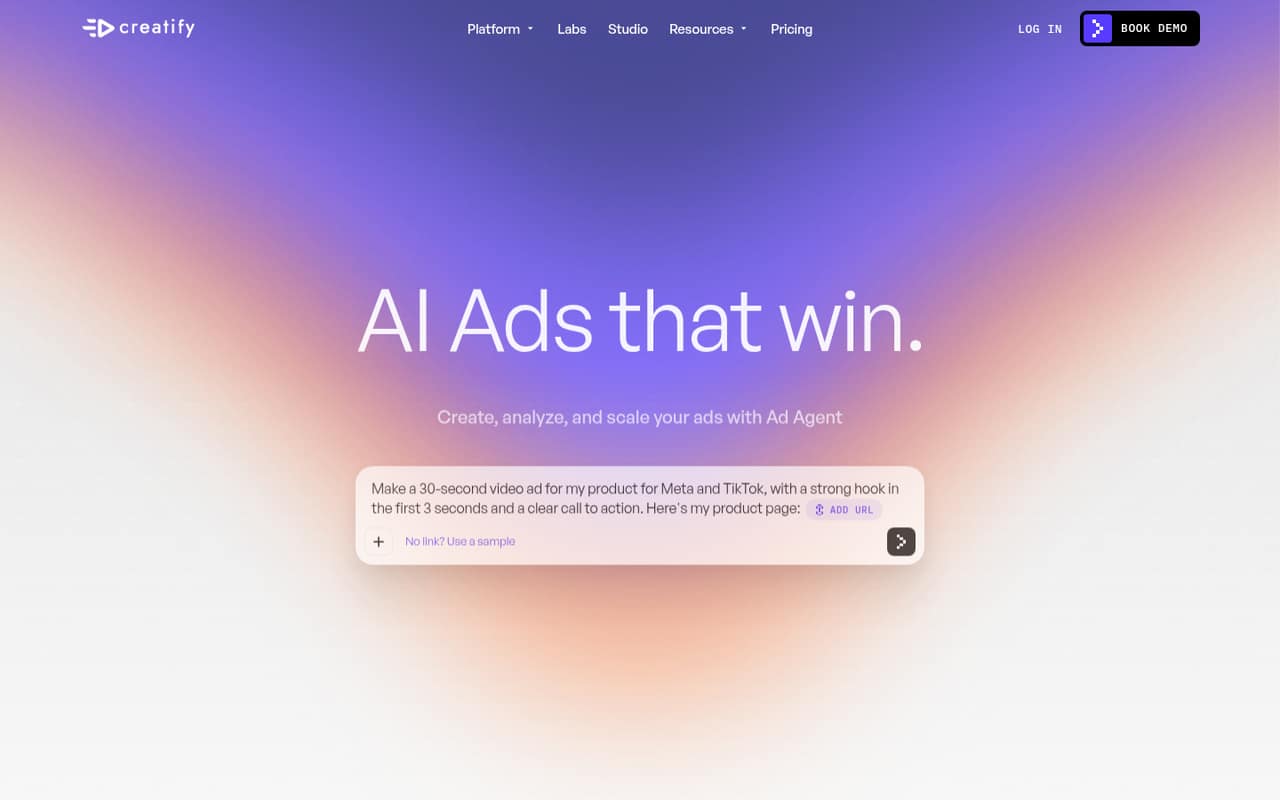
- Best for ad conceptsCreatifyCreatify
Creatify is aimed at small teams testing paid-social concepts and making video ad variations, with ad research and creation in its listed use cases. It has a free plan and starts at $10. Check credit use, avatar limits, and team pricing against how many concepts you expect to make.
What works
- Free plan includes 10 monthly credits
- URL-to-video creation supports products, apps, and services
- Offers UGC, cinematic, CTV, and product video ads
What doesn't
- Free exports have a watermark
- Free plan allows up to two video ads
- Reddit users report mixed avatar realism
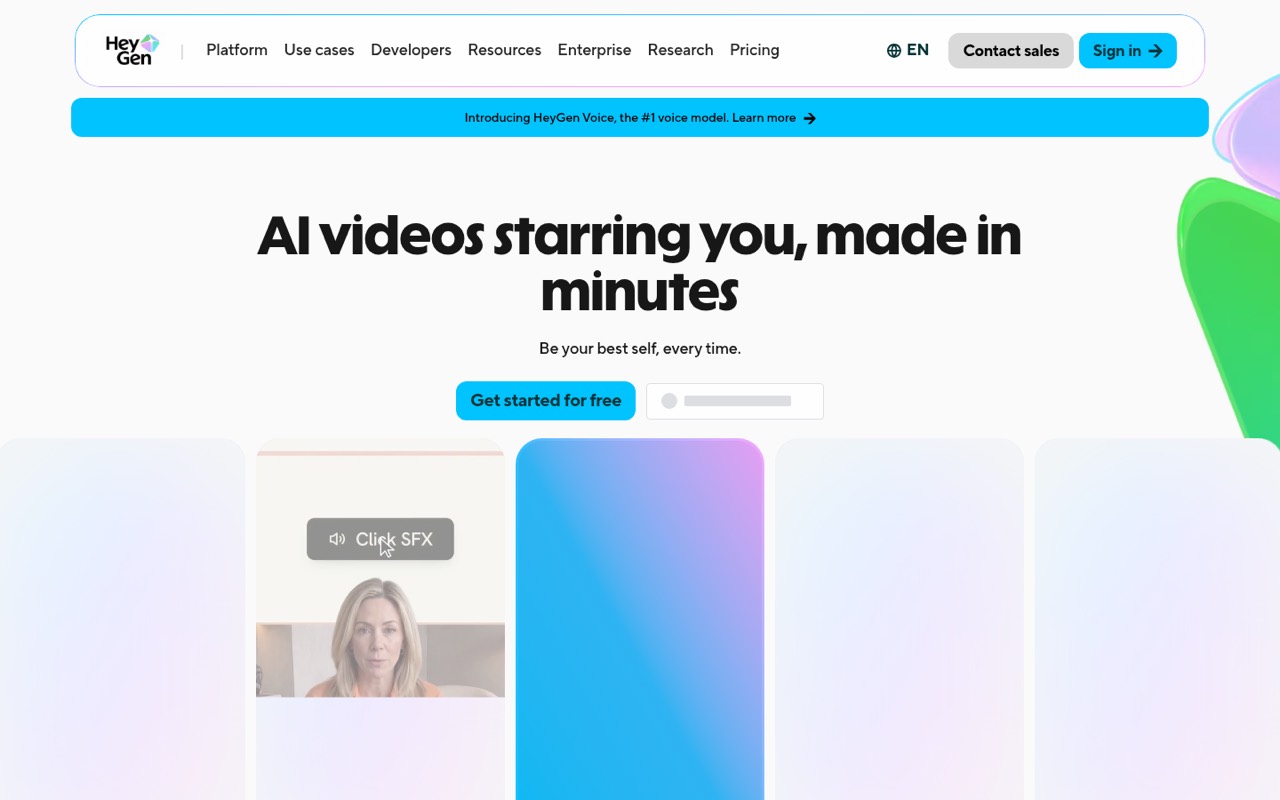
- Best for translationHeyGenHeyGen
HeyGen is a candidate for teams translating existing videos or making presenter videos. It offers a free plan and starts at $24. The listed summary flags credits and the cost of adding teammates, so get a team quote and confirm usage allowances before treating the entry price as your likely bill.
What works
- Free plan includes three videos each month
- Turns scripts, images, audio, and presentations into video
- Translates videos into 175+ languages and dialects
What doesn't
- Free exports carry watermarks and stop at one minute
- Creator credits and their video-by-video cost need planning
- Extra Business team members cost $20 per seat monthly
- Best for video conceptsKling AIKling AI
Kling AI is positioned for testing video concepts and making ad variations, with a free plan and a listed starting price of $6.60. Its creative range may suit a team exploring visuals, but the summary cautions that credits and repeat generations affect the budget. Check how quickly your intended workflow uses them.
What works
- Free plan includes about 66 daily credits
- Standard includes watermark-free commercial use
- Supports video and image generation
What doesn't
- Free outputs have watermarks and non-commercial limits
- Credit use can make costs hard to predict
- Team and seat pricing is not published

03How we chose
We ranked these for a team of one to ten by matching the stated use cases to common small-team jobs, then weighing free-plan availability and listed starting prices. We also considered setup effort in practical terms: a focused clipping or guide-making workflow may be easier to adopt than a broader creative toolkit. Starting prices are not assumed to be per seat. Check plan limits, billing terms, and vendor documentation; treat Reddit reports as useful buyer questions, not a substitute for confirming current terms with the vendor.
04Work out the real cost for your seats
Treat “from” pricing as an entry point, not your team quote. The listed prices range from $10 for InVideo and Creatify to $24 for HeyGen among these picks, but the summaries do not establish that every starting price covers multiple users or state the billing interval. CapCut’s team pricing is flagged for a careful check; Opus Clip, Descript, and HeyGen also call out team-seat costs. Ask the vendor for the total at your actual seat count, whether viewers need paid seats, and what happens when you use more credits than the plan includes. For a trial run, compare the free plan’s limits and export rules with the work you need to publish. If the free tier has a watermark or lacks a required team feature, include the cheapest workable paid plan in your budget.
05Choose the workflow before the AI features
Start with the video your team needs to finish. For social edits and captions, compare CapCut and VEED; for clips from longer videos, look at Opus Clip. Descript targets transcript-led podcast, interview, and talking-head editing. Guidde and Synthesia are more focused on repeatable guides or training videos, while Creatify is aimed at ad concepts and variations. That focus can make setup and review easier to plan than buying a broad toolkit your team will not use. Before committing, ask who will create videos, who needs access, and whether the output needs translation, branded styling, or a particular export. Check the vendor’s plan documentation for current credits, seat rules, and usage limits. If your workload shifts from occasional drafts to frequent production, revisit the plan cost and limits rather than assuming the entry tier will keep fitting.
Questions people ask
Which is the top AI video generator?
For a small team making short-form social videos, we rank CapCut first because its listed use cases include social editing, captions, and shared brand assets, and it has a free plan. For clipping, training, or ad concepts, another pick may fit better; the best choice depends on the job and team pricing.
How good is AI video now?
These tools cover different jobs, including AI video creation, editing, clipping, presenter videos, and translation. That range can help teams produce drafts or repeatable content, but output quality and suitability depend on the format. Review examples from the vendor and check whether the results meet your brand and review requirements.
What are some alternatives to Grok video generation?
For AI-made video concepts, Kling AI is listed for concept testing and ad variations. For other video workflows, consider InVideo for AI-directed editing, Creatify for ad concepts, or HeyGen for presenter videos and translating existing videos. Compare the intended use and credit limits before choosing.
How much does an AI video maker cost?
Among these picks, listed starting prices range from $10 for InVideo and Creatify to $24 for HeyGen. Several offer free plans, but free-tier limits vary. Starting prices do not establish the cost for multiple seats, so ask the vendor for a quote at your team size and confirm billing terms and credits.