
We may earn a commission if you buy through links on this page. It never changes a score or a ranking. How we make money
The bottom line
A sensible way to start accessibility checks; budget carefully before adding seats.
Small teams should consider axe DevTools if they need automated accessibility checks in their development work. The free extension covers one page at a time; Pro adds a $60-per-user monthly option, while the web bundle requires a sales quote.
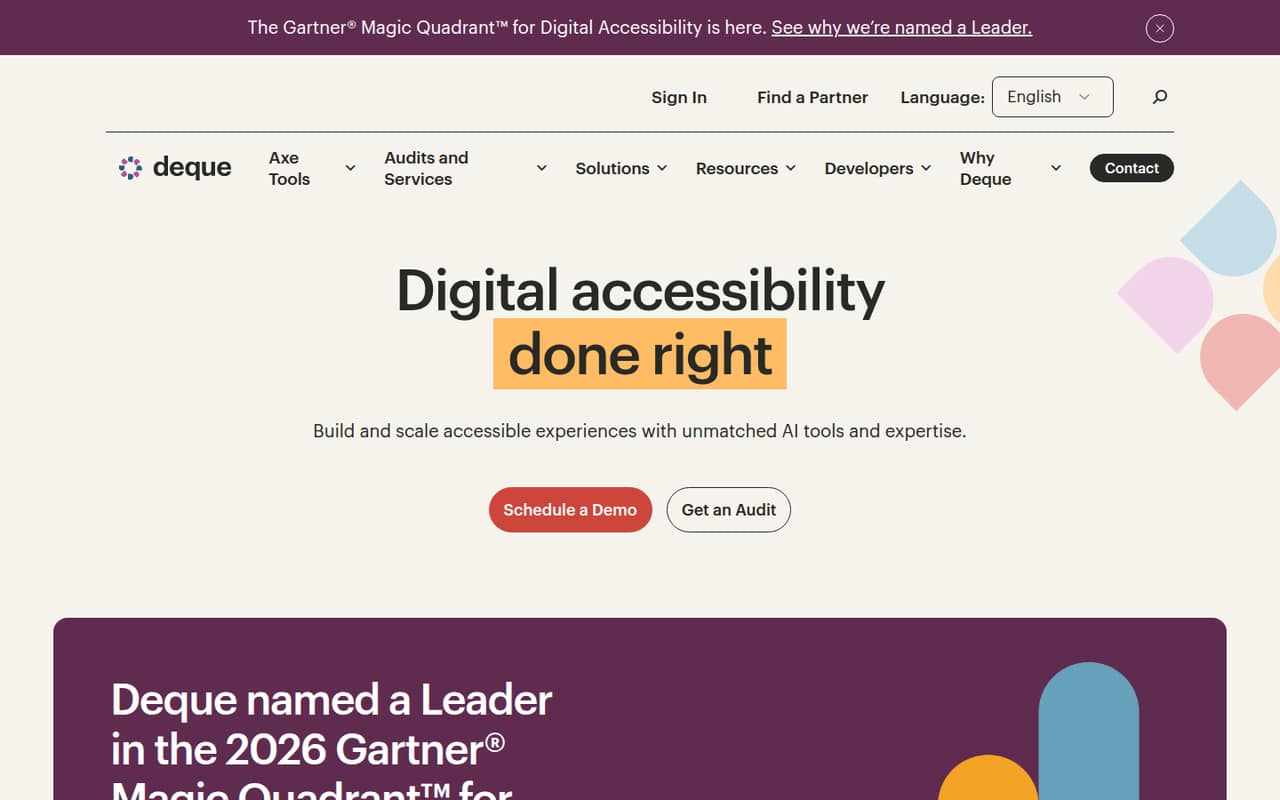
Deque says axe DevTools can find and help fix up to 80% of issues across mobile, web, and test stacks. That makes it a useful part of an accessibility workflow, not a promise that automated checks catch everything. For a larger team, per-seat costs and the custom-priced bundle deserve a closer look.
Good fit if
- Solo developers checking web pages
- Small teams building accessibility habits
- Teams testing multiple page states
Skip it if
- Teams needing free team-wide seats
- Buyers needing published bundle pricing
- Teams expecting automated checks to find everything
ScoresHow it rates
What works
- Free extension checks one page at a time
- Pro includes a 14-day trial
- Pro trial requires no credit card
- Deque supports web, mobile, and test stacks
- Web Bundle includes Axe MCP Server
What doesn't
- Pro costs $60 per user monthly
- Annual Pro pricing is not published
- Free extension checks only one page at a time
- Bundle price and usage limits are not published
- Monthly AI credit amount is not published
01Who axe DevTools is for
Axe DevTools is for developers and small product teams that want to catch accessibility issues while building web or mobile products. Deque describes automated testing across web, mobile, and test stacks, with tools to find and help fix issues. Its homepage says the product can find and fix up to 80% of issues; that is a vendor claim, not a guarantee that every issue will be caught.
For a solo developer or a team of two to five, the free extension is a low-cost starting point if checking one page at a time is enough. When each developer needs a Pro license, the listed price is $60 per user per month. A team of three would pay $180 monthly, and five seats would be $300, before any custom bundle. Teams with wider testing needs should compare that seat cost with the custom-priced Web Bundle and ask Deque for a quote.
02axe DevTools free plan and trial
Axe DevTools Extension (Free) costs $0 per month and includes automated testing on one page at a time. That is a practical way for a solo developer or a small team to start checking pages without taking on a subscription. The seat limit is not published, so ask Deque whether the free extension fits a shared team workflow.
The free plan’s listed limit is page-by-page testing. If you want the Pro extension, the pricing page lists a 14-day free trial with no credit card required. Pro costs $60 per user per month after the trial; its monthly AI credit amount is not published. The free plan and trial are different: the free extension has no listed end date, while the Pro trial lasts 14 days.
03What a small team pays for axe DevTools
The Axe DevTools Extension (Pro) is listed at $60 per user per month. One person pays $60 monthly; three individual licenses would total $180 per month, and five would total $300. Those totals assume one Pro license per person. The pricing page does not publish annual Pro pricing, so there is no verified annual discount to include in the budget.
Axe DevTools Extension (Free) costs $0 and checks one page at a time. For teams seeking a web testing bundle, Axe DevTools for Web (Bundle) has custom pricing, with a demo or sales contact required. Its seat and usage limits are not published, so get a quote before comparing it with individual Pro licenses. The Axe MCP Server is included with the Web Bundle at no additional cost. Other add-on and overage costs are not published; ask Deque about them and the bundle’s limits before signing.
04Getting started with axe DevTools
Deque describes axe DevTools as working across web, mobile, and test stacks, but the setup steps and time required are not published in the pricing details. A Reddit user describes using the axe DevTools Chrome extension to find issues in a React app. That gives web developers a starting point, but it does not establish how much work setup takes for other workflows.
The product’s automated checks can help identify issues; developers still need to understand and fix them in their own interface. A React developer in one Reddit discussion said diagnoses were expressed in HTML terms and needed to be applied to React components. The available product details do not list required integrations or setup instructions, so confirm those with Deque before buying. For day one, decide which pages or app states to check and who will own fixing the results.
05When small teams outgrow axe DevTools
The first sign you may need more than the free extension is that checking one page at a time no longer fits your workflow. Pro raises the limit only in terms of its price and license description: it costs $60 per user per month, and the pricing page does not publish its usage limits or AI credit amount. Teams that need a shared web testing bundle will need a custom quote, with seat and usage limits to confirm before committing.
Seat costs can become a problem as more developers need access. In one Reddit discussion, a commenter said their team chose another tool because axe DevTools cost 40 euros per developer per month and licensing about 120 developers was beyond budget. Another commenter pointed to jest-axe as a free way to run axe-core checks in component unit tests. These are user reports, not a guarantee that those alternatives cover your needs, but they show why growing teams should compare workflows and total seat costs.
From the threadsWhat users say
Reddit comments show interest in testing multiple page states, alongside concerns about per-developer costs. One React developer also described a gap between HTML-oriented diagnoses and applying fixes to components.
I like this, as it tests E2E as well as being able to test multi-state components/pages (think popups, modals etc)
we wanted something that everyone could use
the diagnoses AD gives are pure HTML and that this needs to be applied to React components
There is a setting for "Select accessibility standard" available in the PRO version
Questions people ask
Is axe DevTools free?
Yes. Axe DevTools Extension (Free) costs $0 per month and includes automated testing on one page at a time. The pricing page does not publish a seat limit. Pro is a separate plan at $60 per user per month and has a 14-day free trial with no credit card required.
How much does axe DevTools Pro cost?
Axe DevTools Extension (Pro) is listed at $60 per user per month. At that rate, three individual licenses cost $180 monthly and five cost $300. Annual pricing is not published, so ask Deque whether it offers an annual rate before planning your budget.
Does axe DevTools support mobile accessibility testing?
Deque describes axe DevTools as supporting accessibility testing across mobile, web, and test stacks. The pricing details do not list mobile-specific plan limits or prices. If mobile testing is your main use case, ask Deque which plan and workflow cover it.
Does axe DevTools find every accessibility issue?
No automated checker should be treated as a guarantee of complete coverage. Deque’s homepage says axe DevTools can find and fix up to 80% of issues across mobile, web, and test stacks. Teams still need to review results and address issues in their products.
What is included in the Web Bundle?
Axe DevTools for Web (Bundle) includes the Axe MCP Server at no additional cost. The bundle’s price, seat limits, and usage limits are not published; Deque requires a demo or sales contact for pricing. Ask about limits and any other add-on or overage charges before buying.