We may earn a commission if you buy through links on this page. It never changes a score or a ranking. How we make money
A small team may not need a dedicated testing platform yet. If you mainly need clearer bug reports, Jam has a free plan; if you need browser automation, Cypress offers a free plan to start with. For code checks, SonarQube has a free option. The right pick depends on what you need to test: websites, source code, visual changes or AWS apps. Prices below are listed starting prices, not guaranteed totals for a few seats. Check current plan limits and team pricing before you commit.
Quick picksThe shortlist
 JamJamBest for small teams · $14/mo
 BrowserlingBrowserlingBest for browser checks · $9/mo
 CypressCypressBest for web testing · $67/mo
 SonarQubeSonarQubeBest for code quality · $34/mo
 LambdaTestLambdaTestBest for browser coverage · $15/mo
 ChromaticChromaticBest for Storybook · $179/mo
 BrowserStackBrowserStackBest for real devices · $29/mo
 LocalStackLocalStackBest for AWS testing · $39/mo
01Compared at a glance
| Tool | Score | From | Free plan | Trial |
|---|---|---|---|---|
| JamJam | 7.0 | $14/mo | Yes | 14 days |
| BrowserlingBrowserling | 7.0 | $9/mo | Yes | — |
| CypressCypress | 7.6 | $67/mo | Yes | 30 days |
| SonarQubeSonarQube | 7.0 | $34/mo | Yes | 14 days |
| LambdaTestLambdaTest | 6.2 | $15/mo | Yes | — |
| ChromaticChromatic | 7.8 | $179/mo | Yes | — |
| BrowserStackBrowserStack | 7.2 | $29/mo | Yes | — |
| LocalStackLocalStack | 7.1 | $39/mo | Yes | — |
02The picks, in detail
- Best for small teamsJamJam
Jam is a practical starting point if your team needs clearer bug reports rather than a full testing suite. It has a free plan, and the listed starting price is $14. The tool is also aimed at product teams using Jira or Linear. Check the free tier’s limits against your team’s reporting needs before moving to a paid plan.
What works
- Free plan includes five creator seats
- Records from a browser, iOS device, or Mac
- Attaches available technical context
What doesn't
- Free plan allows 30 Jams monthly
- Free recordings stop at five minutes
- Team is billed yearly; no monthly price is listed
- Best for browser checksBrowserlingBrowserling
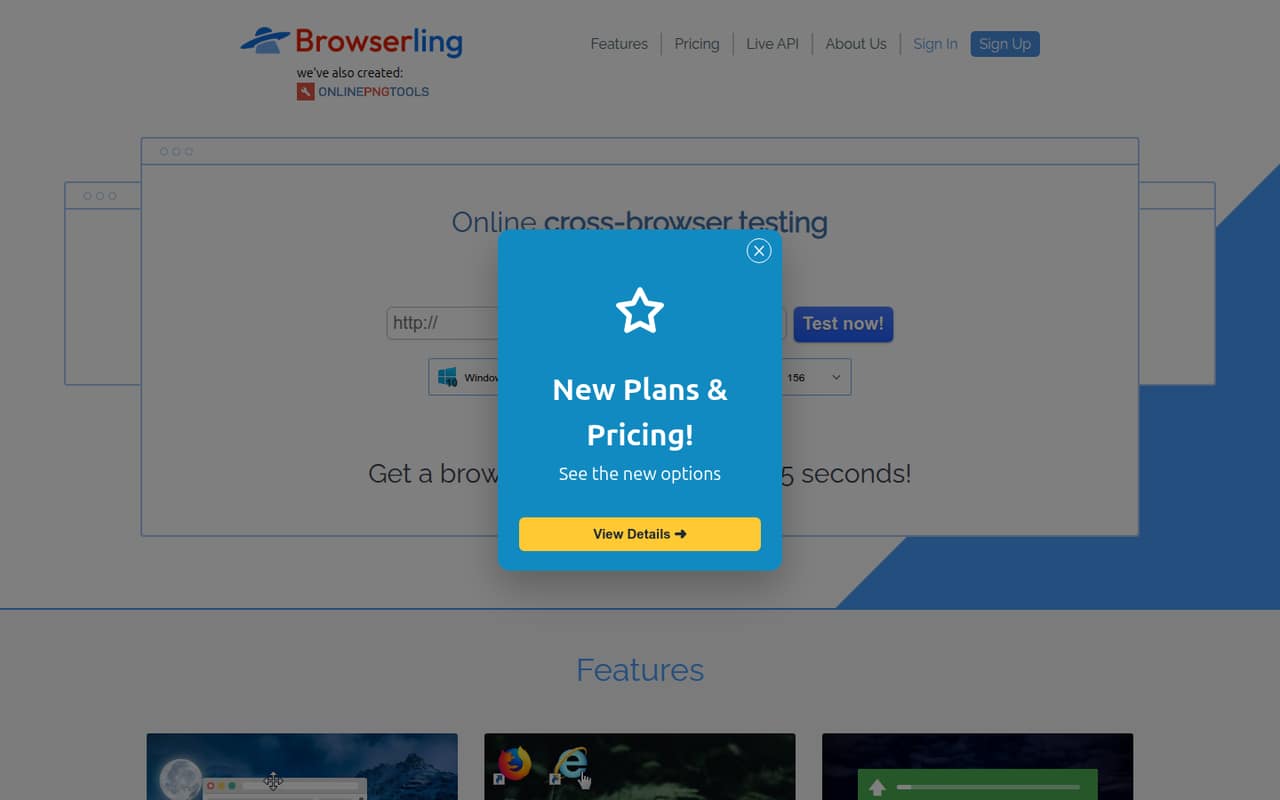
Browserling suits teams that need quick website rendering checks in real browsers. It has a free plan and a listed starting price of $9, making it one of the lower-entry options here. The listed use cases also include inspecting suspicious links. Team pricing can climb as seats and coverage grow, so confirm the cost for your group.
What works
- Free plan requires no credit card
- Live access to real desktop and mobile browsers
- Team Starter includes unified billing
What doesn't
- Free sessions are limited
- Team plans charge per user
- Team Starter covers only Windows 10 and 11
- Best for web testingCypressCypress
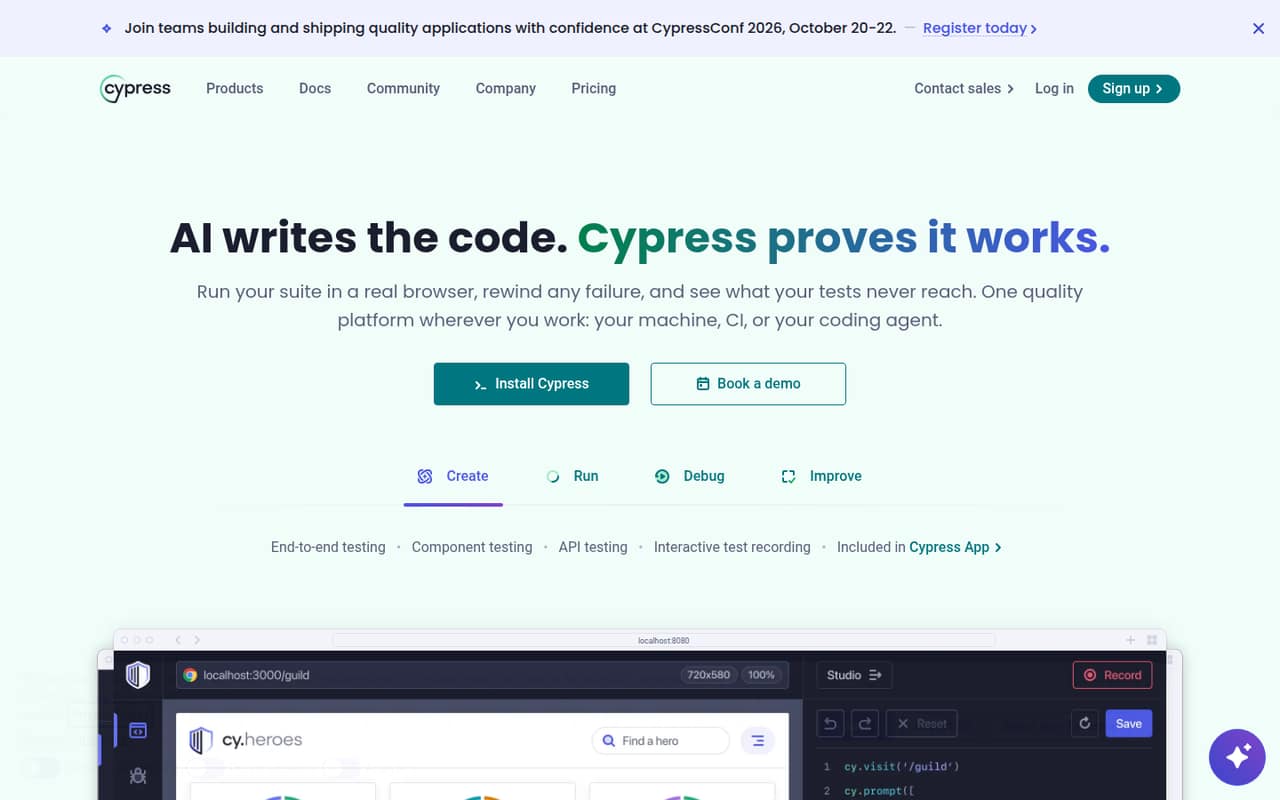
Cypress is a good fit for developer-led teams automating browser tests and sharing CI test results. The pricing lists a free plan and a starting price of $67. That gives a small team a way to begin without an immediate paid commitment. Check which limits apply to your workflow and what a few paid seats would cost before upgrading.
What works
- Free Starter plan lists 10 users
- Tests end-to-end, components, and APIs
- Interactive browser execution helps inspect tests
What doesn't
- Team's listed price requires annual billing
- Standalone monthly rates are not published
- Free plan caps results at 500 monthly
- Best for code qualitySonarQubeSonarQube
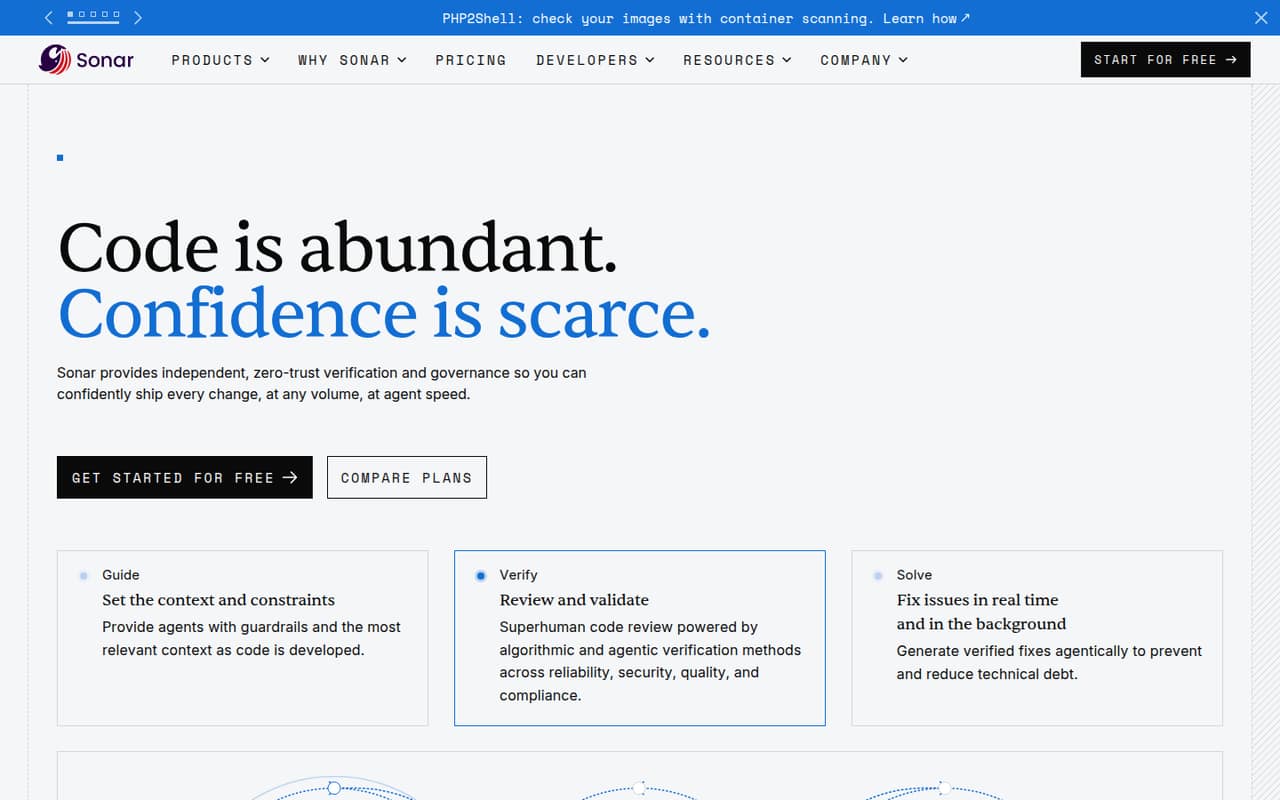
SonarQube is worth considering when a small team wants code checks or quality gates, including for private code. It has a free plan and a listed starting price of $34. The Team plan’s price and setup fit should be confirmed before committing. This is a code-quality pick, not a replacement for testing an app in browsers or on devices.
What works
- Free private-project plan covers up to 50k LOC
- Team starts at $34 per month
- Reviews code quality, security, and compliance
What doesn't
- Team's per-seat pricing is not published
- Team starting price covers up to 100k private LOC
- Advanced Security requires an additional subscription
- Best for browser coverageLambdaTestLambdaTest
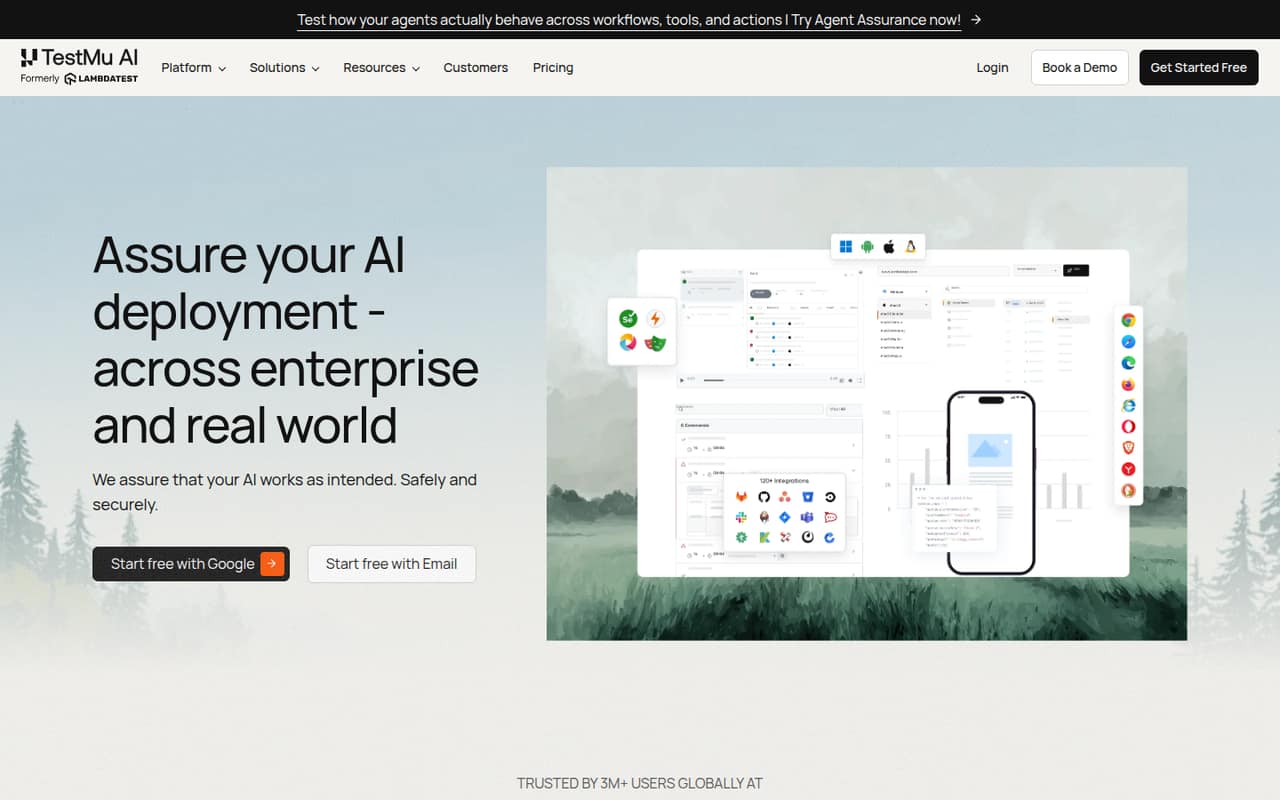
LambdaTest combines browser testing with test-management options and mobile testing for teams without enough devices. It has a free plan and a listed starting price of $15. Before choosing it, check device limits, annual terms and team-seat pricing: those details can change whether the low entry price works for a small group.
What works
- Test Manager Free includes unlimited projects
- Live Testing Free includes 200+ desktop browsers
- Real-device testing is available
What doesn't
- Free real-device sessions last only two minutes
- Paid prices are annual-billing equivalents
- Monthly-billing prices are not listed
- Best for StorybookChromaticChromatic
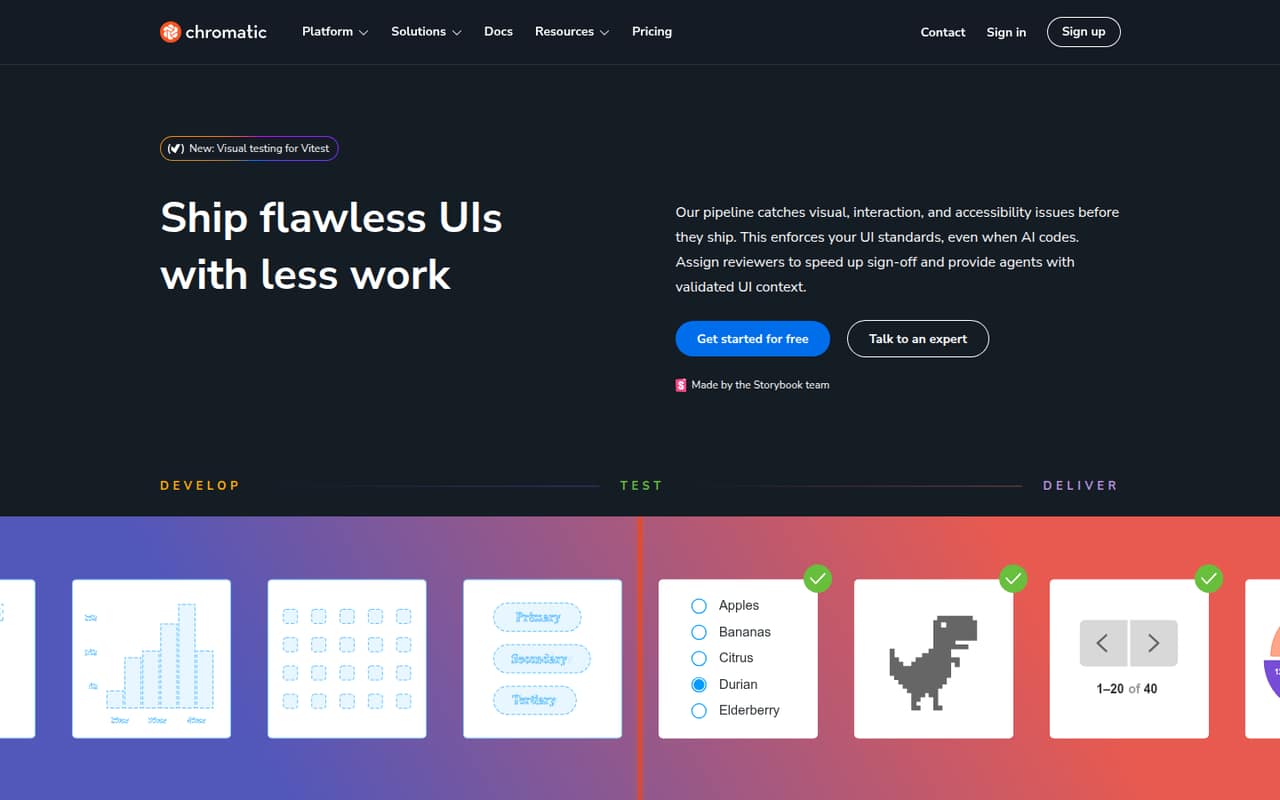
Chromatic is aimed at small teams using Storybook to review shared UI components and check visual changes. It has a free plan, but the listed starting price is $179, and cross-browser coverage brings a steep price jump. It makes most sense when visual review is a regular need, not when you only want an occasional browser check.
What works
- Free plan includes unlimited projects and users
- Free plan includes 5,000 billed snapshots
- Checks visual, interaction, and accessibility issues
What doesn't
- Free browser testing is limited to Chrome
- Starter costs $179 per month
- Pro costs $399 per month
- Best for real devicesBrowserStackBrowserStack
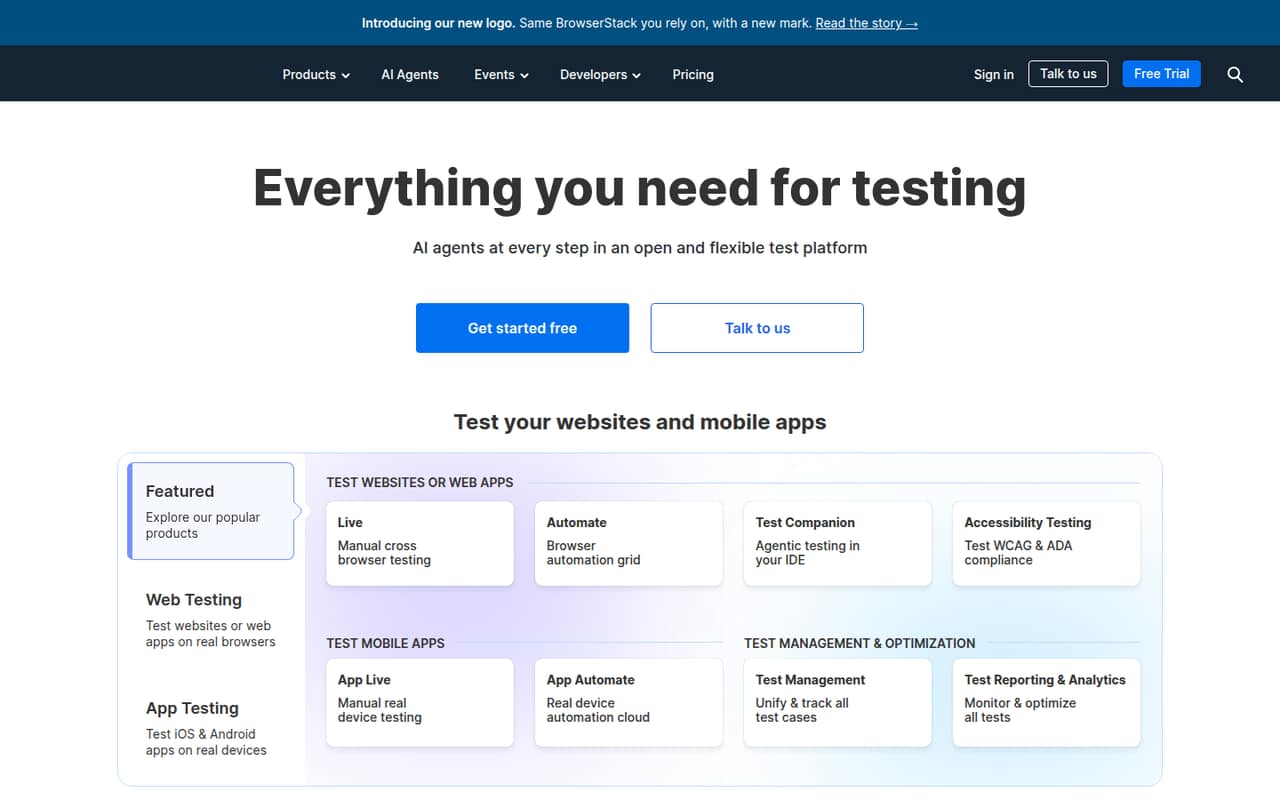
BrowserStack is built for teams that need broad browser and device coverage, including mobile app QA teams that need real devices. It has a free plan and a listed starting price of $29. Its coverage may be useful as testing needs grow, but pricing can pinch a small QA team. Ask for the cost at your seat count.
What works
- 3,500+ desktop and mobile browser combinations
- Access to 35,000+ real devices
- Manual and automated testing products
What doesn't
- Free-plan limits aren’t published
- Monthly paid rates aren’t published
- Team pricing is a sizable jump
- Best for AWS testingLocalStackLocalStack
LocalStack is for AWS app teams that want local testing, CI test runs or a personal sandbox. It has a free plan and a listed starting price of $39. The tool can reduce the need for cloud setup during local testing, but paid seats add up quickly. Check the total for your team before adopting it across developers.
What works
- Hobby plan is free and includes CI testing
- Hobby includes a VS Code integration
- Runs a simulated cloud in a container
What doesn't
- Paid plans are priced per license
- Base has 55+ emulated services, not the full set
- Hobby service count is 30+
03How we chose
We ranked tools for teams of one to ten, giving weight to free access, listed starting prices and a clear fit for a common testing job. We also considered what those entry prices mean for a few seats, rather than treating a starting price as a team total. Setup effort, plan limits, vendor docs and recent Reddit reports are important checks before buying; we don’t present them as hands-on test findings. The picks cover different needs, so the highest-ranked option is not right for every team.
04Match the tool to the test
Start by naming the thing you need to test. For code quality, SonarQube checks code and supports quality gates. For browser automation, Cypress targets developer-led web testing. Browserling is for quick website rendering checks, while BrowserStack and LambdaTest offer broader browser coverage. If you use Storybook and need visual checks, consider Chromatic. AWS app teams may find LocalStack a better match for local testing.
Don’t pay for a broad platform if your immediate problem is narrower. A team that mainly needs better bug reports could start with Jam instead. If you have several testing needs, list them separately and confirm that a product covers each one before buying. These tools address different jobs; no single pick is best for every kind of software testing.
05Check the real cost and setup
Treat a listed starting price as a floor, not the bill for your team. The starting prices here range from $9 for Browserling to $179 for Chromatic, but a few-seat total is not established by those figures. Ask the vendor for pricing at your seat count, whether billing terms affect the rate, and which plan limits apply. BrowserStack notes that costs can pinch as a QA team grows; LocalStack says paid seats add up quickly.
Before purchasing, read the vendor docs for the setup steps your team will actually need. Confirm who must install or configure the tool, how it fits your current workflow, and what happens when you hit a free-plan limit. A short review of recent Reddit reports can surface questions to ask, but verify important details with the vendor.
Questions people ask
What are the top 5 software testing tools?
For a small team, our first five picks are Jam for clearer bug reports, Browserling for quick browser checks, Cypress for web testing, SonarQube for code quality and LambdaTest for browser coverage. They solve different problems, so choose based on what you need to test rather than treating the order as universal.
Is QA replaced by AI?
We wouldn’t plan a QA process around replacing people with AI. Xray lists AI test authoring as a use case, but authoring tests is only one part of checking software. A team still needs to choose what matters, review results and decide whether a release is ready.
What are the top 10 test management tools?
There isn’t one top ten that fits every small team. From these options, compare Xray for Jira-native test management, TestRail for regular test cycles and traceability, and qTest for broader QA workflows. Check pricing and fit first: Xray has no free plan, while qTest requires a quote.
Which tool is best for testing?
It depends on the test. Choose Cypress for developer-led web testing, SonarQube for code checks, Chromatic for visual review with Storybook, or BrowserStack when you need broad browser and real-device coverage. For a small team with a limited budget, start by checking each tool’s free plan and seat pricing.