
We may earn a commission if you buy through links on this page. It never changes a score or a ranking. How we make money
The bottom line
Good for simple lead magnets; confirm seat access before putting it on a team budget.
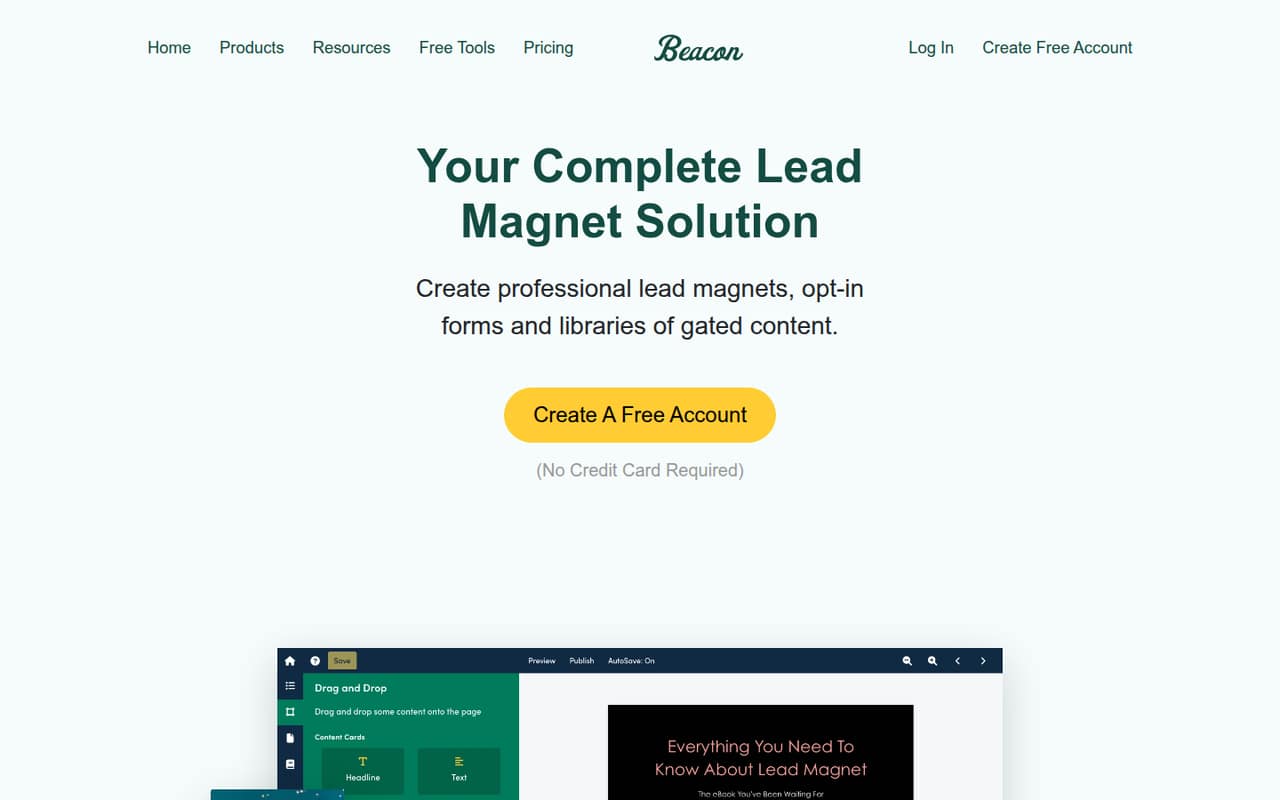
A small team does not need Beacon unless it plans to offer downloadable resources and collect email addresses in return. Beacon brings lead magnet creation, capture forms and resource libraries into one tool, with drag-and-drop design and reusable templates.
The free plan is a low-cost way to start, but its one lead magnet a month and 100-lead cap are tight. Lite costs $19 monthly, or $15.83 a month with annual billing. Beacon lists five users only on Agency, so ask how other plans handle team access before committing.
Good fit if
- Small teams building lead magnets
- Businesses collecting email leads
- Teams organizing downloadable resources
Skip it if
- Teams needing broad seat access
- High-volume lead capture on a budget
- Businesses without a lead magnet strategy
ScoresHow it rates
What works
- Free plan includes one lead magnet monthly
- Free plan allows 100 leads
- Drag-and-drop lead magnet design
- Reusable custom templates
- Resource library organizes several file types
What doesn't
- Free plan is capped at 1,000 monthly page views
- Free storage is limited to 500MB
- Lite allows three lead magnets monthly
- User allowances are listed only for Agency
- Annual prices are not published for Professional or Agency
01Who Beacon is for
A small team only needs Beacon if lead magnets are part of its plan for collecting email addresses. It is made for creating downloadable offers, adding lead capture forms and arranging resources such as documents, videos, links and audio files. The drag-and-drop editor and reusable templates are aimed at teams that want to make those materials without building each one from scratch.
For a solo founder or a team of one to five, the free plan can cover early experiments if one lead magnet a month, 100 leads and 1,000 monthly page views are enough. Once you need more, Lite is $19 monthly or $15.83 a month with annual billing. That price is per plan, not a published per-seat rate. Beacon lists five users on Agency, but not on Lite or Professional, so a team should confirm access before treating those plans as shared workspaces.
02Beacon free plan and trial
Beacon’s Free plan costs $0 and includes one lead magnet per month, up to 100 leads, 1,000 monthly page views and 500MB of file storage. That is enough room to try a small lead-generation offer, but the limits can pinch if a campaign attracts more visitors or you want to publish several magnets in a month.
The next step is Lite, at $19 monthly or $15.83 per month when billed annually. It raises the limits to three lead magnets a month, 500 leads, 10,000 monthly page views and 1GB of storage. A free trial is not listed. If your team needs unlimited lead magnets, Professional starts at $49 monthly, but the pricing details do not list a user allowance for that plan.
03What a small team pays for Beacon
Beacon’s prices are per plan, not published per seat. One person can start free or pay $19 monthly for Lite; with annual billing, Lite works out to $15.83 a month. For a team of three or five, the same listed Lite price applies only if the plan supports the team’s access needs. Beacon does not publish a Lite user allowance. Professional is $49 monthly, but its user count is also not listed. Agency is $99 monthly and explicitly includes five users.
So the listed account cost for three people could be $19 on Lite or $49 on Professional, but confirm shared access with Beacon first. For five people, Agency is the only plan that explicitly lists five users: $99 monthly, or $19.80 per listed user. Beacon says annual billing saves 15%, but publishes no annual prices for Professional or Agency. Done For You Account and Done For You+ Account list annual prices of $490 and $990, respectively; their monthly prices are not listed. No add-ons are listed.
04Getting started with Beacon
Beacon’s listed creation tools include templates, reusable custom templates and a drag-and-drop editor. Those features point to a visual workflow: choose or build a template, design a lead magnet, then use a form to collect leads. The resource library is for organizing documents, videos, links and audio files. Smart PDFs are also listed on the homepage.
The vendor does not publish a setup-time estimate in the pricing details, so we would not budget a specific number of hours. Its published feature list also does not name integrations. If your first campaign depends on connecting Beacon to a website, email platform or another system, ask the vendor which connections are available and whether setup requires extra work. A solo creator can begin with the free plan; a team should also confirm which plans allow its members to work in the account.
05When small teams outgrow Beacon
The free plan is the first likely pinch point: it stops at one lead magnet a month, 100 leads, 1,000 monthly page views and 500MB of storage. Lite raises those limits, but still caps lead magnets at three a month, leads at 500, page views at 10,000 and storage at 1GB. More active campaigns may make Professional’s $49 monthly plan worthwhile, with unlimited lead magnets, 5,000 leads, 20,000 monthly page views and 5GB of storage.
A team can also outgrow the plan structure before it reaches those limits. Agency costs $99 monthly and lists five users, 10,000 leads, 50,000 monthly page views and 10GB of storage. That is a clear published option for a five-person group, but Beacon does not list user counts for Lite or Professional. Before moving a growing team onto either, ask how many people can access the account. If you need more than five users or higher limits, ask Beacon for current options and pricing.
Beacon in the news
Questions people ask
What is Beacon used for?
Beacon helps businesses create lead magnets, collect email addresses through forms and organize resources such as documents, videos, links and audio files. Its listed tools include templates, drag-and-drop design and Smart PDFs.
Does Beacon have a free plan?
Yes. The Free plan includes one lead magnet per month, 100 leads, 1,000 monthly page views and 500MB of storage. It costs $0, but Beacon does not list a free trial.
How much does Beacon cost for a small team?
Lite is $19 monthly or $15.83 a month with annual billing. Those are plan prices, not published per-seat rates. Agency is $99 monthly and lists five users; user allowances for Lite and Professional are not listed.
Can my team share a Beacon account?
Beacon lists five users on Agency. The pricing details do not specify user allowances for Lite or Professional, so ask the vendor to confirm access for your team before buying either plan.
When should I upgrade from Beacon Free?
Consider Lite when you need more than one lead magnet a month, 100 leads, 1,000 monthly page views or 500MB of storage. It raises those limits, but still caps lead magnets at three a month.