We may earn a commission if you buy through links on this page. It never changes a score or a ranking. How we make money
A team of 1–10 may not need a full content platform. If you mainly publish a newsletter, Substack’s free publishing and mailing list may be enough; if you need shared planning, CoSchedule is a better fit. For PDF publishing, Heyzine starts at $5, while Wordable is worth a look if your team repeatedly moves Google Docs into WordPress. These starting prices don’t tell you what multiple seats will cost. Before choosing, check the free-plan limits, account access and whether the tool covers the channels you actually use.
Quick picksThe shortlist
 SubstackSubstackBest free newsletter · Free
 HeyzineHeyzineBest for low-cost PDFs · $5/mo
 WordableWordableBest for Docs to WordPress · Free
 BeaconBeaconBest for lead magnets · $15.83/mo
 RSS.comRSS.comBest for podcast teams · $15/mo
 CoScheduleCoScheduleBest for shared calendars · $29/mo
 PubluuPubluuBest for interactive PDFs · $7/mo
 BuzzSumoBuzzSumoBest for content research · $199/mo
01Compared at a glance
02The picks, in detail
- Best free newsletterSubstackSubstack
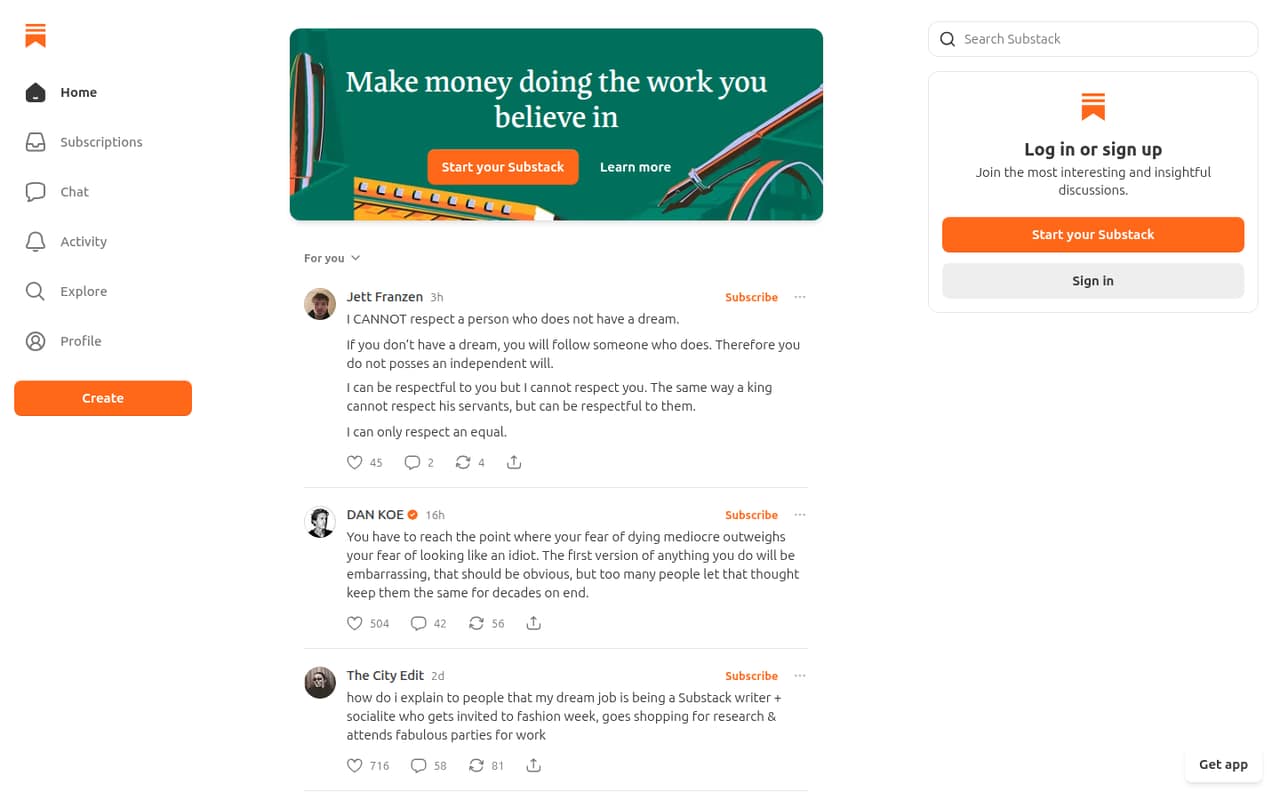
Substack is our first pick for a small team building a newsletter audience: publishing is free, and the platform includes an owned mailing list. That keeps the initial budget simple while you test whether readers want your content. Paid subscriptions bring transaction costs, so check the terms before relying on them for revenue. It is a focused publishing choice, not a shared calendar for every marketing channel.
What works
- Free platform lists unlimited subscribers
- Unlimited sending and posts on the free platform
- Free newsletters, podcasts, and video
What doesn't
- Substack takes 10% of subscription revenue
- US card processing adds transaction fees
- Custom domain costs $50 one-time
- Best for low-cost PDFsHeyzineHeyzine
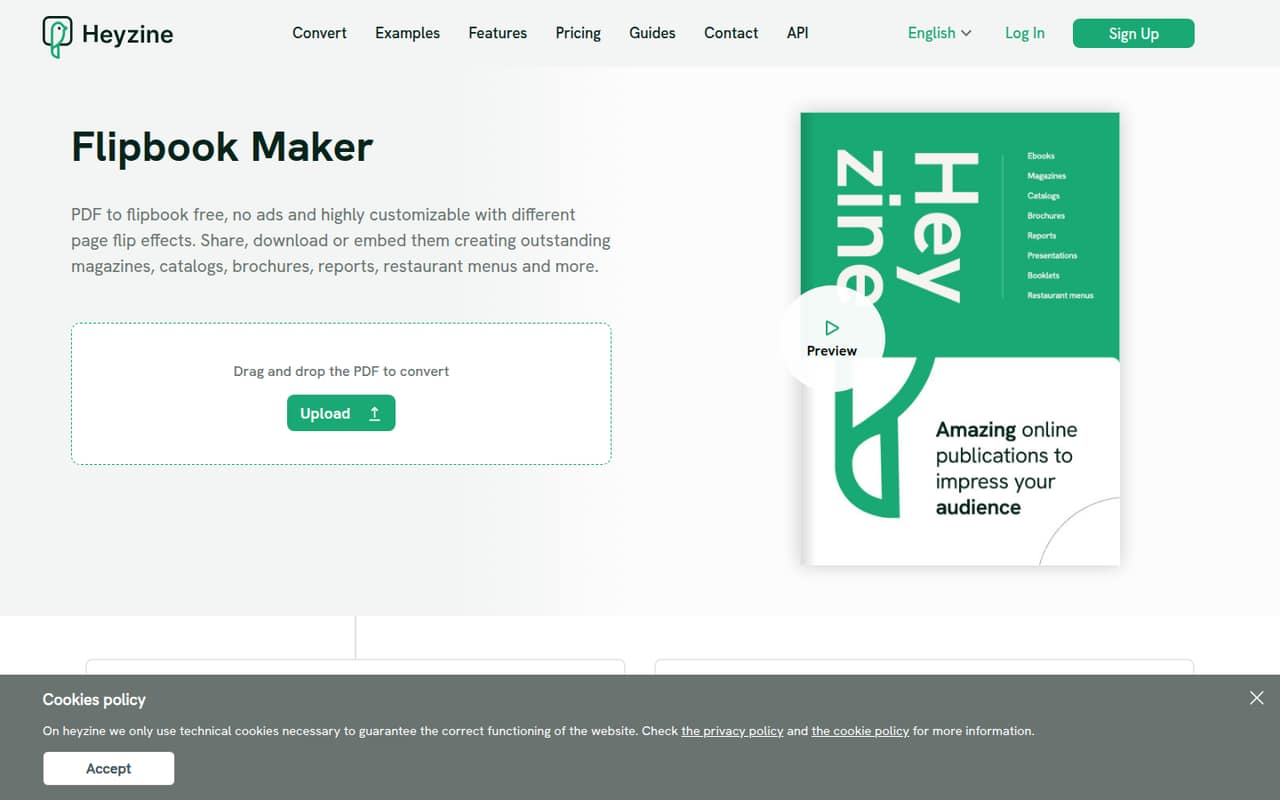
Heyzine starts at $5 and has a free plan, making it a low-cost option for small teams turning PDFs into digital magazines or catalogs. Its fit depends on whether flipbook-style reading works for your audience. Check the account and branding limits before building a larger library; the starting price alone does not establish what multiple teammates will pay.
What works
- Free Basic plan includes five flipbooks
- No ads or watermarks on Basic
- Supports links, audio, video and forms
What doesn't
- Standard is annual-only
- Basic includes just one account user
- Reader statistics start on Professional
- Best for Docs to WordPressWordableWordable
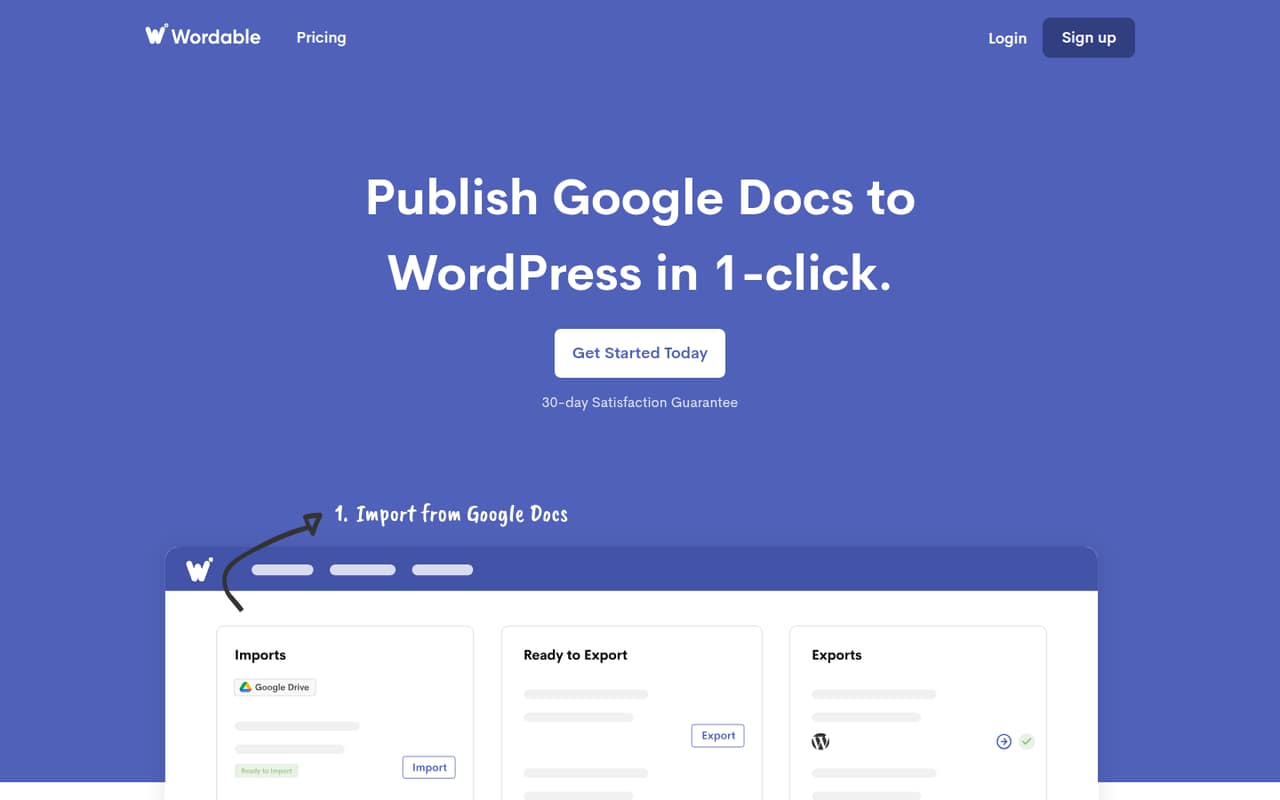
Wordable is worth considering if your team repeatedly drafts in Google Docs and publishes to WordPress. The free plan covers five exports, which gives a small team a way to try the workflow before committing. Paid pricing is listed as unavailable, so ask what the next tier costs and whether it includes enough exports and team access before your publishing volume grows.
What works
- Publishes Google Docs content to WordPress
- Free plan lists five monthly exports
- Free plan includes two users and one site
What doesn't
- Free plan is capped at five exports monthly
- Paid plan prices aren't published
- Paid plan limits aren't clear
- Best for lead magnetsBeaconBeacon
Beacon is aimed at teams building lead magnets and organizing downloadable resources. It has a free plan and a listed starting price of $15.83, which gives budget-conscious teams a way to compare a no-cost start with a paid option. Confirm which plan includes the seats and access controls your team needs before using it as the home for shared marketing downloads.
What works
- Free plan includes one lead magnet monthly
- Free plan allows 100 leads
- Drag-and-drop lead magnet design
What doesn't
- Free plan is capped at 1,000 monthly page views
- Free storage is limited to 500MB
- Lite allows three lead magnets monthly

- Best for podcast teamsRSS.comRSS.com
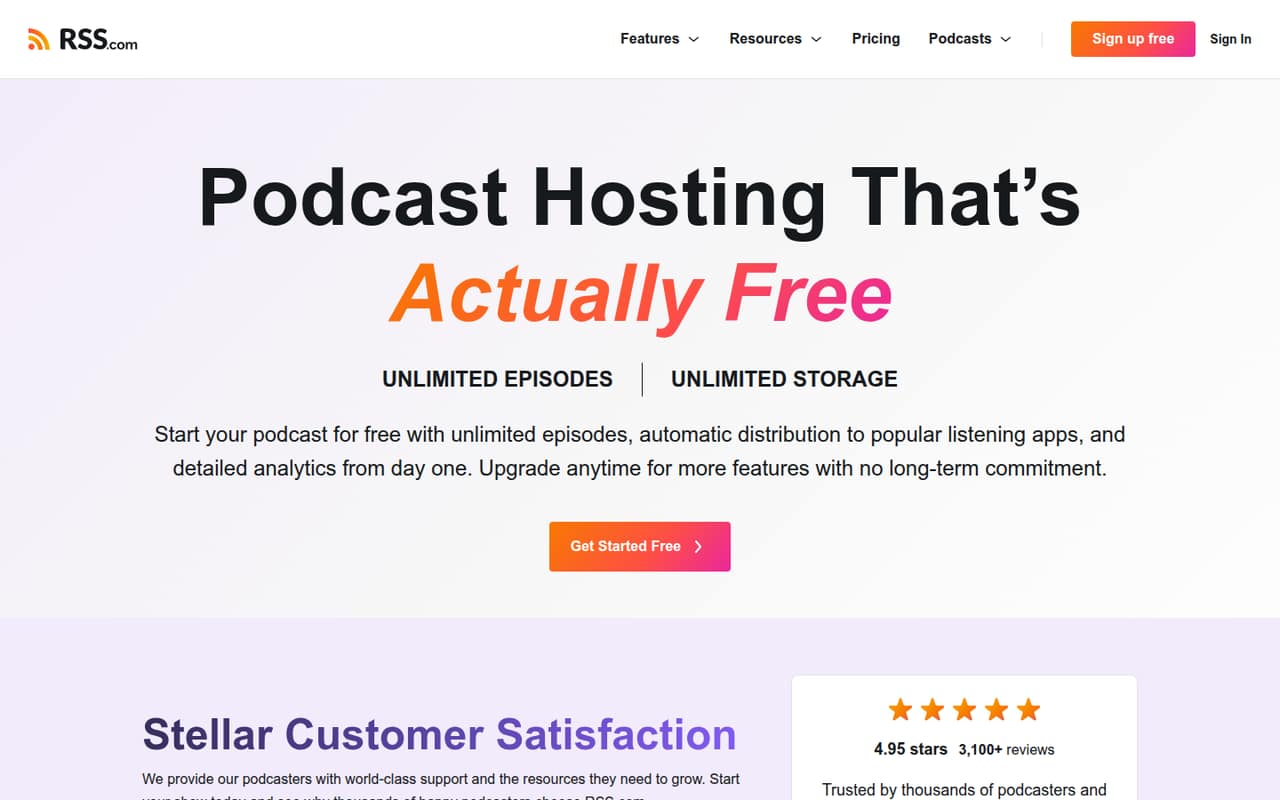
RSS.com is a practical pick if your content strategy includes podcasts: it has a free plan, with paid plans starting at $15, and is positioned for teams managing several shows as well as new podcasters. Check what the free plan allows and which paid plan covers your show count, monetization needs and team access. The starting price is not a complete multi-seat quote.
What works
- Free plan lists unlimited episodes and storage
- Free plan includes a podcast website
- Paid plans add monetization options
What doesn't
- Free plan requires a card before episode two
- Free distribution lists Apple Podcasts and Spotify
- Plus seat limits are not published
- Best for shared calendarsCoScheduleCoSchedule
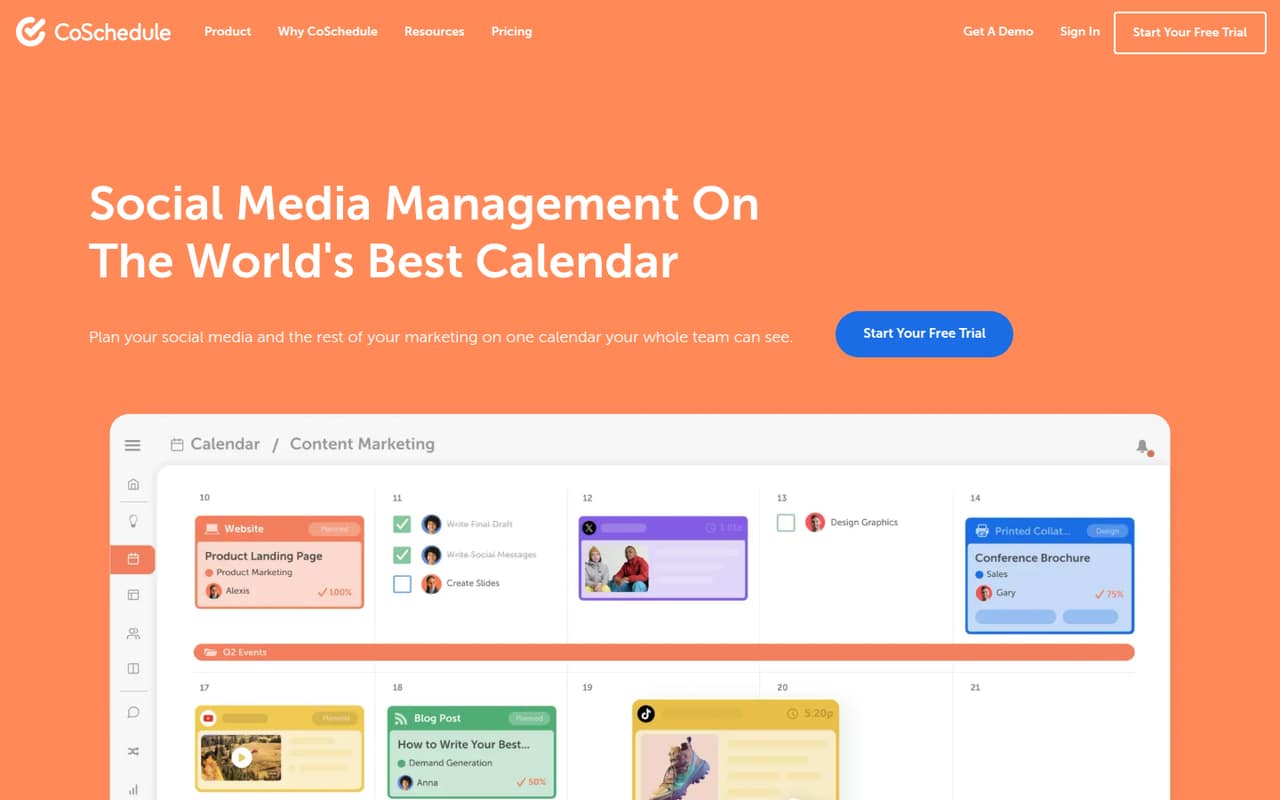
CoSchedule suits a small team that needs a shared marketing calendar and plans to reuse evergreen posts, rather than a tool for social scheduling alone. It has a free plan and a listed starting price of $29. Before moving the team’s workflow into it, check the free-plan limits and what the paid plan includes for collaborators; the listed starting price does not settle the total for several seats.
What works
- Shared calendar for social and marketing work
- Unlimited scheduled messages on Starter and Professional
- Inbox covers comments, messages and mentions
What doesn't
- Free-plan limits are not published
- Professional includes two seats, maximum three
- An extra Professional seat costs $29 monthly
- Best for interactive PDFsPubluuPubluu
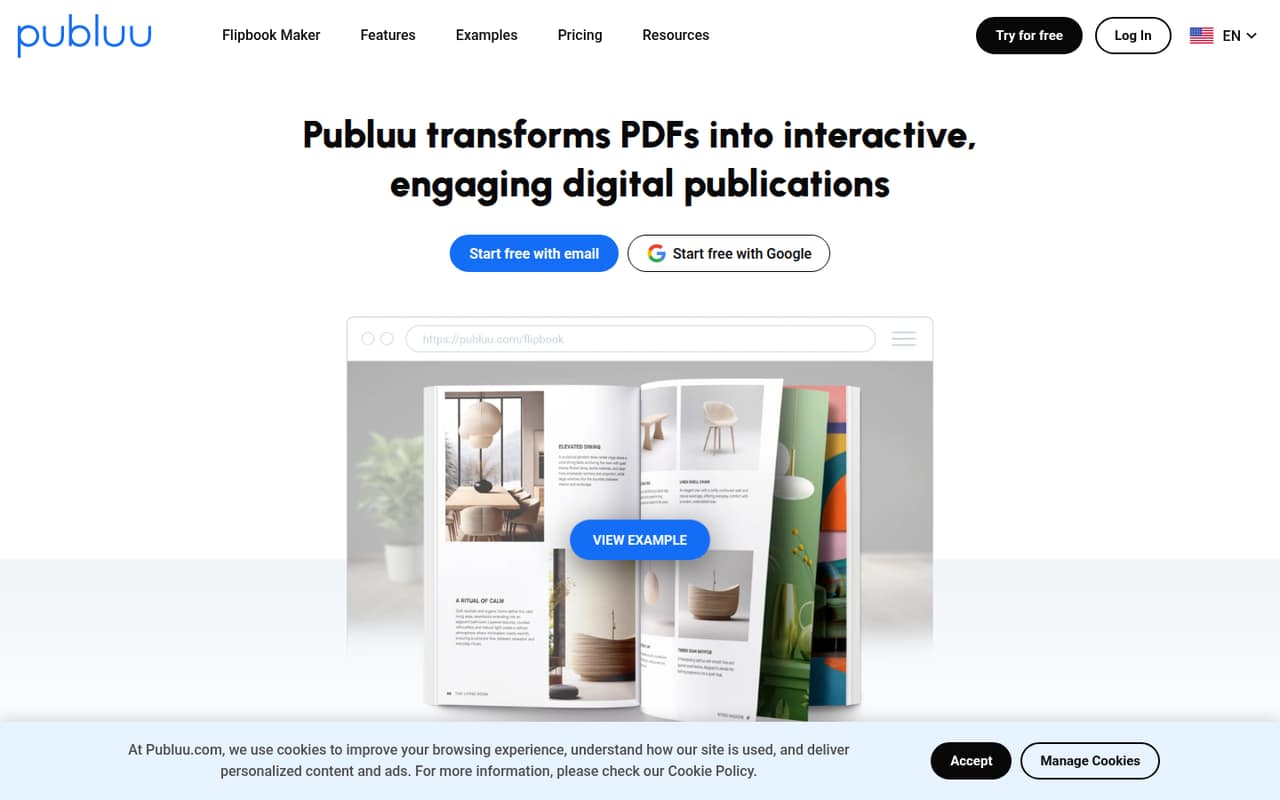
Publuu starts at $7 and is designed for publishing interactive PDFs, embedding publications on websites and tracking reader engagement. It may fit a small team that needs more than a downloadable file but does not need a broad content suite. Check plan limits and seat terms with the vendor before budgeting; the listed starting price does not show what shared team use costs.
What works
- Converts PDFs into interactive flipbooks
- Supports videos, galleries, links and audio
- Includes website embedding on Basic
What doesn't
- No free plan
- Annual plan rates are not listed
- Plan seat allowances are not published
- Best for content researchBuzzSumoBuzzSumo
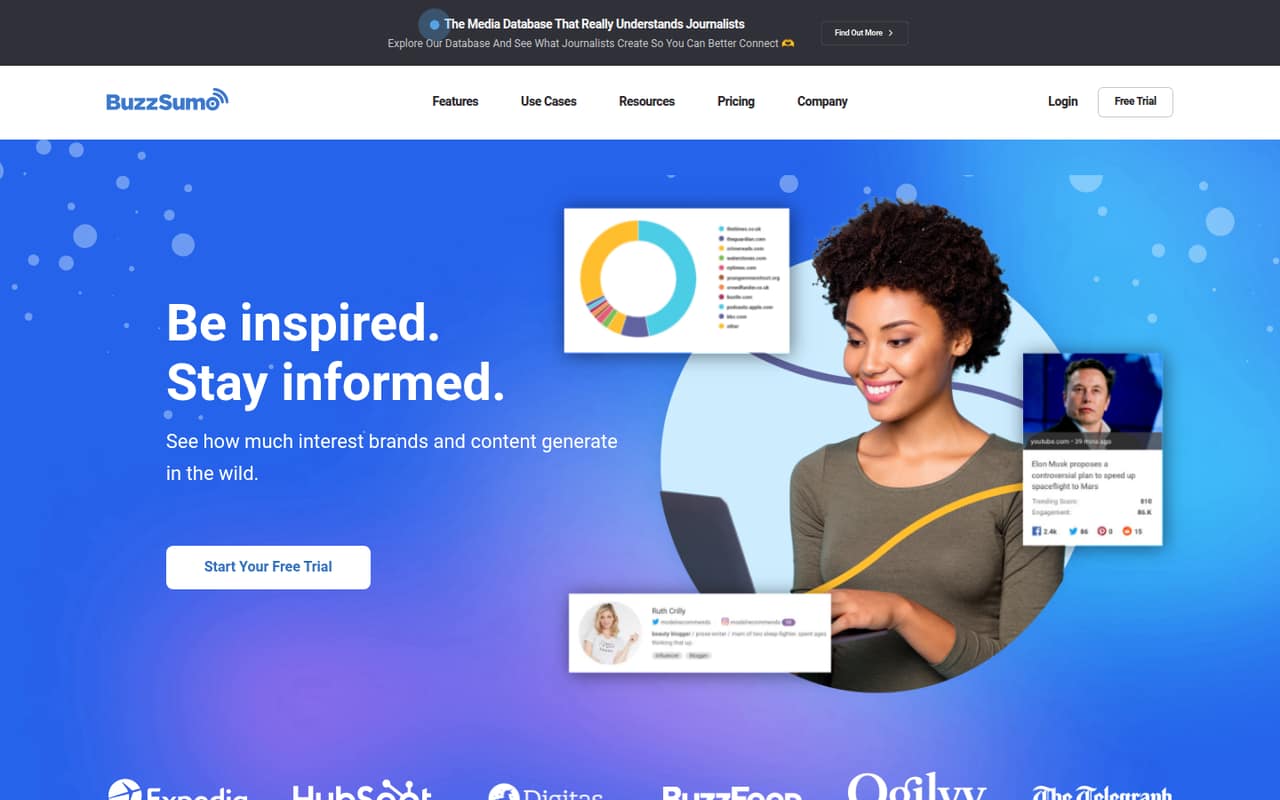
BuzzSumo is for teams that need content and media research, editorial planning or journalist research—not just a place to publish finished work. Its listed starting price is $199, with no free plan noted, so it is a harder fit for a small budget. Consider it when research is a regular job for the team, and ask for the exact plan and seat costs before signing up.
What works
- Search popular content by topic, URL, or domain
- Research journalists and influencers across several platforms
- Monitor brands, competitors, keywords, and links
What doesn't
- No free plan is listed
- Cheapest plan costs $199 monthly, billed annually
- Monthly-billing prices are not published
03How we chose
We ranked these tools for teams of 1–10, prioritizing a useful free plan, a low listed starting price and a clear job in planning, creating or distributing content. We also considered plan limits and whether seat costs are clear enough to estimate a few-person bill. Setup effort is not quantified in the listed details, so we avoid calling a tool easy to implement unless its positioning supports that. Vendor documentation and specific Reddit reports can help check limits and setup; broad praise alone is not a buying signal.
04Check the real cost for your seats
A starting price is not the same as the bill for your whole team. For the tools here, listed entry prices range from $5 for Heyzine to $199 for BuzzSumo; Substack is free to publish, while Wordable lists a free plan with five exports. Those figures do not tell you whether the price covers several people or whether a higher tier is needed for shared work.
Before you choose, ask the vendor:
- How many people can access the account on the plan you’re considering?
- Are seats included, or billed separately?
- Which limits apply to exports, publications, shows or branding?
- What does the next plan cost if your team hits a limit?
Get the total for your current team size, not just the entry price.
05Match the tool to your publishing workflow
Start with the work your team repeats. Substack fits newsletter publishing; Wordable targets repeat Google Docs-to-WordPress publishing; CoSchedule is aimed at shared marketing calendars and evergreen posts. Heyzine and Publuu focus on digital publications made from PDFs. RSS.com is for podcast publishing. These are different jobs, so a low price does not make one a substitute for another.
Write down the steps from planning to publication and distribution, then check which of those steps the tool covers. Ask for a walkthrough of the workflow and clarify who needs access to each part. Setup effort and onboarding requirements are not stated in the listed starting details, so ask the vendor what migration, training or configuration is needed. Revisit the choice when your team needs more channels, seats or publishing volume than the plan supports.
Questions people ask
Does a small team need content marketing software?
Not necessarily. If you publish a newsletter and need a mailing list, Substack’s free publishing may cover the basics. A team coordinating several formats or collaborators may benefit from a calendar or a dedicated publishing tool. Start with the workflow that currently causes the most friction.
Which content marketing tools have a free plan?
Among these picks, Substack, Heyzine, Wordable, Beacon, RSS.com, CoSchedule and BuzzSumo have free plans listed—though BuzzSumo’s listed starting price is $199, so confirm what its free option covers. Publuu’s listed starting price is $7, with no free plan noted.
What is a good tool for publishing from Google Docs to WordPress?
Wordable is specifically positioned for repeat Google Docs-to-WordPress publishing. Its free plan covers five exports. The paid starting price is not listed, so ask the vendor about costs, export limits and team access before relying on it for regular publishing.
How much should a small team budget?
The listed starting prices vary by job: Heyzine starts at $5, Publuu at $7, RSS.com at $15 and CoSchedule at $29; BuzzSumo starts at $199. Treat these as entry points, not a quote for several seats. Confirm plan limits and the total for your team size.