
We may earn a commission if you buy through links on this page. It never changes a score or a ranking. How we make money
The bottom line
Useful benefits coverage, but custom pricing and unclear setup make it hard to size for a small team.
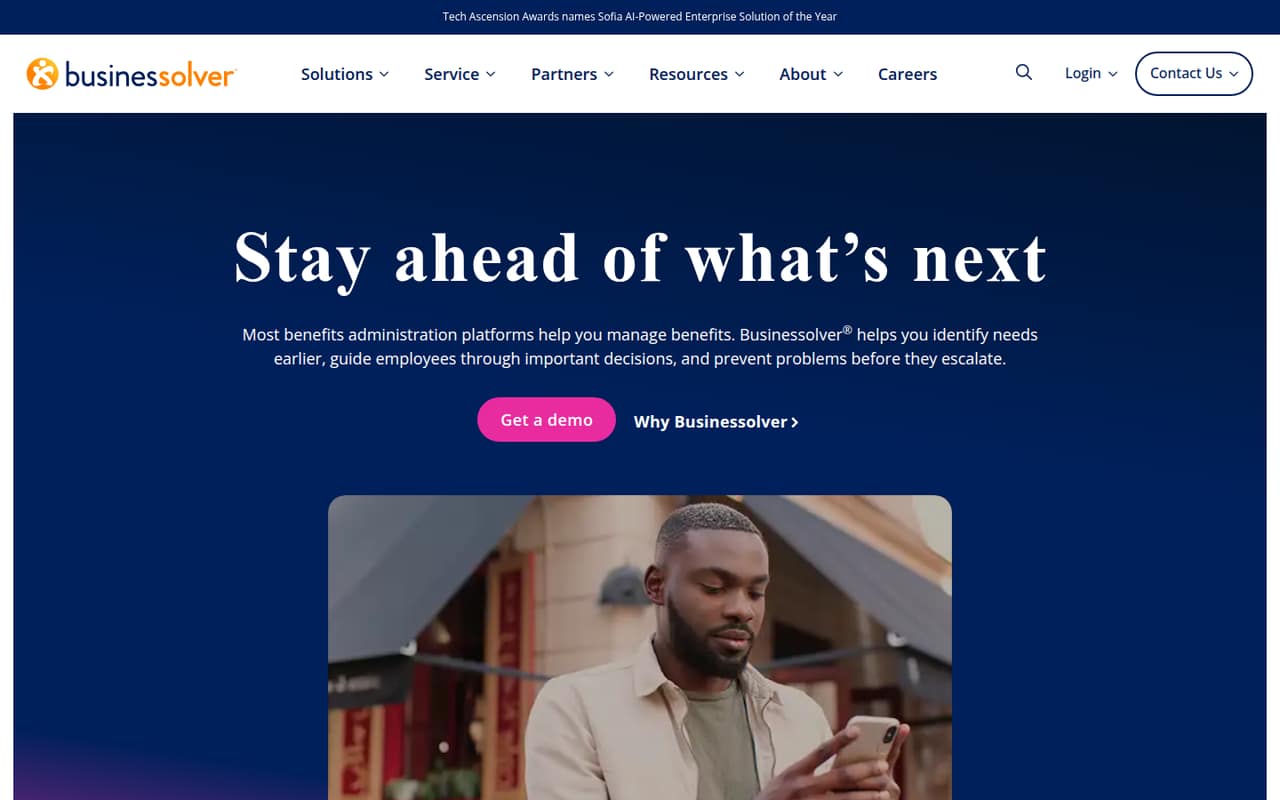
Benefitsolver brings benefits administration, employee guidance, decision support, compliance, communications, and reporting into one platform powered by Sofia. That breadth may suit organizations trying to simplify benefits work and help employees beyond enrollment.
For a team of 1–10, the main drawback is buying uncertainty: the pricing page lists custom quotes, with no published starting price, free plan, or trial. Ask for a quote that spells out implementation, modules, and ongoing costs before deciding.
Good fit if
- Organizations with complex benefits administration
- HR teams supporting employees year-round
- Teams needing benefits reporting and communications
Skip it if
- Teams seeking a free benefits tool
- Buyers who need transparent per-seat pricing
- Small teams with very simple benefits
ScoresHow it rates
What works
- Combines administration, guidance, and reporting
- Supports employees beyond enrollment
- Includes compliance technology
- Covers benefits communications and campaigns
- Quotes can account for selected modules
What doesn't
- No free plan is listed
- No free trial is listed
- Starting price is not published
- Per-seat costs cannot be calculated
- Setup and integration details need confirmation
01Who Benefitsolver is for
Benefitsolver is for organizations that want benefits administration, employee guidance, compliance, communications, and reporting in one platform. It is not limited to open enrollment: the product description says employees can get guidance throughout their benefits journey and support when they need it.
For a small team, the fit depends less on a published employee threshold and more on how much benefits work the organization needs to manage. A lean HR team handling multiple plans, employee questions, communications, and reporting may have a reason to consider it. A company with a simple benefits setup and little administrative overhead may find the scope—and custom buying process—more than it needs.
The pricing page says quotes depend on headcount, selected modules, and implementation scope. That means a 1–10 person organization should request a quote based on its actual needs, rather than assume the platform has a standard small-team package. Set a budget before evaluating the full suite.
02Benefitsolver free plan and trial
The pricing information lists no free plan and no free trial. There is no published free tier to test, and the vendor does not list a low-cost self-serve option for a small team.
The cheapest way in is a custom quote. The pricing page says the quote depends on headcount, selected modules, and implementation scope, so the amount will depend on what your organization needs. Ask whether a quote can cover only the functions you plan to use, and whether implementation is included or charged separately.
For a small buyer, the practical stop is uncertainty before purchase: there is no public price to compare against your budget. Request the full cost and any contract terms before committing.
03What a small team pays for Benefitsolver
The pricing page lists a Custom plan, with pricing based on headcount, selected modules, and implementation scope. It does not publish a starting price, per-person rate, or monthly and annual prices. As a result, we cannot calculate a sourced cost for one person, three people, or five people—or compare monthly billing with annual billing.
For a 1–10 person organization, ask the vendor for a written quote at your actual headcount and specify which modules you want. Request separate figures for recurring subscription costs and implementation, plus the total for both monthly and annual billing if those options are available. The billing cadence is not published.
The published pricing details list no add-ons, but that does not establish whether optional services exist. Ask whether communications, compliance, reporting, or other selected modules change the quote, and whether any required services sit outside it. Until you have those answers, Benefitsolver's value for a small team is difficult to judge against a fixed software budget.
04Getting started with Benefitsolver
The vendor does not publish setup steps, an implementation timeline, or details about the learning curve in the available product and pricing information. The pricing page does say that implementation scope affects the custom quote, which is a sign to discuss setup as part of buying—not assume it is included at no extra cost.
Integration details are not published either. Before signing, ask which systems Benefitsolver connects to, whether those connections are included in your chosen scope, and what information your team must prepare. Also ask who configures benefits options, communications, and employee guidance, and what training is available for administrators and employees.
For a small HR team, start with a short list of day-one needs: benefits administration, employee-facing guidance, and any reporting or communications you plan to use. Get the vendor to map those needs to modules and implementation work in the quote. Without those answers, setup effort is hard to estimate.
05When small teams outgrow Benefitsolver
Benefitsolver does not publish seat limits or feature thresholds in the available pricing details, so there is no documented point where a team must upgrade. The more useful question is whether the quoted scope still matches your needs as your organization changes.
A growing organization may need to revisit its quote when headcount rises, it adds modules, or implementation needs change: the pricing page says all three can affect the custom price. Ask whether the agreement changes automatically with headcount or whether new functions require a separate module or fee. The vendor does not publish those terms.
A small team may instead outgrow the buying model before the features. If you need predictable per-seat costs, a free entry point, or clear public pricing to plan next year's budget, Benefitsolver's custom quote may remain difficult to assess. Compare the full written quote with your benefits workload and budget, then reconsider if you are paying for scope you do not need.
Questions people ask
Does Benefitsolver have a free plan?
The pricing information lists no free plan and no free trial. The vendor lists a custom-quoted plan instead, with the quote based on headcount, selected modules, and implementation scope. Ask whether the vendor can provide a demonstration or another evaluation option before you commit.
How much does Benefitsolver cost?
The vendor does not publish a starting price or per-seat rate. Its pricing page says quotes depend on headcount, selected modules, and implementation scope. Request a written quote for your team size, and ask for recurring fees and implementation costs as separate line items.
What does Benefitsolver do?
Benefitsolver brings benefits administration, employee guidance, decision support, compliance technology, communications, and reporting together in one platform powered by Sofia. The product description says it supports employees throughout their benefits journey, not only during enrollment.
Does Benefitsolver include implementation?
The pricing page says implementation scope affects the quote, but it does not say whether implementation is included in the price. Ask the vendor what setup work is covered, which tasks your team must handle, and whether implementation is billed separately.
Does Benefitsolver integrate with HR or payroll systems?
Integration details are not published in the available product and pricing information. Ask the vendor which HR, payroll, and other systems it supports, whether those connections are included in your selected scope, and whether setup carries an additional cost.