
We may earn a commission if you buy through links on this page. It never changes a score or a ranking. How we make money
The bottom line
Worth a quote for hands-on benefits guidance; opaque pricing makes budget comparisons harder.
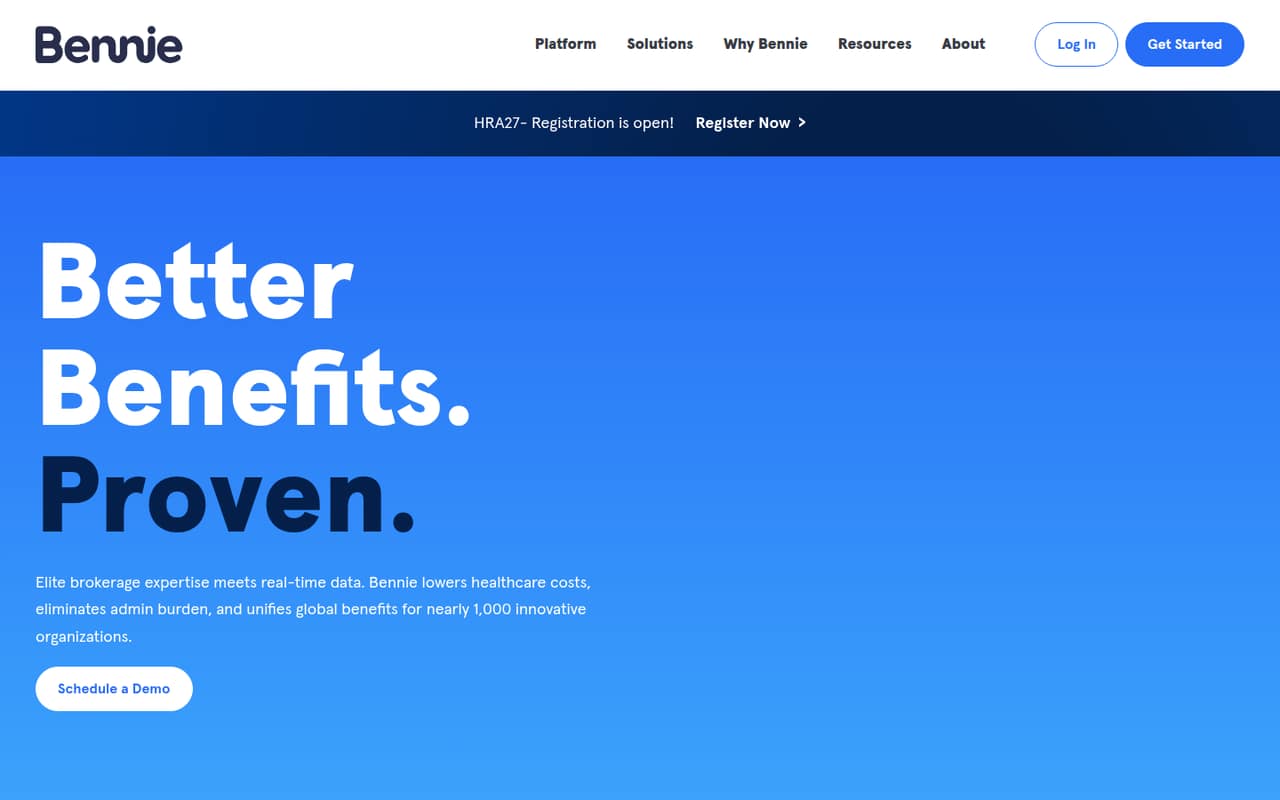
Bennie combines benefits brokerage and consulting with employee tools, claims visibility, and cost insights. It may suit a small employer that wants help choosing and managing benefits, rather than a self-serve HR app.
There is no free plan, and the pricing page lists only a custom quote. Bennie doesn't publish a starting price, seat limits, or add-on prices, so a team of 1–10 can't estimate its bill without talking to the vendor.
Good fit if
- Employers seeking benefits guidance
- Teams needing claims and cost insights
- Companies with international benefits needs
Skip it if
- Teams needing a published monthly price
- Employers seeking a free benefits tool
- Buyers wanting clear per-seat estimates
ScoresHow it rates
What works
- Combines benefits consulting and brokerage
- Employees can access ID cards on a phone
- Tracks deductible and out-of-pocket spending
- Includes claims trends and utilization insights
- Lists benefits management across 14+ countries
What doesn't
- No free plan is listed
- Starting price is not published
- Seat limits are not published
- Add-on pricing is not published
- Small-team costs cannot be calculated in advance
01Who Bennie is for
Bennie is for employers that want benefits advice and administration support alongside employee-facing tools. It combines brokerage and consulting with an app for benefits access, plus claims and cost insights for employers.
For a team of 1–10, it makes most sense when choosing and managing benefits is a real job to solve, and the company wants a benefits specialist to help with decisions, claims questions, or provider searches. Its tools include deductible tracking, ID cards, cost benchmarks, and claims analytics. Bennie also describes benefits management across 14+ countries, which may matter to employers with workers in multiple locations.
There is no published minimum team size, so small employers should ask whether Bennie serves their headcount and which services are included in a quote. It is a less obvious fit for a team that only needs a cheap, self-serve app or must know the exact monthly cost before speaking with a vendor.
02Bennie free plan and trial
Bennie has no free plan listed. The pricing page lists a custom quote for employers seeking benefits brokerage, and it does not publish a starting price or seat limits. Trial terms are not published, so ask Bennie whether your team can see or try the employee tools before committing.
The cheapest way in is to request a quote; there is no listed entry-level subscription to compare against. Ask for a written breakdown of brokerage, consulting, employee access, and any services that cost extra. That will help a 1–10 person team tell whether the quote covers the actual benefits work it needs or includes services it may not use.
03What a small team pays for Bennie
Bennie's pricing page lists a custom quote, not a monthly or annual rate. The starting price, billing frequency, seat limits, and add-on prices are not published. That means we can't give a reliable cost for one person or calculate a total for three or five people.
The quote is not presented as per-seat pricing, either. Ask Bennie whether the brokerage fee is based on headcount, benefits selected, or another factor, and request both monthly and annual totals if those options are available. For a team of three or five, ask for the full cost at your current headcount and what happens to the price as you hire.
No paid add-ons are listed, but that doesn't confirm that every feature is included in the quote. Get written confirmation on whether consulting, the employee app, deductible tracking, claims analytics, and international benefits support are covered. With no public rate card, budget-conscious teams should compare the quote with their current benefits costs before deciding.
04Getting started with Bennie
Bennie's product includes employer benefits tools and an employee app, but a setup timeline and step-by-step onboarding process are not published. We can't say how much work a small team should set aside for launch. Ask who handles setup, what information your team must provide, and whether Bennie helps communicate the change to employees.
The feature descriptions include ID cards, benefits views, deductible tracking, and claims insights. They don't specify which HR, payroll, or benefits systems connect to Bennie. Before signing, ask for the current integration list and confirm whether your existing providers are supported.
For a team without dedicated HR staff, clarify who answers employee questions and how employees reach benefits specialists. Bennie describes benefits consulting and Ask Bennie support from benefits specialists, but confirm the service scope, availability, and any response-time commitments in the quote.
05When small teams outgrow Bennie
Bennie may become a poor fit if the quote no longer works for your budget or the team needs clearer, self-serve pricing. Because the vendor doesn't publish rates, seat limits, or add-on prices, a growing employer should ask how costs change as headcount rises and whether any features require a separate fee.
A team may also need to reconsider the fit if its HR or payroll systems aren't supported, or if it needs a setup process and service commitments that Bennie can't confirm. These are questions to resolve with the vendor rather than published limits to assume.
On the other hand, growth alone doesn't show that Bennie is outgrown: the company describes benefits management across 14+ countries, along with claims analytics and cost benchmarks. Ask for a quote at your expected future headcount and locations, then compare the total with the benefit of brokerage support. If a simpler tool covers your needs at a known price, Bennie's custom-quote model may be harder to justify.
Questions people ask
Does Bennie offer a free plan?
No free plan is listed. Bennie's pricing page lists a custom quote for employers seeking benefits brokerage. Trial terms are not published, so ask the vendor whether your team can try the employee tools or see a product walkthrough before agreeing to a quote.
How much does Bennie cost for a small team?
Bennie does not publish a starting price or monthly or annual rates. The pricing page lists a custom quote, and it does not state whether the fee is per employee. Ask for a quote at your current headcount and a projection for the next few hires.
What does Bennie include for employees?
Bennie's employee app lets employees access ID cards and view benefits from a phone. The feature list also describes Ask Bennie, where benefits specialists help with claims questions and finding providers. Ask which of these services are included in your specific quote.
Does Bennie track deductibles and claims?
Yes. Bennie's listed features include tracking in-network and out-of-network spending against deductibles and out-of-pocket maximums. It also describes claims analytics for trends, utilization, and cost benchmarks. Confirm which analytics and reporting access your quote includes.
Does Bennie support employees in multiple countries?
Bennie's homepage describes benefits management across 14+ countries. That does not establish which countries, benefits, or services are available for every employer. Ask Bennie to confirm support for each country where your team has employees and include those details in the quote.